A:AnswerHello carolconsult,
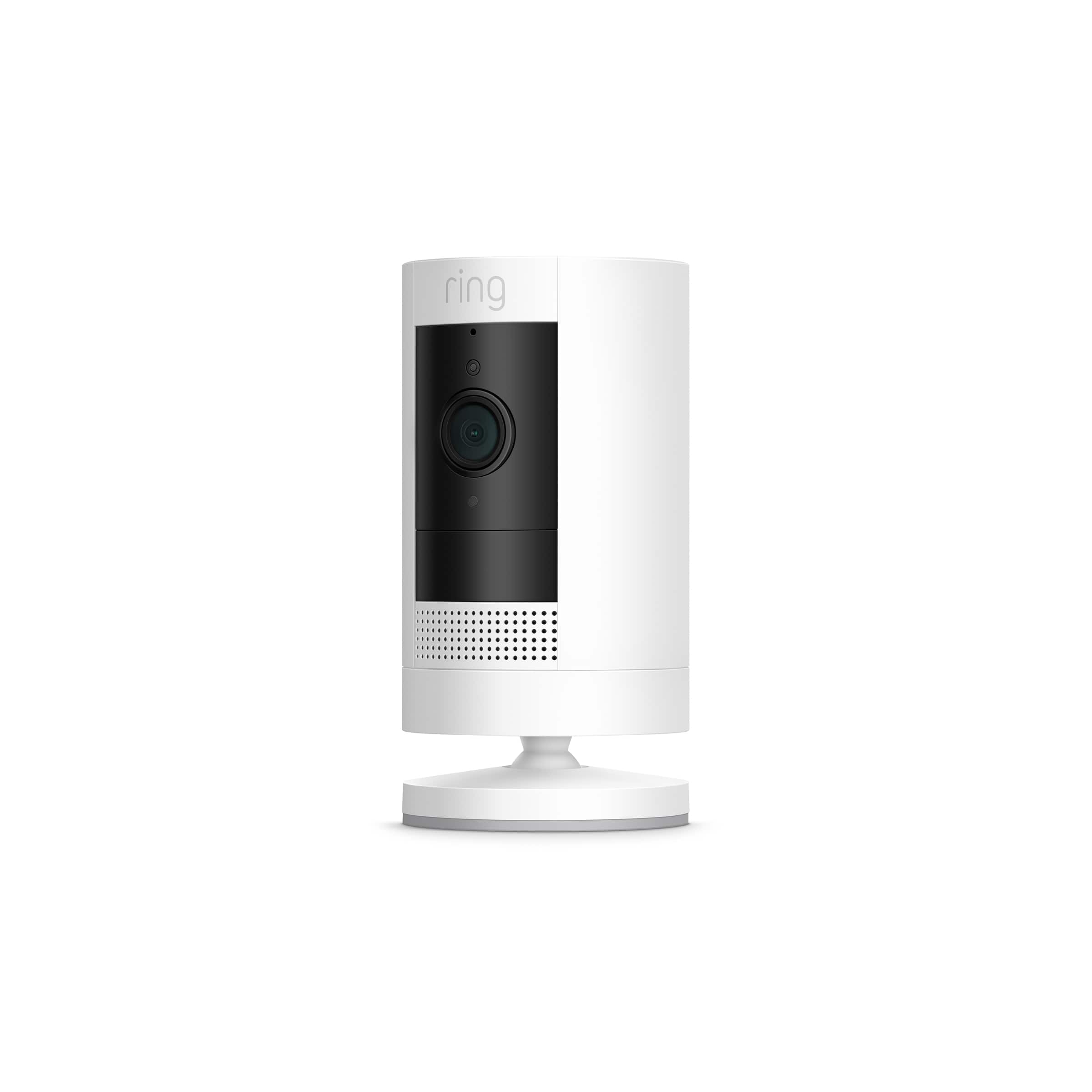
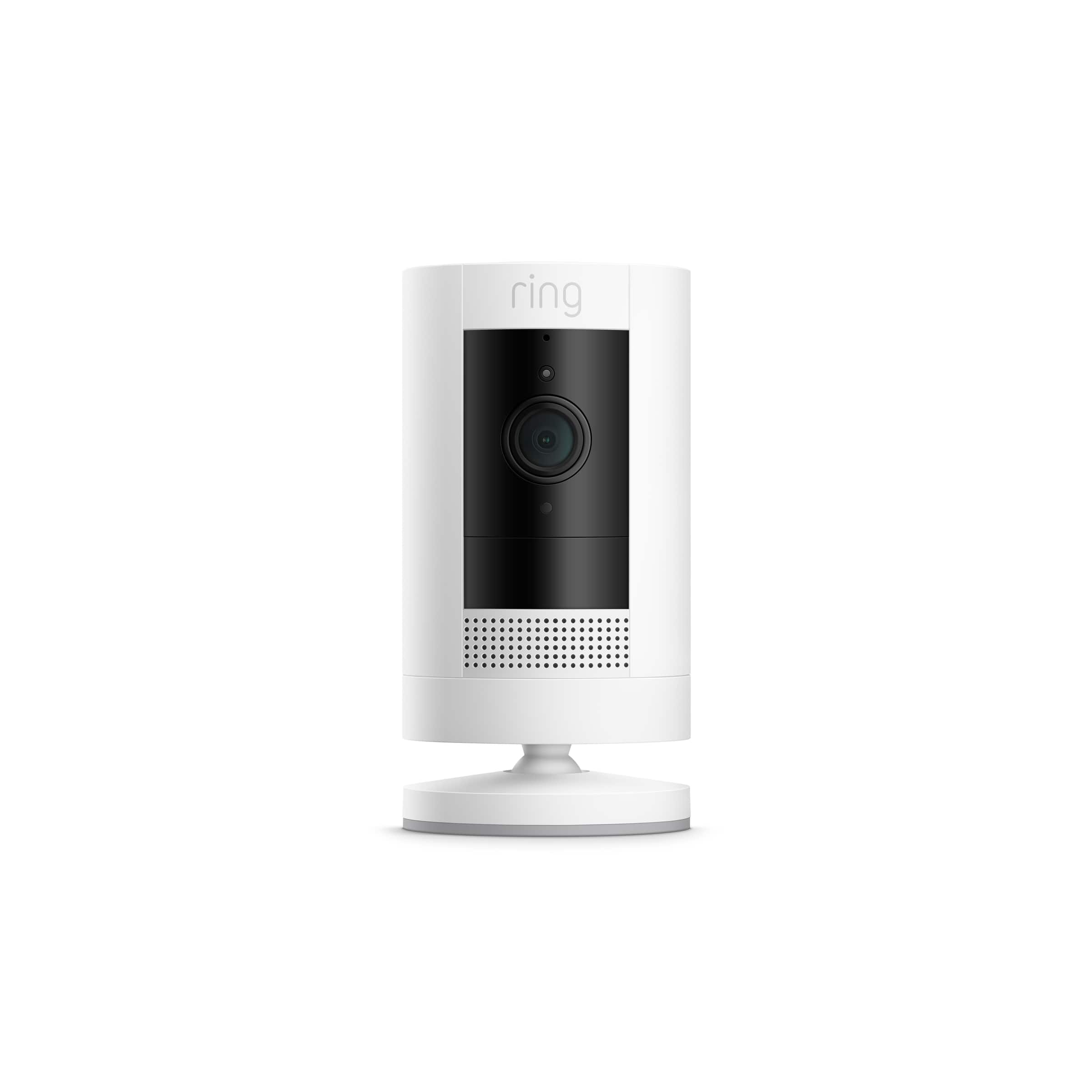
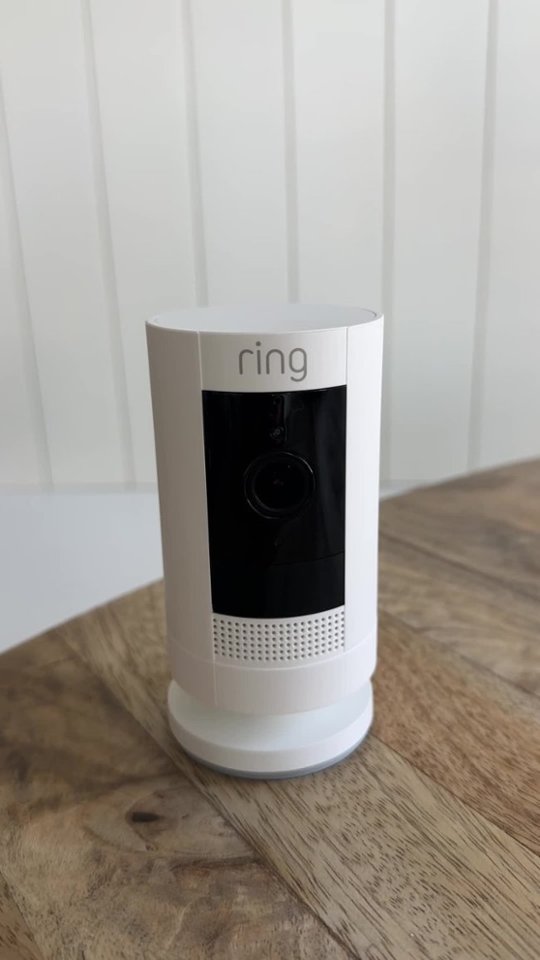
Great question! Yes, the Ring Stick Up Camera can be mounted outside of your home. The Stick Up Camera can be mounted anywhere indoors or out, it can sit on its own stand or be mounted to a wall or ceiling (with a special universal mount, sold separately), but works best when approximately five to seven feet off the ground. This helpful article will walk you through the process, step-by-step: https://support.ring.com/hc/en-us/articles/360032833651-Physically-Installing-Your-Stick-Up-Cam-Battery-Solar.
We invite you to reach out at https://community.ring.com/ if any additional information is needed regarding your Ring Stick Up Camera pre-purchase question. Ring Community is our first peer-to-peer community forum, giving our customers the ability to help one another and share their feedback and experiences with Ring.
Thank you,
Alexis with Ring
A:AnswerHello Question4U,
If you can't drill holes, we recommend the Ring Video Doorbell 3 paired with the Ring No-Drill Mount for Video Doorbell 3/3Plus.
The Ring Video Doorbell 3 is the next generation of Ring Video Doorbell following the Ring Video Doorbell 2, and the start of enhanced security around your entire property. With Ring Video Doorbell 3, you’ll always be connected to your home, so you can watch over your property and answer the door from anywhere. More details can be found on our website: https://support.ring.com/hc/en-us/articles/360040414012-Ring-Video-Doorbell-3-Information
Also, Ring Community was launched to help deliver the most current news and educational information to our neighbors. This online forum is divided into four categories: Product Boards, Ring Updates, Tips + Tricks, and a Moderators’ Corner. The Product Boards are where you can begin new topics with your questions or feedback; there is also a search option that helps you find topics that have already been posted by other neighbors. We invite you to visit our site at https://community.ring.com/ today!
All the best,
Antonio from Ring
A:AnswerHello Homestead,
For the most up to date information on features and settings for your Stick Up Cam, we recommend clicking the Help Content tab from the setting page of your Stick Up Cam within the Ring app. However, the user manual can be found here on our website: https://support.ring.com/hc/en-us/articles/360018080112-Download-the-Manual-Stick-Up-Cam-Battery
Also, Ring Community was launched to help deliver the most current news and educational information to our neighbors. This online forum is divided into four categories: Product Boards, Ring Updates, Tips + Tricks, and a Moderators’ Corner. The Product Boards are where you can begin new topics with your questions or feedback; there is also a search option that helps you find topics that have already been posted by other neighbors. We invite you to visit our site at https://community.ring.com/ today!
All the best,
Antonio from Ring
A:AnswerHello Drknowitall,
DIY installation of your Ring Stick Up Cam is a relatively easy process. Install your Stick Up Cam almost anywhere with the included toolkit, packed with everything you need to set it up in minutes. Then use the adjustable mounting bracket to find your ideal setting.
More details on Stick Up Cam can be found here on our website: https://support.ring.com/hc/en-us/articles/360032203412-Stick-Up-Cam-Battery-Solar-3rd-Generation-Information-
Also, Ring Community was launched to help deliver the most current news and educational information to our neighbors. This online forum is divided into four categories: Product Boards, Ring Updates, Tips + Tricks, and a Moderators’ Corner. The Product Boards are where you can begin new topics with your questions or feedback; there is also a search option that helps you find topics that have already been posted by other neighbors. We invite you to visit our site at https://community.ring.com/ today!
Thank you,
Antonio from Ring
A:AnswerHello,
Good question! The Ring Stick Up Camera is secured by a mounting plate and uses screws to attach to the surface. Here is a helpful article that walks through the installation process step-by-step: https://support.ring.com/hc/en-us/articles/360032833651-Physically-Installing-Your-Stick-Up-Cam-Battery-Solar.
We invite you to reach out at https://community.ring.com/ if any additional information is needed regarding your Ring Stick Up Camera pre-purchase question. Ring Community is our first peer-to-peer community forum, giving our customers the ability to help one another and share their feedback and experiences with Ring.
Thank you,
Alexis with Ring
A:AnswerHello 1960,
Ring Stick Up Cam notifies you of movement within the camera’s 110 degree field of view. Stick Up Cam should detect motion within 30ft. Ring Stick Up Cam security camera can be placed anywhere you wish to monitor an area and get motion alerts sent to your smart phone, tablet, or PC. More details can be found here on our website: https://support.ring.com/hc/en-us/articles/115004442203-Stick-Up-Cam-Information
Also, Ring Community was launched to help deliver the most current news and educational information to our neighbors. This online forum is divided into four categories: Product Boards, Ring Updates, Tips + Tricks, and a Moderators’ Corner. The Product Boards are where you can begin new topics with your questions or feedback; there is also a search option that helps you find topics that have already been posted by other neighbors. We invite you to visit our site at https://community.ring.com/ today!
Thank you,
Antonio from Ring
A:AnswerHello DanniK,
Yes. Ring Stick Up Cam does include wall anchors in the box which should be used when installing to a hard surface, such as brick or stucco. More install details can be found on our website: https://support.ring.com/hc/en-us/articles/115004442203-Stick-Up-Cam-Information
Also, Ring Community was launched to help deliver the most current news and educational information to our neighbors. This online forum is divided into four categories: Product Boards, Ring Updates, Tips + Tricks, and a Moderators’ Corner. The Product Boards are where you can begin new topics with your questions or feedback; there is also a search option that helps you find topics that have already been posted by other neighbors. We invite you to visit our site at https://community.ring.com/ today!
Thank you,
Antonio from Ring
A:AnswerHello MrMcMuffin,
Ring Stick Up Cam can be placed anywhere you wish to monitor an area and get motion alerts sent to your smart phone, tablet, or PC. The Ring App is compatible with smartphones using the following operating systems:
iOS 12 or above
Android 6.0 or above
To ensure that you have the latest version of the Ring app so that you can get the most out of your Ring devices. The following link: ring.com/app (http://ring.com/app), will automatically begin downloading the correct version for your operating system.
Also, Ring Community was launched to help deliver the most current news and educational information to our neighbors. This online forum is divided into four categories: Product Boards, Ring Updates, Tips + Tricks, and a Moderators’ Corner. The Product Boards are where you can begin new topics with your questions or feedback; there is also a search option that helps you find topics that have already been posted by other neighbors. We invite you to visit our site at https://community.ring.com/ today!
Thank you,
Antonio from Ring
A:AnswerWhen you set up, you set the motion zone. It can go across the street, to the curb or just to the walkway or porch. Depending on where you set it up.
A:AnswerHello Dave4543,
Great question! While subscribed to one of our optional Ring Protect Plans, you will be able to access videos from every ring, motion, and live view event for up to 60 days (US). You can also access, download, and share past Ring videos. Without this service, you will still receive real-time video alerts on your smartphone, as well as have access to the Live View feature. Additional information about the optional Ring Protect Plan can be found on our support website, here: https://ring.com/protect-plans.
We invite you to reach out at https://community.ring.com/ if any additional information is needed regarding your Ring Stick Up Camera pre-purchase question. Ring Community is our first peer-to-peer community forum, giving our customers the ability to help one another and share their feedback and experiences with Ring.
Thank you,
Alexis with Ring
A:AnswerHello JLT,
Yes, a Ring Protect plan is required in order for events to be recorded and saved. Without this service, you will still receive real-time ring and motion alerts on your smartphone as well as have access to the live view feature. More details on Ring Protect plans can be found here: https://ring.com/protect-plans
Also, Ring Community was launched to help deliver the most current news and educational information to our neighbors. This online forum is divided into four categories: Product Boards, Ring Updates, Tips + Tricks, and a Moderators’ Corner. The Product Boards are where you can begin new topics with your questions or feedback; there is also a search option that helps you find topics that have already been posted by other neighbors. We invite you to visit our site at https://community.ring.com/ today!
Thank you,
Antonio from Ring