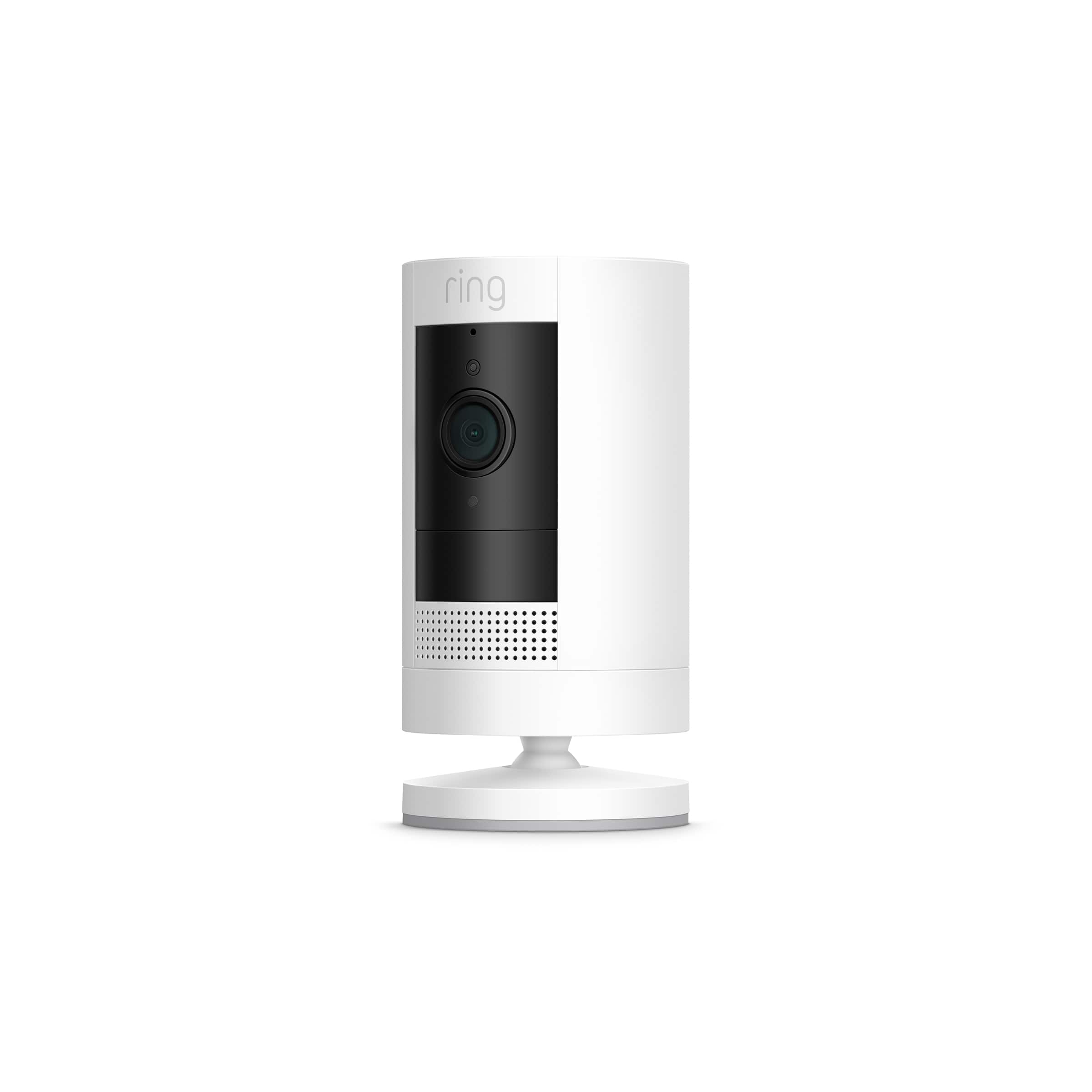
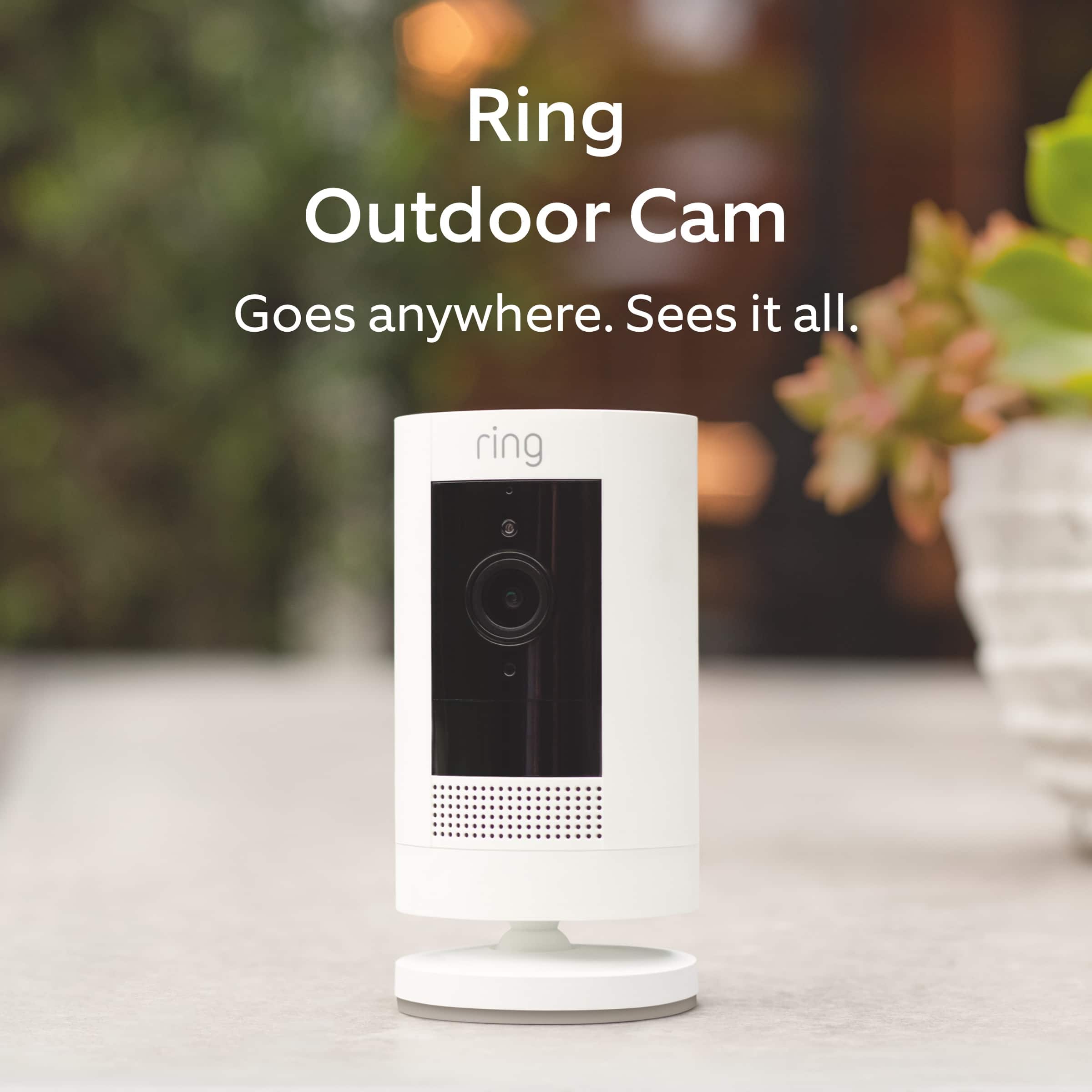
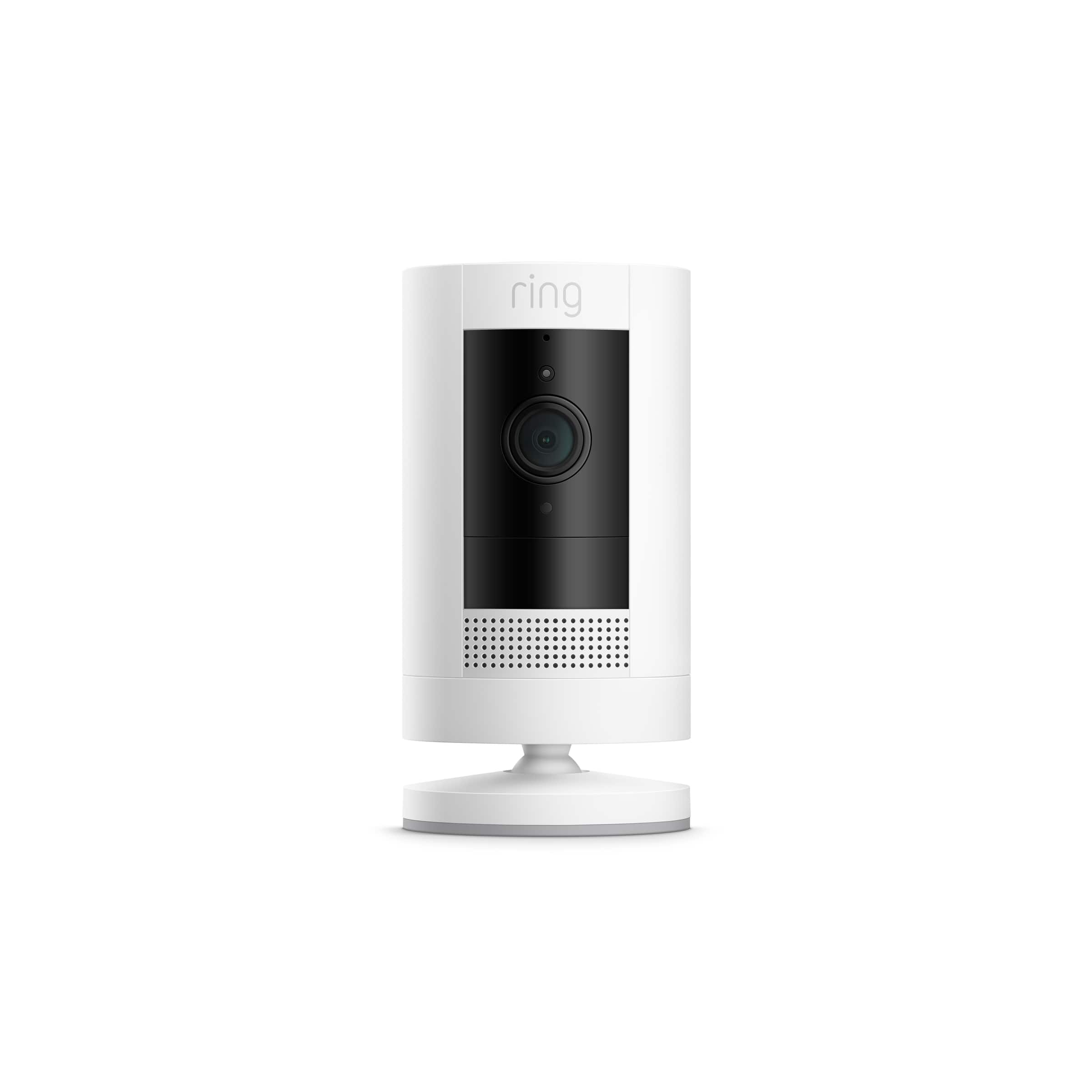
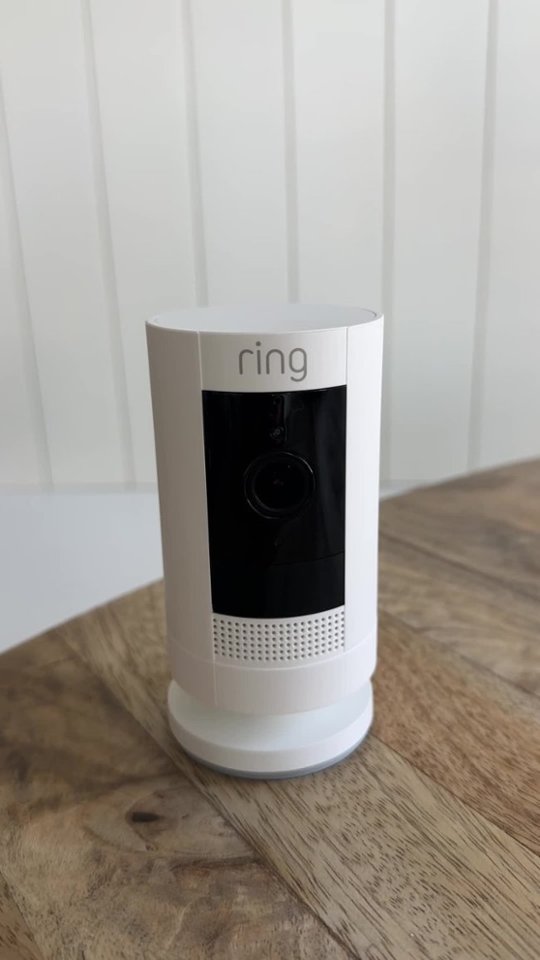
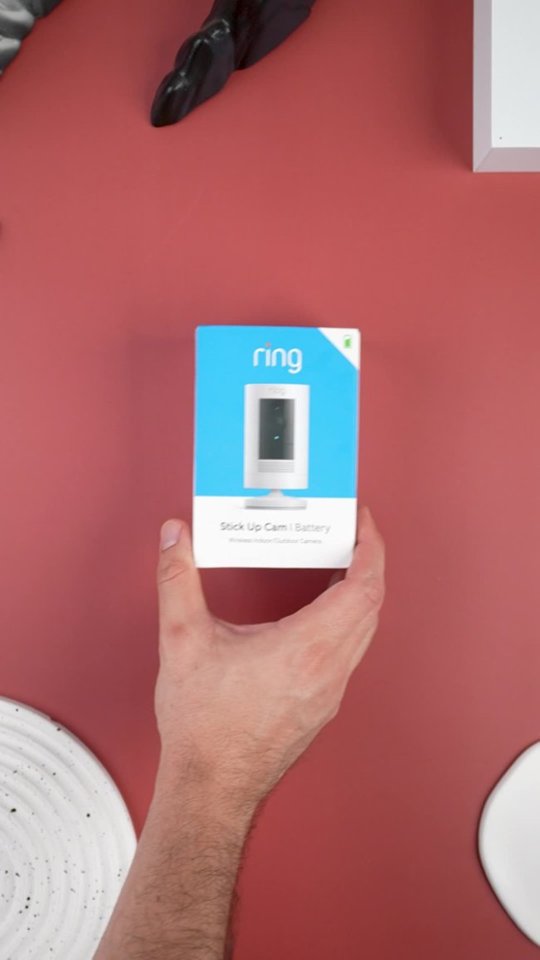
A:AnswerThe camera includes a usb cable that you can connect to the wall and charge the battery but if you want a charger you have to buy it separately
A:AnswerHi Tim,
Great question! Yes, you can manage devices at multiple places using locations in the Ring app. Locations are a function in the Ring app that allows you to group your Ring devices by their physical location. All devices, Ring Protect subscriptions, and videos are tied to a specific location and can’t be shared between locations. Visit our support center for more information on locations: https://support.ring.com/hc/en-us/articles/115005040023-Locations-Information.
Ring Community launched in March 2019 to help deliver the most current news and educational information to our customers. You can find tips and tricks from other Ring users at https://community.ring.com/. This peer-to-peer forum allows our neighbors to share their feedback and experiences to assist each other in resolving their concerns.
All the Best,
Nicole with Ring
A:AnswerYes, I have this camera on a rental property and I can talk through it to the landscaper, pest control etc from my home two hours away from the property.
A:AnswerGo into the camera control app, and check that camera's timing settings. It sounds like it's on energy saver setting, where it waits to record.