A:AnswerI would not anticipate that there would be an issue with 5g wifi network and the camera. Of course, I would just buy it and try it out. I would keep the receipt of course. If it is not functioning properly with that wifi then I would take it back and find the model that specifically works best with that. But I do not believe that it should be any issues.
A:AnswerIt must be mounted with screws. So you may need to buy screws that are made for stucco. It only comes with concrete/brick Screws as an added option.
A:AnswerHello,
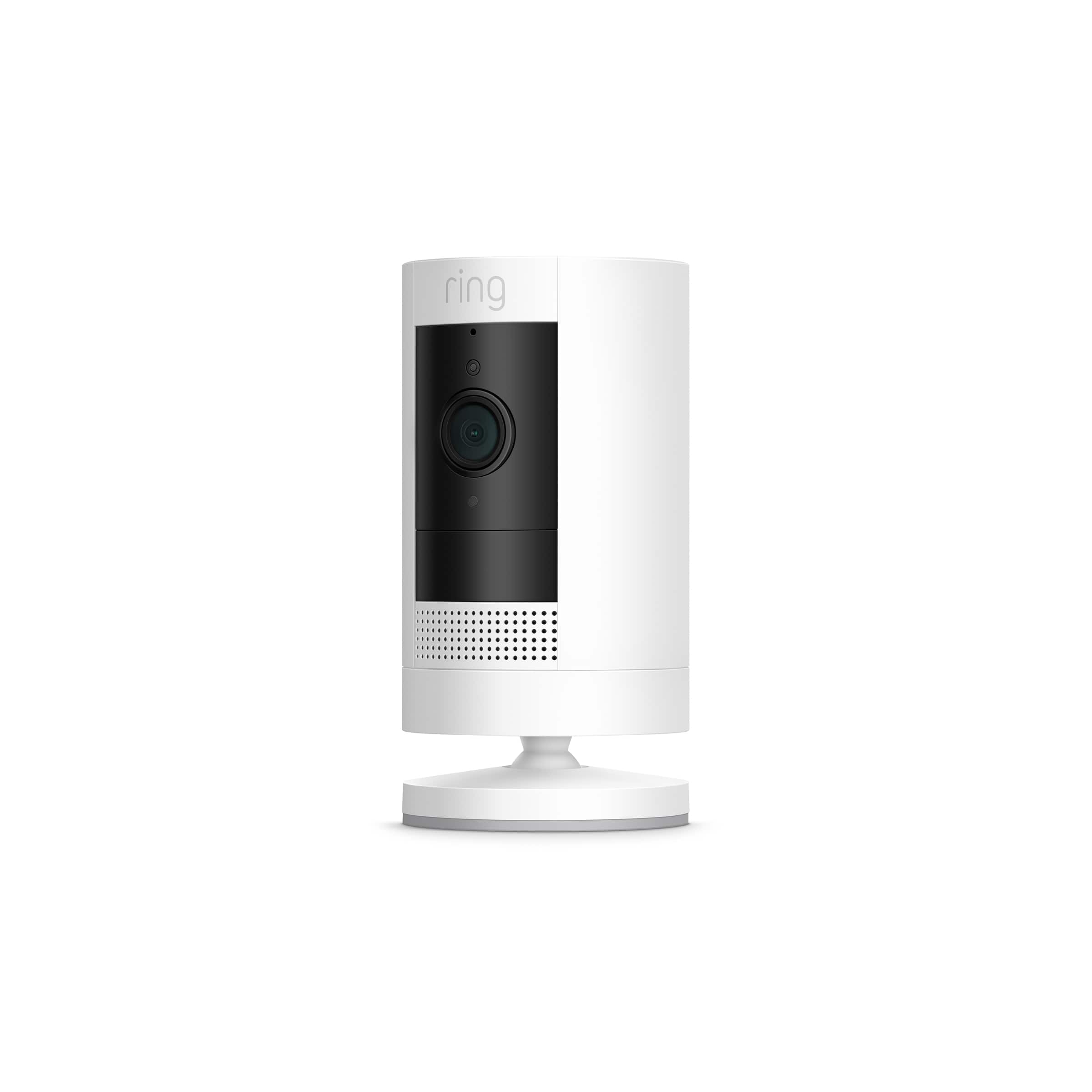
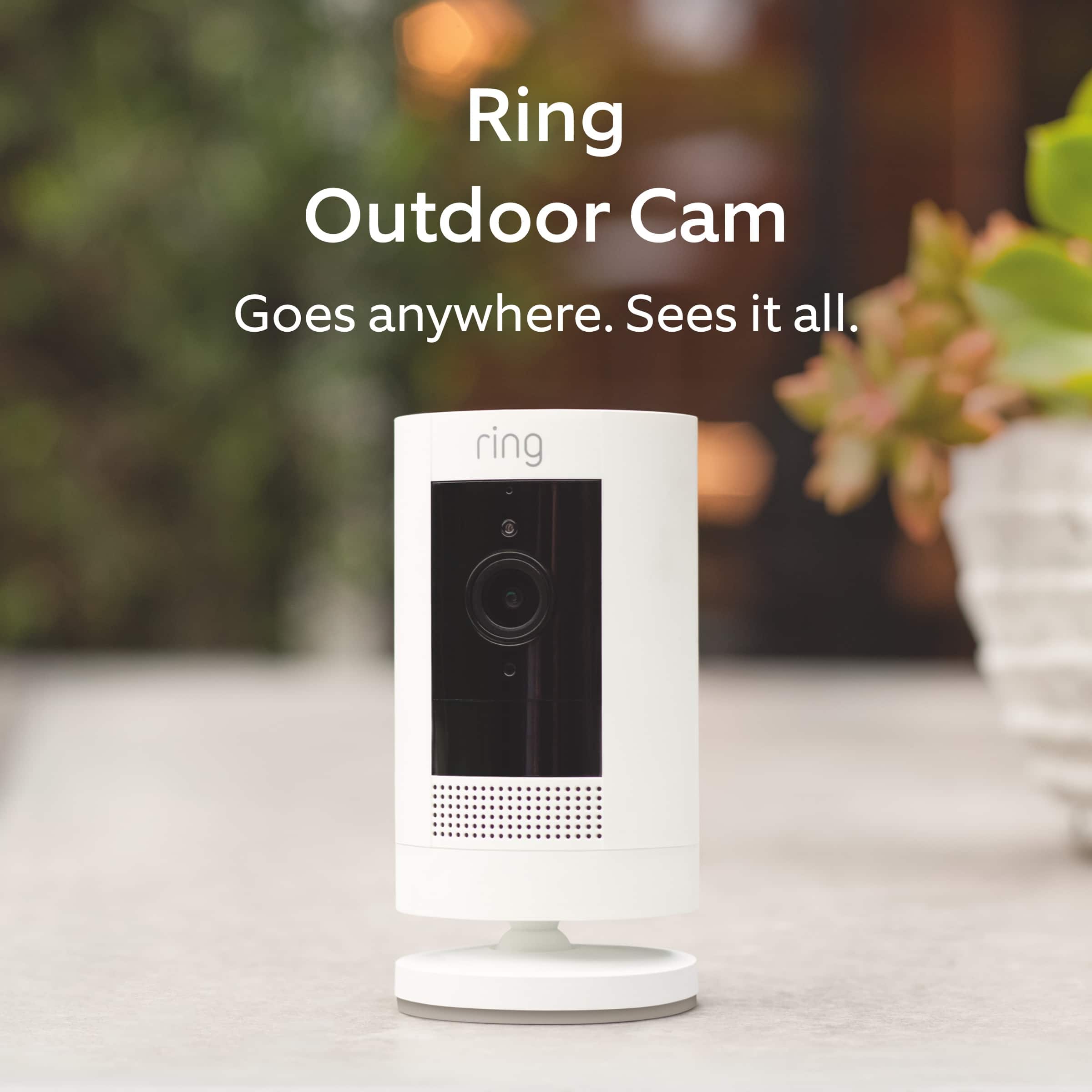
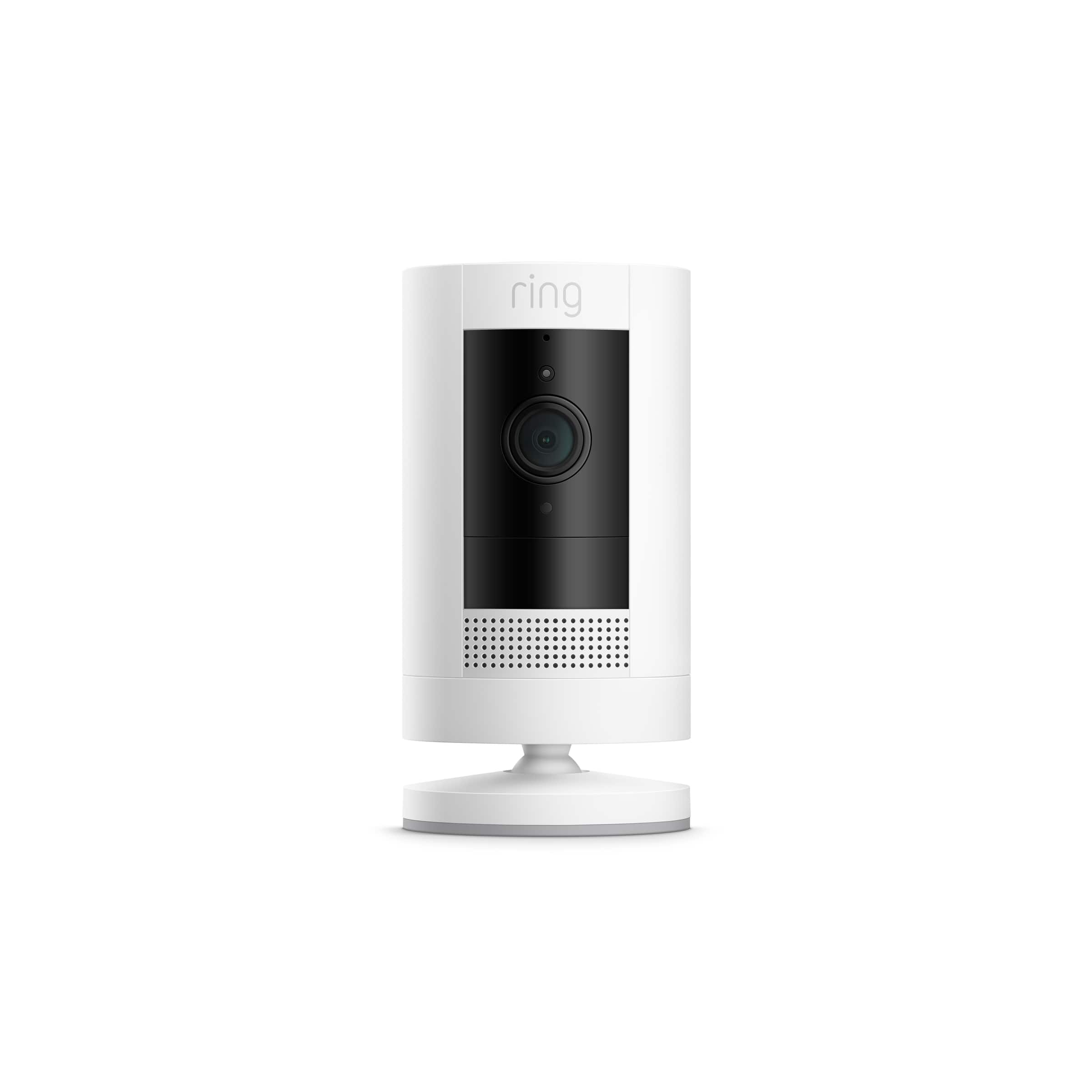
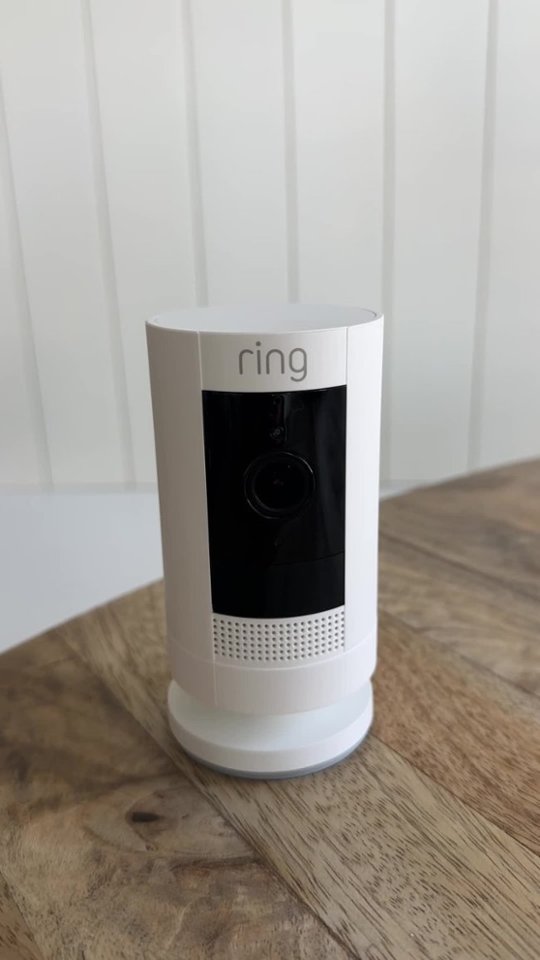
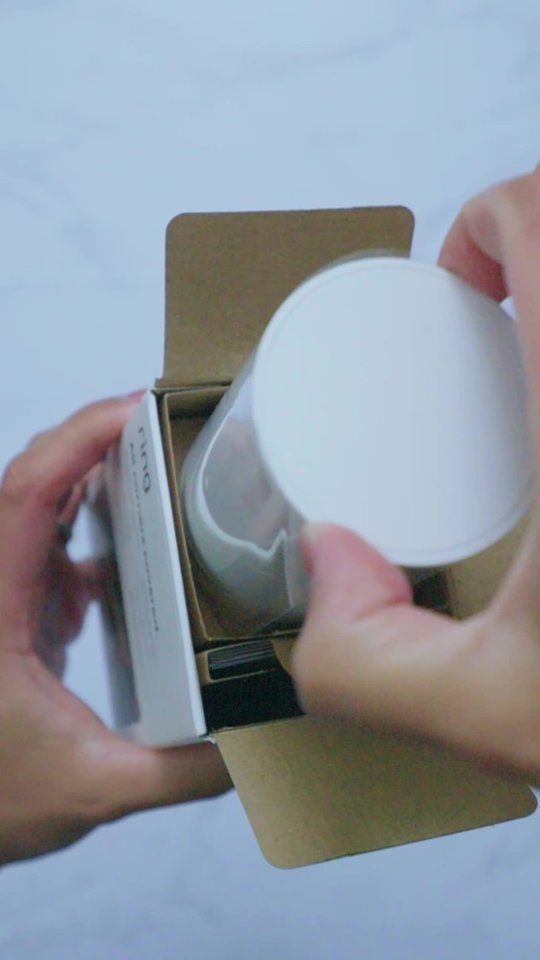
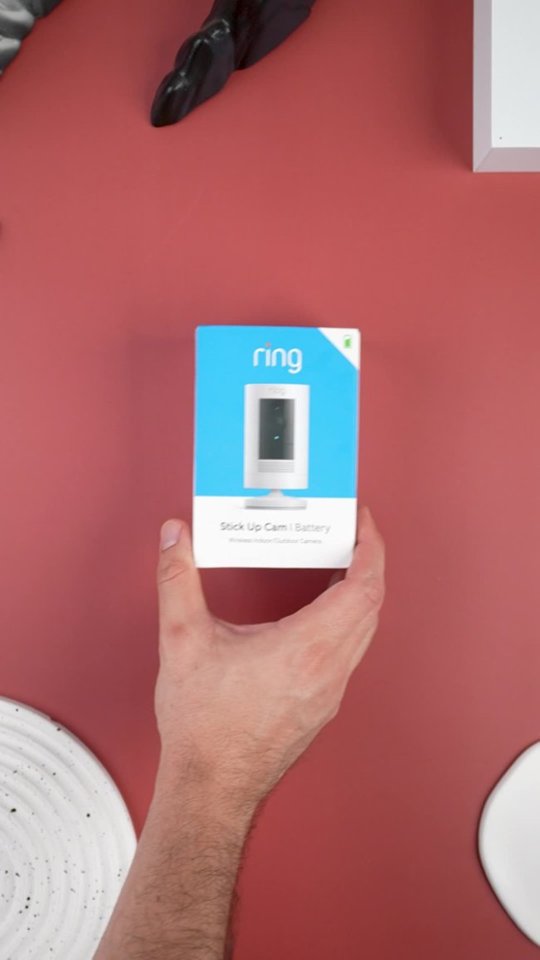
The Ring Stick Up Wire Free Camera features an integrated mounting base/stand with an adjustable angle. Your Stick Up Cam will be happy just about anywhere, indoors or out. Out of the box, it can sit on its own stand or mount to a wall. For step-by-step instructions please visit the link below. https://support.ring.com/hc/en-us/articles/360032833651-Physically-Installing-Your-Stick-Up-Cam-Battery-Solar.
If you prefer to mount it from the ceiling, we offer a special Stick Up Cam Ceiling Mount (sold separately). For any additional questions, please feel free to reach out on our community forum at https://community.ring.com/. We look forward to hearing from you soon!
Sincerely,
Danielle with Ring
A:AnswerRing gives you a month for free. To have full functionality of your ring it is recommended that you use the monthly service. What I mean by that is there is a $3 fee per month for your video to be saved when motion is detected. If you do not have that service you will only be able to look at the live...if anything happens motion wise...someone comes on to your property with ill intent ...it will not record it since you are not using the service. If you have two cameras or more the fee should be $10 a month.
For the safety and security of your home I would suggest considered the monthly storage plan. 1 camera $36 for the year. Not bad.
A:AnswerNo this is a stand alone device that connects to your wifi. You hook up the app on your phone or computer and there you have it. Each device works on its own but of course once you set them up all will show in your ring app feed when you open it up whether you have 1 or 4 devices. Of course the monthly cost is less for only 1 device. But I think the ring prices are very reasonable for the monthly storage/service.