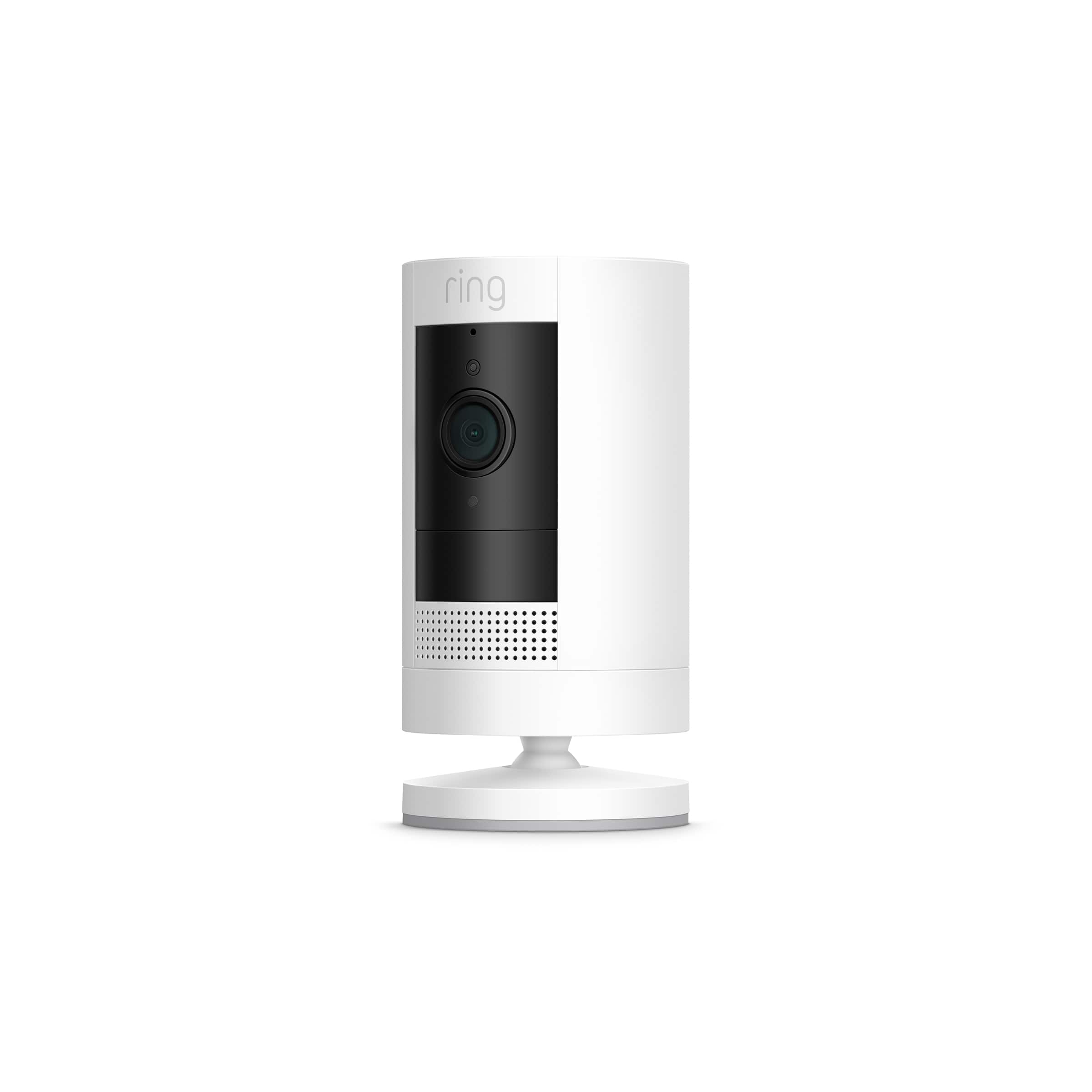
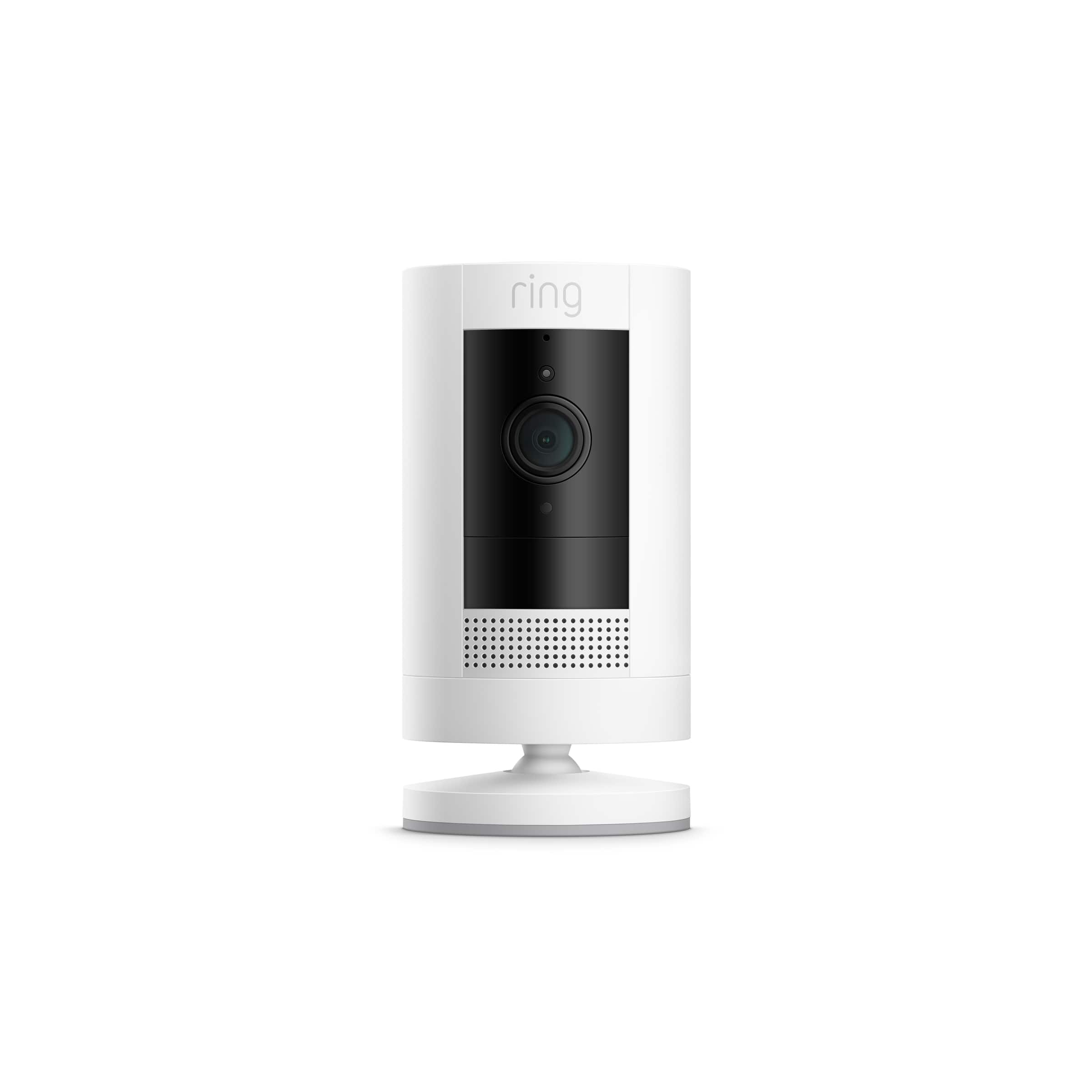
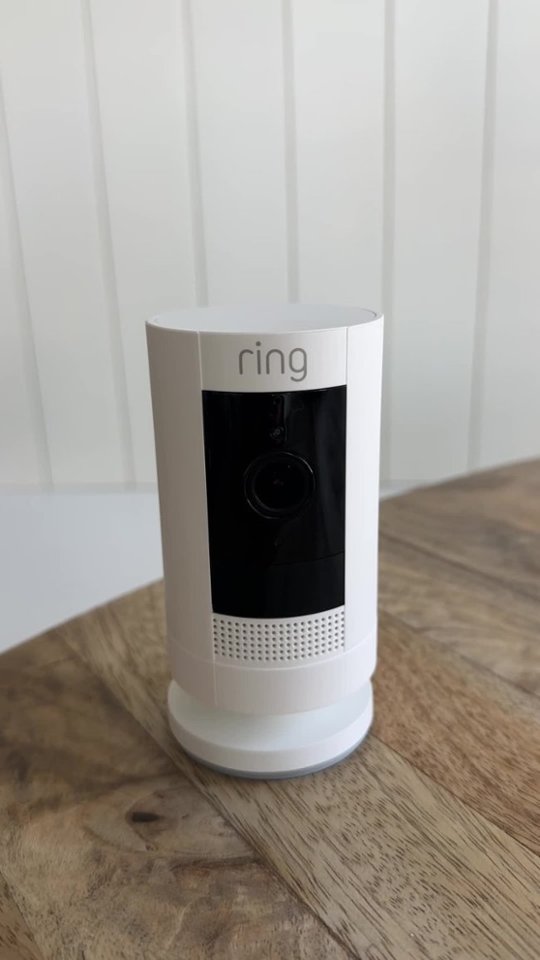
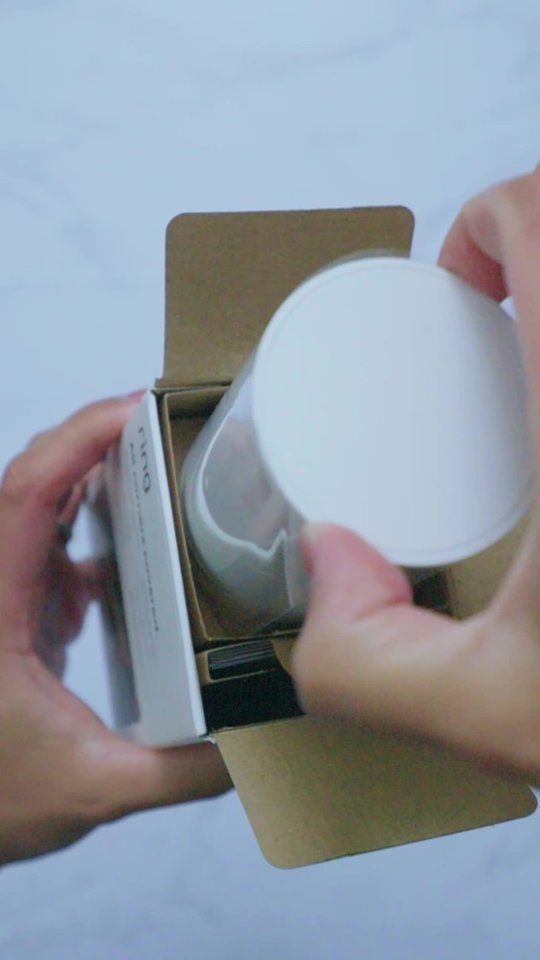
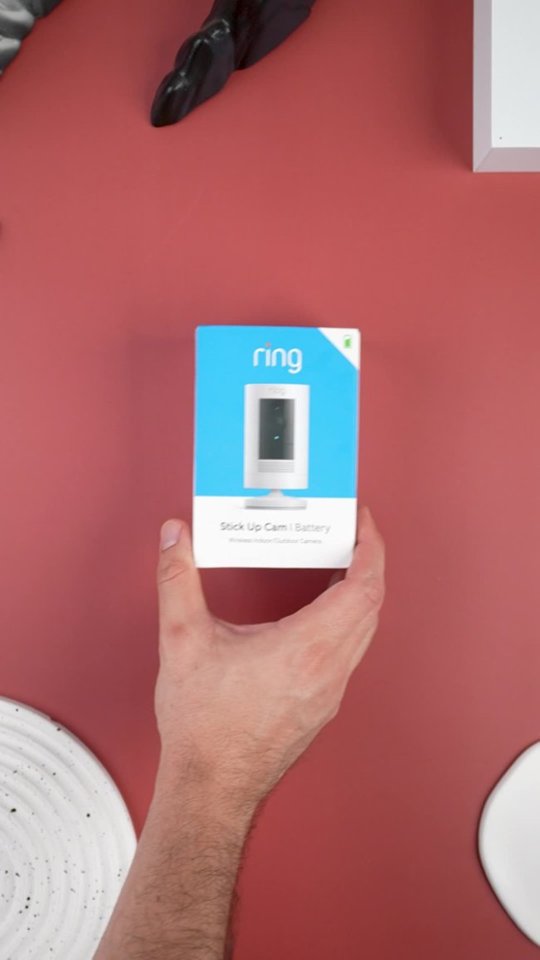
A:AnswerYOU CAN MONITOR YOUR DEVICE ANY TIME, IT DOESNT NEED ADDIONAL SECURITY. YOU WILL REQUIRE WI-FI . YOU CAN DOWNLOAD THE APP TO MULTIPLE DEVICES. WE HAVE CAMERAS AT DIFFERENT ADDRESSES AND CAN VIEW THEM FROM THE SAME APP. THERE IS A ALARM FEATURE YOU CAN PRESS IF YOU WANT TO ALERT THE "INTRUDER" . YOU CAN SET THE ALARM TONES FOR THE DIFFERENT CAMERAS. BY THE TONE YOU WILL KNOW WHICH CAMERA HAS MOTION.
A:AnswerHi Catmandu.
Good question! The Ring Stick Up Camera uses a Ring Rechargeable Quick-Release Battery Pack. Your Stick Up Cam Battery only requires one battery to function properly. However, if you want extended battery life or don't want to experience any downtime while the battery is charging, a second battery could be helpful.
We invite you to reach out to our Community if any additional information is needed regarding your question. The Ring Community is our first peer-to-peer community forum, giving our customers the ability to help one another by sharing their feedback and experiences with each other.
All the best,
Nicole from Ring.
A:AnswerHi Susan.
Good question! Charging the battery on your Stick Up Camera Battery device is a simple process. Just follow these steps:
Open the battery compartment by twisting the battery cover counterclockwise to unlock it, then removing it from your Stick Up Cam.
Remove the battery by pressing the release tab.
Plug the orange micro USB cable provided into the battery's charging port. During charging both the red and green lights will light up. Your battery is fully charged when the light on the battery turns solid green (this can take up to 6–8 hours).
Slide the fully charged battery back into the Stick Up Cam until it clicks into place.
Reinstall the battery cover on your Stick Up Cam.
We invite you to reach out to our Community if any additional information is needed regarding your question. The Ring Community is our first peer-to-peer community forum, giving our customers the ability to help one another by sharing their feedback and experiences with each other.
All the best,
Nicole from Ring.
A:AnswerHello Val,
Ring Stick Up Cam only requires a wifi connection and must be setup using the Ring app on a smartphone or tablet.
he Ring App is compatible with smartphones using the following operating systems:
iOS 12 or above
Android 6.0 or above
To ensure that you have the latest version of the Ring app so that you can get the most out of your Ring devices. The following link: ring.com/app (http://ring.com/app), will automatically begin downloading the correct version for your operating system.
Also, Ring Community was launched to help deliver the most current news and educational information to our neighbors. This online forum is divided into four categories: Product Boards, Ring Updates, Tips + Tricks, and a Moderators’ Corner. The Product Boards are where you can begin new topics with your questions or feedback; there is also a search option that helps you find topics that have already been posted by other neighbors. We invite you to visit our site at https://community.ring.com/ today!
Thank you,
Antonio from Ring