A:AnswerHi AmyT.
Thank you for your question. Yes, to record and save videos from the Ring Pan-Tilt Indoor Cam, you will need to be subscribed to a Ring Home Plan. Without a subscription to a Ring Home Plan, you will still receive real-time alerts to your mobile device and have access to the Live View feature. The Ring Home Basic Plan includes video recording for one Ring doorbell or home camera. The cost of the Ring Home Basic Plan is $4.99/month or $49.99/year
The Ring Home Standard Plan includes Ring's premium video and notification features for all your Ring doorbells and home cameras at one location. This plan also includes all the benefits of Ring Home Basic Plan and costs $10/month or $100/year.
Ring Home Premium is Ring's most advanced subscription to cover your Ring home devices at one location. This plan also includes all the benefits of Ring Home Standard plus 24/7 backup internet and local storage for the Ring Alarm Pro. The Ring Home Premium Plan costs $20/month or $200/year.
We invite you to reach out to our community if any additional information is needed regarding your question. The Ring Community is our first peer-to-peer community forum, giving our customers the ability to help one another by sharing their feedback and experiences with each other.
Thank you,
Melissa from Ring.
A:AnswerHi PT.
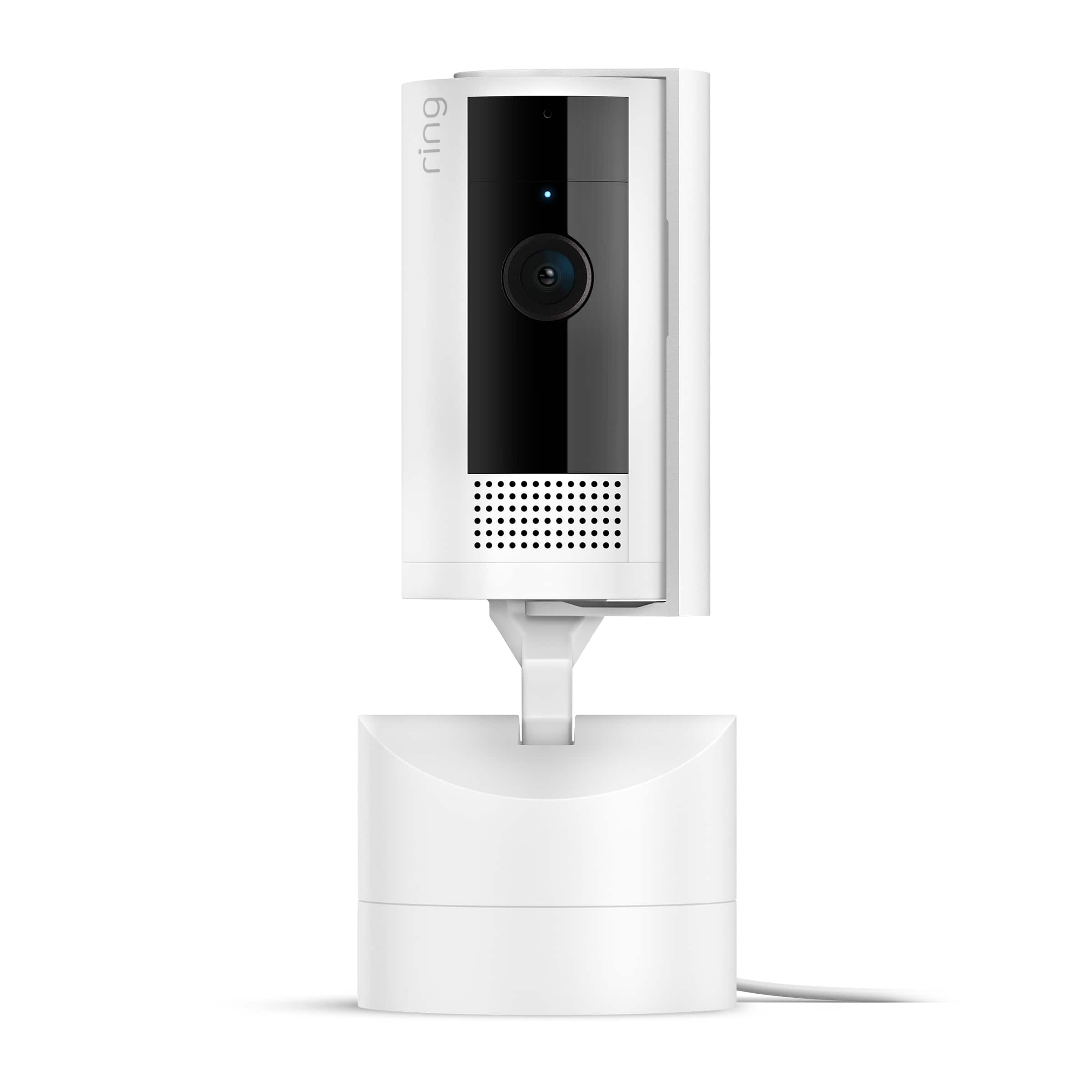
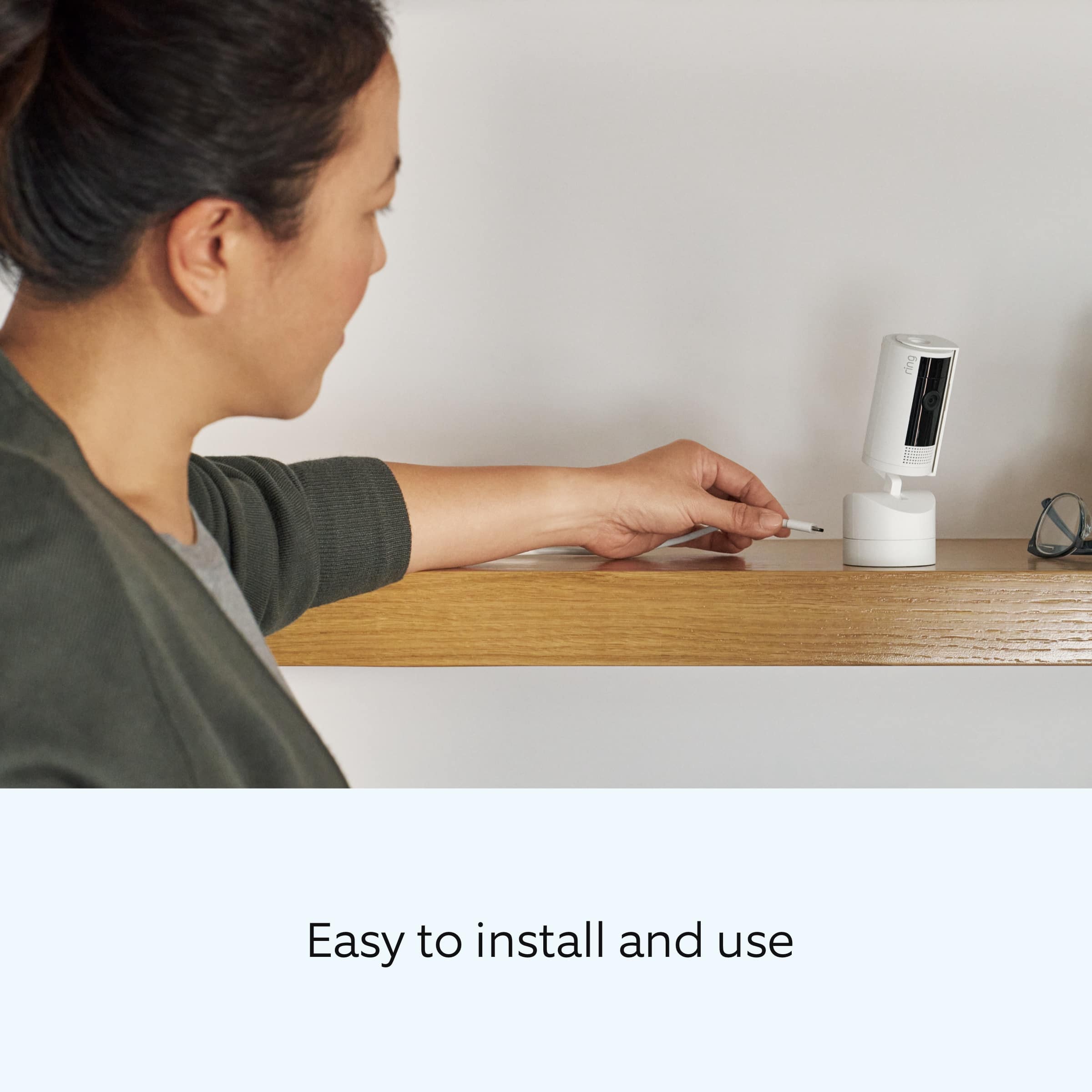
Thank you for your question today! The Ring Pan-Tilt Indoor Cam comes with a 10 ft (3 m) USB-A to USB-C Power Cable + Power Adapter.
If any additional information is needed regarding your Ring Pan-Tilt Indoor Cam, please reach out to our community. Ring Community is our first peer-to-peer community forum, giving our customers the ability to help one another and share their feedback and experiences directly with Ring.
Sincerely,
Matthew from Ring.
A:AnswerHi TS.
Good question. At this time, the only option for the Ring Pan-Tilt Indoor Cam is the wired model. We are constantly innovating on behalf of our customers and their feedback to develop products that best meet their home and security needs and provide them with as much choice as possible.
We invite you to reach out to our Community if any additional information is needed regarding your question. The Ring Community is our first peer-to-peer community forum, giving our customers the ability to help one another by sharing their feedback and experiences with each other.
All the best,
Nicole from Ring.
A:AnswerHi Daffy.
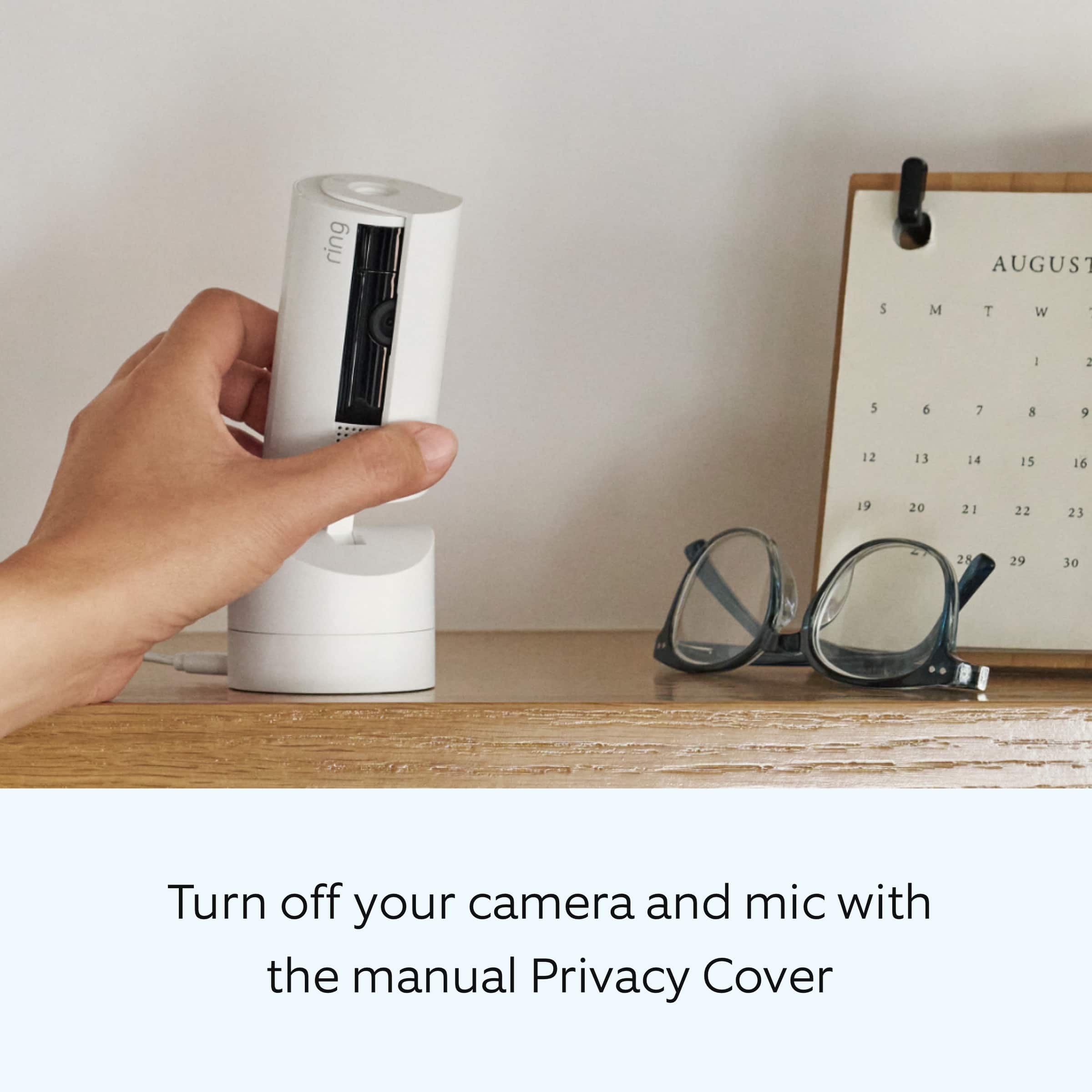
Thank you for your question today! Yes, you can turn off just the audio portion on your Ring Pan-Tilt Indoor Cam. To disable audio, navigate to Device Settings in the Ring app, select Privacy Settings, and toggle Audio Streaming and Recording off.
We invite you to reach out to our community if any additional information is needed regarding your question. The Ring Community is our first peer-to-peer community forum, giving our customers the ability to help one another by sharing their feedback and experiences with each other.
Thank you,
Miyuki from Ring.
A:AnswerHi scott.
Thank you for reaching out to us with your question. The Ring Pan-Tilt Indoor Cam has the following features:
1080p HD, Live View, Color Night Vision.
Customizable Motion Detection.
Static: 143° diagonal, 115° horizontal, 59° vertical field of view.
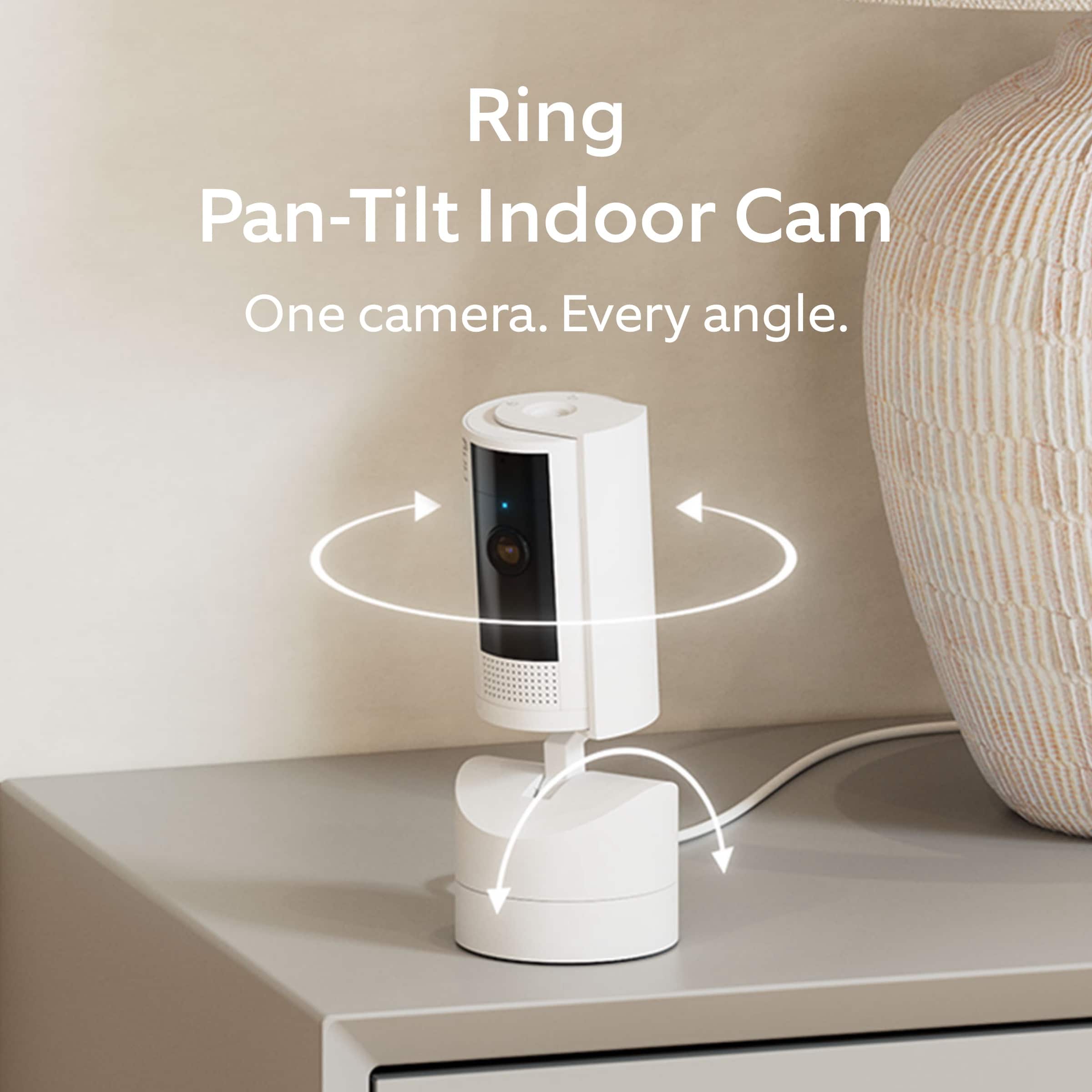
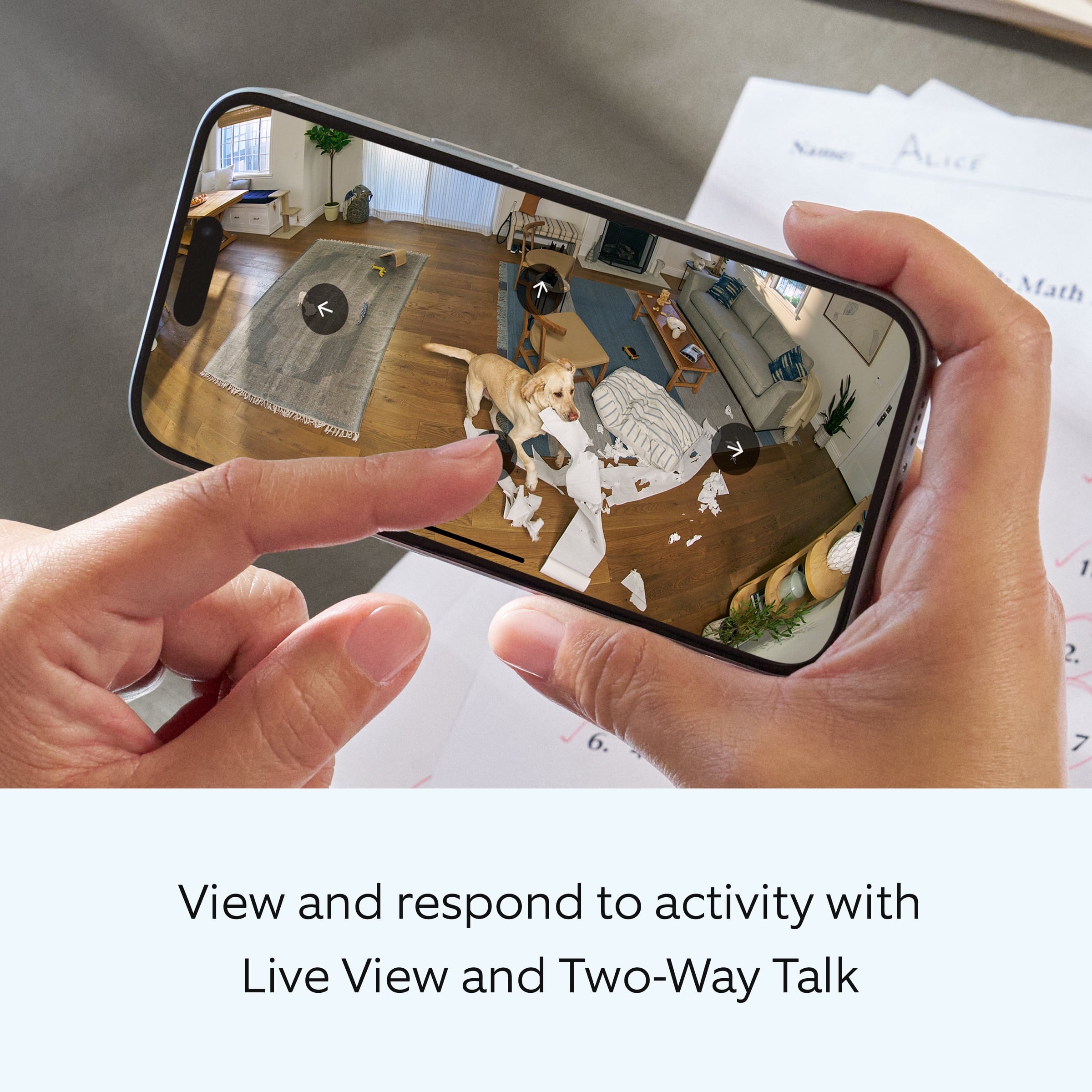
Pan-Tilt: 360° pan coverage, 169° tilt coverage field of view.
Two-way audio with noise cancellation.
If any additional information is needed regarding your question, please reach out to our community. Ring Community is our first peer-to-peer community forum, giving our customers the ability to help one another and share their feedback and experiences directly with Ring. Join the Ring Community today!
Thank you,
Amilia from Ring.
A:AnswerHi DavidK.
Thank you for reaching out to us with your question. Yes, with 24/7 Recording, you can use 24/7 Video Storage Time to save your videos for up to 14 days. Motion events and all other event types will be saved according to your existing Event Video Storage Time setting for your Ring device, and can be stored for 60 days (default) up to 180 days.
The 24/7 Recording feature can only be turned on if your Ring camera is hardwired or plugged in to continuous power. This feature requires a Ring Home Premium subscription.
If any additional information is needed regarding your question, please reach out to our community. Ring Community is our first peer-to-peer community forum, giving our customers the ability to help one another and share their feedback and experiences directly with Ring. Join the Ring Community today!
Thank you,
Amilia from Ring.
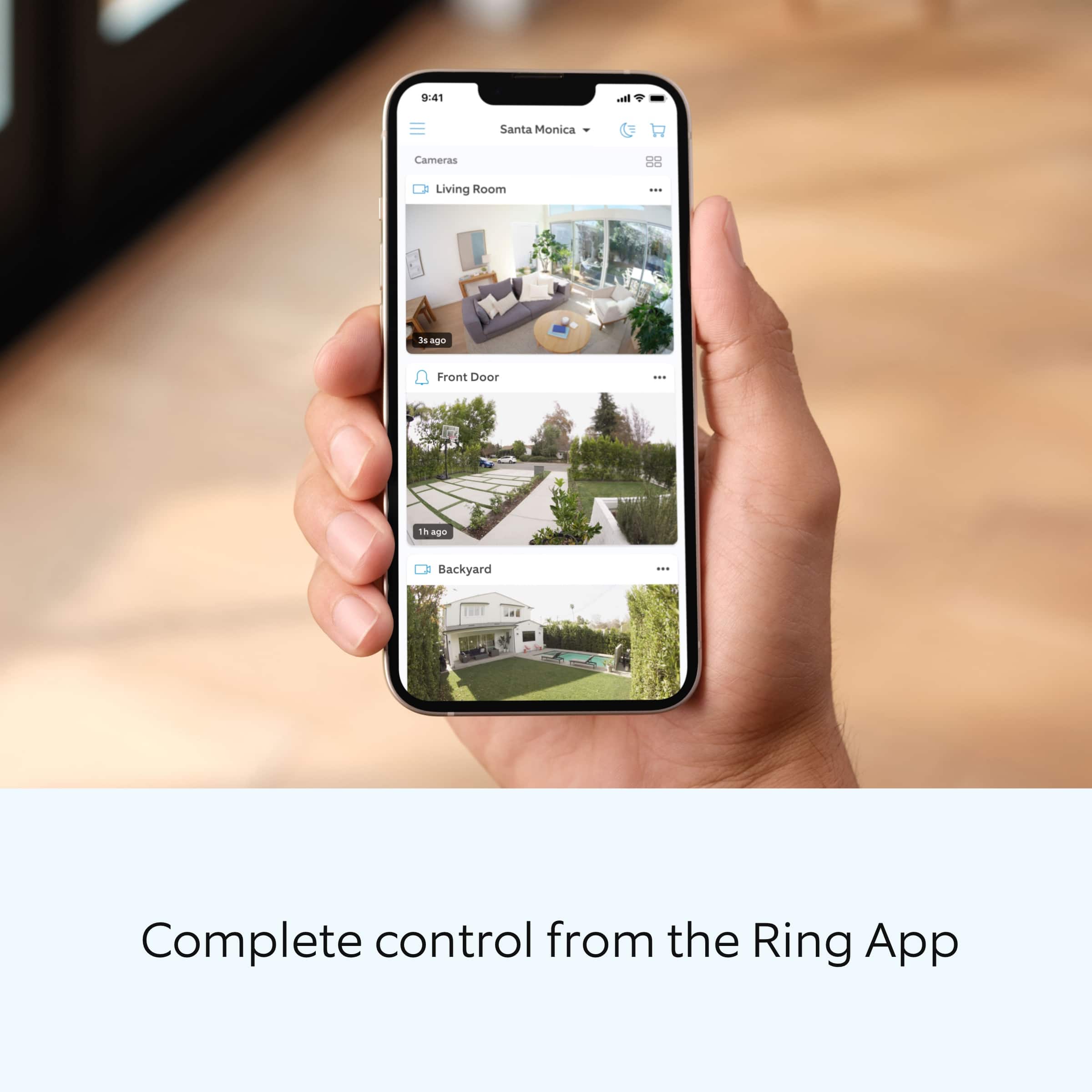
A:AnswerAll functions of the camera can be controlled by the app as long as you have WiFi. You can turn on / off motion detection and motion alerts which stops it from recording.
A:AnswerNo magnetic mount. It is mountable by using the screws provided or place a weight in the 2inch bridge on the base. That is what i have done for 1 unit. For the other unit i used the 2 sided tape with velcro.
A:AnswerHi ToddA.
Thank you for your question. The Ring Pan-Tilt Indoor Cam is one of our Ring Indoor Cam (2nd Gen), which is the latest generation of our Indoor Cams. For more information on the Ring Pan-Tilt Indoor Cam I'm including this link to our help site: https://ring.com/support/products/cameras/pan-tilt-indoor-cam?page=1
If any additional information is needed regarding your question, please reach out to our community. Ring Community is our first peer-to-peer community forum, giving our customers the ability to help one another and share their feedback and experiences directly with Ring. You can find it here: https://community.ring.com/.
Sincerely,
Matthew from Ring.
A:AnswerI’m sure. It can also be placed inside and look through a window without any reflection. That’s how I have it set up It’s on the windowsill looking through the window to outside.
A:AnswerYes. Use the Ring app on your phone, the web interface lacks many the features on the phone app. You can configure the zones, motion sensitivity, alerts, and schedules.
A:AnswerI haven't tried it myself but my sister has and she said it works really well and she can position cameras in multiple windows and see all around her house and yard.