A:AnswerHi Roberto.
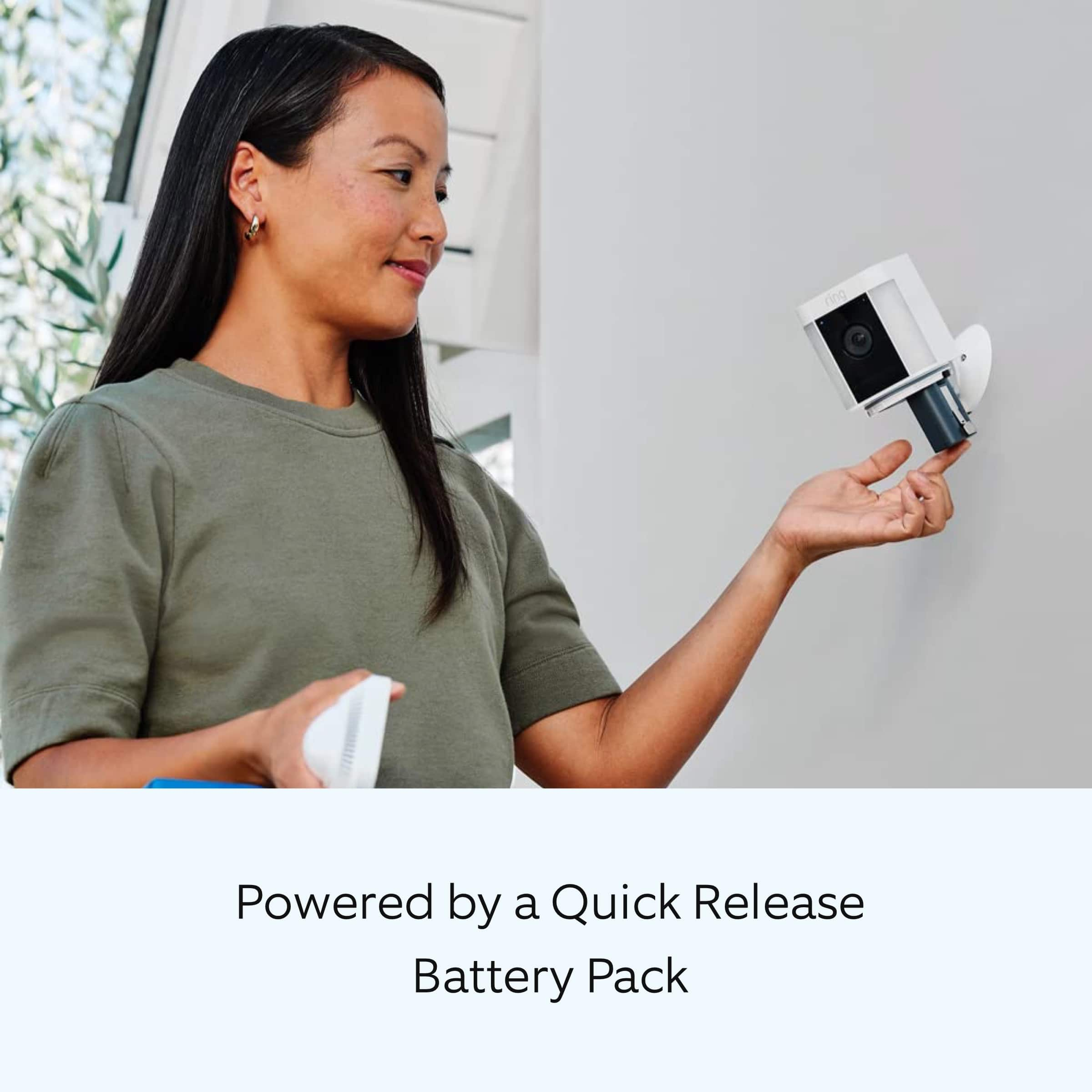
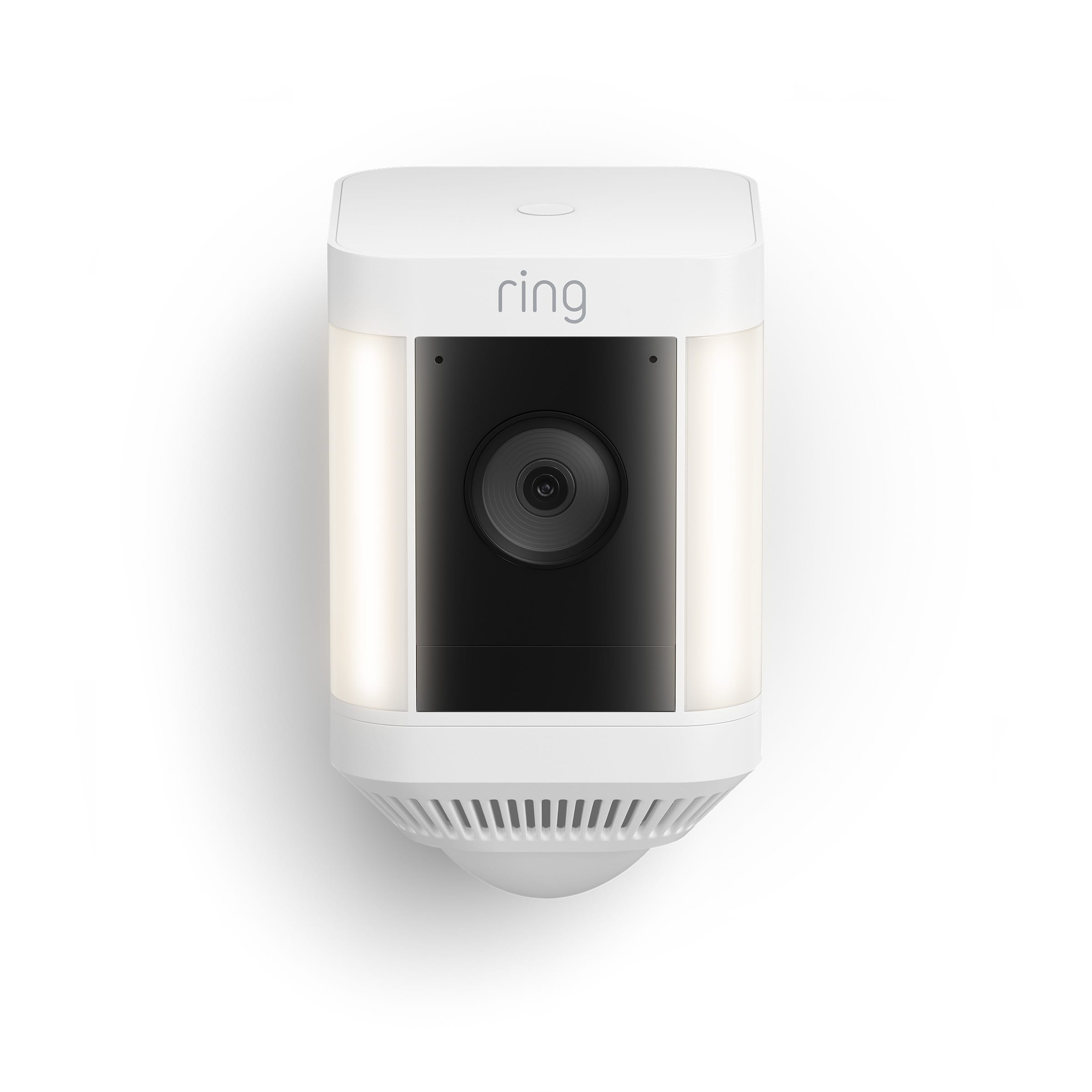
We appreciate the time you have taken to ask this question. 1 Ring Rechargeable Battery Pack is included with the Ring Spotlight Cam Plus Battery. The device holds up to 2 batteries.
If any additional information is needed regarding your question, please reach out to our community. Ring Community is our first peer-to-peer community forum, giving our customers the ability to help one another and share their feedback and experiences directly with Ring. Join the Ring Community today!
Thank you,
Amilia from Ring.
A:AnswerHi.
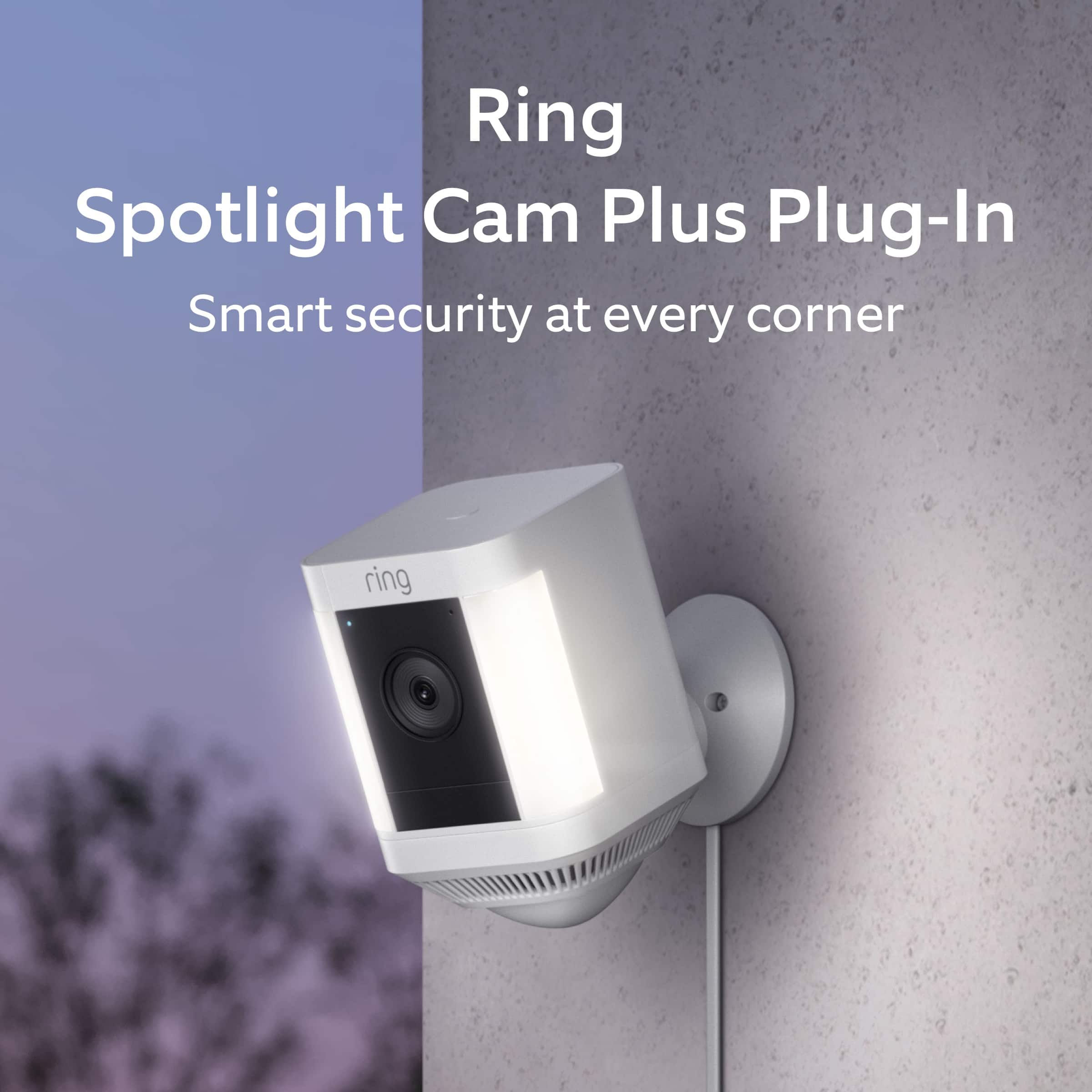
Thank you for reaching out to us with your questions. Yes, the Ring Spotlight Cam Plus can be mounted on a wall, eave, or overhang using the adjustable mounting plate.
If any additional information is needed regarding your questions, please reach out to our community. Ring Community is our first peer-to-peer community forum, giving our customers the ability to help one another and share their feedback and experiences directly with Ring.
Thank you,
Miyuki from Ring.
A:AnswerHi Marco.
Thank you for taking the time to ask this question. If the lights are not turning on, you can try rebooting the device.
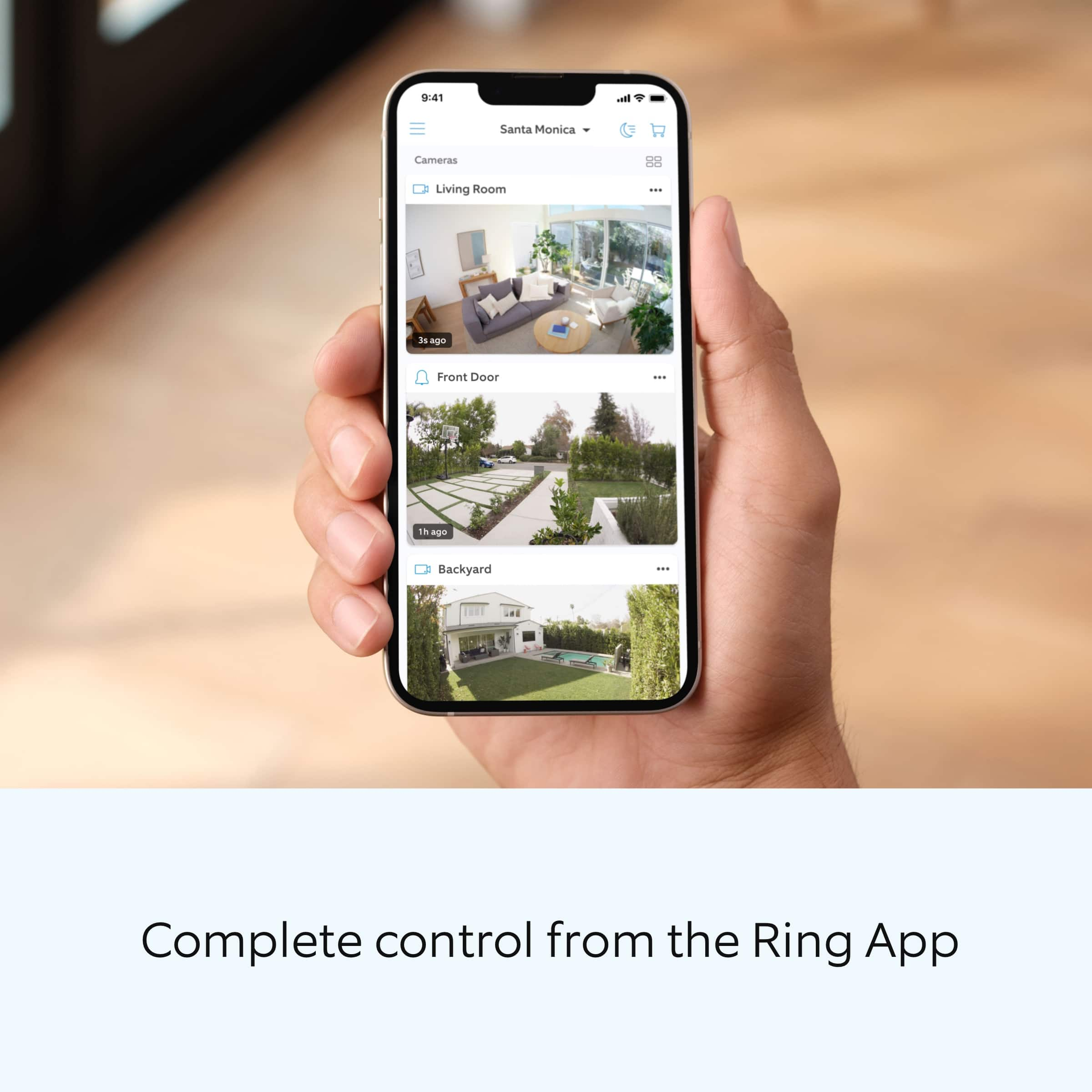
Open the Ring app.
Tap the menu (☰).
Tap Devices.
Select the device you want to reboot.
Make sure it's connected to wifi.
Tap the Device Health tile.
Scroll down to Reboot This Device and confirm your selection.
Give your Ring device a few minutes to start up.
You can also try pressing and holding the setup button on the top of the camera for 20 seconds. Follow the steps in the Ring app to reconnect the device to your network.
Open the Ring app.
Tap the menu (≡).
Tap "Devices" and select the camera you'd like to reconnect to wifi.
Tap the "Device Health" tile.
Under "Network," tap "Change Network" and follow the prompts in the app.
Allow some time for your device to fully reconnect to the network, then check your wifi signal strength in "Device Health" to confirm it has successfully reconnected.
We invite you to reach out to our community if any additional information is needed regarding your question. The Ring Community is our first peer-to-peer community forum, giving our customers the ability to help one another by sharing their feedback and experiences with each other.
Thank you,
Amilia from Ring.
A:AnswerHi Cookiecrumble.
We appreciate the time you have taken to ask this question. A Ring Spare Parts Kit is available for the Ring Spotlight Cam Plus Battery. The kit includes a micro-USB charging cable, mount, ball joint arm, universal mounting plate, mounting screws, and mounting anchors.
If any additional information is needed regarding your question, please reach out to our community. Ring Community is our first peer-to-peer community forum, giving our customers the ability to help one another and share their feedback and experiences directly with Ring. Join the Ring Community today!
Thank you,
Amilia from Ring.
A:AnswerHi 101Bay.
We appreciate the time you have taken to ask this question. Yes, the Ring Spotlight Cam Plus can be mounted on a wall, eave, or overhang using the adjustable mounting plate.
If any additional information is needed regarding your question, please reach out to our community. Ring Community is our first peer-to-peer community forum, giving our customers the ability to help one another and share their feedback and experiences directly with Ring. Join the Ring Community today!
Thank you,
Amilia from Ring.
A:AnswerHi M.
Thank you for reaching out to us with your question. Using the incorrect power mode for your Ring device can result in the battery draining too fast. To optimize the performance of your Ring device, please follow the steps below to ensure that your Ring device is in battery mode.
1. Open the Ring app.
2. Tap the menu (☰).
3. Tap Devices.
4. Select the device you want to update.
5. Tap Device Settings.
6. Tap Power Management.
7. Tap Power Mode.
8. Select Battery Mode and follow the prompts in the app.
If any additional information is needed regarding your question, please reach out to our community. Ring Community is our first peer-to-peer community forum, giving our customers the ability to help one another and share their feedback and experiences directly with Ring. Join the Ring Community today!
Thank you,
Amilia from Ring.
A:AnswerA few days, depending on the number of triggers, plus recording length and detection settings. To be honest, i have always ended upadding solar to tein batteries in my ring outdoor cameras.
A:AnswerHi Ed.
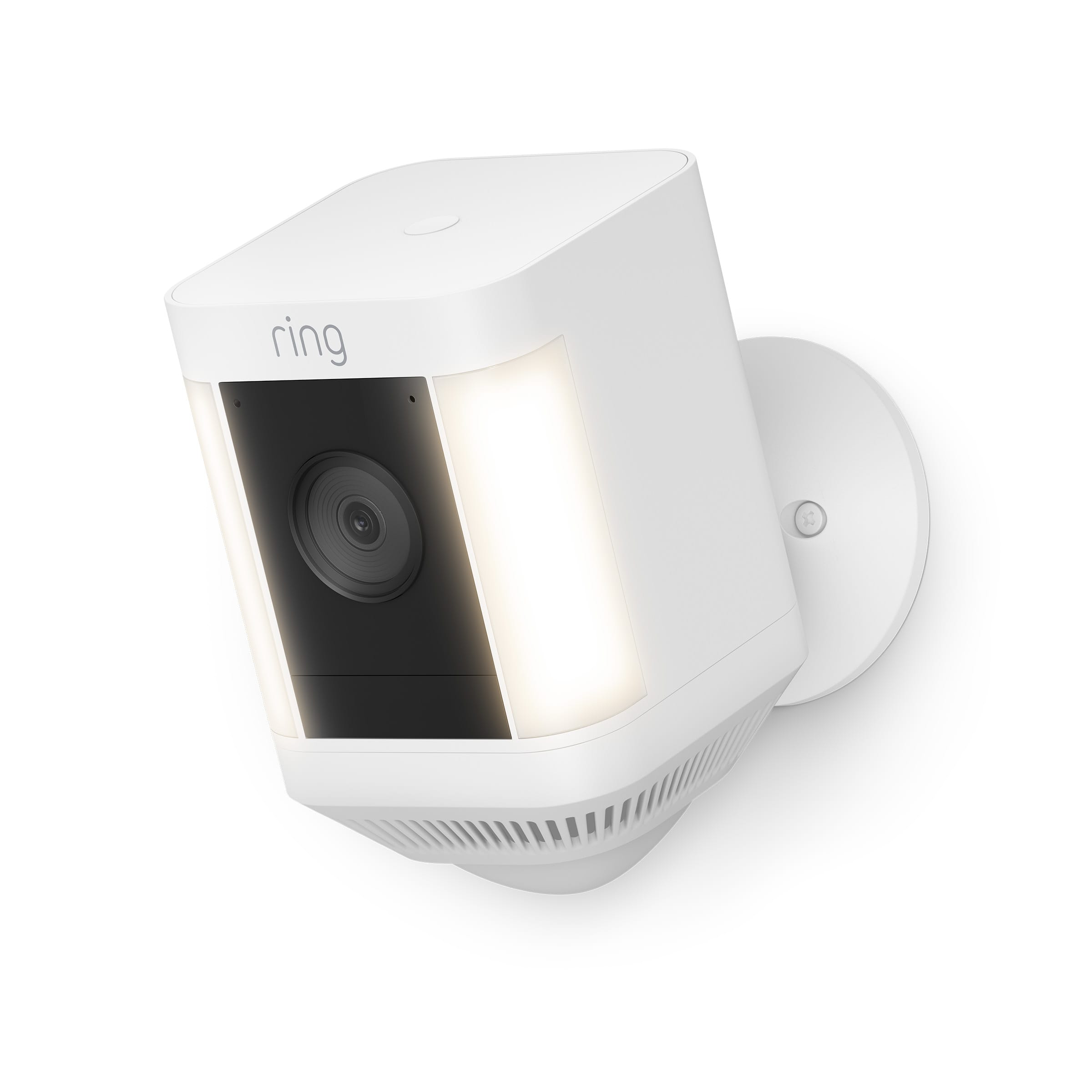
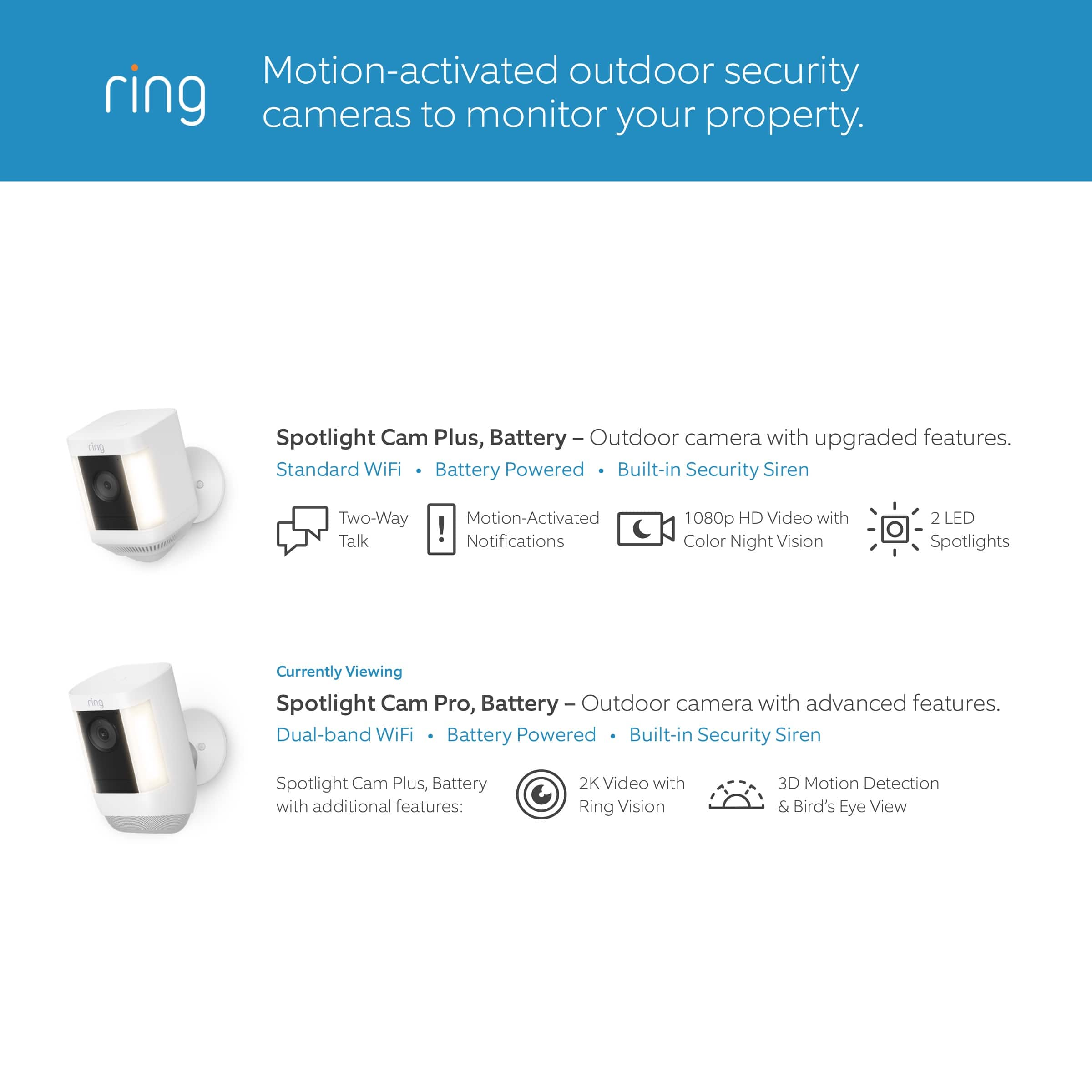
Thank you for taking the time to ask this question. The Ring Spotlight Cam Plus has two 3000°K LED spotlights that can be adjusted for brightness within the Ring app.
If any additional information is needed regarding your question, please reach out to our community. Ring Community is our first peer-to-peer community forum, giving our customers the ability to help one another and share their feedback and experiences directly with Ring. Join the Ring Community today!
Thank you,
Amilia from Ring.
A:AnswerMy Ring camera uses the Ring solar power panel that was sold separately. It has kept my camera powered without any issues since I set up the camera.
A:AnswerHi Grampajac.
Thank you for taking the time to ask this question. Yes, your current Ring Solar Panel can be compatible with the Ring Spotlight Cam Plus. However, you will likely need the Ring Barrel Plug to USB-C Adapter. Use this adapter to connect your current Ring barrel-plug Solar Panel to a new USB-C security camera.
If any additional information is needed regarding your question, please reach out to our community. Ring Community is our first peer-to-peer community forum, giving our customers the ability to help one another and share their feedback and experiences directly with Ring. Join the Ring Community today!
Thank you,
Amilia from Ring.
A:AnswerHi.
Thank you for reaching out to us with your question. Yes, the Ring app requires iOS 17 (or higher), or Android 9 (or higher). If your mobile device does not have the latest operating system, you may not be able to access the Ring app, or the Ring app and its features may not work as expected.
If any additional information is needed regarding your question, please reach out to our community. Ring Community is our first peer-to-peer community forum, giving our customers the ability to help one another and share their feedback and experiences directly with Ring. Join the Ring Community today!
Thank you,
Amilia from Ring.
A:AnswerHi Lils.
Thank you for reaching out to us with your question. Yes, the Ring Spotlight Cam Plus can work in Mexico. The Ring Spotlight Cam Plus requires a minimum upload speed of 2 Mbps for optimal performance.
If any additional information is needed regarding your question, please reach out to our community. Ring Community is our first peer-to-peer community forum, giving our customers the ability to help one another and share their feedback and experiences directly with Ring. Join the Ring Community today!
Thank you,
Amilia from Ring.