A:AnswerHello Curious,
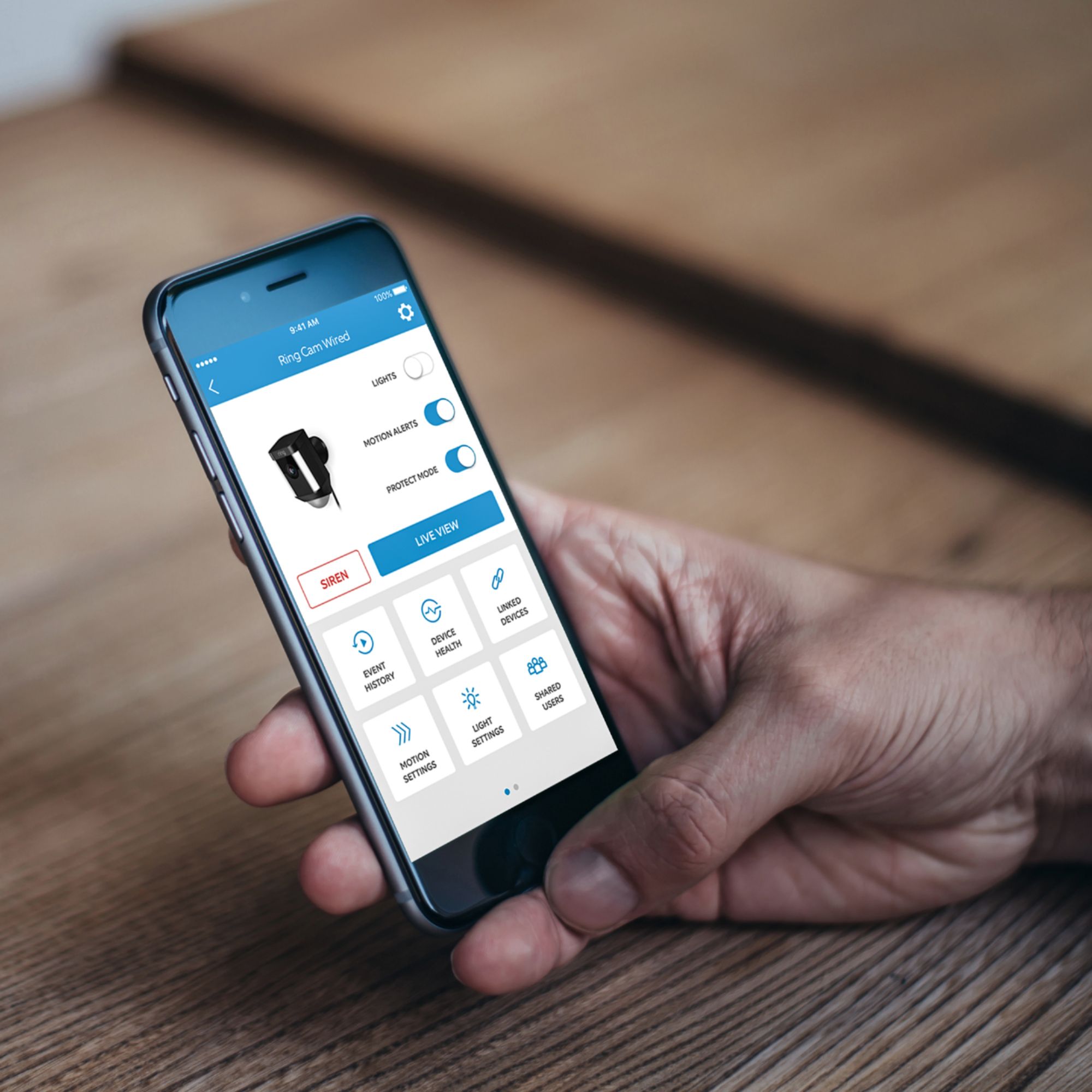
Yes, this can be achieved through using the Modes function. Modes are settings in the Ring app that can control the behavior of all of your Ring devices. It’s an expansion of the “Modes” concept used by Ring Alarm. The idea is to configure your cameras to protect your home in different ways, depending on your current needs. Then, all of your devices will work as a single ecosystem with one tap of a button.
In this case, you would select Away Mode to fully secure your house when you leave. You can set all of your cameras, both inside and out, to record your home in this mode. You can decide whether each of your cameras detects motion or not. Here is a helpful link which explains the Modes features, and it's performance: https://support.ring.com/hc/en-us/articles/360036107792-Control-All-your-Ring-Cameras-with-Modes
For any additional questions regarding the Modes feature, please feel free to reach out on our community forum at https://community.ring.com/.
Thank you,
Alexis with Ring
A:AnswerHello Curiousgirlwantstoknow,
Great question! Yes, the Spotlight Camera is able to be mounted to brick surfaces. If installing on a masonry surface like stucco or brick, use the provided drill bit to make your holes, then insert wall anchors before installing the screws.
For further questions or support, please visit: https://community.ring.com/.
Thanks,
Alexis with Ring
A:AnswerHello,
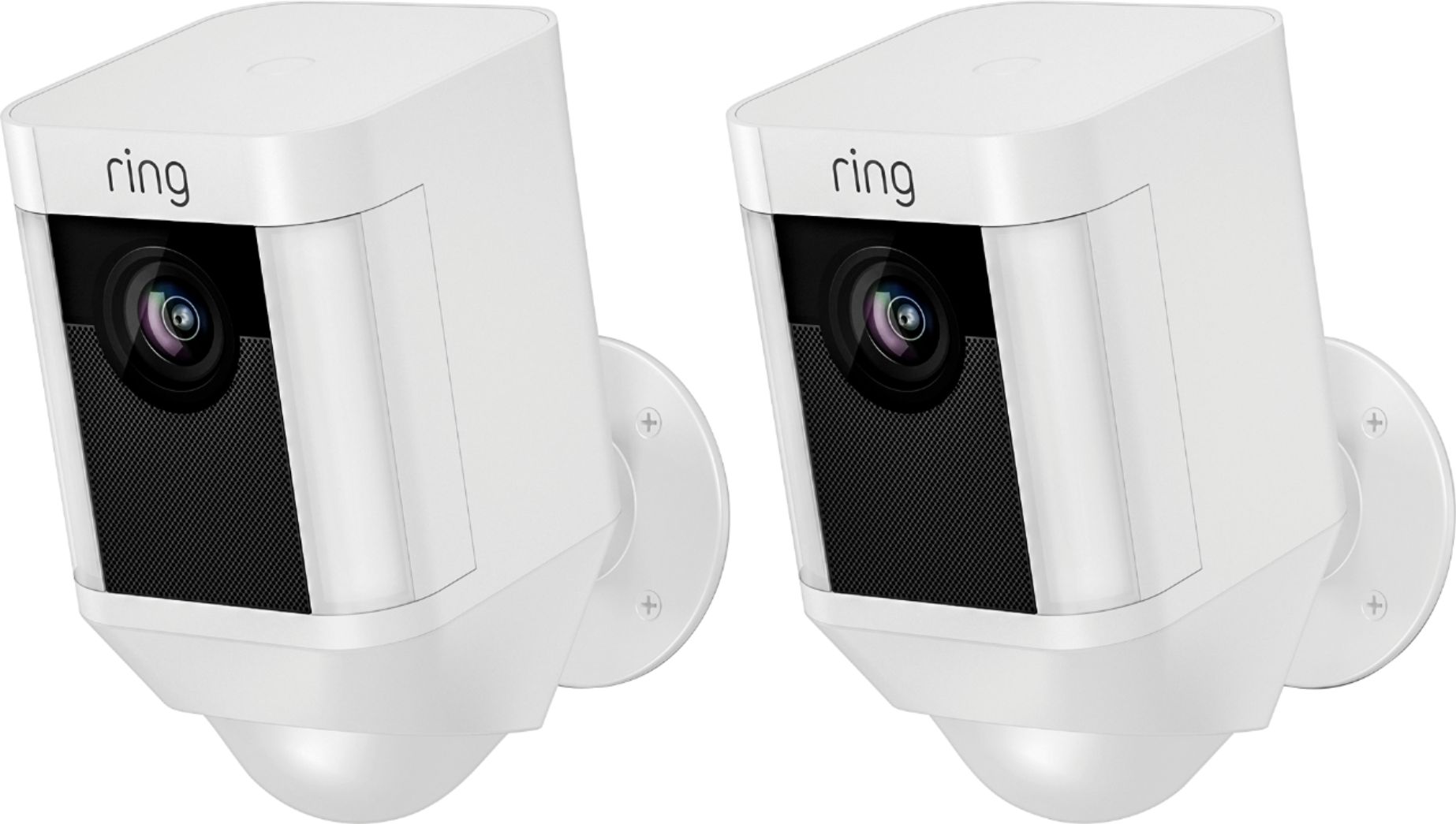
Great question! The Ring Spotlight Camera is available in white or black color options. For further questions or support, please visit: https://community.ring.com/.
Thank you,
Alexis with Ring
A:AnswerHello,
Great question! The Ring Solar Panel is designed to provide power for re-charging the Spotlight Camera's quick release battery. There are two important factors to consider when choosing solar, as a power option:
Number of Motion Events per day: If your Ring device is in an area that detects more events every day than average (defined as 10+ events per day) then your battery will drain faster and require more power or recharging more often.
Your Solar Environment: Warmer climates and areas that get less rain and cloud cover will get more kW of solar energy per day than rainier or cloudier zones. In such areas, having a larger solar panel may be a necessity for powering your Ring device.
Here is a helpful article to review: https://support.ring.com/hc/en-us/articles/360027286272-Picking-the-Correct-Solar-Panel-for-Your-Environment
For further questions or support, please visit: https://community.ring.com/.
Thank you,
Alexis with Ring
A:AnswerHello LB,
Good question! Installing your Ring Spotlight Camera is intended to be a very simple, do it yourself, process. Please follow this helpful article step by step: https://support.ring.com/hc/en-us/articles/115003340986-Ring-Spotlight-Cam-Battery-Installation
For further installation questions or support, please visit: https://community.ring.com/.
Thank you,
Alexis with Ring
A:AnswerHello,
Great question! The range of the cameras is dependent on the signal strength of your home wifi network equipment. A variety of environmental factors may keep you from getting to clarity. Walls, floors, furniture, and appliances all block wifi signals. Even with the best wifi router and minimal obstructions, wifi signals get weaker as they travel. If your router is far away from your Ring products, consider moving it closer, or add a Ring Chime Pro or a mesh networking system to extend your wifi network.
If many devices are connected to your wifi network (such as phones, computers, or TVs), they may slow your connection enough to affect your Ring products. To free up your wifi network, disconnect devices you seldom use, and connect heavy-use devices using Ethernet, when available.
Here are two helpful articles to review to understand how to get the best signal to your Ring devices and alternate suggestions for you:
https://support.ring.com/hc/en-us/articles/360020044511-How-to-Make-Wifi-Work-For-You
https://support.ring.com/hc/en-us/articles/217271526-Understanding-RSSI-Values-and-Wireless-Signal-Strength
If you have any additional questions please do not hesitate to visit our support site at https://community.ring.com/ to find the answers you need.
Thank you,
Alexis with Ring
A:AnswerHello EJ,
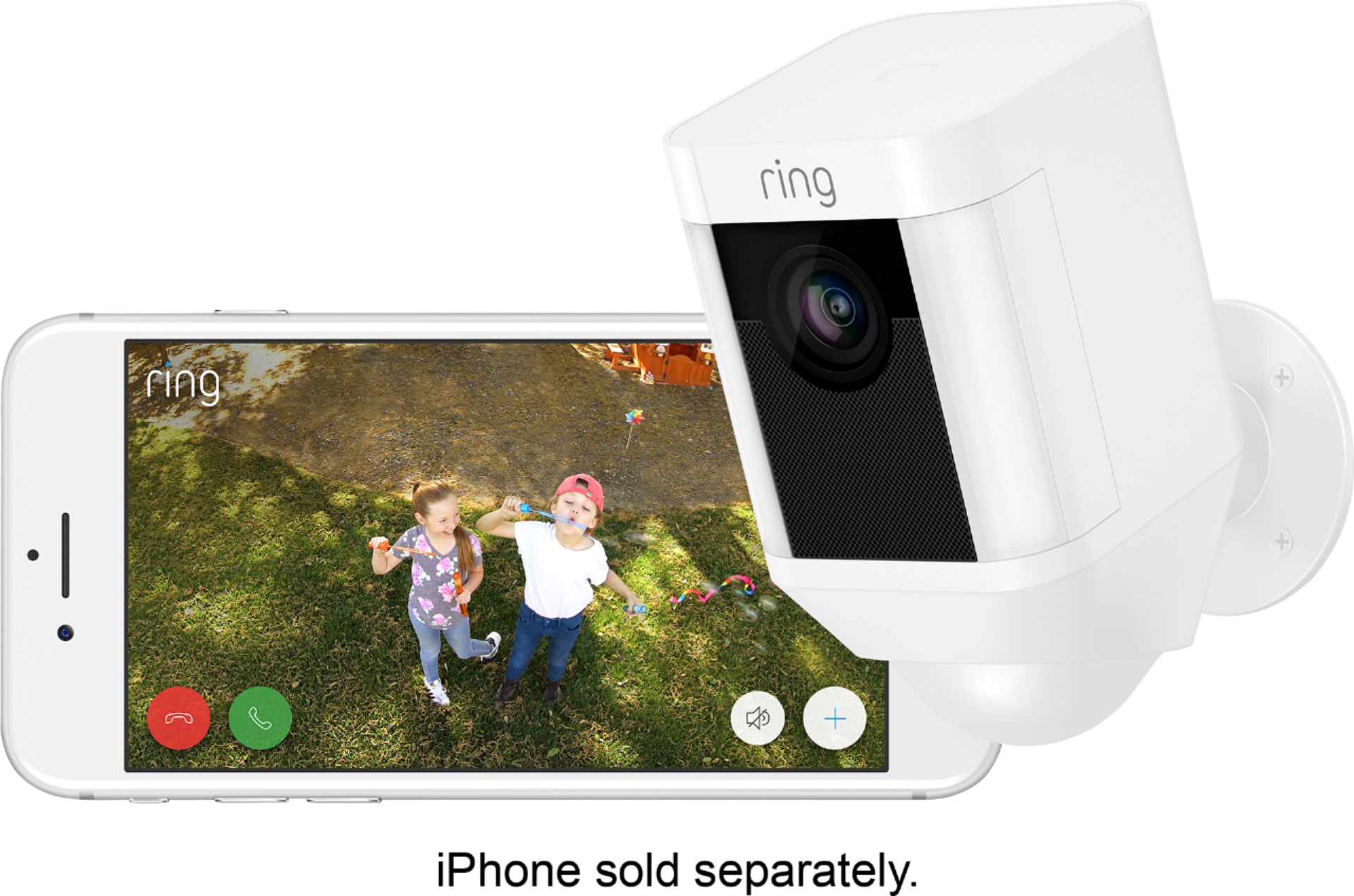
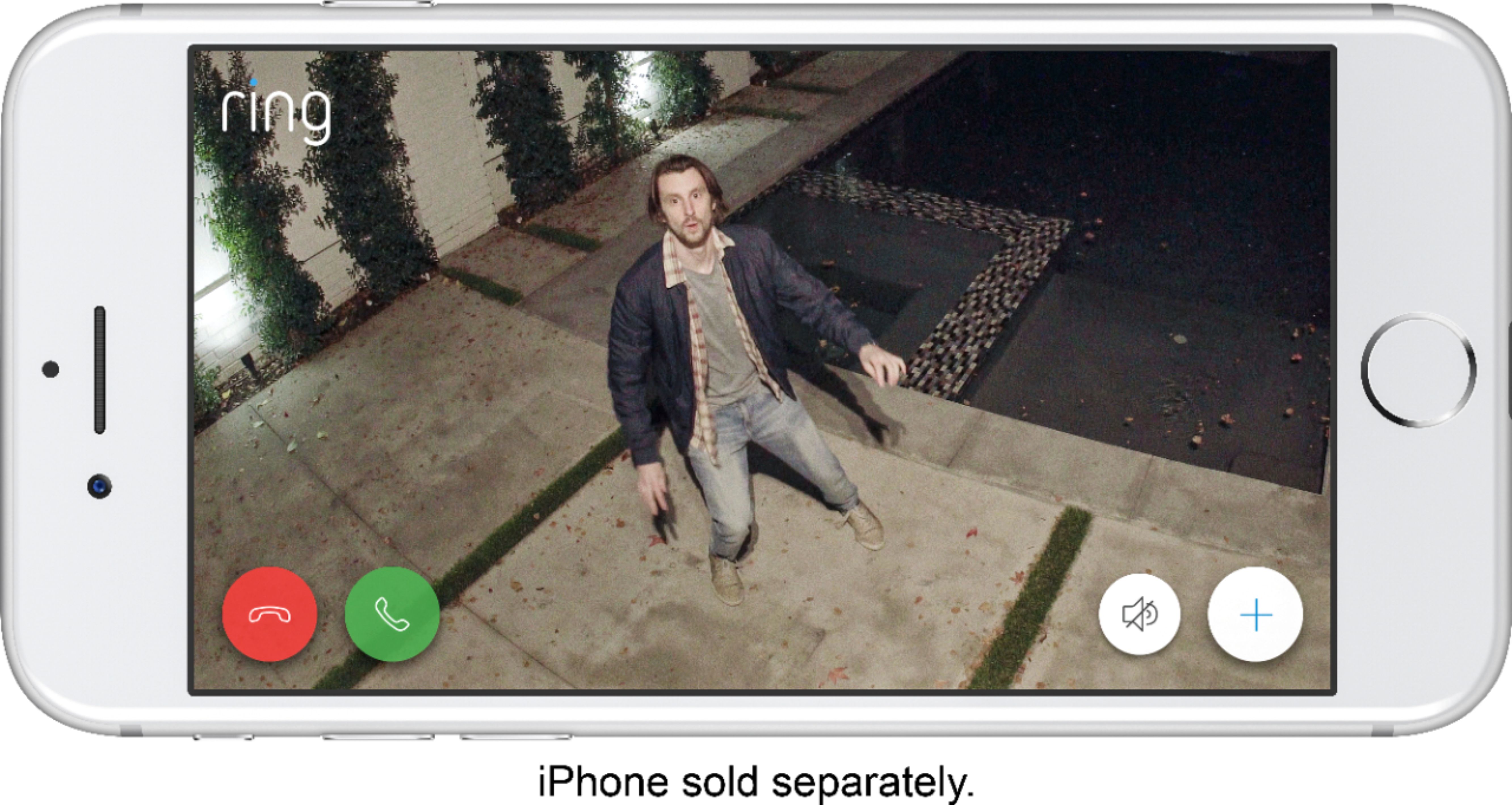
Good question! No, an Amazon Alexa device is not required for your Ring Spotlight Camera to work properly. All you'll need is the free Ring App downloaded from your mobile devices Play or App store.
For further questions or support, please visit: https://community.ring.com/.
Thank you,
Alexis with Ring
A:AnswerHello Texas,
No, the Ring Spotlight Camera does not work with the Nest Hub. You will need to download the free Ring App to set up and control your Ring devices and change settings.
For further questions or support, please visit: https://community.ring.com/
Thank you,
Alexis with Ring
A:AnswerHello thank,
The Ring Spotlight Camera can be used indoors, but there are other Ring models that may ascetically be more appealing to house indoors and easier to install. We also offer a Stick Up Camera or Indoor Camera. Here is a helpful link to the different security camera models and their specifications: https://support.ring.com/hc/en-us/articles/115004687606-Ring-Security-Camera-Product-Comparison
For further questions or support, please visit: https://community.ring.com/.
Thank you,
Alexis with Ring
A:AnswerHello Mandy,
Good question! The Spotlight Camera is weather resistant and performs best between standard operating temperatures of -5°F to 120°F (-20.5°C to 48.5°C).
For further questions or support, please visit: https://community.ring.com/.
Thank you,
Alexis with Ring
A:AnswerHello snowjob,
Good question! Ring battery products “see” the world through a network of three linked passive infrared (PIR) sensors. These are heat sensors that detect motion by monitoring heat within the detection area. Since people are hotter than the surrounding areas, as a person enters the detection area, the heat measurements change. The motion sensors register this change as movement and send out an alert. Windows generally block heat sources. Since the Ring device uses PIR (Passive Infrared) to detect motion, the Ring device will not be able to detect the motion very well through a window.
Here is a helpful article to review before purchasing: https://support.ring.com/hc/en-us/articles/360022650691-Motion-Detection-in-Ring-Battery-Devices
For further questions or support, please visit: https://community.ring.com/.
Thank you,
Alexis with Ring
A:AnswerHello Shadow,
Good question! The smaller and more sleek Ring Spotlight Camera's light is not as bright as the robust Floodlight Camera model. This device is designed to light smaller walkways and sidewalks.
For further questions or support, please visit: https://community.ring.com/.
Thank you,
Alexis with Ring
A:AnswerHello Bill,
Please reach out to our team at your earliest convenience, so we can discuss, troubleshoot and resolve your Spotlight Camera lighting concerns.
https://support.ring.com/hc/en-us/articles/360036196372
Thank you,
Alexis with Ring
A:AnswerHi David,
Great question! Yes, the Ring Spotlight Camera Battery works with Ring Solar Panels. The Spotlight Camera Solar Panel is a small device that can be mounted outdoors and connected to your Spotlight Camera or Stick Up Camera Battery with a cable. With just a few hours of direct sunlight per day, it will keep your Spotlight Camera or Stick Up Camera battery fully charged. Visit our support center for more information: https://support.ring.com/hc/en-us/articles/115005282806-Solar-Panel-for-Spotlight-Cam-and-Stick-Up-Cam-Battery-Information.
Ring Community launched in March 2019 to help deliver the most current news and educational information to our customers. You can find tips and tricks from other Ring users at https://community.ring.com/. This peer-to-peer forum allows our neighbors to share their feedback and experiences to assist each other in resolving their concerns.
All the Best,
Nicole with Ring
A:AnswerHi CDW,
Good question! Yes, you can purchase an adapter to connect this device for continuous power. You only need one battery for your Stick Up Camera Battery to work properly. However, if you want extended battery life or don't want to experience any downtime while charging the battery, we suggest a second battery or a power adapter for your Stick Up Camera. Visit our support center for more information: https://support.ring.com/hc/en-us/articles/360032436352-Charging-the-Battery-for-your-Stick-Up-Cam-Battery-Solar-3rd-Generation-.
Ring Community launched in March 2019 to help deliver the most current news and educational information to our customers. You can find tips and tricks from other Ring users at https://community.ring.com/. This peer-to-peer forum allows our neighbors to share their feedback and experiences to assist each other in resolving their concerns.
All the Best,
Nicole with Ring
A:AnswerYes it can. That is what I did. I suggest using two batteries with the solar panel. Depending on the sensitivity of your settings, will determine how fast they drain. Also drains faster in colder weather. Solar panel makes everything last a lot longer.
A:AnswerHi Cam.
Great question. No, the Ring Spotlight Camera Battery will not connect to a 5GHz wifi connection. The Ring Spotlight Camera is compatible with 802.11 b/g/n wifi networks operating on 2.4 GHz frequencies. For best streaming performance, we recommend 2 Mbps upload and download speeds, though the video will function at lower speeds. Visit our support system for additional information: https://support.ring.com/hc/en-us/articles/115003802183-Ring-Spotlight-Cam-Information.
Ring Community launched in March 2019 to help deliver the most current news and educational information to our neighbors. It is our first peer-to-peer community forum, giving our customers the ability to help one another and share their feedback/experiences with Ring. Please reach out at https://community.ring.com/ if any additional information is needed regarding your concern.
All the Best,
Nicole with Ring