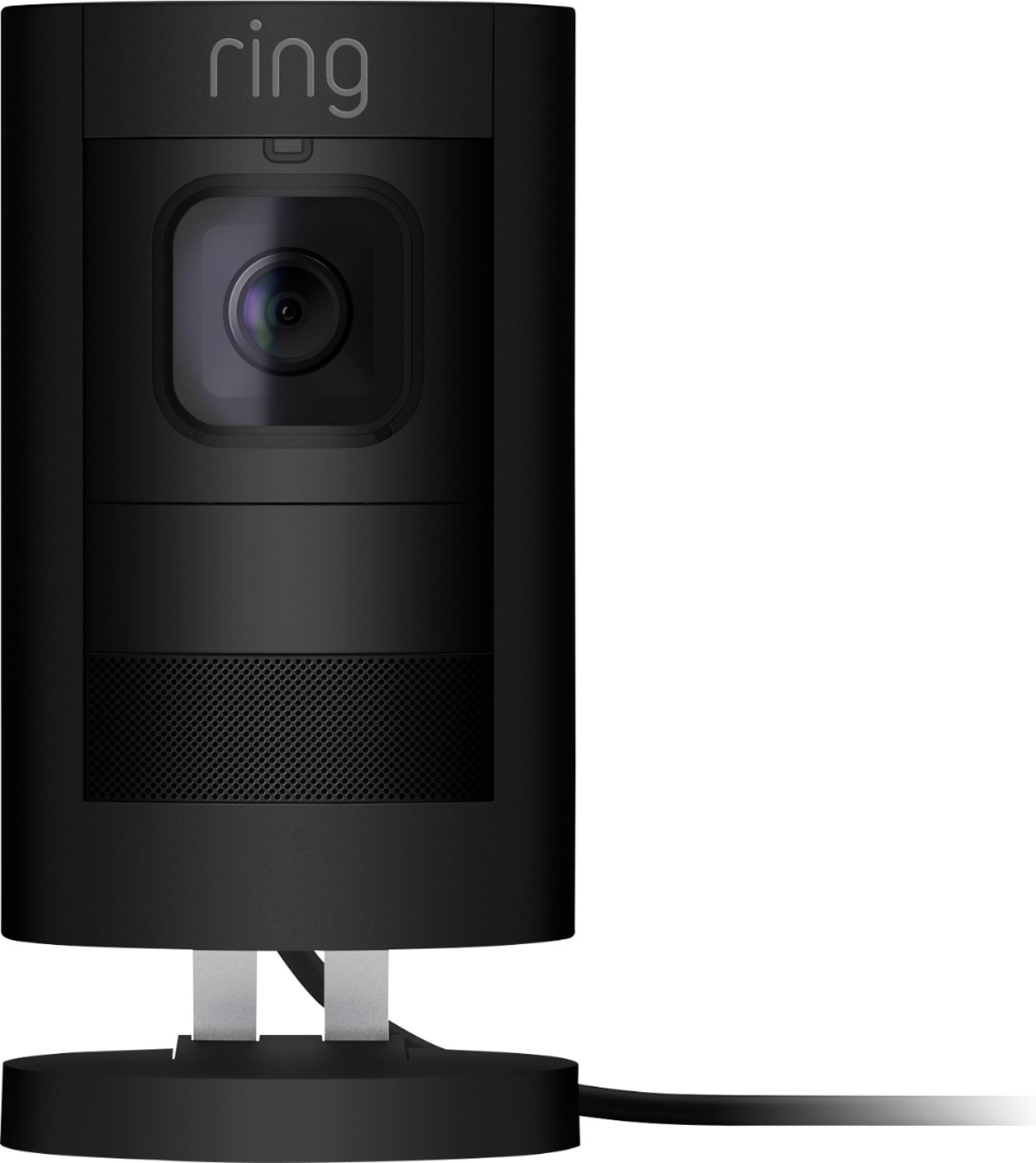
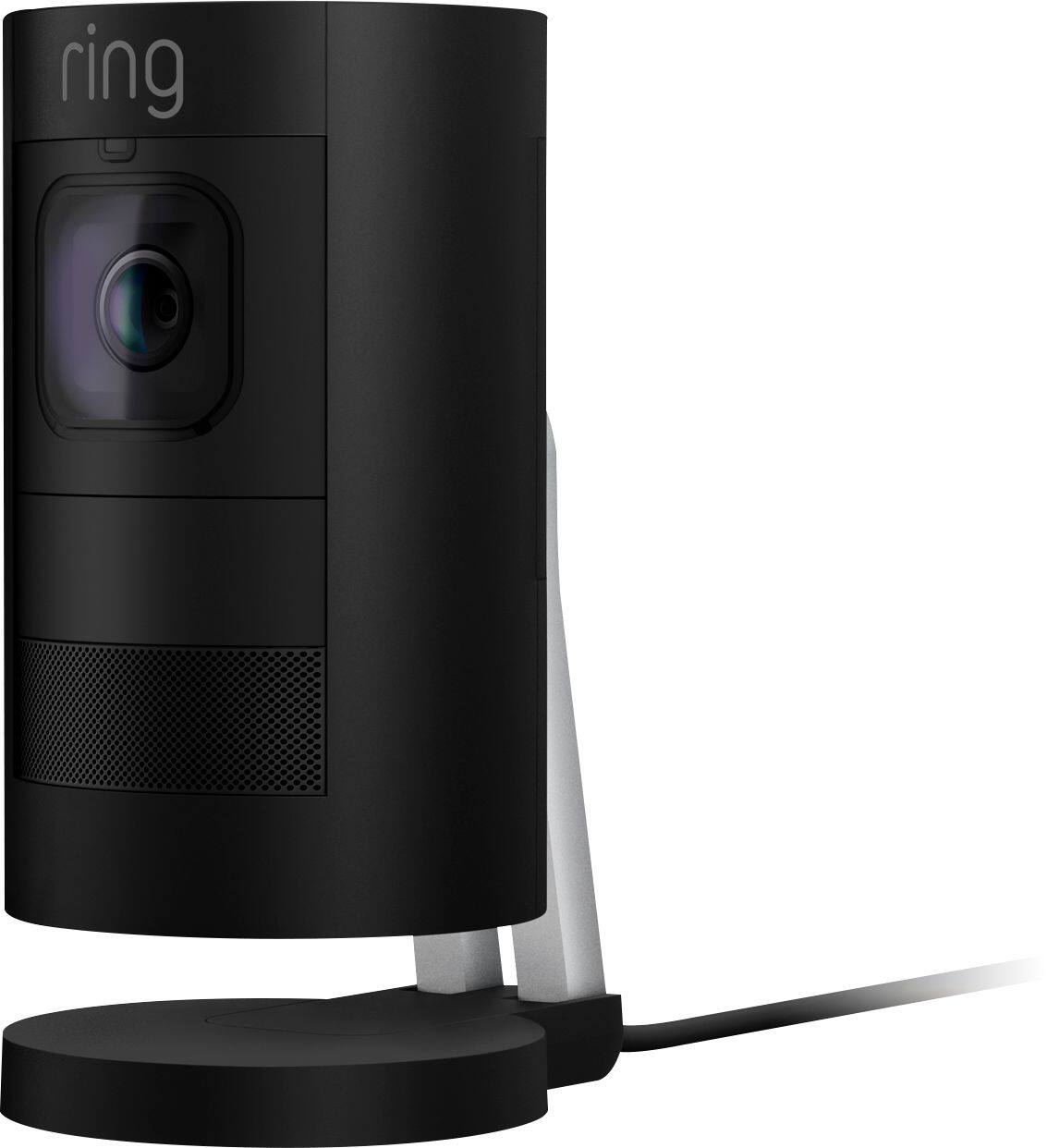
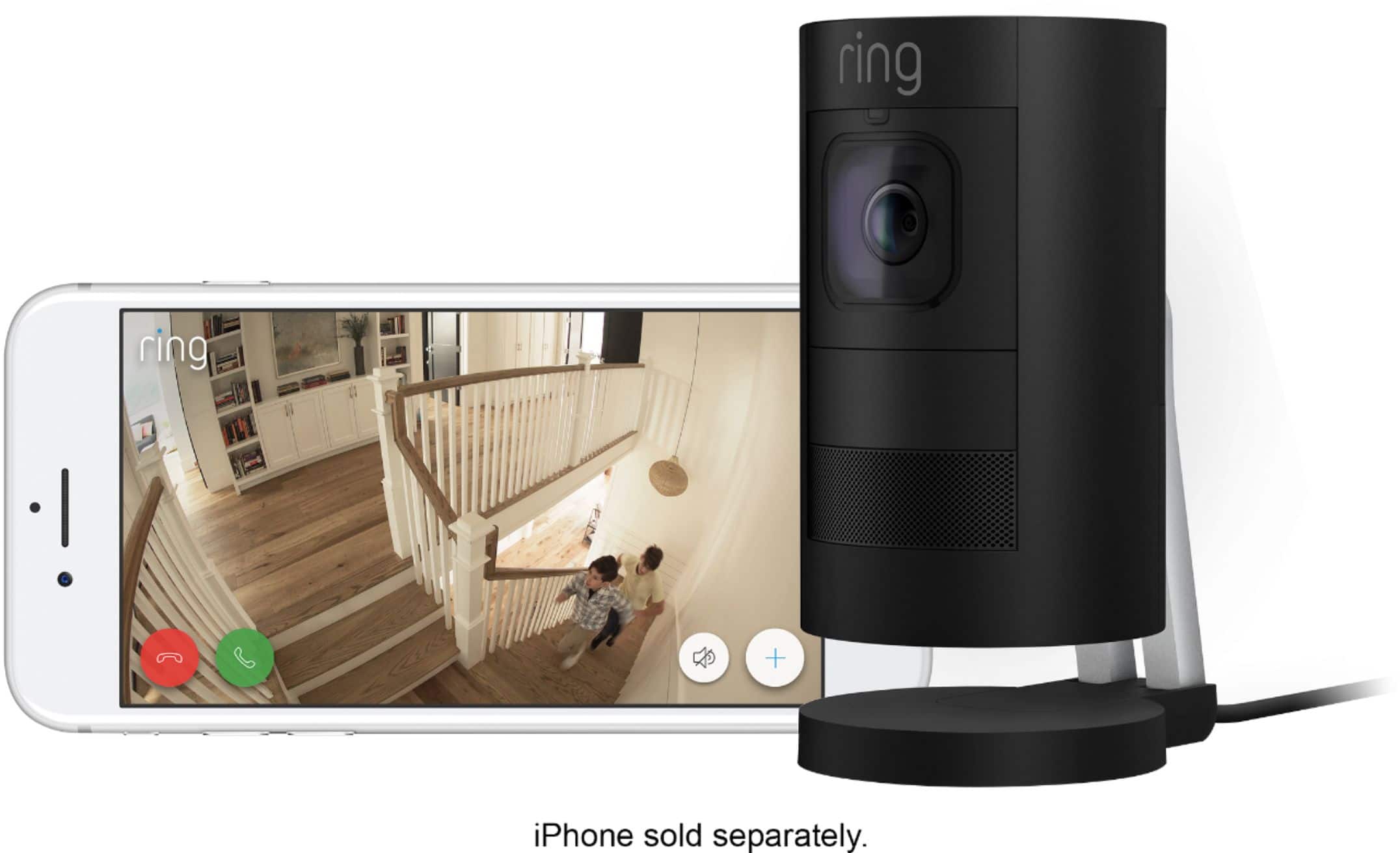
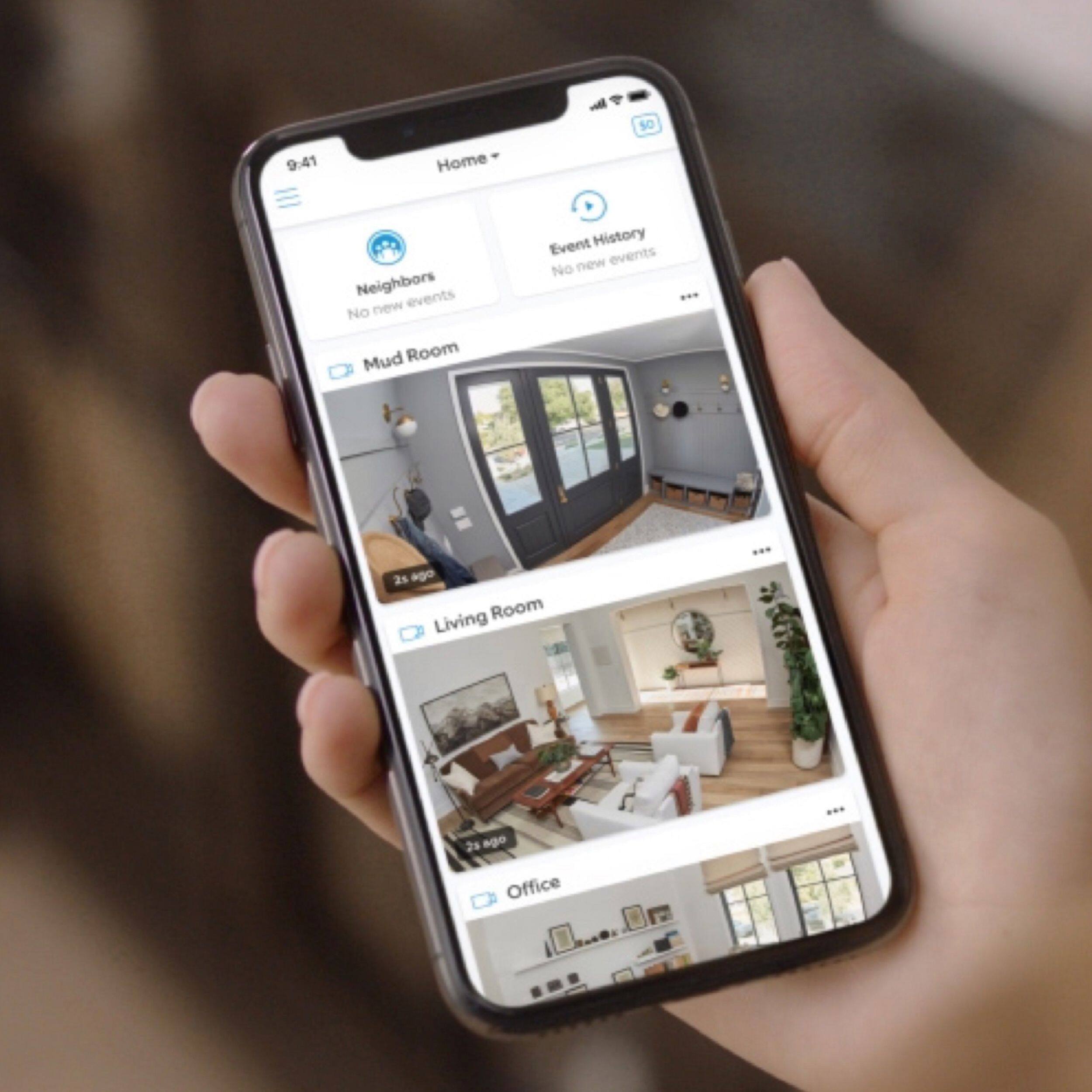
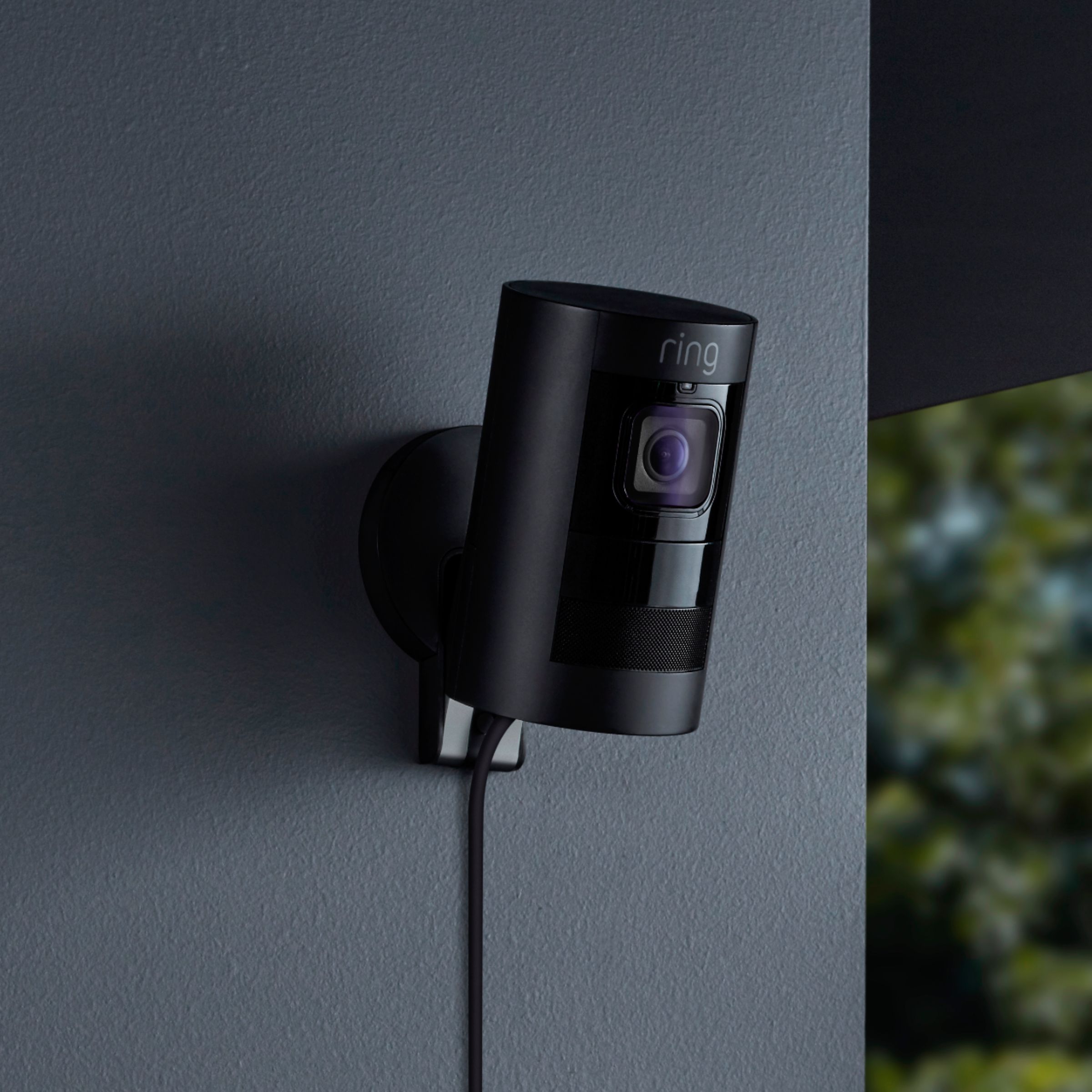
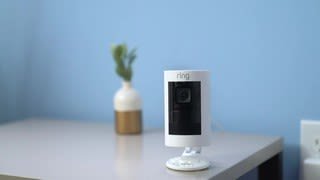
A:AnswerAs far as function they are exactly the same. The main difference is that the battery powered one needs to be recharged from time to time. The wired one includes the option to power over ethernet by plugging the cable into the camera from the router modem, an indoor charger that uses a microUSB, and an outdoor charger that also uses microUSB. I choose the wired version so that I could have more options to hook up the camera. As of right not I have it powered by the indoor cable and wirelessly connected to the network, but soon I will have it switched to powered by ethernet once I reconfigure my network. Also coming soon Ring is going to offer an option to have all wired cameras record 24/7 for added security. Hope this helps.
A:AnswerIt will connect with either a plug (outdoor also) or ethernet cable that is powered by POE Switch. Which means you would not need to have an outlet to plug power cord into.
Here is a switch that I bought.
NETGEAR JGS516PE-100NAS 16-Port Gigabit Rackmount Smart Managed Plus Switch, 85w 8xPoE, ProSAFE Lifetime Protection.
A:AnswerHi Newman,
Thanks for reaching out.
Yes! You are able to toggle off "Motion Recording" within your Ring App under your Motion Settings. Motion Recording controls the recording while there is motion and Motion Alerts controls the alerts when there is motion.
Thanks,
Kaitlyn R., Customer Satisfaction Specialist
[email protected]
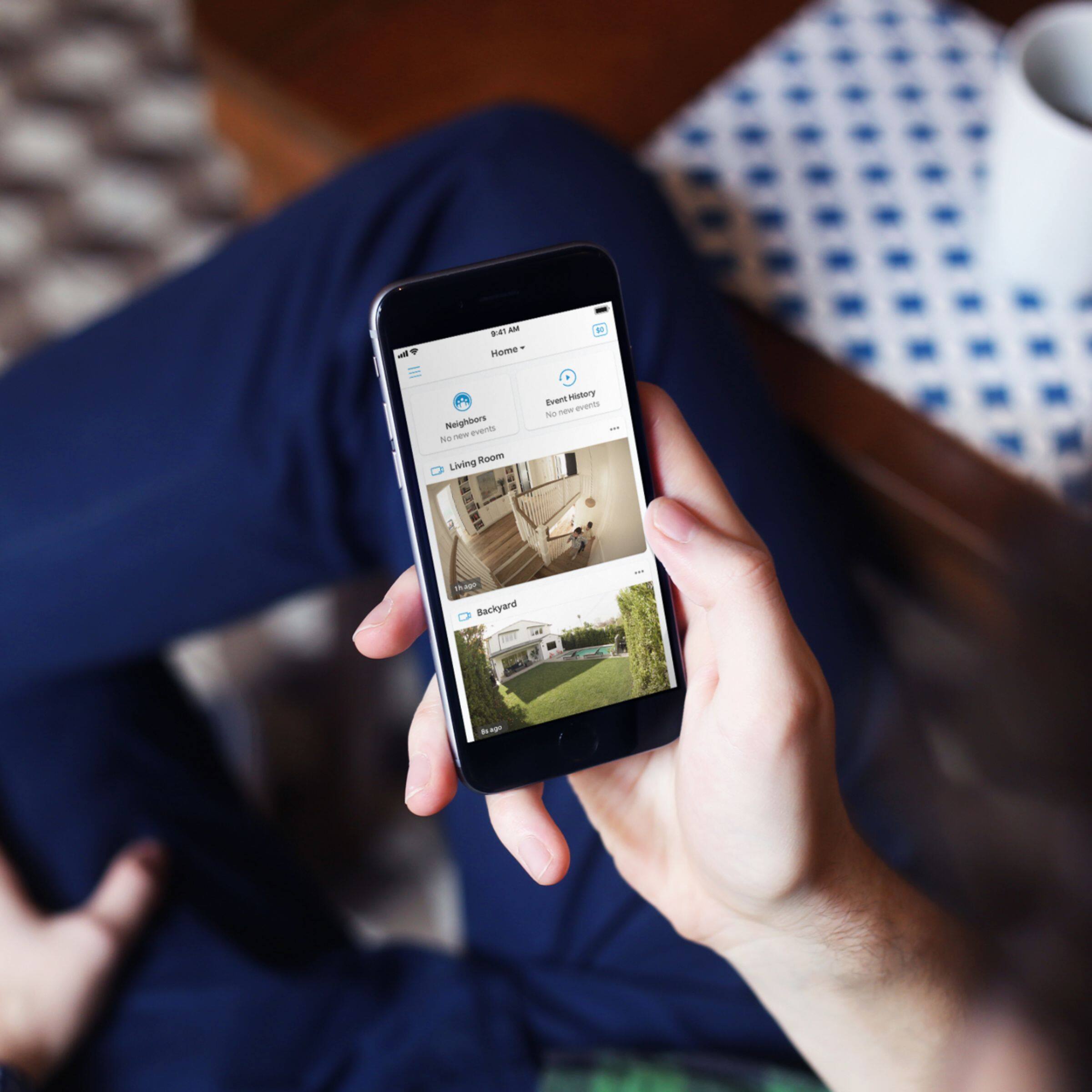
A:AnswerThe only way to shut off the camera from “live view” is to physically remove the plug from the electrical outlet. From the app you can stop motion recording but the camera is still on and anyone with access can view the camera footage over the internet. Also, there is no way to schedule the camera to turn on or off during certain time or to start/stop motion recording at certain time.
A:AnswerThe ring by default will capture the motion for 30 seconds . There are settings to snooze the motion or make it longer as well. Hope that helps
A:AnswerYes it does. Look up "ring camera and alexa" on whichever search engine you use and there are good resources. Have to get ring skill in alexa app to get started.
A:AnswerHi ForestMom,
Yes, all Ring products require connection to your home Wi-Fi network. Please email me with any additional questions you may have.
Bilan J., Customer Satisfaction Specialist
[email protected]