A:AnswerNo you don't. You only pay if you want it to continue taking time lapse pictures throughout the day. Also if you want it to save your videos up to 30 days.
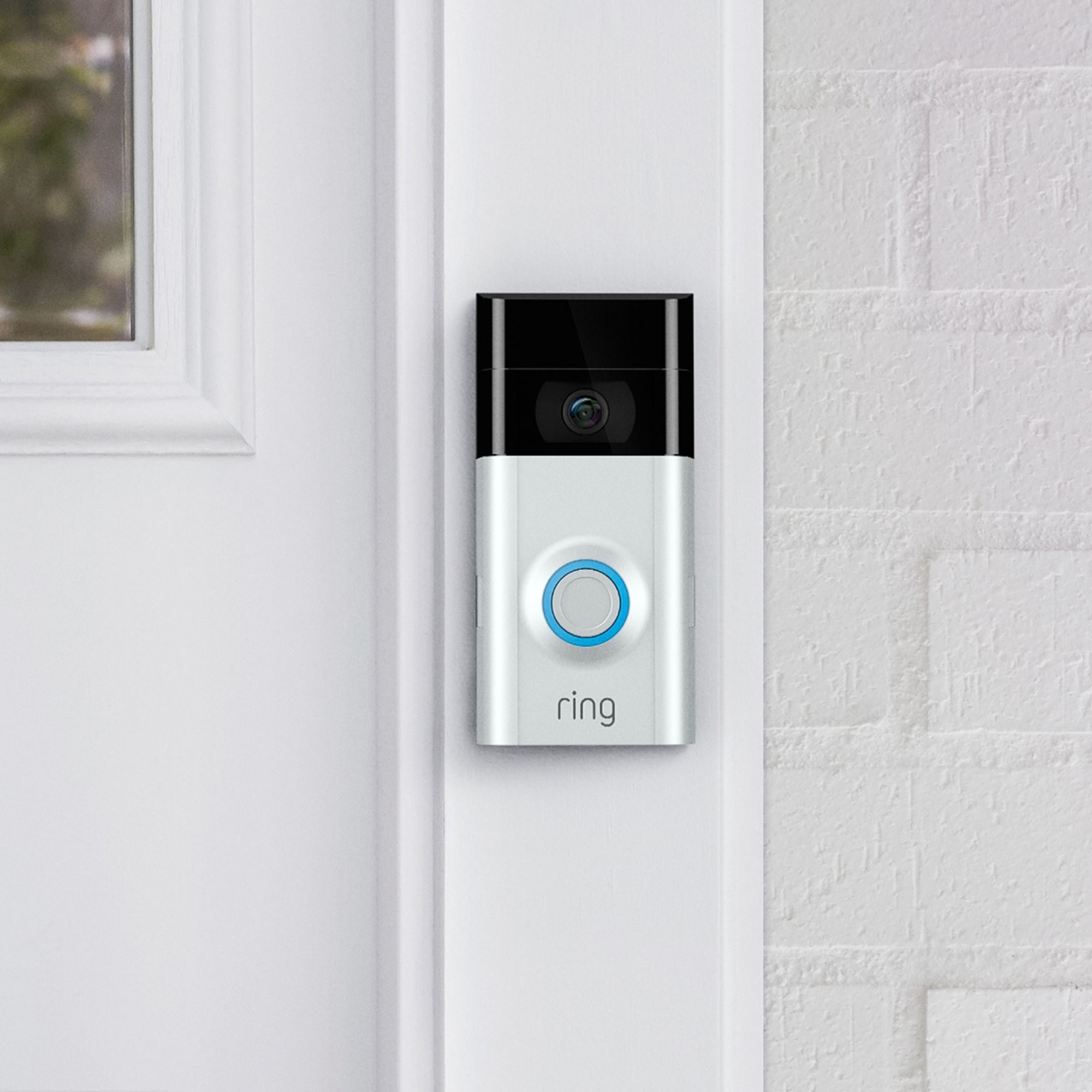
A:AnswerIt actually gets mounted on your entryway with screws that are covered after install is complete. Ring also states it will replace if it gets stolen but a police report needs to be made. If you go on the Ring website it will explain all the details. This company thought of everything!
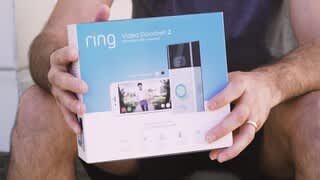
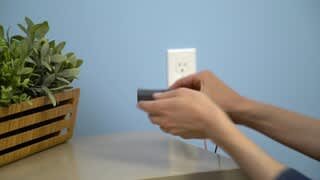
A:AnswerVery easy to install. No tools necessary. Everything you need comes in the box. It is all done by a screwdriver that is included. Completely wireless also. No need to hardwire anything. Hope this helps
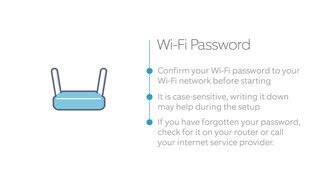
A:AnswerMost home wireless routers have 2.4 ghz also even if it's capable of 5 ghz due to the fact 5ghz is not good at long range and 2.4ghz can go double the range. You might want to have someone look if the 2.4ghz is just turned off in settings.
A:AnswerIf you have the Ring+ account for keeping video footage then you get an extra year of protection for each device. So 2 years form the purchase date thru Ring.
A:AnswerTry this: 1. Make sure both devices are on the same wifi network. 2. Install the Alexa app on your smart phone and make sure the phone app is “talking” to the Echo Show. 3. Add the Ring “skill” to the echo show using the Alexa phone app. 4. Use the Alexa app to search for devices. 5. Follow the instructions to add the Ring Doorbell to the Echo Show. This is, in a nutshell, what worked for me. I hope it works for you too! You might also find videos on the internet that would guide you through the process.
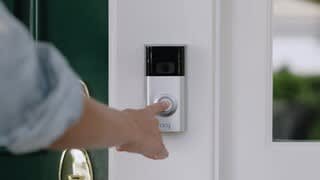
A:AnswerYes, when someone activates the doorbell by pressing the button, or you open up the app and go to live view, you can talk to whoever is there. And they can talk to you too.