A:AnswerYes free to use with your smartphone. If you don’t connect it to an existing door bell you will need the ring chime or just listen for the alert on your phone.
A:AnswerI would first try the ring wifi extender. I believe it's $49.99. It's as simple as plugging into an outlet and adding the device through the app. That should make the connection more solid and get rid of any delay. Also it wouldn't hurt to check your internet speed compared to how many devices you have tied into that network. It wouldn't hurt to upgrade your internet package if possible.
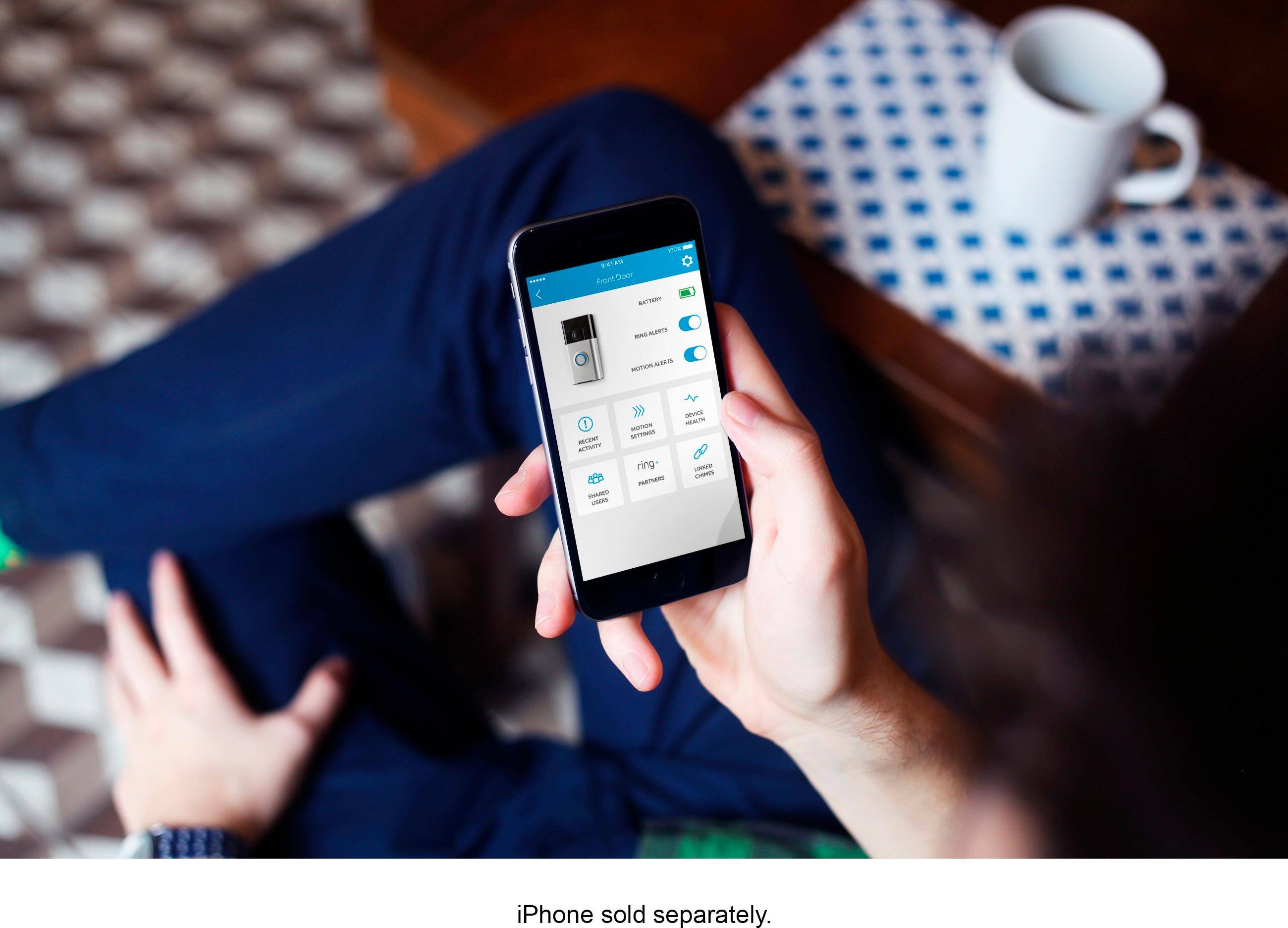
A:AnswerYou can go to www.ring.com to download the information but it's easy. Mine is battery so it was 4 screws to install. Before you do though download the app and it walks you through the process step by step. Then you can add it to Alexa.
A:AnswerSimple answer is yes. I have a galaxy note 9 and my wife has the iPhone xs max and we're both able to get notifications. You have to do the initial setup on one phone then add the other phone. Both users have to have the ring app of course which is available for android and iOS. The added user, will not have the same access to the settings as the primary user sites though
A:AnswerI'm not sure about the monthly charge but the camera is free for live view and event history. The charge is for the cloud storage of videos that it takes and stores. That is $30 a year for one Ring device and $100 a year for multiple devices.