A:AnswerYou always have free live viewing with notifications. You have 1 month of free motion recordings to see if you want and like that feature. If you decide to keep it is only $3 a month. We find it well worth it. I have not heard that it is compatible with drop box.
A:AnswerHi Luis,
Thanks for reaching out.
You should be able to install at this location. However, I would first make sure that you have the appropriate WIFI requirements for your Ring device to function properly.
Thanks,
Kaitlyn R., Customer Satisfaction Specialist
[email protected]
A:AnswerHi John,
Thanks for reaching out.
Would you kindly email me directly at [email protected] so that I can get some clarification on your question?
I would appreciate your time.
Kaitlyn R., Customer Satisfaction Specialist
[email protected]
A:AnswerHello,
Thanks for reaching out.
Yes, Ring will work in an apartment building. However, please do make sure that your WIFI meets the requirements needed. Ring Video Doorbell is compatible with 802.11 b/g/n WiFi networks operating on 2.4 gHz frequencies. Ring recommends WPA2 Wi-Fi security.
thanks,
Kaitlyn R., Customer Satisfaction Specialist
[email protected]
A:AnswerCheck out Ring.com for specific info. There are several options when it comes to turning off, snoozing, and scheduling hours of the day when notifications are active. I don't think you can turn the device off completely, but you can adjust the areas and distance where the device is sensing motion. You can always cover-up the device to stop it from sensing any motion or recording.
A:AnswerYou don't have to connect the Ring doorbell to an existing doorbell. It can run off a rechargeable battery. I chose not to hardwire my Ring product to my regular doorbell.
A:AnswerTake the screw off the bottom off your RING, slip out the battery pack, recharge with a usb cable and reinstall. If you have the RING Spotlight and camera setup, be prepared for a lot of ladder climbing. Once again, please read my 1 Star review before you do anything.
A:AnswerIt uses a built in rechargeable battery. If you wire it in to your existing doorbell wires then it keeps it charged on its own. If you don't wire it in then you'll have to take it off every 6ish months and plug it into a standard USB cable to charge it.
A:AnswerYou can put it anywhere you want to monitor. You make 4 holes on the mounting surface, but you can remove it and take it with you. You just have to deal with the holes.
A:AnswerThe camera is a wide angle lens so it could capture part of the person, but it most likely will not work all that well. The camera can only see what's in front of it.
A:AnswerHello,
Thanks for reaching out.
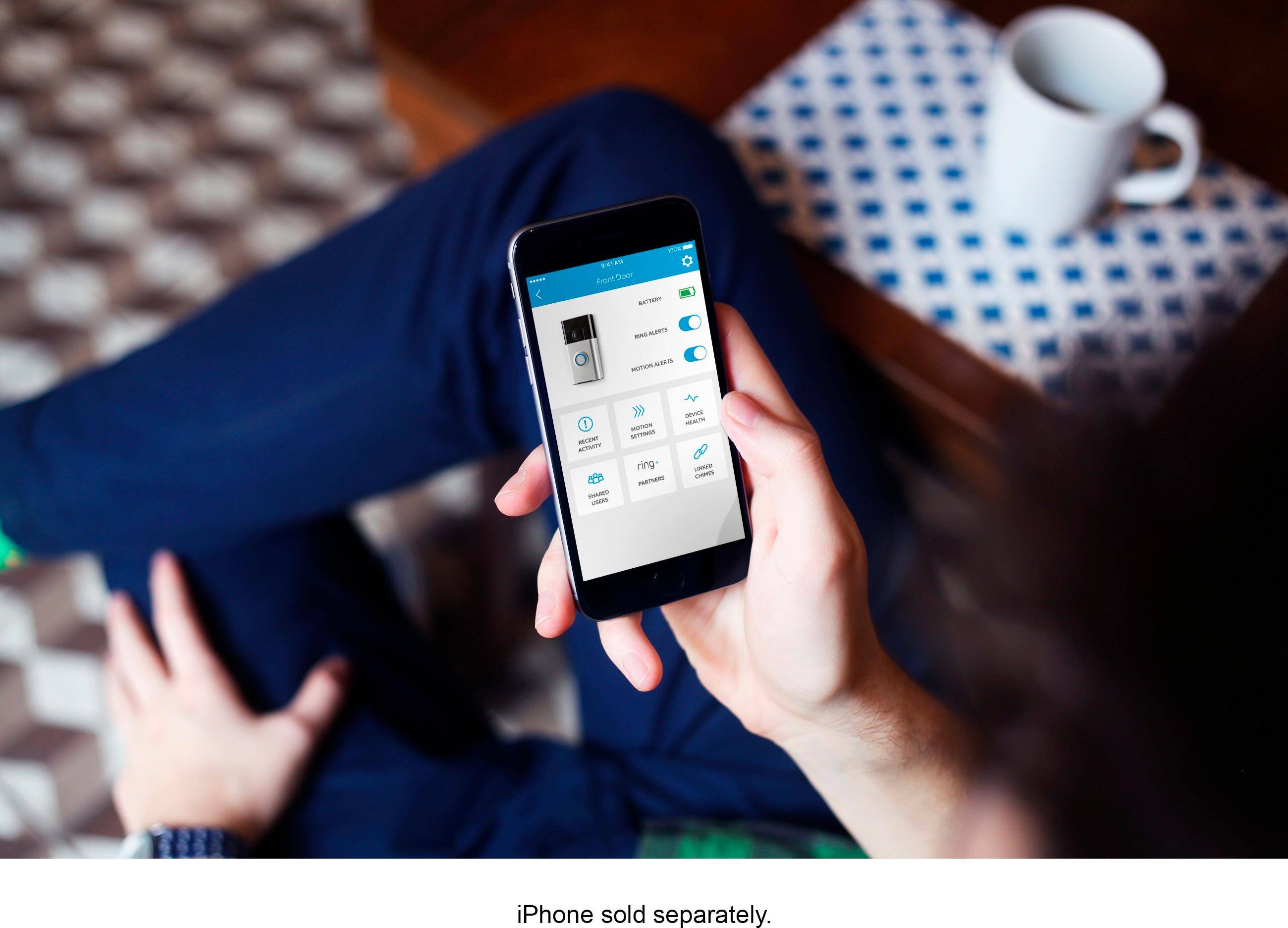
All of the Ring devices work independently from one another, however, you are able to monitor all of your Ring devices from the same Ring App. This means that you can check your device activity from the same phone as long as you are logged into your Ring app.
If you have any additonal questions or concerns please feel free to email me at [email protected].
Kaitlyn R., Neighbor Satisfaction Specialist
[email protected]
A:AnswerIf you purchase the Ring.com additional device then it will work with the Ring app. Otherwise the second video camera would not communicate with the Ring app protocol.If you had an app for the second camera the wifi network should support any number of additional devices.
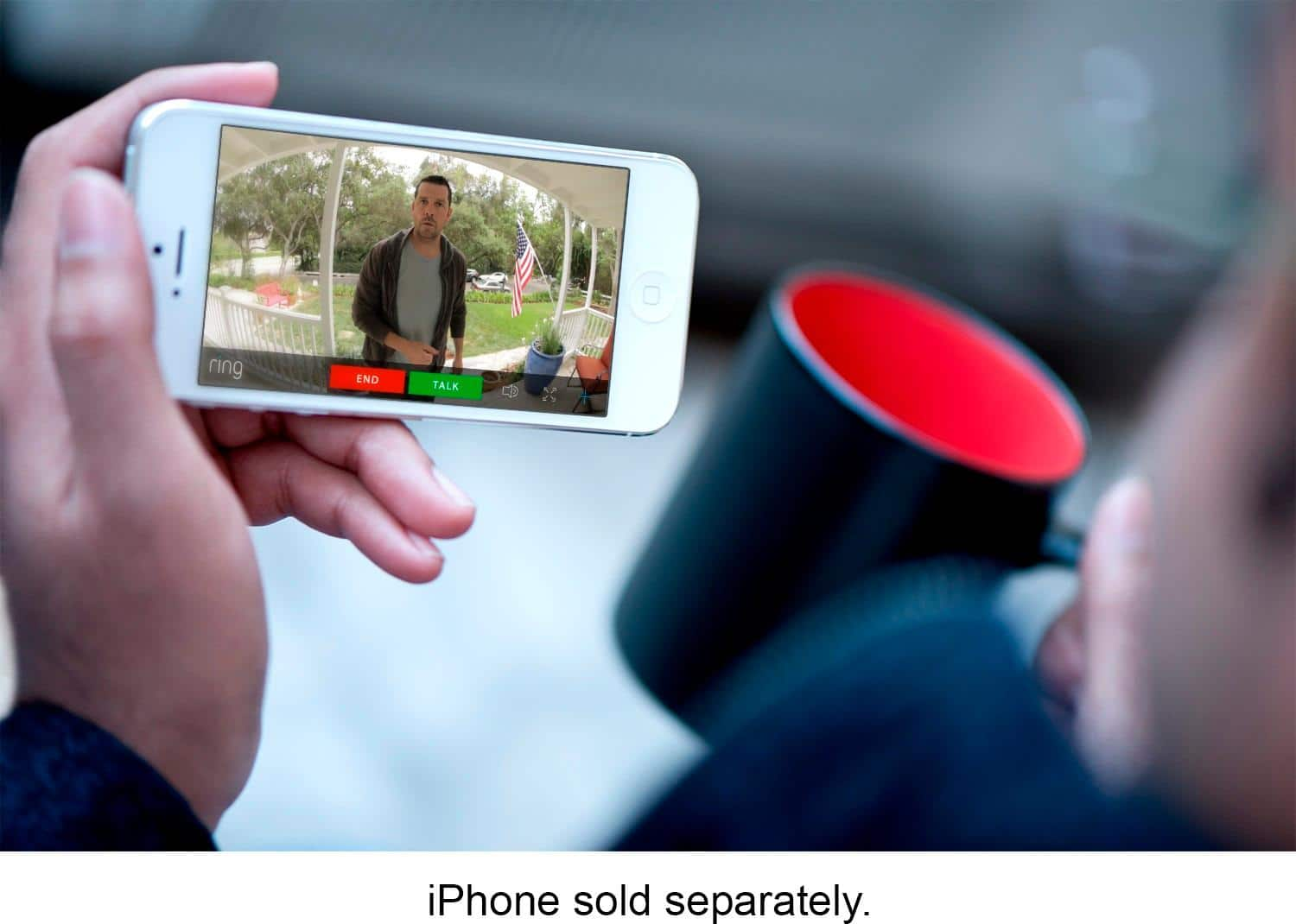
A:AnswerWork Properly? It works out of the box in conjunction with a smartphone(s) through the app. If it detects motion, it will notify you and if someone rings the doorbell it will notify you through the app and anyone else you give shared permission in your family through their phones as well. It has a built in battery and can work without a hardwired 8-24 vac connection (typical doorbell connection) and you just have to take it off and recharge it. You have the option to add additional chimes for inside the house to have an audible tone like a normal doorbell in case you don't have your phone on your person.