A:AnswerHello Dale,
Yes, you can have the Ring app on more than one phone at a time. And you will receive alerts on all devices at the same time.
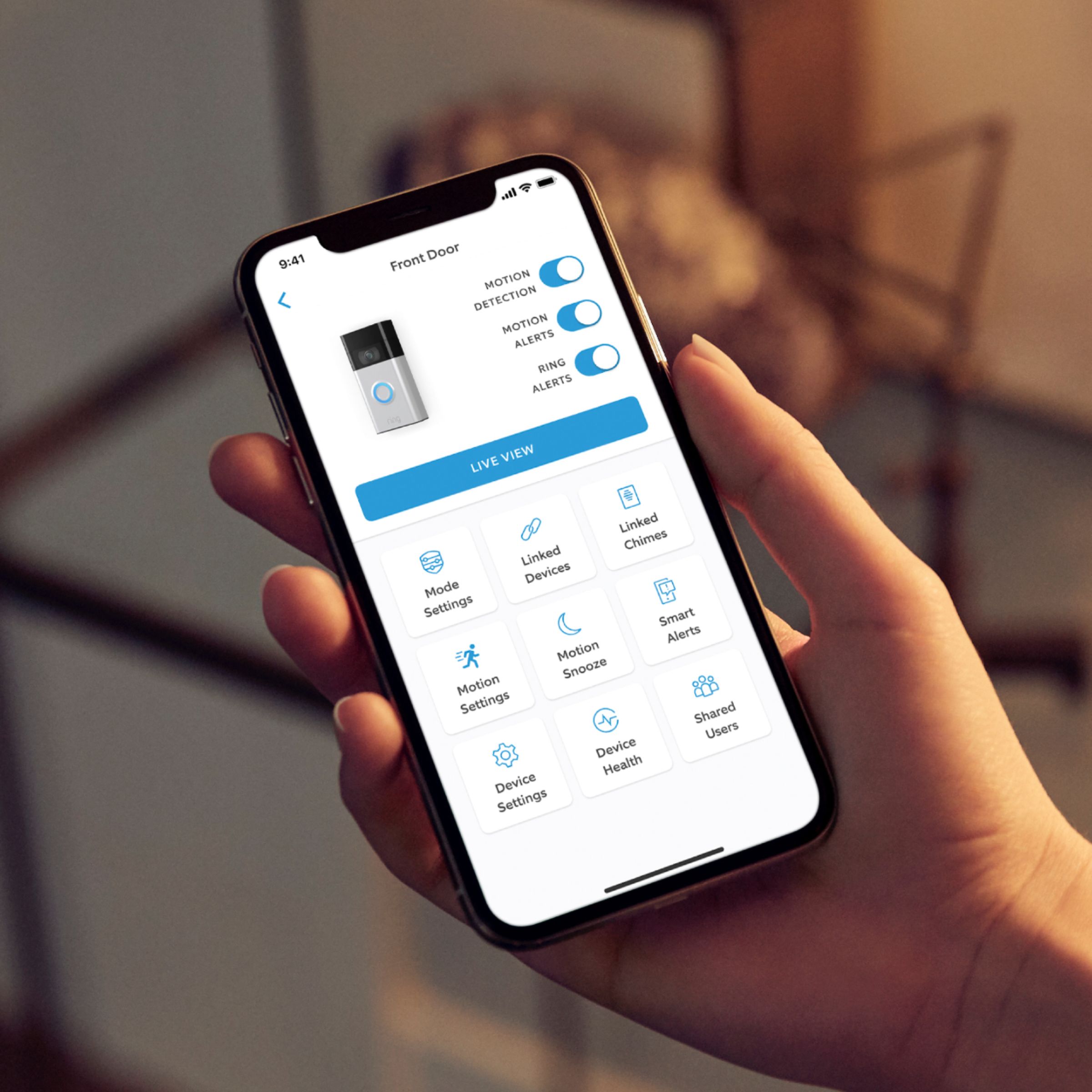
The account owner has control over all of the settings on the Ring device. If you want to use multiple electronic devices (tablet, another phone, etc.) to control your Ring devices, download the Ring App onto the additional devices and use the same login and password you use to log into the Ring App.
If you want to add another person to your account, you can add a Shared User. Shared Users must have their own Ring account (by downloading the Ring App), and use their own email and password to log in. If there are multiple Ring devices, the Account Owner needs to invite a Shared User individually to each device. An account owner is determined by the mobile device used to initially set up the Ring doorbell or security camera.
More information on this can be found on our website: https://support.ring.com/hc/en-us/articles/211018223-How-to-Add-Another-Person-to-Your-Ring-Account-
For any additional installation questions or set up concerns, please feel free to reach out on our community forum at https://community.ring.com/. You can also visit our help site, https://support.ring.com/hc/en-us, for tips & tricks, videos and help articles for all our Ring products.
All the best,
Antonio from Ring
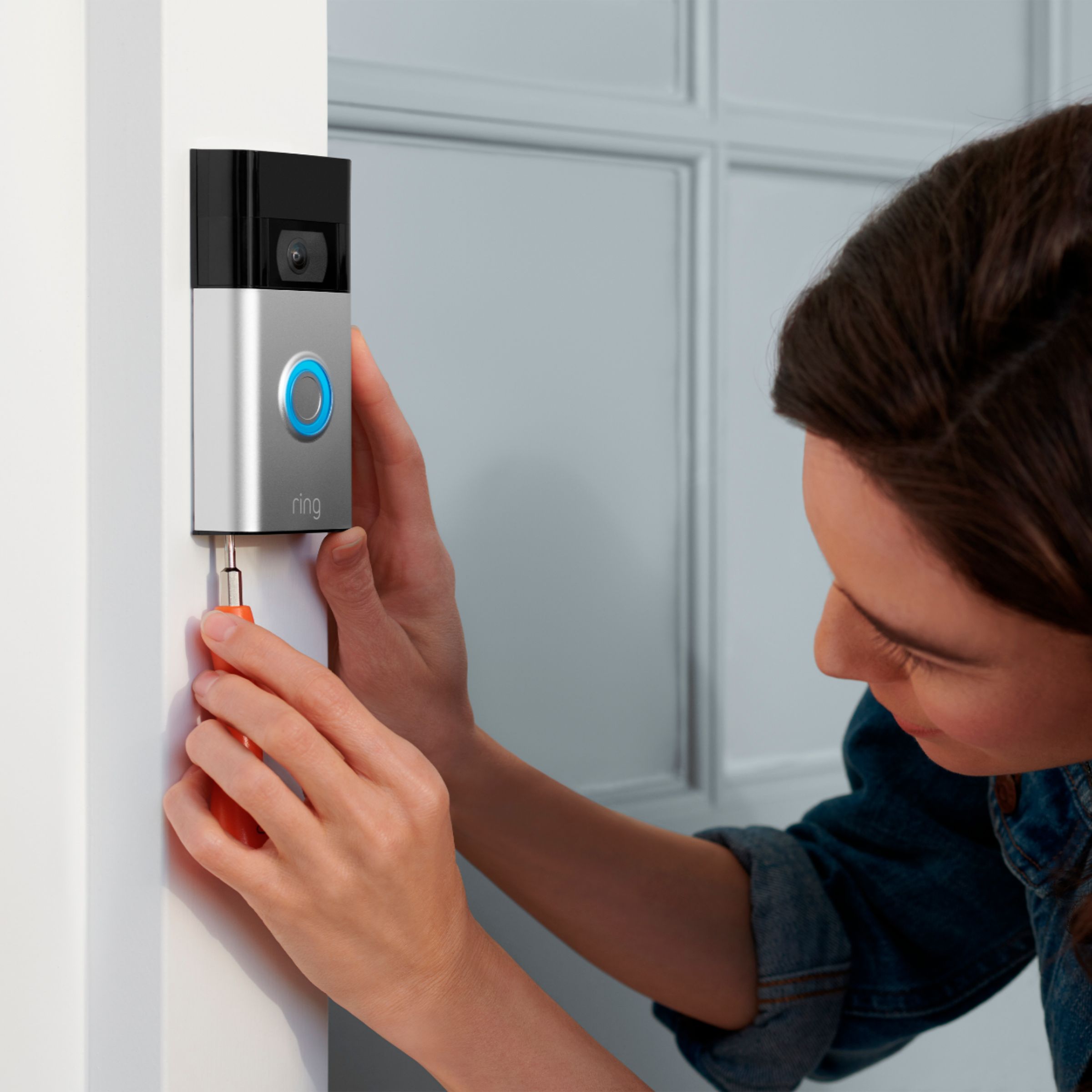
A:AnswerAbsolutely. This one has a rechargeable battery so need for any wiring. Just attach the back plate to the wall with a couple of screws, secure the doorbell and your Ring camera/doorbell is all set.
A:AnswerHello Tattoo,
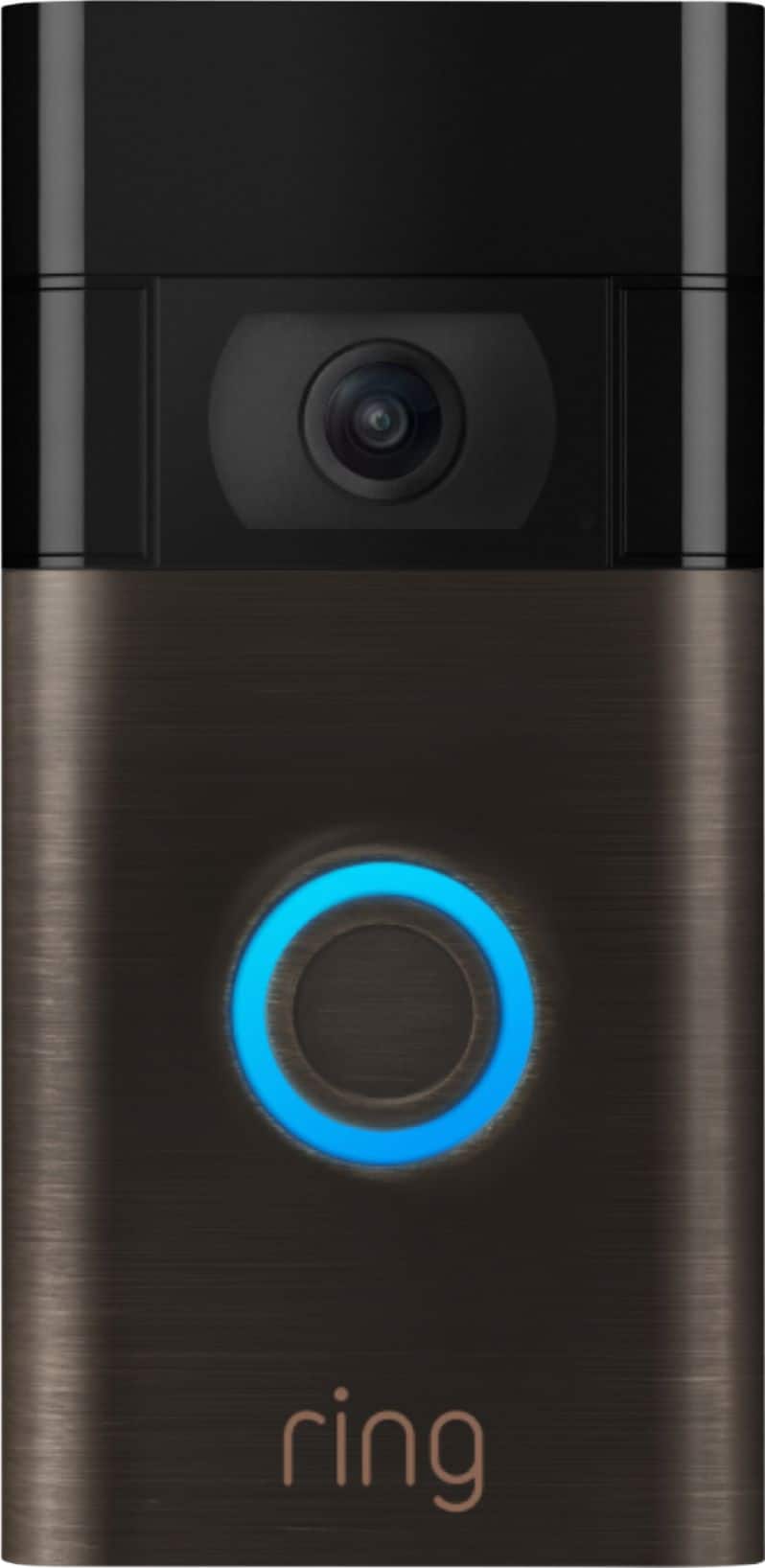
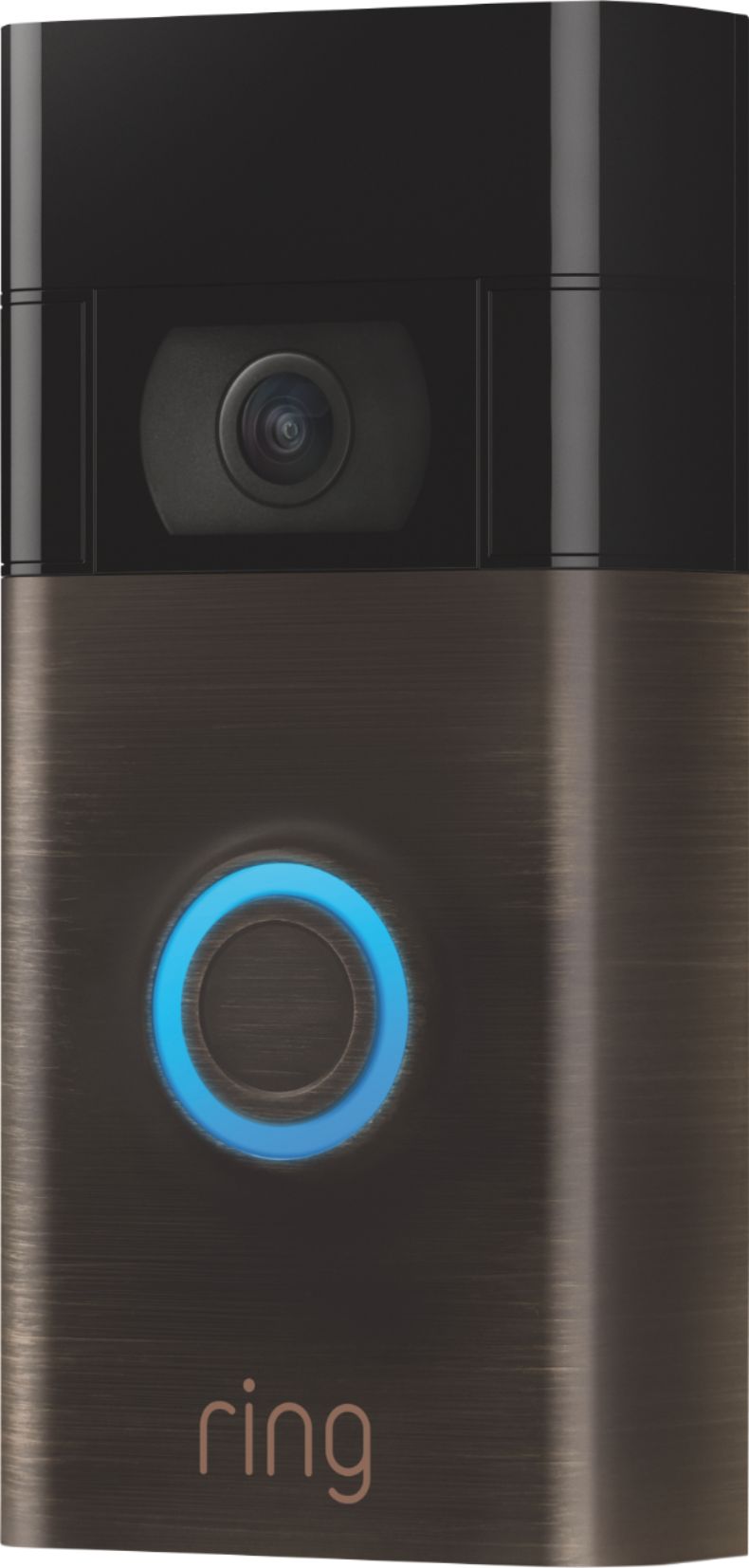
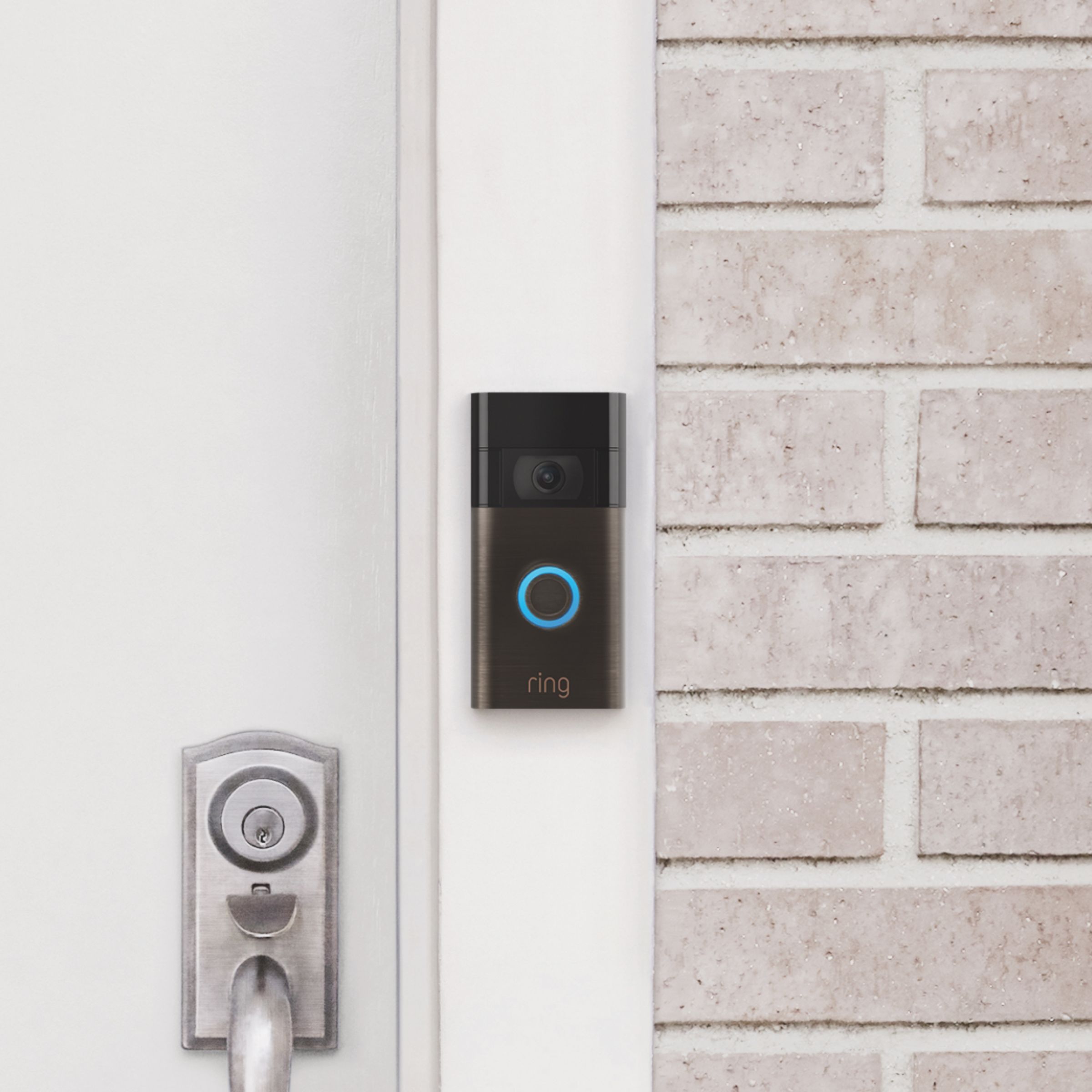
Yes, the Ring Video Doorbell (2020 Release) is powered by a rechargeable, built-in battery and does not require hard-wiring. It features a revamped mounting setup that simplifies installation and removal when it comes time to recharge the device. This doorbell is compatible with a 802.11 b/g/n wifi connection @2.4GHz. Additionally, this doorbell can be hardwired to an existing doorbell system or transformer for continuous charging (8-24 VAC, 40VA max, 50/60Hz). For more information on the Ring Video Doorbell(2020), visit our website: https://support.ring.com/hc/en-us/articles/360041190711-Ring-Video-Doorbell-2020-release-Information
Also, Ring Community was launched to help deliver the most current news and educational information to our neighbors. This online forum is divided into four categories: Product Boards, Ring Updates, Tips + Tricks, and a Moderators’ Corner. The Product Boards are where you can begin new topics with your questions or feedback; there is also a search option that helps you find topics that have already been posted by other neighbors. We invite you to visit our site at https://community.ring.com/ today!
Thank you,
Antonio from Ring
A:AnswerHello Anuenue,
Great question! Yes, you are able to add multiple Ring doorbells or camera's within one Ring app login. When you set up multiple devices, you'll be able to see them all on one dashboard within the app. Here is more information about granting friends and family access to the devices once they are set up as well, using our Shared User access: https://support.ring.com/hc/en-us/articles/115005235186-Controlling-Ring-Devices-With-Users-and-Roles.
We invite you to reach out at https://community.ring.com/ if any additional information is needed regarding your Ring pre-purchase question. Ring Community is our first peer-to-peer community forum, giving our customers the ability to help one another and share their feedback and experiences with Ring.
Thank you,
Alexis with Ring
A:AnswerHello,
Yes. The Ring Video Doorbell(2020) is a battery powered unit and does not require existing wiring in order to function. The Ring Video Doorbell (2020 release) is compatible with AC-powered door chimes operating between 8-24 volt AC transformers, but is not compatible with wireless door chimes or any chime/intercom system using a DC transformer. This article is a list of doorbell chimes we have tested and confirmed: https://support.ring.com/hc/en-us/articles/360053138112-Ring-Video-Doorbell-2020-release-Chime-Kit-Compatibility-List
Also, Ring Community was launched to help deliver the most current news and educational information to our neighbors. This online forum is divided into four categories: Product Boards, Ring Updates, Tips + Tricks, and a Moderators’ Corner. The Product Boards are where you can begin new topics with your questions or feedback; there is also a search option that helps you find topics that have already been posted by other neighbors. We invite you to visit our site at https://community.ring.com/ today!
All the best,
Antonio from Ring
A:AnswerHello Jay,
The Video Doorbell (2020 release) has 1080p HD video (vs 720p HD on the original Ring Video Doorbell), an additional “near” motion zone that provides motion detection in areas only 5’-15’ in front of your home, and a revamped mounting setup that simplifies installation and removal for battery charging. The new Video Doorbell also has improved audio quality, crisper night vision, and improved wifi connectivity. With Ring Video Doorbell (2020 release), you’ll always be connected to your home, so you can watch over your property and answer the door from anywhere.
More information on the Video Doorbell(2020) can be found here: https://support.ring.com/hc/en-us/articles/360041190711-Ring-Video-Doorbell-2020-release-Information.
For any additional installation questions or set up concerns, please feel free to reach out on our community forum at https://community.ring.com/. You can also visit our help site, https://support.ring.com/hc/en-us, for tips & tricks, videos and help articles for all our Ring products.
Thank you,
Antonio from Ring
A:AnswerHello Kaycee,
Yes. The Ring Video Doorbell (2020 release) is compatible with AC-powered door chimes operating between 8-24 volt AC transformers, but is not compatible with wireless door chimes or any chime/intercom system using a DC transformer. This article is a list of doorbell chimes we have tested and confirmed: https://support.ring.com/hc/en-us/articles/360053138112-Ring-Video-Doorbell-2020-release-Chime-Kit-Compatibility-List.
For any additional installation questions or set up concerns, please feel free to reach out on our community forum at https://community.ring.com/. You can also visit our help site, https://support.ring.com/hc/en-us, for tips & tricks, videos and help articles for all our Ring products.
All the best,
Antonio from Ring
A:AnswerHello Mat,
Good question. Yes, the Ring Video Doorbell 2020 is wireless.
Please see our help center article for more information: https://support.ring.com/hc/en-us/articles/360041190711-Ring-Video-Doorbell-2020-release-Information.
If you have any additional questions or concerns, please don't hesitate to reach out in our Ring Community forum: https://community.ring.com/.
Thank you, Jamila with Ring.
A:AnswerI was concerned about the battery life as I could not use our existing doorbell power. My concerns were unwarranted - as long as I take the time to charge, it does very well. :)
Depending on the model, you charge just like a cell phone. Plug in to a USB adapter and wait a few hours. I have one where you have to pop the battery out and another that you plug in the entire doorbell. Be sure and use the cable that comes with the device - for me they seem to be slightly different than a typical USB plug-in.
If the device is set to use low power consumption then a single charge lasts 30 to 60 days.
A:AnswerYes. Search on Rings actual website and look on Amazon. I had to purchase one because my door bell was on the side wall of my house. Now I can see straight ahead when installing the adapter kit.