A:AnswerHi Ashkey.
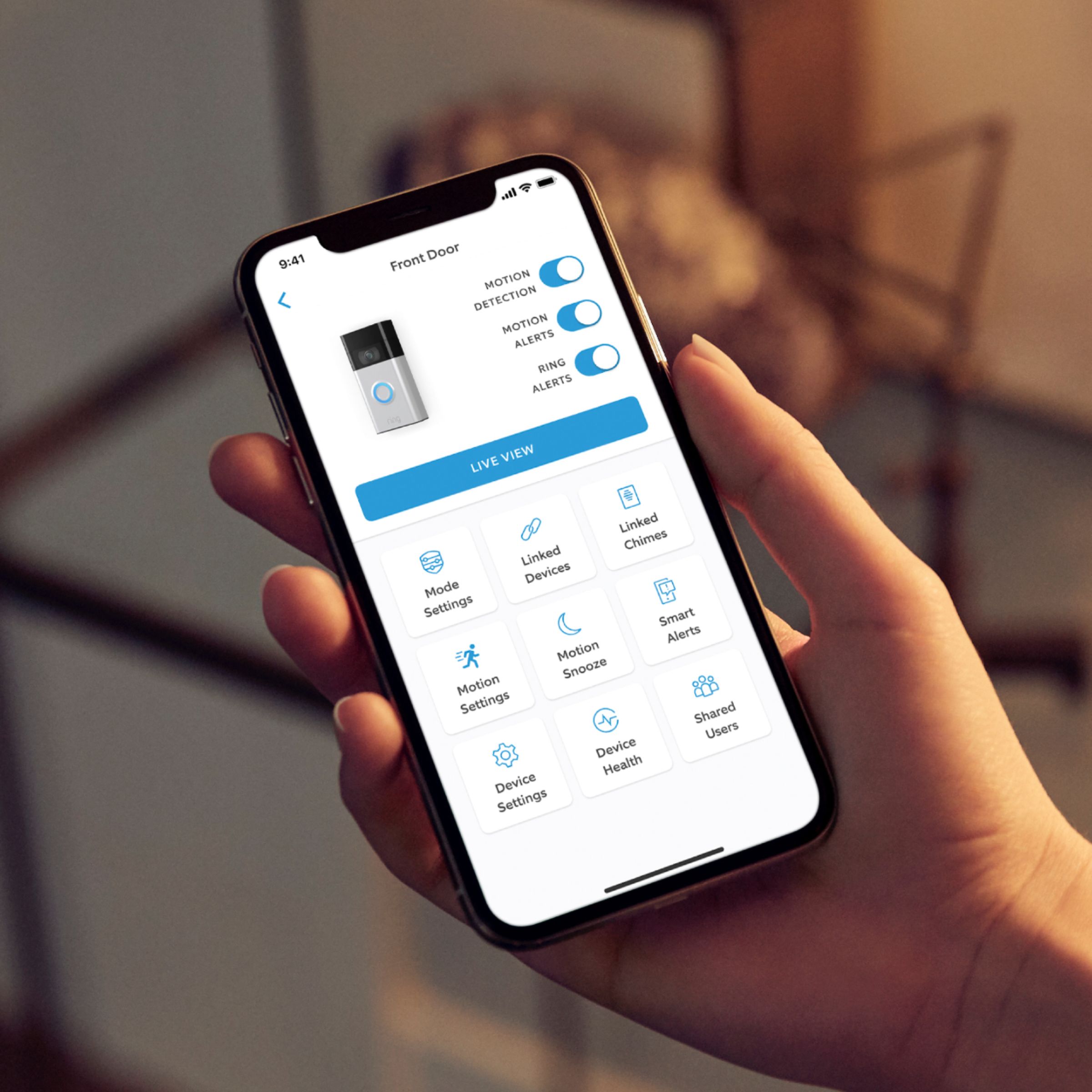
Good question. No, Alexa-enabled devices are not required for the Ring Video Doorbell (2nd Generation) to work. It requires the Ring app on a compatible smart phone and a b/g/n wifi network operating on 2.4 GHz frequencies.
We invite you to reach out to our Community if any additional information is needed regarding your question. The Ring Community is our first peer-to-peer community forum, giving our customers the ability to help one another by sharing their feedback and experiences with each other.
All the best,
Nicole from Ring.
A:Answer100% yes! on dashboard you can choose one. It is fun and worth is what you pay for the money. Befor I buy not really sure can do it or not , but don't worry can do it, even still can watch on destop . It is really great.
A:AnswerHi BellaLobe.
Good question. The further away from your router a wifi device is, the further the signal has to stretch to reach it. Wifi is useful, but it does have limits. Walls, floors, furniture, and appliances all block wifi signals. Visit our support center for information about how to make wifi work for you.
We invite you to reach out to our Community if any additional information is needed regarding your question. The Ring Community is our first peer-to-peer community forum, giving our customers the ability to help one another by sharing their feedback and experiences with each other.
All the best,
Nicole from Ring.
A:AnswerIf you want your Ring Video Doorbell to ring inside your household, there is an item called the Chime/Chime Pro that you can setup through the same app that will “ring” when your doorbell is rung. The Chime Pro is also a range extender for the Wi-Fi connection to any Ring items you may own.