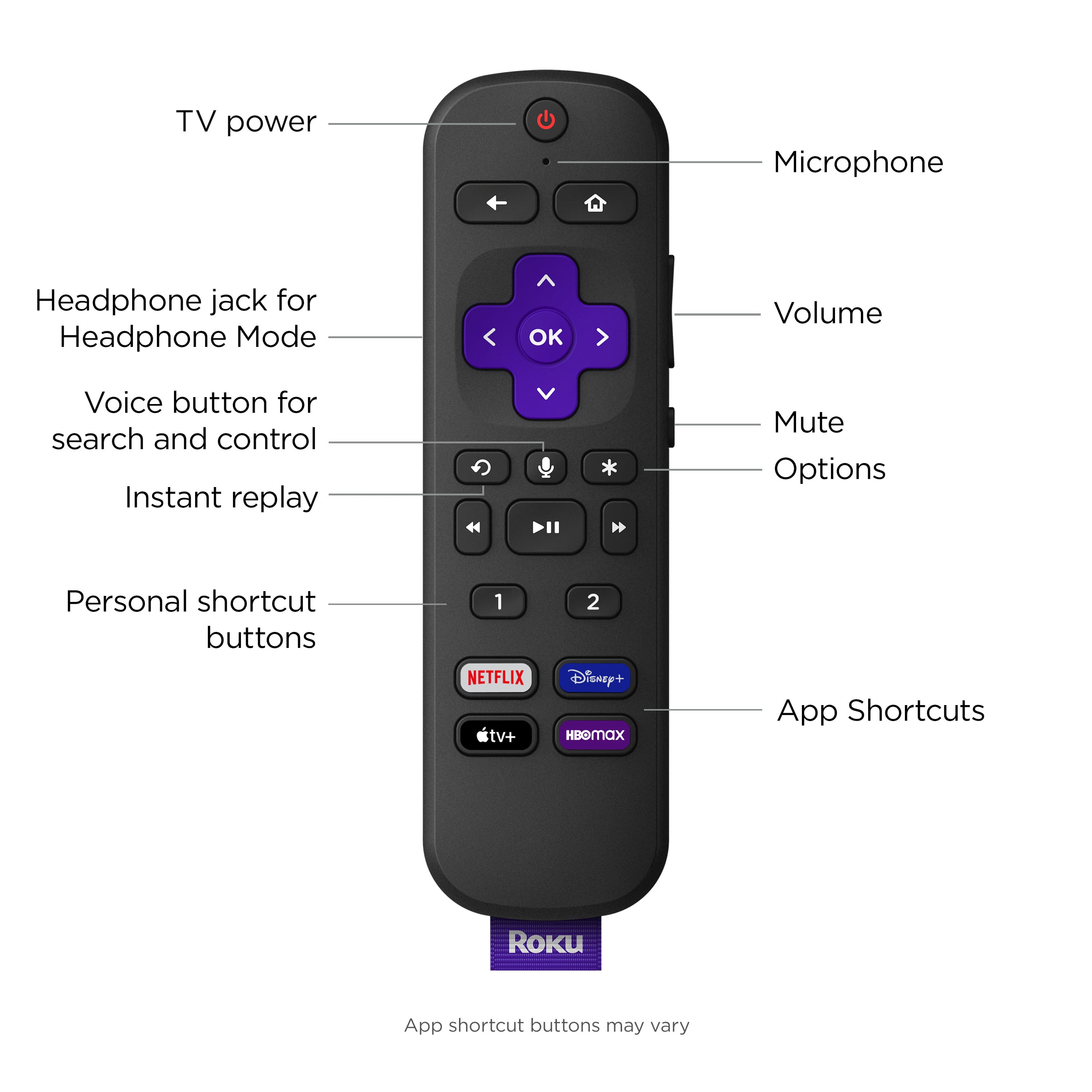
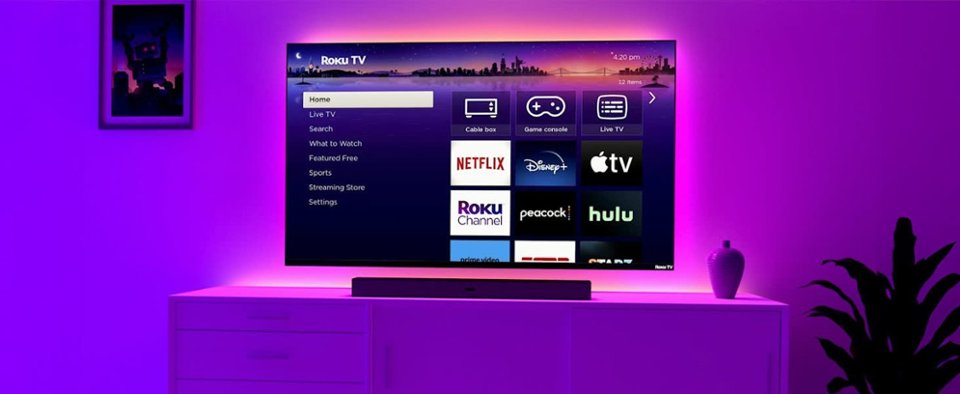
A:AnswerHello Nancy, this model does have a sleep function but there isn’t a button just for sleep. To access the sleep option you’ll have to press the options button (asterisk) and navigate to sleep timer.
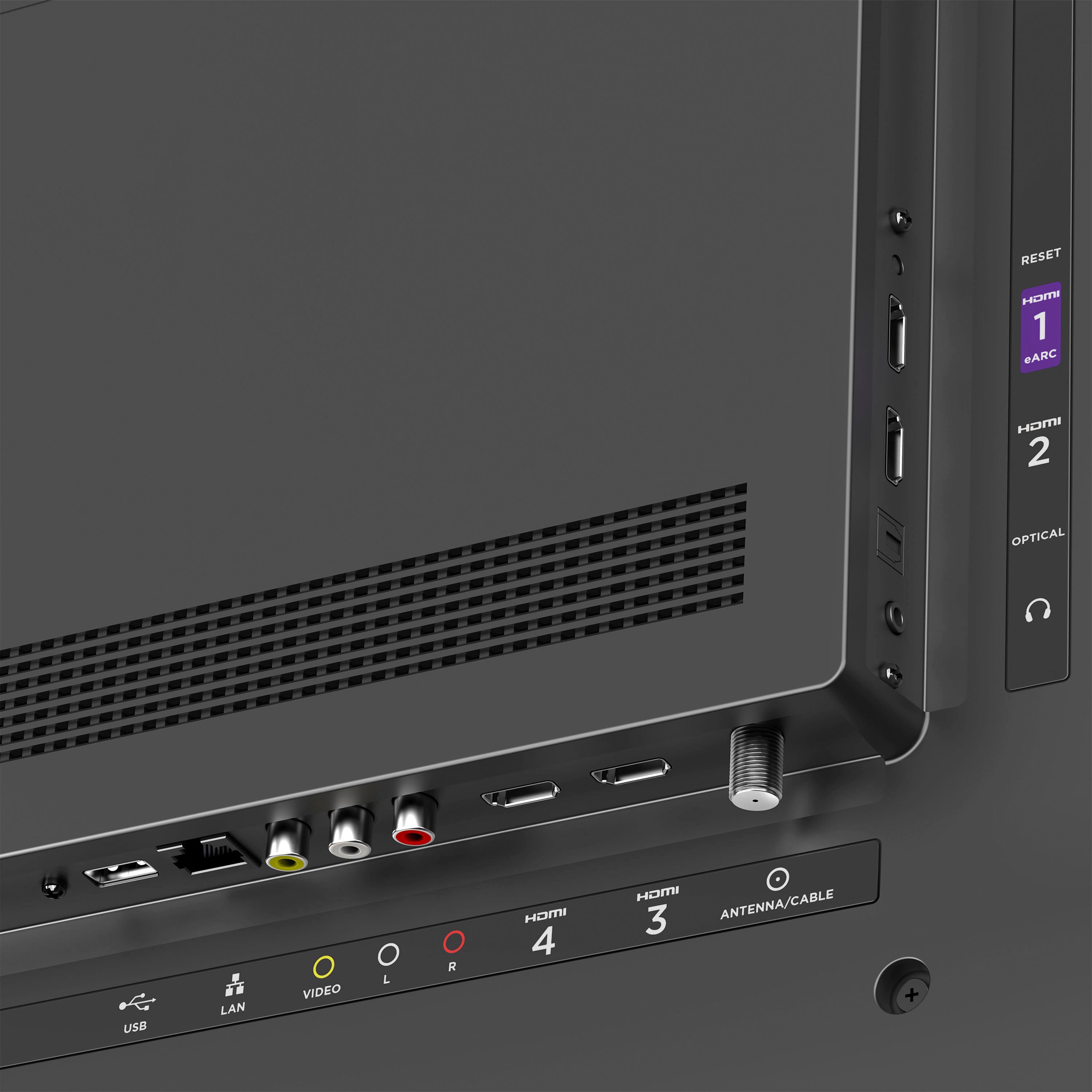
A:AnswerHello Gio2, Yes! it's as easy as plugging in the HDMI to the TV and going to that input to use your cable box. Depending on which cable provider you have you may be able to download their respective app on the Roku App Store and not need the box.
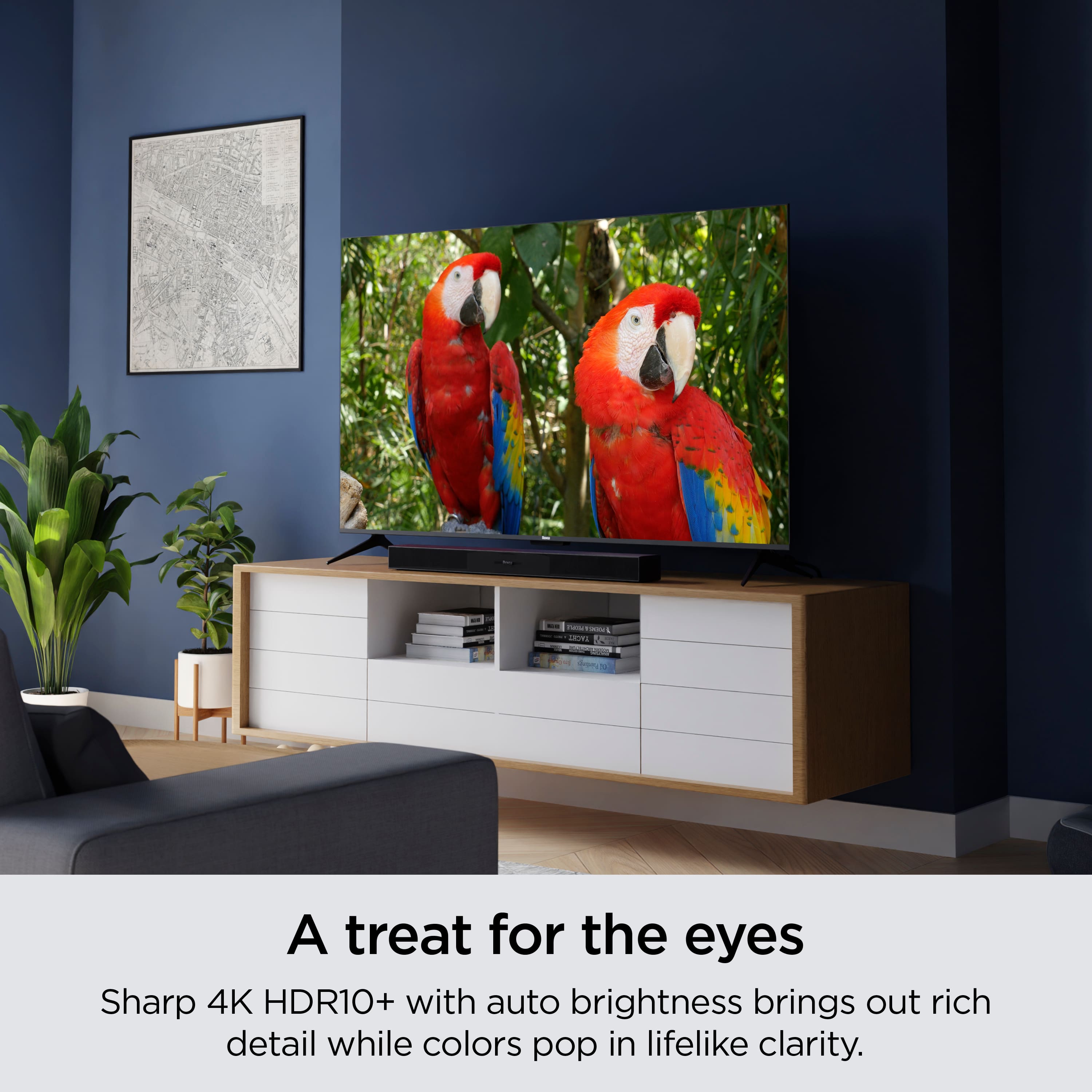
A:AnswerWe've only had this tv for a couple of weeks and from what I can tell, we have yet to notice any glare. That being said the tv is located in low light room and under a set of windows which may be another reason that we don't see a glare. Overall, it has a really great picture for the price point.
A:AnswerHello Carols,
Product Height With Stand
24.4 inches
Product Width
37.9 inches
Product Depth With Stand
8.7 inches
Product Height Without Stand
22.4 inches
Product Depth Without Stand
3.4 inches
Product Weight With Stand
15.1 pounds
Product Weight Without Stand
14.9 pounds
Stand Width
37.2 inches
A:AnswerHello BK, This model is no made to be placed outside or on a porch as it is not weather proofed and will eventually be damaged by moisture. water and moisture damage are not covered in the warranty, so placing it outside is at your own risk. If you still go through with placing it outside there are covers you can purchase or move the TV back inside after use, but outdoor use in NOT recommended.
A:AnswerHello Gonzo! Closed captions are available only when the service provider (e.g., Netflix, The Roku Channel, or Hulu) includes them with their content. Check with the service provider for information about the availability of closed captions.
A:AnswerHello Anne, Xfinity is not required but WiFi is required, so if they’re your internet provider you will still need them for that but can cancel the cable portion if it’s no longer needed.