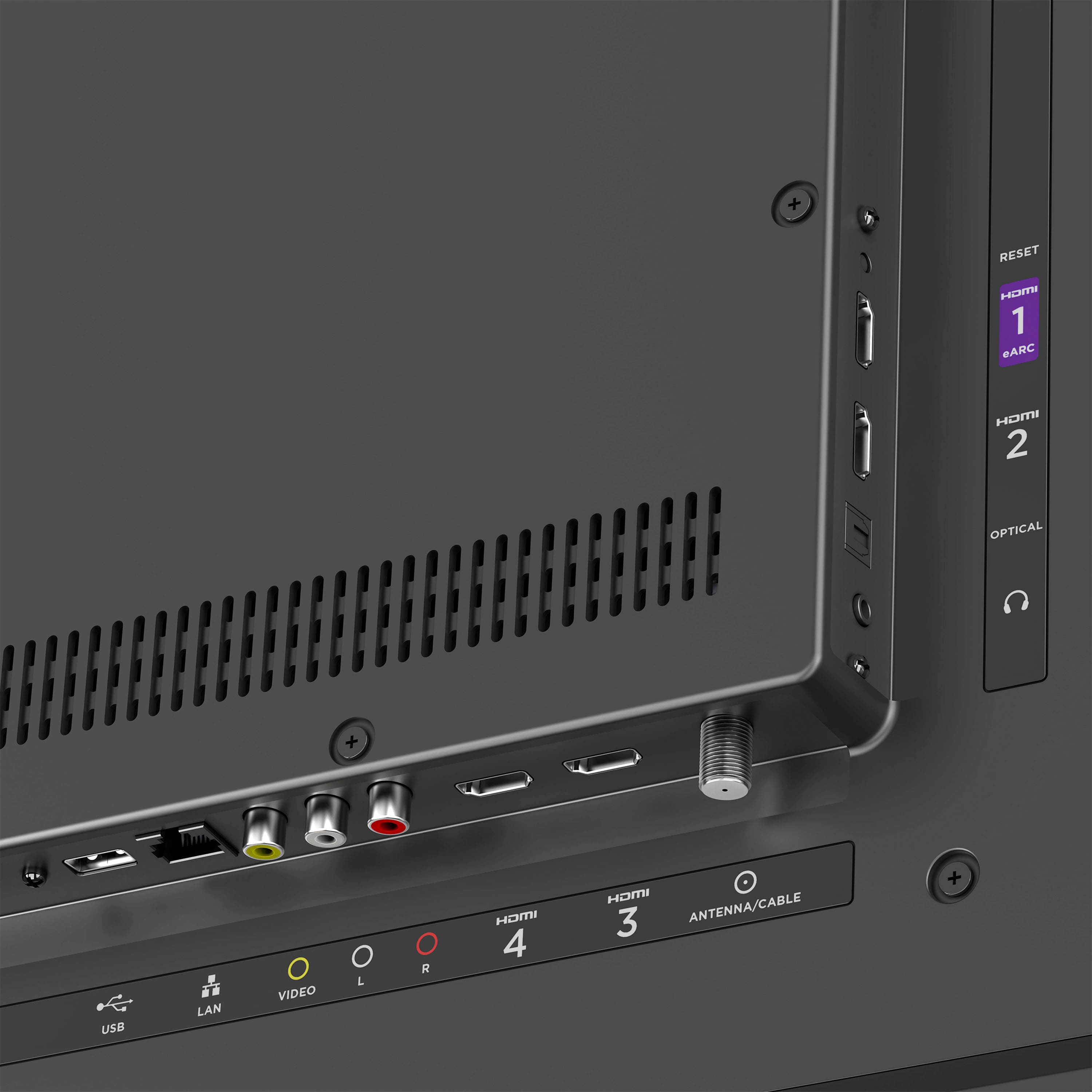
A:AnswerAbsolutely! Our 50" Select Series Roku TV makes it easy—simply connect your current antenna or cable box directly to this TV using the coax input or HDMI ports. Then enjoy the Roku streaming experience as well as your favorite cable programming all on one TV!
A:AnswerHi Timmae, great question. This TV can be used for all of the purposes you suggested, with the exception of an internet connection. In order to activate your new Roku-branded TV, you'll need to sign in to your Roku account (or create a new one), which does require an internet connection. However, in a pinch, you could utilize a phone's hotspot connection to set this up. Once activated, you could use the TV as a 'dumb' TV with your antenna, as described. We hope this helps! Feel free to reach out to our team online if we can assist you any further. -Roku Customer Advocate
A:AnswerHi Jill, all of our Roku Brand Series TVs come with standard VESA pattern support. For the 50" Select Series Roku TV, the VESA pattern is 400 x 300 mm. We hope this helps you find the right base stand. Don't forget we're always happy to help further if you reach out via our support page!
A:AnswerHello Yes you sure can! To change the sizes on the text of your Roku TV, kindly follow the steps below to your preference.
On your Roku remote, Navigate to Settings
Select Accessibility
Proceed to the Caption style
Then, Text size. After this one, select your preferred text size.
After choosing your preferred text size, changes will be applied to your Roku TV.