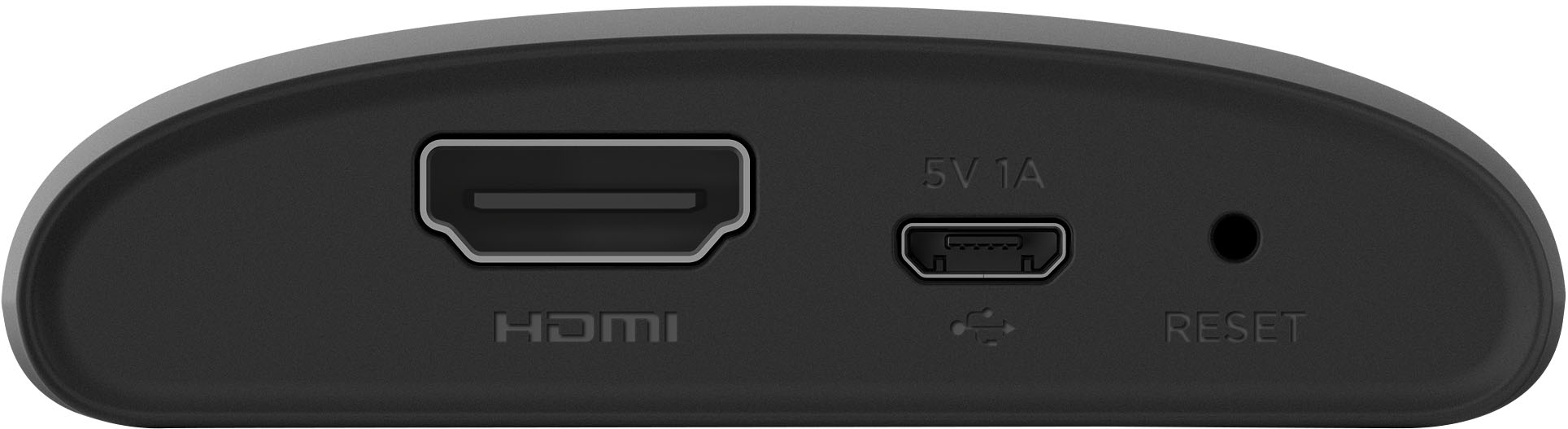
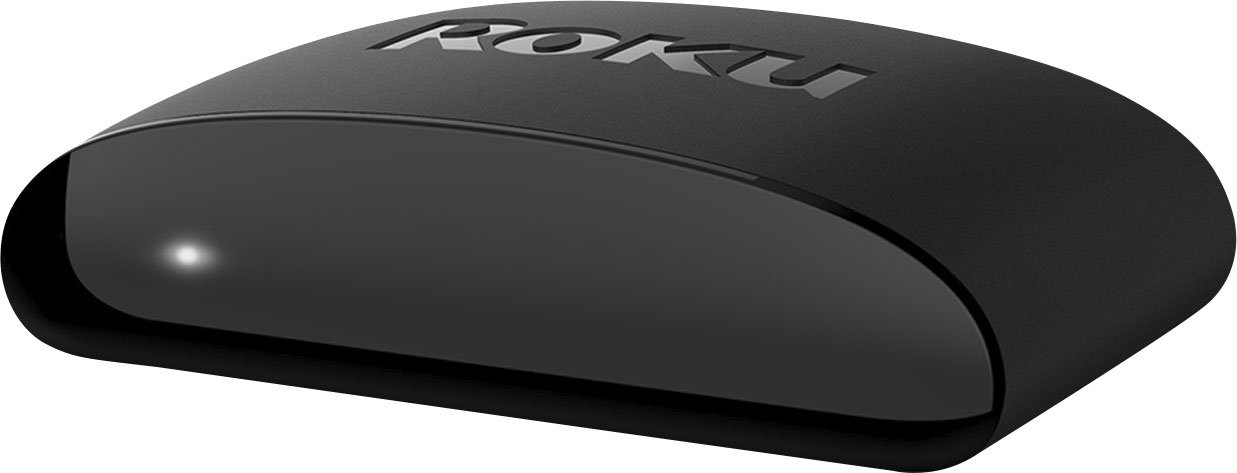
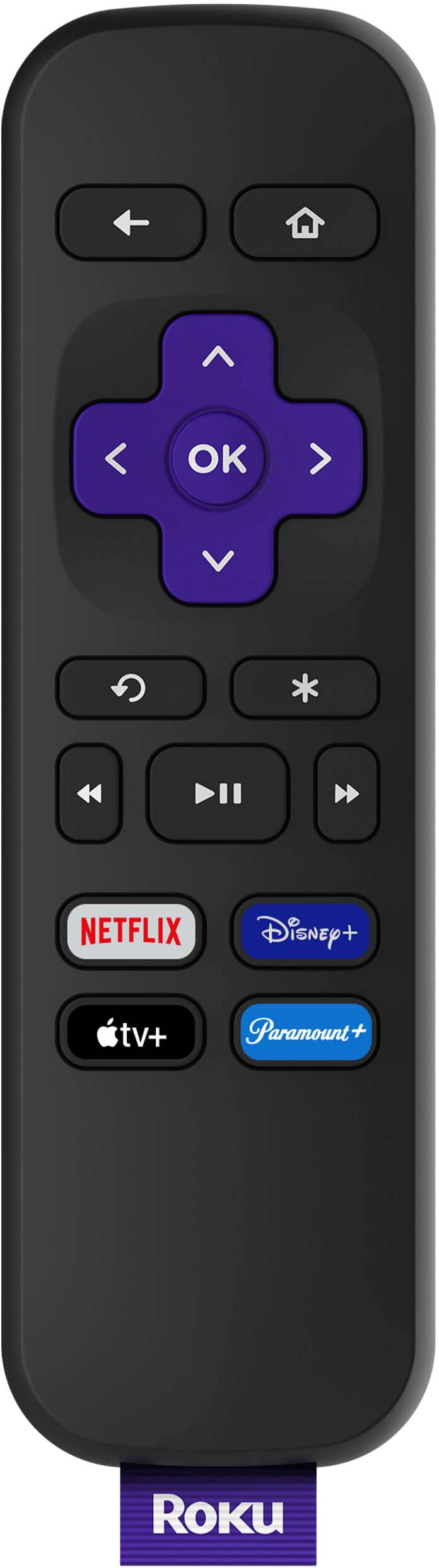
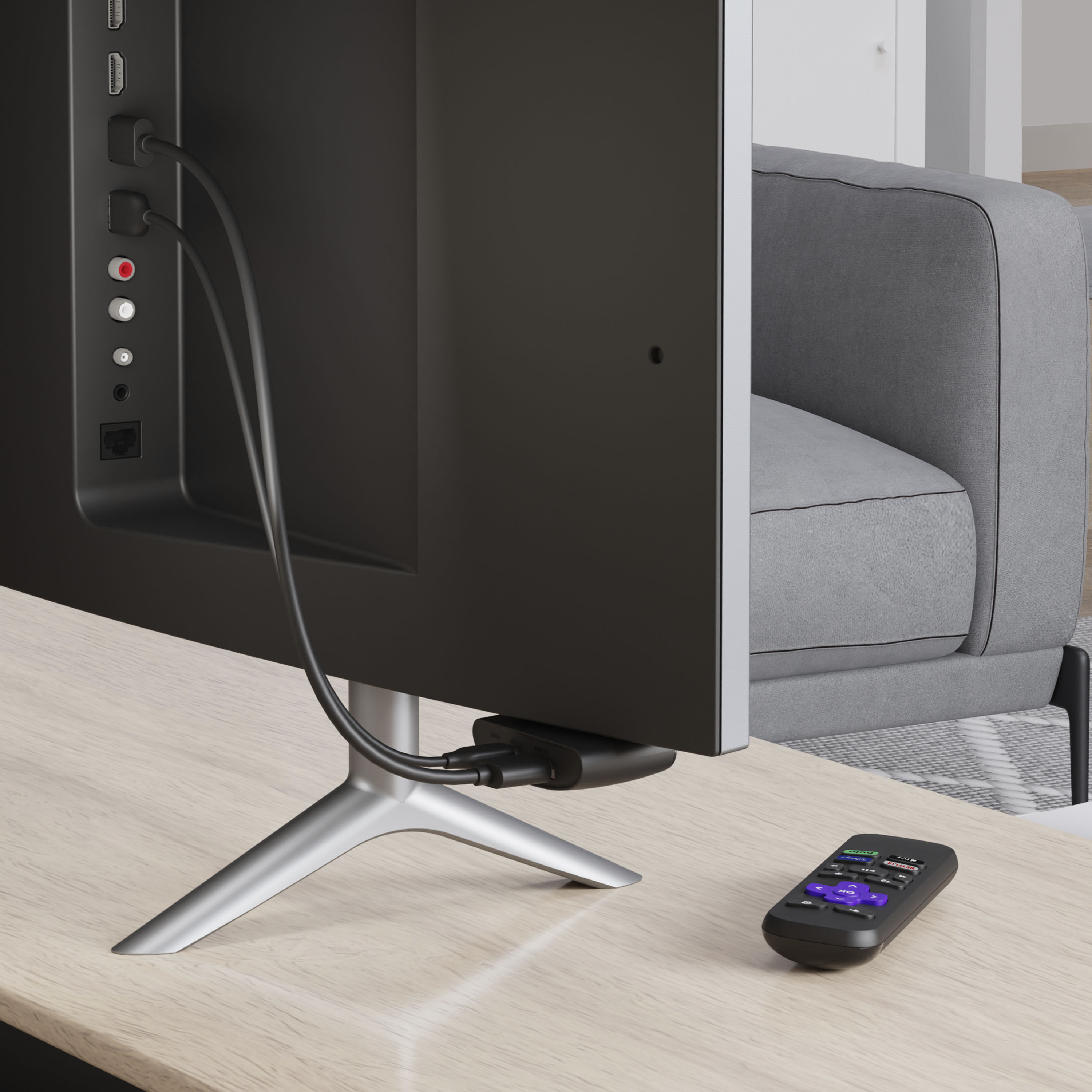
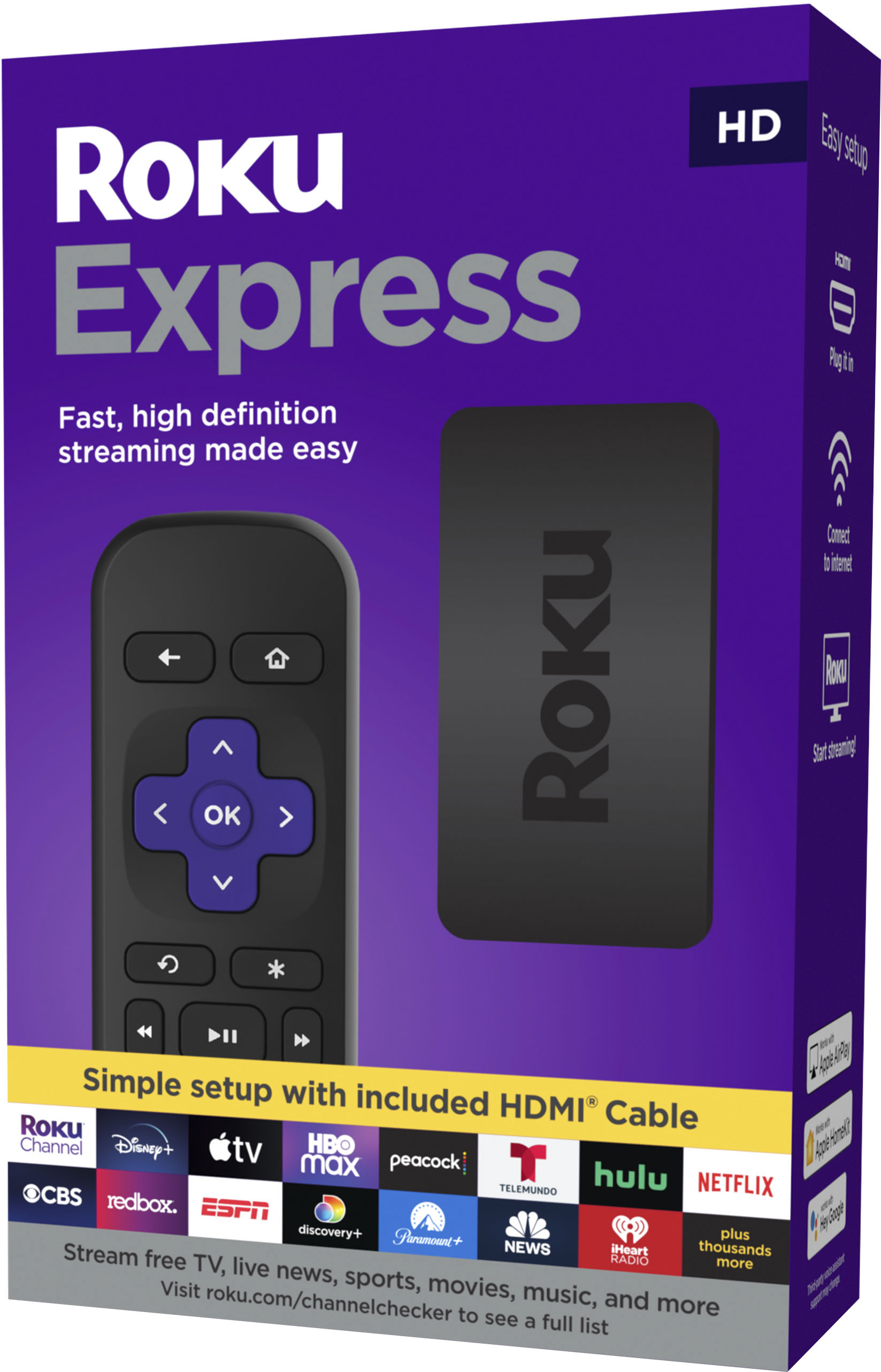
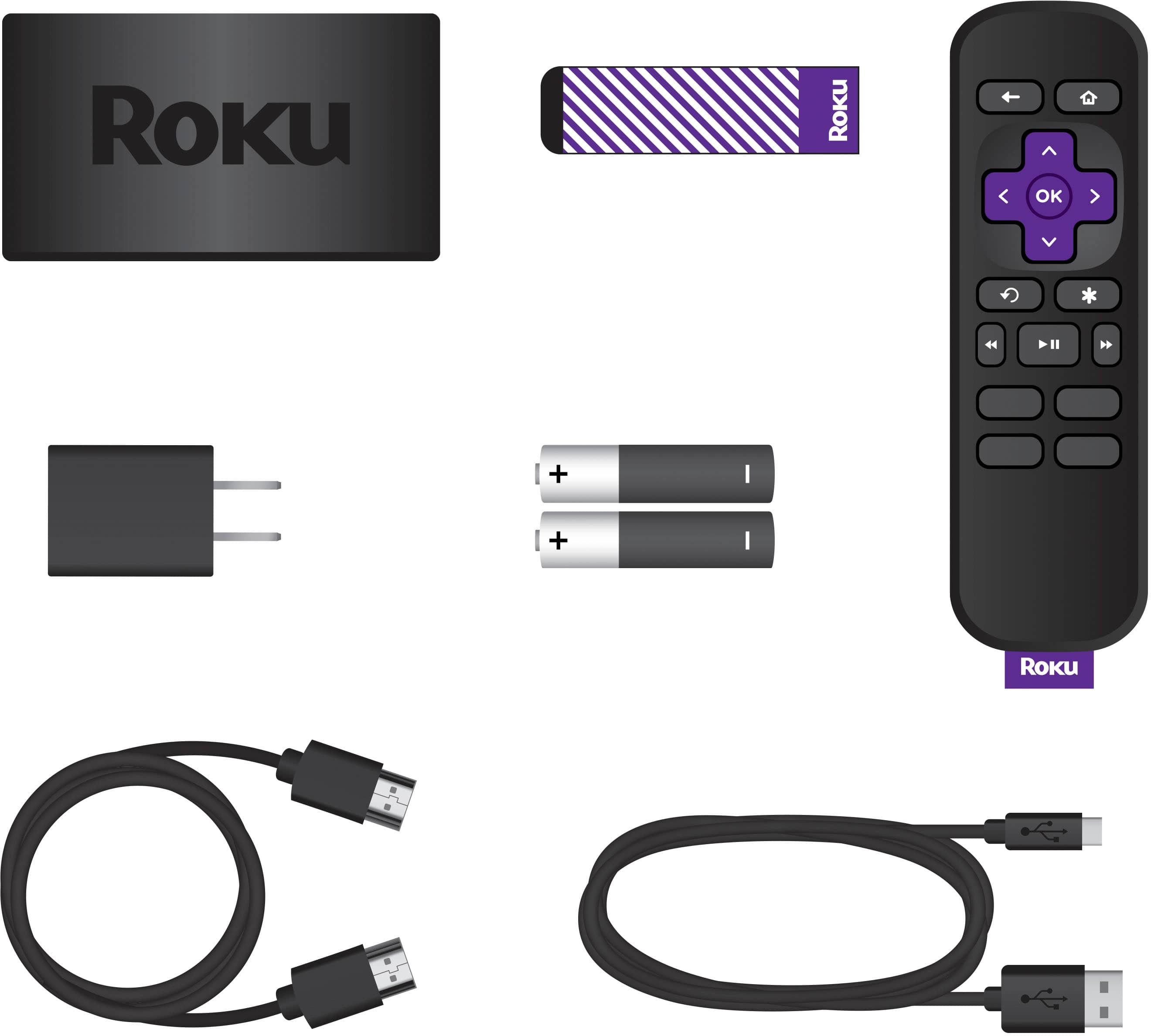
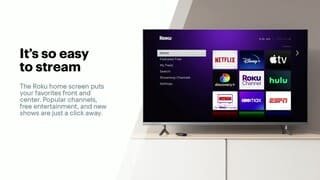
A:AnswerTechnically, yes... but to do so, you will need a HDMI splitter to split the signal from the Roku into two feeds. Both TV's will see exactly the same thing at the same time, and will not be independent of each other. For the price of the HDMI splitter and extra HDMI cables, you're likely better off just buying another Roku.
Hope this helps.
A:AnswerRenee, it depends on the market you live in and what is available. Subscription services offer local channels like Hulu or YouTubeTV. LOCAST is a great channel that offers local channels for free in some bigger cities. This link will give you some more information https://www.roku.com/how-it-works/stream-and-save/how-to-cut-the-cord
A:AnswerLet me tell ya. You should have gotten this just a couple of months ago when Roku had the spectrum app you would NOT have needed any cable well essentials and wifi. The amount of live and streaming options avail with roku are amazing to me! To me its great i do not have hulu or netflix but yes spectrum app. Still try it out and play with it and see how many amazing apps and live shows are free I LOVE IT!! I think you might be confused about the box the only reason you would not need your cable box is if you got rid of ur cable period and had the spectrum app which roku doesn't currently have if im correct unfortunately then YES give em back the box n cancel that dam cable n get the essentials package 59.00 a month wifi n app. Until then keep the box and roku or either one. check it out
A:AnswerYes, there is a Spotify channel on the Roku store. More information on that channel can be found at the link below. When setting up the device, you can search through a variety of channel options. Find Spotify, connect your Spotify account and you've got another way to access your music and podcasts.
https://channelstore.roku.com/details/08532417380d48cf2244a1831ff94f26/spotify-music
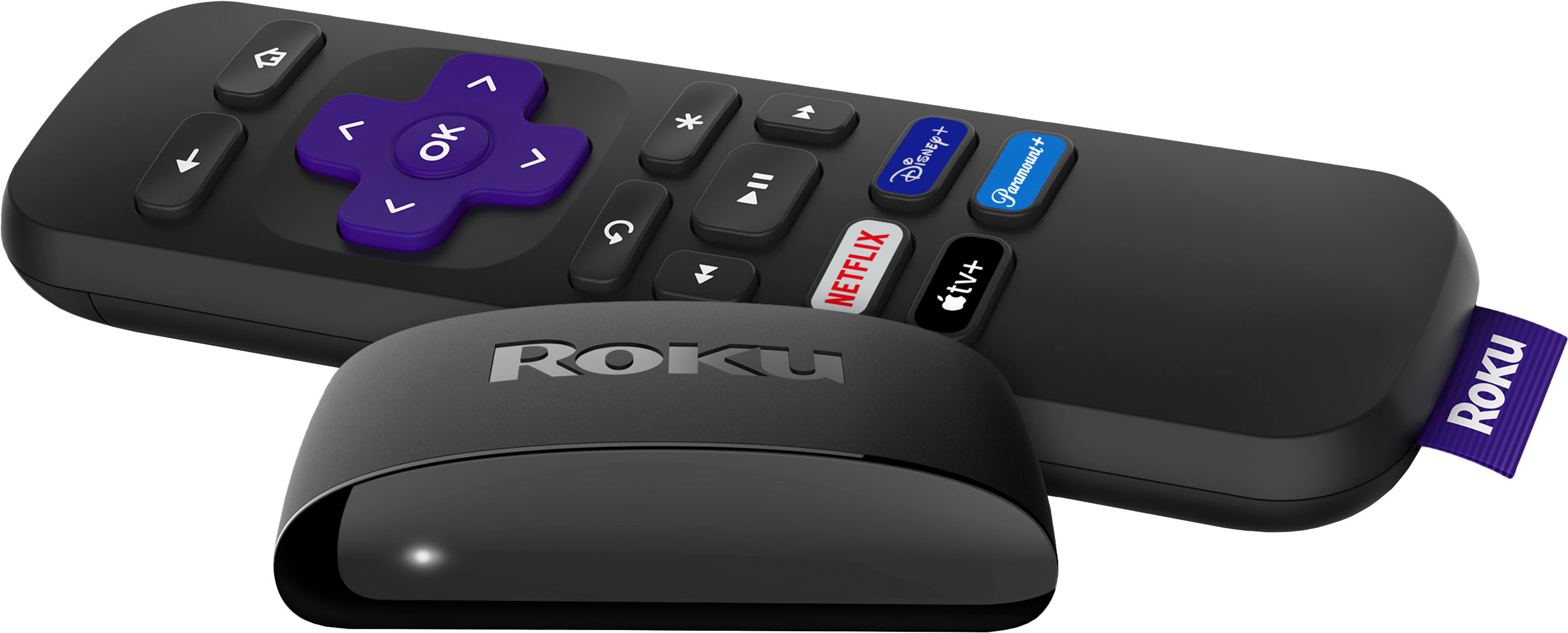
A:AnswerFor this product, yes, you will need to have a Roku stick (and a WiFi connection) for each tv that you want to watch programs on. But you likely won’t be watching multiple TV’s at once so you could simply just unplug it from one and take it with you to another room as needed.
A:AnswerWith Roku you can load channels like Disney+, ESPN, ect.... CNN is usually offered through a cable provider. but with so many having apps today, you should be able to load the app on your TV.
A:AnswerEach device uses an exclusive HDMI input and only on can be selected at a time. Each device you setup connect to your router and then when you want ROKU select the HDMI input where it exists or if you want Firestick select that Hdmi input.
I Know of no tv that can display from two inputs at the same time, the should work if each is setup exclusively.
A:AnswerYou cannot combine your Netflix bill with other subscriptions through Roku like urbanflix. You have to pay each bill separately. Which is better because you may want to cancel a subscription to one of them.