A:AnswerI use a Netgear Orbi mesh network that chooses the best network for the device (5 GHZor 2.4 GHZ). The Express and 4K streaming devices only seem to go on the 2.4 GHZ network. I did notice the 32" Sharp w/ Roku TV I just bought to use in my office uses 5 GHZ. Hopefully, this is a sign of Roku making the switch and not Sharp's standards. But, for now, they seem to be using 2.4 GHZ.
A:AnswerNo, all you do is log on them they will give you a code to enter on their website and viola, you’ll have your original subscription on roku at no extra cost
A:AnswerYou MUST have an internet connection. This product needs a WiFI connection to access the internet to receive updates and programming. If you have WiFI and still can not connect your unit, it may be to far away and not getting a good signal. You can go to settings then check connections and it will tell you if you have a good connection and your download speed. Also, you must set up an account with Roku. Do this by going to Roku.com on your computer and set up an account. You will need a credit card that can be charged if you order apps that are not free, however there is so much free stuff I have yet to charge anything. You will also have to enter the code you receive on your TV.
A:AnswerA Roku smartphone app is available. As long as your phone and both Rokus are connected to the same network, you can choose which device you want to control from the app and switch between them as well.
A:AnswerThe internet provided by Comcast always goes down in our neighborhood, so I had the Geek Squad install a EERO internet system, and have not had an internet problem or Ring Doorbell problem since. It also powers 13 Roku sticks without a problem.
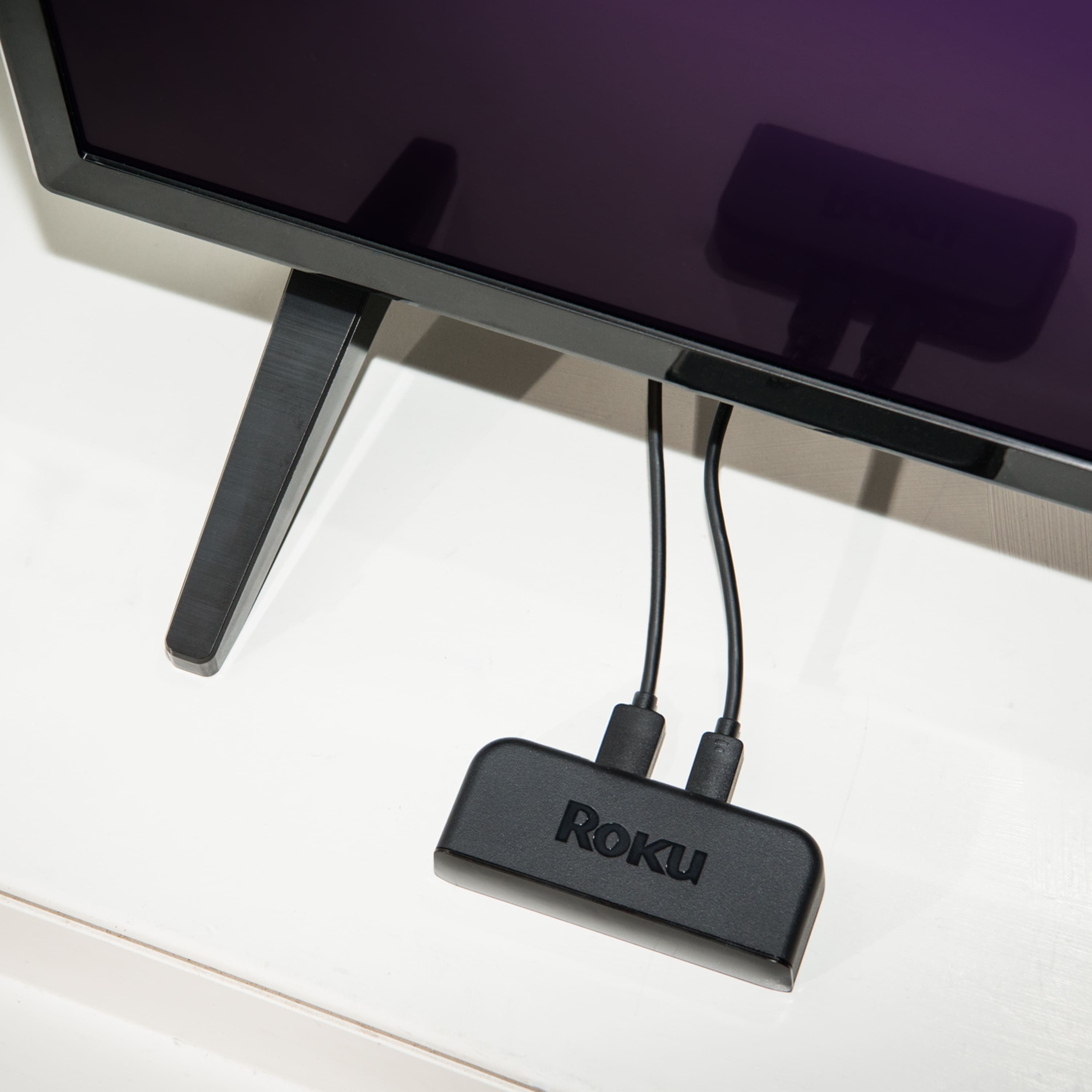
A:AnswerI set the ROKU up on one TV and once setup can use on any TV at the house providing on the same Wireless Home Network. Just plug into AC Outlet and HDMI on any TV and just select the HDMI Port using and bingo so be all set, if you use on someone TV outside of your home network would have to redo WiFi connection using their WiFi and whatever their wifi password is. May not see the same cable channels you have but will see whatever ROKU Channels you have subscribed to. You can use multi ROKU Devices at home.
A:AnswerYes, you can use a flash drive with your roku depending on the kid you have. There should be a slot on the side. We use our flash drive with our roku.
A:AnswerYou should let Roku detect your TV resolution and features automatically. You will have the option to select Roku suggestion or select your own.
A:AnswerYou have to have access to the internet to set up Roku.
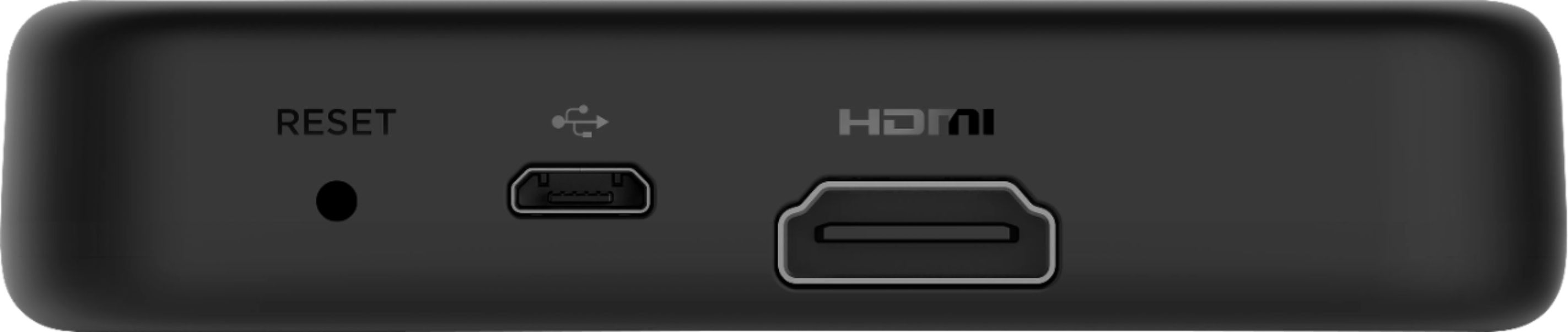
If you use a Roku device you will need an HDMI port on the TV. You would connect to the internet typically through the wireless router in your home, then you will need to create a Roku account to be able to view content.
Many newer TVs are "smart" TVs that connect directly to the internet. These newer TVs typically have the Roku app installed on them or you should be able to download/install the app, then you just need to launch the app and create an account.
A:AnswerNo local channels, no monthly fee for Roku movies. Most apps like Netflix, Hulu, and Showtime charge monthly fees. No dish needed, internet required
A:AnswerHi! Yes, Apple Airplay 2 is supported on the Roku Premiere model 3920R. For more on how to set it up and how to use it, check out https://support.roku.com/article/360057488733