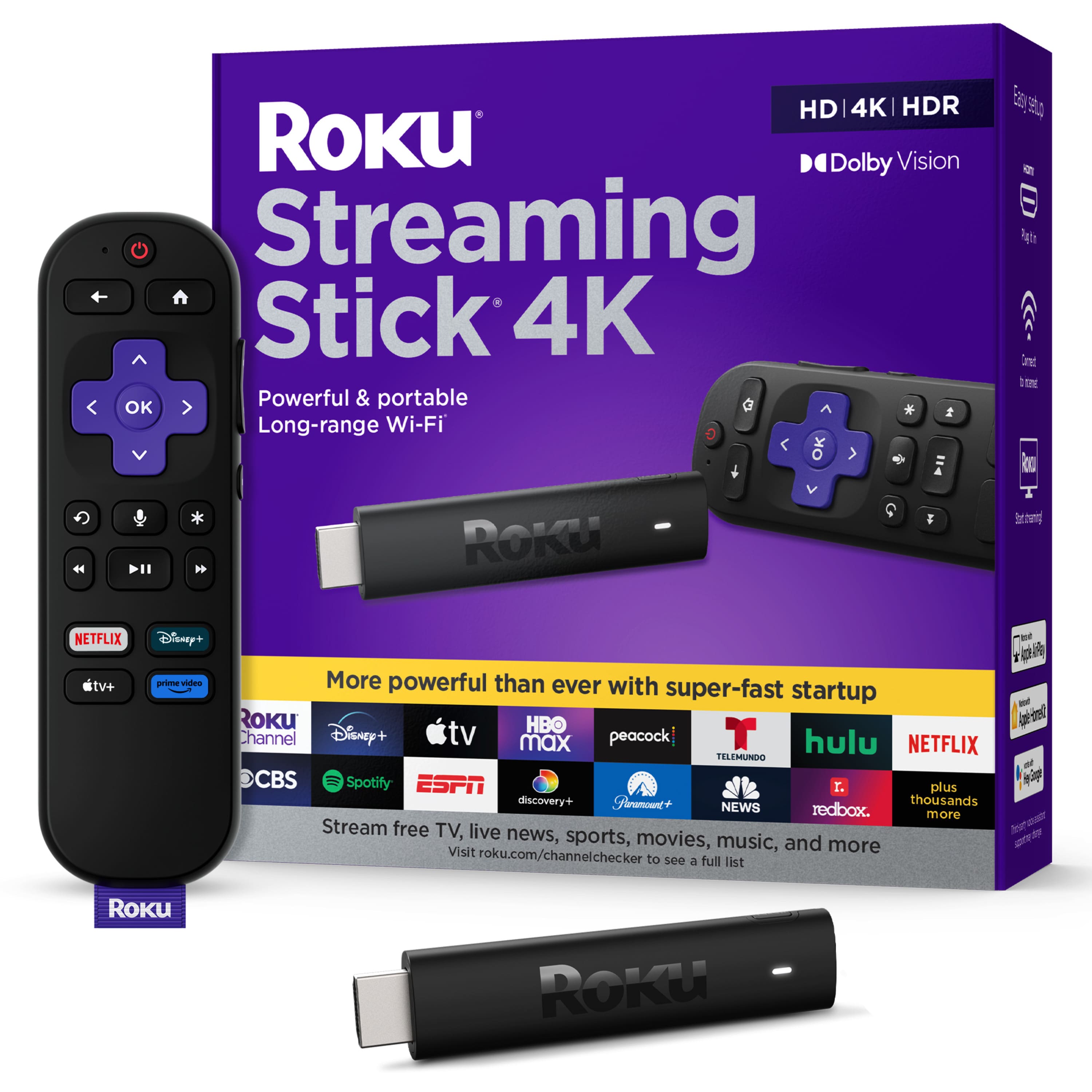
A:AnswerIf your projector has an HDMI input then the Roku is doing the hard work of running streaming service apps like Netflix, Apple TV, Amazon, prime, Hulu, Disney, etc. Roku requires that you have a good speed internet service and an account on your desired streaming service then you connect to the service and stream its content through the Roku stick and out through its HDMI output connected to the input on your projector while watching your project project that to your screen. In essence your projector is acting like an old fashion “non-smart Dumb” TV. This same answer applies to old TVs.
A:Answeraccording to there website they do have Newsmax in there channel store but looks like you have to pay for it. hope that helps and you can get that channel on any Roku device not just the stick.
A:AnswerNo need for a smart TV. As long as your TV has an HDMI port, it's good to go.
You would need to use the Roku remote for all the Roku channels. The Roku remote usually can also turn your TV on/off, change the volume, and mute. For any other TV functions like changing TV channels or switching to your DVD player etc., you'd need to use your TV remote.
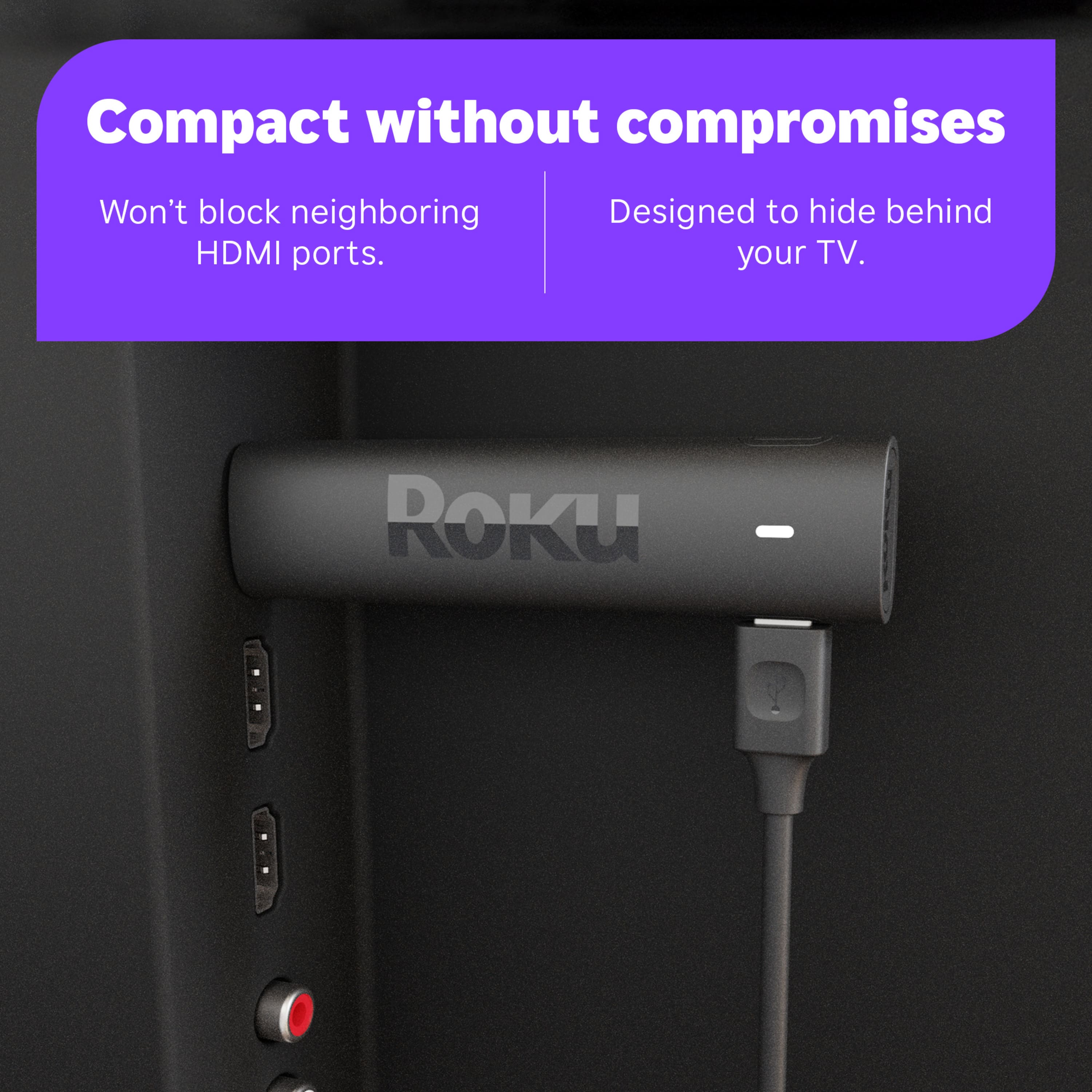
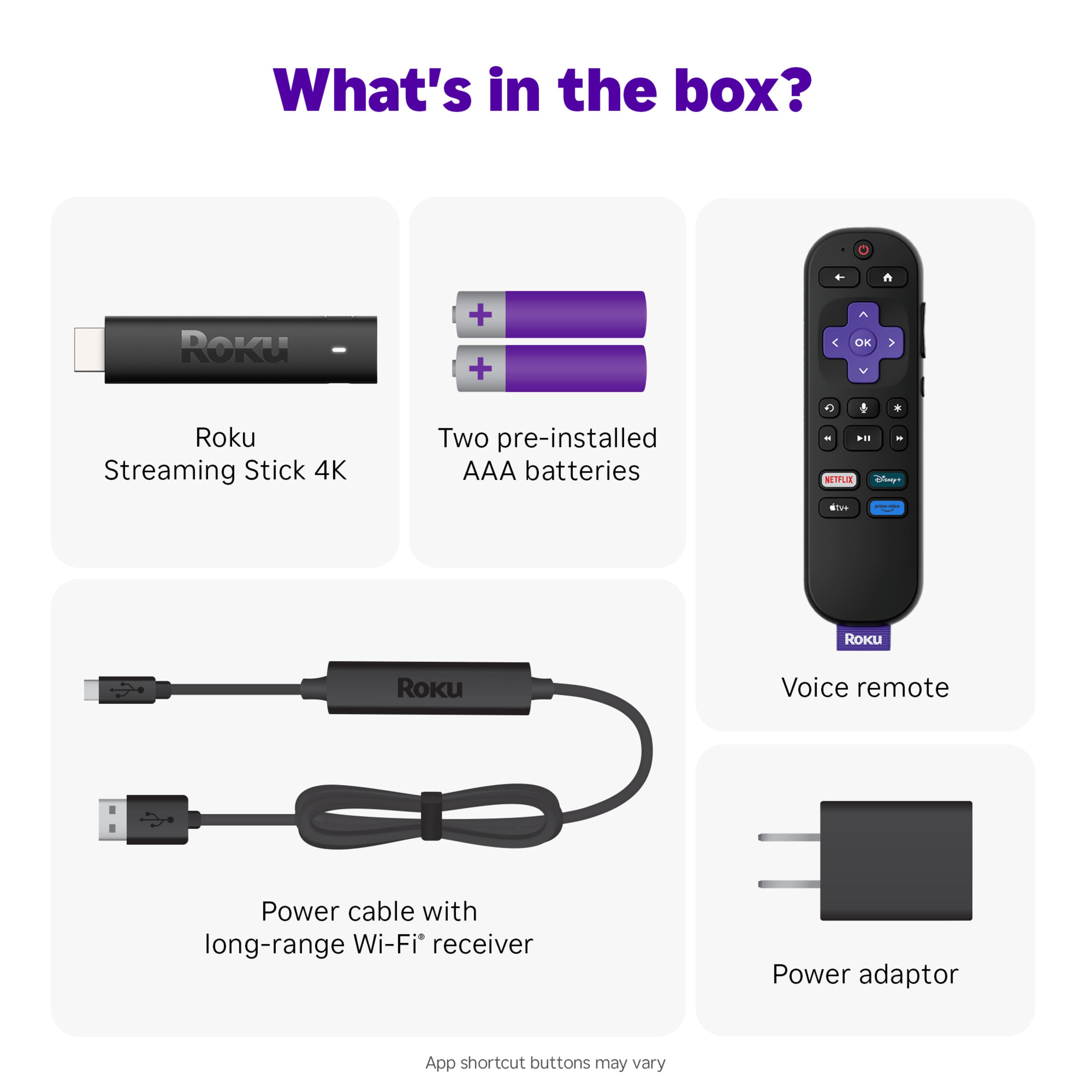
A:AnswerNo you really don't. My Roku stick comes with a wall plug in but you really don't need it as it gets the power from the HDMI port. Your TV will have to have an empty HDMI port for the Roku stick to plug into.
A:AnswerHello Dhjs! Yes, you can! There are several ways to enjoy local channels! First is the Roku Channel which is completely free, it provides access to local news, weather, and other content specific to your region. There are also Streaming services with local channels. Services like Hulu Live TV, YouTube TV, Sing TV, and other packages that include access to local channels. These services often provide live TV streaming, including local news and events for a paid subscription price. Lastly, there is the Antenna option. If you have an HDTV antenna, you can connect it to your TV and scan for over-the-air (OTA) local channels. Many Roku models allow you to switch inputs to access content from the antenna.
A:AnswerHello Fuzzy! Since the SoPlayer app is not available on the channel store, you need to follow the screen mirroring procedure to stream it on Roku. Before proceeding further, you have to enable the Screen Mirroring option on Roku.