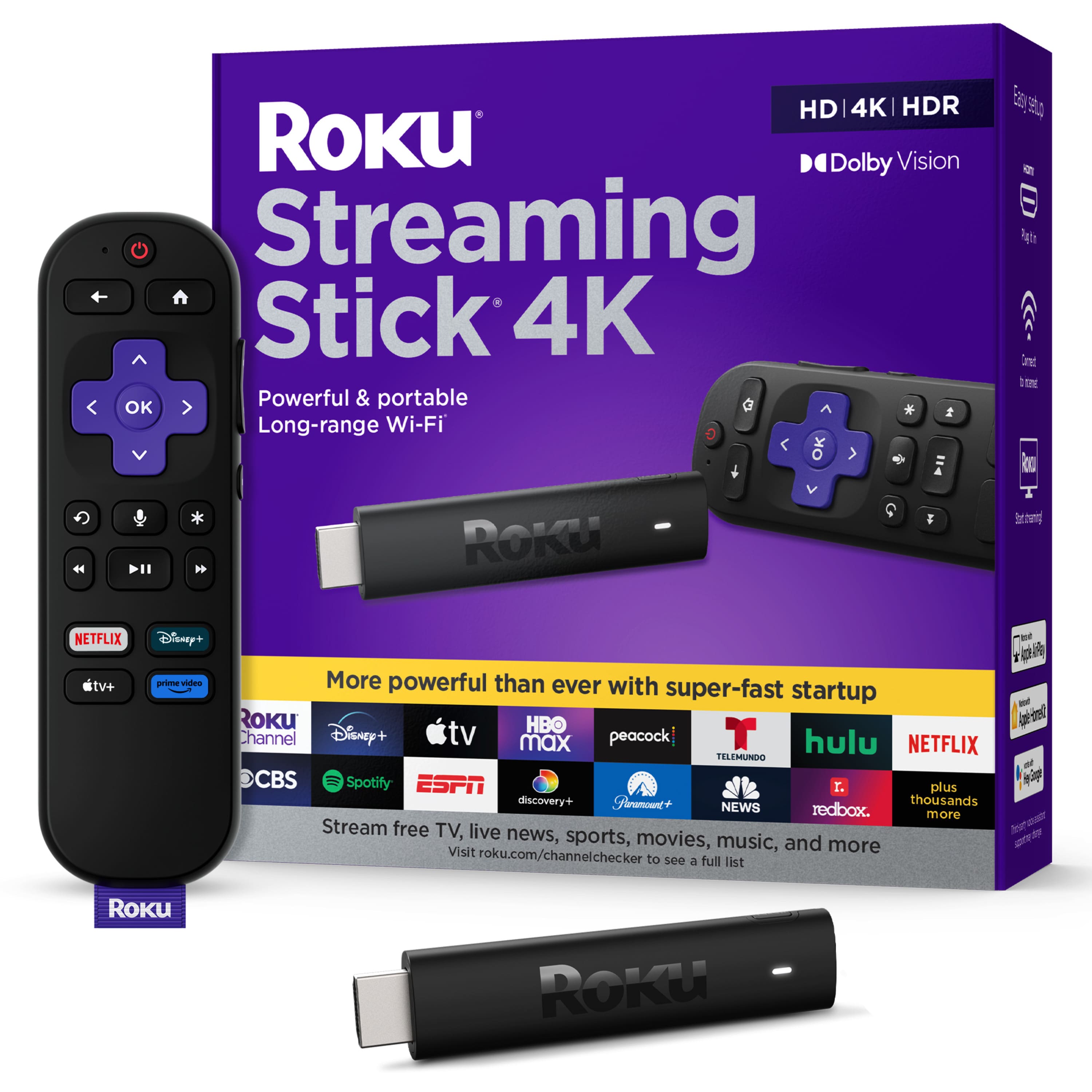
A:AnswerHi Britta! Yes you can download the Apple TV+! If in the future you have more questions about the apps that are available feel free to follow this link and look up any channel you are curious about! https://channelstore.roku.com/browse/featured
A:AnswerHi there! At this time YouTube TV is available through the YouTube Channel. All you need to do is scroll to the bottom of the left-hand menu where you will find YouTube TV. From there you can select YouTube TV to access and stream content using your subscription.
A:AnswerHi Blaine! 2-day delivery is available at this time. However, this will vary based on where you're located and Bestbuy's inventory status. Directly above the "add to cart" button, you can plug in your zip code to get an estimated ship date. Enjoy!