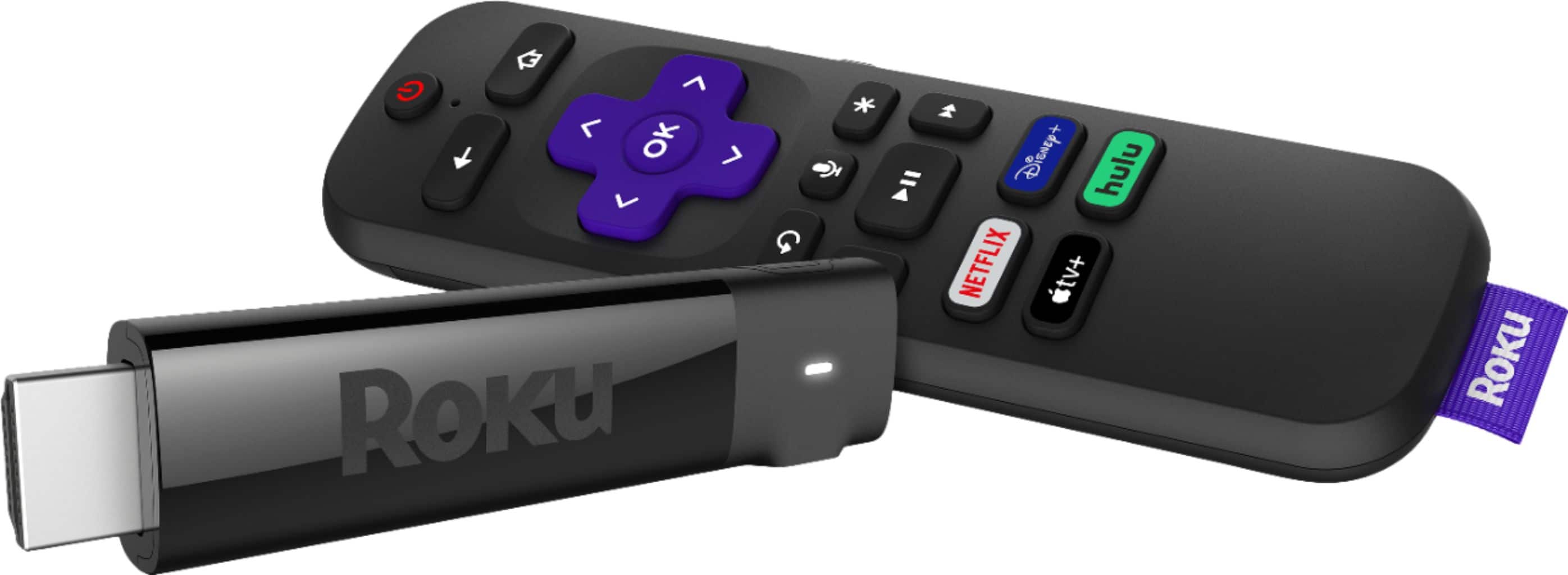
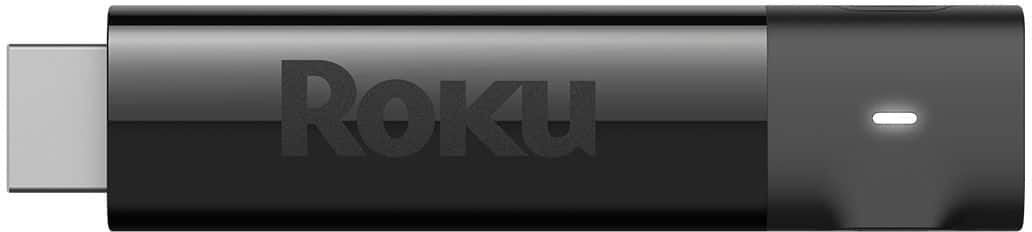
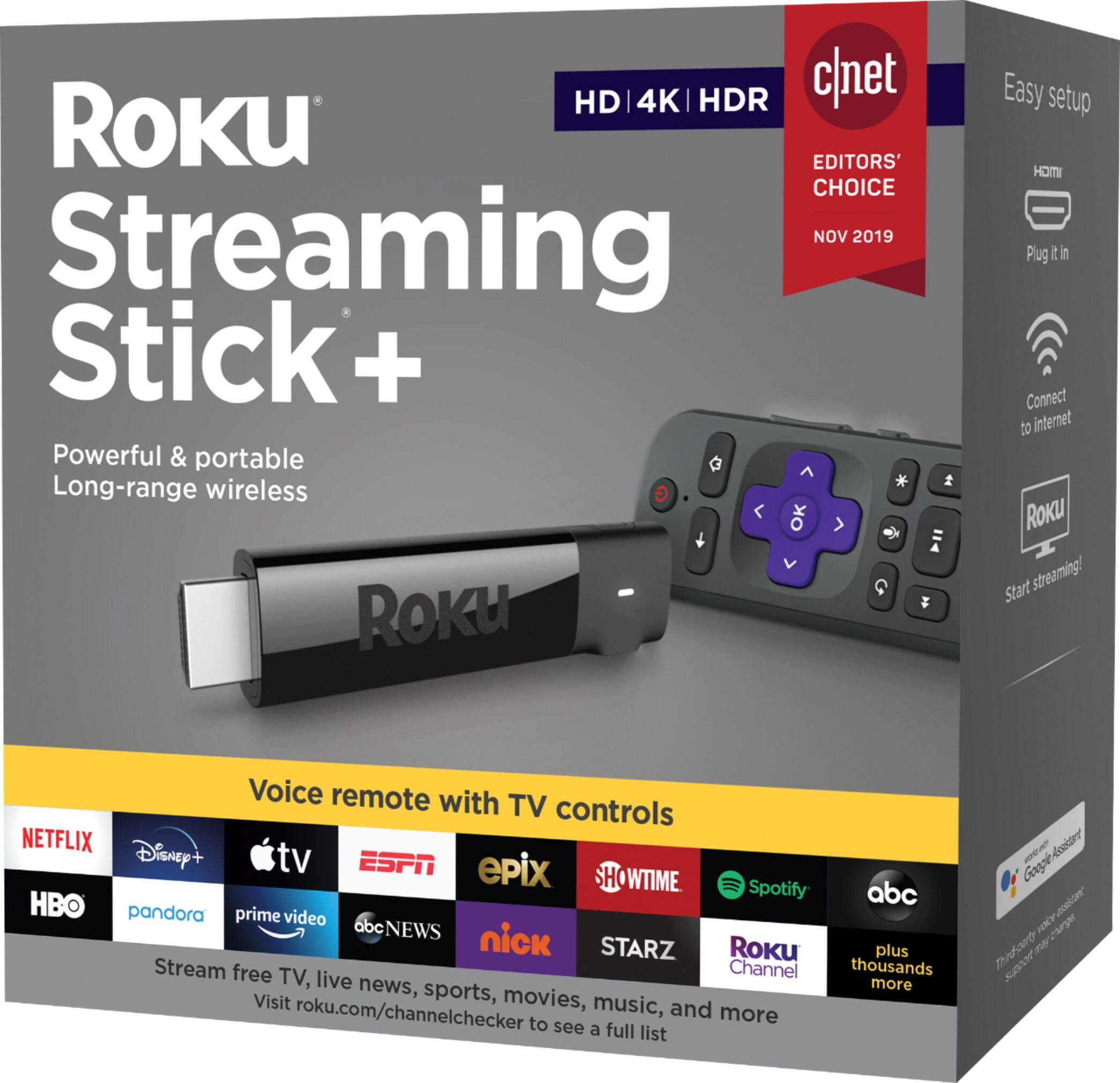
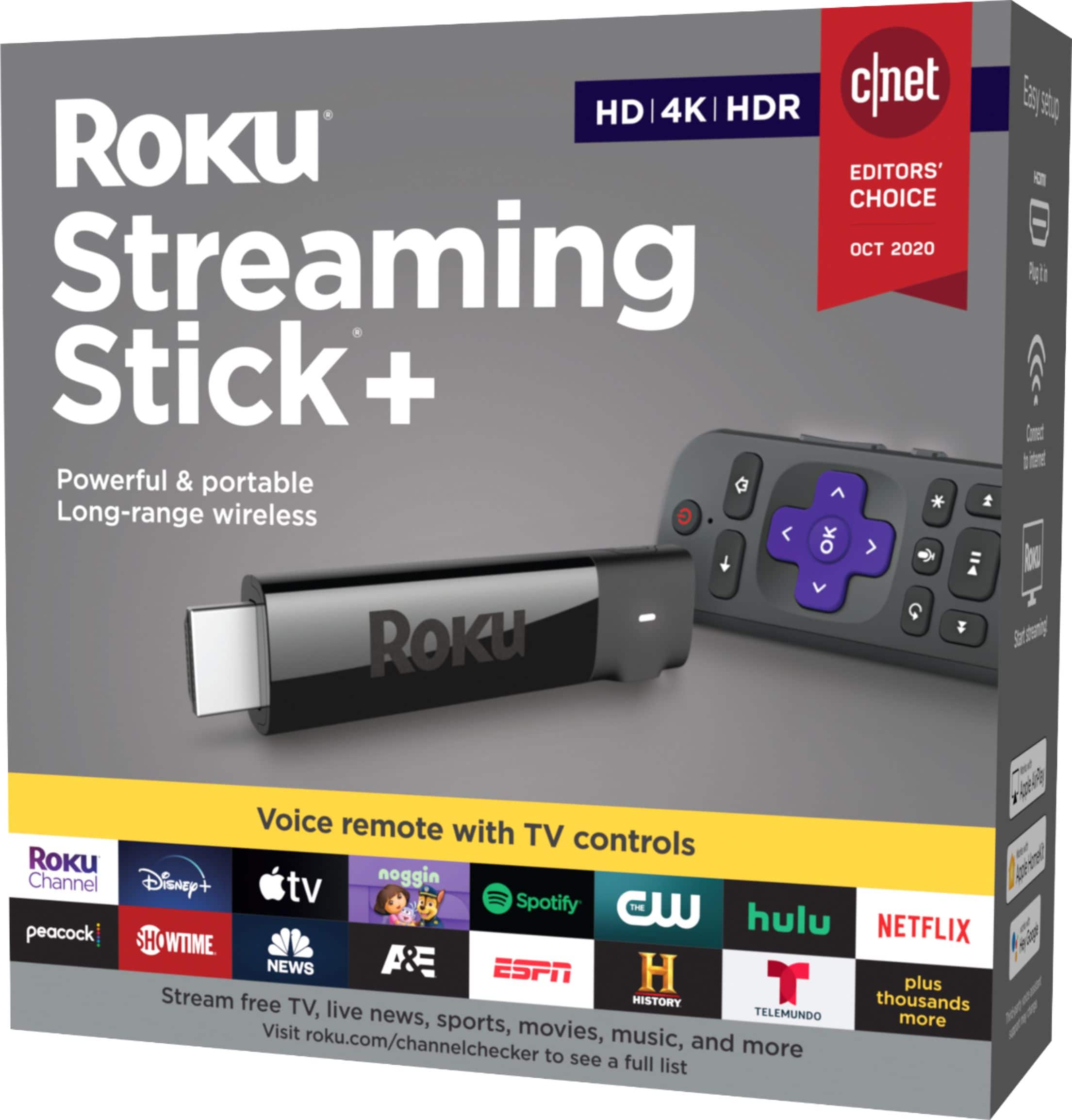
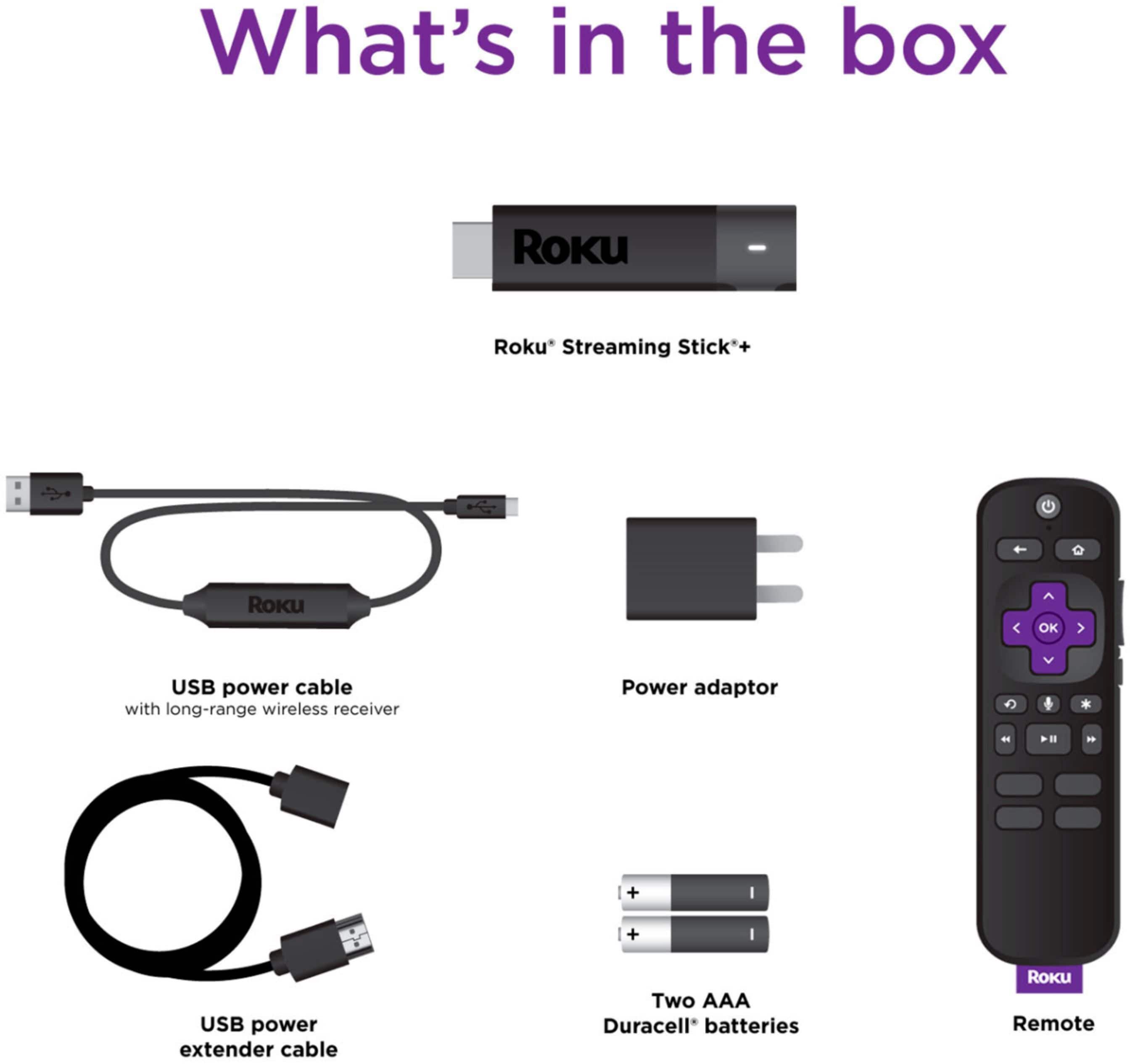
A:AnswerGood morning, this particular model does not include the earbuds, the model above it does. The Roku Steaming Stick+ HE https://www.roku.com/products/roku-streaming-stick-plus-headphone-edition
A:AnswerColin, right now there isn't a way to connect a Roku Player wireless to a sound system. Unless you are using Roku Audio device like a Roku Smart Soundbar or Roku Wireless Speakers.
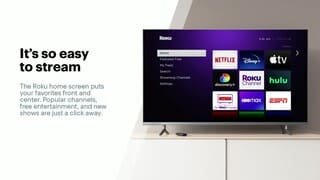
A:AnswerNo monthly or annual fees for the Roku device. it serves as a gateway to subscription services such as Netflix, HBO and numerous other subscription services. Your
subscription fees are paid directly to the service provider rather than Roku. The Roku stick is a great product.
A:AnswerNo, there is no monthly fee for Roku and there are some free streaming services that you have access to. If you sign up for let's say Hulu or HBO then yes there are fees.
A:AnswerNo hidden fee unless you want to pay for certain apps that are on the Roku. We subscribe to MLB.com so that app is free for us on the Roku, otherwise we would have to pay for the use of it. The Roku does have some things on it for free but other things/apps you would have to pay for to gain access. That would be your choice. We have found that the Roku stick is better than the Fire stick because it gives a stronger signal and gets better reception.
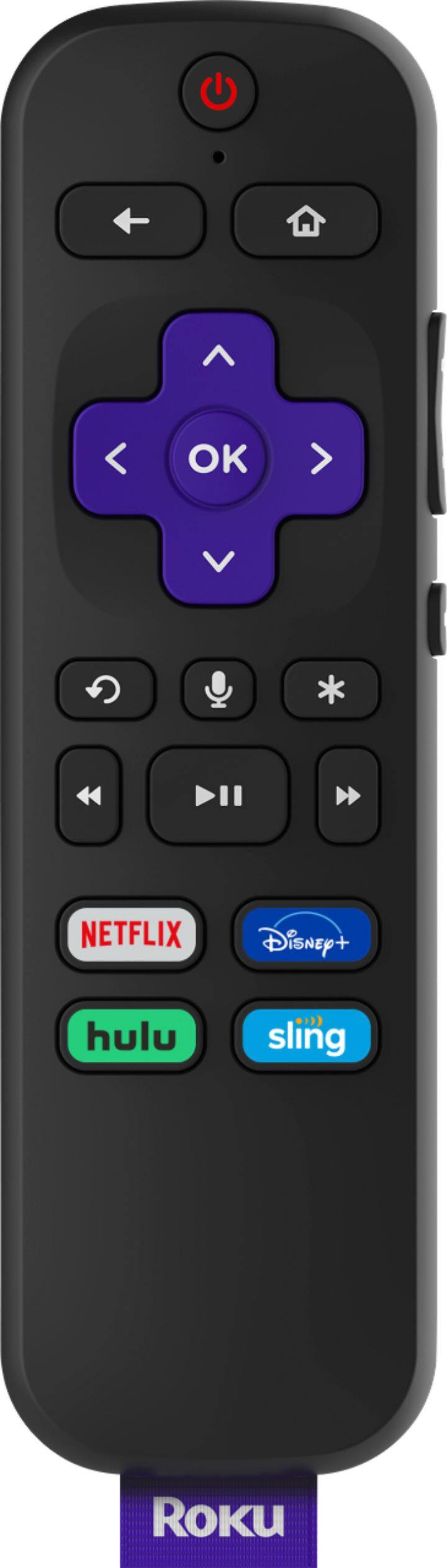
A:AnswerScotte, now the Streaming Stick+ doesn't offer a headset jack on the remote. However, if you use the Roku Mobile App you can use any headset connected to your phone. The Roku® mobile app is a free application for iOS® and Android™ devices that turns your mobile device into a control center for your Roku streaming device. Private listening is a feature of the Roku mobile app that allows you to listen to the audio from streaming channels and live digital broadcast television on the earbuds, earphones, or headphones connected to your phone or tablet.
You can use the Roku device comparison chart to determine which products support Private listening via Roku mobile app.
A:AnswerRoku already has Netflix app just download/add it inside your Roku device. If your cable company has an online app, you should be able to watch it in Roku. I know that Roku already has SpectrumTV and Xfinity stream apps. I use the SpectrumTV app because I subscribe to Spectrum. I watch most programs (i.e. Amazon Prime video and live cable TV) thru the Roku; and I stream everything else thru my PC that's also connected to my smart TV as a second monitor via 40ft HDMI cable.
.
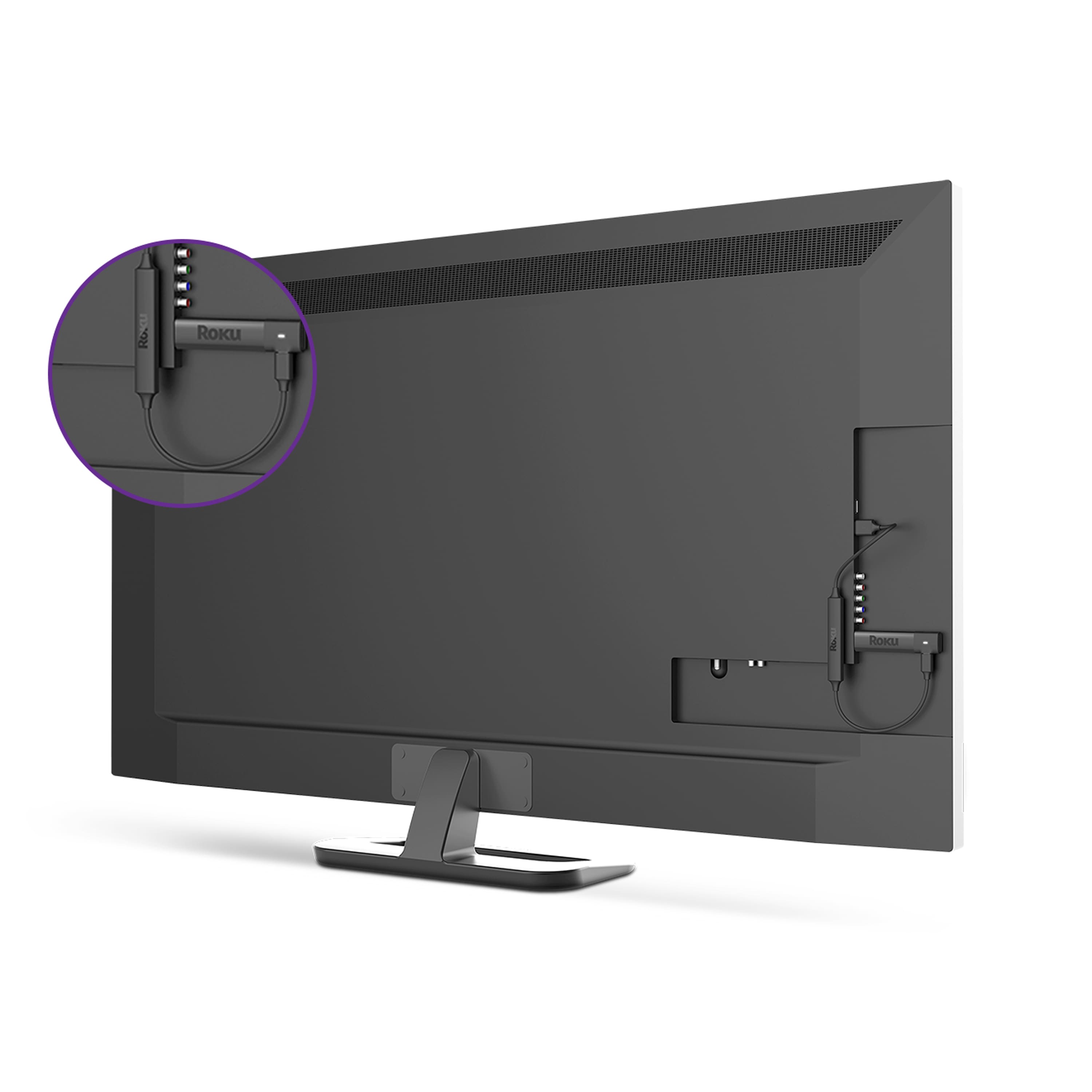
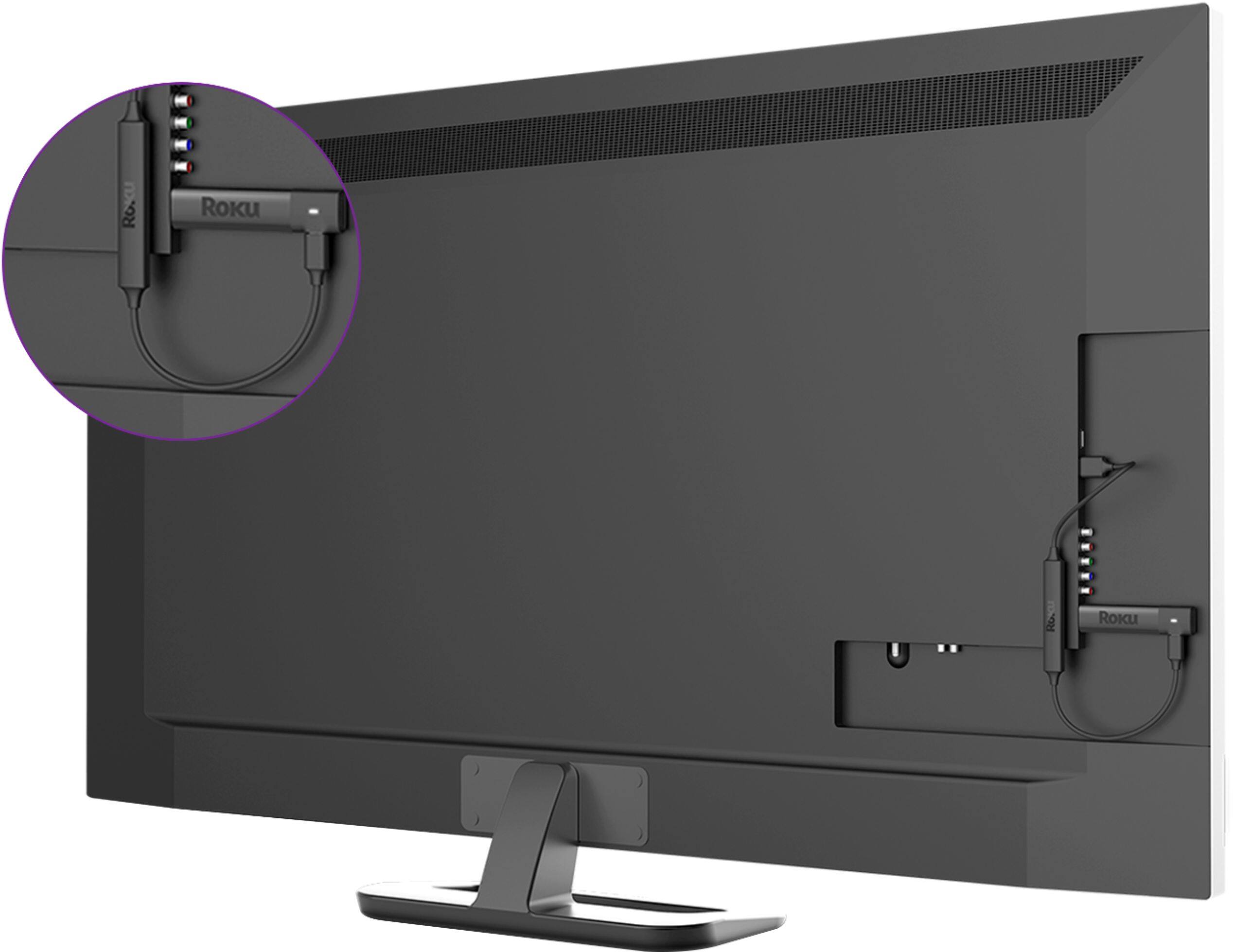
A:AnswerYes, Roku is designed to work on any TV that has an HDMI port. You would change between the two by changing inputs. https://channelstore.roku.com/browse
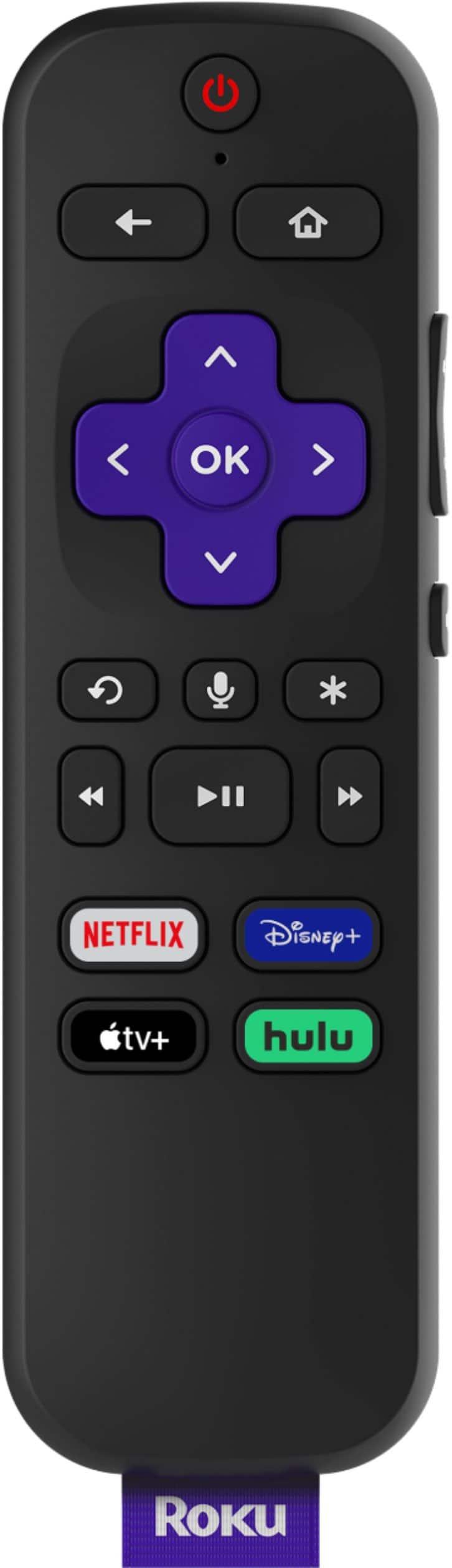
A:AnswerMine did come with a Remote.
I suppose that whether or not it turns on or off the monitor would depend on the monitor but on my Samsung it works great.
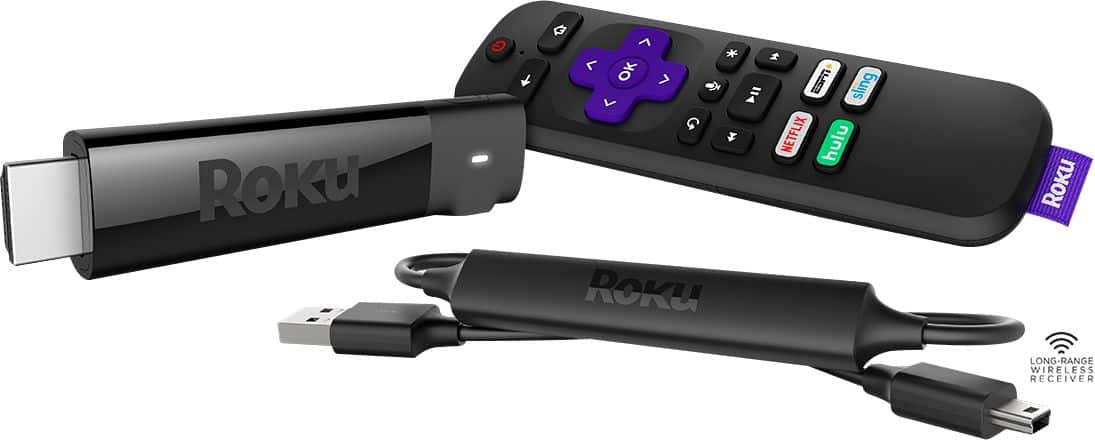
Turns on and off the TV and the volume control on the side of the Roku remote works also.
A:AnswerThis is not a function of SS+ but the streaming service that you are subscribed to. For example, I use YouTube TV, which includes the local channels.
A:AnswerI think it will work anywhere if you have your cable, satellite or internet provider. This device its an interface between your TV and your providers. Everything you have available will show up in the screen as you install the product.