A:AnswerYes I have one HDMI cable from the cable box to the TV and then a second HDMI cable from the Roku to the TV. You simply choose the # of the HDMI outlet the Roku is connected to. I hope this helps.
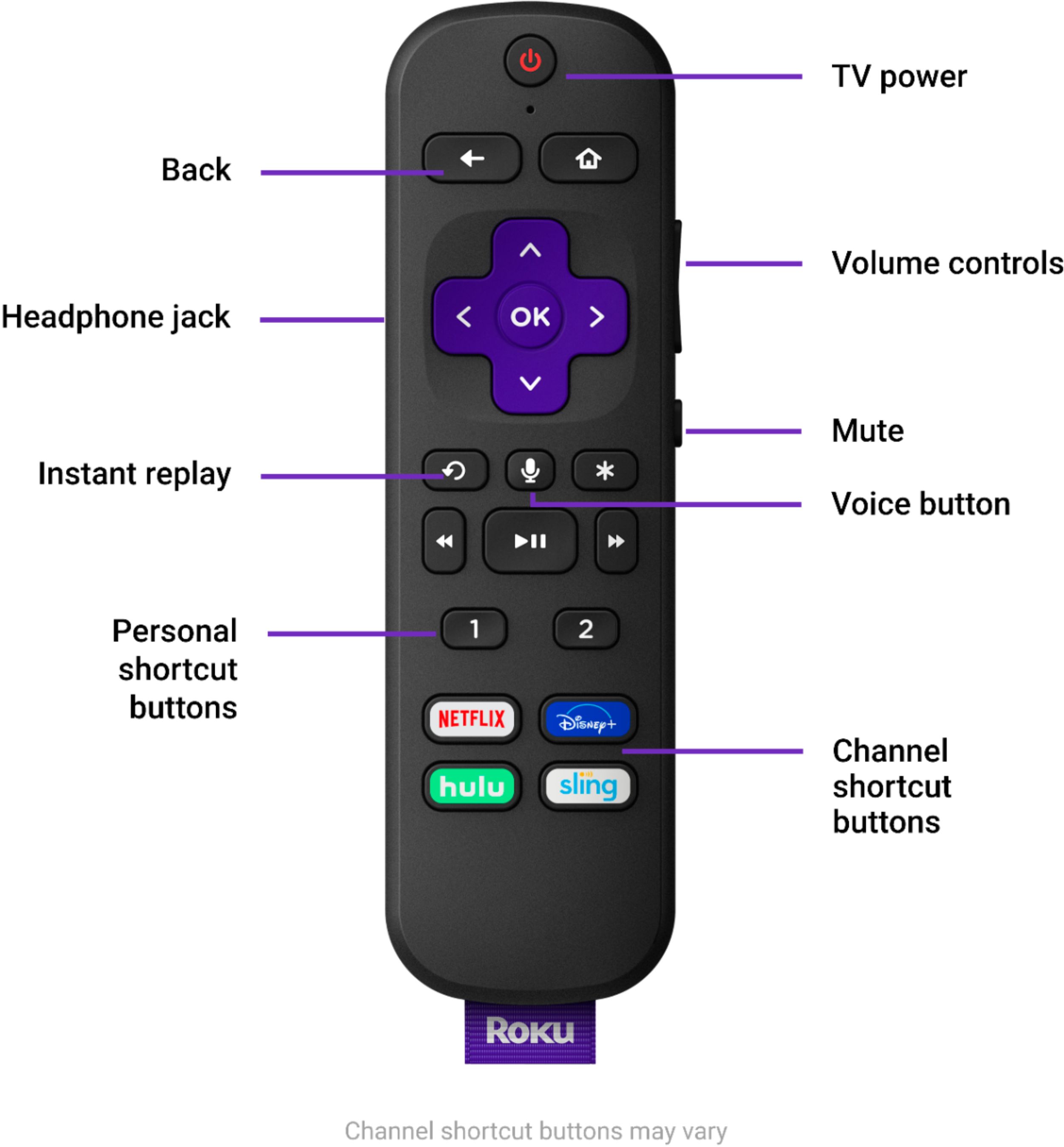
A:AnswerRoku 3 don't know but I went from Roku 3500 to Roku Ultra 4 and Hugh difference in speed ,no buffering, big change in picture quality as it supports 4k. More content. On Roku Ultra 4 you can put a micro SD chip for memory. I put in a 256 gig chip. Makes difference in loading content. Remote has volume control and voice command. For sure worth it.
A:Answermine will work IR or bluetooth. i have a universal remote that will control it and the remote that came with it works in the other room not even pointed in the right direction.
A:AnswerTo use the Roku you connect it your wireless network, so yes you need internet access. You then download apps through Roku system for providers you want to watch like Amazon Prime or Hulu. Some are free some are paid. Yes, you do need a separate device for each tv. I would say it is different than cable not better. The big question we dealt with was how to get the local channels without cable. There are a lot options, each with its own advantages and costs. I took several weeks researching the way to get local channels. The big problem is the size of DVR for recordings fm the different providers without paying a ton for the TiVo versions.
A:AnswerNo. Because the streamer doesn't have keyboard driver built-in.
We hope Roku will consider add this feature in its future products as using the remote to type a keyword for searching just as bad as using an old fashion feature phone to text message with its 10 keys.