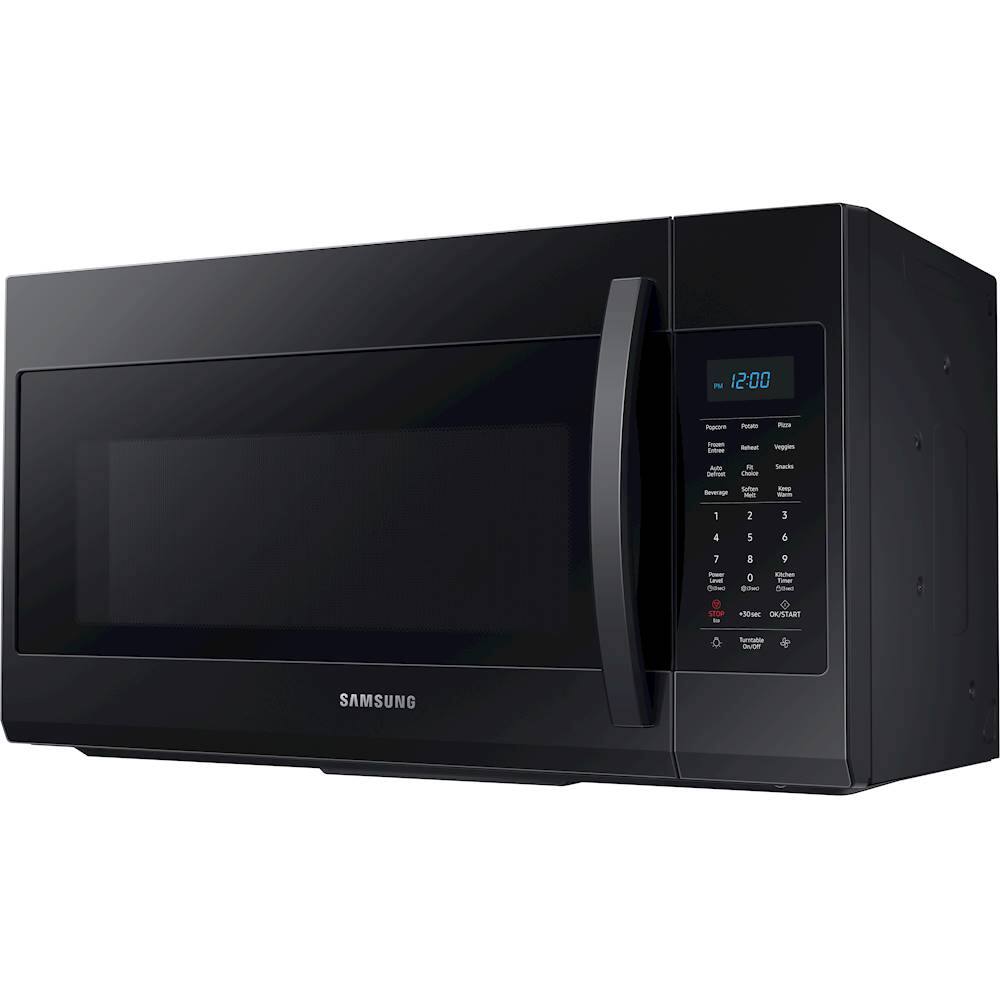
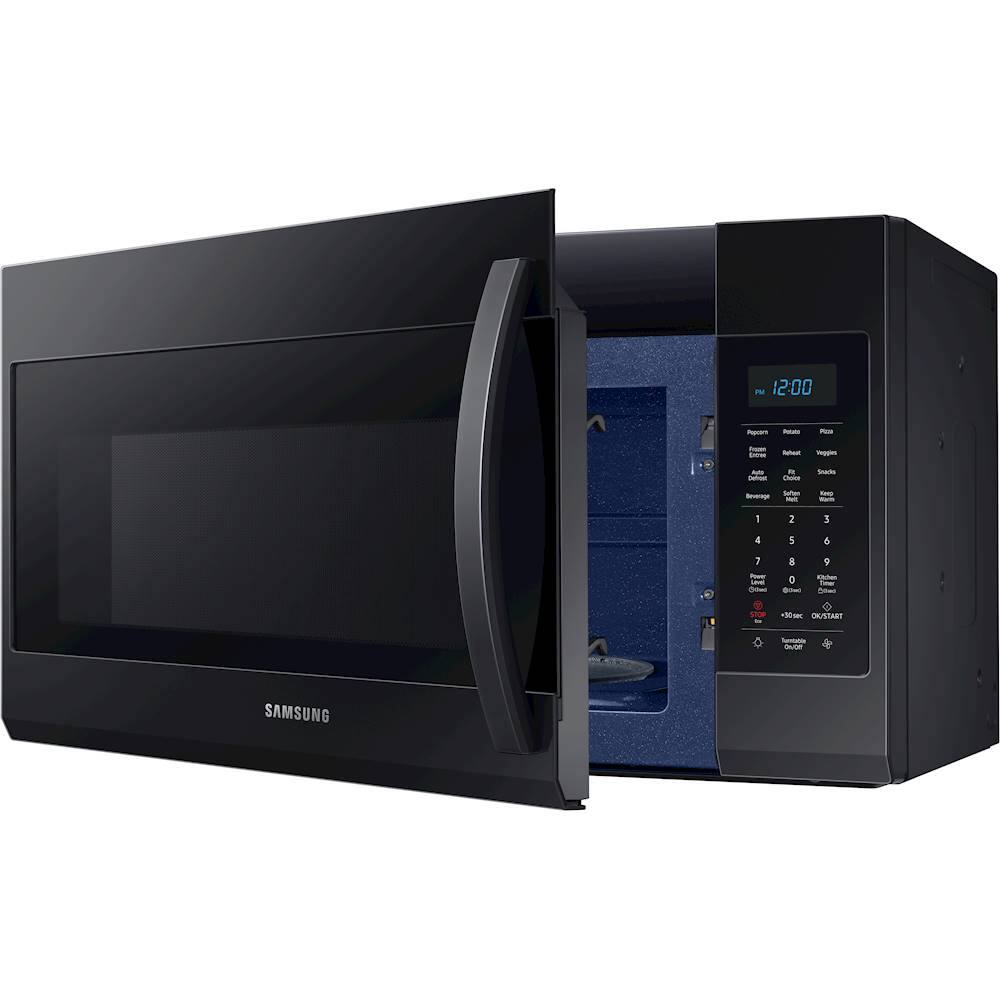
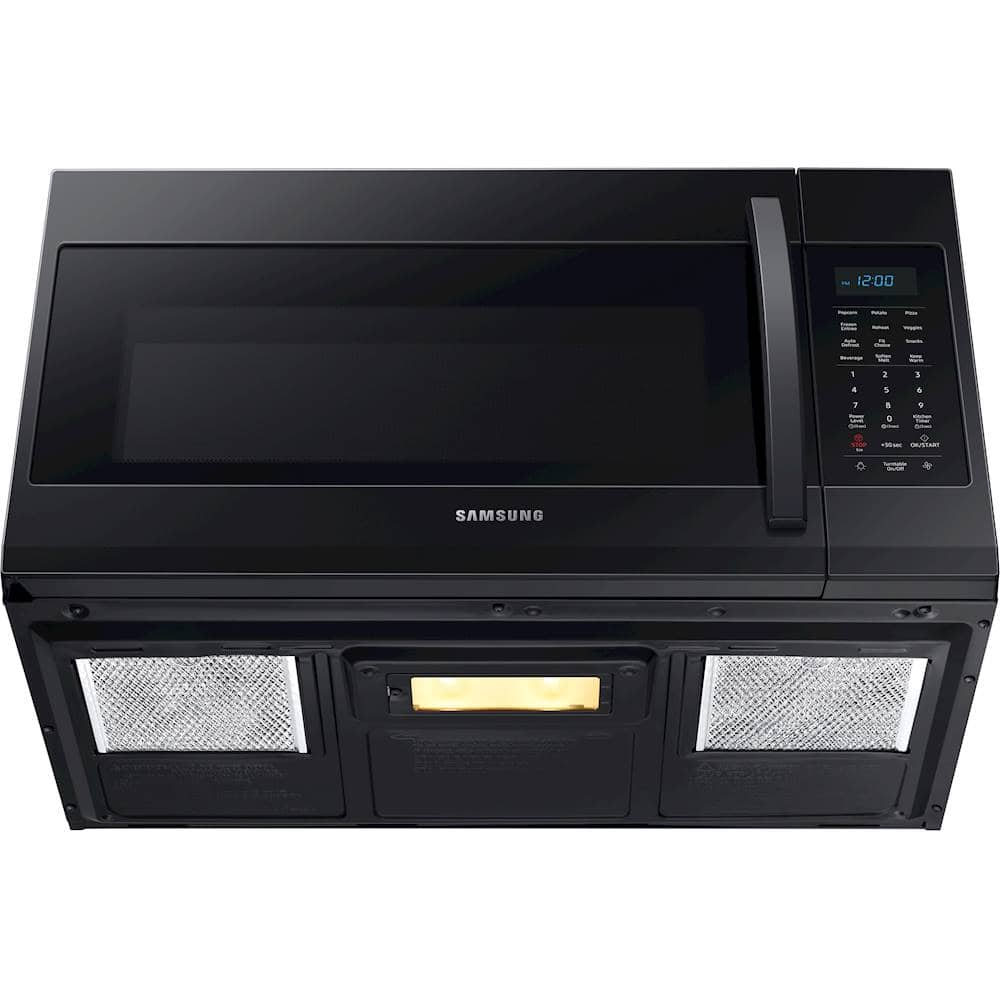
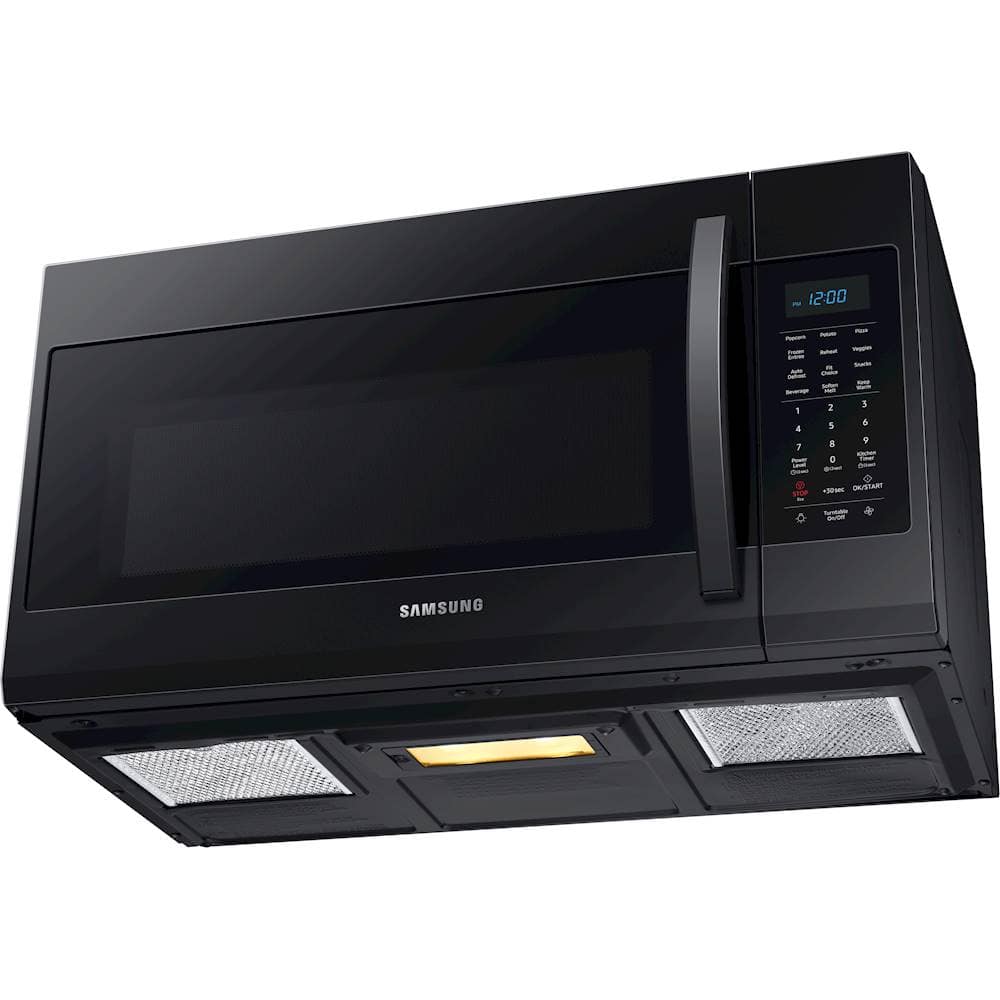
A:AnswerHi there! I believe this link (https://bit.ly/3aBf3fB) can help. All the available power ratings for this model are listed in the product info section. ^Jecca
A:AnswerSo sorry you're having such trouble! I bought this microwave for my parents and it's been working great for them. If I were you I'd take it back to the store and either ask for a refund or ask them to replace it with a new model.
Pam
A:AnswerHi there! We'd like to get some clarification on the issues you're experiencing so that we can best assist you with it. If you would like, you can reference ticket number 1142746912, and contact us through either Facebook Messenger: http://m.me/samsungsupport; or Twitter: https://twitter.com/messages/compose?recipient_id=18768513. ^Jecca
A:AnswerYou can't turn off the clock, you can only change it from the 12HR display to the 24HR display. You can however turn off the beeping noise for the unit. There is a sound control button on the microwave. ^Pat
A:AnswerI'm happy to help with this, Rett! This link (https://bit.ly/2LsIW7r) lists all the available dimensions for this model in the product info section. ^Jecca
A:AnswerThey make an adaptor and most HD and Lowes carry it. 3.5" by 10" is kind of the standard I see. I don't recall seeing 8" but 6 and 7" are available. For only one inch down sizing you can cut the larger pipe long ways a few times and slide the smaller pipe into it. bend the tabs you made by cutting the larger pipe to touch the smaller pipe and tape them together with the metal foil tape made for venting. This microwave takes the 3.5" by 10" vent when venting above.
A:AnswerUnfortunately, this model is not capable of using both the kitchen timer and the time-cook feature together for different lengths of time. ^Jecca
A:AnswerHi there! I'd like to provide this link: https://bit.ly/371PTo5. It is to the full user manual for this model. Page 10 can walk you through how to unlock the child lock feature. ^Jecca
A:AnswerI'm happy to help with this, Papaj! This link (https://bit.ly/3m5pXMA) has all the dimensions and specifications down in the product info section. ^Jecca
A:AnswerHi there,
I can answer this for you. There is no preset quick touch buttons other than the +30 Seconds button. I also located the Owners Manual for your unit. See link below:
https://downloadcenter.samsung.com/content/UM/201911/20191122104255594/ME4000R_ME19R7041FS_AA_EN-MES-CFR.pdf
Thank you for choosing Samsung. ^Brad
A:AnswerYou’ll need a clearance of 16 & 1/2” from bottom of cabinet to the bottom of microwave. Also make sure the bottom of the cabinet is thick and strong enough to support the microwave. As well the wall because the bracket that is put on the wall for the microwave has to attached to studs that is needed to support microwave. So the spot you want to mount it has to meet these requirements. It was a breeze to install just make sure you mark the needed holes that’s on the template. Good luck.