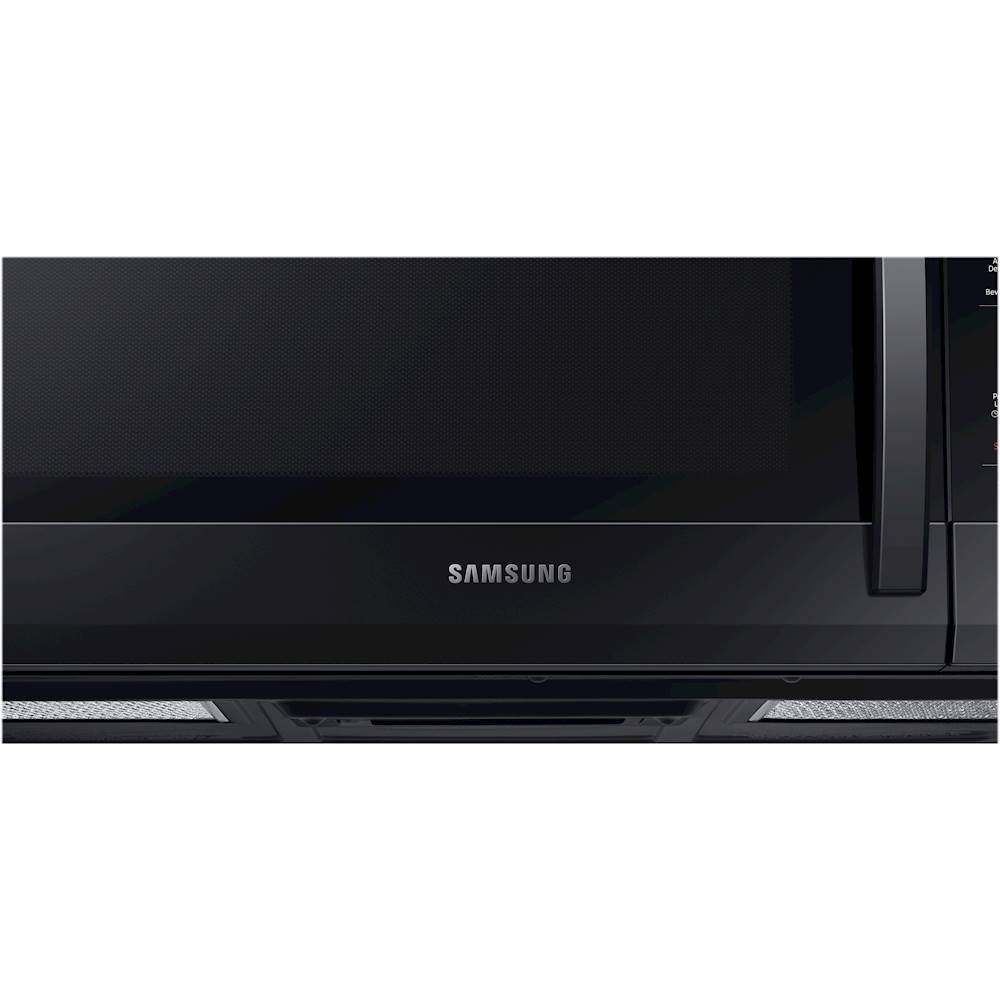
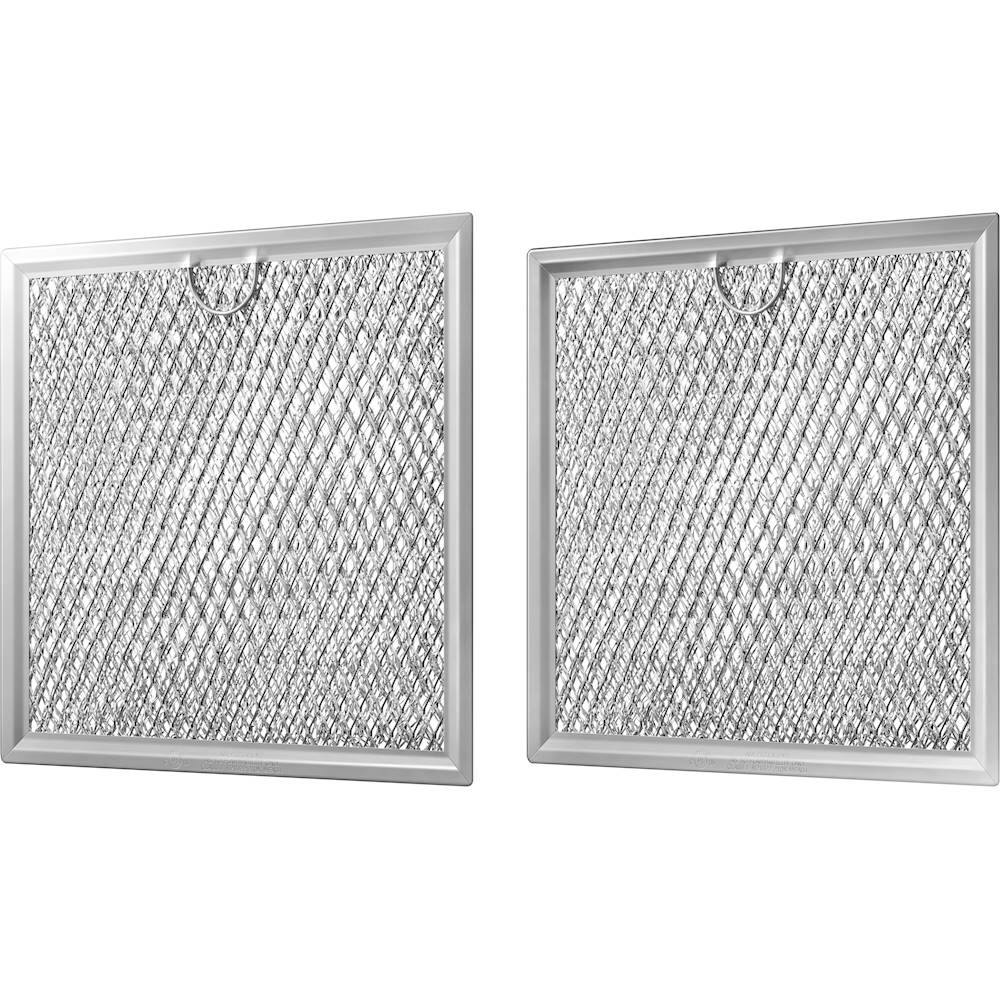
A:AnswerI am including a link to a guide to assist you with resolving this issue with the microwave (https://bit.ly/2Kanymz). We thank you for being a Samsung customer! ^Lena
A:AnswerThanks for asking, Queenie! When too much heat is rising from the cooktop and the microwave could be damaged, the vent will automatically turn on to prevent damage. When this occurs, the vent cannot be turned off until the heat dissipates. ^Jecca
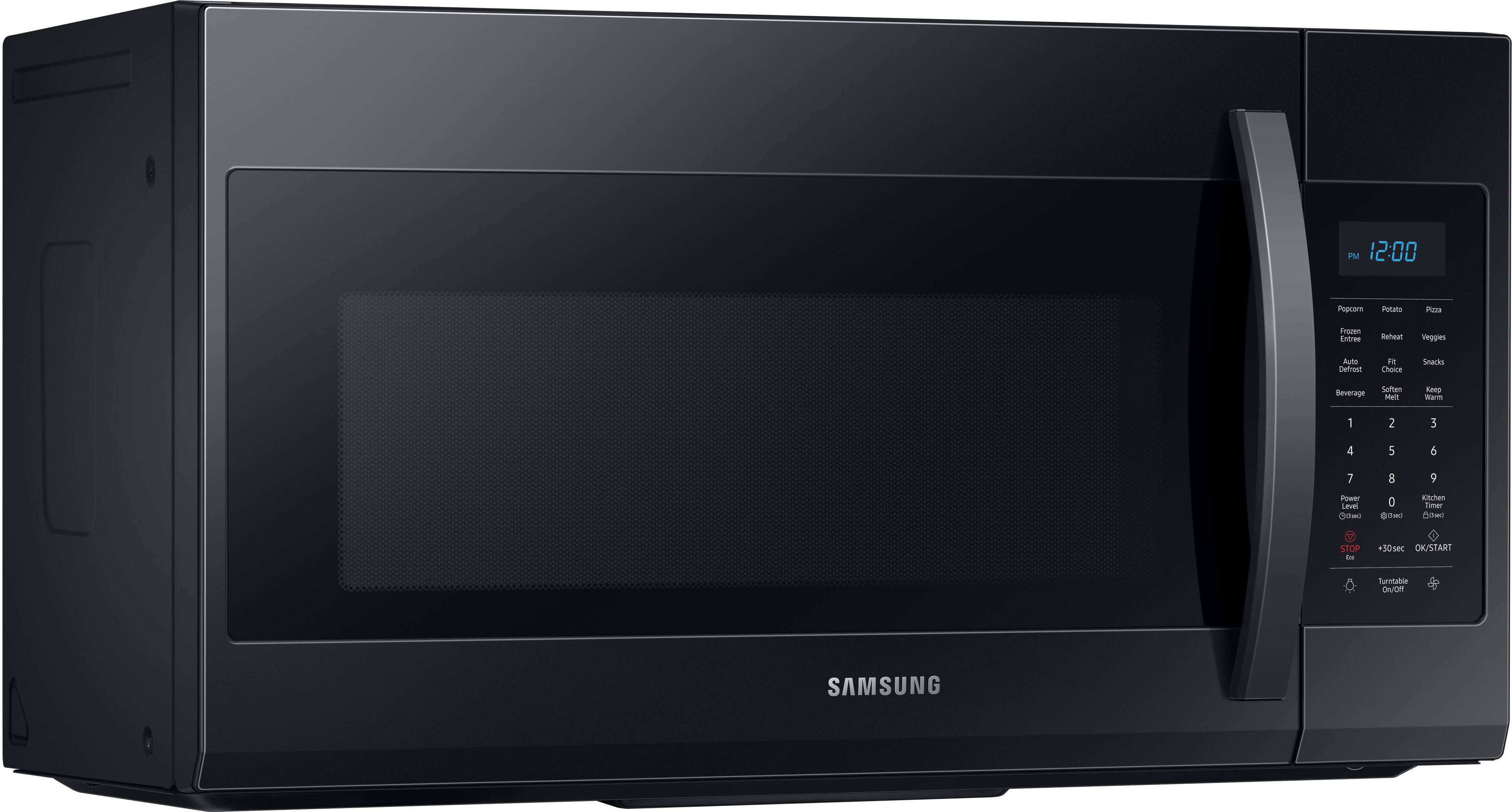
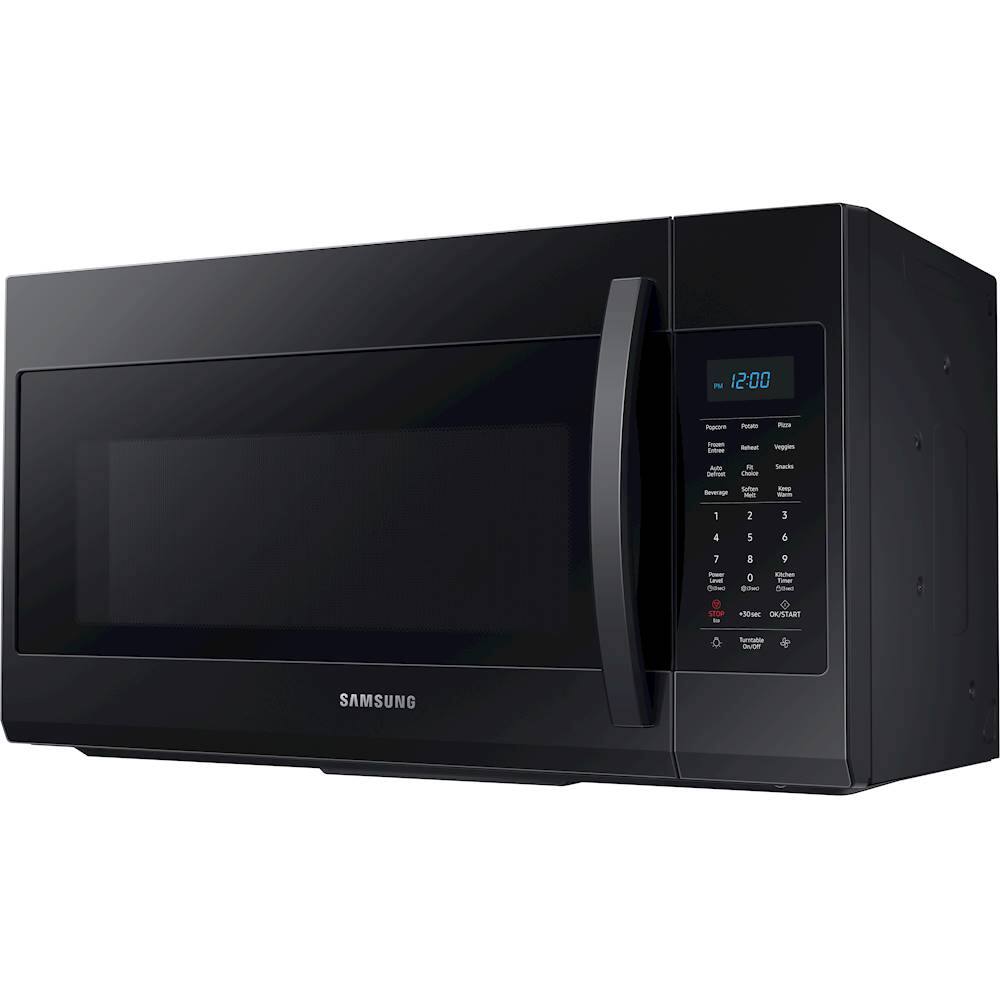
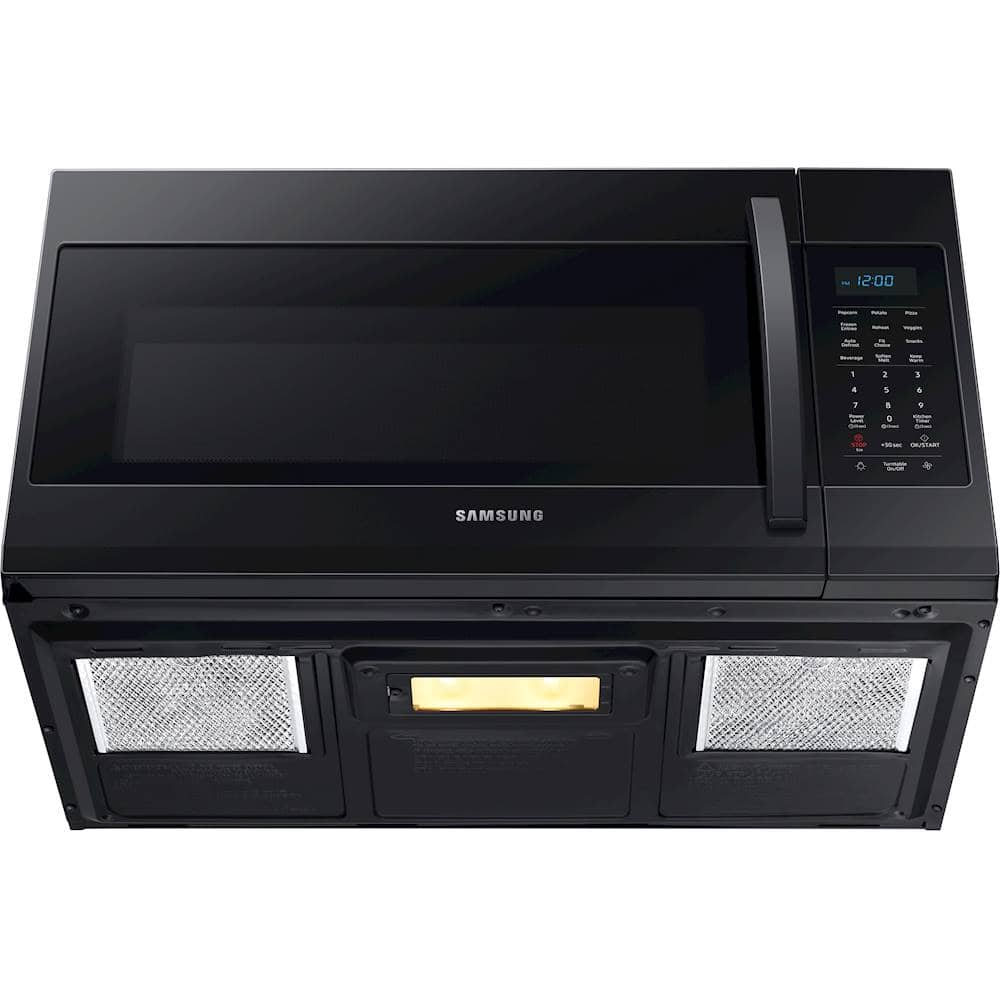
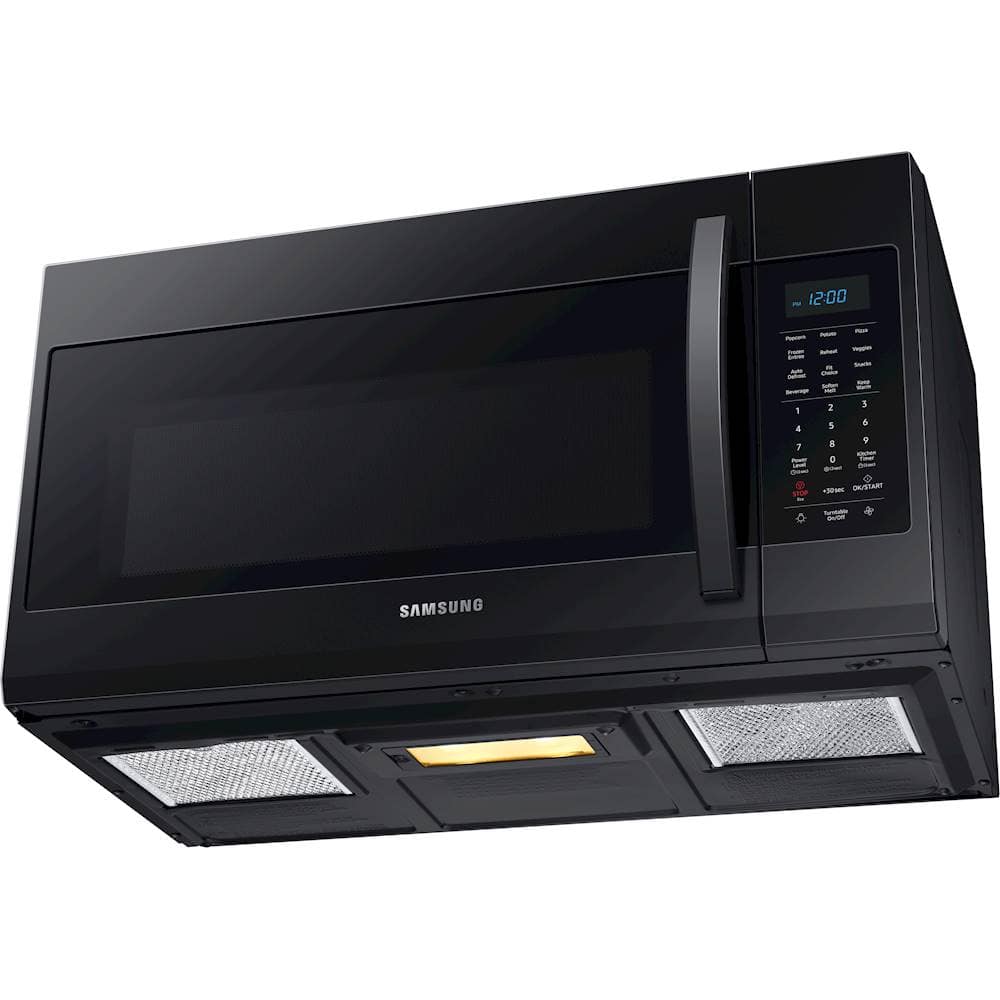
A:AnswerThe height of this microwave is 17 1/16". The microwave is compatible with three types of ventilation A. Outside Top Exhaust (Vertical Duct), B. Recirculating (Non-Vented Ductless) and C. Outside Back Exhaust (Horizontal Duct). Thank you for choosing Samsung! ^Lena
A:AnswerHi Wendy! This model microwave is designed to be mounted above a range or cooktop and requires the underside to be open for ventilation. ^Jecca
A:AnswerHi there,
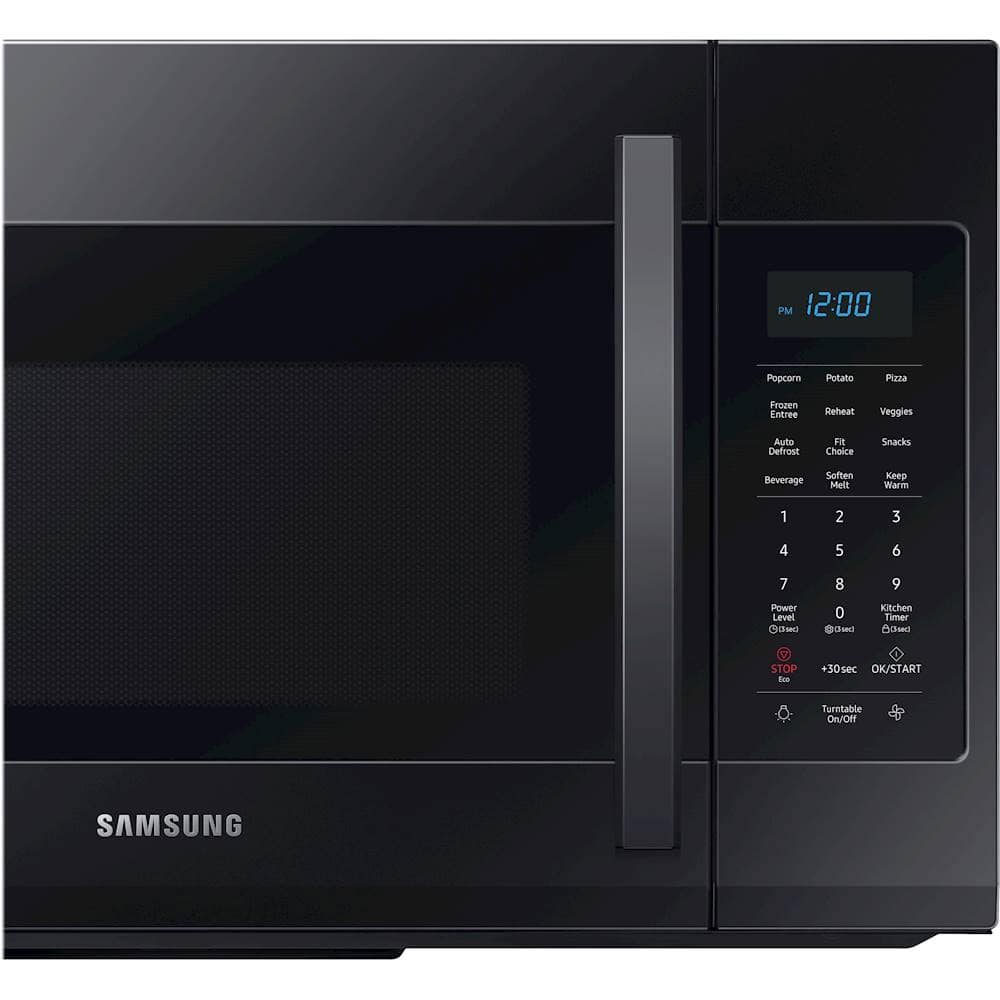
I can help with that. Here is how to set the clock. See instructions below:
1. Press the Power Level button for 3 seconds.
2. Use the number buttons to enter the current time.
You need to press at least three numbers to set the
clock. For example, if the current time is 5:00, press
5, 0, 0. The display will show: 500.
3. Press the Power Level button.
4. Use the Power Level button to select AM / PM.
5. Press the OK/START button.
6. A colon appears indicating that the time is set.
Thank you for choosing Samsung. ^Brad
A:AnswerHi there,
I can help with that. That is your Filter reminder. The filter should be cleaned or replaced once every four months. When it is time to clean or replace the filter, the microwave displays the “Filter” message to remind you to clean or replace the filter. To remove the message, touch the number 0 when the microwave is in standby mode, or access Options. Thank you for choosing Samsung. ^Brad
A:AnswerHi there,
I can help with that. Here are the instructions for Setting the Time:
1. Press the Power Level button for 3 seconds.
2. Use the number buttons to enter the current time.
You need to press at least three numbers to set the
clock. For example, if the current time is 5:00, press
5, 0, 0. The display will show: 500.
3. Press the Power Level button.
4. Use the Power Level button to select AM / PM.
5. Press the OK/START button.
6. A colon appears indicating that the time is set.
For more helpful information, you can always check out your Owners Manual. See link below:
https://downloadcenter.samsung.com/content/UM/201911/20191122104255594/ME4000R_ME19R7041FS_AA_EN-MES-CFR.pdf
Thank you for choosing Samsung. ^Brad
A:AnswerHi there,
I can help with that. Here are the dimensions for this product.
Product Height - 17.1 inches
Product Width - 29.9 inches
Product Depth - 16.5 inches
Thank you for choosing Samsung. ^Brad
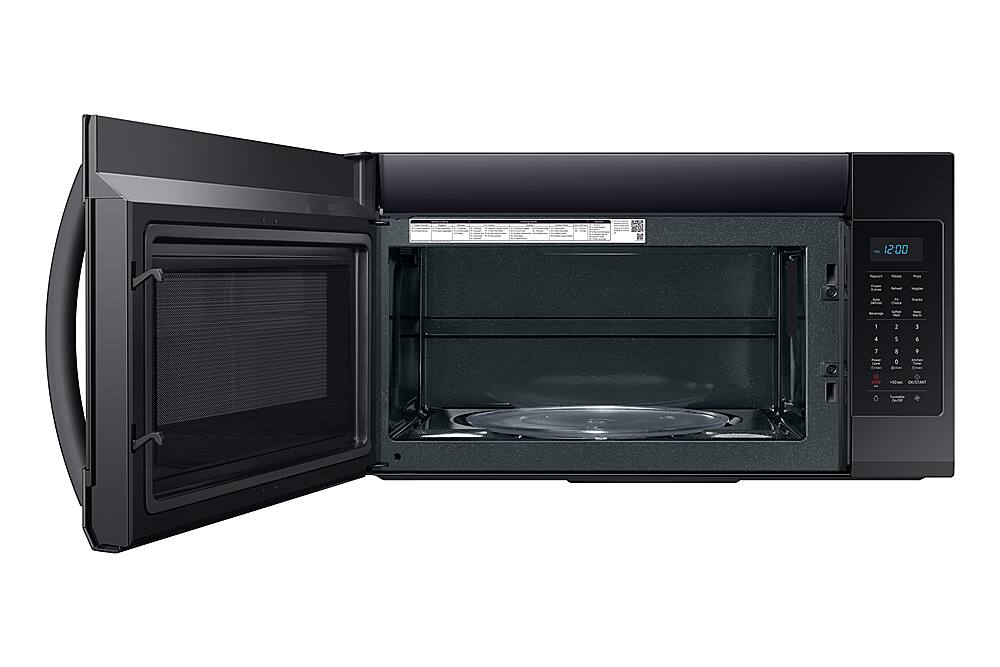
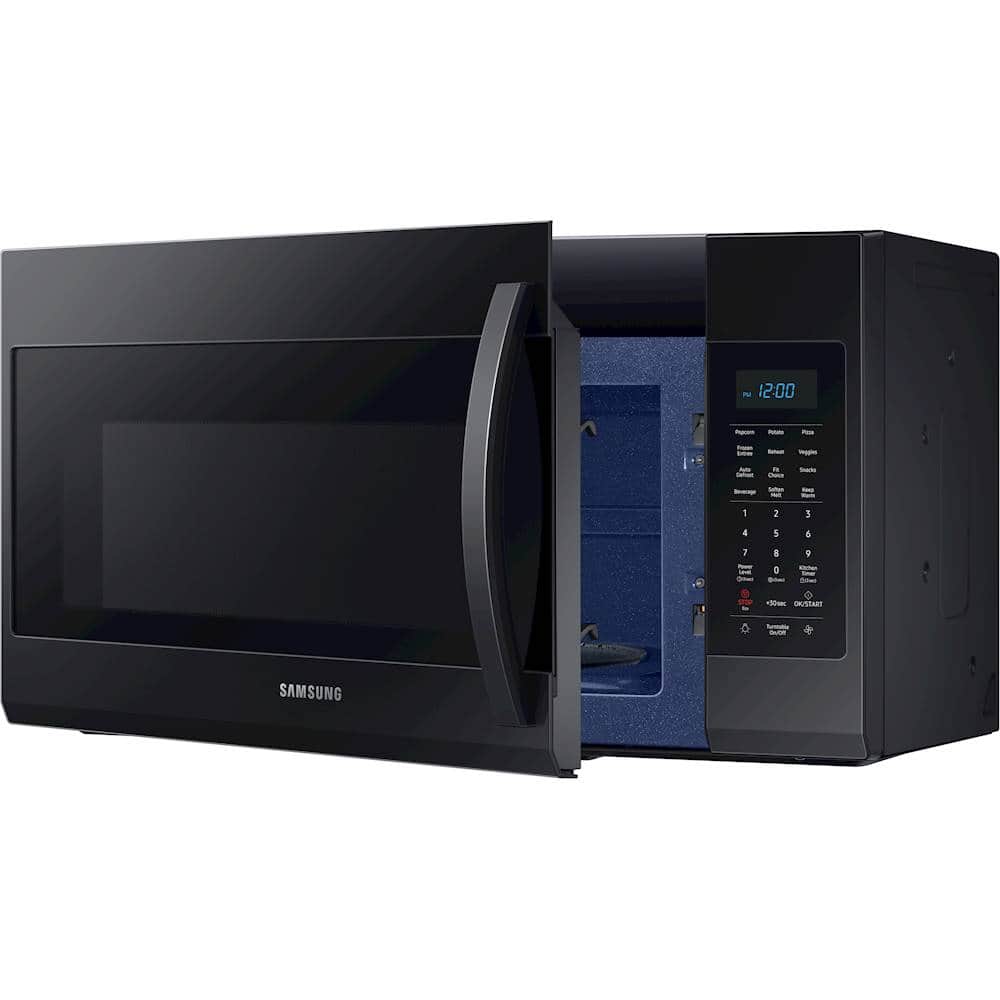
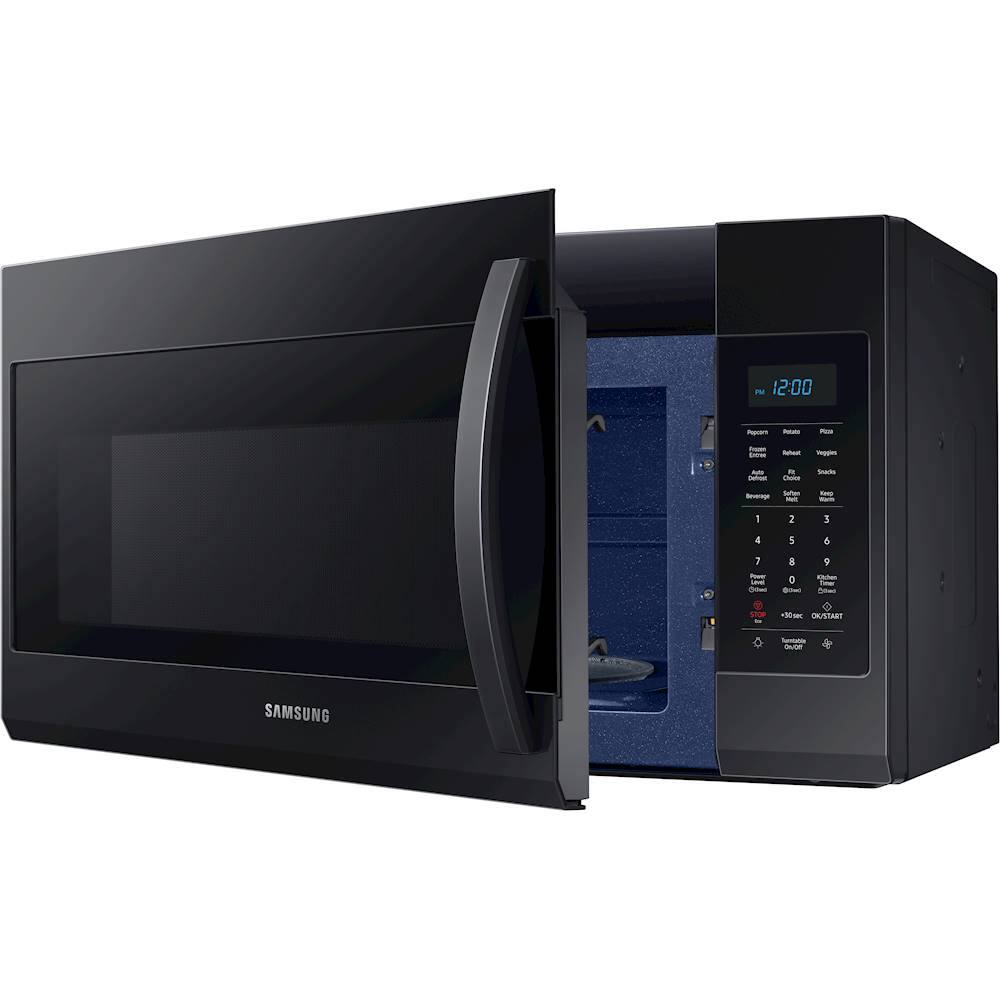
A:AnswerAbout 30.25 inches with the door open 90 degrees, which is with the door perpendicular to the face of the microwave (full access to the inside of the microwave). The door can open further than that but I assume you are looking for this measurement.
A:AnswerTo set the clock, press the power level button for three seconds and enter the time. Then, press the power level button to select AM/PM and press the Ok/Start button to save your changes. A colon appears indicating that the time is set. Thank you for choosing Samsung for your home! ^Lena
A:AnswerThis microwave does not offer the round rack. Here is a link to our website Samsung.com for you to view the microwaves that include the rack (https://bit.ly/2IAaPcg). We thank you for choosing Samsung! ^Lena
A:AnswerHi there,
I can help you with your concerns regarding a mounting kit for our Samsung Microwave. All units that are over the range will come with a mounting kit. If you purchased a brand new unit and it did not come with one, then please feel free to contact us via Facebook Messenger (http://m.me/samsungsupport) or Twitter (https://twitter.com/messages/compose?recipient_id=18768513)
Please reference ticket number 1142473707. We thank you for being a part of the Samsung family. ^Brad