A:AnswerHi there Lynn! According to page 15 of the user manual (https://bit.ly/3kckI01), you can enter any time amount from one second to 99 minutes and 99 seconds. To select a time greater than one minute, enter the seconds also. (For example, to set a cooking time of 20 minutes, enter 2, 0, 0, 0.) ^Jecca
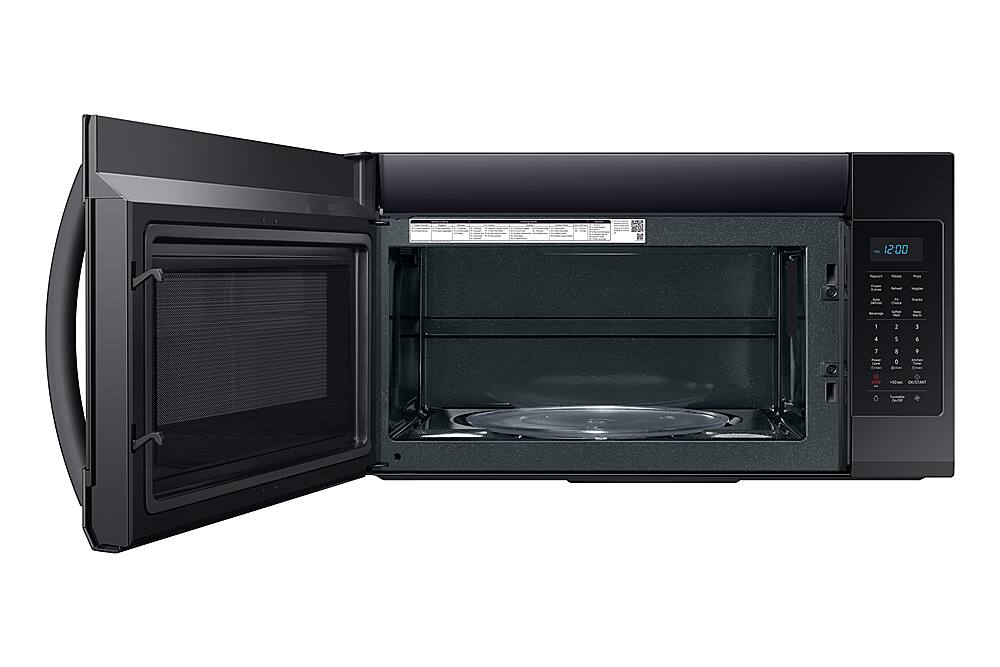
A:AnswerI'm happy to help clarify this, yukimom! First, here is a link (https://bit.ly/38OIvMQ) to the user manual for this model. Page 8 lists everything that is included with this model. While it does have the standard glass tray, it does not have any additional racks. ^Jecca
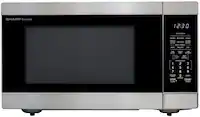
A:AnswerI'm happy to help with this, Calmarine! It sounds like your microwave may just be in "demo mode". But not to worry, this link (https://bit.ly/3ALX4Nk) can walk you through how to check that, as well as other possible causes of your microwave not heating properly. ^Jecca
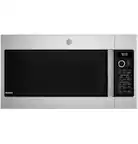
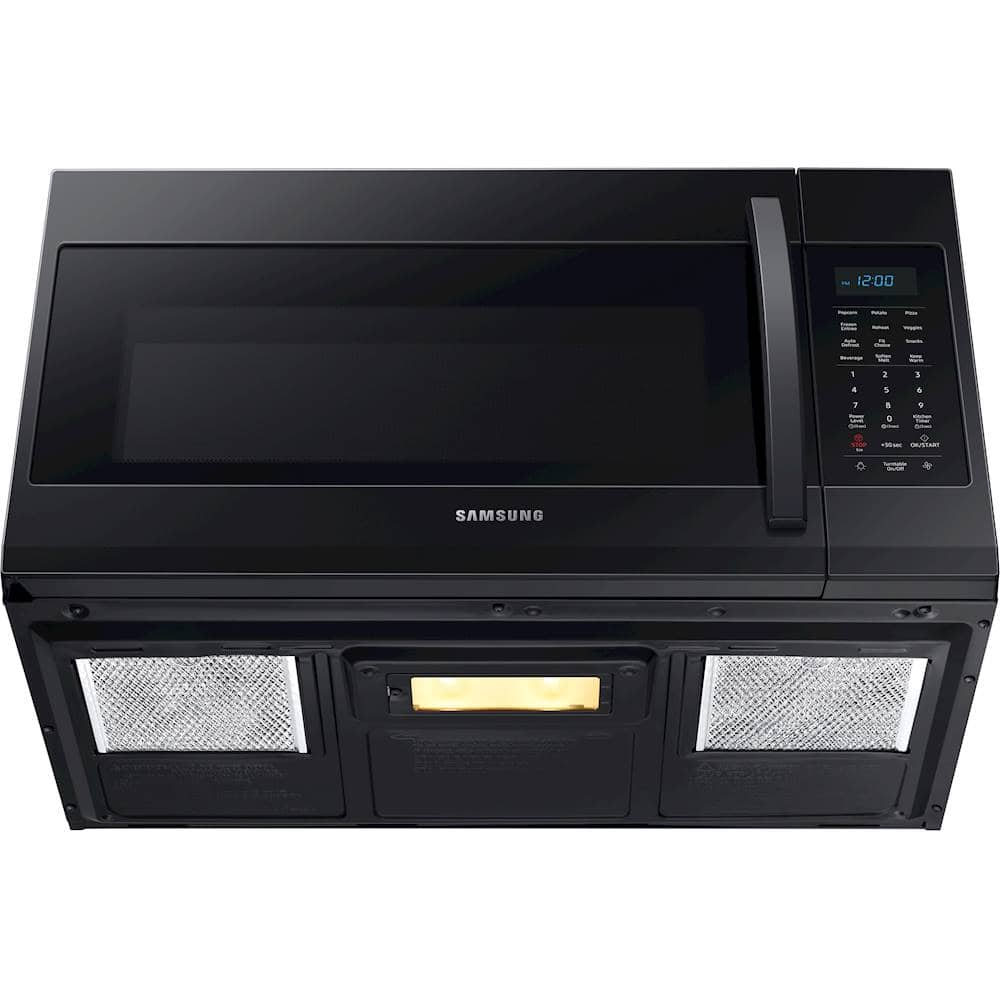
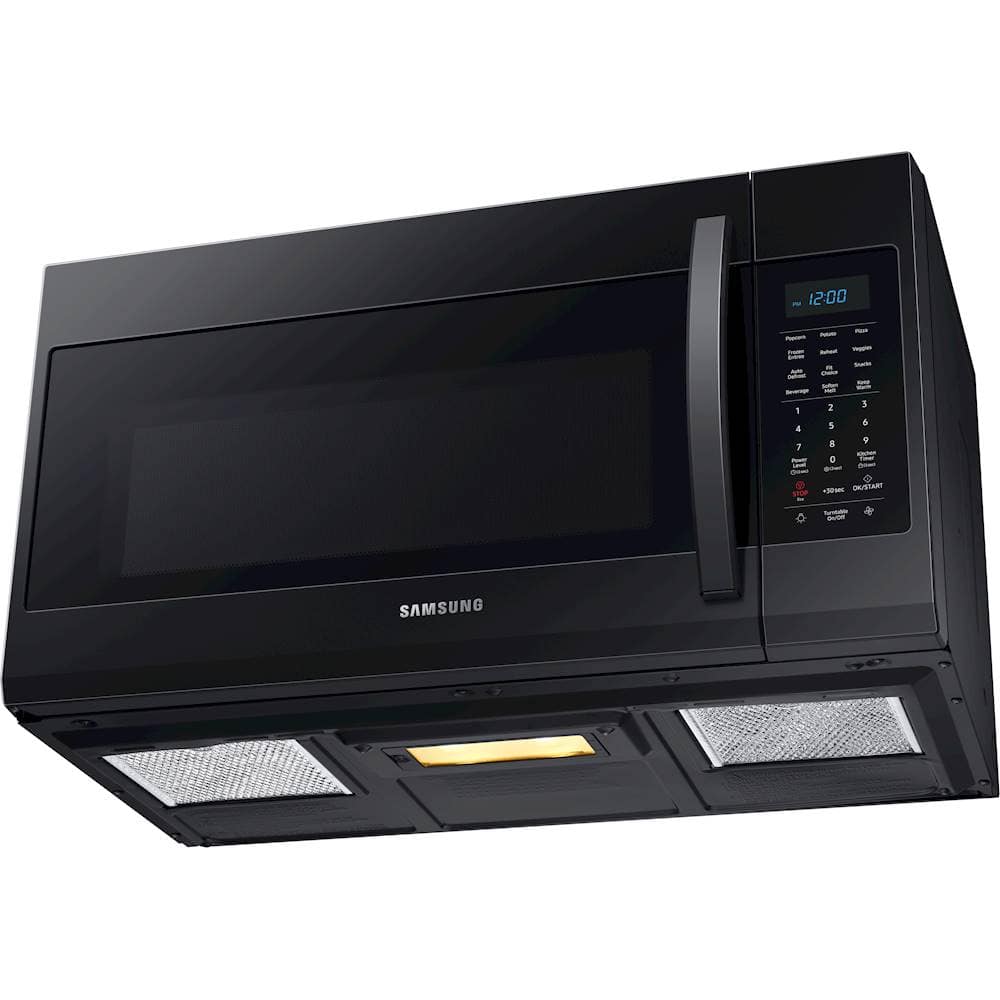
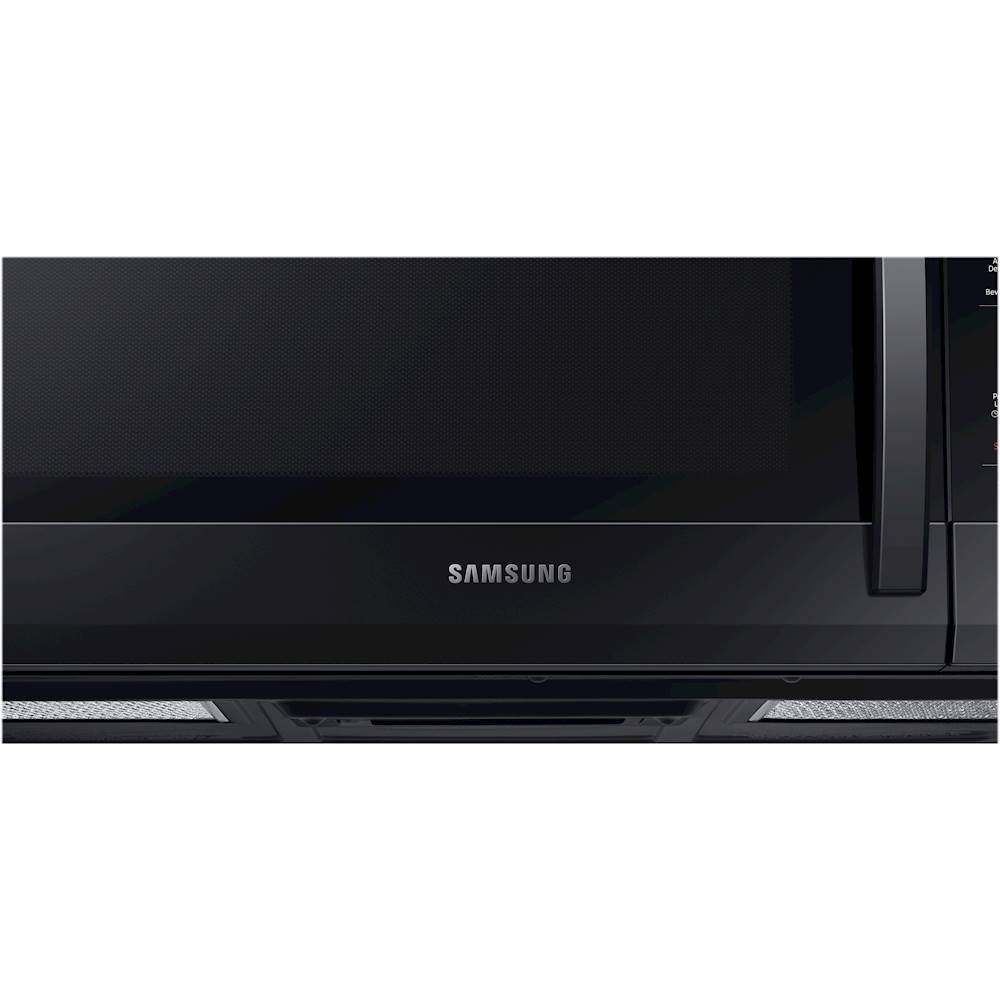
A:AnswerThanks so much for asking! How and where this model exhausts actually will depend on how it's installed. I have this link (https://bit.ly/2U8PoVK) to the installation manual for this model. Page 11 begin the section on ventilation types. You can choose from outside top exhaust, recirculating, and outside back exhaust. ^Jecca
A:AnswerHi Dimi! When too much heat is rising from the cooktop or the microwave produces too much heat, the vent will automatically turn on to prevent damage. However, if this is occurring when there is no heat present, we would ask that you contact us directly for further assistance. You can reference ticket number 1143591593, and contact us through either Facebook Messenger: http://m.me/samsungsupport; or Twitter: https://twitter.com/messages/compose?recipient_id=18768513. ^Jecca
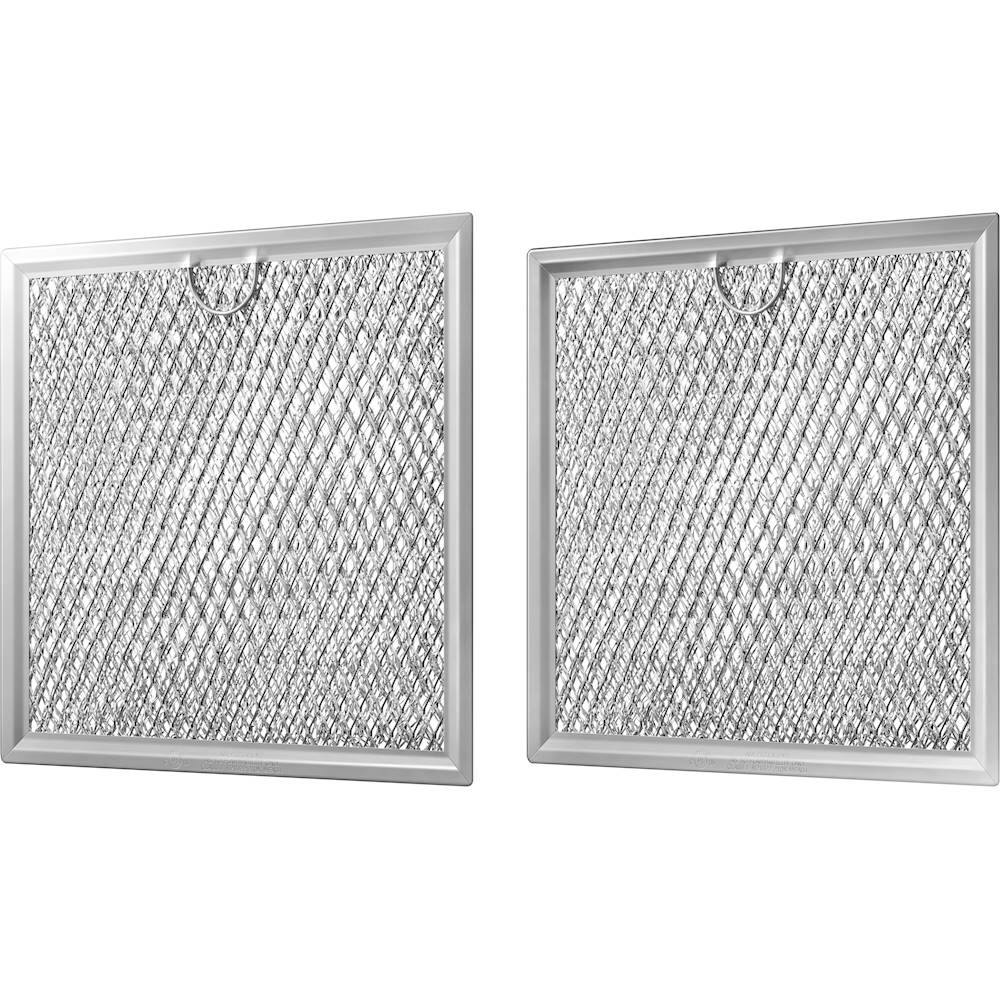
A:AnswerI'm so glad you asked, Nick! The filter you're seeing on your control panel is an indicator light letting you know it's time to change or clean one of the filters in your microwave. But not to worry, I have this helpful link (https://bit.ly/3zTeya9) that can walk you through how to do this. ^Jecca
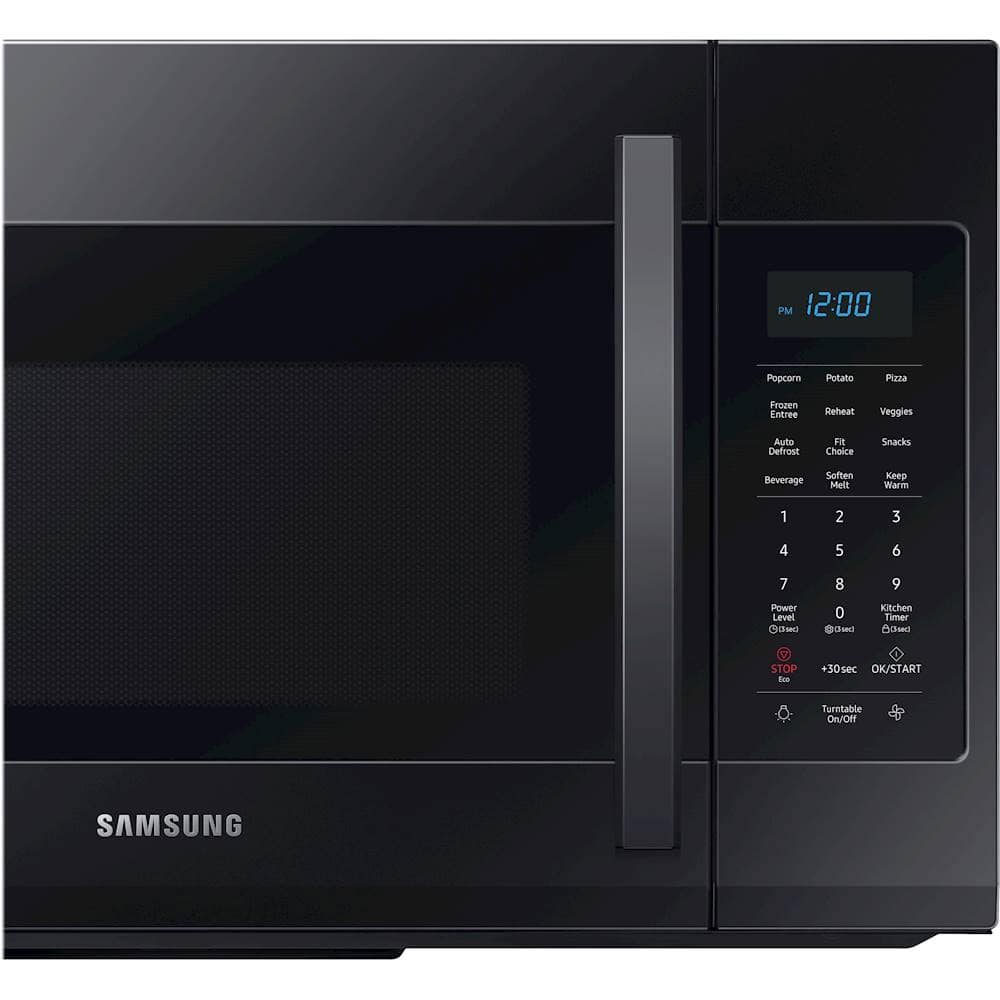
A:AnswerHello Kitty! If you want to activate or deactivate the child lock function, press the Kitchen Timer button for 3 seconds.
The display will show ON when the oven is locked, and
then re-displays the time.
I have also provided the link to the user manual for additional information. Please see page 10.
(https://downloadcenter.samsung.com/content/UM/201911/20191122104255594/ME4000R_ME19R7041FS_AA_EN-MES-CFR.pdf)
Thank you for choosing Samsung. ^Nic
A:AnswerHey Bob! While this microwave is designed to be very quiet, you may still hear some sounds from it. This link (https://bit.ly/2UGx5qO) has detailed information on the types of noises you may hear. ^Jecca
A:AnswerGreat question! I have this link (https://bit.ly/3zQoemG) to a complete list of all countertop microwaves currently available from Samsung. The Tuscan color is not available for any of the current countertop models. ^Jecca
A:AnswerThanks so much for asking, CorkG! While this model does come with the standard glass tray, it does not have any additional cooking racks. ^Jecca
A:AnswerOurs works perfectly! No power issues that I’ve been aware of. It pops my popcorn perfectly every time and my wife has t yelled at me yet to fix the darn micro. So two thumbs up
A:AnswerWe're happy to help with this, Amylynn88! It sounds like you've checked the most common causes of the microwave not heating. Here's a link (https://bit.ly/2QTnbRc) to our complete troubleshooting guide for this issue, just in case there's something you missed. However, we're happy to speak with you about other options if that does not help. Just reference ticket number 1143345554, and contact us through either Facebook Messenger: http://m.me/samsungsupport; or Twitter: https://twitter.com/messages/compose?recipient_id=18768513. ^Jecca