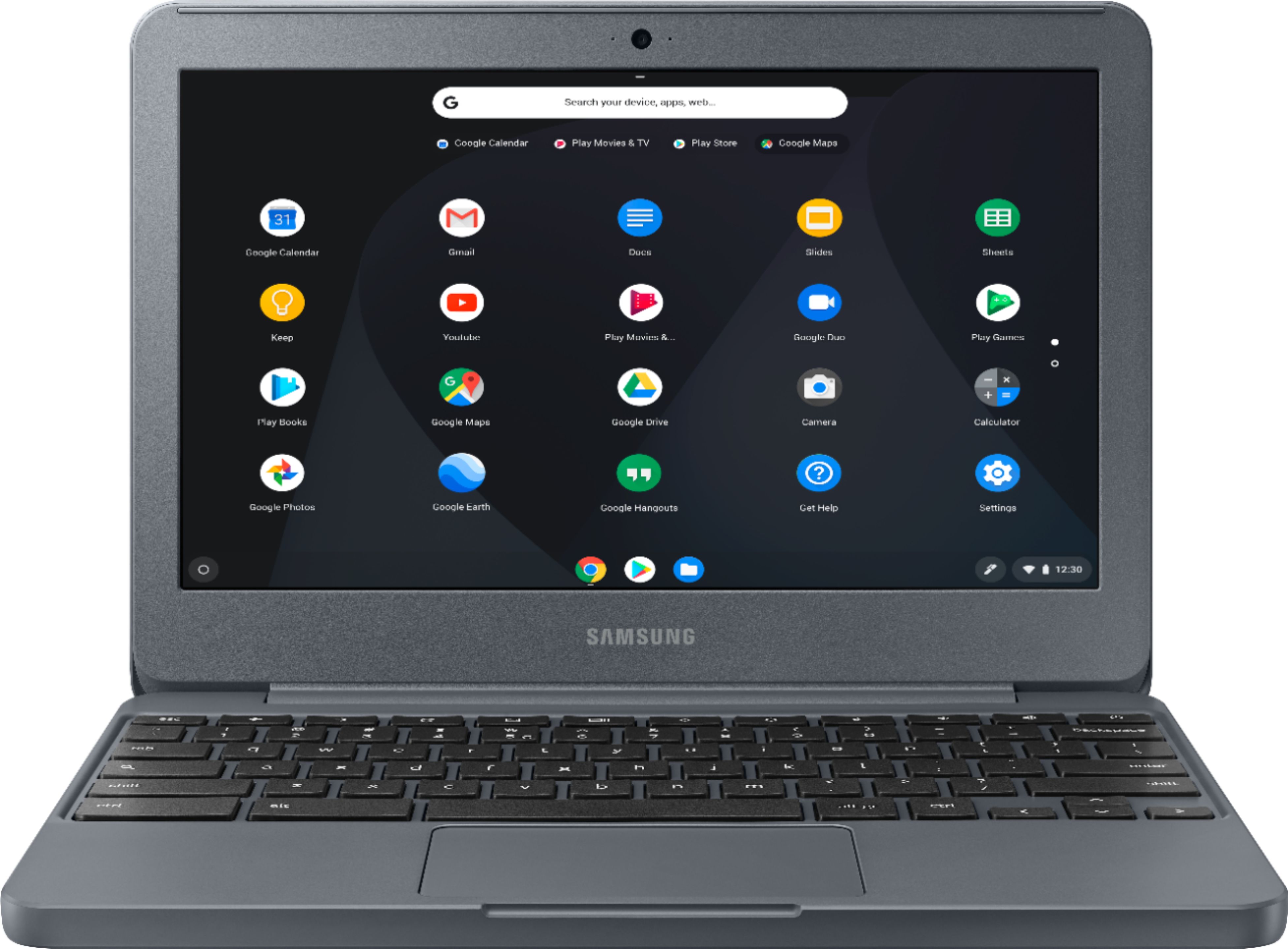
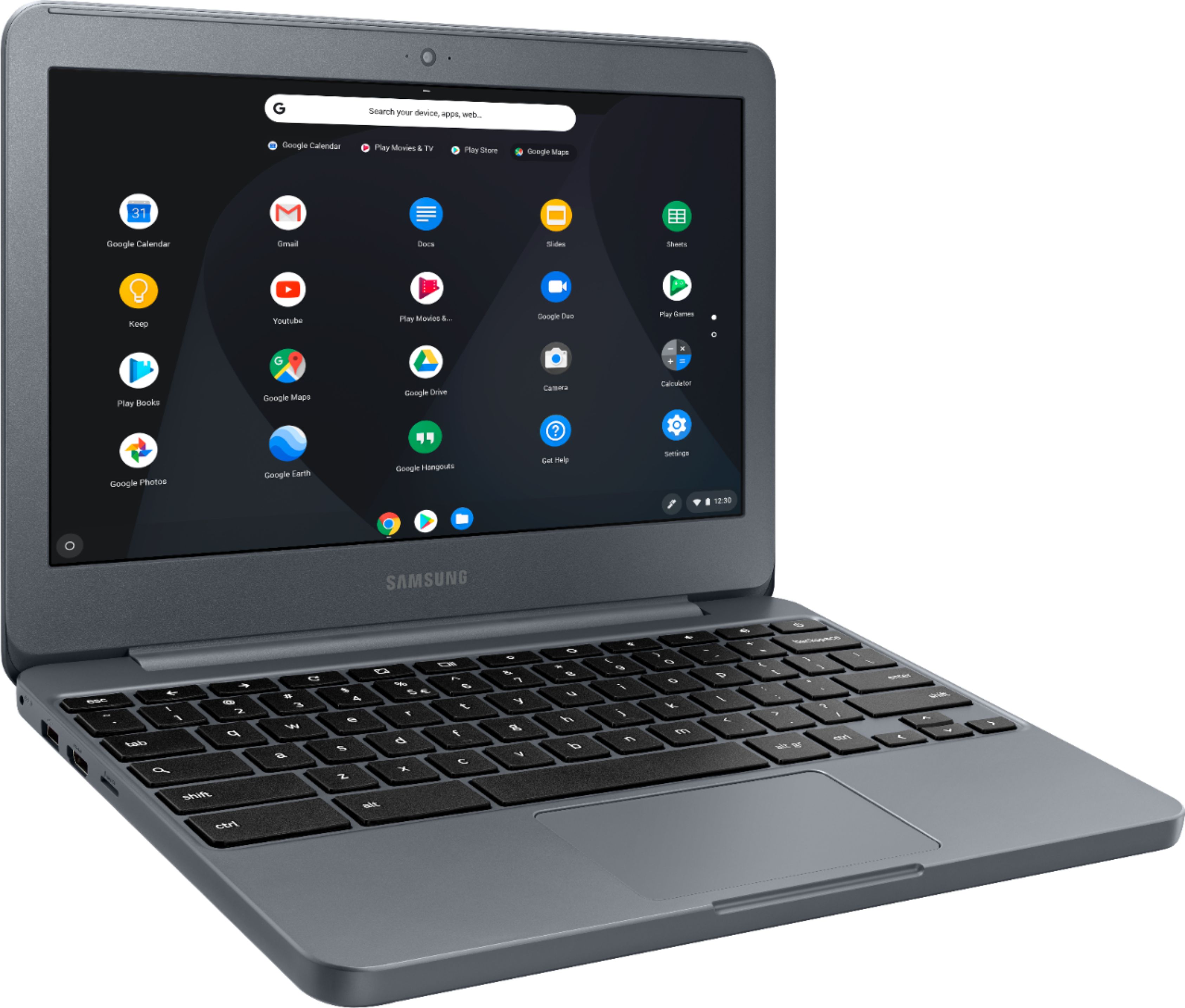
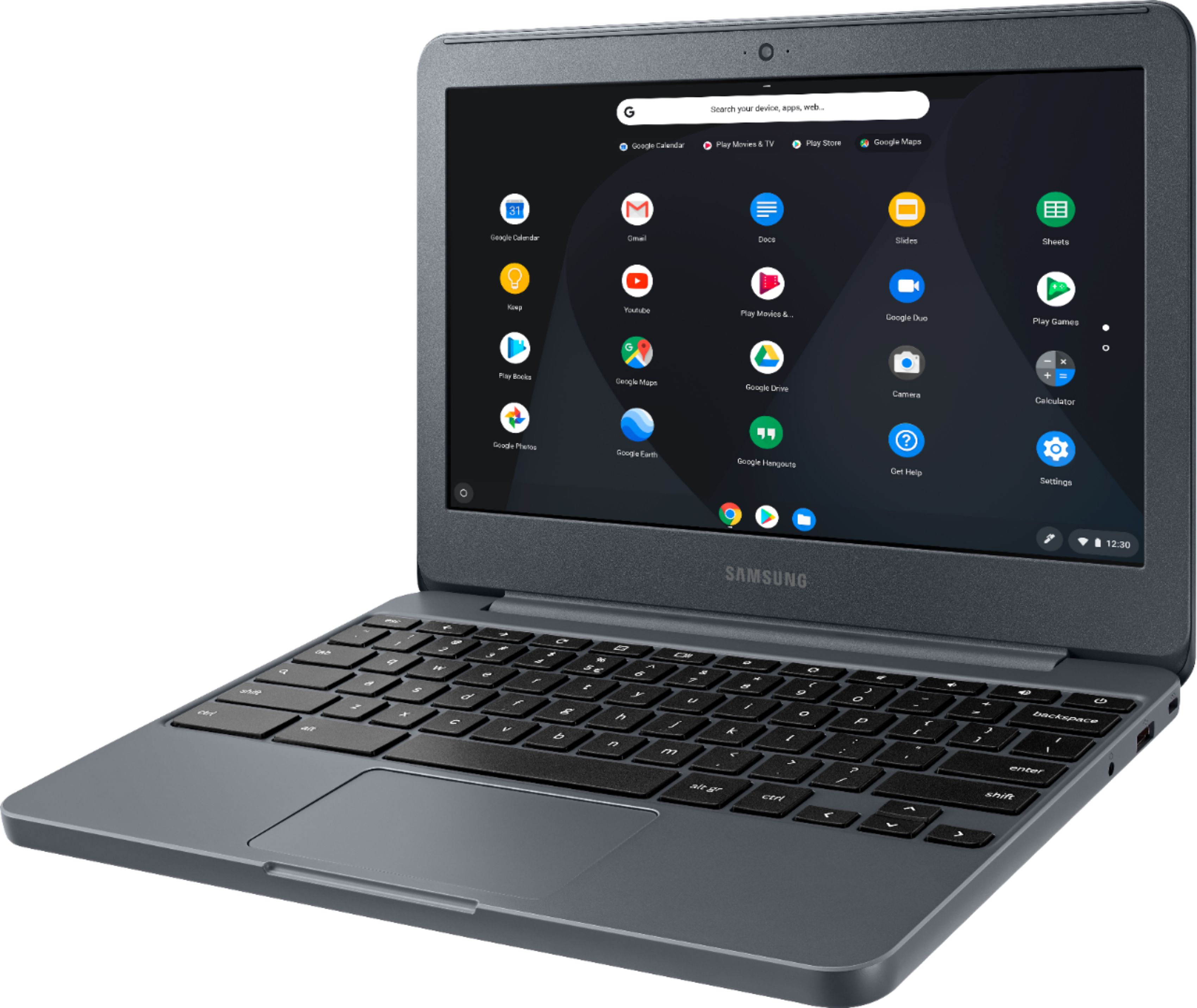
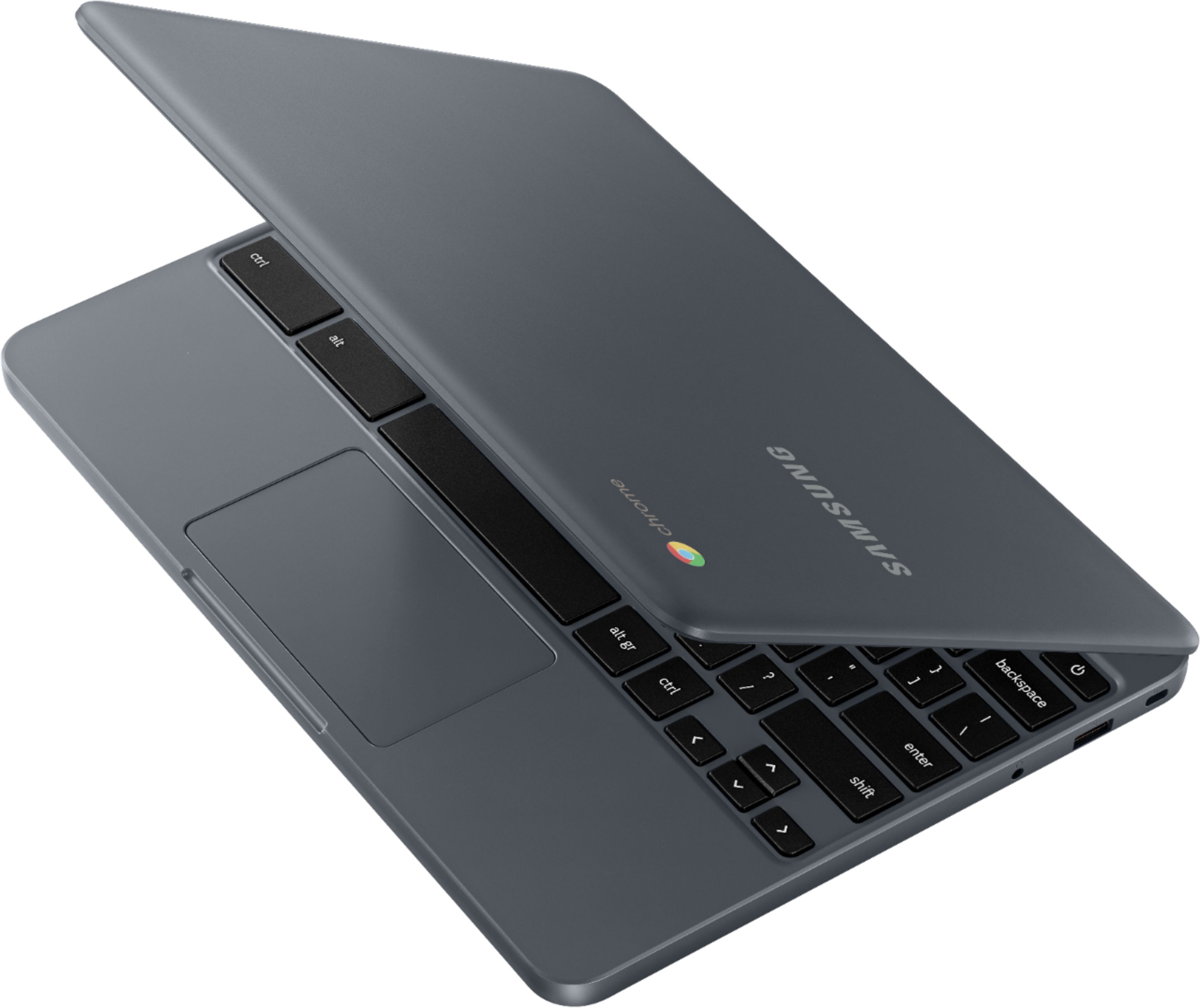
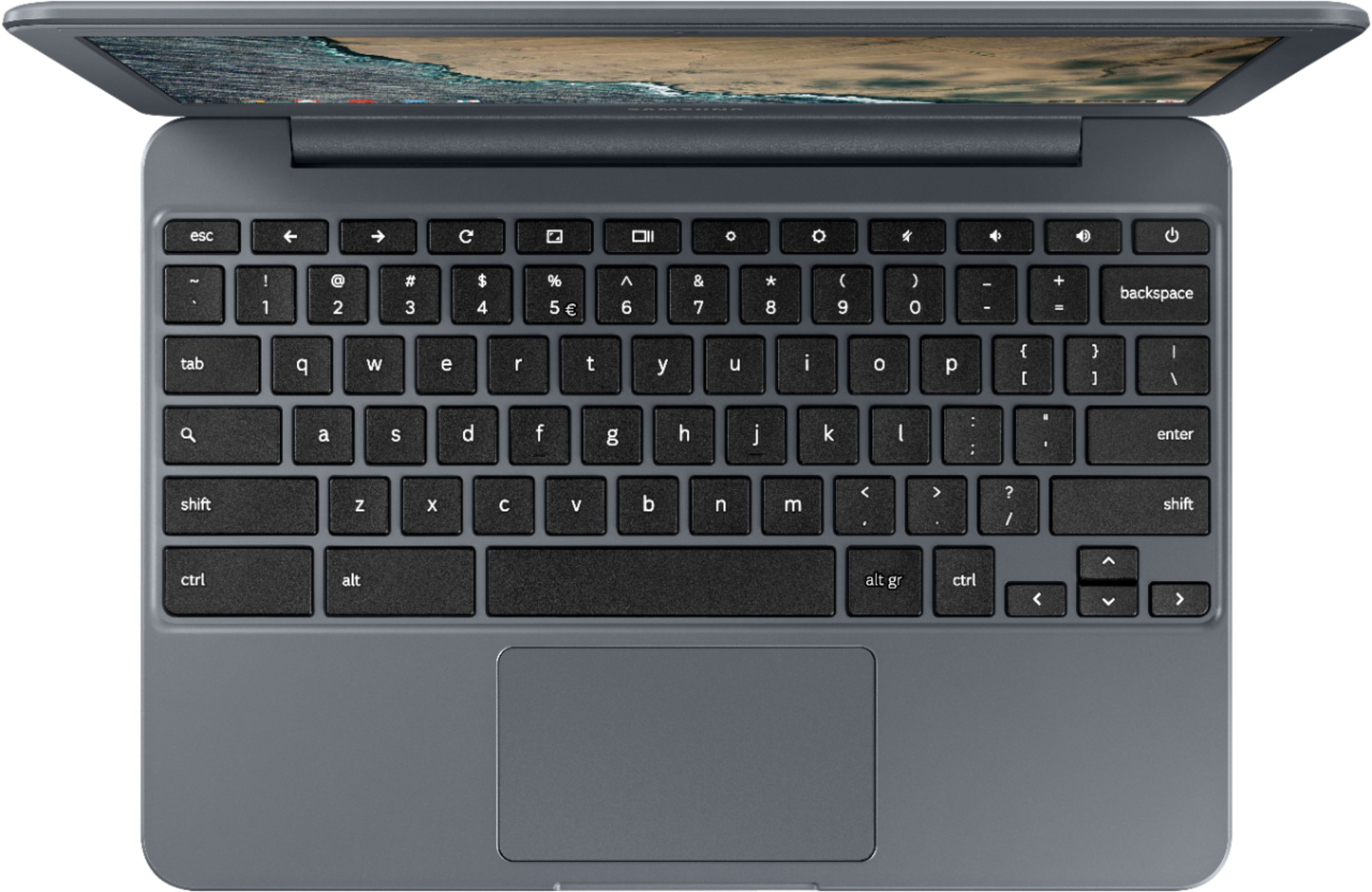
A:AnswerThis laptop does NOT have Windows as its operating system (OS). It is a Chromebook, which uses the Google Chrome web browser as its operating system (OS). You can print from this chromebook, but setting up printing on a chromebook is a little harder than setting up printing on a Windows laptop, which is usually very simple and intuitive (plug-and-play), unless Samsung and Google have improved the printer setup on chromebooks since I last did it.
A:AnswerYes. If you can get to the website where your emails or bills "reside" via the Google Chrome web browser, you can get there with this Chromebook. Google Chrome is its operating system (OS) and its web browser all wrapped up in one!
A:AnswerYes, you can download the Sphero robot app from the Google Play Store. Do a Google search for "Sphero robot app and chromebooks" for more information and instructions. The sites talk about how you have to position the robot carefully to get the Bluetooth to work (behind the screen of the chromebook, oddly).
A:AnswerI do not know, I am giving it to my grand daughter for Christmas and she plays Roblox so at this point I do not know, But I would rather she used it to connect to the school related web sites.
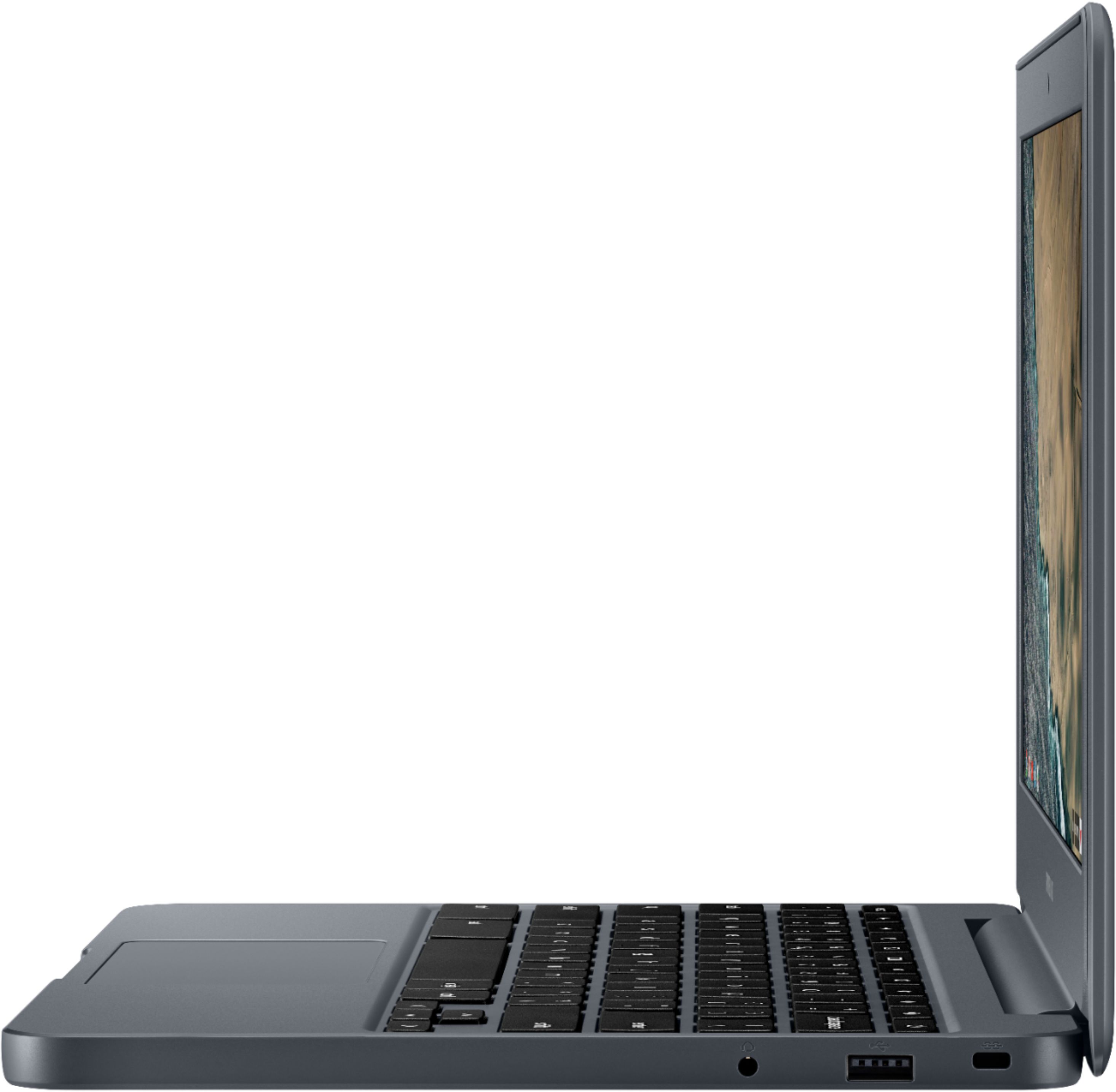
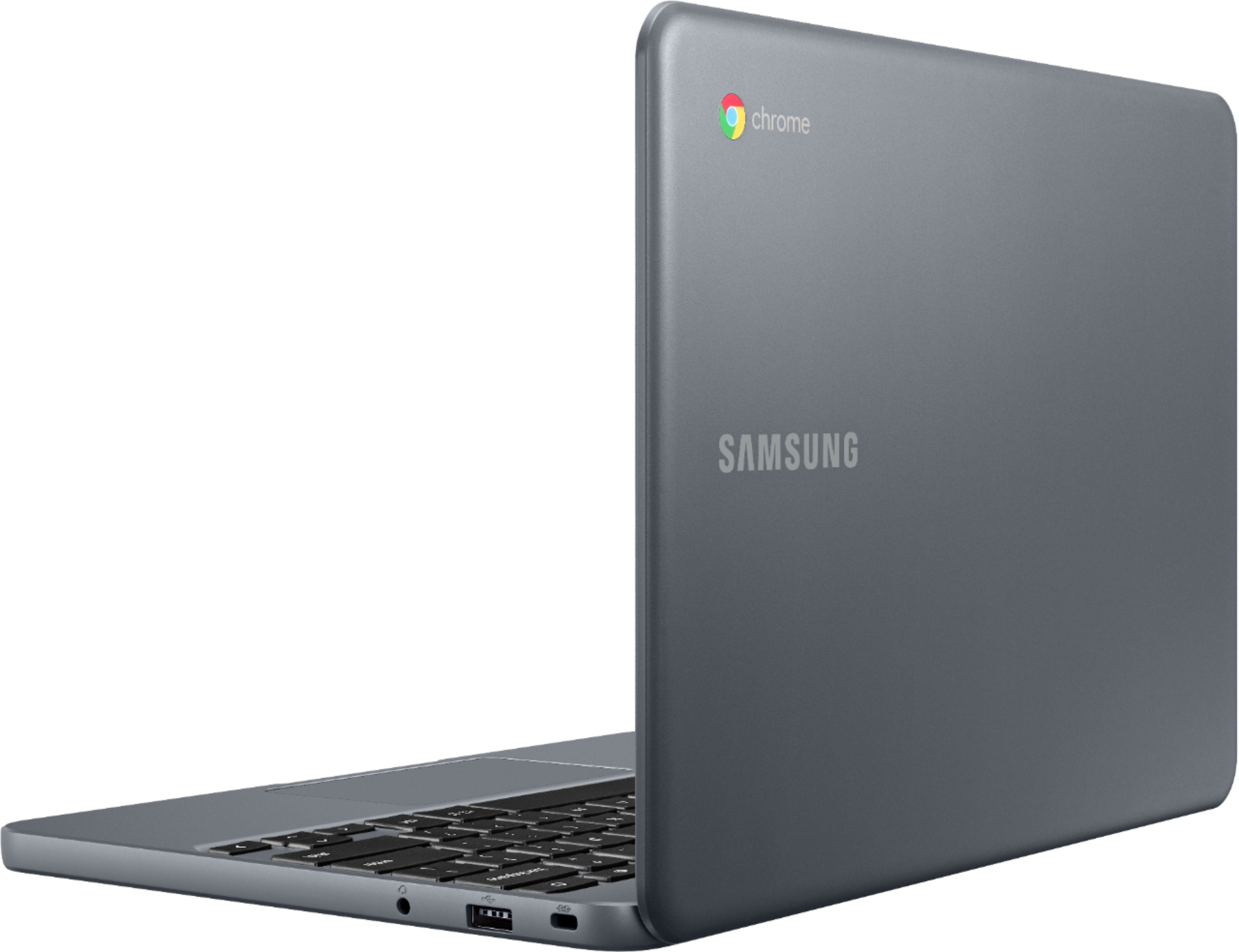
A:AnswerIt has 2 USB ports, one 3.0 and one 2.0. You can also us a regular SD card via an inexpensive card reader available almost everywhere for less than $10.
A:AnswerDoubt price will drop more before Christmas. The Geek Squad insurance costs $50 for a year. You can buy a used or refurbished Chromebook similar to this one for $60 to $80 on BestBuy's website, so I would NOT buy the insurance on this Chromebook.
A:AnswerMost likely the hard drive cannot be upgraded, but you could use a flash drive or Google Drive. Your Google account that you use to log into the device will include free storage.
A:Answer1) This chromebook can print over wi-fi, but it is a little harder to set up than setting up wi-fi printing on a Windows laptop (unless Samsung/Google have improved the Chromebook/printer setup since I last did it). Setting up wi-fi printing on a Windows laptop is usually "plug-and-play," which means it is very simple and intuitive.
2) It has graphics. I think this simply means that there is not a dedicated graphics card, but that the graphics processor is integrated with the main processor, the CPU (central processing unit).
3) You can hook up one additional screen via the HDMI "out" connection, in addition to this laptop's built-in screen.