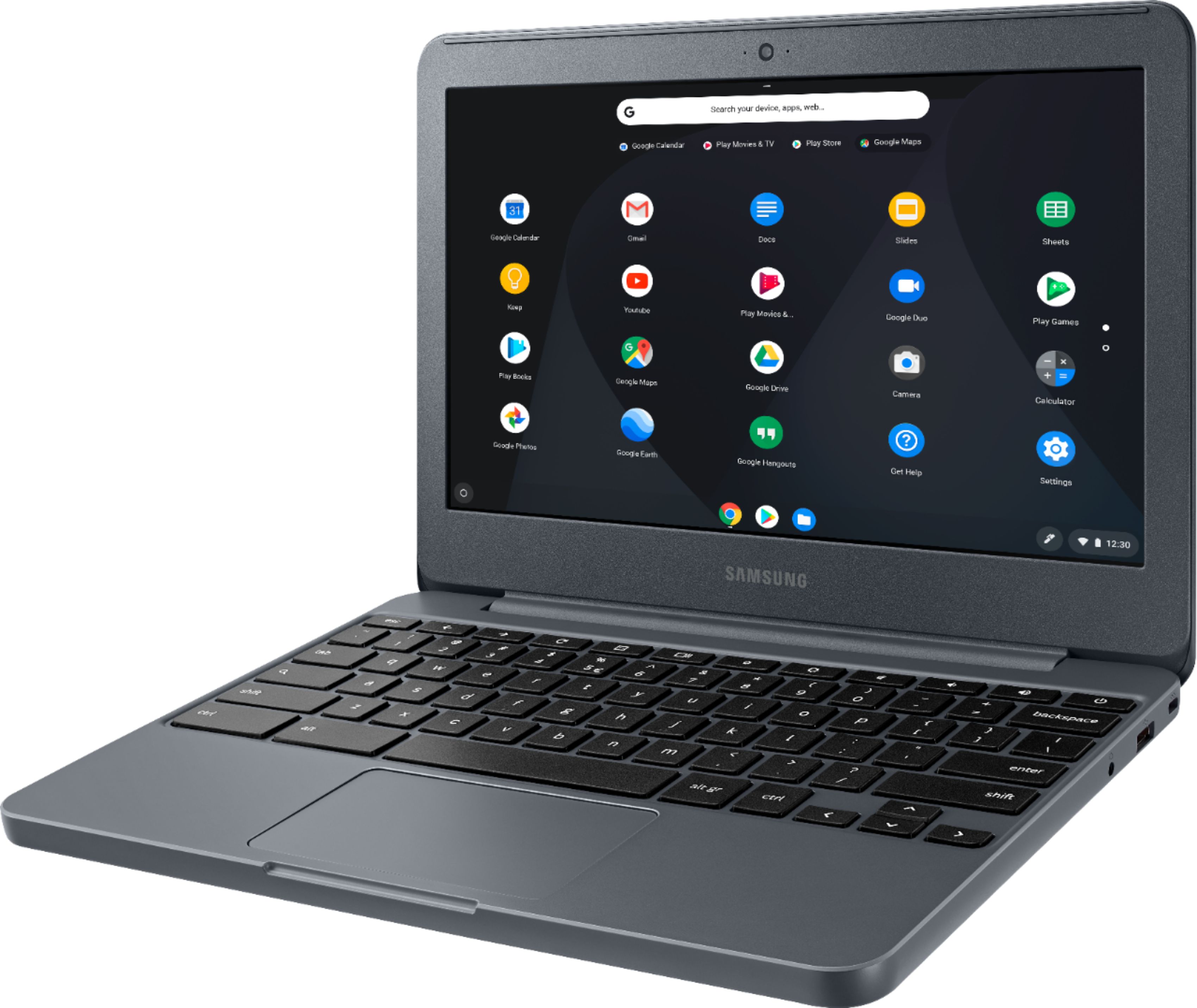
A:AnswerWhile he would be able to play a fairly decent number of games with this, if he's primarily looking for something to play games on but also do other general purpose things, he might be better off with a tablet. Any mobile games played on this Chromebook would either have to be played with keyboard and/or mouse OR with a gamepad, which limits the number of compatible games considerably. A halfway decent Android tablet should be able to play pretty much any Android game (or any of the games on Amazon's Appstore if you go specifically with an Amazon tablet). And these can be easily paired with an inexpensive Bluetooth keyboard for easier typing. Good luck on whatever you choose!
A:AnswerMS Office for Chrome OS is free. The Android version of Word also appears to be compatible with this Chromebook as well. It's free to install but also has in-app purchases.
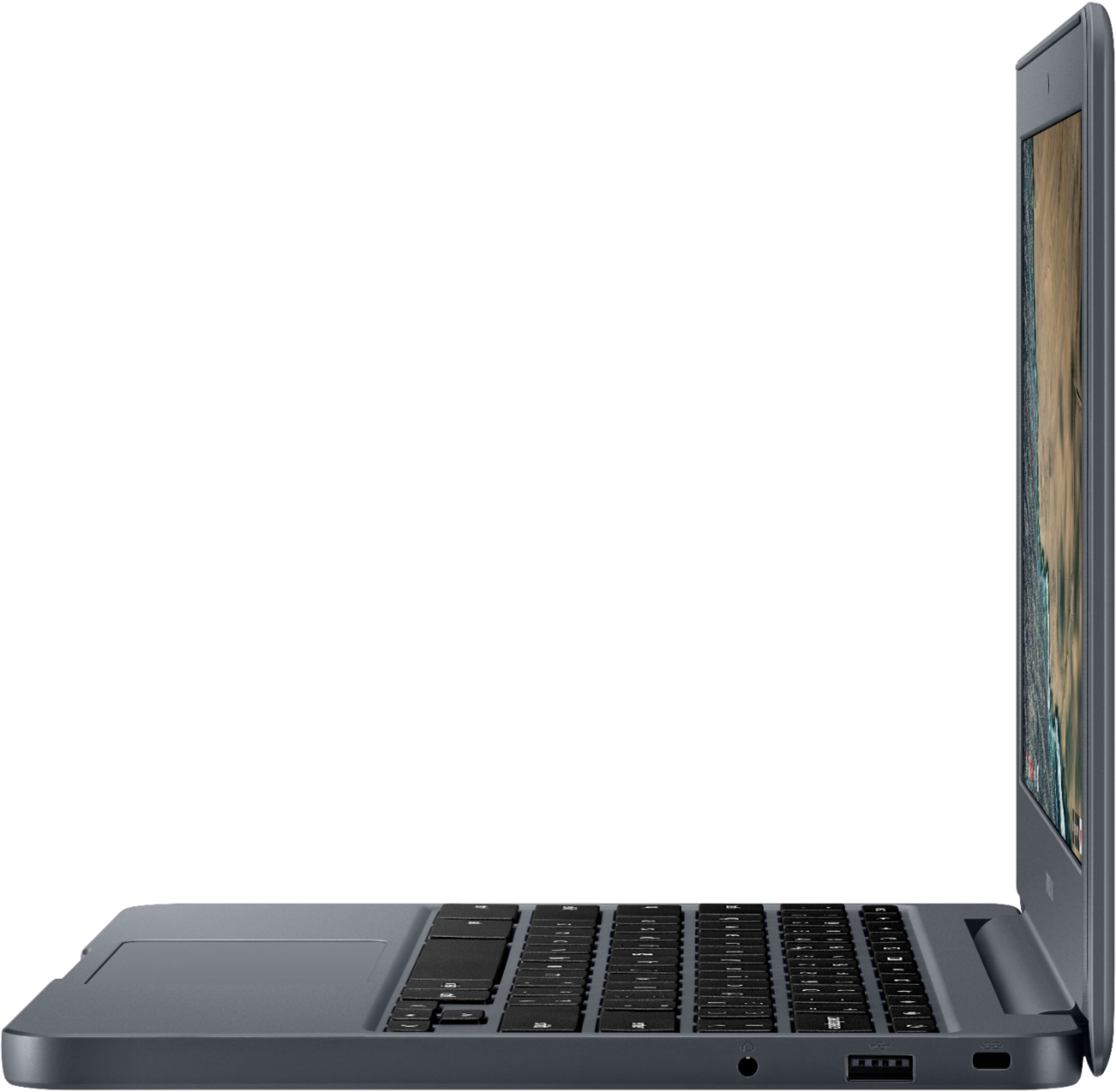
A:AnswerGoodness - too many to list! But here's a few: webcam, microphone, earphone jack, 2 USB ports, HDMI port (so you can plug it into a TV), microSD slot (200GB max), Bluetooth, stereo speakers, 11 hour battery life. And all the benefits of Chromebooks in general: they boot in a few seconds, are whisper quiet, update themselves seamlessly in the background, and don't require antivirus software. More importantly, they're essentially immune to all the malware that infects Windows PCs every day. ;-)
A:AnswerI don't see why not. It is essentially a google tablet with an attached keyboard. If the app/game is available on the PlayStore you should be able to run it. I would recommend picking up a wireless mouse. It really makes a difference.
A:AnswerI don't know if it can mirror wirelessly on its own, or if it would need additional hardware like a Chromecast to cast your content to your TV thru. The easiest solution is to simply plug your Chromebook into your TV via it's HDMI out port - that's what I do.
A:AnswerYes...but you’ll have to download the app from the google play store and because of the lower Ram my daughter says it takes a little longer for her character and/or their “worlds” they just walk around in...are a little slow to upload. If you haven’t already I would probably look to buy something with a little more speed.
A:AnswerCheck out this site. It explains how to download the Microsoft Office app. The app is cloud based, so you pretty much need to be online to use it, since the work you do on it will be stored through a free Microsoft account that you setup in the cloud. I hope this helps.
https://support.office.com/en-us/article/how-to-install-and-run-microsoft-office-on-a-chromebook-32f14a23-2c1a-4579-b973-d4b1d78561ad
A:AnswerYes, the Android app Adobe Photoshop Express appears to be fully compatible with the Chromebook 3 and would allow you to edit photos (and plenty of other Chrome OS and Android photo editing apps as well).
A:AnswerI purchased this for my 16-old for school. I attempted to add any PG or Covenant Eyes on it but it will not allow me. That is how google set this up. So any child can access any inappropriate content without parental guidance or limit.