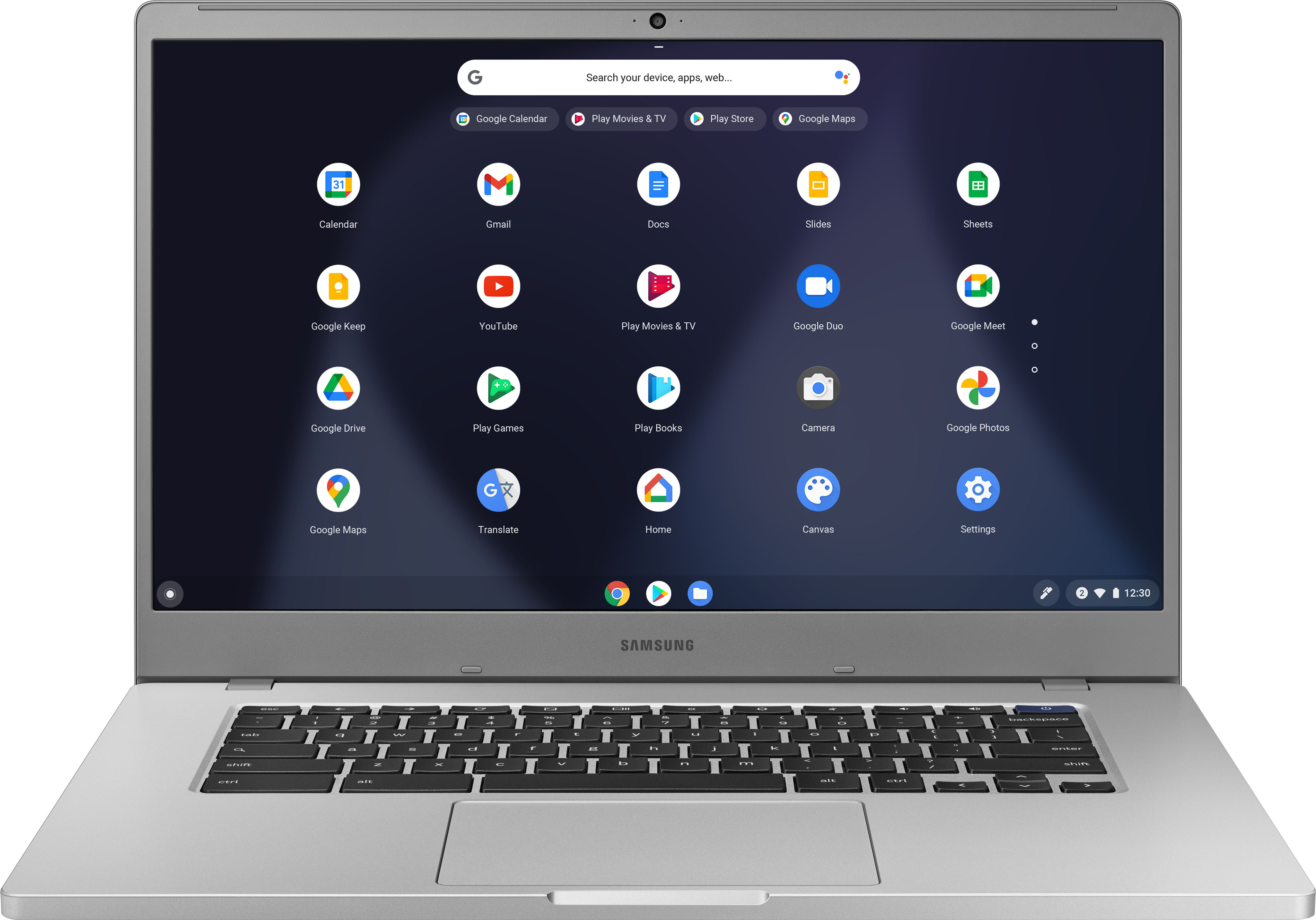
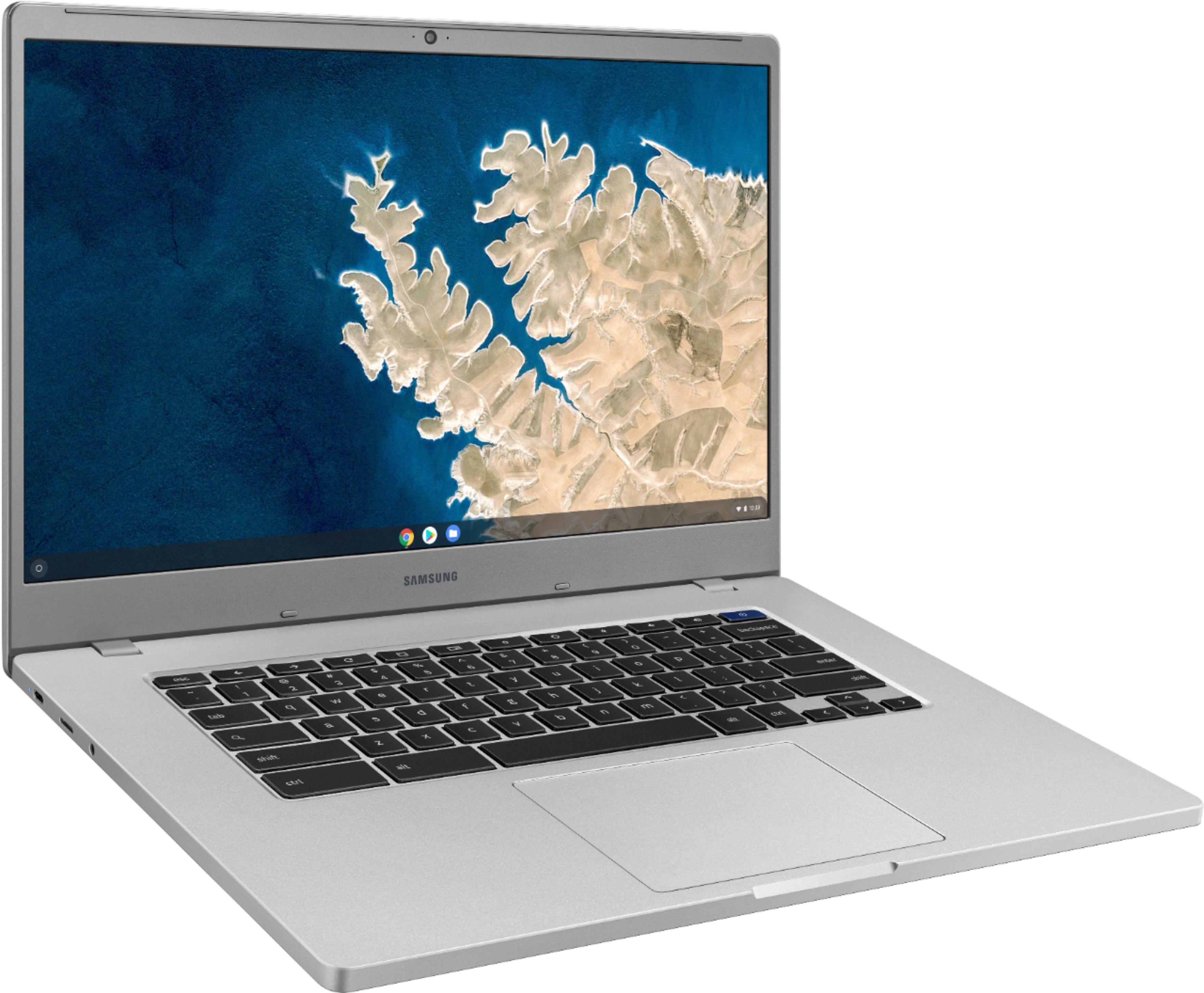
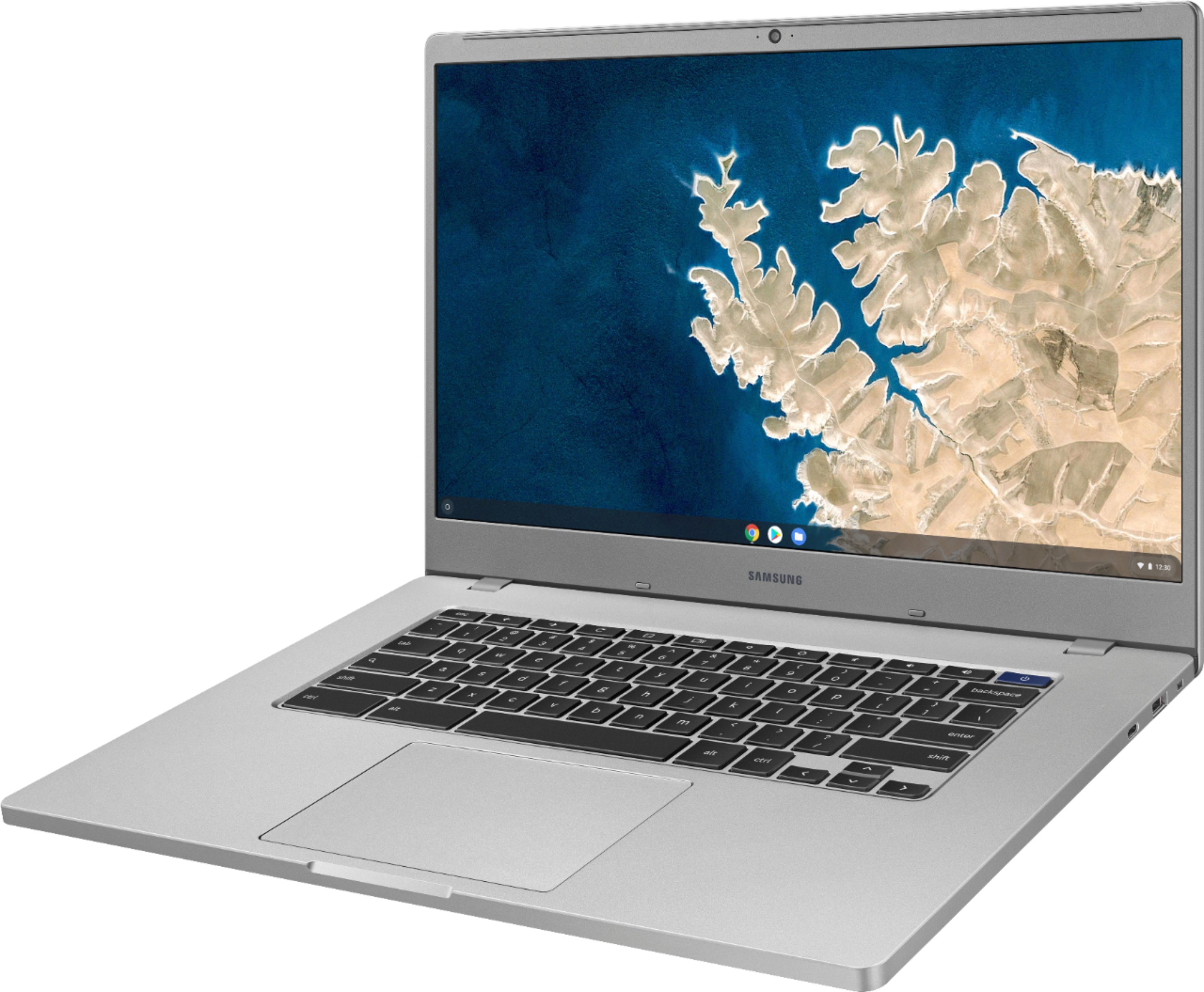
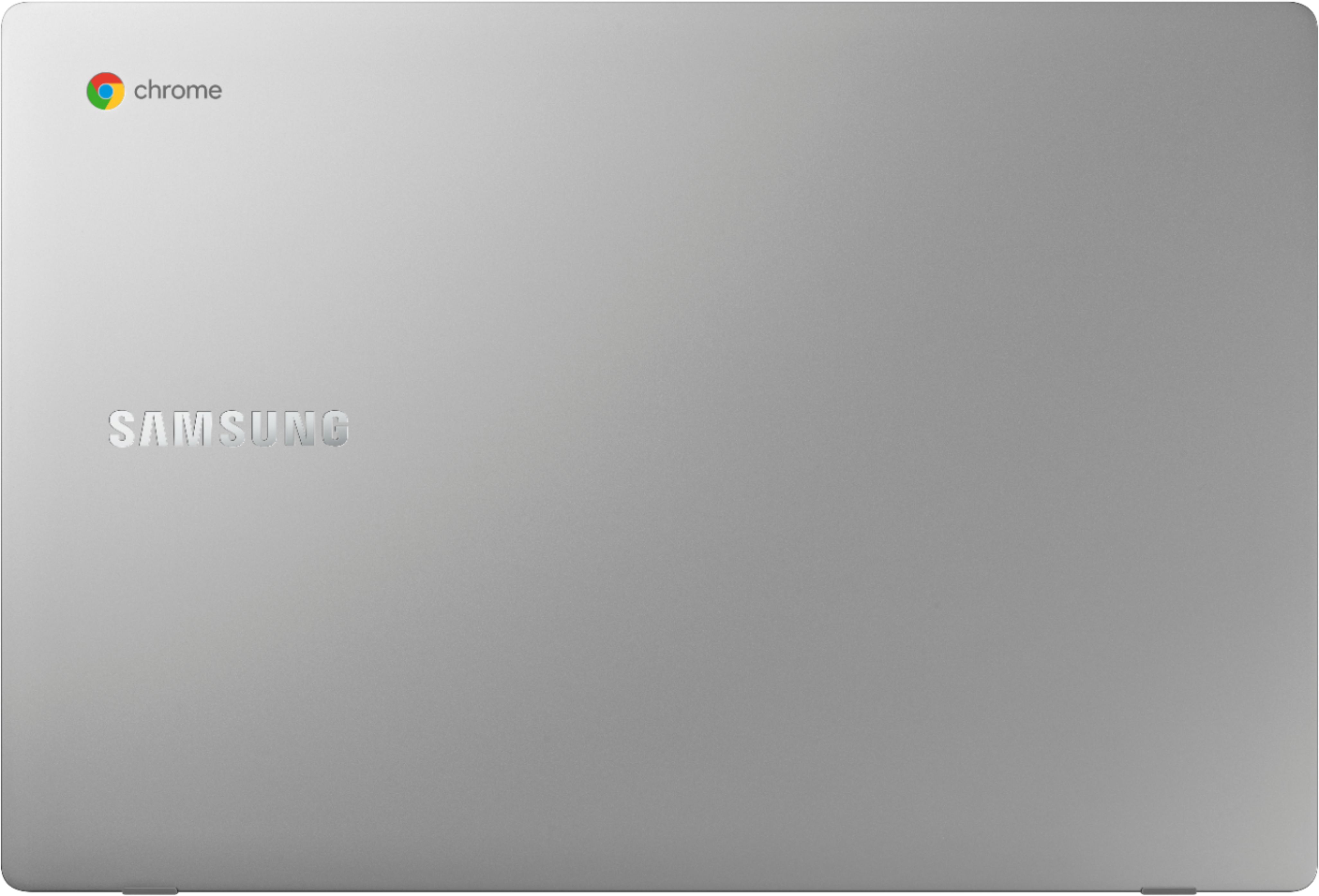
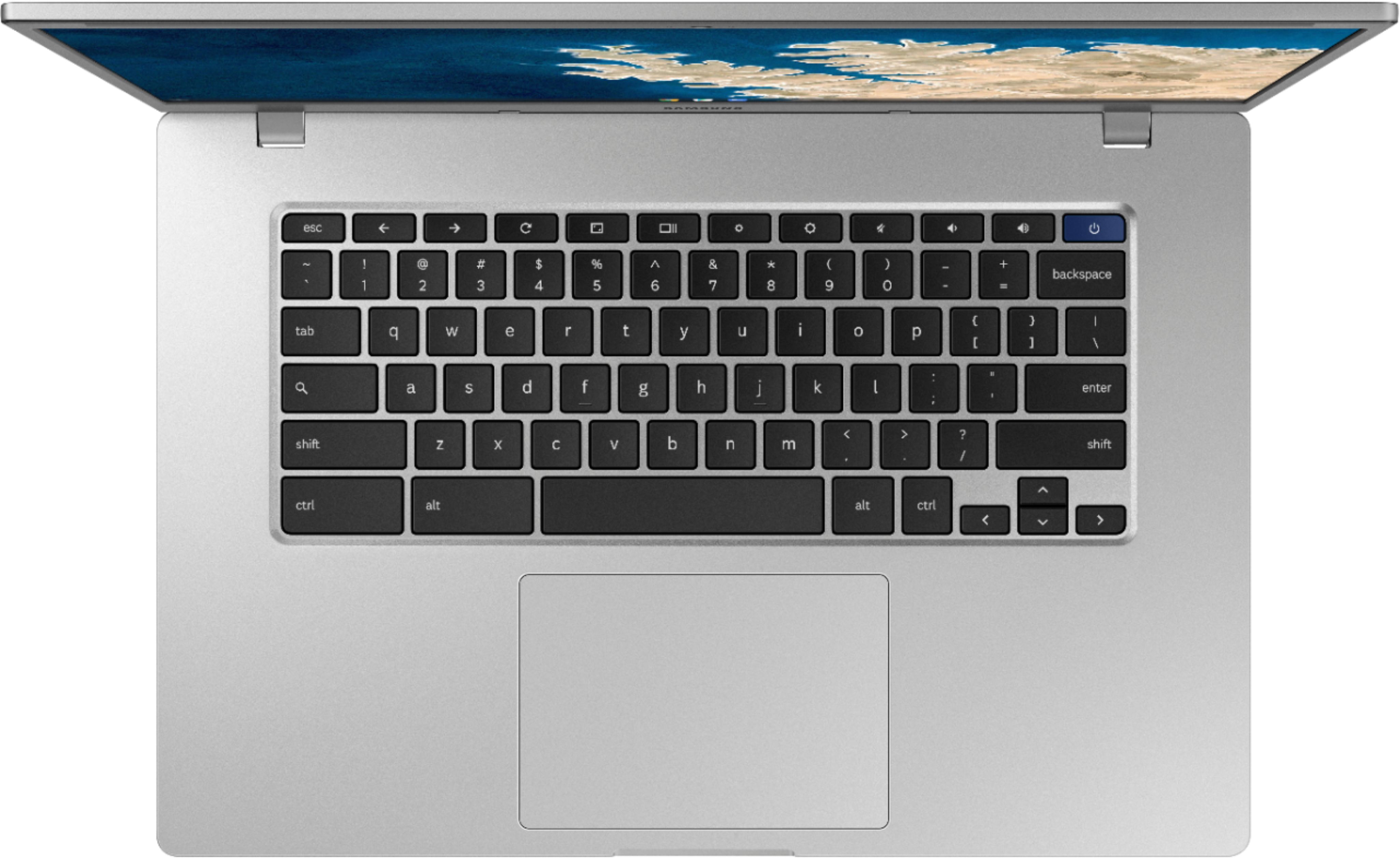
A:AnswerYes, it's good, but perhaps a bit large. Check out Google Pixelbook https://www.officedepot.com/a/products/9901528/Google-Pixelbook-Go-133-Touchscreen-Chromebook/ which I use. It is 13" and lightweight. Just saying that it might be an advantage to little hands to be a little smaller and lighter.
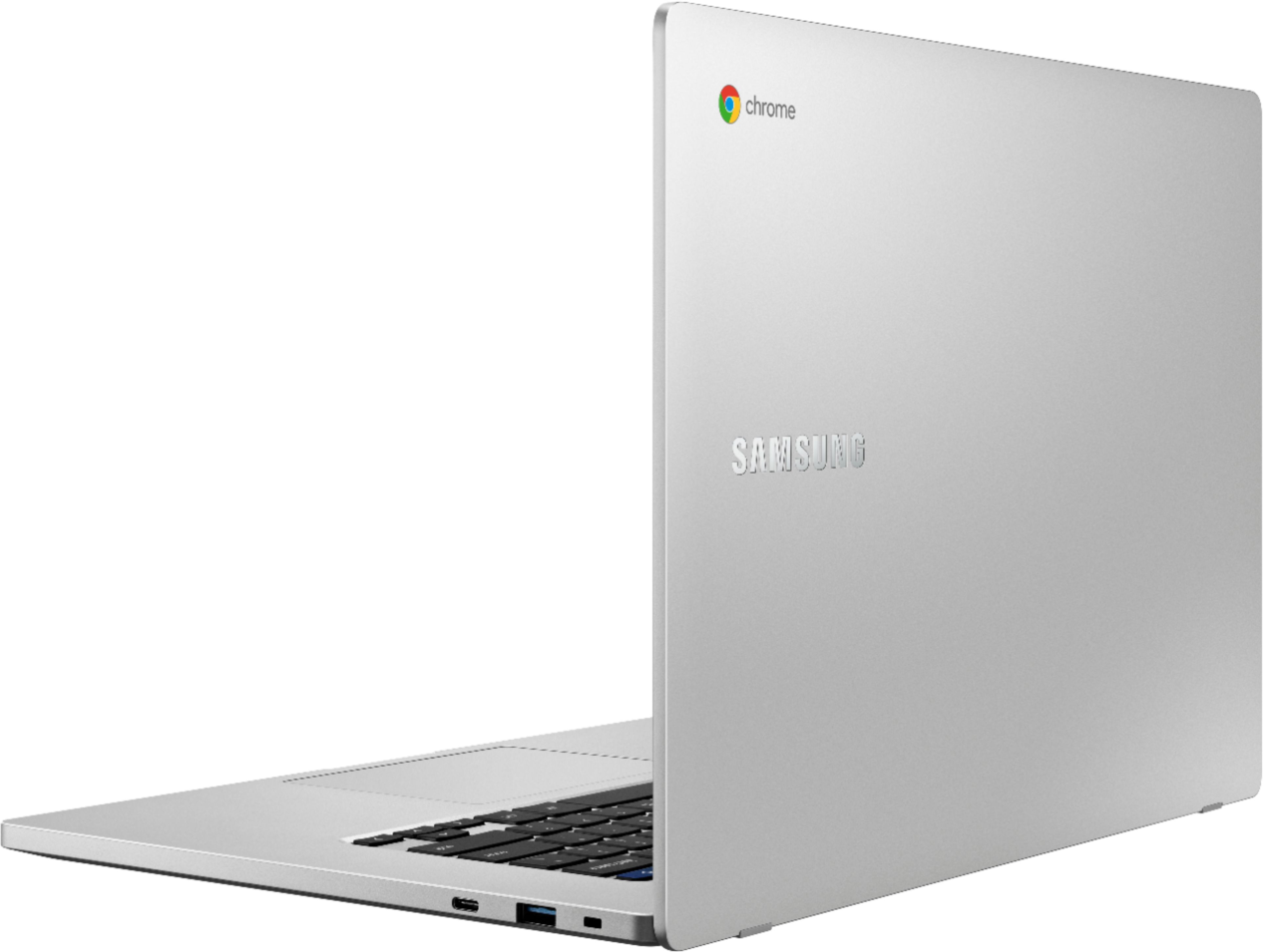
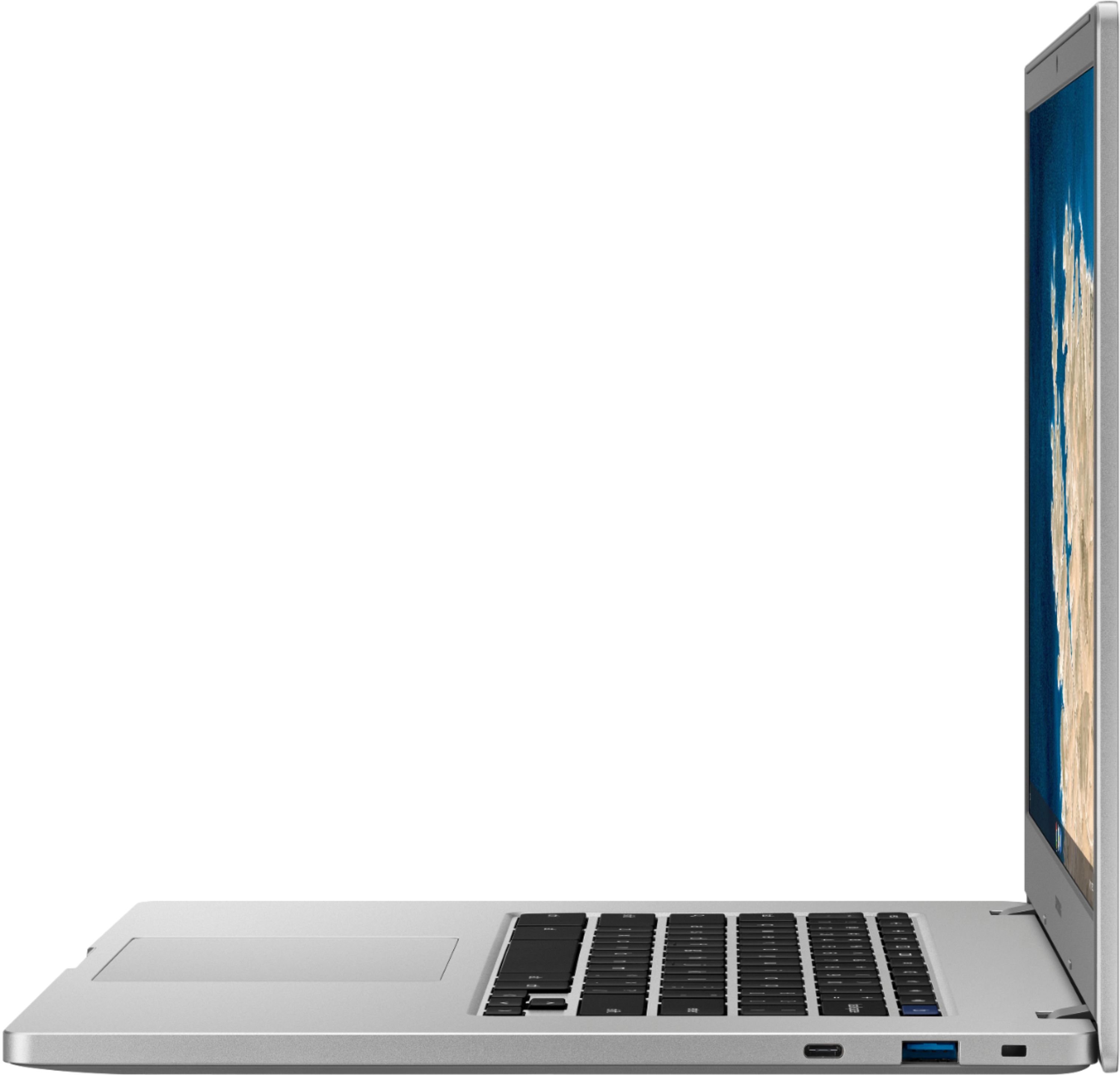
A:AnswerWiFi is built in, but you can get a USB-C to Ethernet adapter if you must use a wired connection. Best Buy offers this one: https://www.bestbuy.com/site/insignia-usb-type-c-to-gigabit-ethernet-adapter-white/6058900.p?skuId=6058900. There may be more available.
A:AnswerMS Office productivity applications can't be installed on a Chromebook. You can use MS Office apps running in the Chrome browser. It's less satisfying than using a local application. Another alternative is Google's G Suite of productivity apps. https://gsuite.google.com/