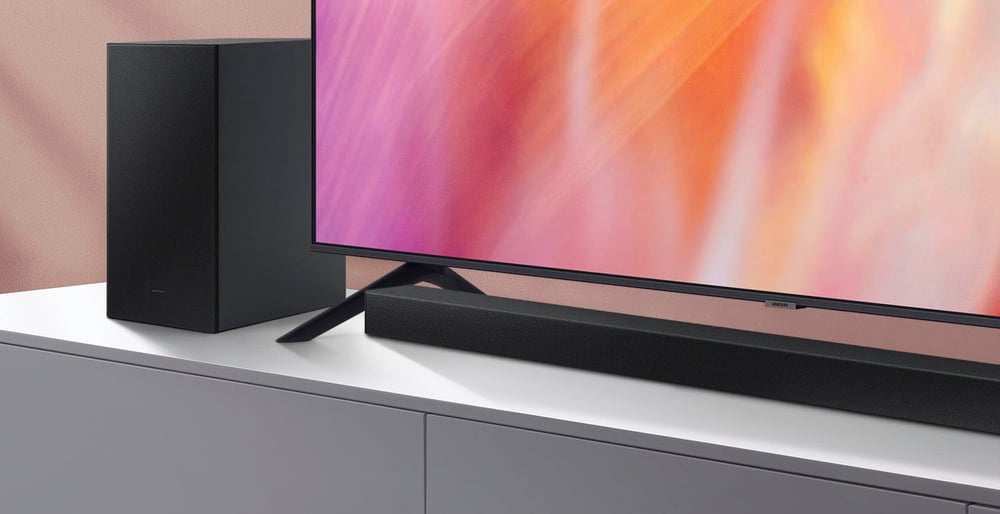
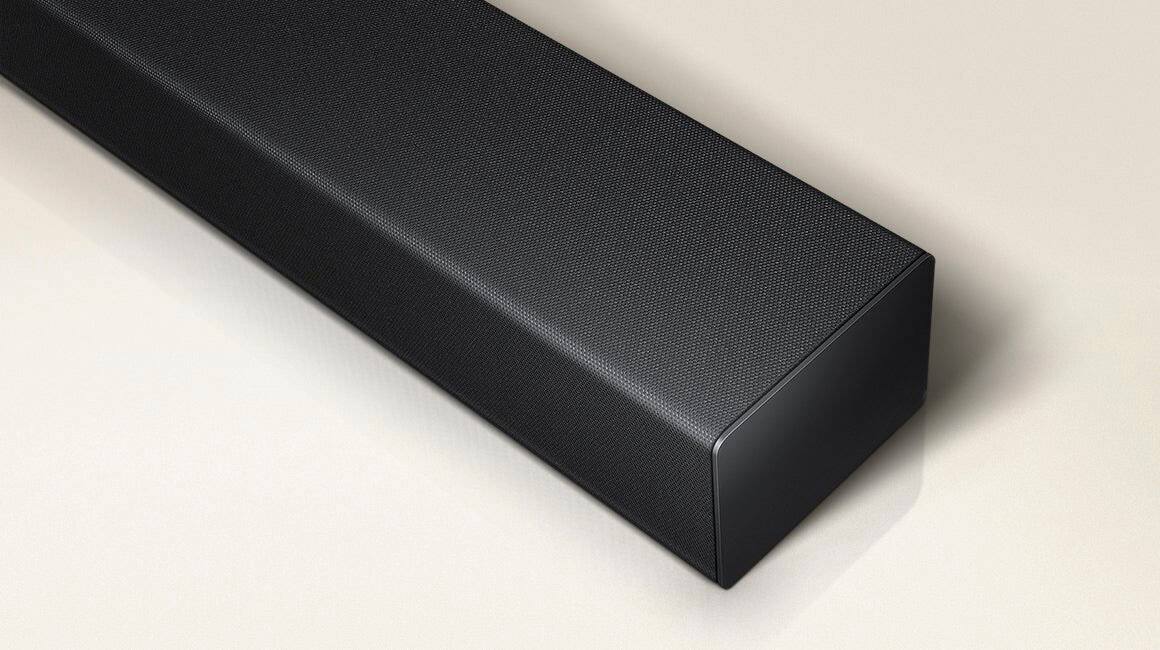
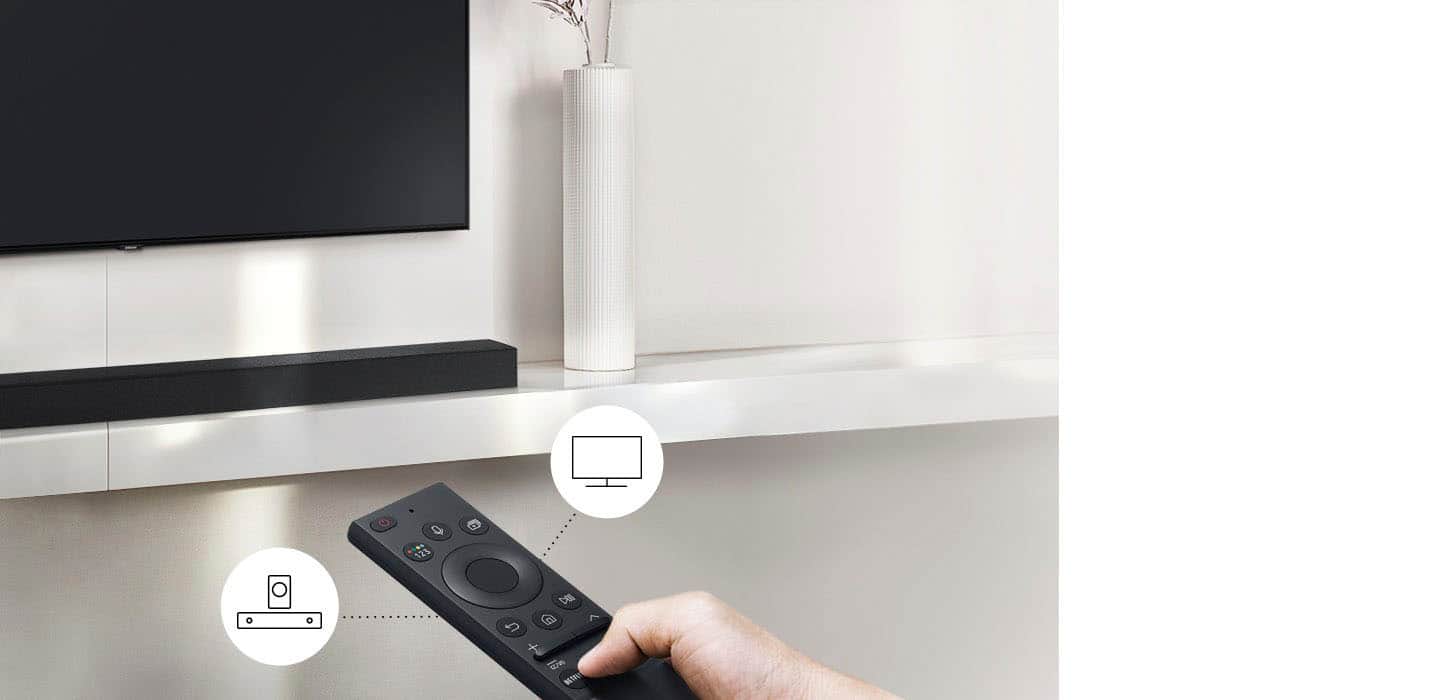
A:AnswerHi Bob! This soundbar is compatible with TVs that support digital optical audio or Bluetooth wireless audio technology. If your TV supports one of these two audio technologies it will be compatible with the soundbar. ^Tim
A:AnswerHi! If your MacBook Pro can connect to Bluetooth audio devices, it will be compatible with the HW-A430. Check the specifications of your MacBook to determine if it is compatible with Bluetooth Audio.
^Tim
A:AnswerHi Super04! This soundbar is compatible with TV's that support digital optical audio or Bluetooth wireless audio technology. If your Sony TV supports one of these two audio technologies it will be compatible with the soundbar. ^Tim
A:AnswerHi Bob! This soundbar is compatible with TV's or Displays that support digital optical audio or Bluetooth wireless audio technology. If your Vizio TV supports one of these two audio technologies it will be compatible with the soundbar. ^Tim
A:AnswerHi Rick! This soundbar is compatible with TVs that support digital optical audio or Bluetooth wireless audio technology. If your LG TV supports one of these two audio technologies it will be compatible with the soundbar. The soundbar is quick and easy to setup, simply connect the included power cables to both the subwoofer and soundbar, then connect the soundbar to your TV using one of the compatible connections. Once the soundbar is powered on, it will wirelessly connect to the subwoofer and you are ready to enjoy. ^Tim
A:AnswerHi Leland! This soundbar does not feature Adaptive Sound support. Check out the HW-A450 at the following link from Best Buy featuring Adaptive Sound Lite: https://www.bestbuy.com/site/samsung-hw-a450-wireless-2-1ch-sound-bar-with-dolby-audio-black/6454648.p?skuId=6454648
^Tim
A:AnswerHi Shodux! I’m sorry to see that you are having difficulties with the volume control of your new soundbar.
So that we can better troubleshoot towards a solution, please reach out to Samsung Support at: 1-800-SAMSUNG, available 8AM - 12AM EST, 7 days a week, or Chat with us on Samsung.com: https://www.samsung.com/us/support/contact/ ^Tim
A:AnswerHi! If using the included digital optical audio cable, Auto Power Link will turn your soundbar on automatically when you turn on the TV. If using Bluetooth, the soundbar will only automatically power on when a Bluetooth device attempts to connect to the soundbar. If your TV does not auto connect to the soundbar, it will not automatically power on via Bluetooth.
^Tim
A:AnswerHi Curious! This soundbar is compatible with any TV that support digital optical audio or Bluetooth wireless audio technology. If your TV supports one of these two audio technologies it will be compatible with the soundbar. ^Tim
A:AnswerHi Moetown! This soundbar is not compatible with voice assistants. "Works With" Alexa supports starts at our HW-Q700A Soundbar - you will need a standalone Alexa device to connect the voice assistant to your soundbar. Built-in Alexa can be found in our S60A, Q850A, Q900A, and Q950A Soundbars. ^Tim
A:AnswerHi! This soundbar is compatible with TV's or Displays that support digital optical audio or Bluetooth wireless audio technology. If your LG TV supports one of these two audio technologies it will be compatible with the soundbar. ^Tim
A:AnswerHi LEMII! This soundbar is compatible with any TV that supports digital optical audio or Bluetooth wireless audio technology. Additionally, this soundbar is compatible with the SWA-9100S wireless rear speaker kit found at the following link from Best Buy: https://www.bestbuy.com/site/samsung-2-0-channel-wireless-rear-speaker-kit-with-surround-sound-black/6456117.p?skuId=6456117
^Tim
A:AnswerHi CAU! The HW-A430 does not feature the ability to connect to the internet, nor does it require an internet connection to connect via Bluetooth. Once powered, you can connect the soundbar to your Bluetooth compatible TV or mobile device without issue.
^Tim
A:AnswerHi realtor! Samsung soundbars are not designed to be mounted vertically. For the optimal audio experience based on speaker location and orientation the soundbar should be placed or mounted centered below the TV or Projector Screen.
^Tim