A:AnswerHi tj! This soundbar is compatible with TV's or Displays that support digital optical audio or Bluetooth wireless audio technology. If your Vizio TV supports one of these two audio technologies it will be compatible with the soundbar. ^Tim
A:AnswerHi Teamhog! This soundbar will connect to the TV using digital optical audio or Bluetooth wireless audio technology. Once connected, it will play any audio the TV is sending. If your XFinity DVR is compatible with your TV, you will have no issue hearing the audio through the soundbar.
^Tim
A:AnswerHi Bob! This soundbar is compatible with TV's or Displays that support digital optical audio or Bluetooth wireless audio technology. If your LG TV supports one of these two audio technologies it will be compatible with the soundbar.
^Tim
A:AnswerHi mmorgan103! Samsung soundbars are designed to eliminate the need for a receiver by connecting direct to the TV. You will also need to plug both the soundbar and the subwoofer into the wall outlet for power.
^Tim
A:AnswerHi Gambler! This soundbar model does not transmit a Bluetooth signal; it is only able to receive one. You will not be able to connect a pair of Bluetooth headphones to the soundbar.
^Tim
A:AnswerHi Santosp! When an update is available, you can update the Soundbar by connecting the USB drive that contains the update firmware to the SERVICE port of the Soundbar. For further assistance, please contact Samsung Customer Support at 1-800-SAMSUNG / Available 8AM – 12AM EST 7 days a week.
^Tim
A:AnswerHi tim! This soundbar is compatible with any TV that supports digital optical audio or Bluetooth wireless audio technology. If your TV supports one of these two audio technologies it is compatible with this soundbar.
^Tim
A:AnswerHi Sean! This soundbar supports digital optical audio and Bluetooth wireless audio technology. You cannot connect the soundbar to a PC using USB.
^Tim
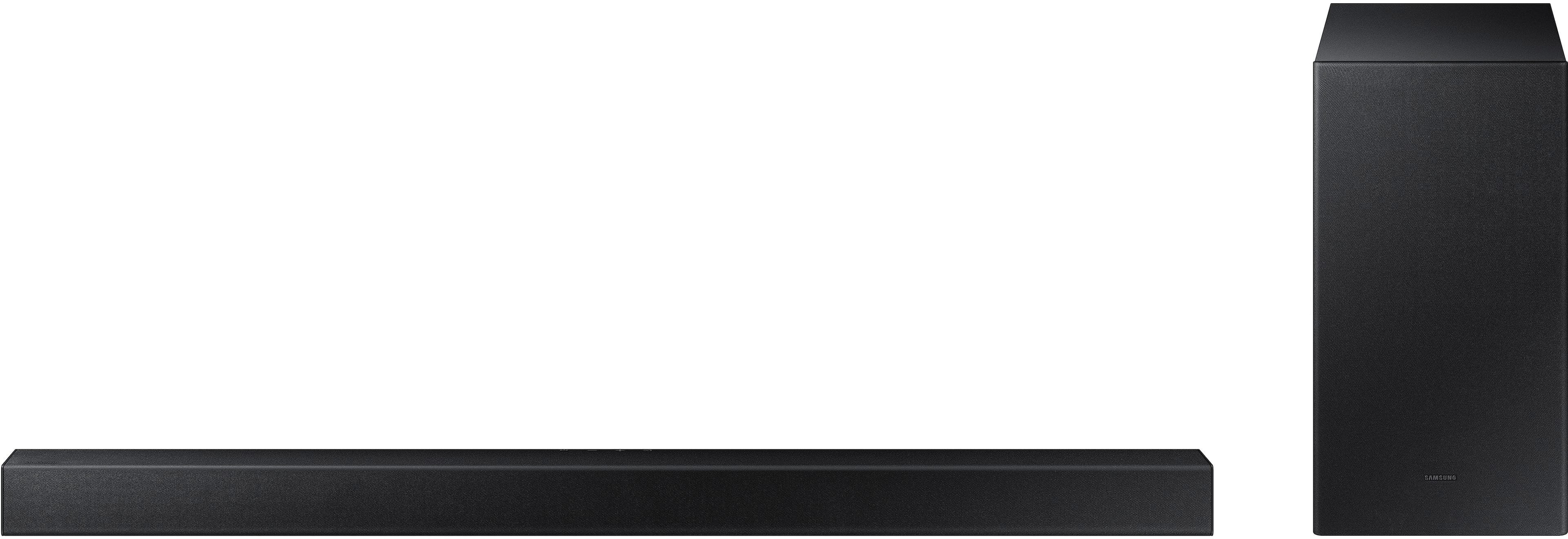
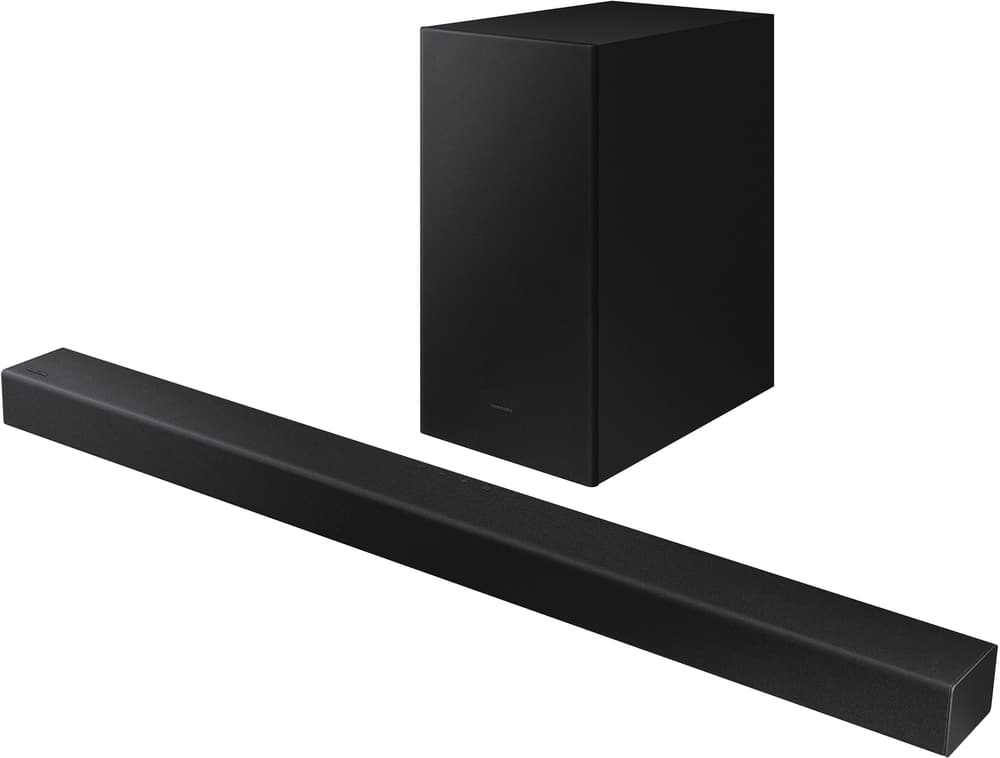
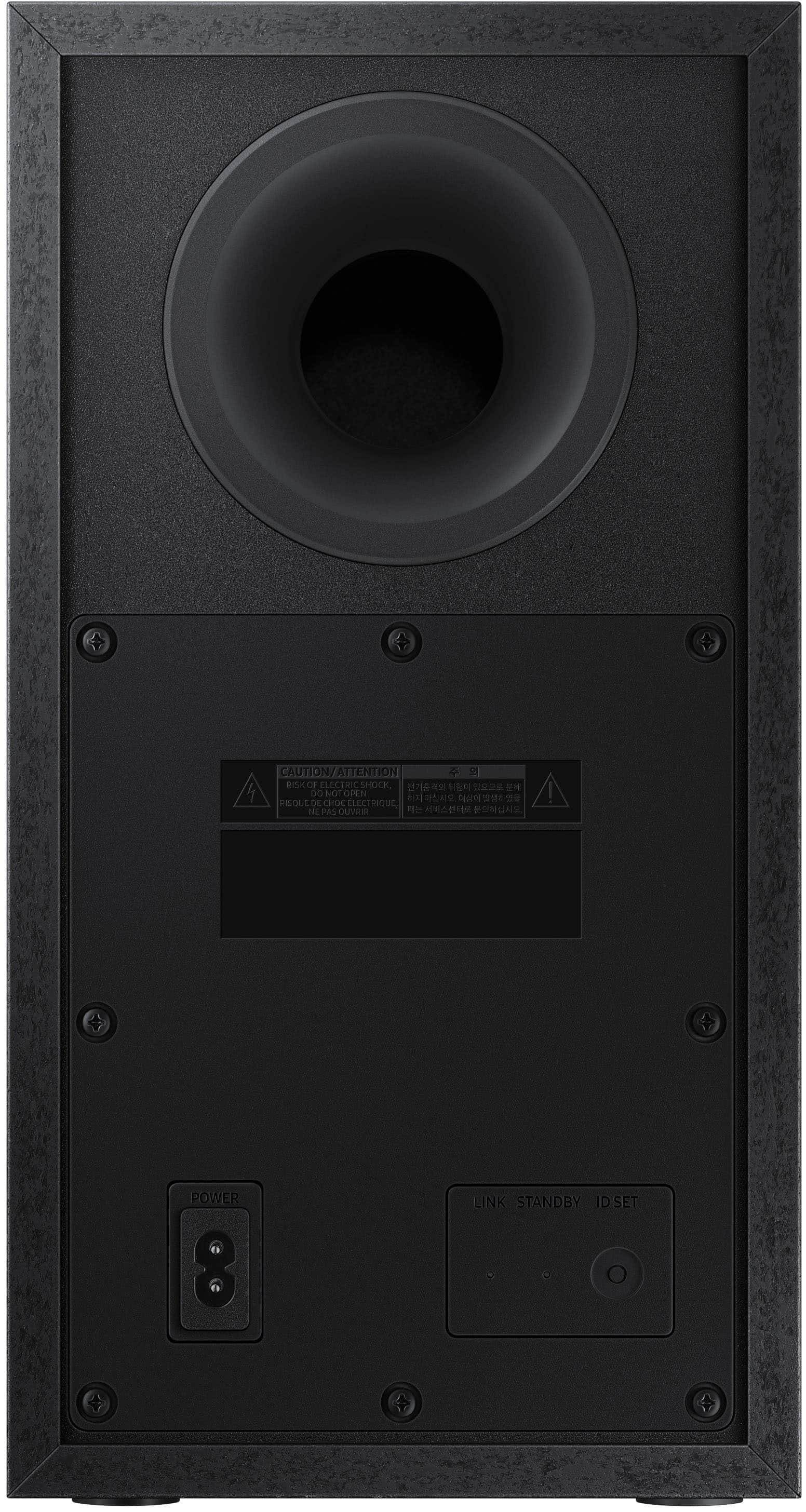
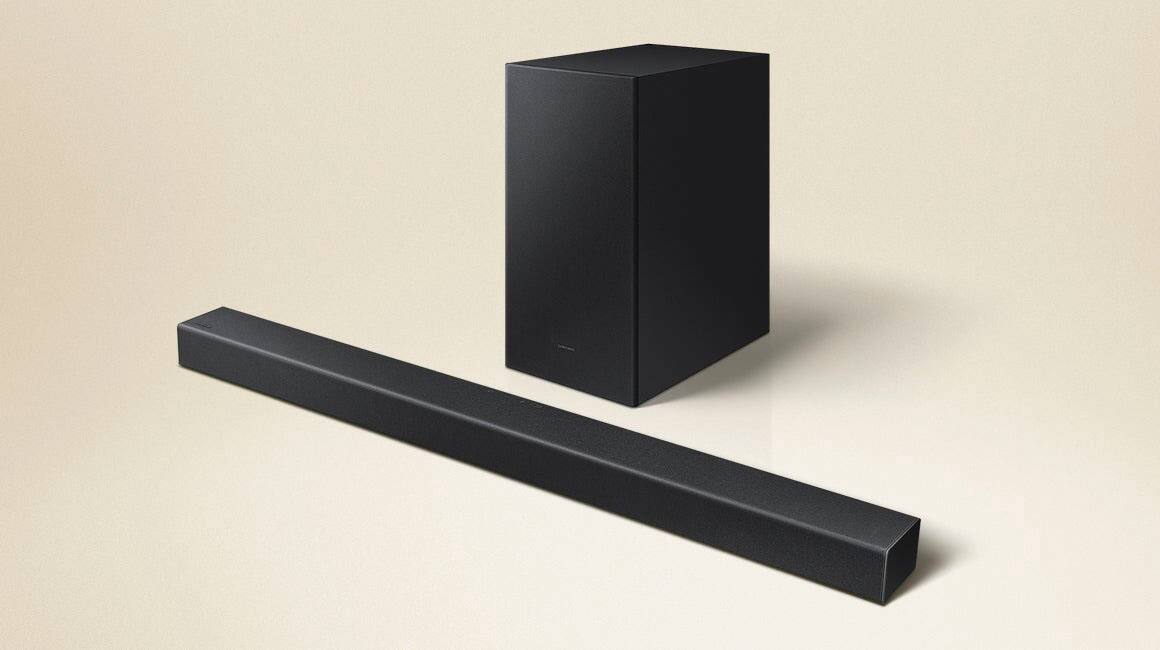
A:AnswerHi TBee! The subwoofer included with the HW-A430 soundbar system is a wireless subwoofer that will connect to the soundbar automatically once plugged into the wall outlet for power. You do not need to run any cables from the subwoofer to the soundbar or to the TV.
^Tim
A:AnswerHi Alexandre! The HW-A430 soundbar is rated for free voltage compatible with both 110v and 220v, however the subwoofer is only designed for use with 110-120v.
^Tim
A:AnswerHi Johnny! The HW-A430 is not compatible with HDMI. You can connect this soundbar to your TV using the included digital optical audio cable, or by using Bluetooth wireless audio technology. Samsung features a wide range of soundbars, each with various features and specs. For a soundbar that supports HDMI, check out the HW-A550 soundbar at the following link from Best Buy: https://www.bestbuy.com/site/samsung-2-1-channel-soundbar-with-wireless-subwoofer-and-dolby-digital-5-1-dts-virtualx-black/6454647.p?skuId=6454647
^Tim
A:AnswerHi vern! Samsung features a wide range of audio products with various ranges of power and features. Check out the full range of Samsung audio products available from Best Buy at the following link: https://www.bestbuy.com/site/samsung-audio/samsung-sound-bars/pcmcat1496260127778.c?id=pcmcat1496260127778
^Tim
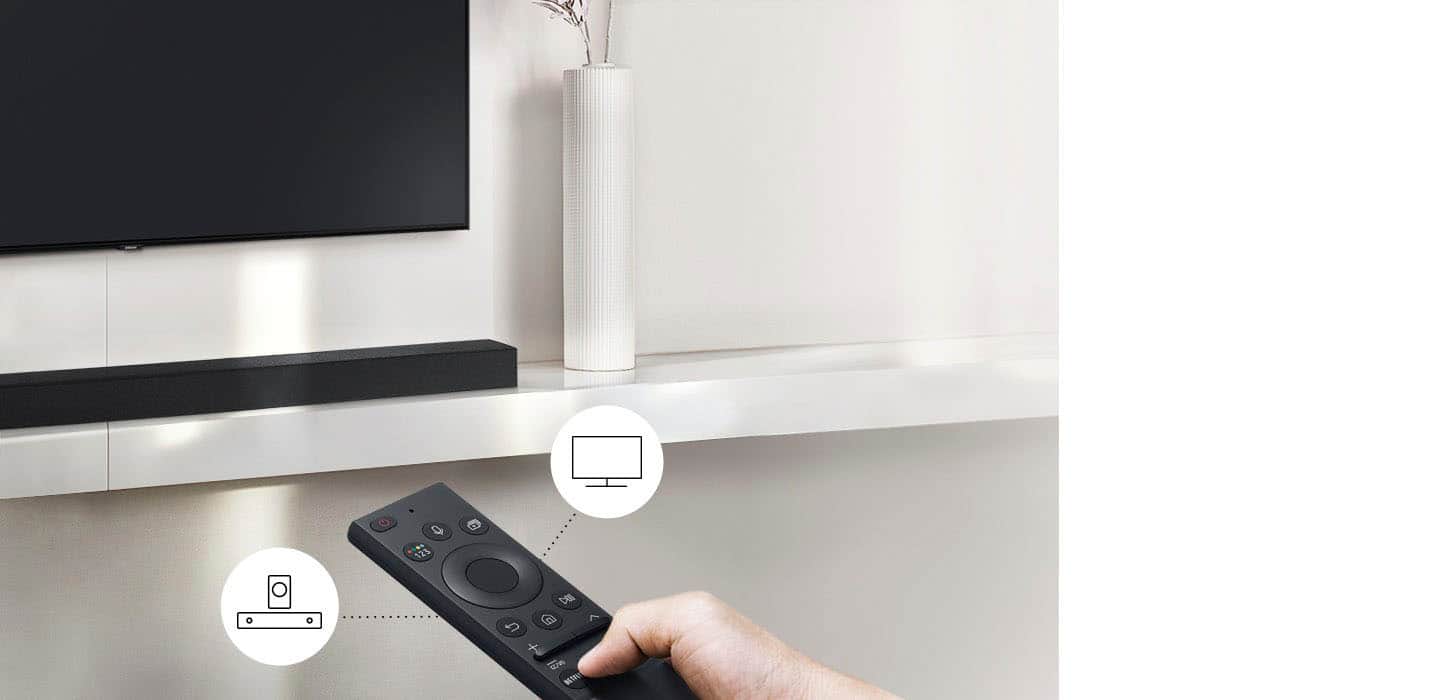
A:AnswerHi Chico! You can adjust the HW-A430 Soundbar volume using the TV’s remote control. This function can be used with IR remote controls only. Bluetooth remote controls (remote controls that require pairing) are not supported. Set the TV speaker to External Speaker to use this function. 1) Turn Off the Soundbar. 2) Push up and hold the WOOFER button for 5 seconds. Each time you push the WOOFER button up and hold it for 5 seconds, the mode switches in the following order: “Samsung-TV Remote” (Default mode), “Off-TV Remote”, “All-TV Remote”. The LED indicator status changes each time the mode is changed. Should you need further assistance, please contact Samsung Support at 1-800-SAMSUNG. ^Tim
A:AnswerWhere are those instructions? I'll check and see, becuase I can't get it to sync or work using the remote on either of my older, 2015 Samsung TVs (its either use the remote for volume or don't use it, and there is a lag between TV speaker and this speaker that I can't quite fix with the adjustments on the sound bar).
A:AnswerTo control the volume via the tv you need to use the Bluetooth function. if you are using a cable the only option is to use the volume on the soundbar remote.