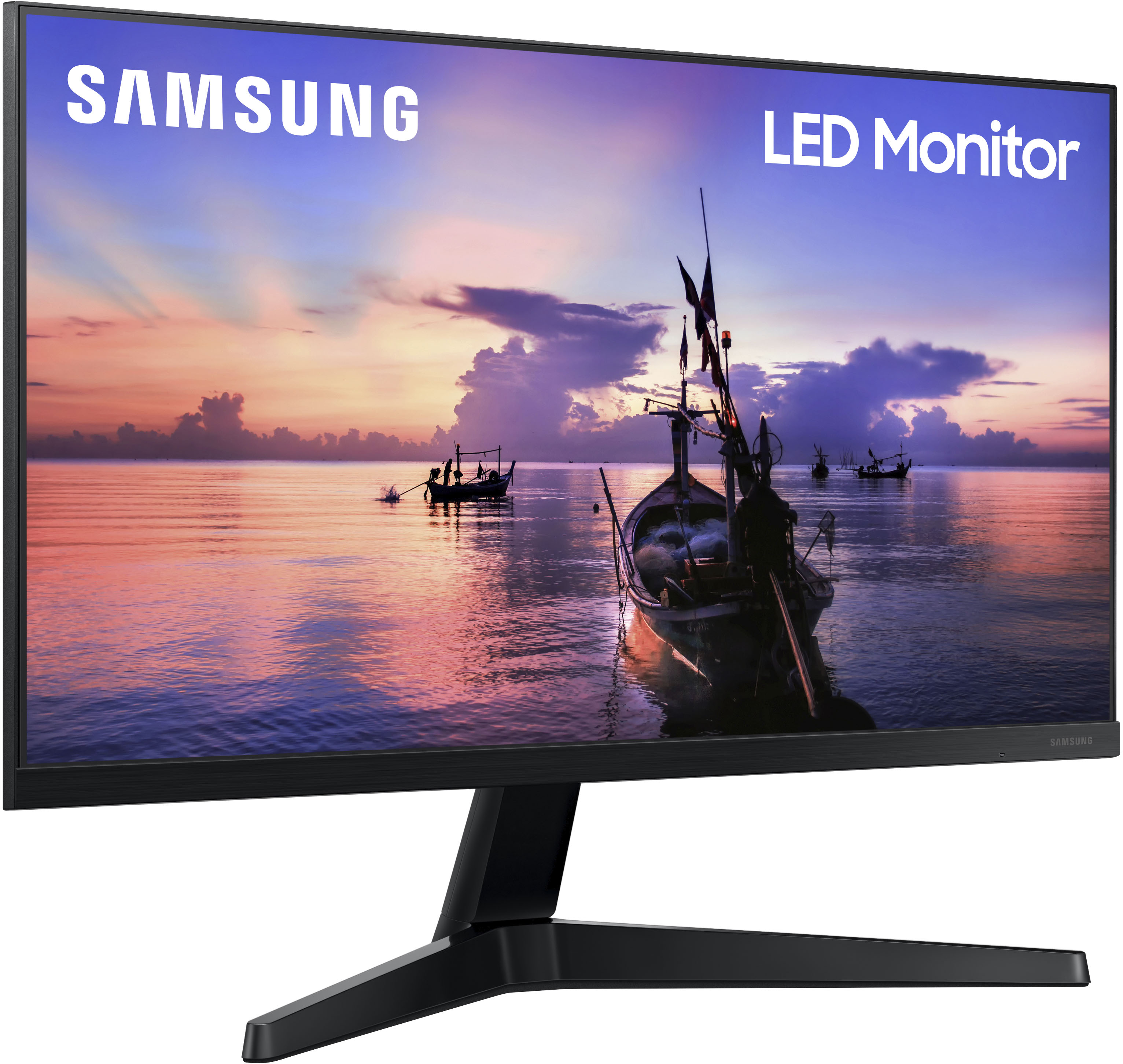
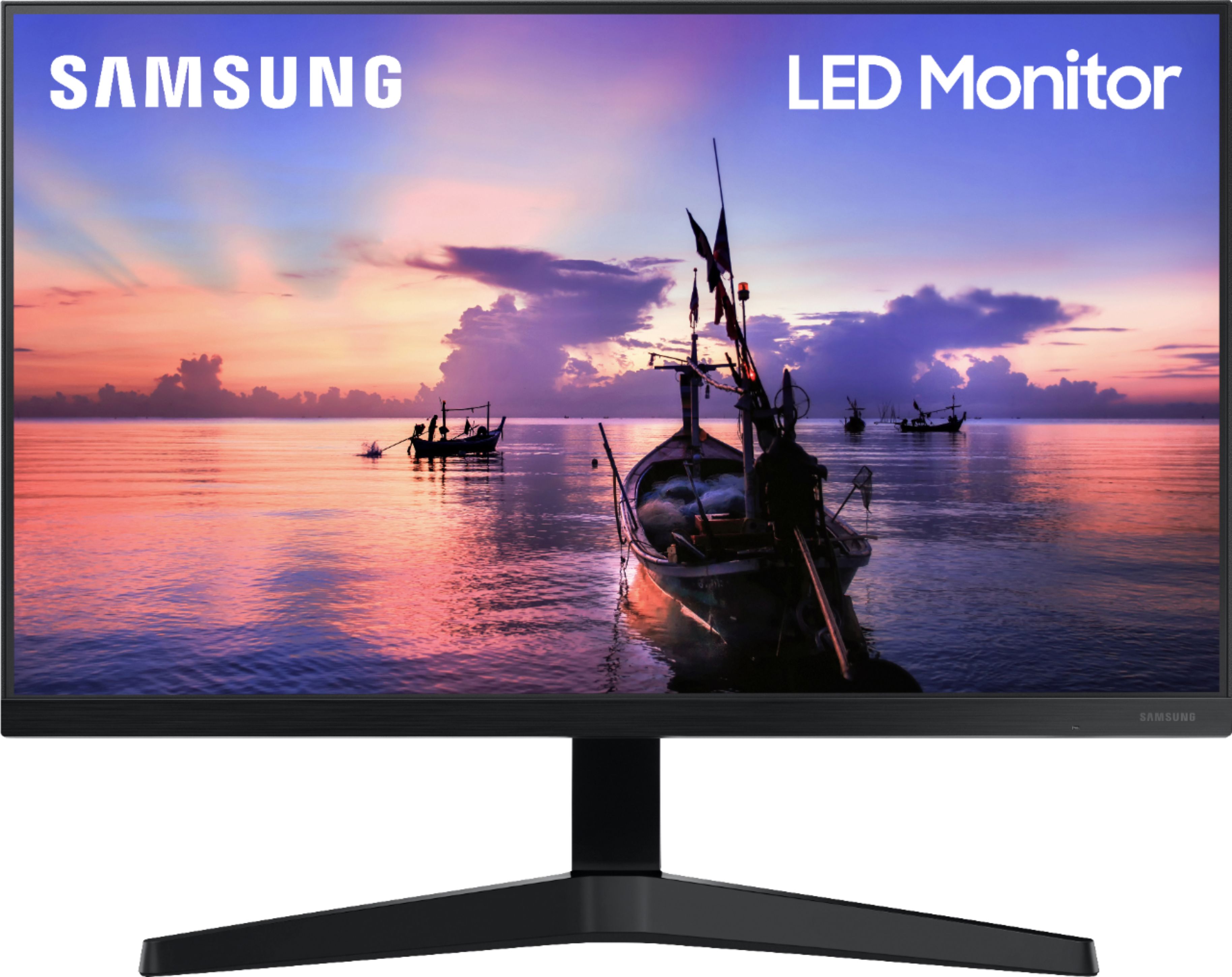
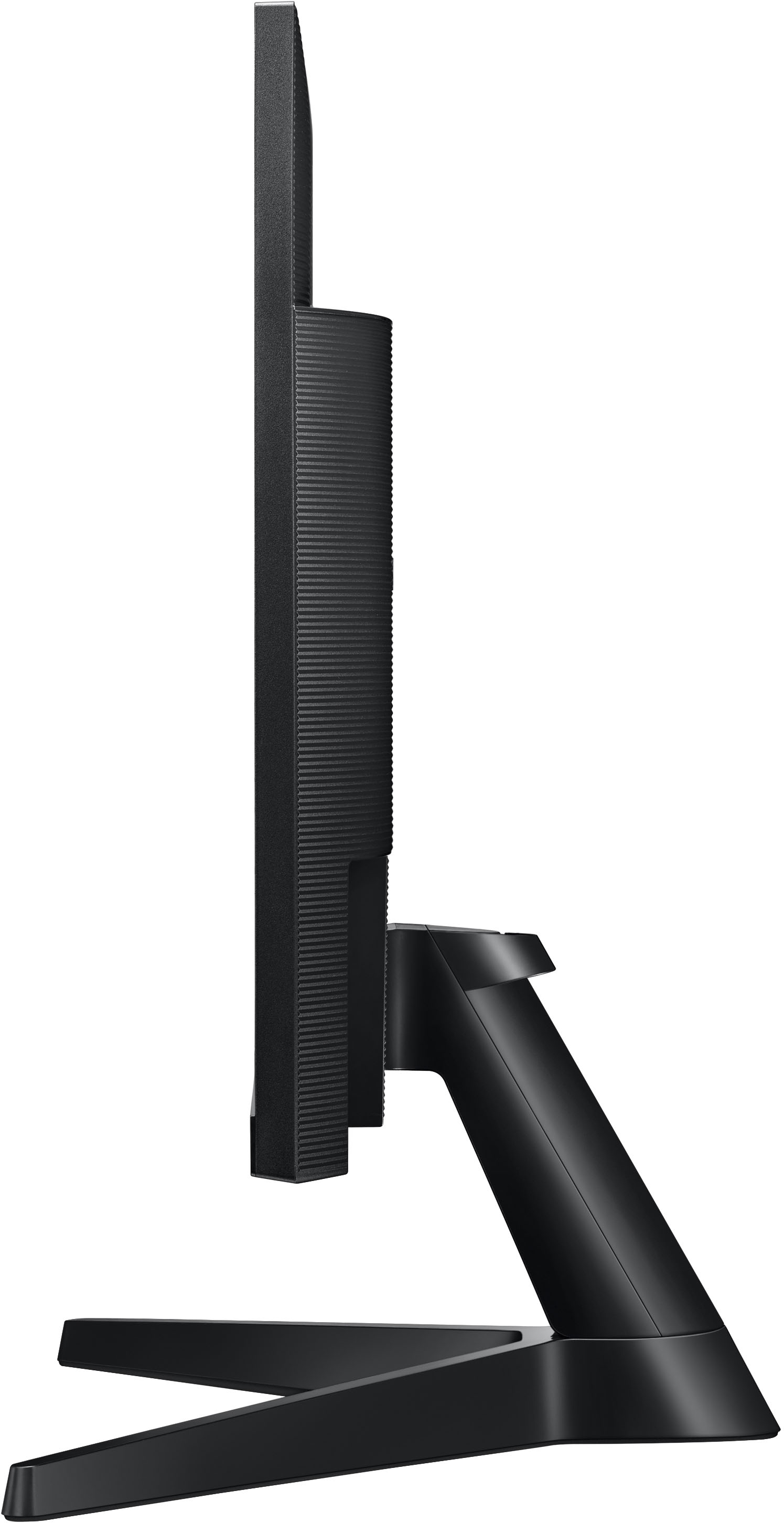
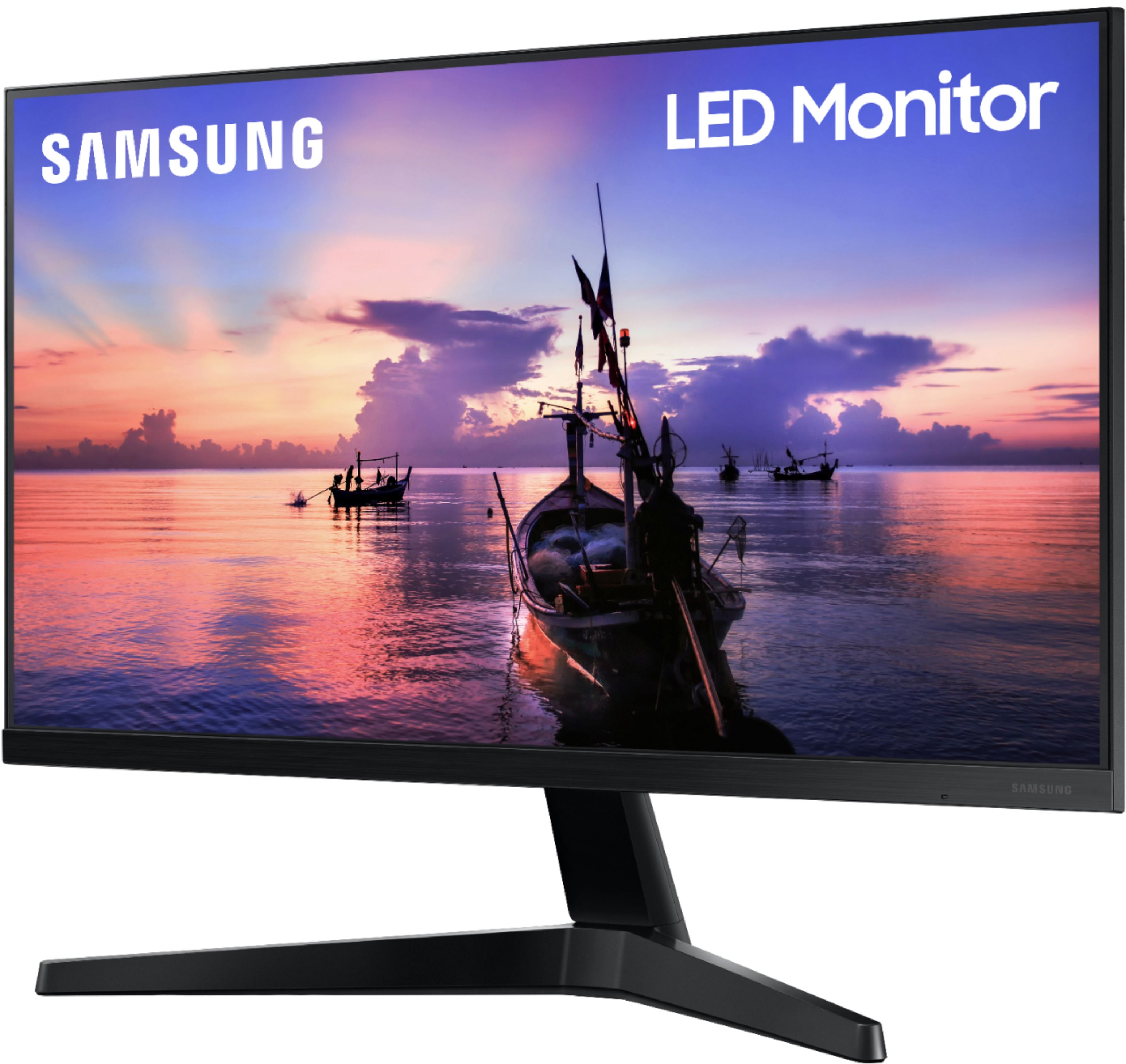
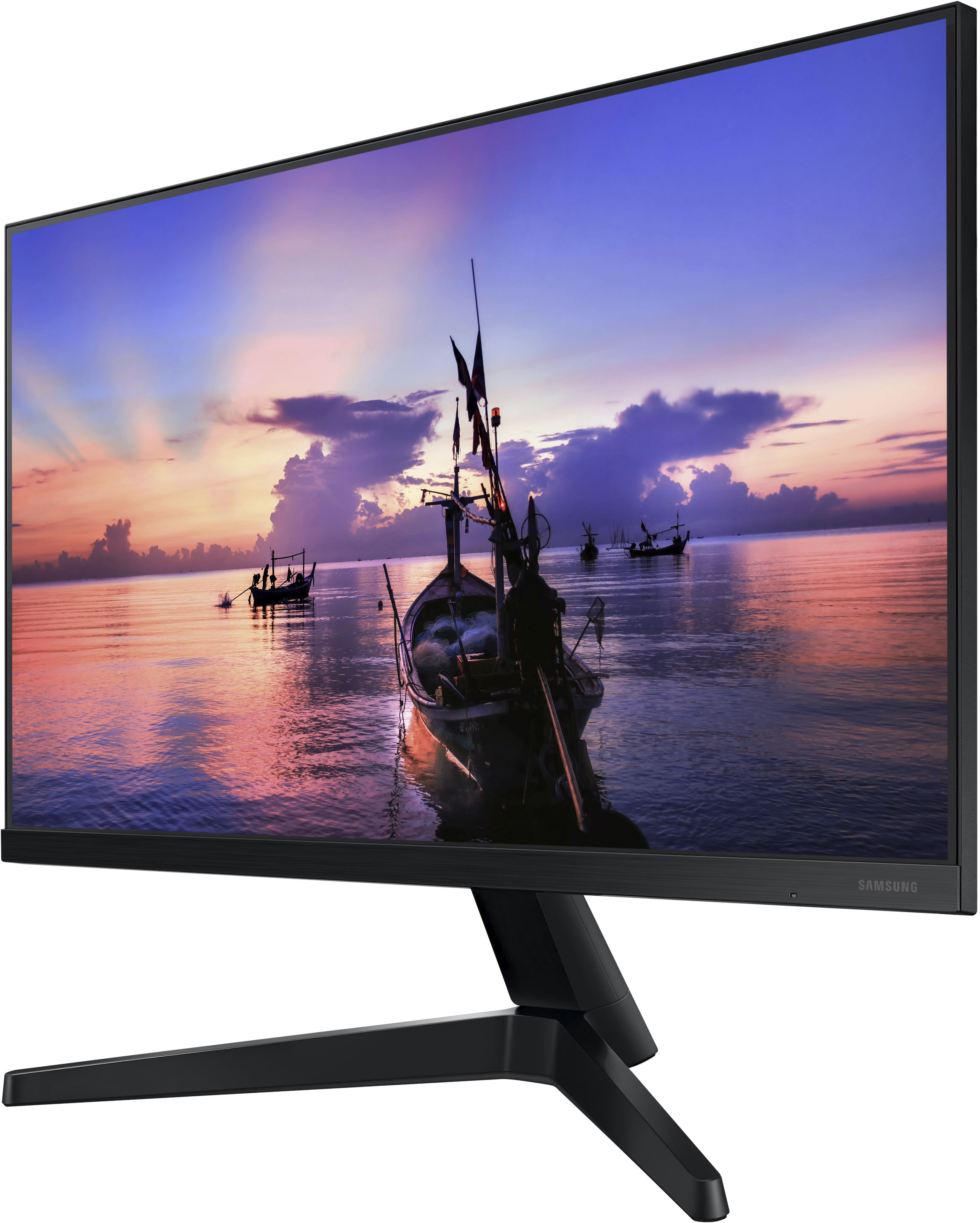
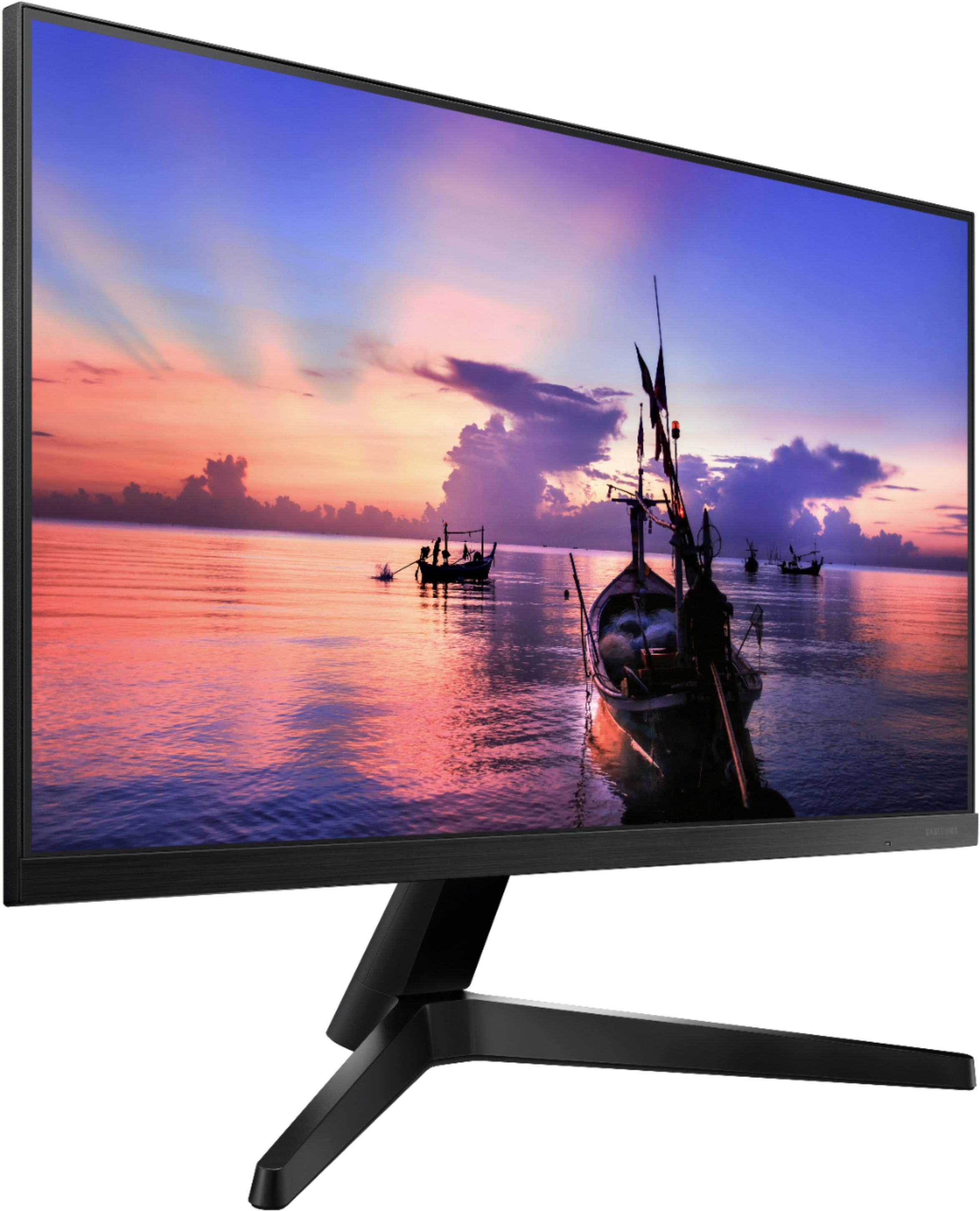
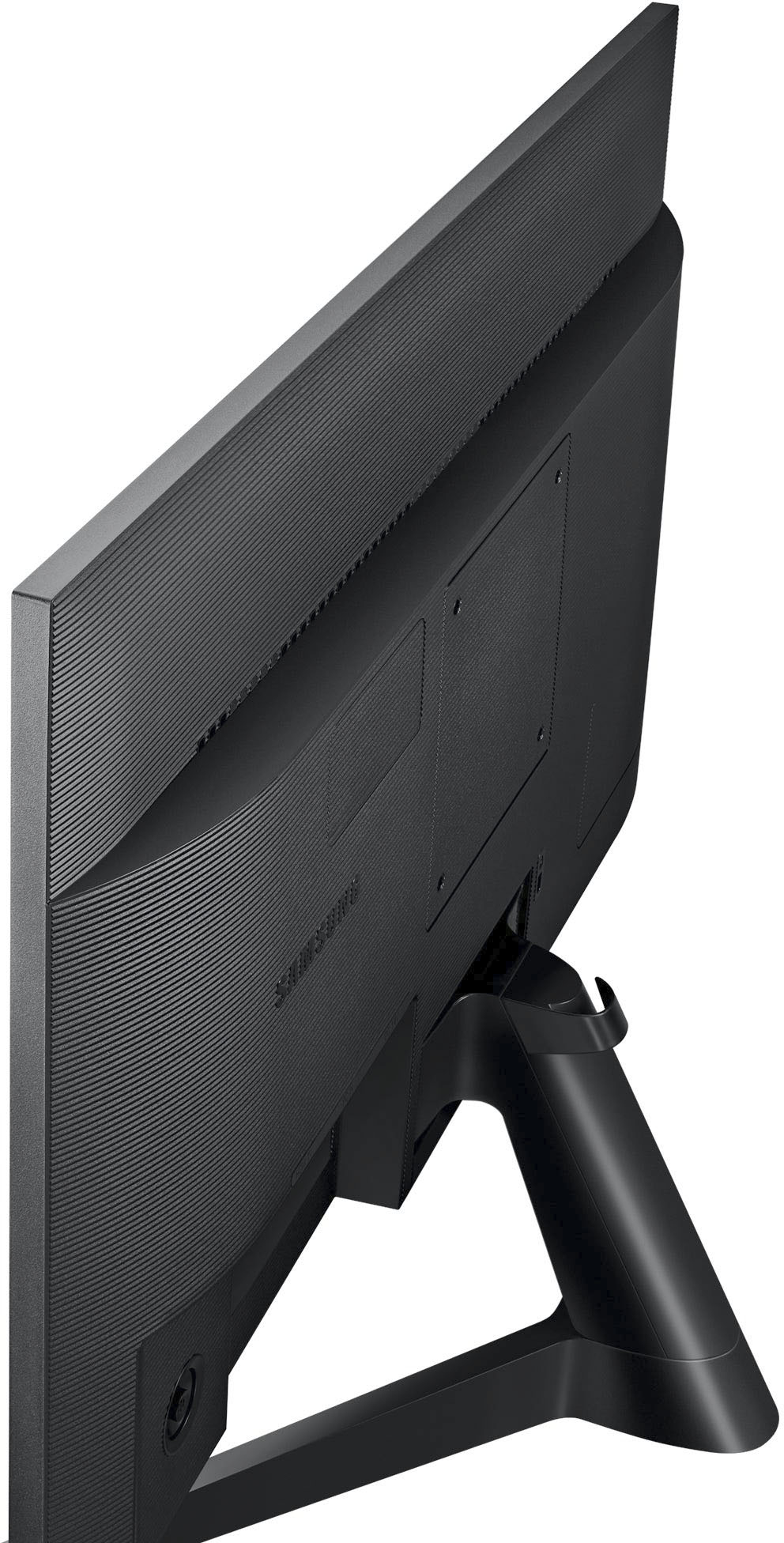
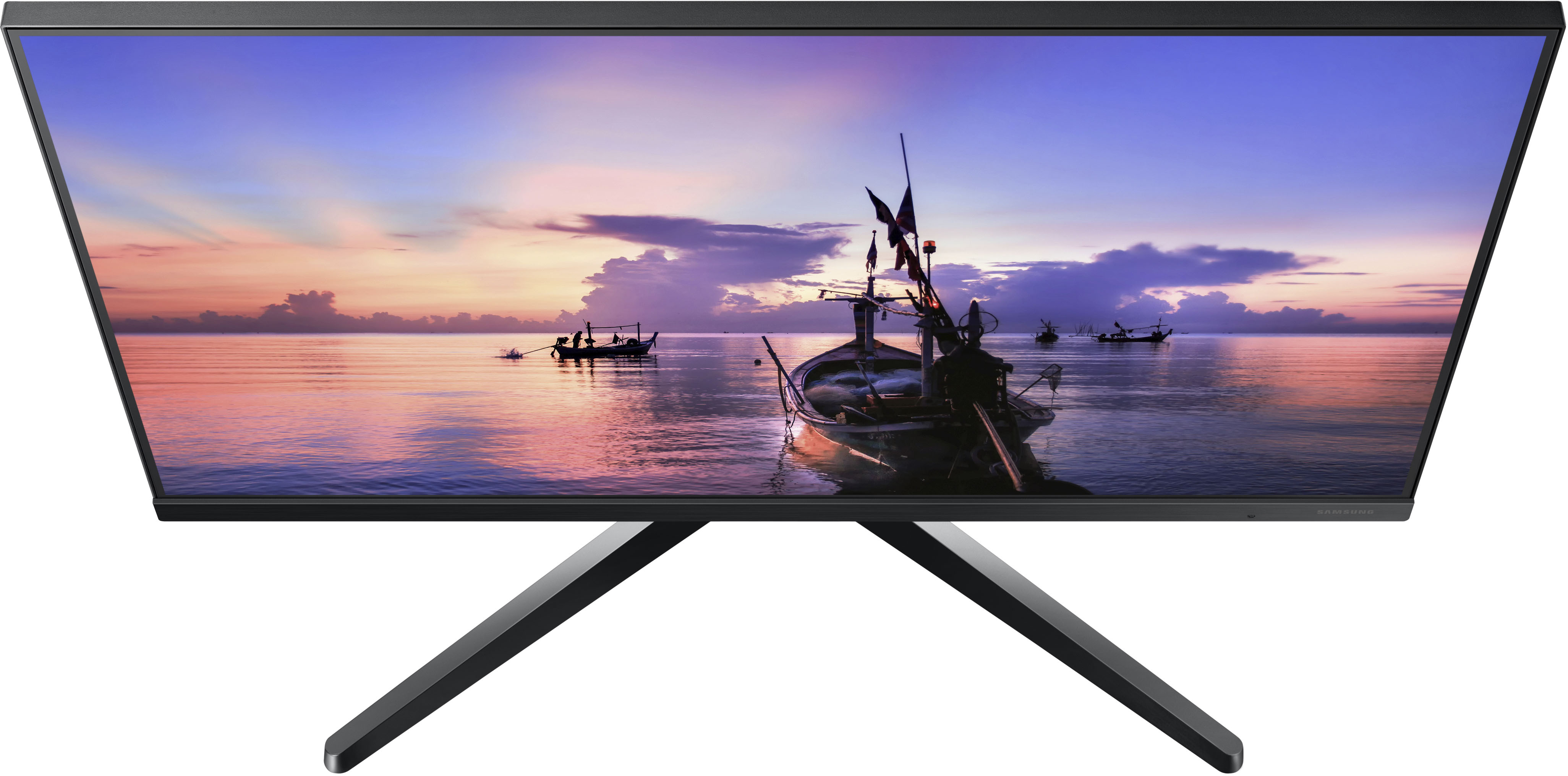
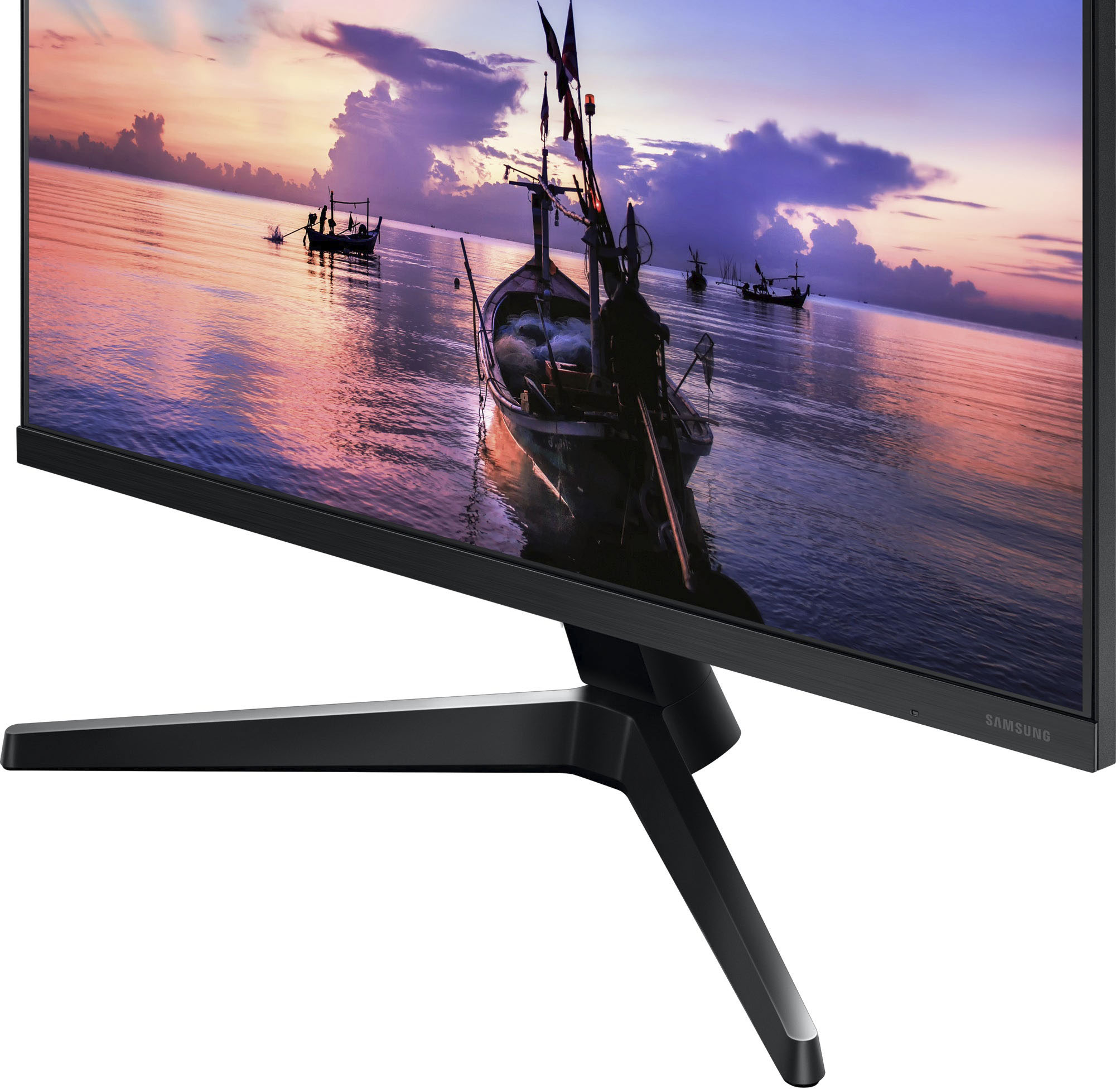
A:AnswerI’m not at home where the monitor is, but I’m pretty sure it is a “fixed” mount. It can tilt backward and forward, but the height is fixed and I’m sure it can’t pivot sideways.
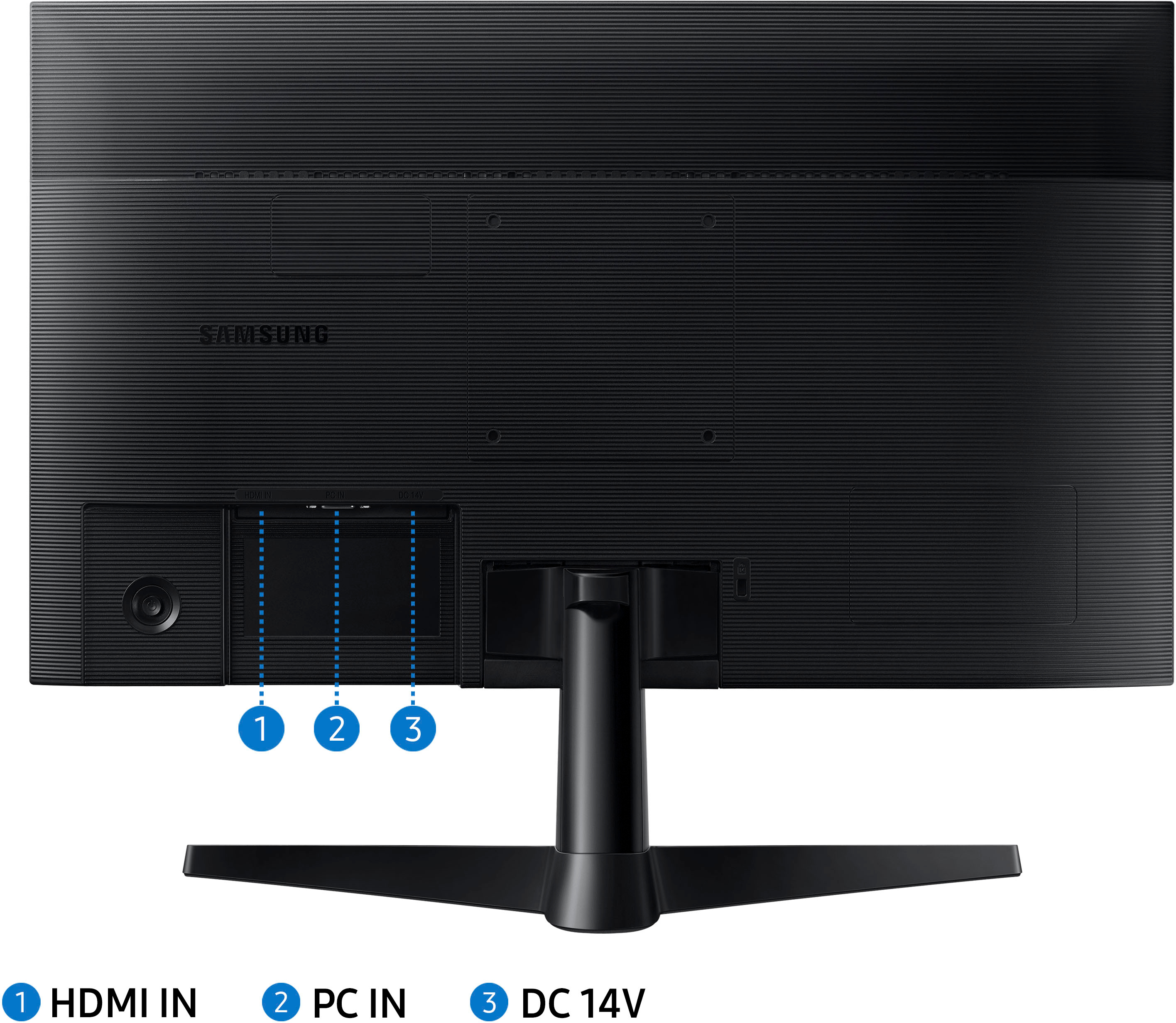
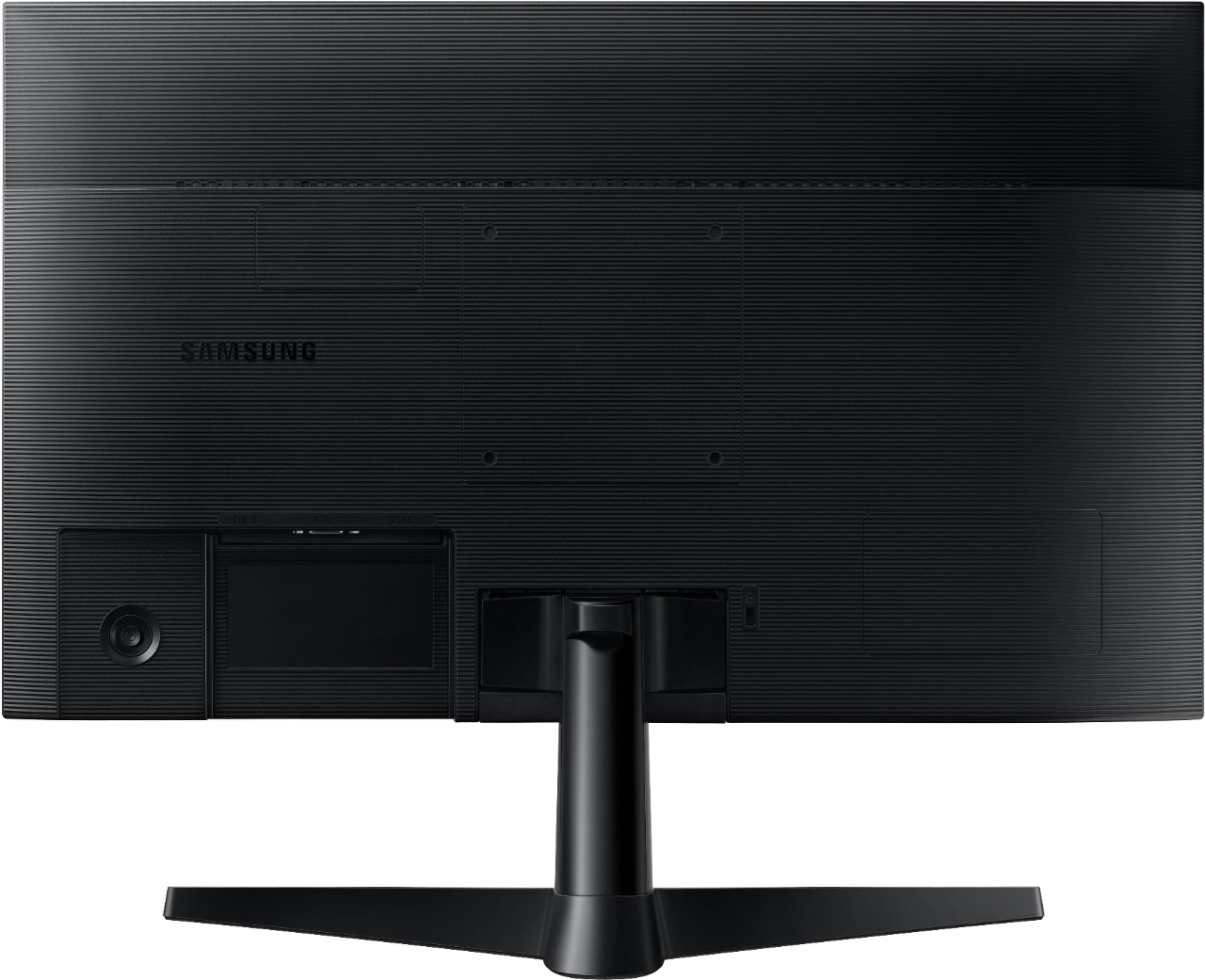
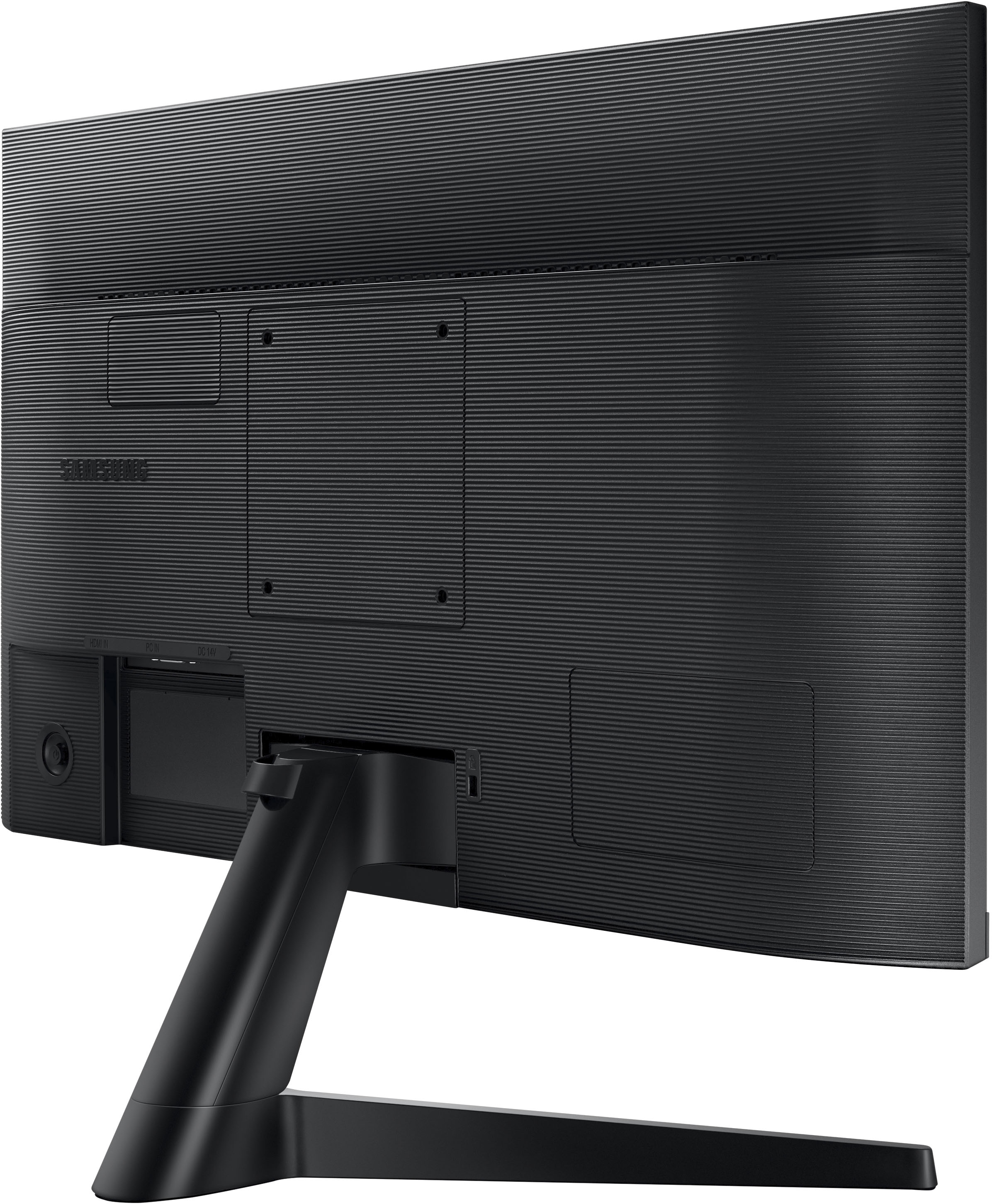
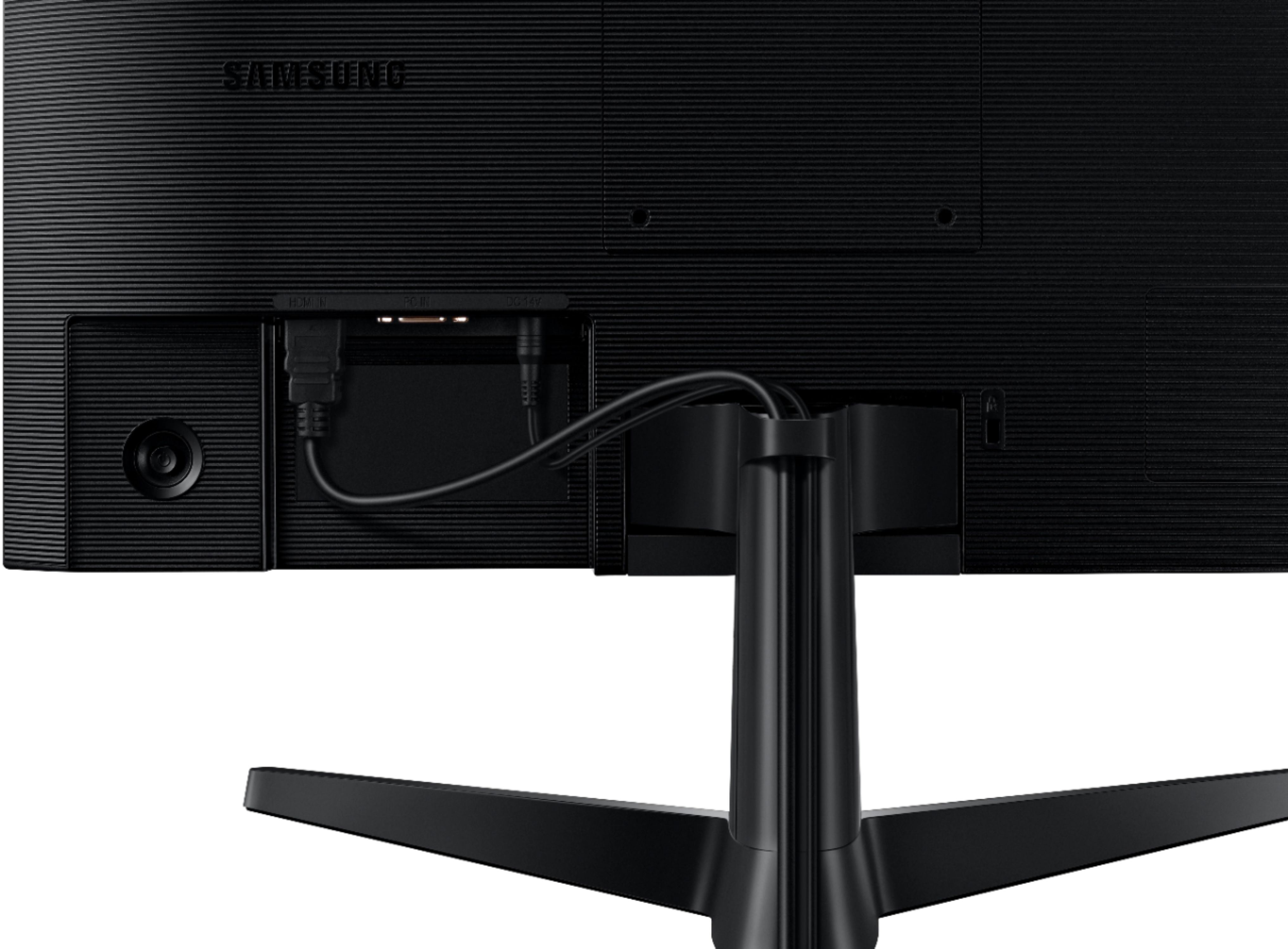
A:AnswerThis is a monitor with a HDMI and a VGA input. You would not connect a wireless keyboard or a mouse directly to this monitor. You connect your keyboard and mouse to a computer which you then could use this monitor for a display.
A:AnswerYes, the settings you need are in your operating system's display section. Im only familiar with windows, not mac, but right click your desktop, go to display settings, select this monitor, and there should be an option to change its orientation clockwise/counter clockwise to get it to the vertical direction you want.
Physically it will need a different mount - the one that comes in the box will not let it rotate that far around. Do your price shopping and make sure the mount arm you get will hold the weight of this monitor without the stand (most common arms shouldn't give you any trouble - this isn't a heavy monitor).
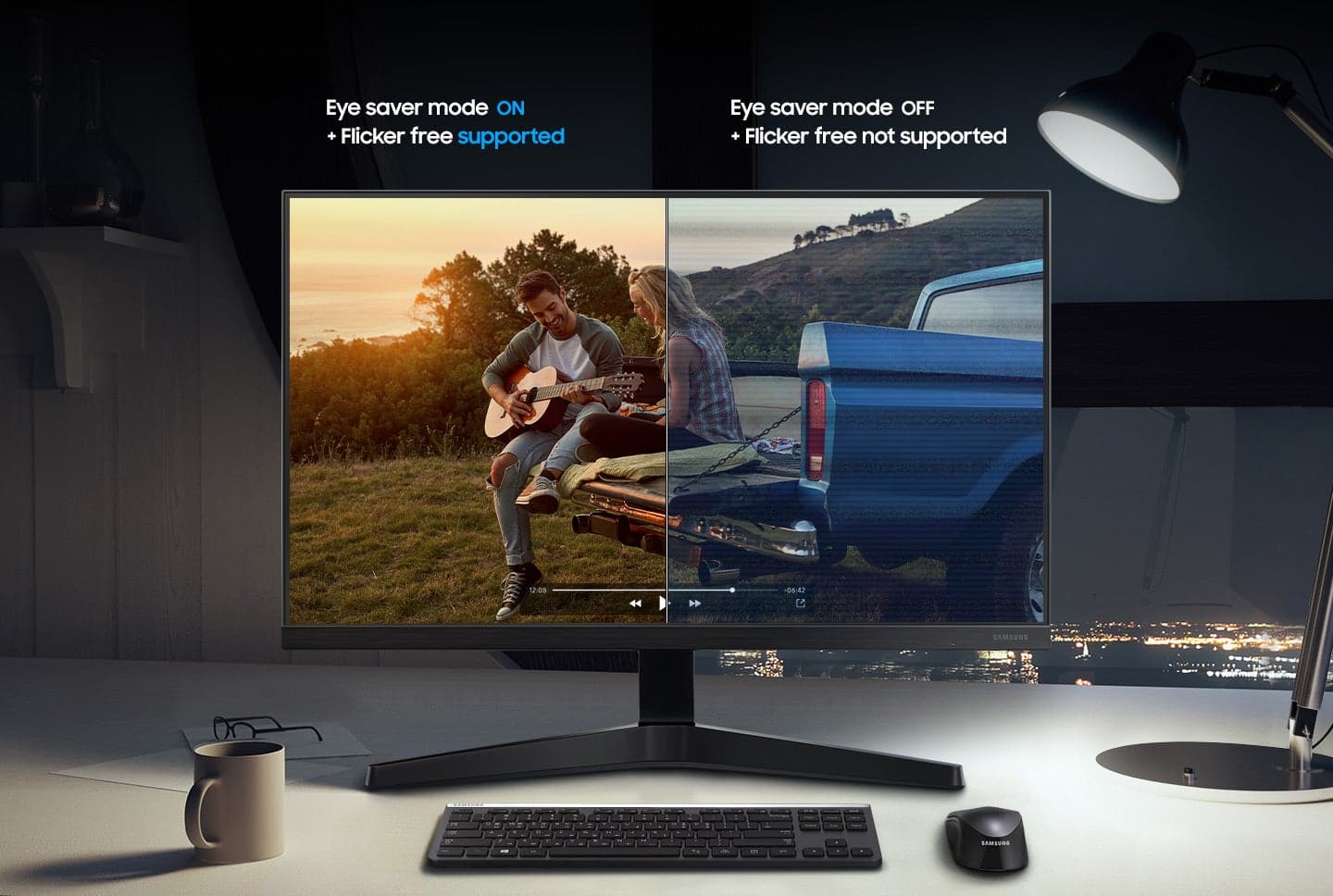
A:AnswerThank you for your question! To enable Eye Saver mode, access the on-screen menu and navigate to picture settings. Scroll down near the bottom of the picture settings and toggle Eye Saver mode.