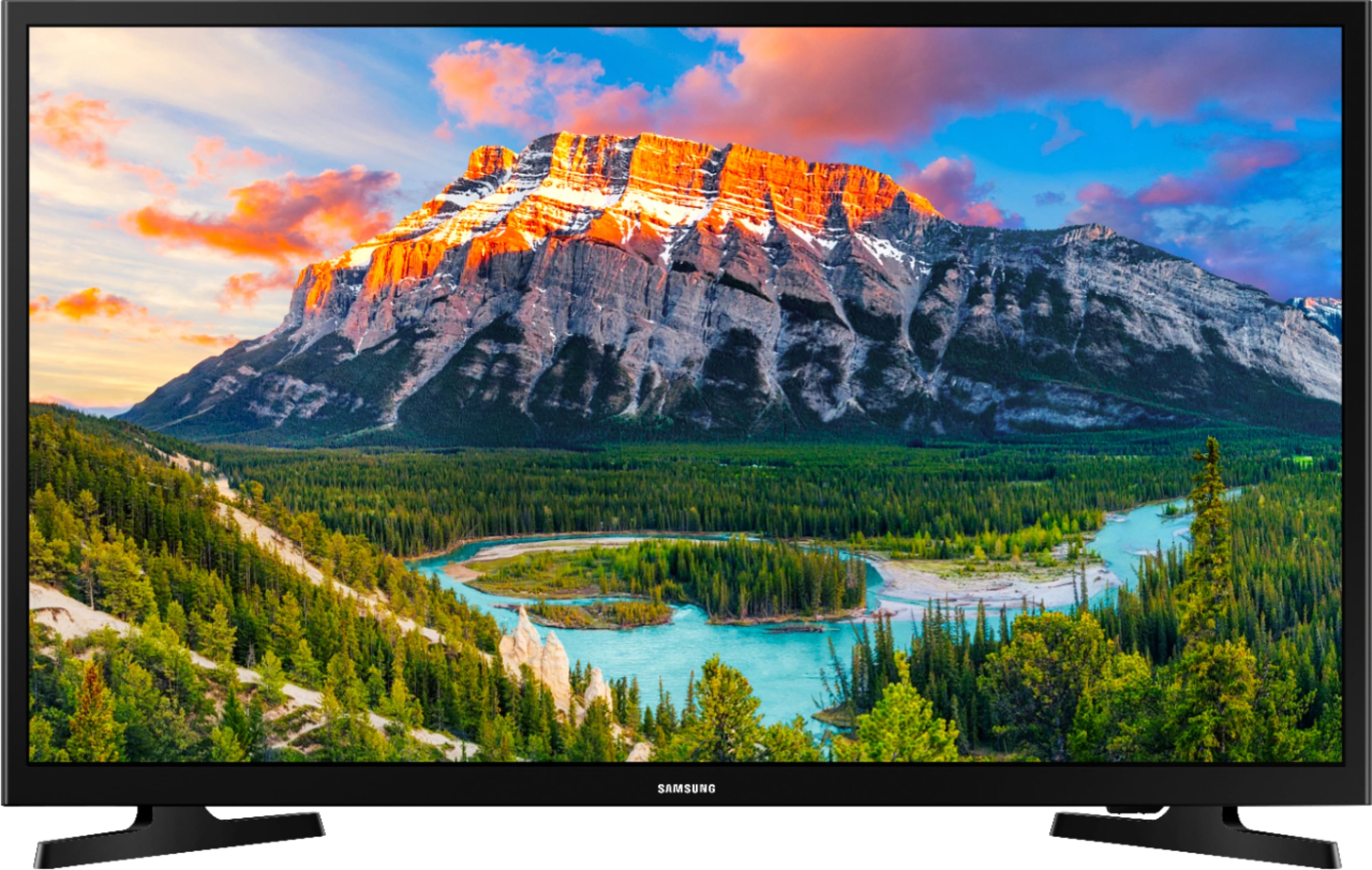
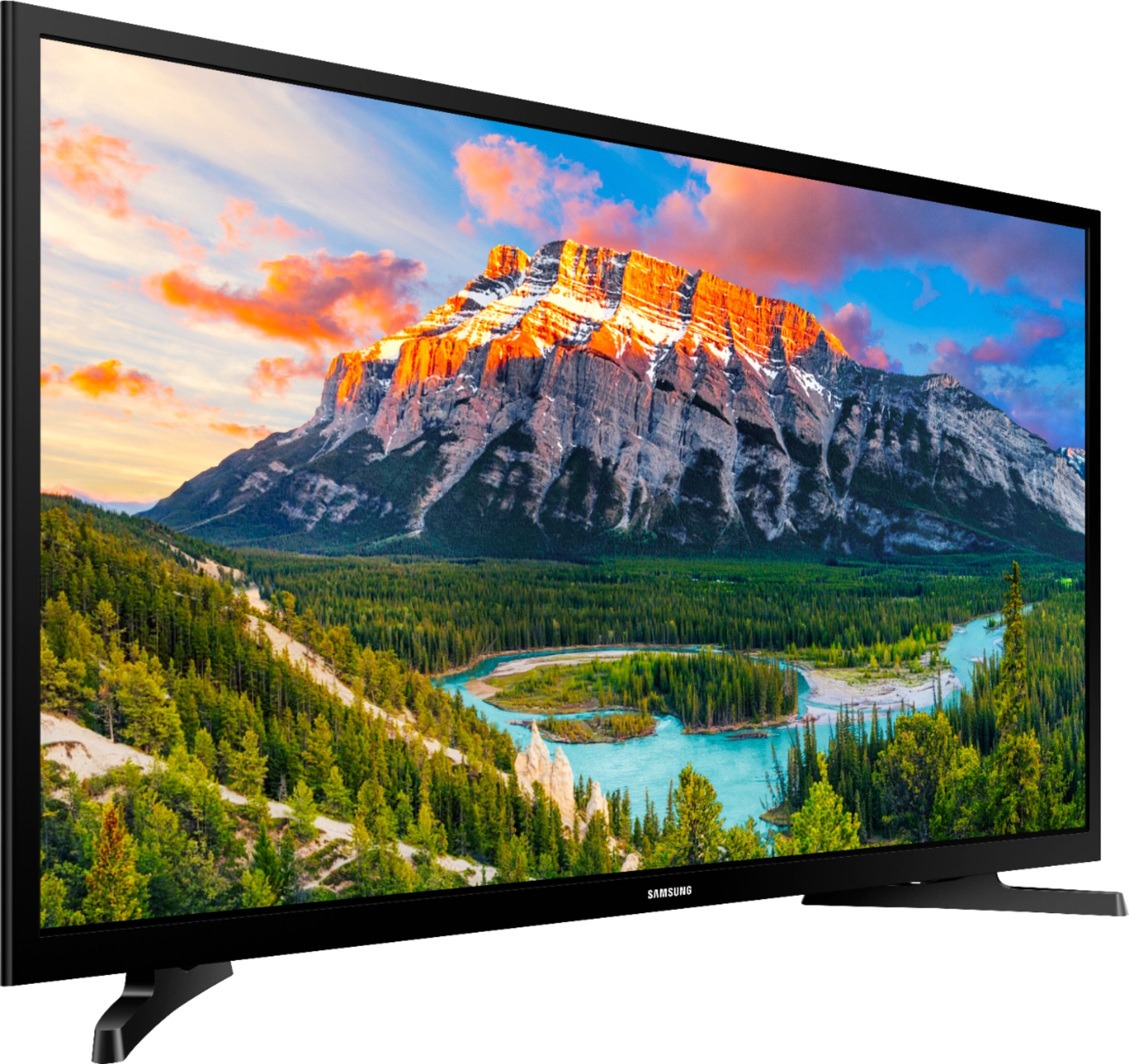
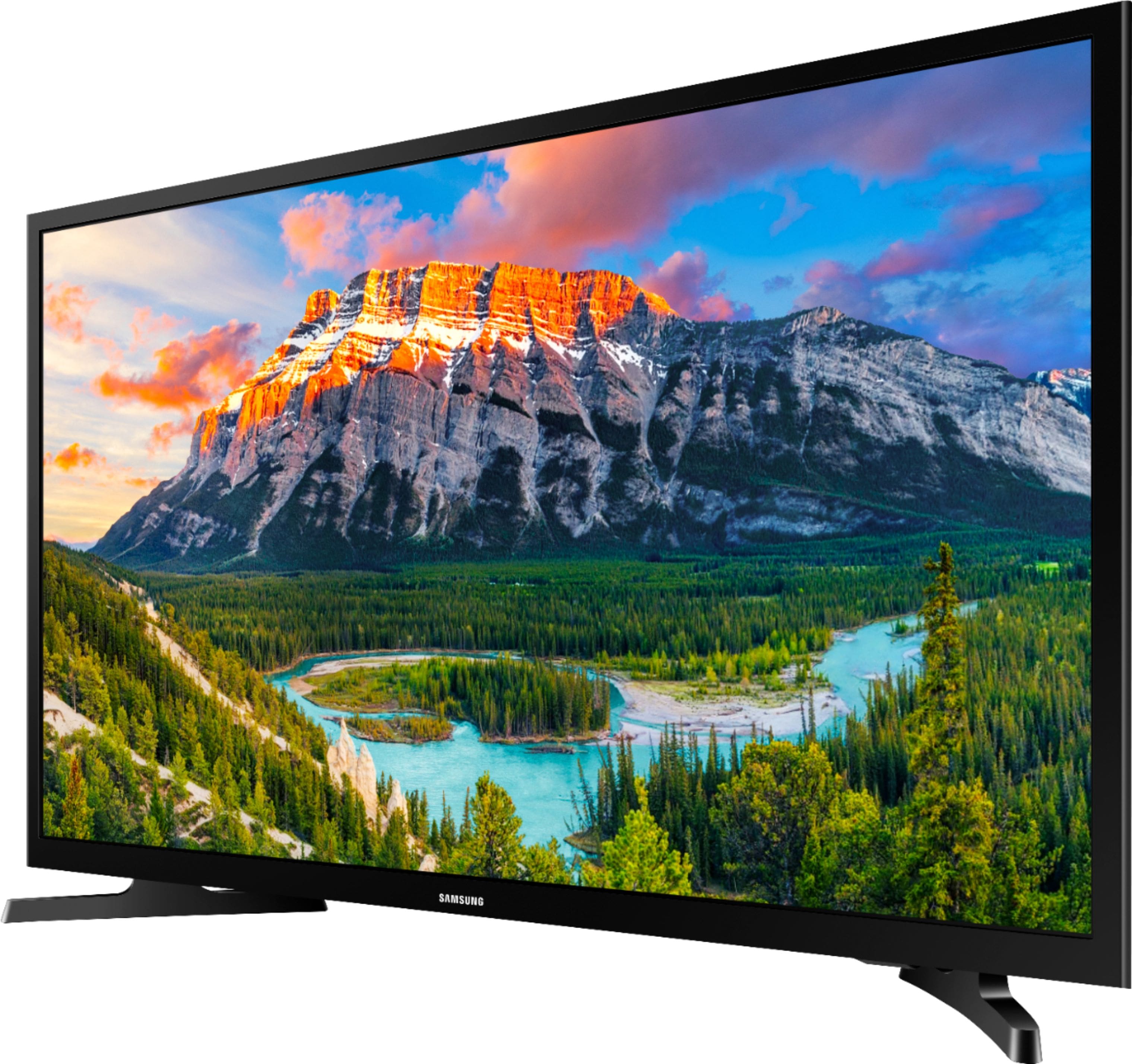
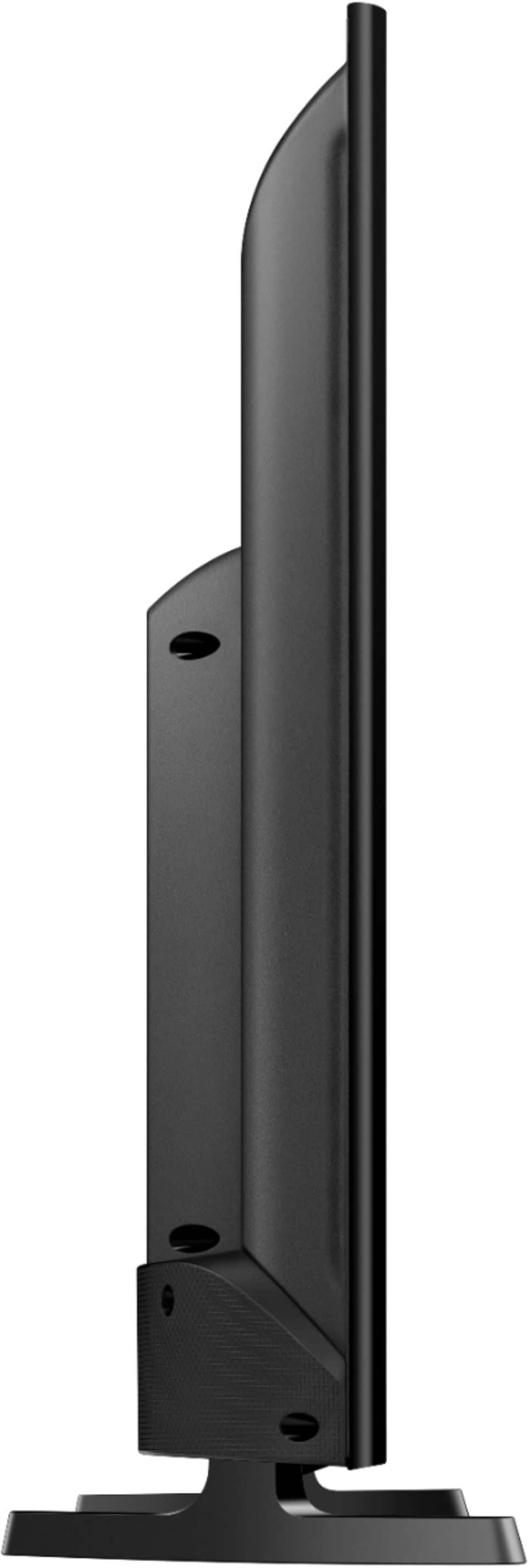
A:AnswerThe dimensions are:
Product Height With Stand
18.2 inches
Product Width
28.9 inches
Product Depth With Stand
6.4 inches
Product Height Without Stand
17.3 inches
Product Depth Without Stand
3.1 inches
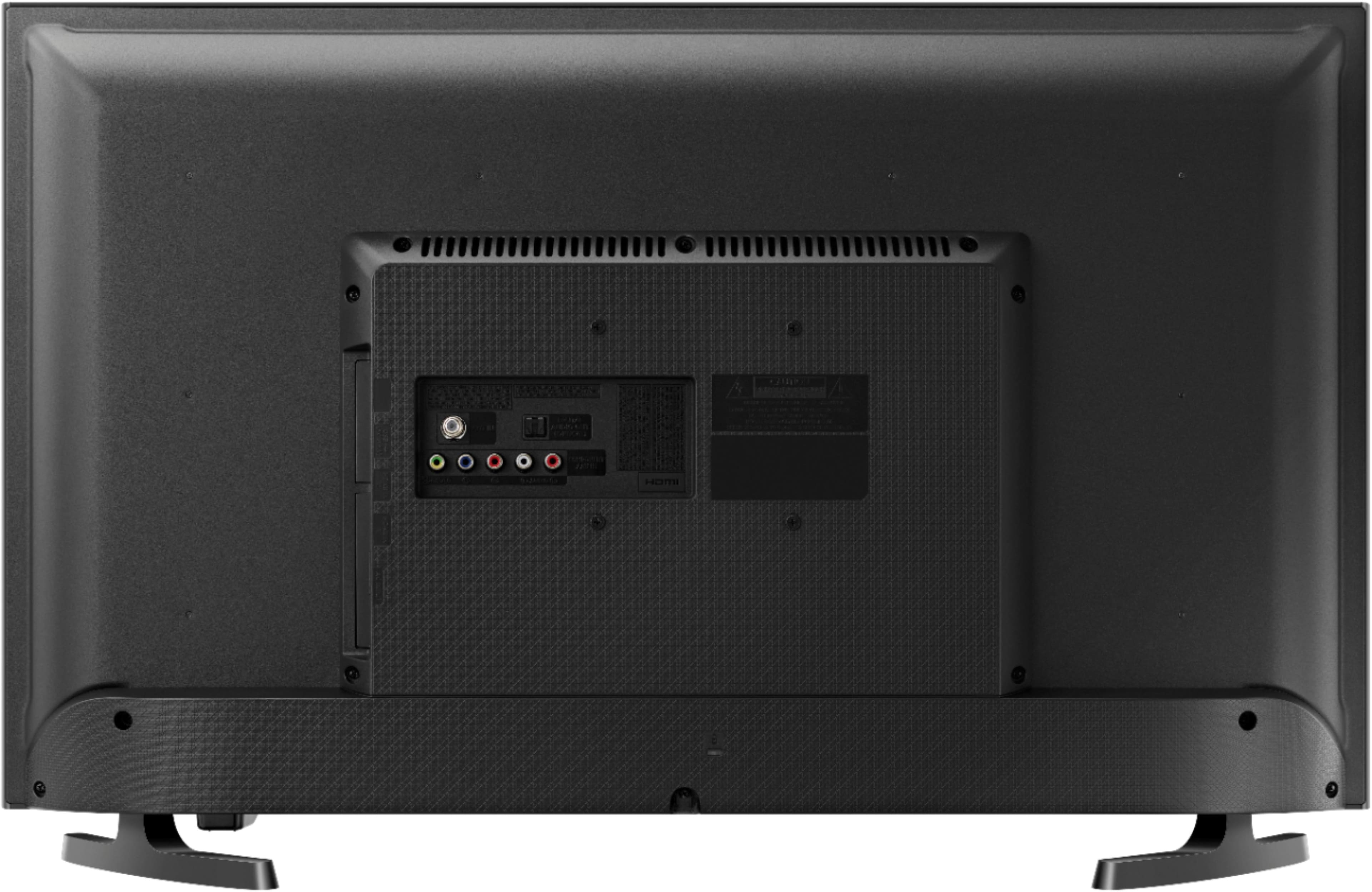
A:AnswerThe USB ports can be used to connect external devices and USB flash drives. You can play media content such as videos, photos and music from a USB device on your Samsung TV. If you want, you can also download a media player onto the TV via the App Store and that can help you play video in a continuous loop.
A:AnswerAbsoluely but you probably need a real Apple TV not the built in version. We stream from our Apple devices on YouTube tv, STARZ and Netflix regularly.
You can also use the Samsung streaming app to go directly to the Samsung tv. We have 2 Samsung’s and the all get streamed content using same Apple device login
A:AnswerOn the back of this TV are (RCA type) stereo audio output connections (red and white). You can use an adapter that is "RCA out" to "3.5mm in" so you can hook up standard earbuds. I prefer to do my purchases at Best Buy but when they don't have something, I go to Amazon. Best Buy does not have this adapter so here is a link to Amazon for the adapter.
https://www.amazon.com/3-5mm-Stereo-Audio-Cable-Adapter/dp/B01JEBLEIC/ref=pd_ybh_a_1?_encoding=UTF8&psc=1&refRID=9M98RET5WTT9TX1FB8TB
Sony also makes a nice pair of earbuds that are cheap. The link to Best Buy for them is below. But you'll probably have to buy an extension cable. None of the stuff I listed is expensive.
Earbuds:
https://www.bestbuy.com/site/sony-ex14ap-wired-earbud-headphones-black/5739305.p?skuId=5739305
3.5mm extension cable:
https://www.bestbuy.com/site/insignia-6-3-5mm-male-female-audio-extension-cable-black/6348657.p?skuId=6348657
For me, I decided to buy a Sony portable speaker that I can attach to the TV via the RCA connections (which means I am buying the adapter I mentioned above), and the Sony speaker is also bluetooth so I can send my music to the speaker via bluetooth from my laptop.
A:AnswerIt sounds like your MacBook is using the Samsung as an external display or extended desktop. Go into your MacBook System Preferences + Displays, enable Display Mirroring Options and what you see on your laptop will also show up on the Samsung.