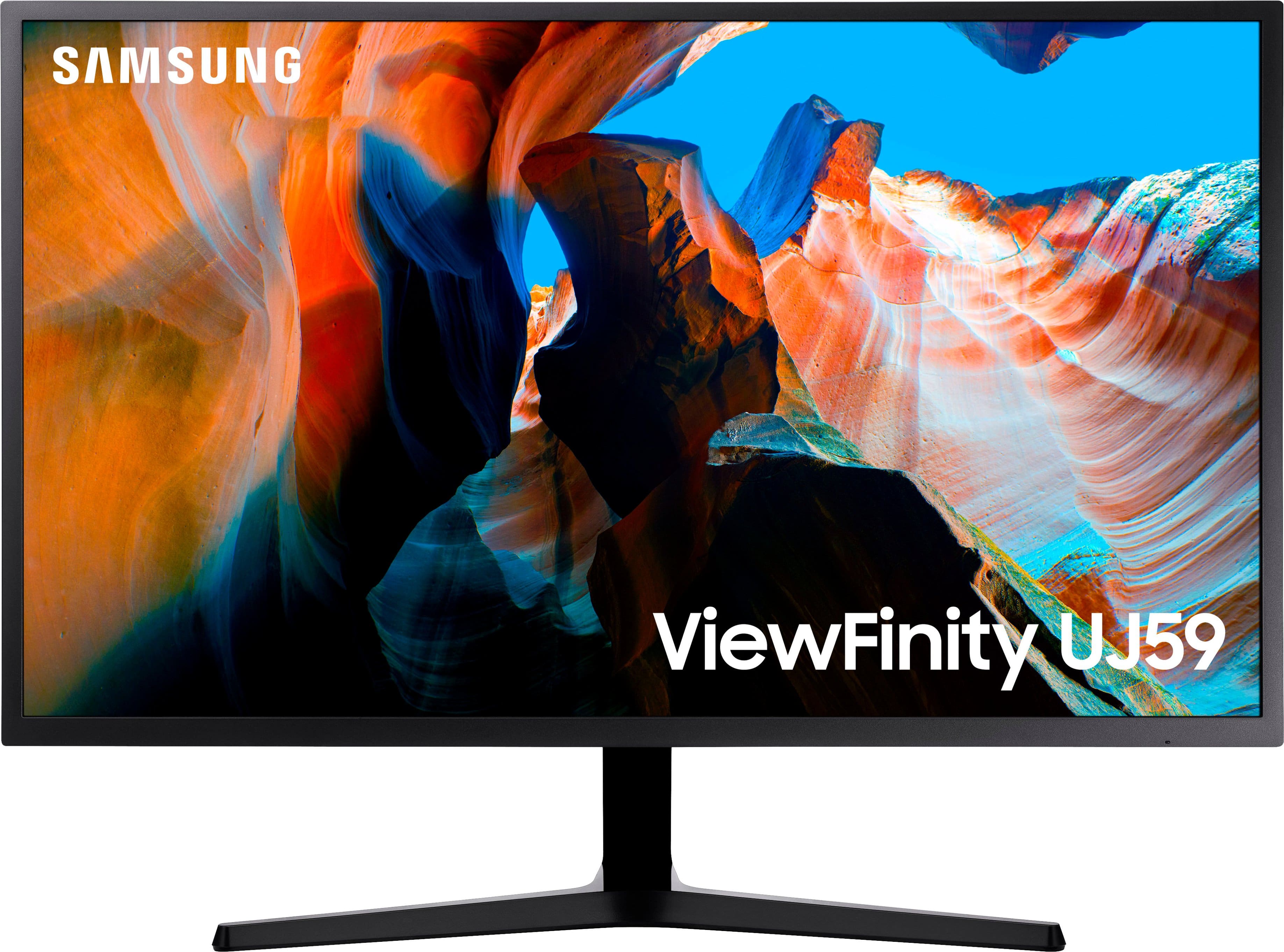
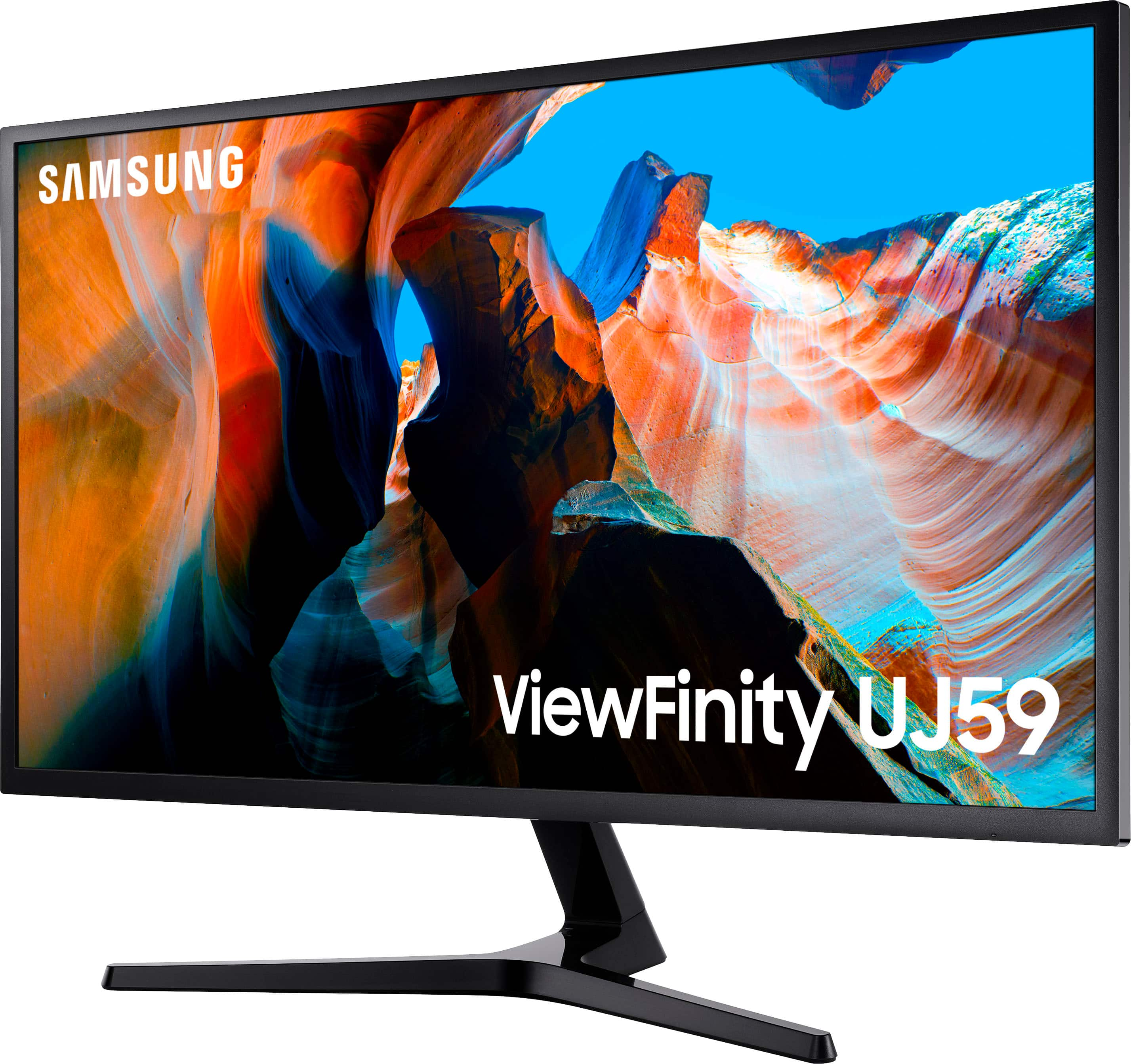
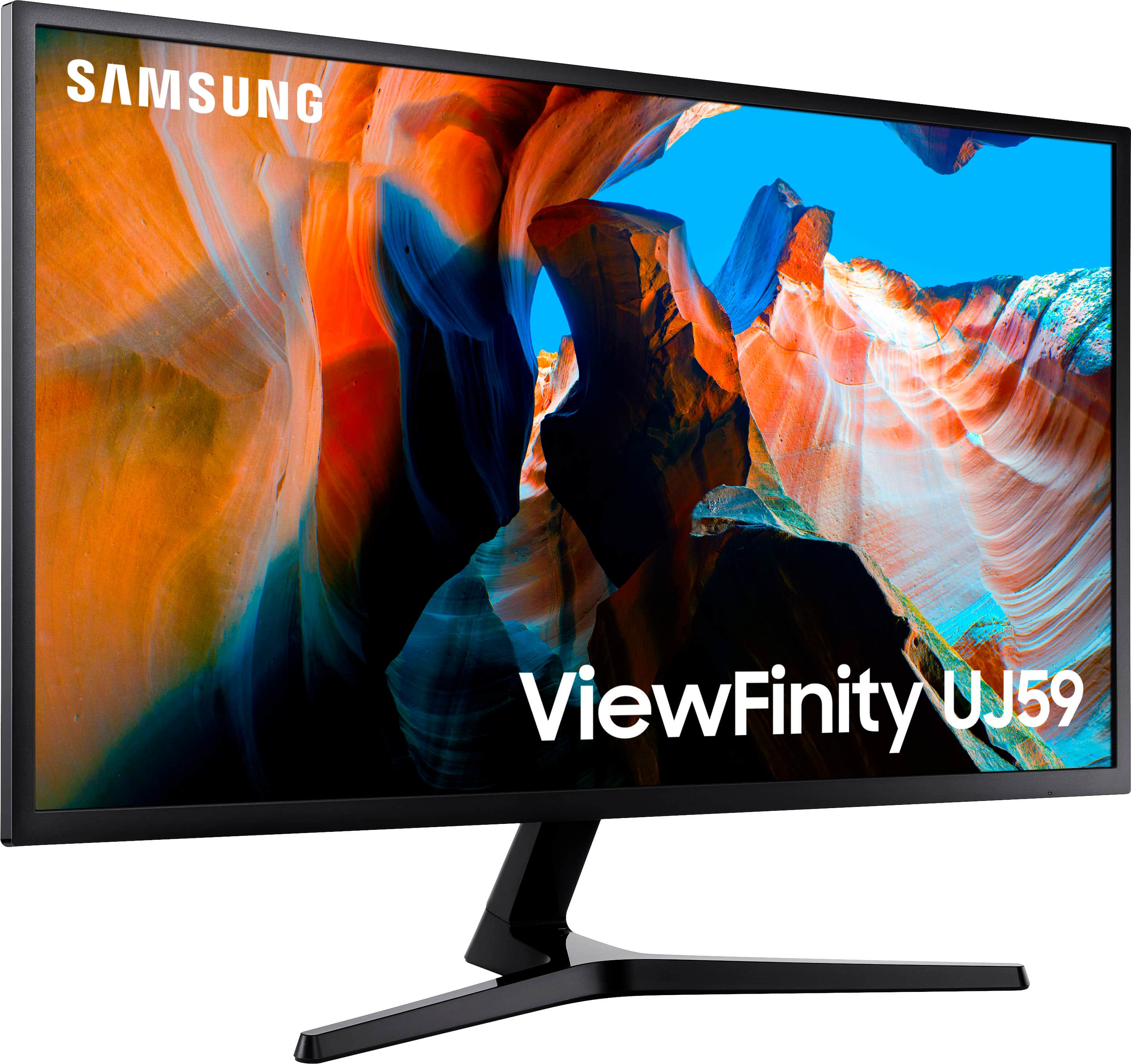
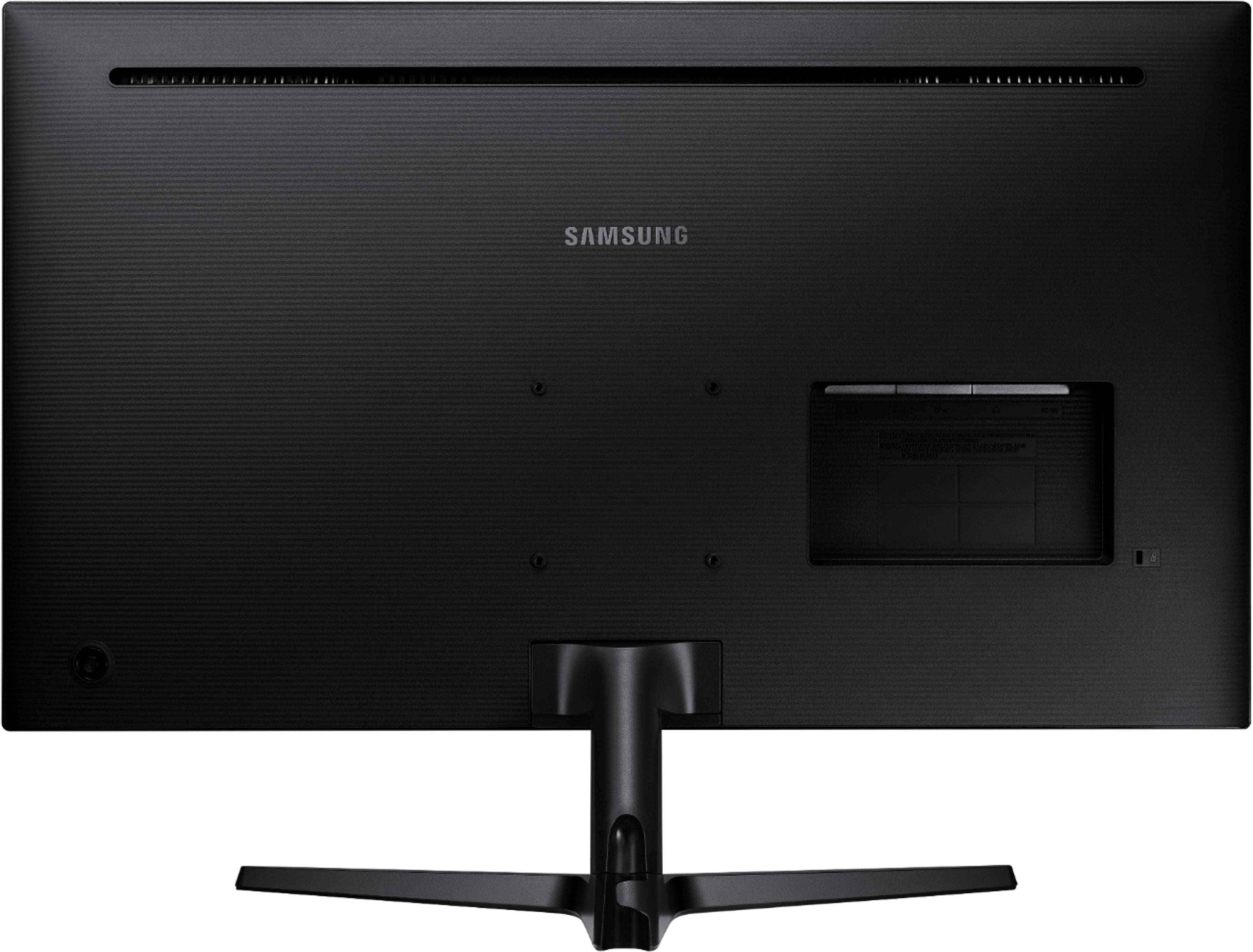
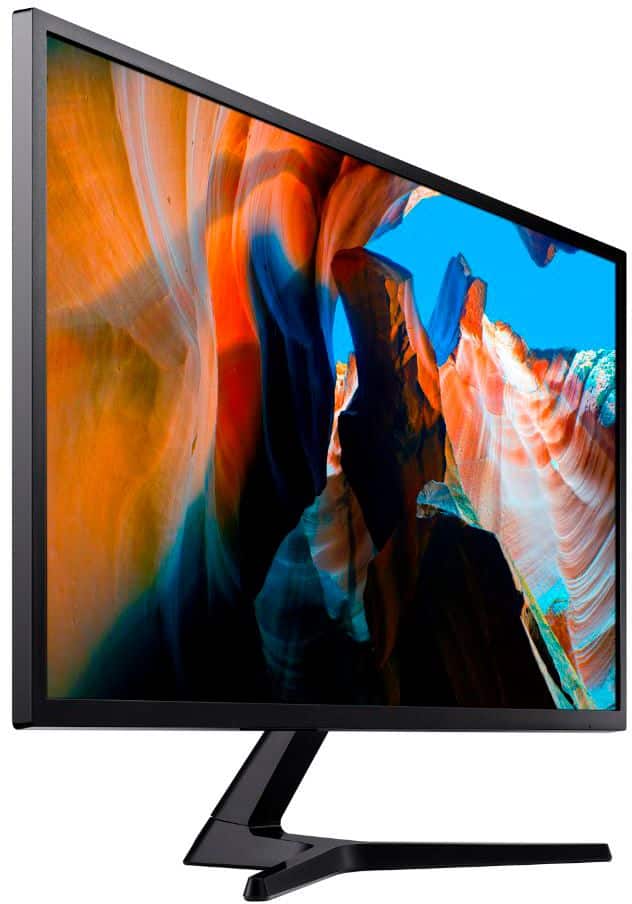
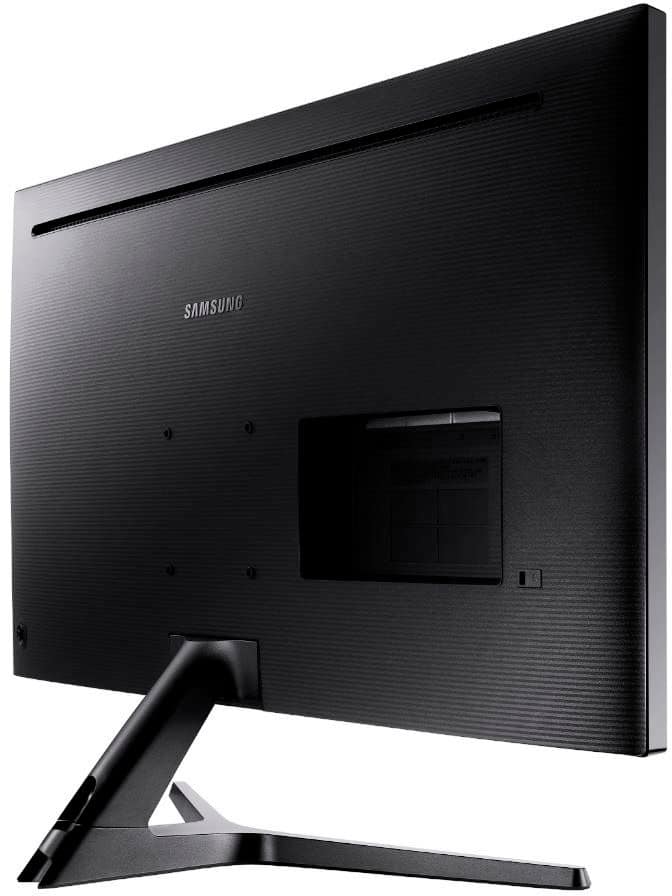
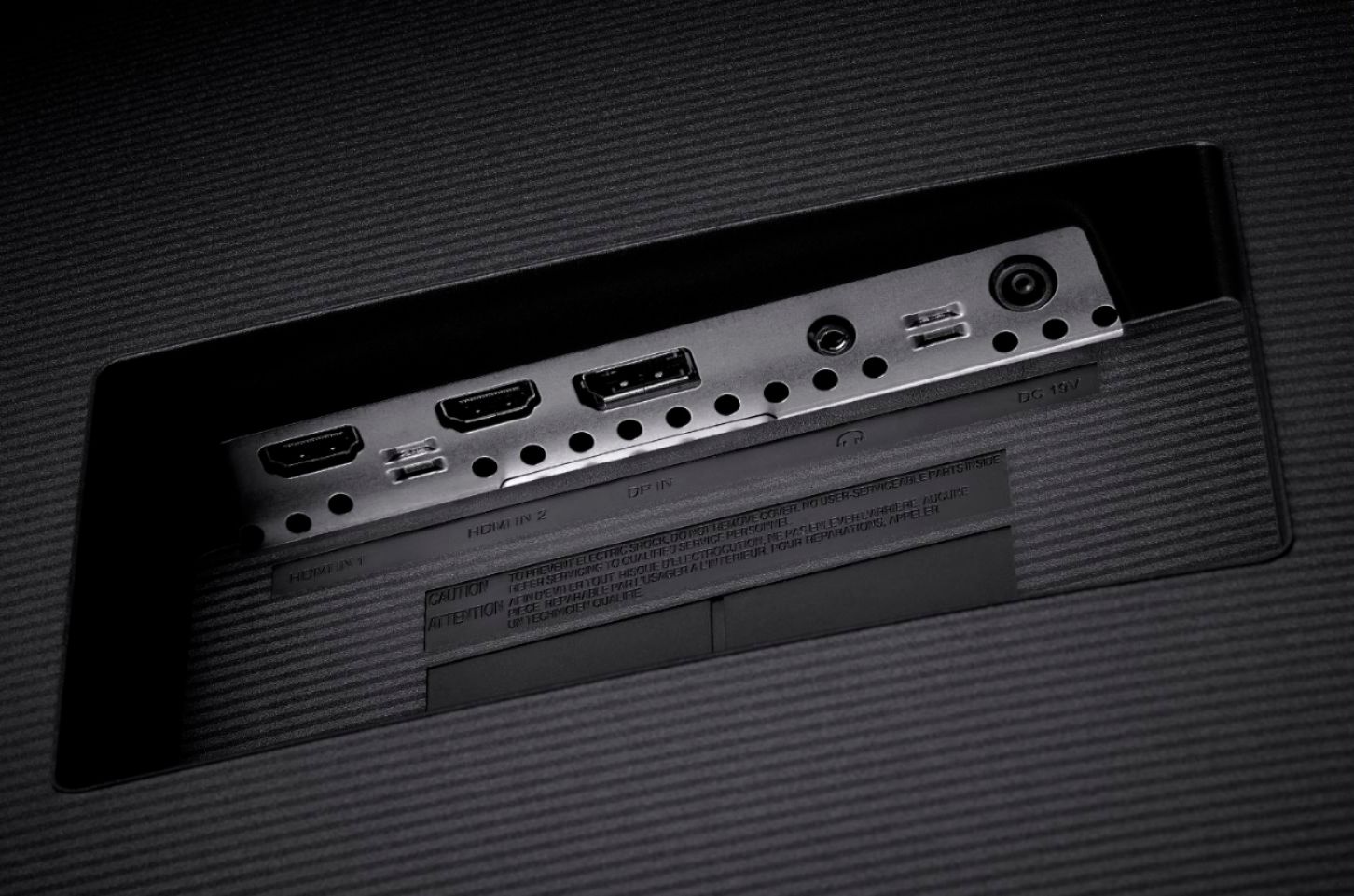
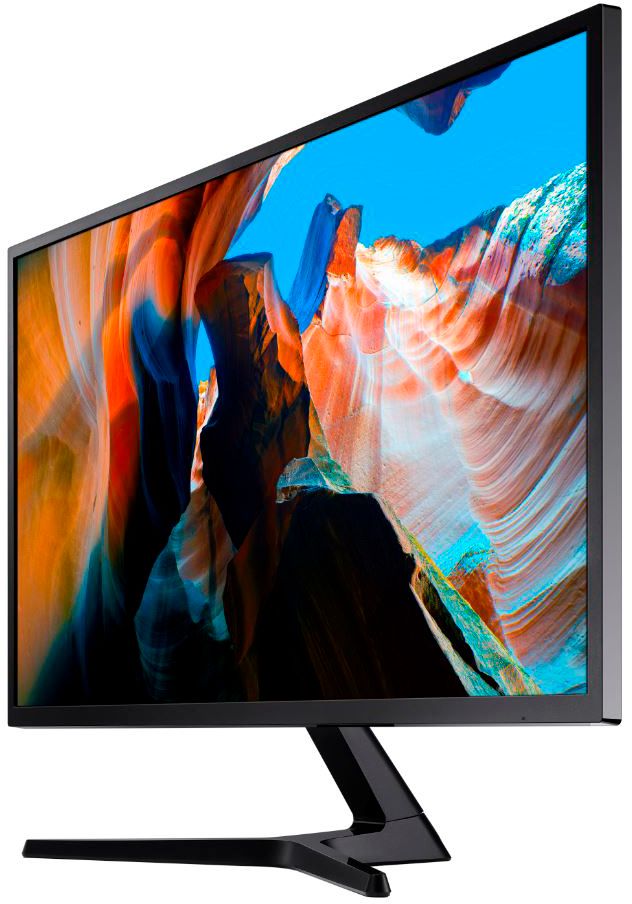
A:AnswerThe monitor can connect to any device that supports HDMI or Displayport output. I'm not familiar with the Toughbook, but as long as it has a regular (or mini) HDMI output or an output that supports Displayport such as Thunderbolt or USB-C or the mini DP port, you're good to go with the right cable.
A:AnswerSo choose the first or second doesn't matter. What matters is if u set ur ps setting or game settings to push the rates and values your trying to push. U have to make sure u have those both set and then set the monitor from auto to manually set what u want. But usually it predicts what it can do. I have a top notch pc to one port and ps to the other. It changes the settings on its on