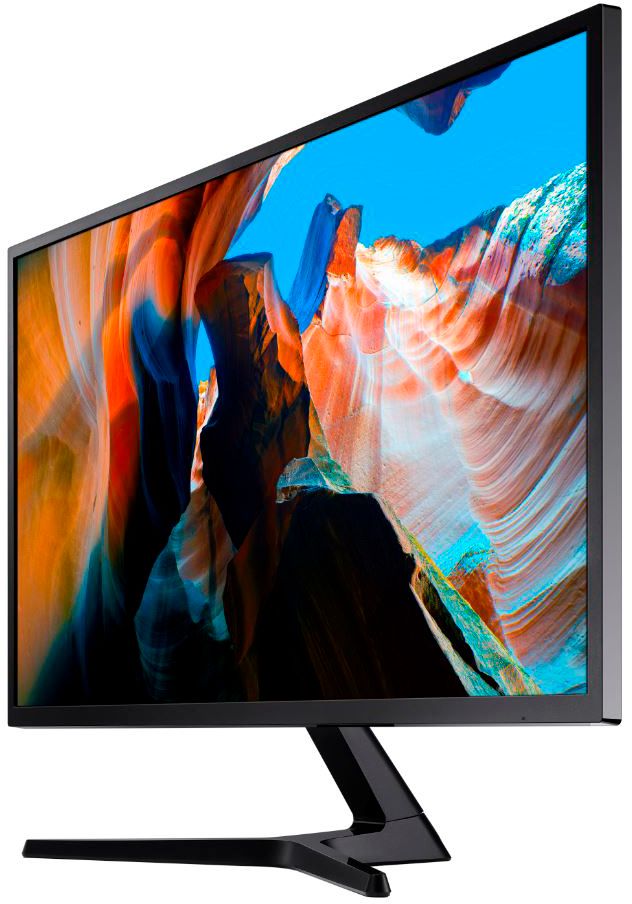
A:AnswerThis monitor will display Netflix and Hulu great when connect to PC, game console, or other device. (Note speakers needed)
However, this is not a Smart monitor or a smart tv with built-in Netflix and Hulu apps to directly stream such video services. If you want to stream directly from the display, purchase a Smart TV or a Smart Monitor
A:AnswerI would say so. This monitor is ultra clear and brings videos, games, etc to life. Doesn't have a high refresh rate so I would look at other monitors if that's what you are looking for.
A:AnswerNot sure if I'm answering your question, but i do use this monitor as a secondary display for my laptop.
Once connected you will have to change the display setting in Windows or Mac to extend the display instead of mirroring/duplicate your 1st display
A:AnswerI'm not sure the actual weight but I'm pretty sure it's more than 11 lb. The mount I bought is rated for up to 35 lb and the guy at Best Buy told me that should be sufficient for most of your monitors and TVs up to like 40 in
A:AnswerNot a direct answer, but make sure the monitor is configred in Eye Saver mode. That setting washes everything out, not sure why they have this setting, if it takes away so much of the vibrancy.
A:AnswerThe monitor will work both extended and mirroring.
When mirroring, the monitor will force 2560x1600 on both screens, this however causes things may look stretched/askew due to the mismatch resolution display of the monitor.
However, if you adjust the Mac display setting to extend the display to the monitor it will adjust to utilize the full 4k resolution. Meaning your macbook display will show 2560x1600 and you have an extended desktop of 3840x2160 on the monitor
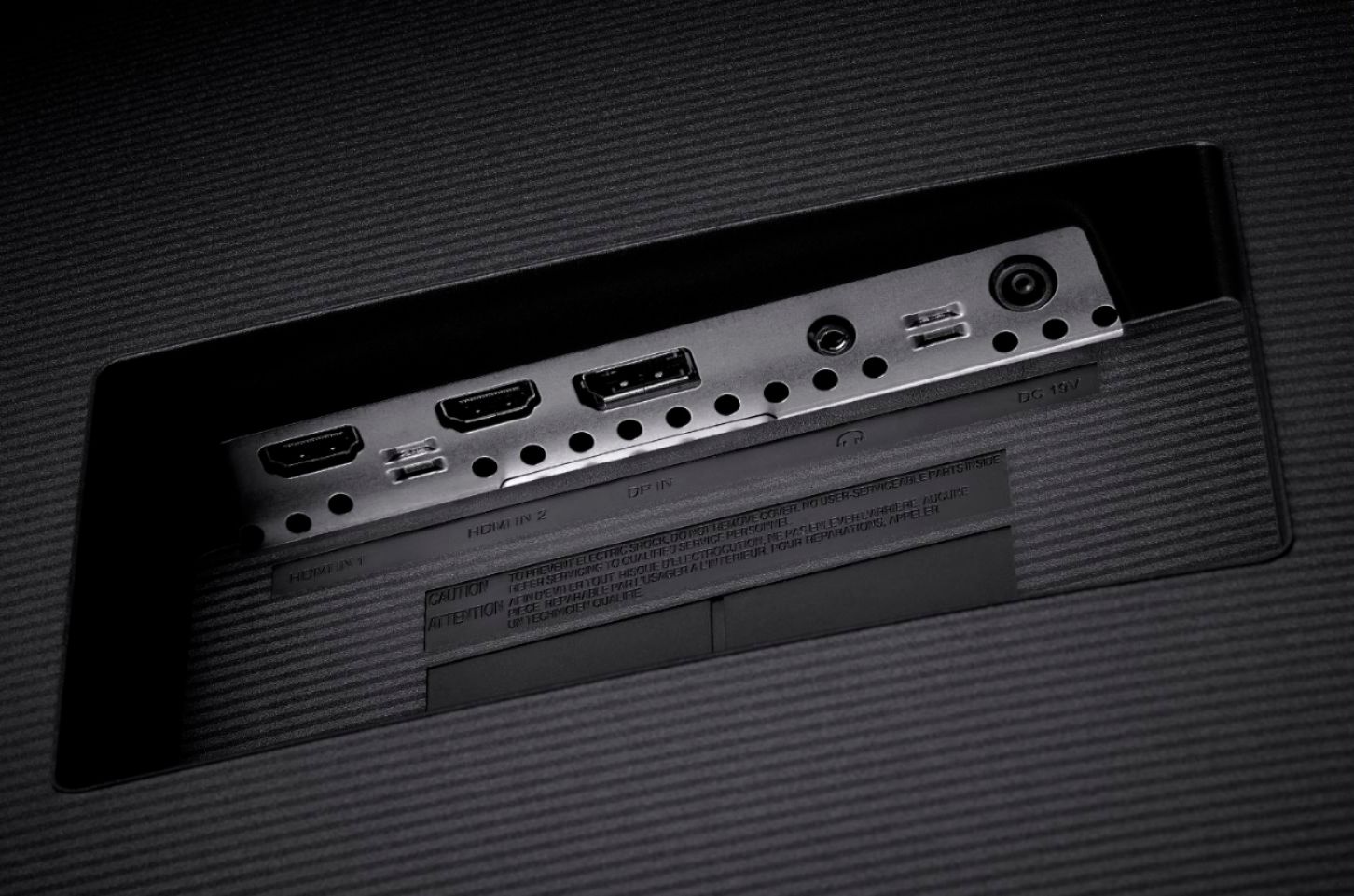
A:AnswerYes, this monitor has an HDMI port. However, you may need a cable with an HDMI connector on one end and the proper connector for your device on the other in order to make the proper connection.
HDMI MHL Port explained What is HDMI MHL? The port of HDMI in4 (MHL) mobile high-definition link, is used to connect to a TV and smartphone display on a television pictures or video directly from your smartphone. This connection has been implemented to the TV’s HDMI interface and USB smartphone.