A:AnswerThat's the part I was talking about playing phone tag with tech support I work a lot of hours every day I will make time when I get a day off to go to my mom's house and do all that stuff.
A:AnswerHi bex,
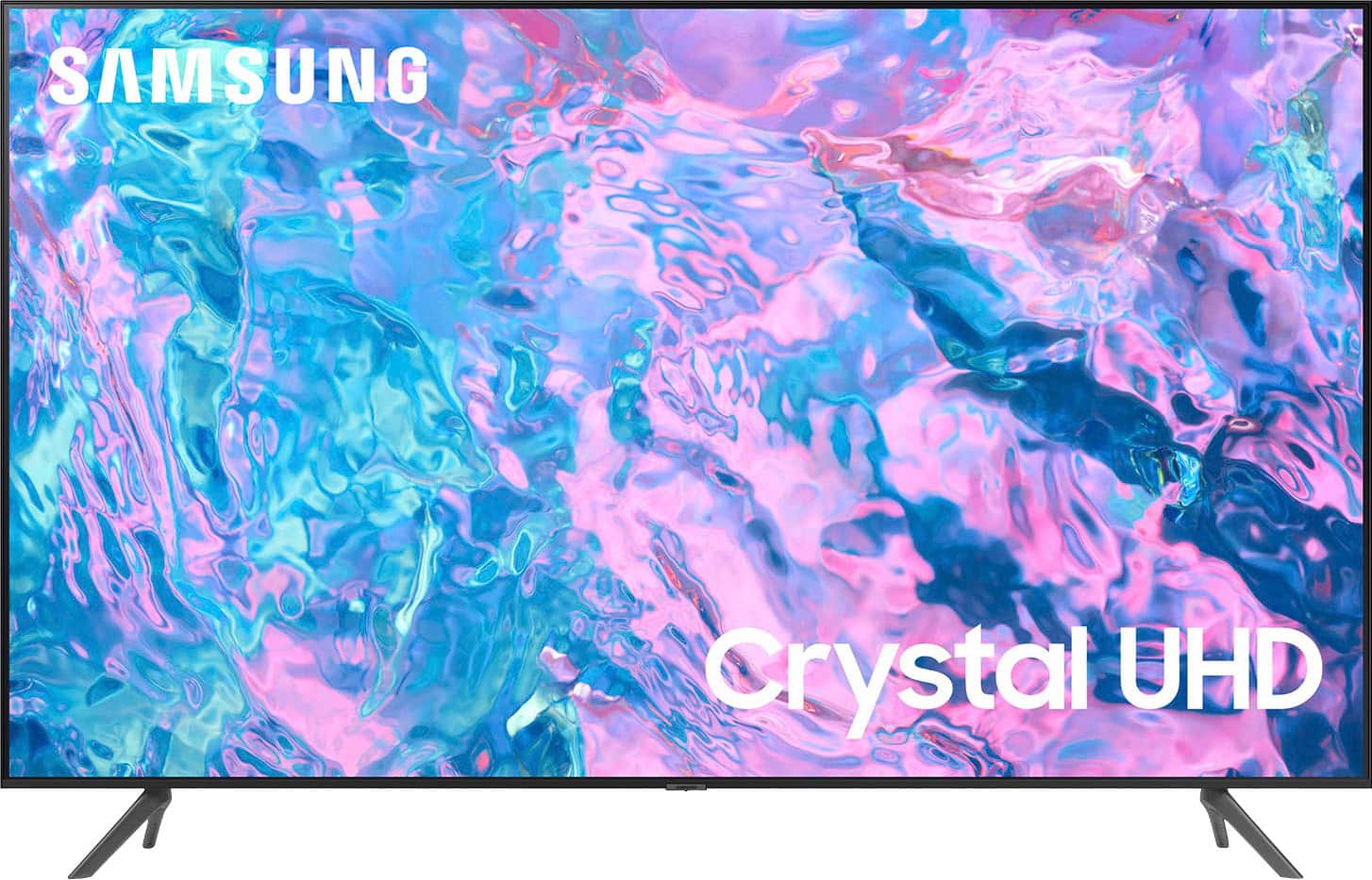
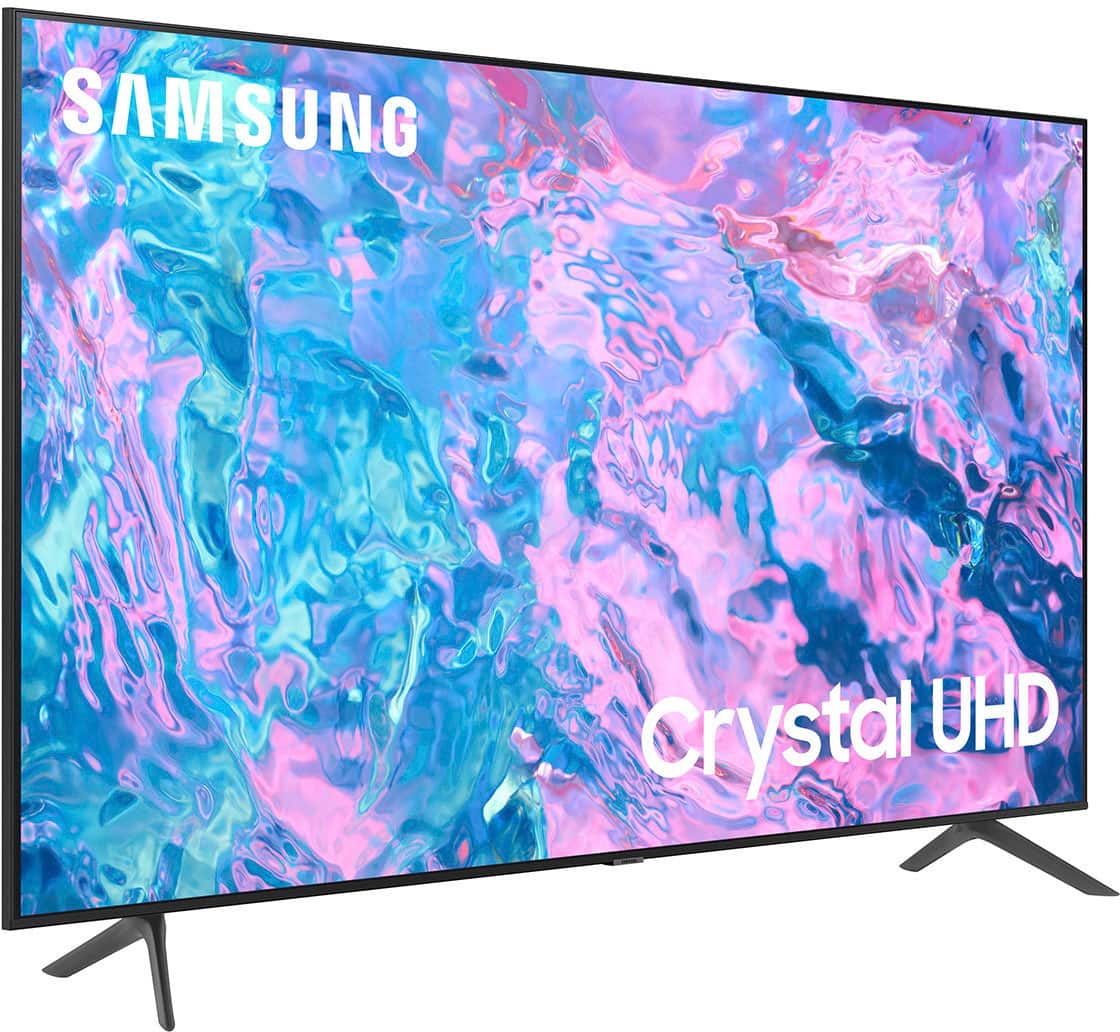
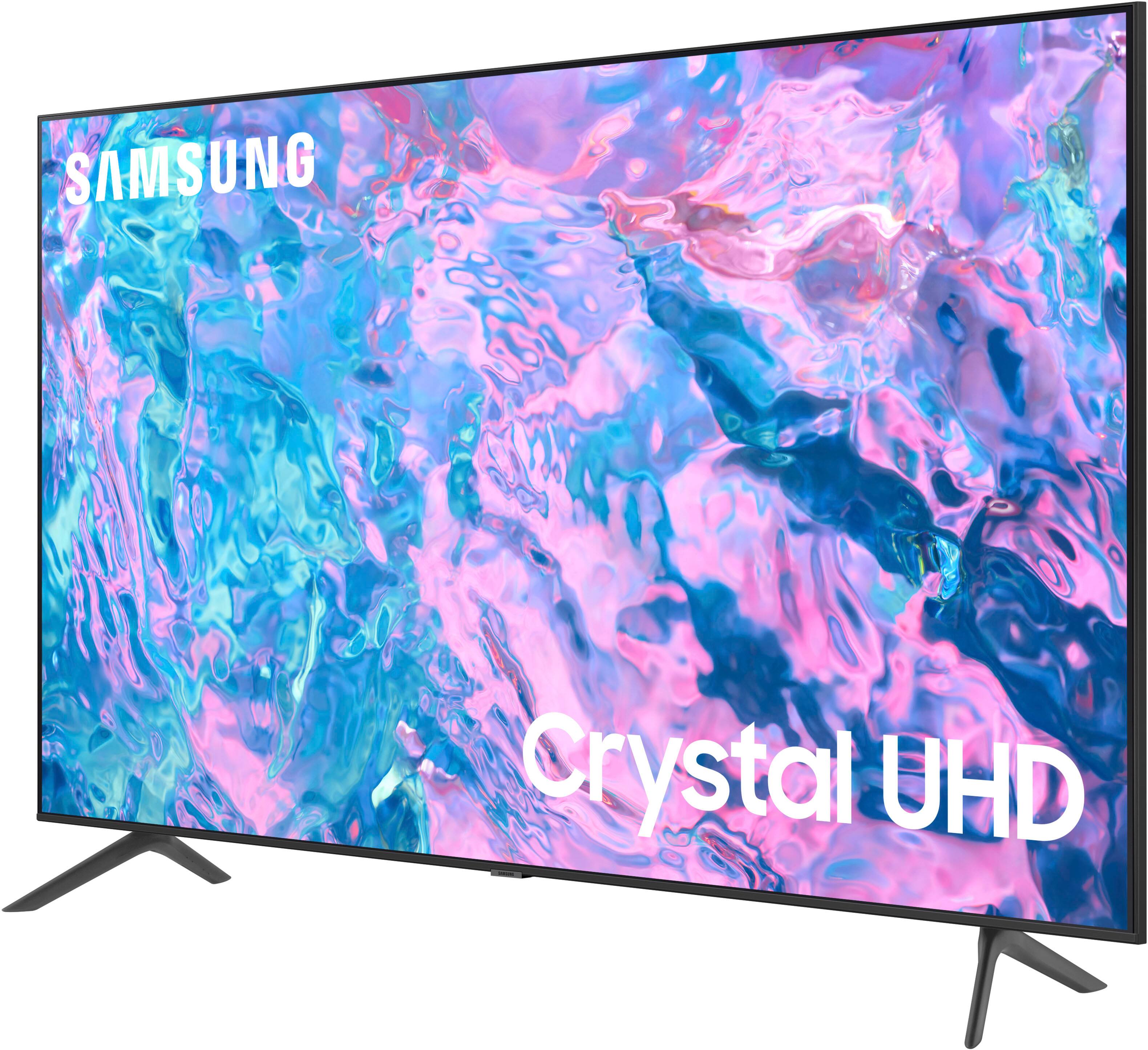
Thank you for considering this TV for your gaming! The CU7000 has 3 HDMI ports that each support HDR10+ and Auto Low Latency Mode (ALLM/Auto Game Mode). The “HDMI In 2” port further supports eARC.
However, if you are looking to game at 4K@120fps (FRL), take a look at our 85” CU8000 Series and above.
~Samsung Advisor
A:AnswerPlease give us the opportunity to better assist with this by reaching Samsung Support at: 1-800-SAMSUNG, 8AM - 12AM EST, 7 days a week, or Chat with us on Samsung.com: https://www.samsung.com/us/support/contact/
~ Samsung Specialist
A:AnswerHi there,
There are hundreds of apps to choose from on the CU7000 TV, including Netflix, Hulu Plus, Amazon Plus, and many more.
~Samsung Advisor
A:AnswerHi Oldschool,
The CU7000 TV detects HDR automatically when streaming native content like apps. When connecting an external device like your Blu-ray player, you will need to enable Input Signal Plus. You can turn this on/off by going to Settings > All Settings> General > External Device Manager > Input Signal Plus and turning it on for the HDMI port you connected your device to.
When an HDR source is playing, it will display an HDR logo next to the picture mode icon of the picture mode you are currently in.
~Samsung Advisor
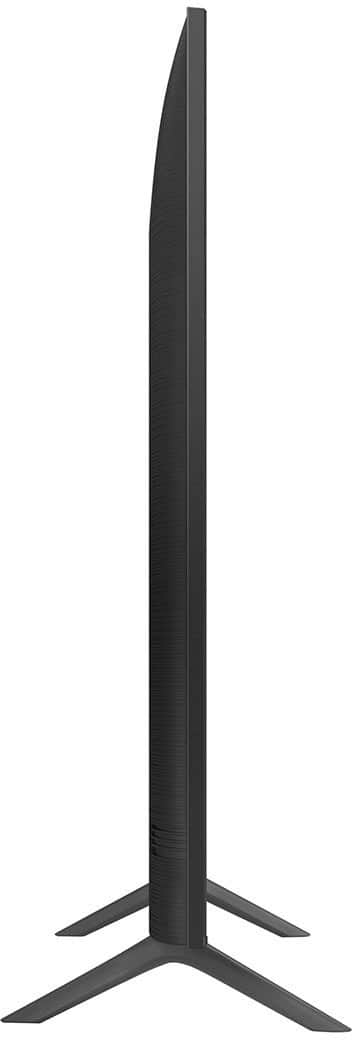
A:AnswerI went with M8 25mm screws (as the available lengths at the hardware store were 20mm & 25mm) and it were just right when using some lock washers.