A:AnswerYes, it does. There's a button in the TV remote control that says: SLEEP. The manual says: It shuts off the TV automatically after a preset period of time.
A:AnswerDo not buy this TV for gaming. I could not get a 4K source to have a stable picture, so I returned it and bought a LG 43UK6300 and it's worlds better at everything
A:AnswerAll of them do, Its an option within Netflix.
Launch the Netflix app on your device.
Select your desired movie or TV show.
Enter the options panel and select Audio & Subtitles.
Highlight and select your desired subtitle option.
Return to the main screen for your selected movie or TV show.
Press Play.
A:AnswerYou press the SETTINGS button on your remote control. Then you go to GENERAL with your arrow buttons. After that, you choose ACCESIBILITY. In that screen you look for CAPTION SETTINGS, on the second column, then press ON or OFF on the caption screen. Its easy!
A:AnswerNo internet signal or no TV signal?...
Either way, retire your TV to factory settings. After you go through the network connection process. Once complete try to manually connect to the internet then unplug you TV. DO NOT TURN YOUR TV OFF WITH THE REMOTE, JUST UNPLUG IT.
Hopefully that helps you out.
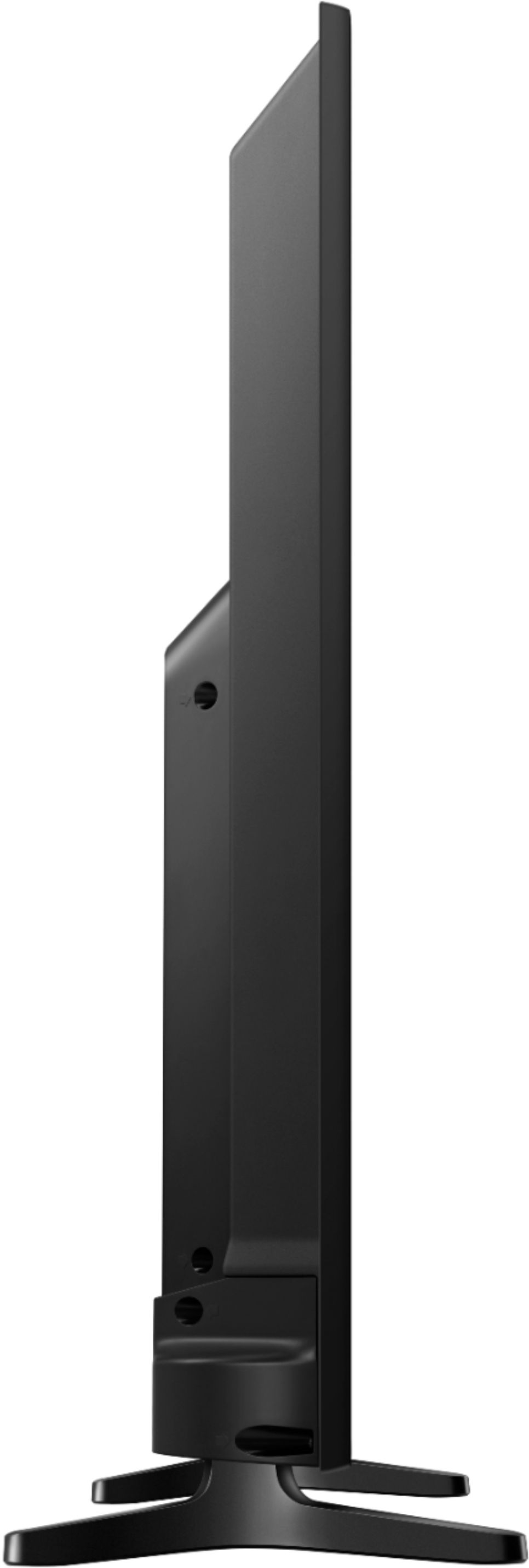
A:AnswerThe overall width of the TV is 38.1. Would guess that it would fit into your cabinet if you have a little bit of wiggle room on your 38”. Good luck!