A:AnswerHi Sara,
Yes, HBO Max, Hulu, and Peacock are all available on the TU690T, plus many more apps are available for download in the built-in App store.
Happy Shopping!
~Samsung Advisor
A:AnswerHi GENT,
I am so glad that you are enjoying our Samsung TU Series. The Crystal Processor 4K transforms everything you watch into 4K. Its crisp, clear picture is 4x the resolution of Full HD.
Both the TU690T and the TU7000 Series are currently live. Continue to check back at the retailer's site for upcoming 2023 models.
We appreciate your brand loyalty! If you every have any questions or need help, please know we are here for you. You can contact us at 1-800-SAMSUNG, 8 AM - 12 AM EST, seven days a week. Or visit us on the Samsung website and click on the ‘Support’ link for:
1) LiveChat with an agent
2) Manuals, Software, & Warranty Info
~ Samsung Advisor
A:AnswerHi Frank,
You can connect your VCR using an HDMI cable. If your VCR does not support HDMI, you will need an RCA to HDMI converter like this one. https://www.bestbuy.com/site/insignia-rca-to-hdmi-converter-black/6134312.p?skuId=6134312.
~Samsung Advisor
A:AnswerHi Paul,
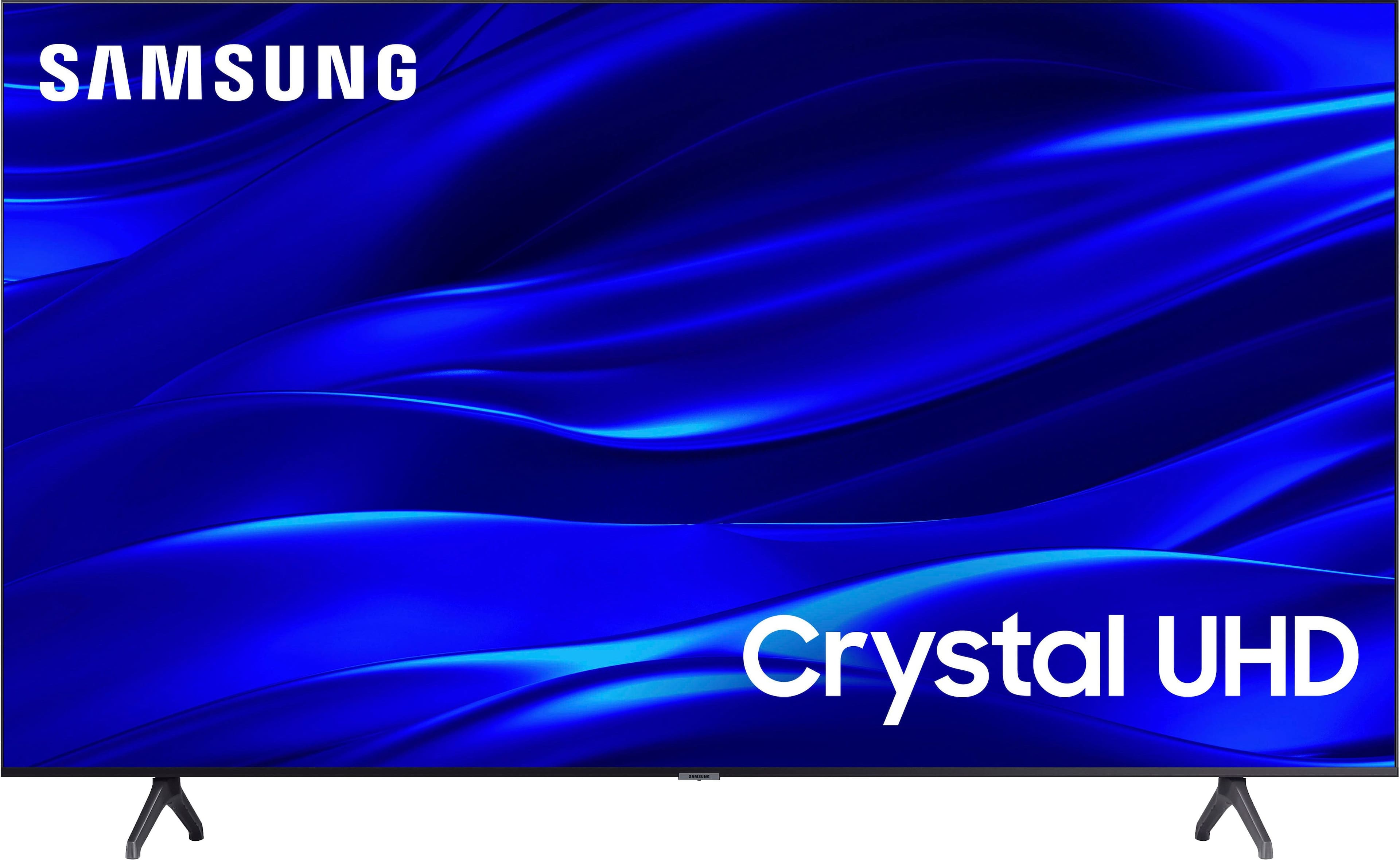
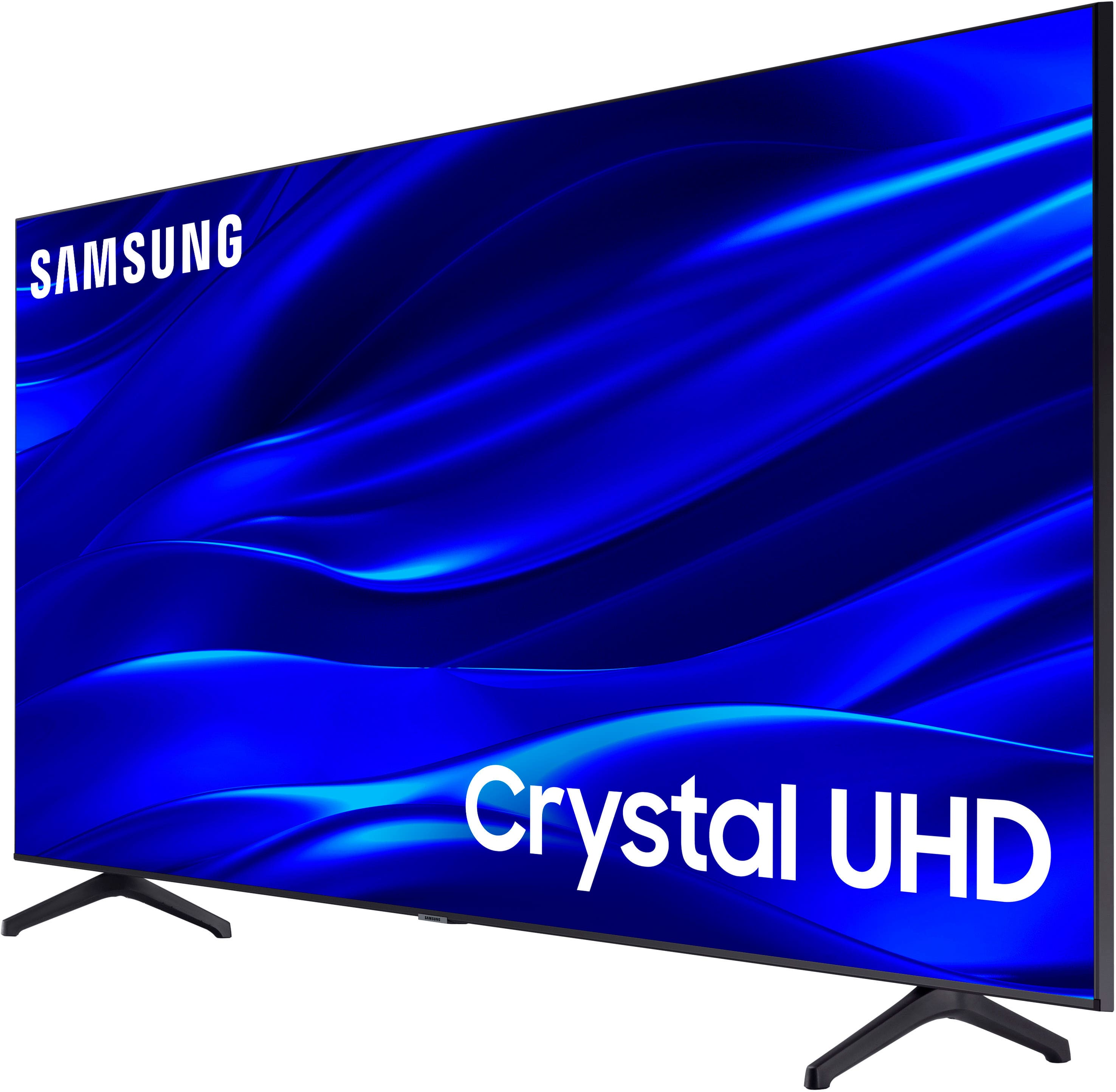
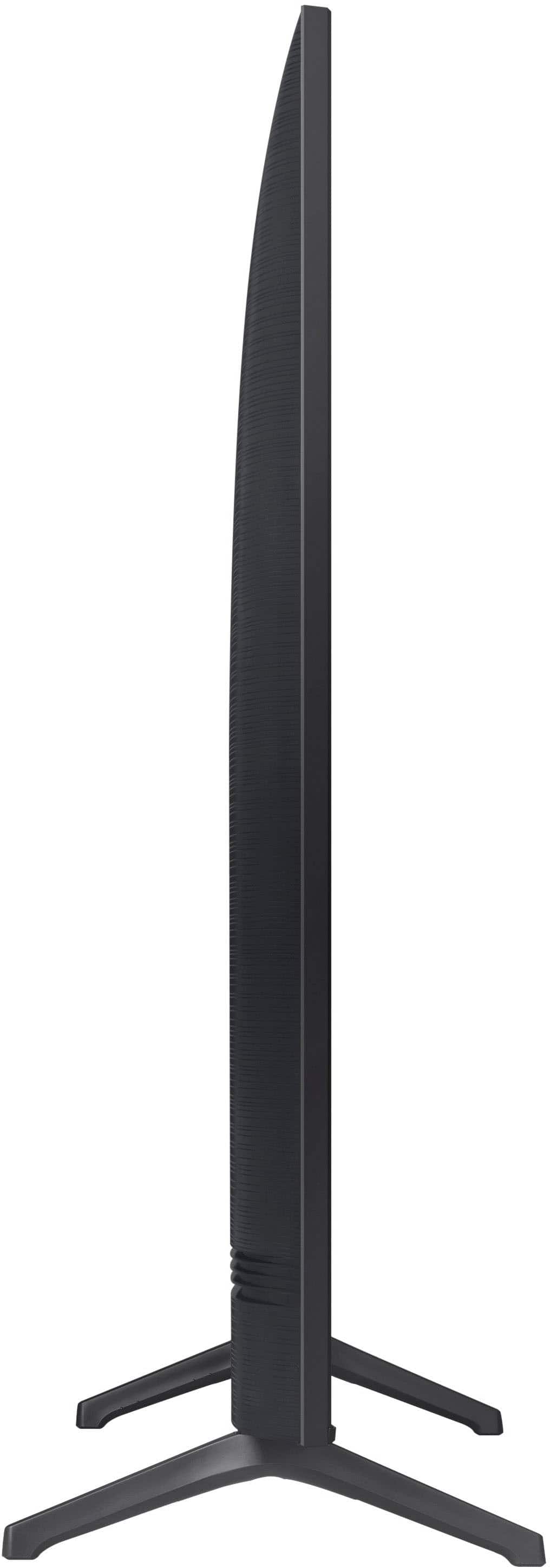
The 43" TU690T TV measurements are 37.9 x 22 x 2.4 inches (WxHxD) without the stand and 37.9 x 24.8 x 7.9 inches with the stand.
~Samsung Advisor
A:AnswerHi Natureboy,
I'm sorry, but the Verizon TV app is not yet available on the TU690T TV. You can, however, utilize Screen Mirroring or AirPlay to cast the Verizon App from your device to the TV.
~Samsung Advisor
A:AnswerHi Christian,
Yes, the Samsung TU690T will go put on a screen saver after a certain time of inactivity. To ensure it is on, go to Settings> General> Power and Energy Saving> Screen Saver.
If you want your TV to shut off after a certain amount of inactivity completely, go to Settings> General > Power and Energy Saving> Auto Power Off.
I hope this helps!
~Samsung Advisor
A:AnswerHi gwenniepoo ,
To pair your Bluetooth device to the TU690T TV, go to Settings > Sound > Sound Output > Bluetooth Speaker List. Choose the headphones you wish to use for sound output.
Each Bluetooth device has different ways of searching for an item to pair, please refer to your hearing aid manual to know how to turn on the Bluetooth feature. For more help, please contact Samsung TV Support at 1-800-SAMSUNG, available 8 AM - 12 AM EST, seven days a week.
~Samsung Advisor
A:AnswerHi Savannah,
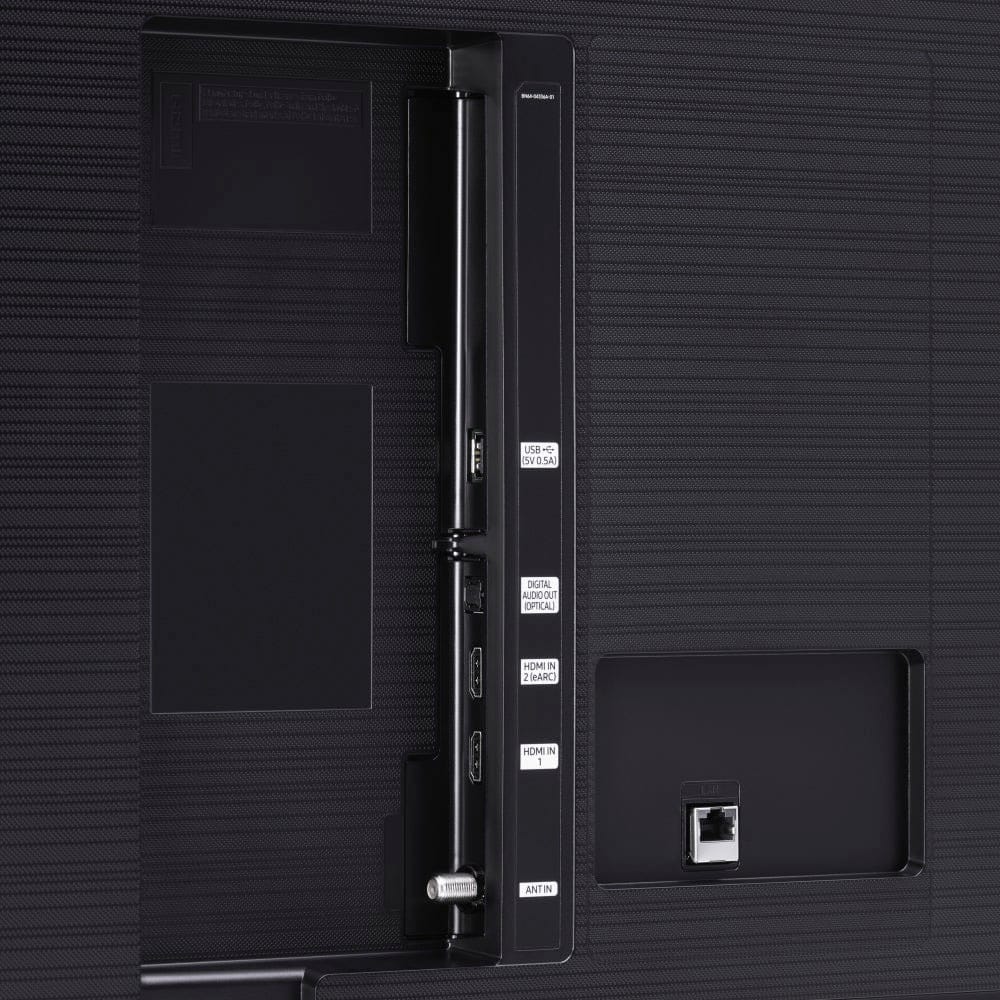
Thank you for considering this TV for your gaming! The TU690T TV has 2 HDMI ports that each support HDR10+ and Auto Low Latency Mode (ALLM/Auto Game Mode). The “HDMI In 2” port further supports eARC.
However, if you are looking to game at 4K@120fps (FRL), take a look at our Q70A Series and above, which support “FRL on HDMI In 4”.
A:AnswerLCD (Liquid Crystal Display) is the type of TV. LED just refers to the type of light used for the backlighting. An LED TV is also LCD TV - pretty much all LCDs are LED backlit these days. The LED backlighting allows for more accurate lighting representations as the LEDs can be turned on/off individually to brighten or dim the backlight in specific areas of the picture. Older LCD TVs do not have this capability.
A:AnswerHi Imp4,
Yes, the TU690T features a Sleep Timer and an Auto Power Off option, which will turn off the TV after a certain amount of inactivity.
~Samsung Advisor
A:AnswerHi JoeyBD,
The TU690T has a sleep timer, allowing you to turn off the TV after a certain amount of time. However, it does not have a feature to turn it on automatically.
~Samsung Advisor
A:AnswerHi Jess,
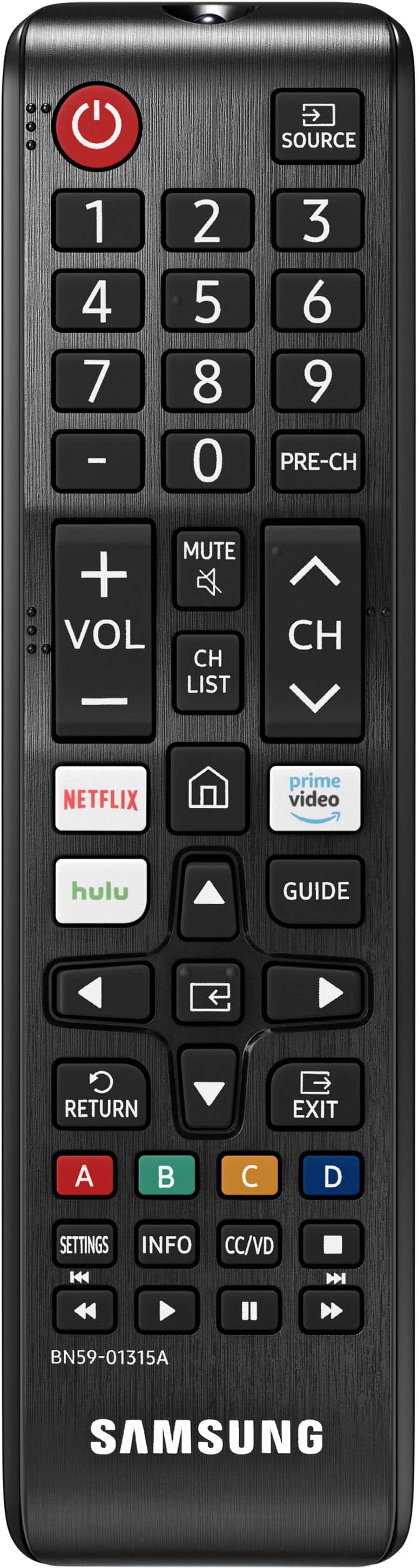
The apps pre-installed on the TU690T are Netflix, Prime Video, Hulu, Disney+, Apple TV, VUDU, YouTube, Gallery, Apple Music, Facebook Watch, YouTube TV, and tubi. Hundreds of apps are also available for download on the built-in app store.
~Samsung Advisor
A:AnswerHi Mac,
The Samsung TU690T is compatible with Spectrum TV and has a built-in Spectrum TV App. The Roku App is free to download but the subscription is based on Roku, not Samsung.
~Samsung Advisor