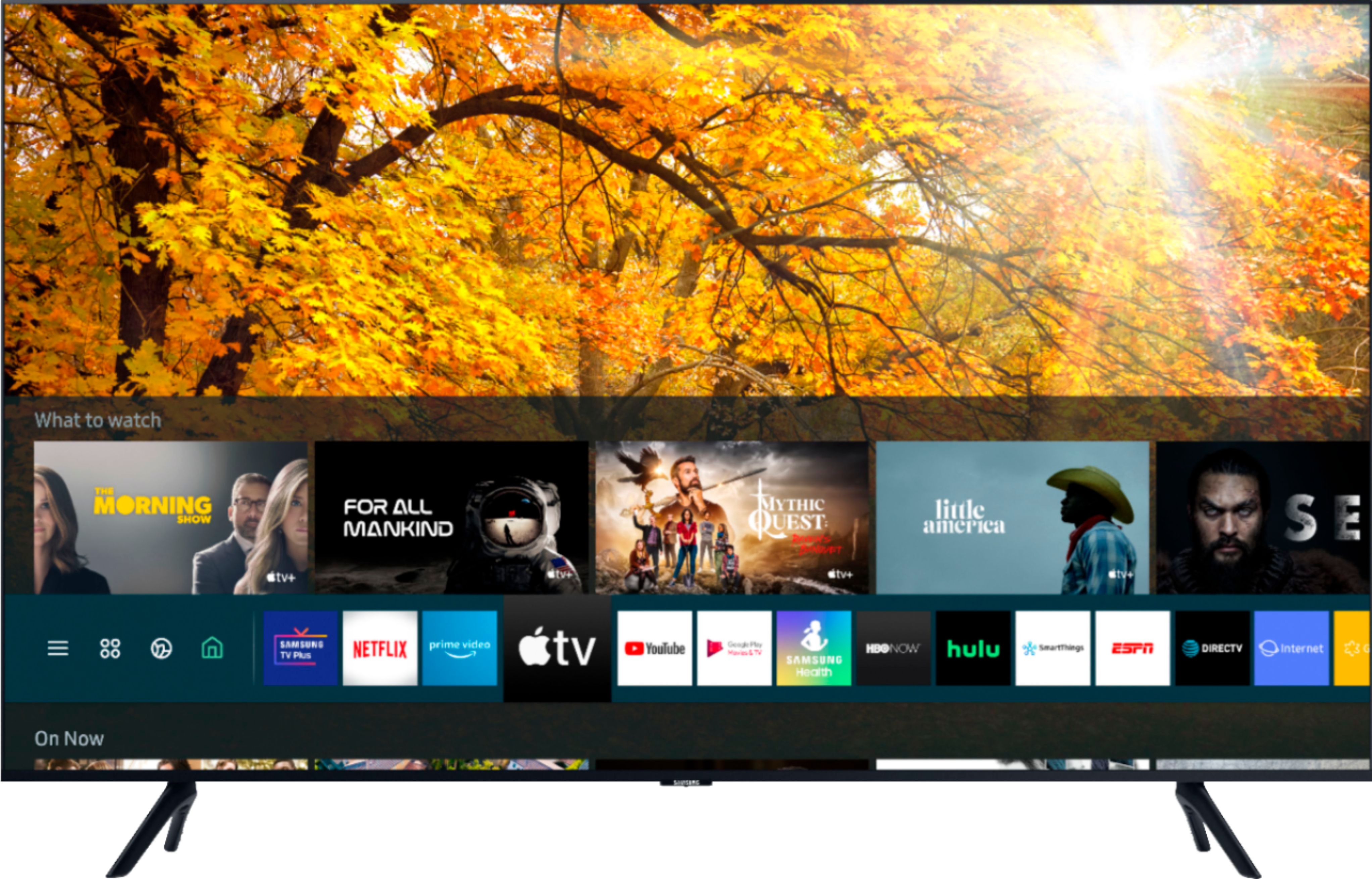
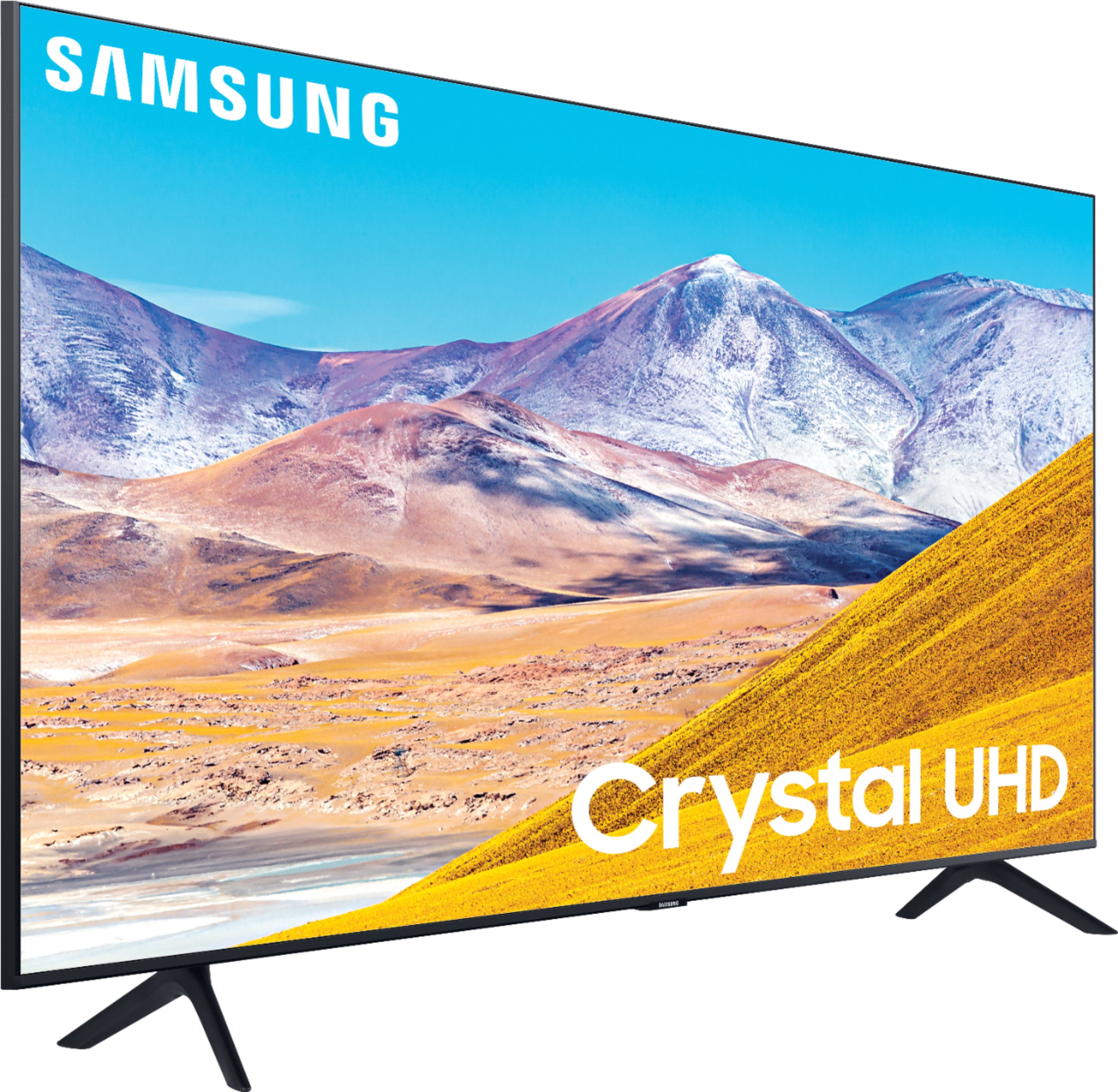
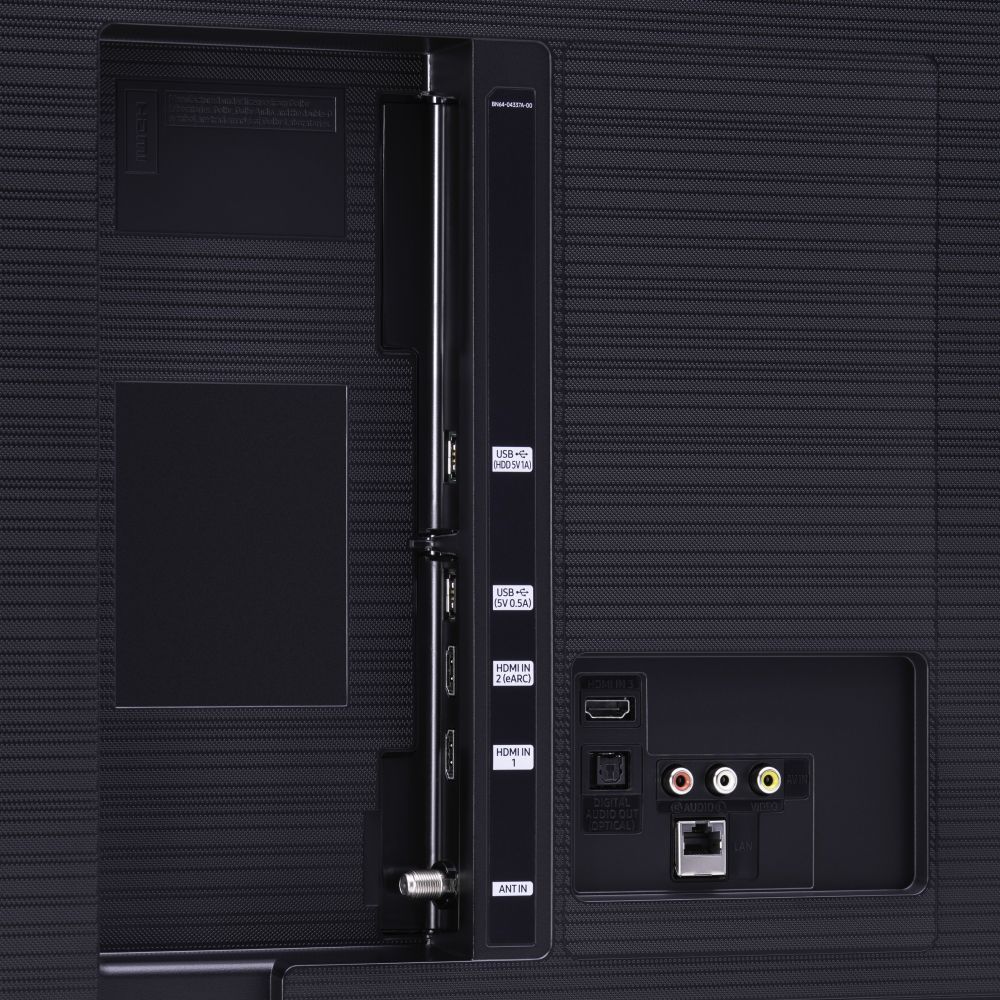
A:AnswerHi Lisa! Samsung is working to make the Xfinity app available on our 2020 models. You may still utilize a Comcast Cable Box if you would like, by connecting this device to your TV via HDMI cable. ^Gina
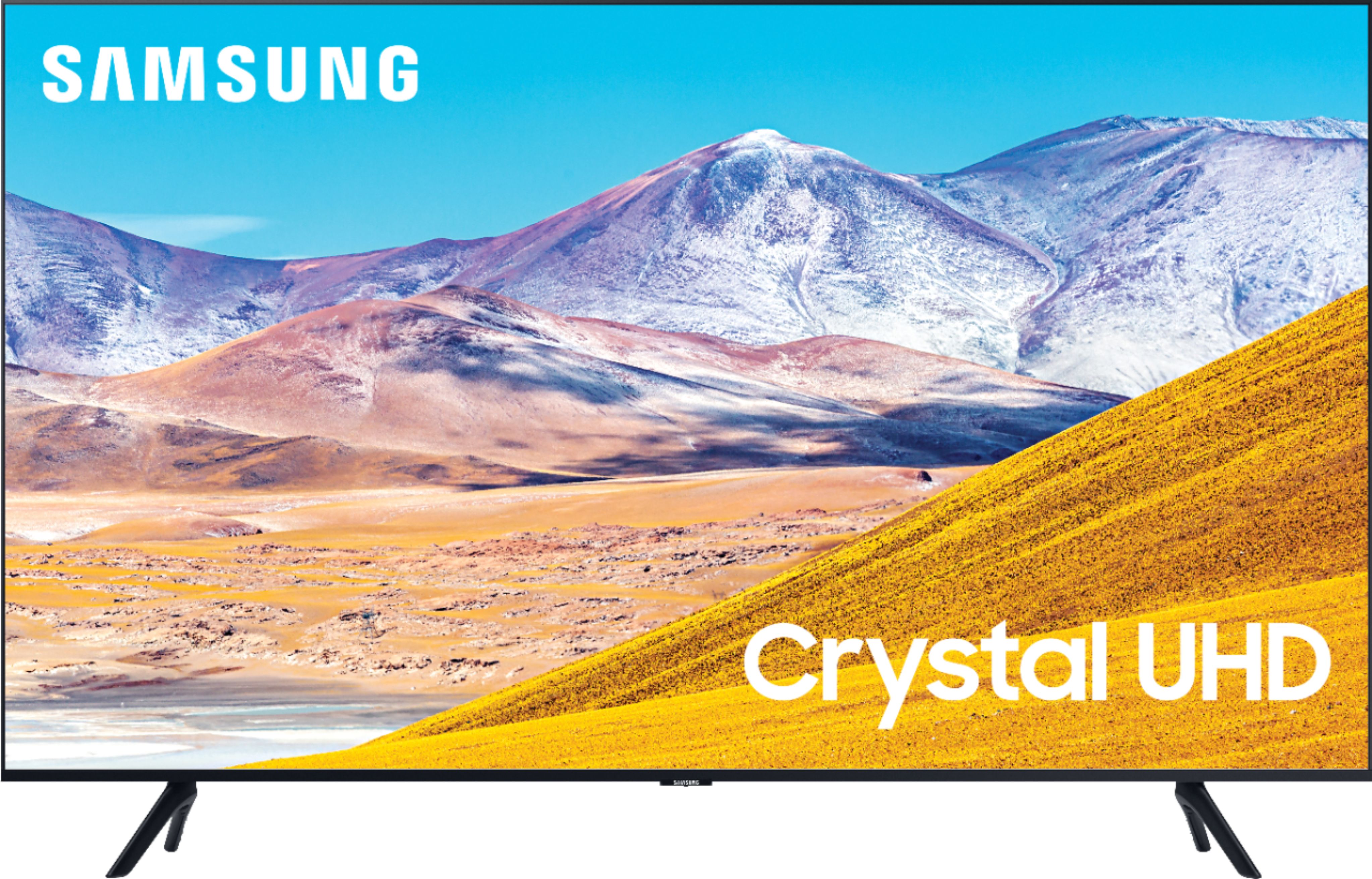
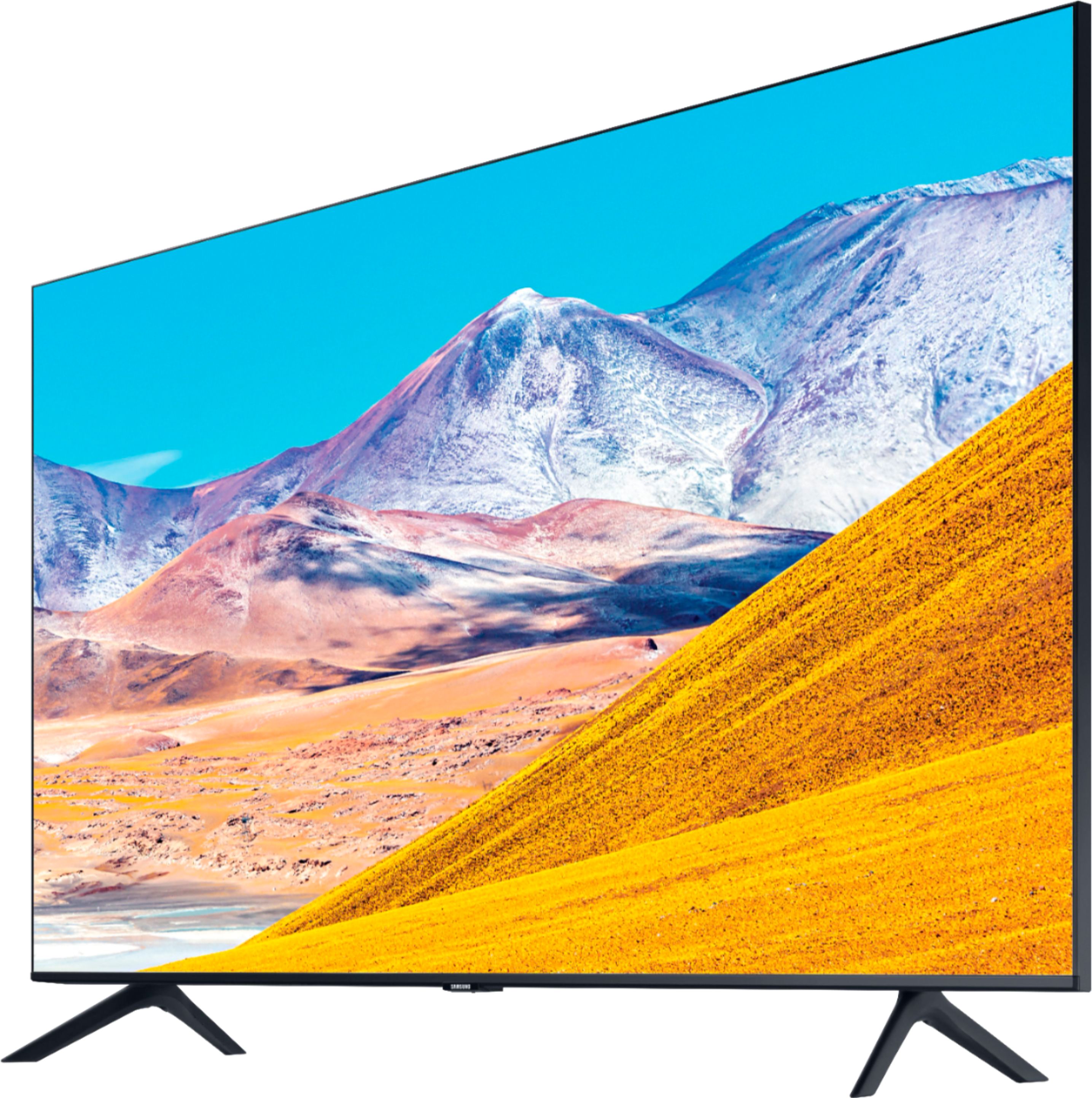
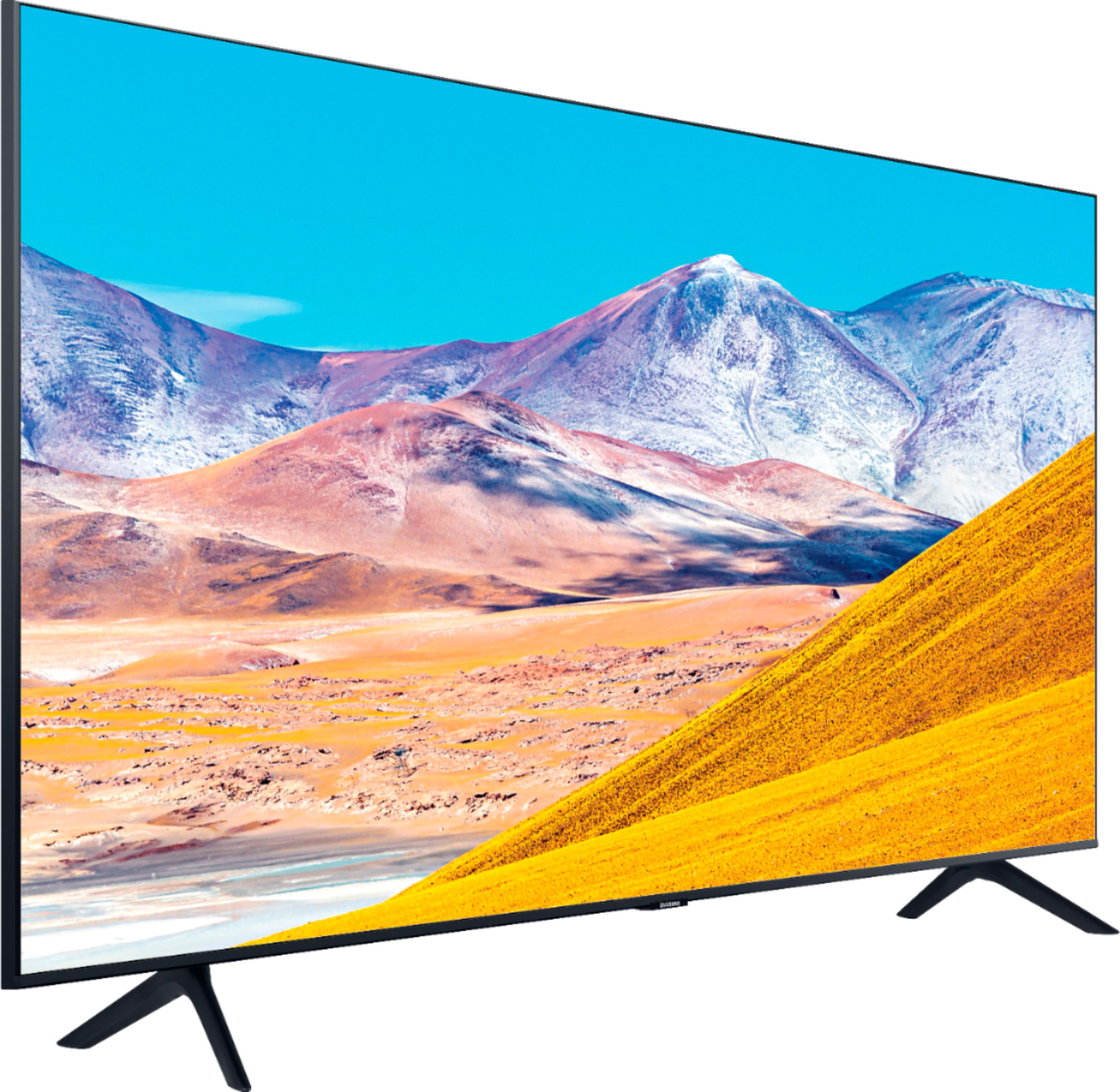
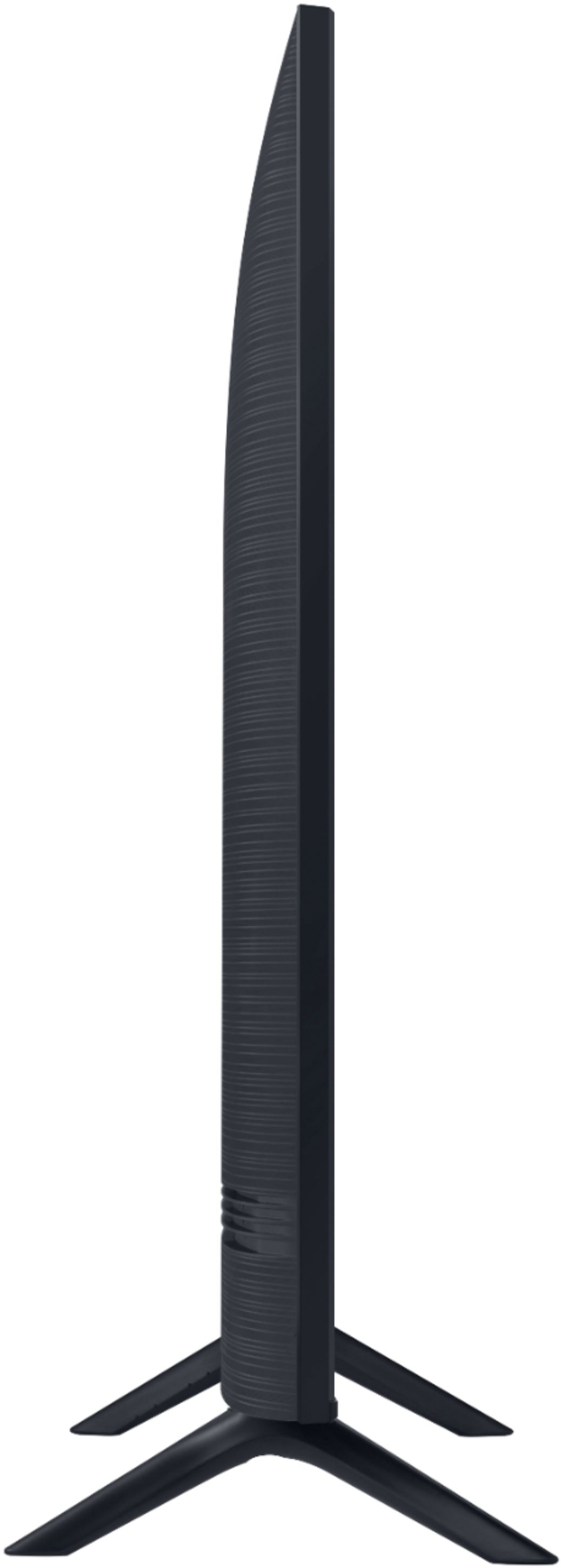
A:AnswerHi there! Here are the full dimensions for the 50TU8000: DIMENSIONS (INCHES W x H x D):
• TV WITHOUT STAND: 44 x 25.4 x 2.4 • TV WITH STAND: 44 x 28.3 x 9.9 ^Gina
A:AnswerHoneycomb, HDR is on and only active when the source (Apps, Cable Box, etc) sends HDR data to the TV. HDR+ can be turned on and off under Expert Settings in your TV as that is a Picture Setting. ^Gina
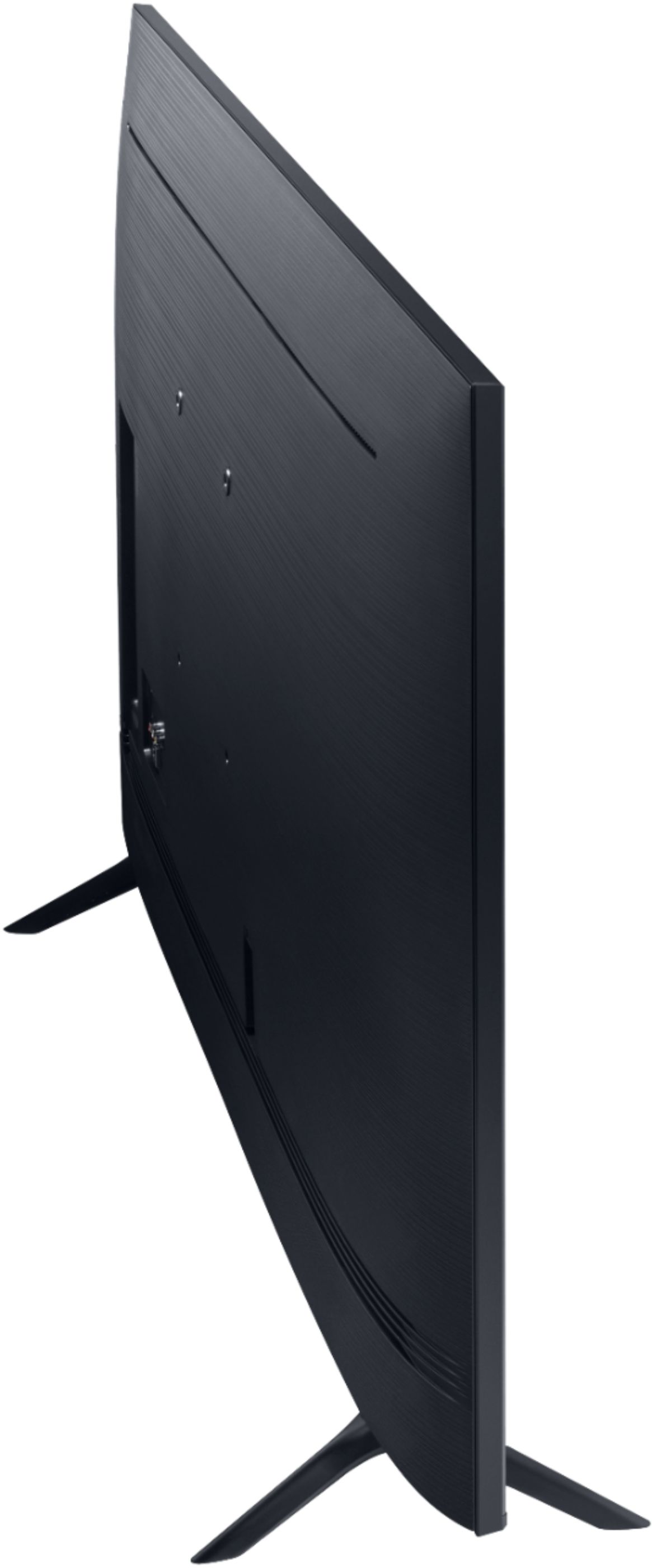
A:AnswerYes the 50TU8000 can be wall mounted using a VESA 200mm x 200mm wall mount available on BestBuy.com https://www.bestbuy.com/site/searchpage.jsp?st=tv+wall+mounts&_dyncharset=UTF-8&_dynSessConf=&id=pcat17071&type=page&sc=Global&cp=1&nrp=&sp=&qp=&list=n&af=true&iht=y&usc=All+Categories&ks=960&keys=keys . ^Jason
A:AnswerHi there, the VESA Standard on the 50TU8000 is 200mm x 200mm. Here are some compatible wall mounts: https://www.bestbuy.com/site/searchpage.jsp?_dyncharset=UTF-8&id=pcat17071&iht=y&keys=keys&ks=960&list=n&qp=tvmountsize_facet%3DTV%20Size%20Compatibility~40%20-%2054%22&sc=Global&st=wall%20mounts&type=page&usc=All%20Categories ^Gina
A:AnswerHey there, you absolutely can mount the 50TU8000! You can use any wall mount with a VESA Standard of 200mm x 200mm. Check out some compatible wall mounts here: https://www.bestbuy.com/site/searchpage.jsp?_dyncharset=UTF-8&id=pcat17071&iht=y&keys=keys&ks=960&list=n&qp=tvmountsize_facet%3DTV%20Size%20Compatibility~40%20-%2054%22&sc=Global&st=wall%20mounts&type=page&usc=All%20Categories ^Gina
A:AnswerHi there, you can mount the 50TU8000 on any wall mount with a VESA Standard of 200mm x 200mm. Check out some compatible wall mounts here: https://www.bestbuy.com/site/searchpage.jsp?_dyncharset=UTF-8&id=pcat17071&iht=y&keys=keys&ks=960&list=n&qp=tvmountsize_facet%3DTV%20Size%20Compatibility~40%20-%2054%22&sc=Global&st=wall%20mounts&type=page&usc=All%20Categories ^Gina