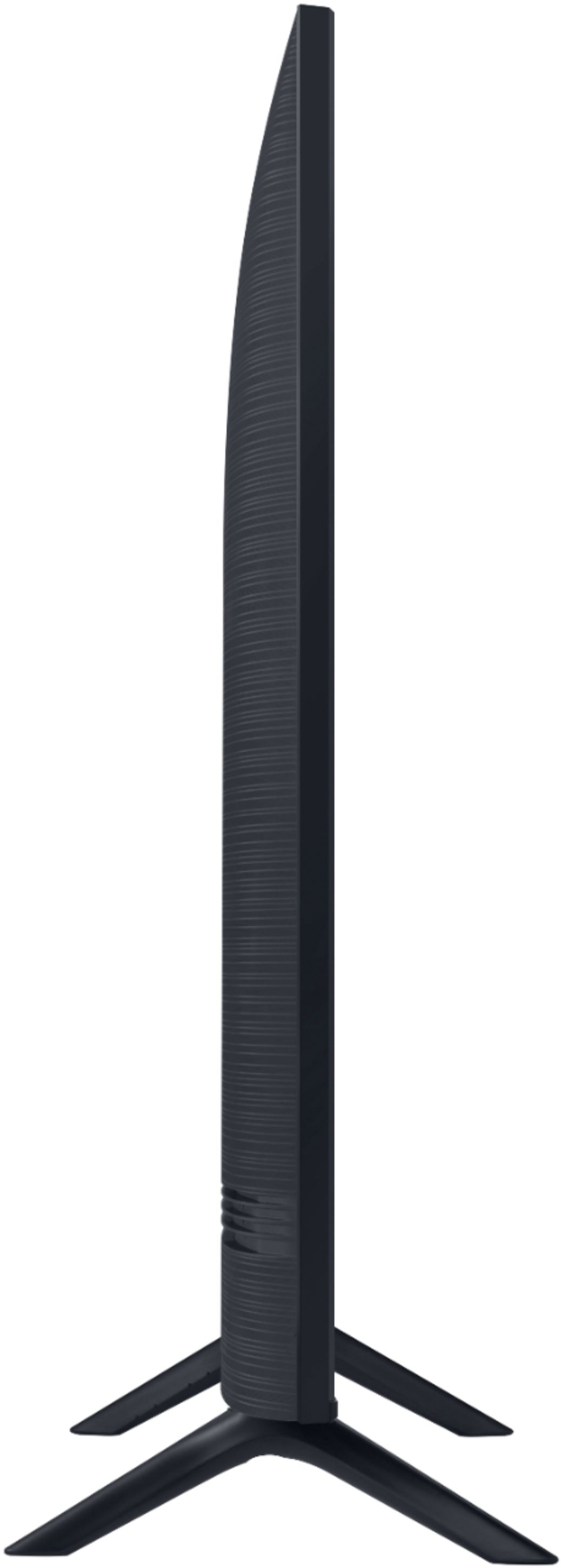
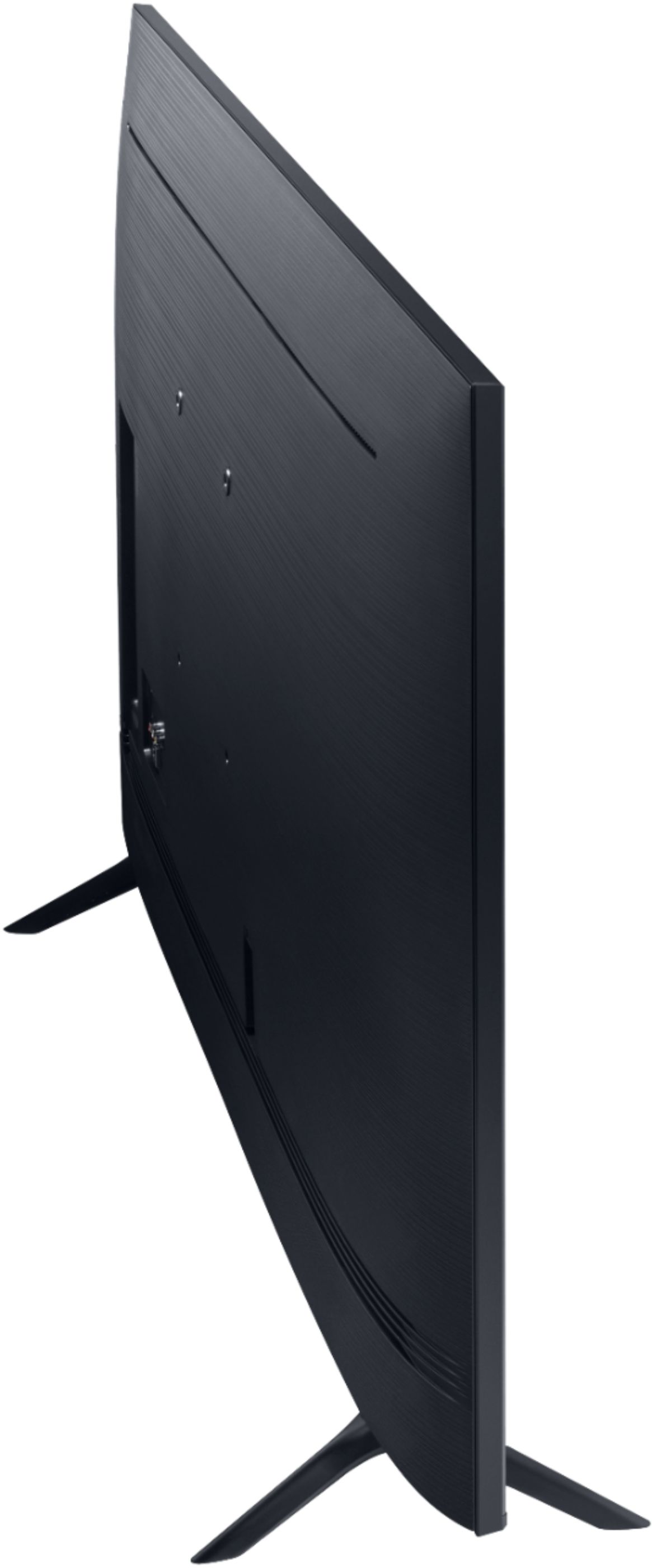
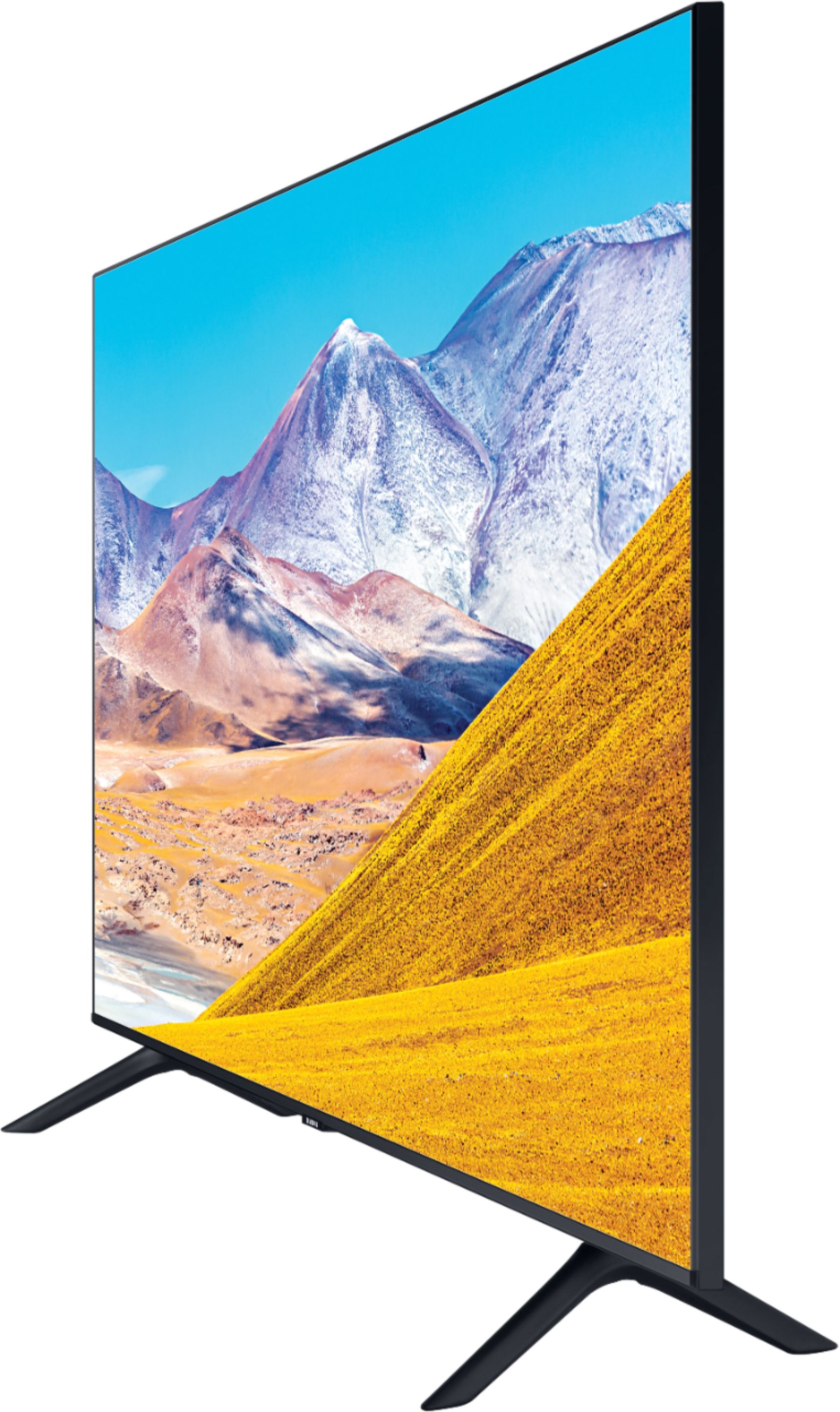
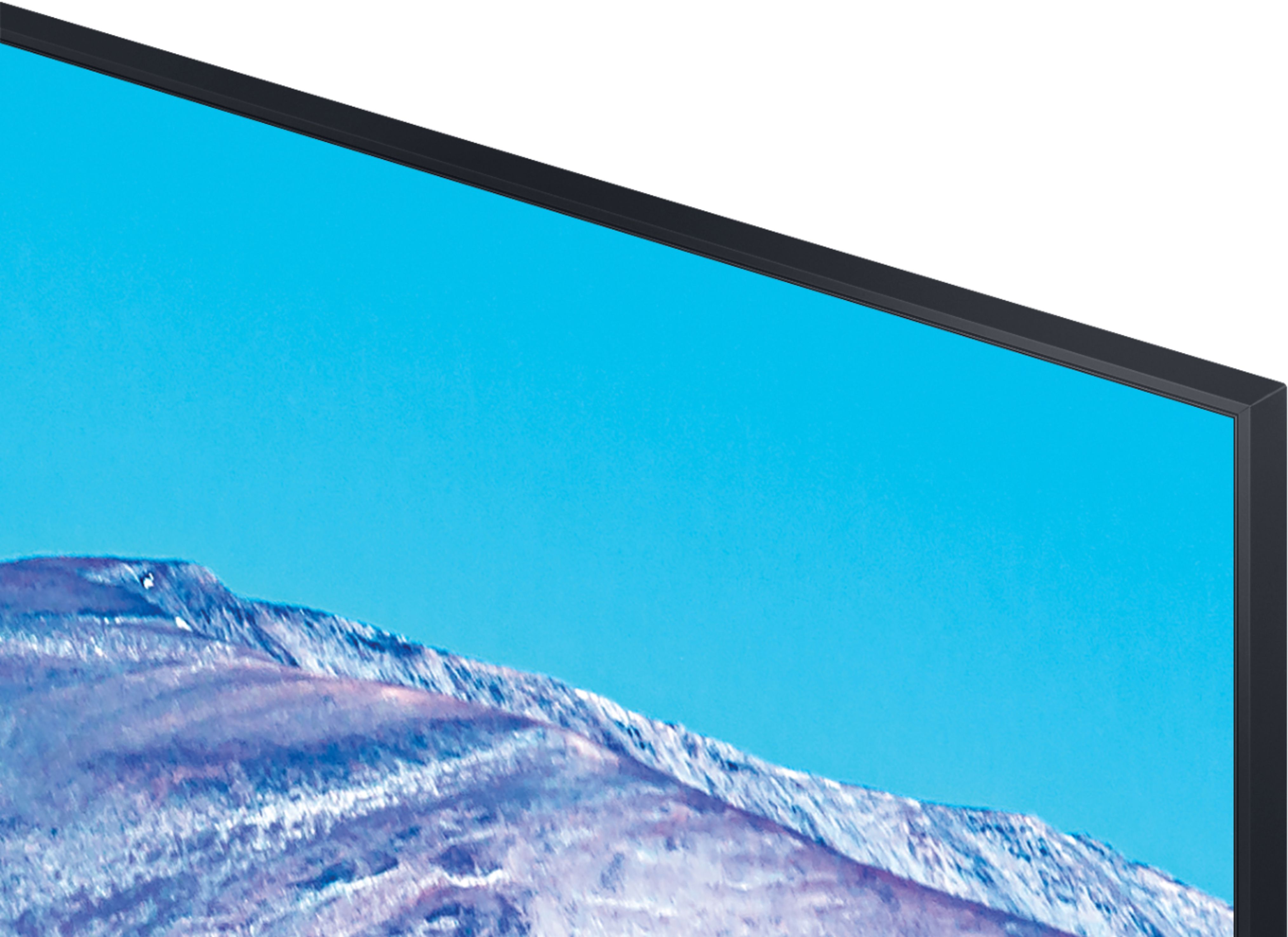
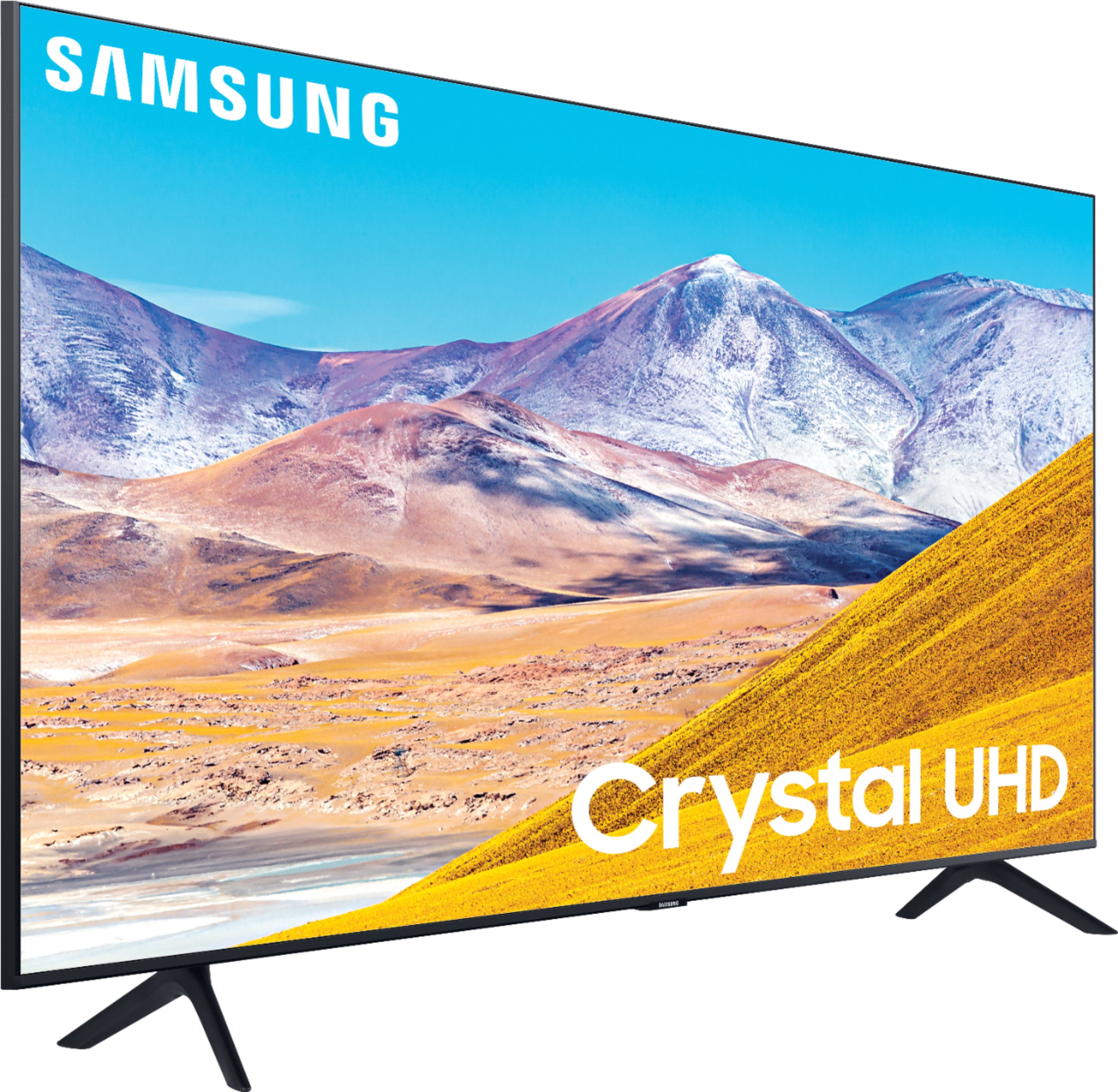
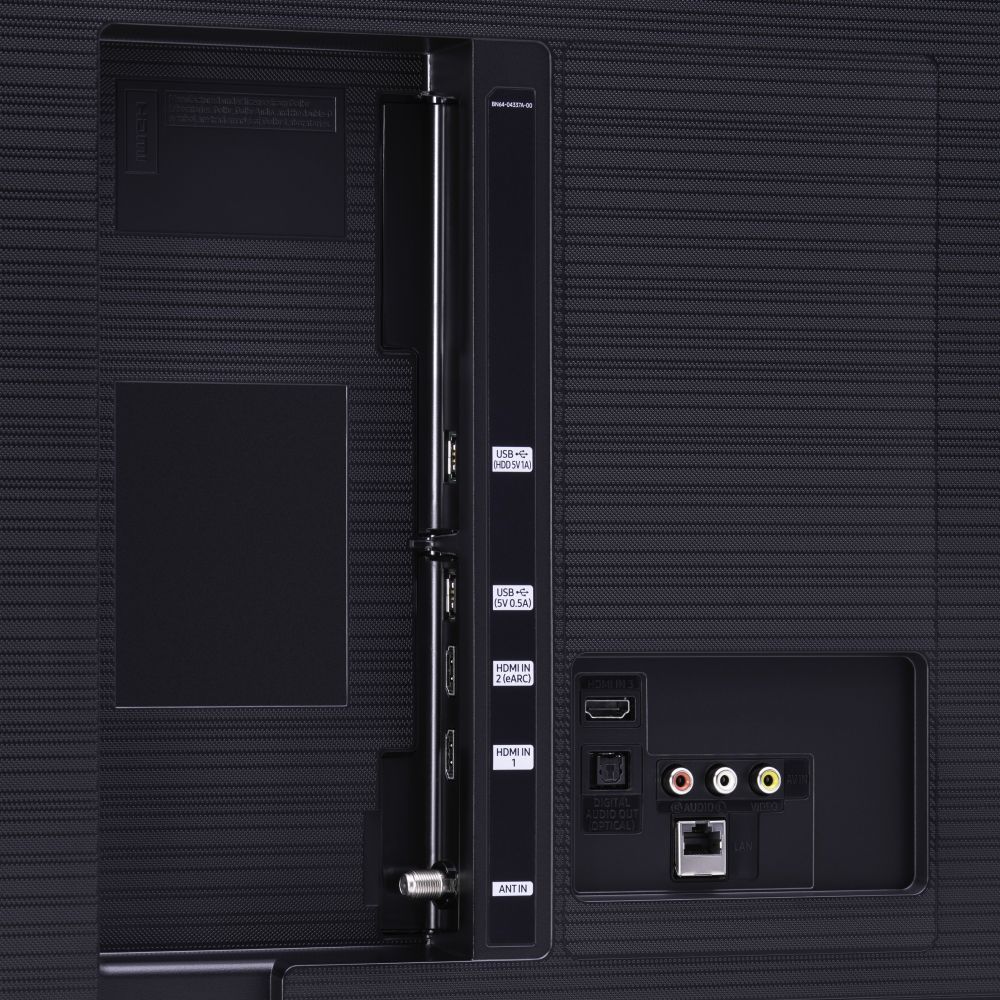
A:AnswerHi there, you can use any mount with a VESA Standard of 200mm x 200mm. We do recommend taking a look at tilting mounts, as the TV may be mounted a bit higher and you can tilt it to your liking: https://www.bestbuy.com/site/searchpage.jsp?_dyncharset=UTF-8&id=pcat17071&iht=y&keys=keys&ks=960&list=n&qp=mounttype_facet%3DMount%20Type~Tilting%5Etvmountsize_facet%3DTV%20Size%20Compatibility~40%20-%2054%22&sc=Global&st=wall%20mount&type=page&usc=All%20Categories ^Gina
A:AnswerRay99, the leg width on the 50TU8000 is 39.8". You can utilize a center stand such as this one, to ensure your TV will fit on your table: https://www.bestbuy.com/site/sanus-premium-swivel-tv-base-for-most-32-60-tvs-black/5463304.p?skuId=5463304 ^Gina
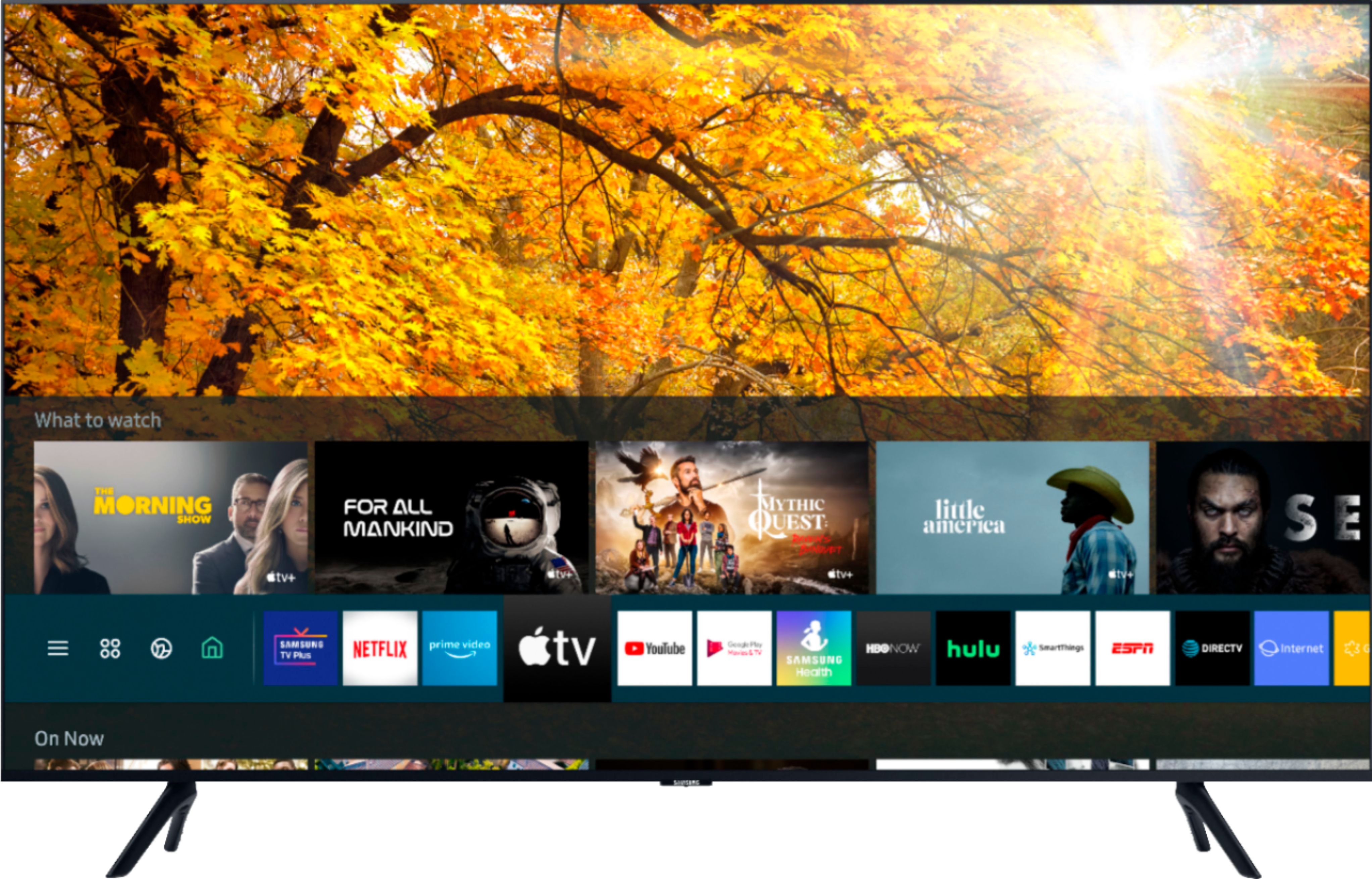
A:AnswerJohn, you can choose from hundreds of Apps to download from the built-in App Store. Here are some popular Apps available on our TVs: Apple TV+, AT&T NOW, Disney+, Google Play Movies & TV, HBO GO, Hulu, Netflix, Prime Video, Spectrum, SHOWTIME, Sling TV, YouTube, YouTube TV, and many more. ^Gina
A:AnswerKati, at this time, BroadwayHD is not an available App on our TV's; however, you can take advantage of the built-in Web Browser on your TV and access it via Internet. ^Gina
A:AnswerHi michael, there are center base stands that you can utilize to ensure that your TV fits on your table. Check out this center base at Best Buy: https://www.bestbuy.com/site/sanus-premium-swivel-tv-base-for-most-32-60-tvs-black/5463304.p?skuId=5463304 ^Gina
A:AnswerHey Bobw - The as long as the Dish remote has IR capabilities it would work , as the 50TU8000 has an IR reciver you would be able to use all features . ^Jason
A:AnswerTVNerd95, yes, you can either use your Voice Assistant button on your remote to set a sleep timer, or you can choose from one of the sleep time settings. Here is how to manually set a sleep timer: Home > Settings > General > System Manager > Time > Sleep Timer. Choose the time limit you wish to set. ^Gina
A:AnswerMaggie, all of our 2020 Samsung models include a Closed Caption feature you can access in the settings. Here is how: Home > Settings > General > Accessibility > Caption Settings. Set Caption to On to watch programs with the captions displayed. ^Gina
A:AnswerThe 50TU8000 has VESA 200 x 200 mounting pattern. the top right mounting hole on the back is about 18" from the side and 6" from the top of the TV. ^Jason
A:AnswerRico, you can use any wall mount with a VESA Standard of 200mm x 200mm. Check out some compatible wall mounts here: https://www.bestbuy.com/site/searchpage.jsp?_dyncharset=UTF-8&id=pcat17071&iht=y&keys=keys&ks=960&list=n&qp=tvmountsize_facet%3DTV%20Size%20Compatibility~40%20-%2054%22&sc=Global&st=wall%20mounts&type=page&usc=All%20Categories ^Gina
A:AnswerHello, please check out this base at Best Buy: https://www.bestbuy.com/site/sanus-premium-swivel-tv-base-for-most-32-60-tvs-black/5463304.p?skuId=5463304 ^Gina