A:AnswerTo activate the smart tv, simply click the "Home" icon on the TV remote. You will then see various options to choose from. You can organize, add or delete your apps, set up your streaming channels, and see your notifications there.
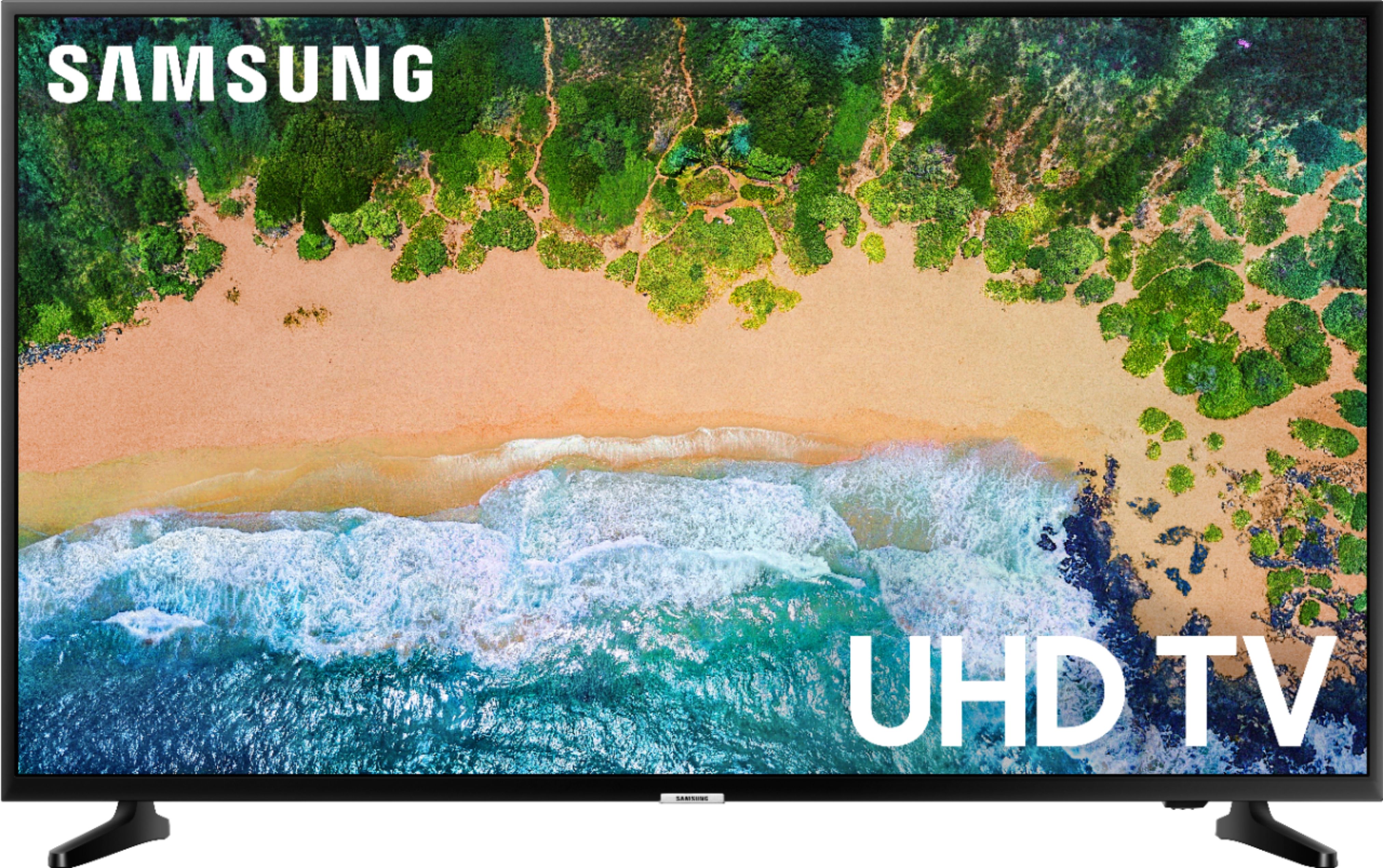
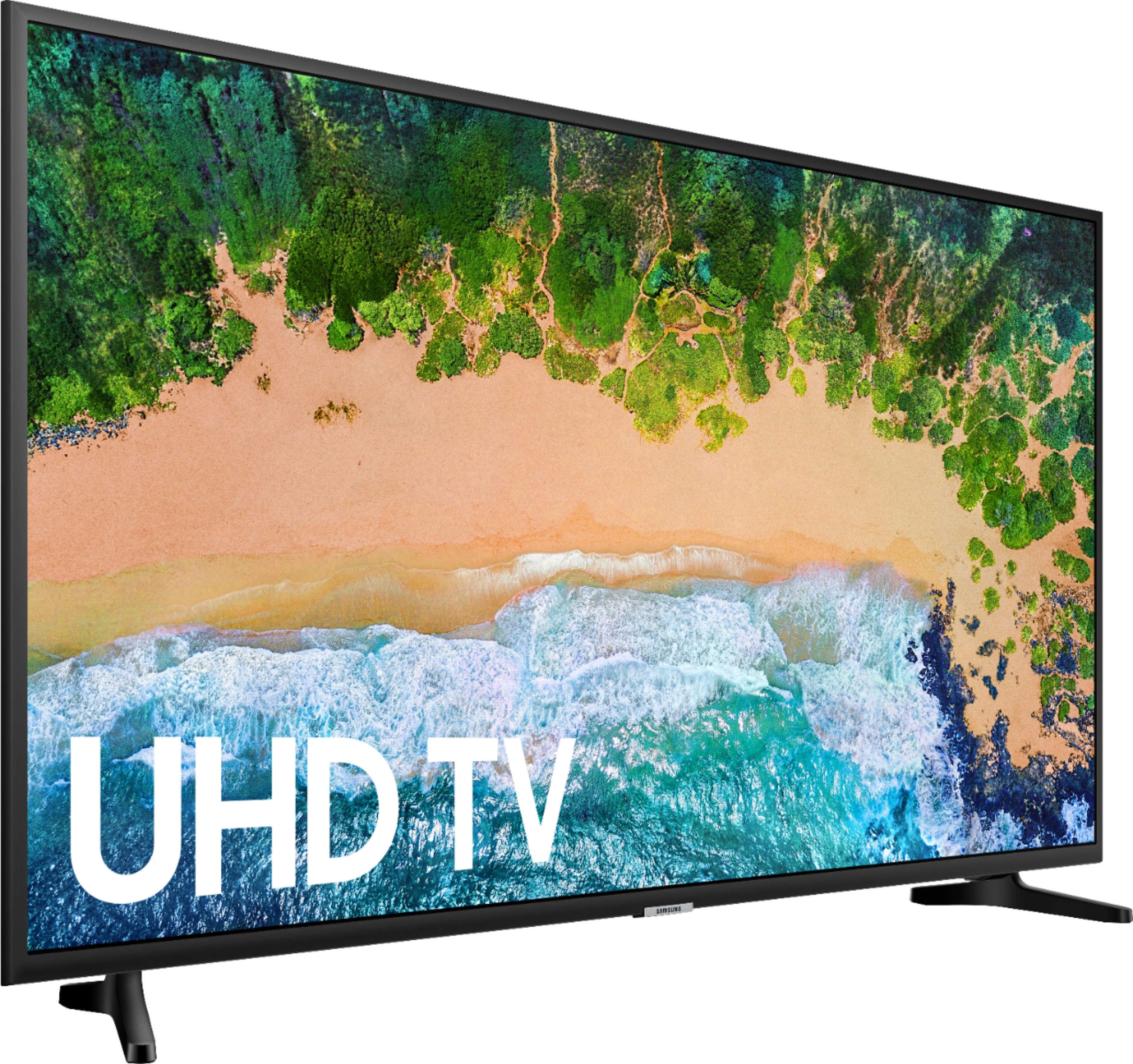
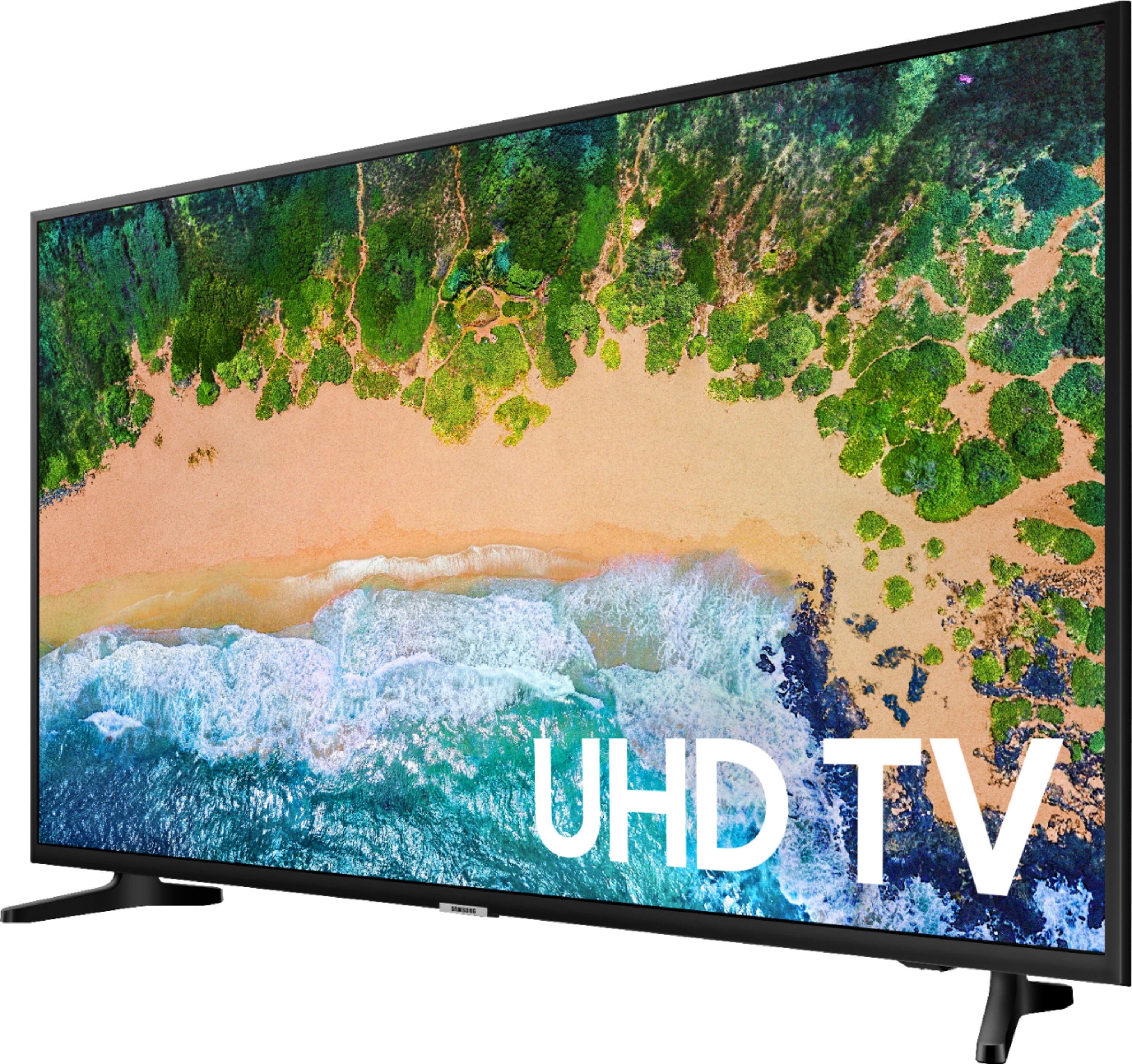
A:AnswerThe DVD player must have a HDMI output jack (i.e. blue ray). The tv has no rca connections. This also prevents you from using a conventional game console (ps one or ps2). One more thing, there are only 2 HDMI inputs, and a USB input.
A:AnswerThis comes with one USB and Two HDMI. Great buy! The picture is awesome and was so easy to connect all my extras. I would definitely recommend this product to anyone and Best Buy is great to deal with! Thanks!
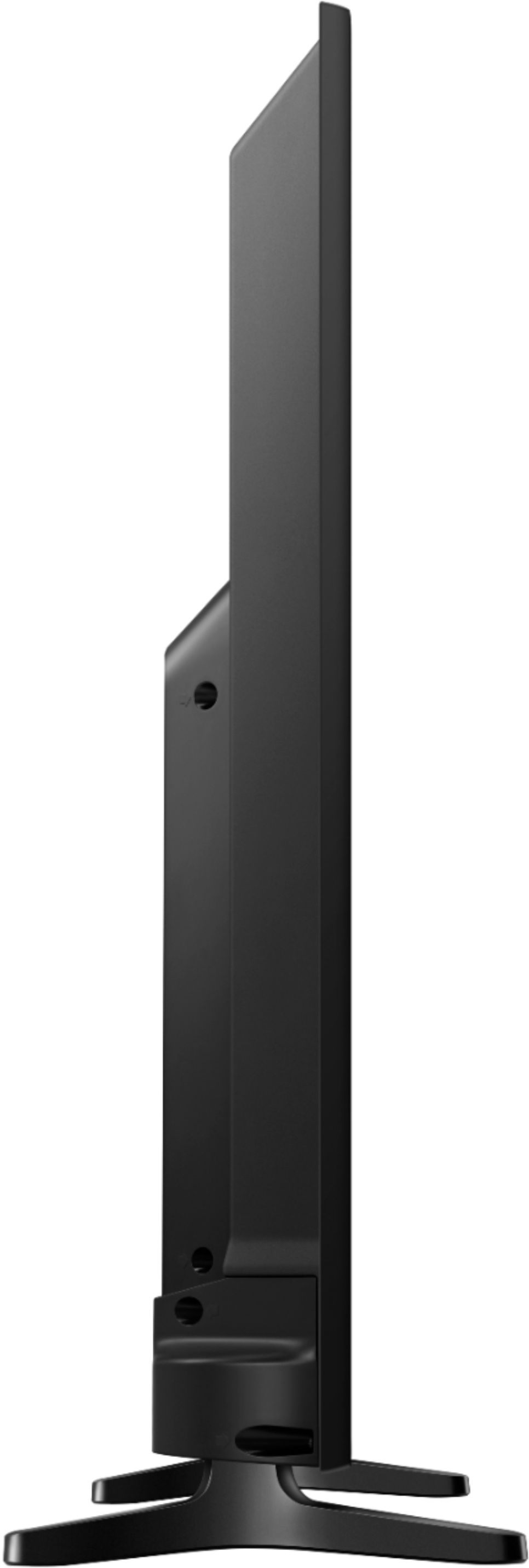
A:AnswerI have a wall mount that moves the television in and out from the wall. The way the tv is bolted to the mount it tips/angles it towards the ceiling so I do not mount it on a stand to “sit” in.