A:AnswerHi K22,
Hi! You can screen mirror from your (laptop, phone, etc.) to the TU690T TV using SmartThings on Android devices or Apple AirPlay on iOS devices.
~Samsung Advisor
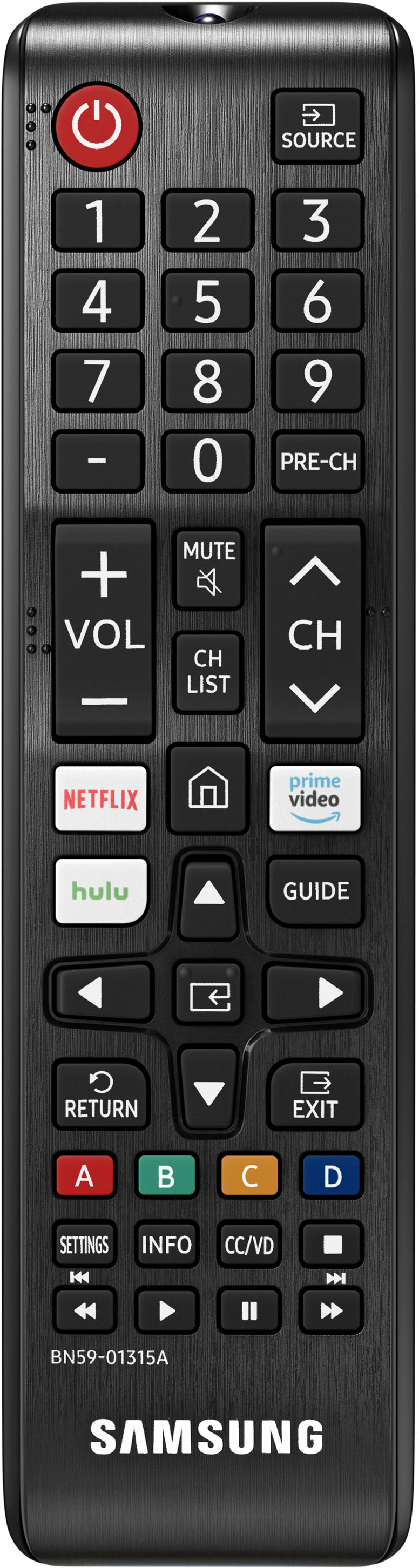
A:AnswerGo to the home screen, push the button with the left arrow to go to the menu (3 horizontal lines) and the "apps" icon is right there, just push the "select" button on your remote.
A:AnswerHi Mike,
I think it all depends on your preference and how big the apartment is exactly. There is also a 43" TU690T if you are worried the 50" will be too large.
~Samsung Advisor
A:AnswerHi WNJTV,
No, the Peleton app is not available on the TU690T TV. However, you can screen share it via your Android or Apple device.
~Samsung Advisor
A:AnswerHi Deedee,
Yes, the TU690T comes with Samsung TV Plus, and the Disney+ and Peacock apps are available for download. There are hundreds of apps available in the built-in app store available to download.
~Samsung Advisor
A:AnswerHi,
Yes, the TU690T comes with the Netflix app already downloaded, as well as Hulu+, Prime Video, Apple TV, YouTube, and more!
~Samsung Advisor
A:AnswerHi Steve,
Yes, you can connect an external antenna as well as use the Spectrum app on the TU690T TV. There is also a built-in app store available with hundreds of apps available for download.
~Samsung Advisor