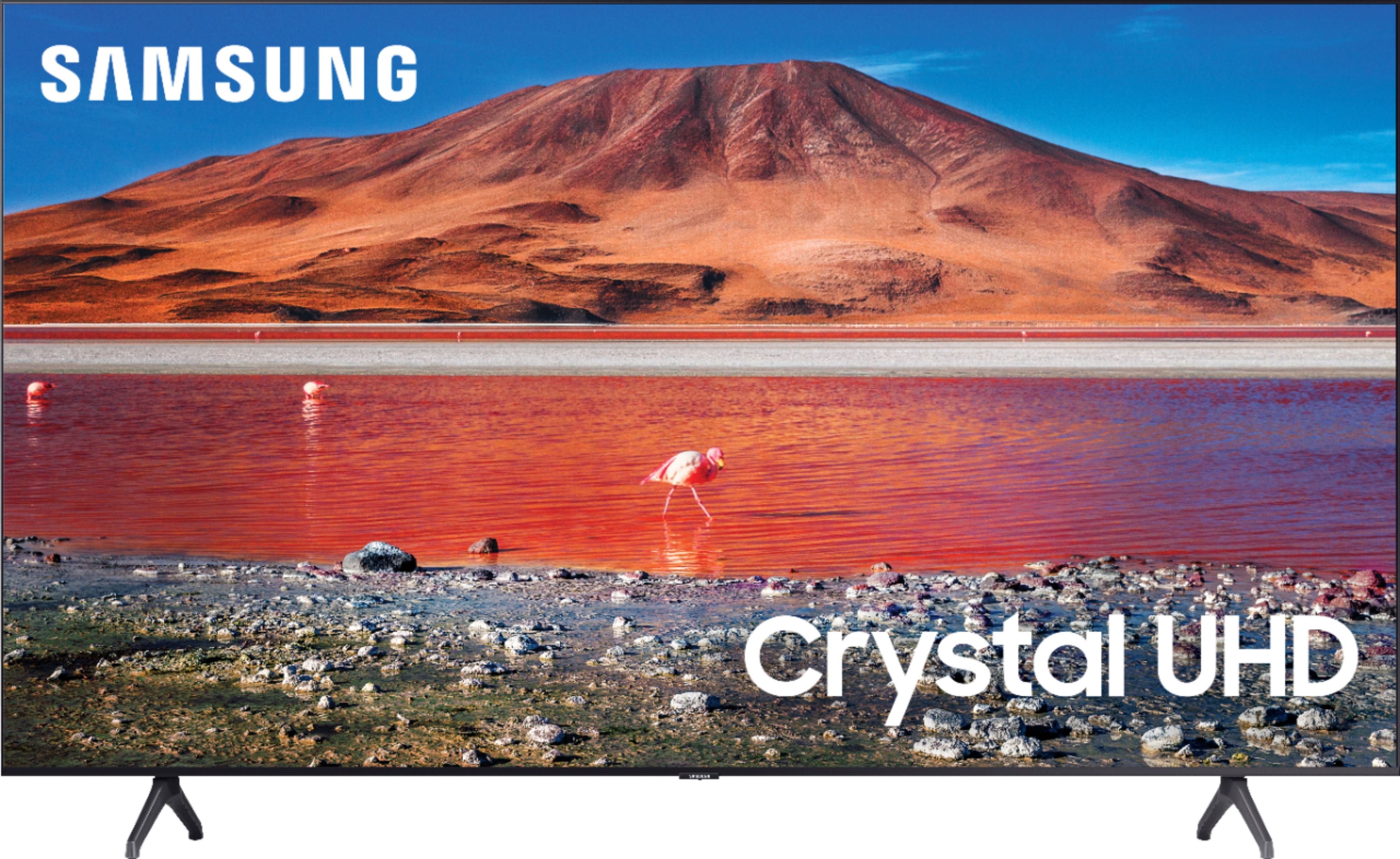
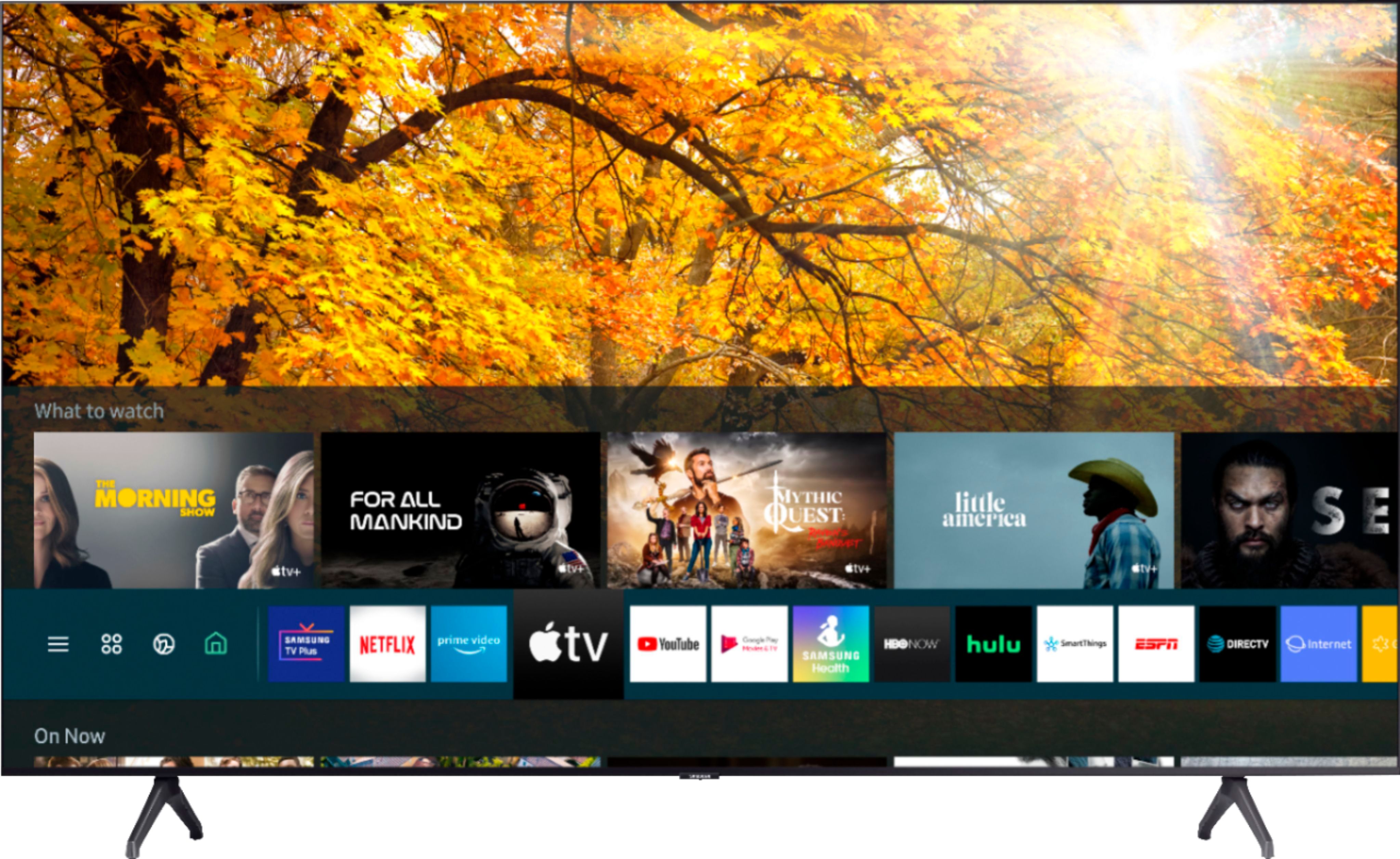
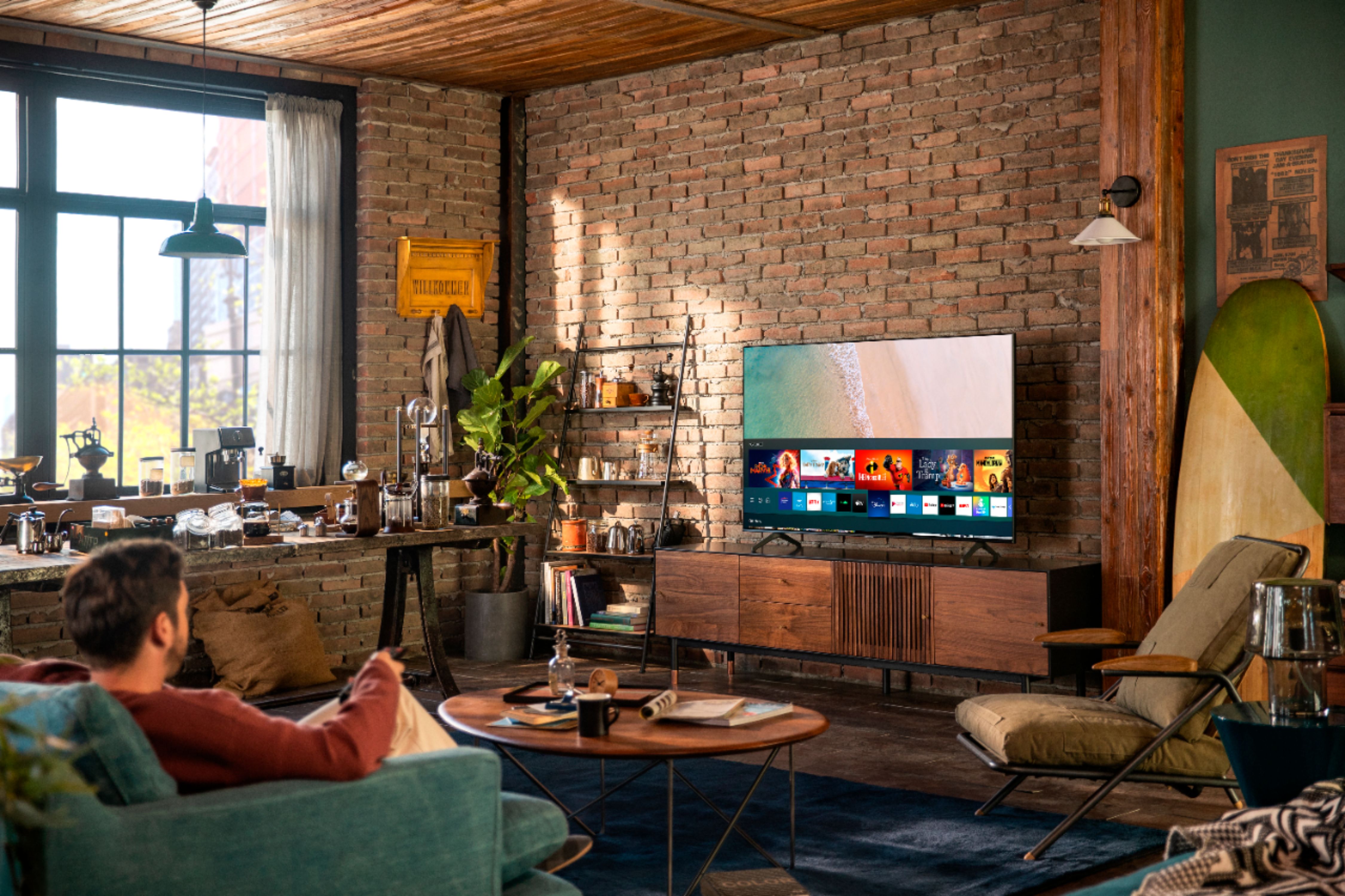
A:AnswerHi KevinT! Yes, Samsung TVs feature a user friendly smart system built in called Tizen allowing you to access all of your favorite streaming content, a built in web browser, free TV with Samsung TV Plus, and a wide range of other great smart features. ^Tim
A:AnswerThis Remote is just too small for my 78 year old eyes. I found a large one with large buttons, but it requires a 4 number code to sync with the TV. where can I get this code? [email protected]
A:AnswerHi Erin, this TV uses a 200x200 VESA mount platform and will work with most size appropriate TV mounts. Check them out here: https://www.bestbuy.com/site/tv-stands-mounts-furniture/tv-mounts/abcat0106004.c?id=abcat0106004 Thanks, ^Scott
A:AnswerHello Bpmacker,
I’m sorry to see that you are having difficulties with cloudy picture on cable source. I first recommend trying a different HDMI cable to see if the issue is corrected.
So that we can better troubleshoot towards a solution, please reach out to Samsung Support at:
― Phone: 1-800-SAMSUNG / Available 8AM - 12AM EST, 7 days a week
― LiveChat or Email: https://www.samsung.com/us/support/#contact_us_for_support
We look forward to hearing from you.
^Cristian
A:AnswerHi Ronny, You absolutely can connect Bluetooth headphones or a speaker to the TU7000! Refer to your headphone's user manual for how to pair. Once paired to the TV, press HOME on the TU7000 remote. Then go to Settings > Sound > Sound Output > Bluetooth Speaker List. Choose the headphones you wish to use for sound output. Thanks, ^Scott
A:AnswerHi Manoj! The TU7000 will include a quick setup guide and user manual in the box. The E-Manual can also be accessed online, or built in to the support section of your TV. For additional assistance, please reach out to Samsung Support at:
― Phone: 1-800-SAMSUNG / Available 8AM - 12AM EST, 7 days a week
― LiveChat or Email: https://www.samsung.com/us/support/#contact_us_for_support
We look forward to hearing from you.
^Tim

A:AnswerHi! Yes, the Spectrum application is available on the TU7000. To access this application, along with a wide range of other apps and streaming services, utilize the search feature through the built in app store. ^Tim
A:AnswerHi David! I’m sorry to see that you are having difficulties with the network connection on your new TU7000.
So that we can better troubleshoot towards a solution, please reach out to Samsung Support at:
― Phone: 1-800-SAMSUNG / Available 8AM - 12AM EST, 7 days a week
― LiveChat or Email: https://www.samsung.com/us/support/#contact_us_for_support
We look forward to hearing from you.
^Tim
A:AnswerHi AmyCO! The TU7000 works with Google Assistant and Alexa. However, you will need to have a standalone Google Assistant or Alexa device to perform commands such as changing channels, swapping input selections and launching partner apps. When stepping up to the TU8000, you will gain built-in voice assistants (Amazon Alexa, Bixby, Google Assistant) and a dedicated voice assistant button on your remote for a much wider list of commands such as weather, music, and getting questions answered with your voice. Check out the TU8000 at Best Buy: https://www.bestbuy.com/site/samsung-55-class-8-series-led-4k-uhd-smart-tizen-tv/6401746.p?skuId=6401746
^Tim