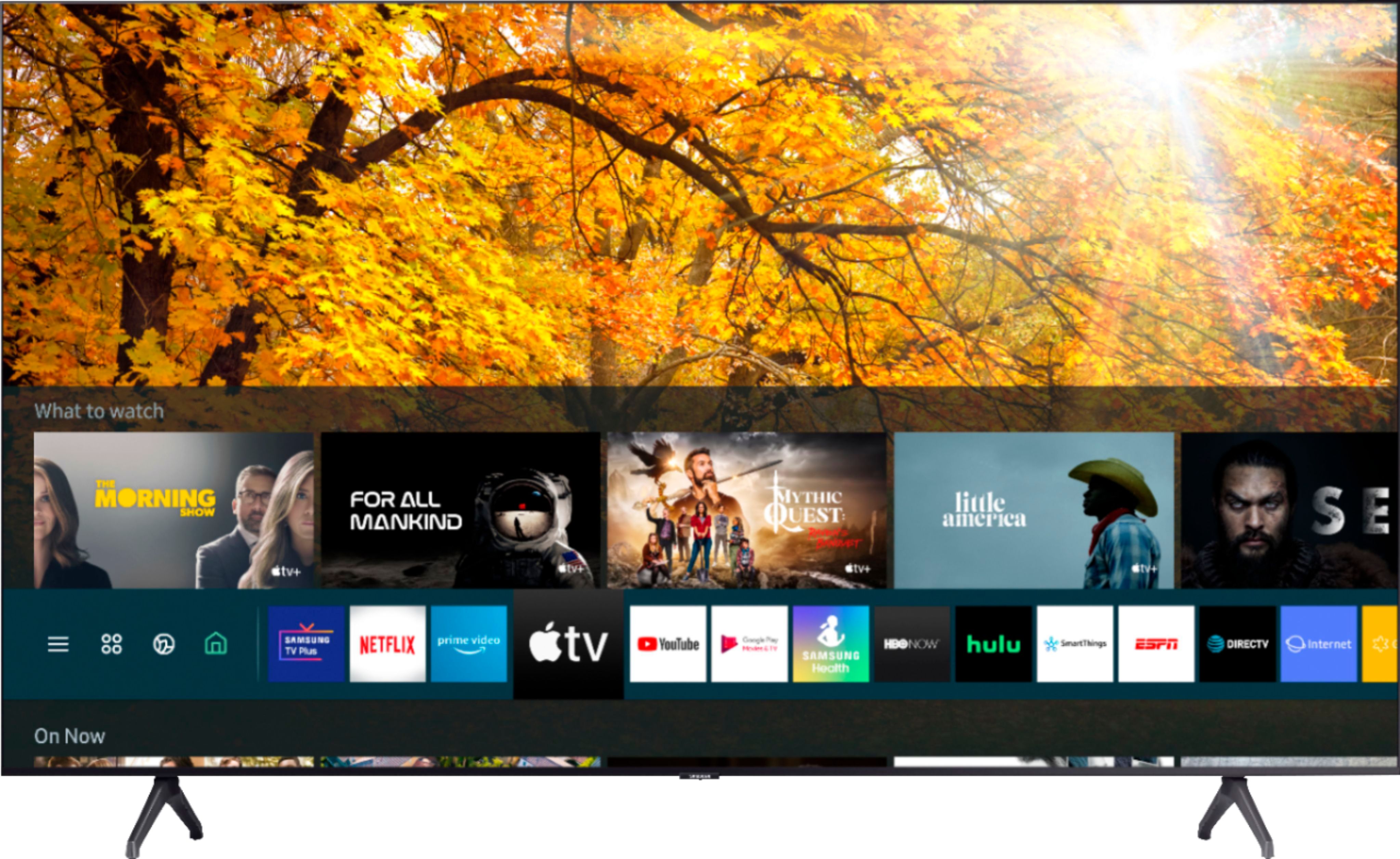
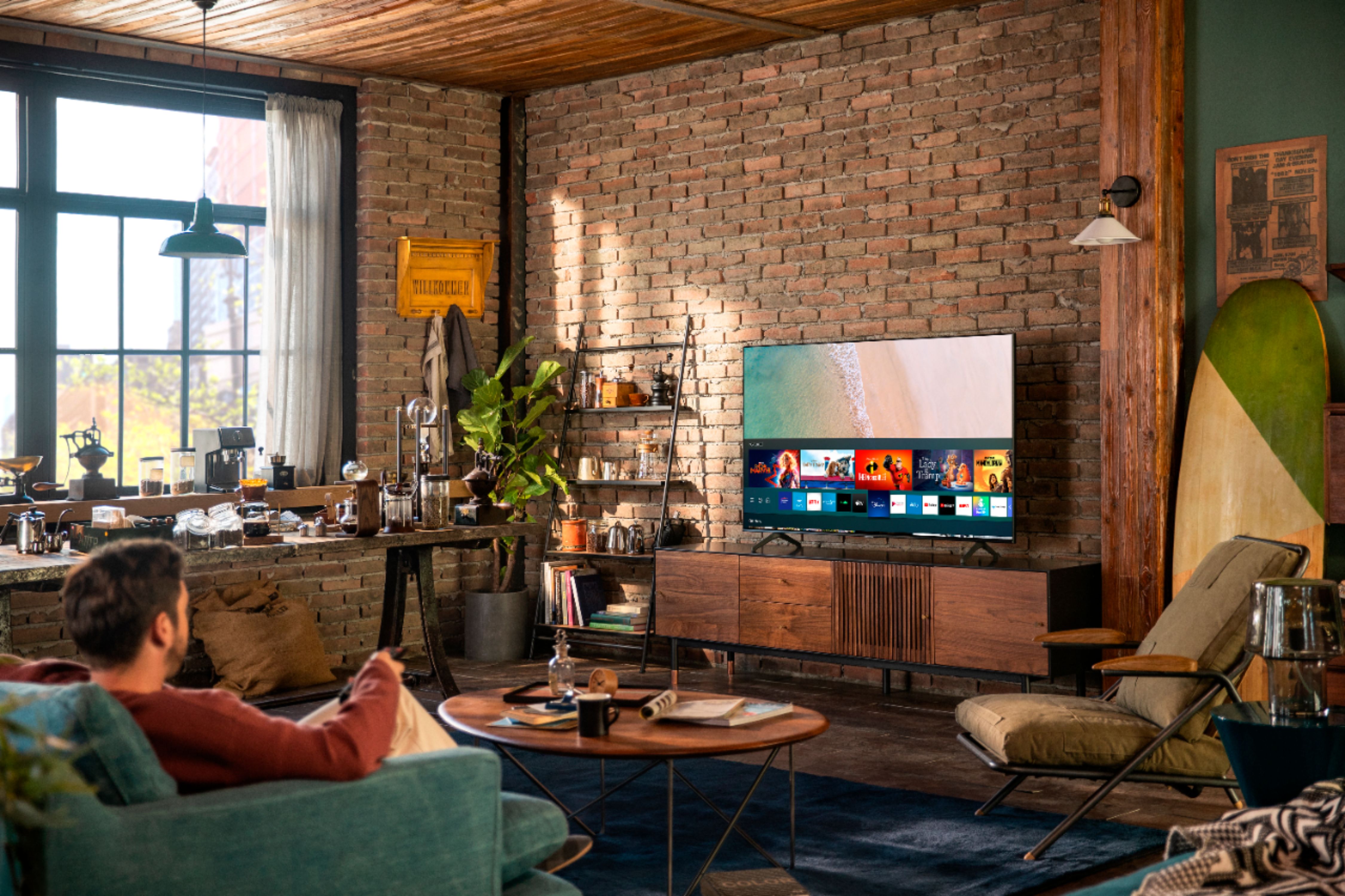
A:AnswerHi John! The TU7000 is a Smart TV, which includes all of the smart functionalities and streaming apps a Fire TV Stick would provide you with - meaning you will not need to purchase a standalone device such as a Fire TV Stick. You can choose and download from hundreds of apps that are in your TV's built-in App Store. ^Gina
A:AnswerI like my 55” Samsung 7 series tv picture quality is very good voice quality is also very good lots of other things I never experience before you can have in this tv and the price is not to high color is very good also in my opinion Samsung tv have all the functions you need like my tv and Best Buy staff very help full i buy my electronics from Best Buy they have large selections
Best regards to all
Prince Hassan
A:AnswerHi Kentz45, the 7 series TV can connect to the HW-T550 through Bluetooth. Though you will get better quality through a hardwired connection. Good question! ^Scott
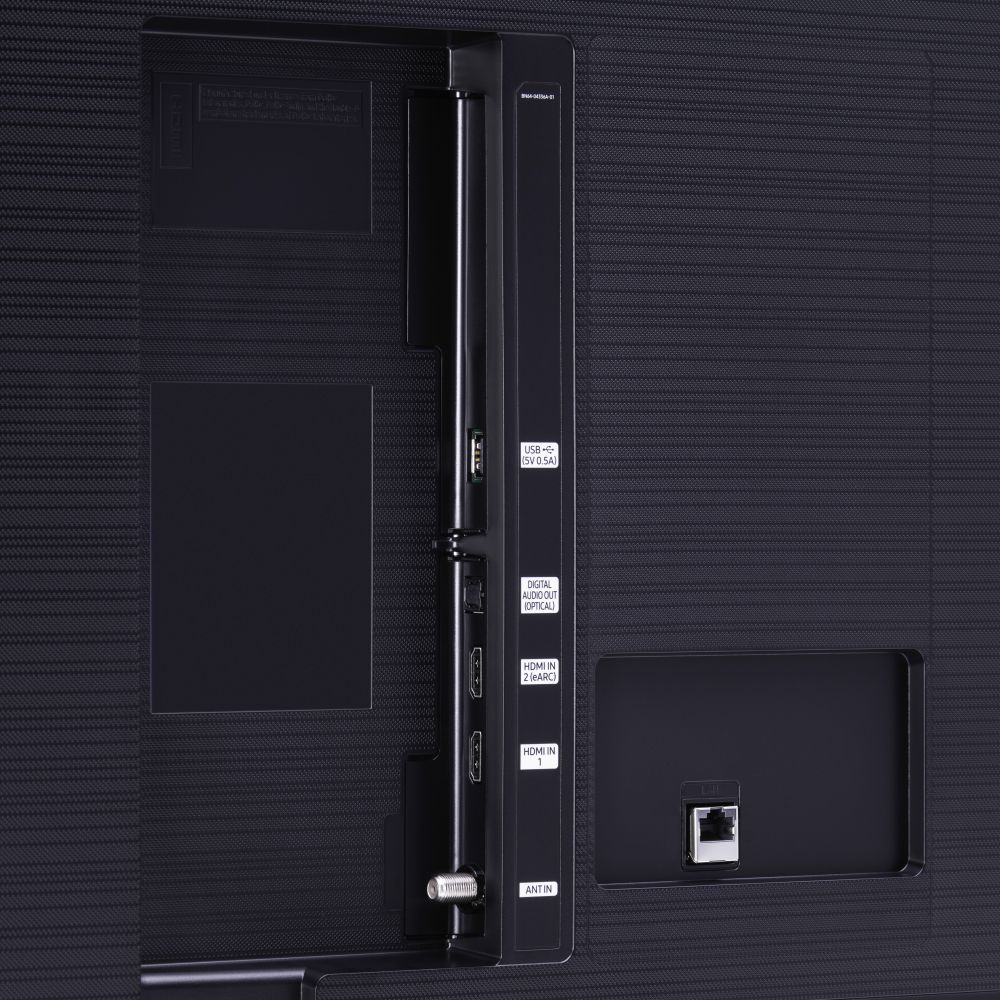
A:AnswerHi PT! Yes, the TU7000 features multiple ways to connect external audio devices including Bluetooth, HDMI ARC, and digital optical audio. When connected to headphones or speakers via Bluetooth, you can use both TV and Bluetooth device audio simultaneously with the Multi-output Audio feature. When this function is active, you can set the volume of the Bluetooth headphones higher than the volume of the TV speaker. ^Tim
A:AnswerHi Zigley, it is Bluetooth, you can use both TV and Bluetooth device audio simultaneously on any 2020 Samsung 4K or 8K TV’s. When this function is active, you can set the volume of the Bluetooth headphones higher than the volume of the TV speaker. First, make sure your Bluetooth headphones are paired. Press HOME on your One Remote. Then go to Settings > General > Accessibility > Multi-output Audio. Find the device you would like to pair. Check out some Bluetooth compatible headphones here: https://www.bestbuy.com/site/searchpage.jsp?_dyncharset=UTF-8&id=pcat17071&iht=y&keys=keys&ks=960&list=n&qp=features_facet%3DFeatures~Bluetooth%20Built-In&sc=Global&st=bluetooth%20headphones&type=page&usc=All%20Categories.
It also works great with Roku if you don't want to use the embedded Tizen streaming platform. Thanks! ^Scott
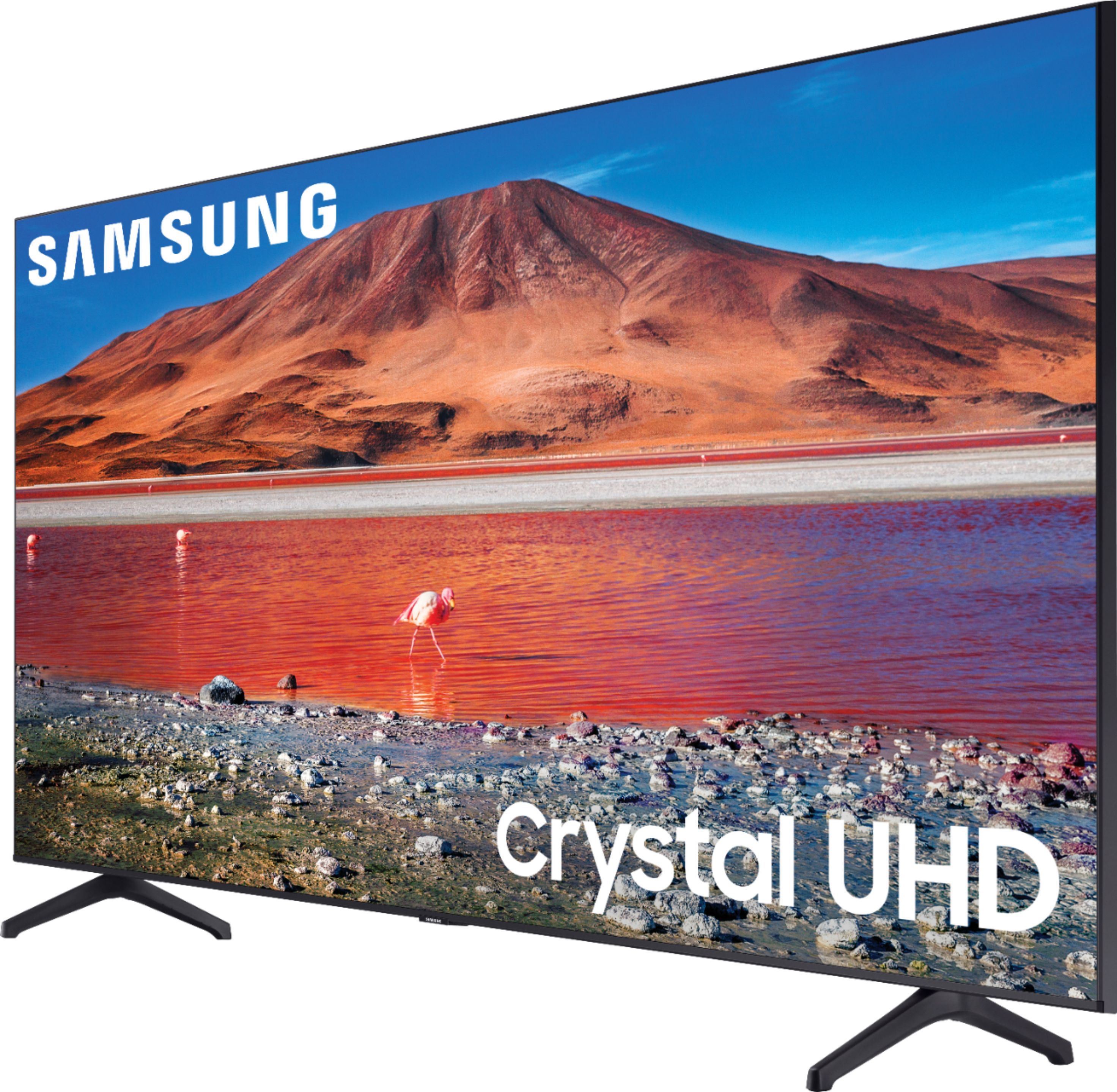
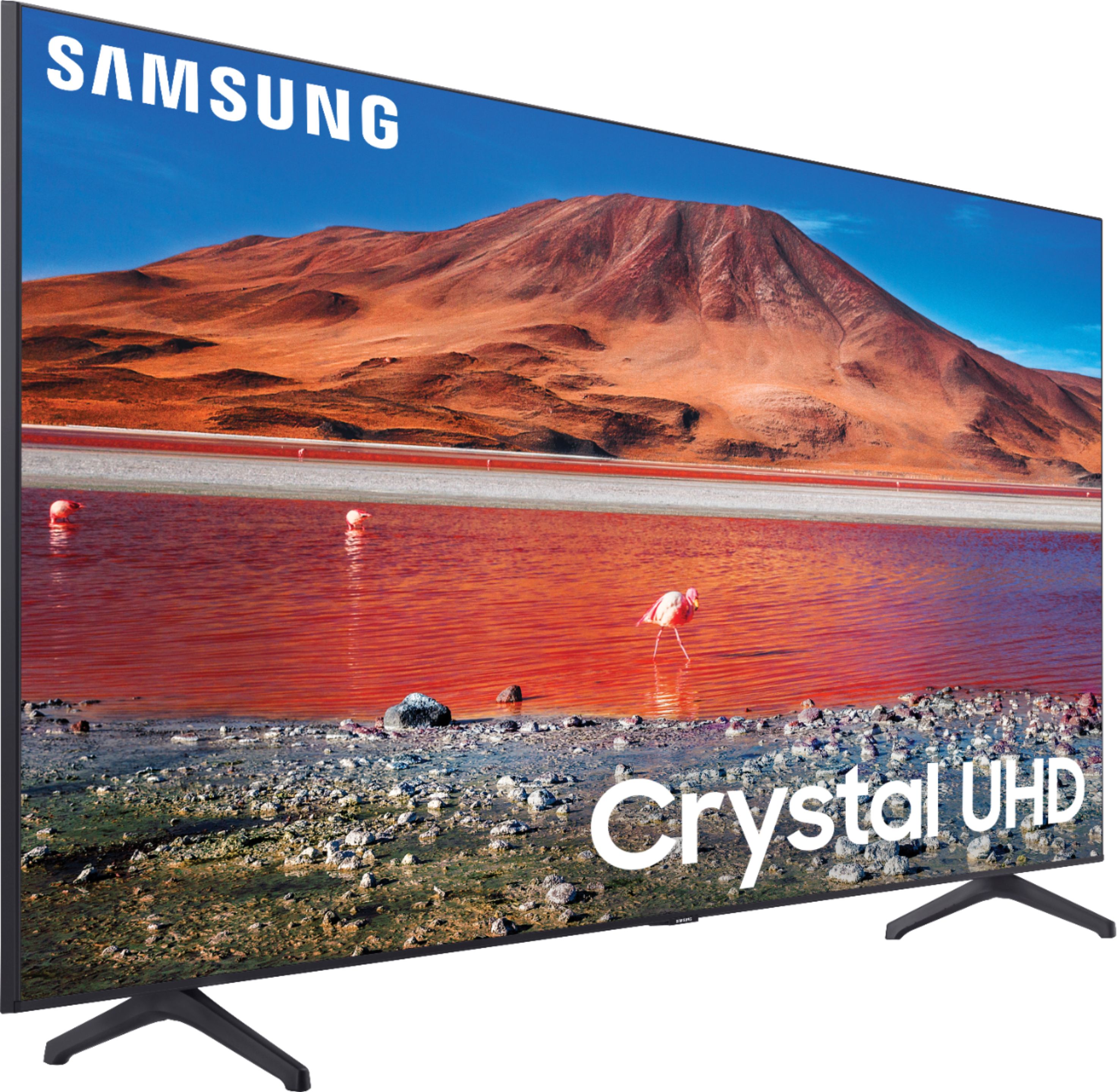
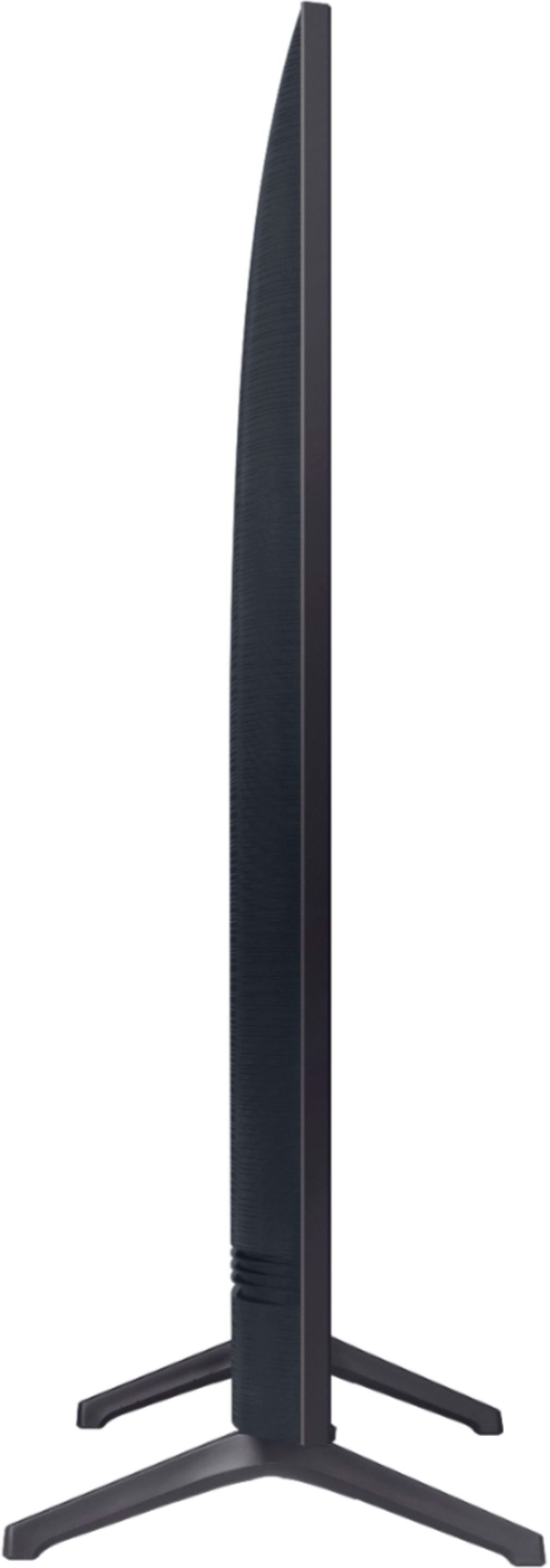
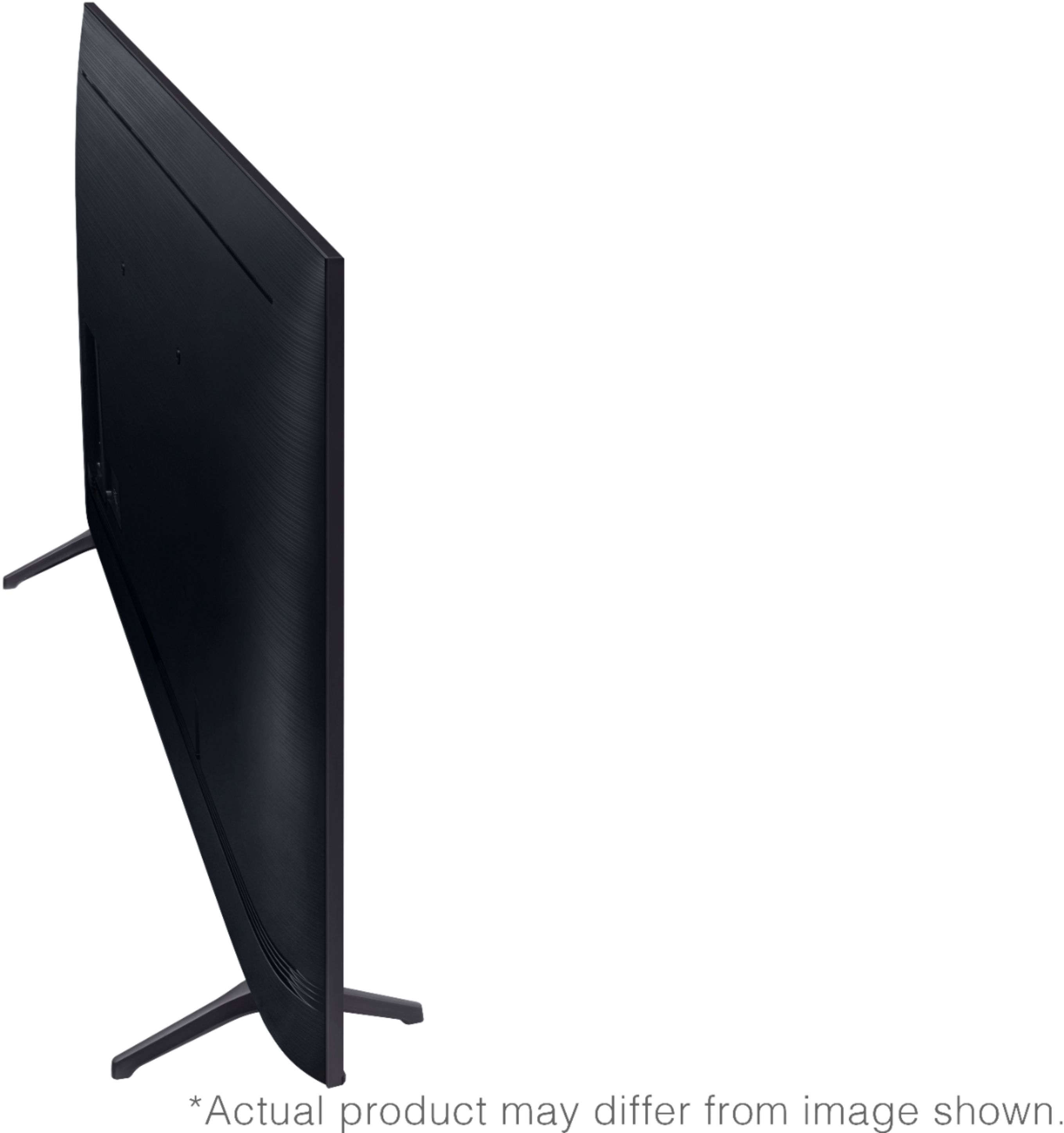
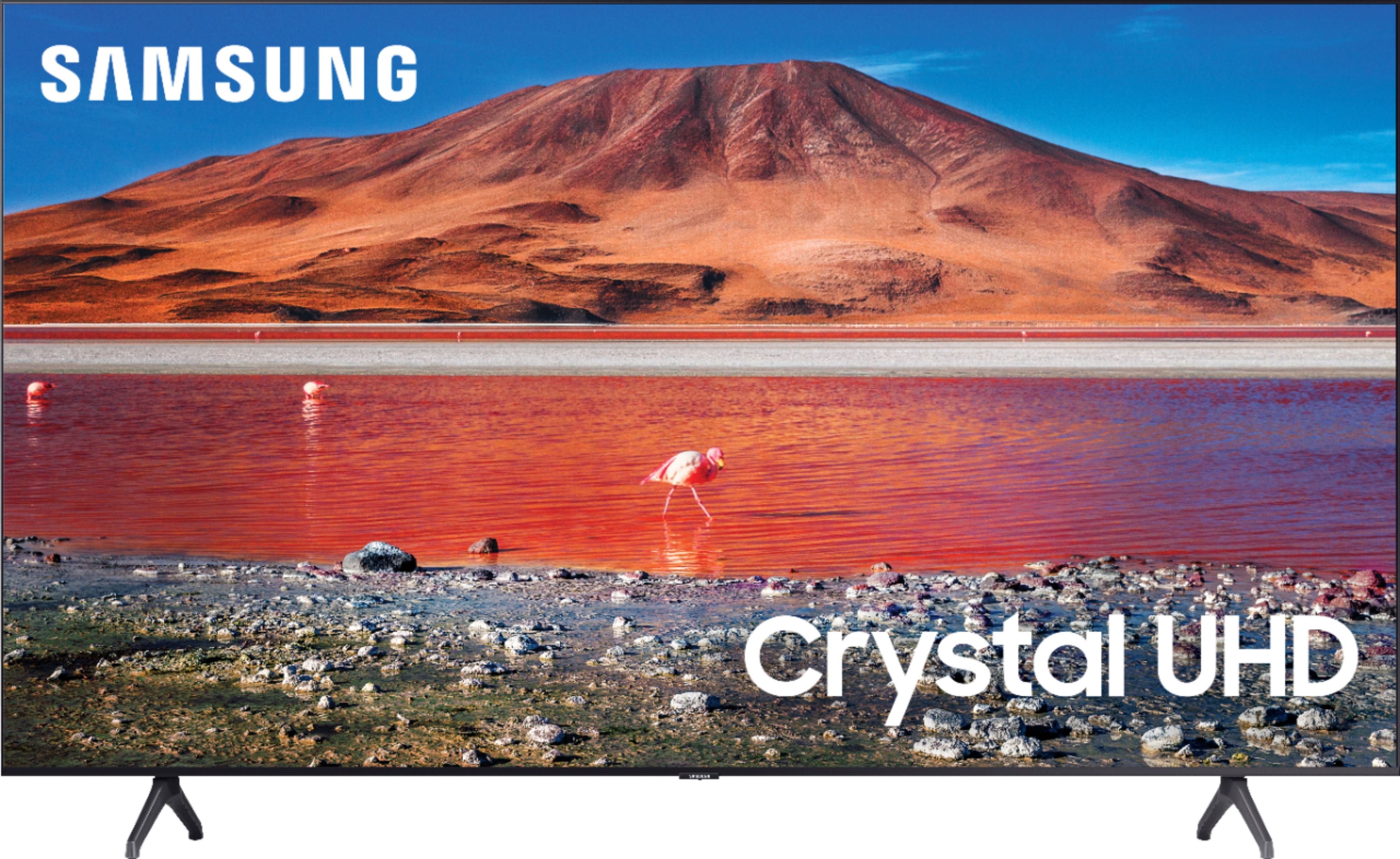
A:AnswerHi there! Here are the full dimensions of the 65TU7000: DIMENSIONS (INCHES W x H x D): • TV WITHOUT STAND: 57.1 x 32.7 x 2.4 • TV WITH STAND: 57.1 x 35.6 x 11.2 ^Gina
A:AnswerHi jones! While there is no Aux input on 2020 Samsung TVs, you may be able to connect your CD player via RCA cables - this will depend on what type of CD player you wish to utilize. ^Gina
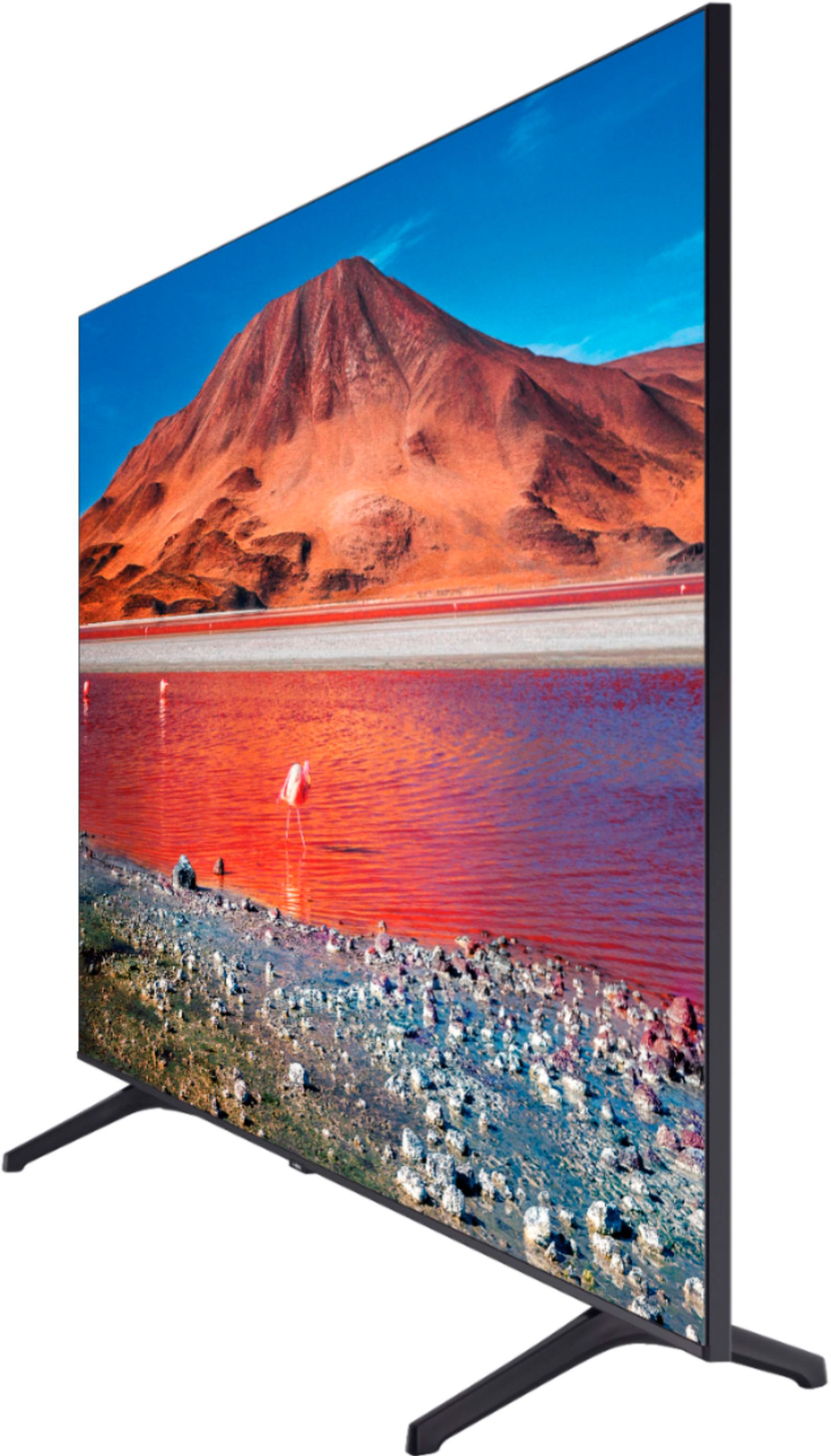
A:AnswerHi eddie! The TU7000 is a 4K UHD TV with HDR, and will always display content in 4K HDR resolution as long as the content you are watching supports 4K and HDR. ^Gina
A:AnswerHello,
When stepping up from 7 series to 8 series you gain features like, Smart Remote with
Voice, “Works with” Digital Voice Assistants and Ambient Mode. ^Cristian
A:AnswerHi Ricky0717! Yes, you can use Apple Airplay with the 55TU7000. Go to the Settings Menu > select General > select Apple AirPlay Settings > set AirPlay to On > From Your iPhone Notification Panel, select Screen Mirroring and tap on your TV name. Enter any code that might be shown on
screen > Your TV will now display your iOS device’s screen. ^Celina
A:AnswerHi GG, the only cable that comes with the TV is the power cable. Other cables will either be included with the peripherals you purchase or bought separately to match your unique configuration. Cheers! ^Scott