A:AnswerRick, you can connect Bluetooth headphones to the TU7000, as this TV is Bluetooth enabled. Refer to your headphone's user manual for how to pair. Once paired to the TV, press HOME on the TU7000 remote. Then go to Settings > Sound > Sound Output > Bluetooth Speaker List. Choose the headphones you wish to use for sound output. ^Gina
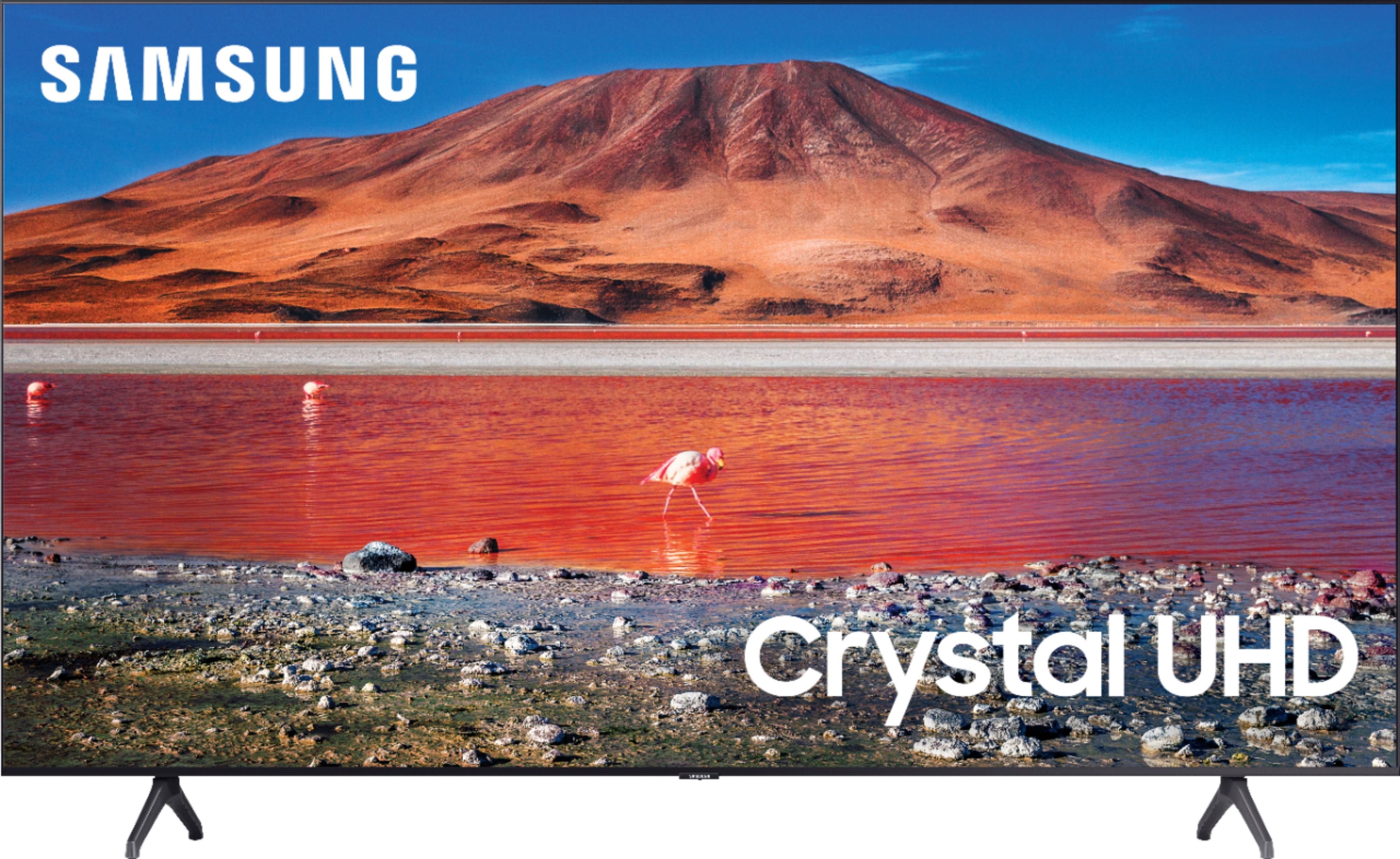
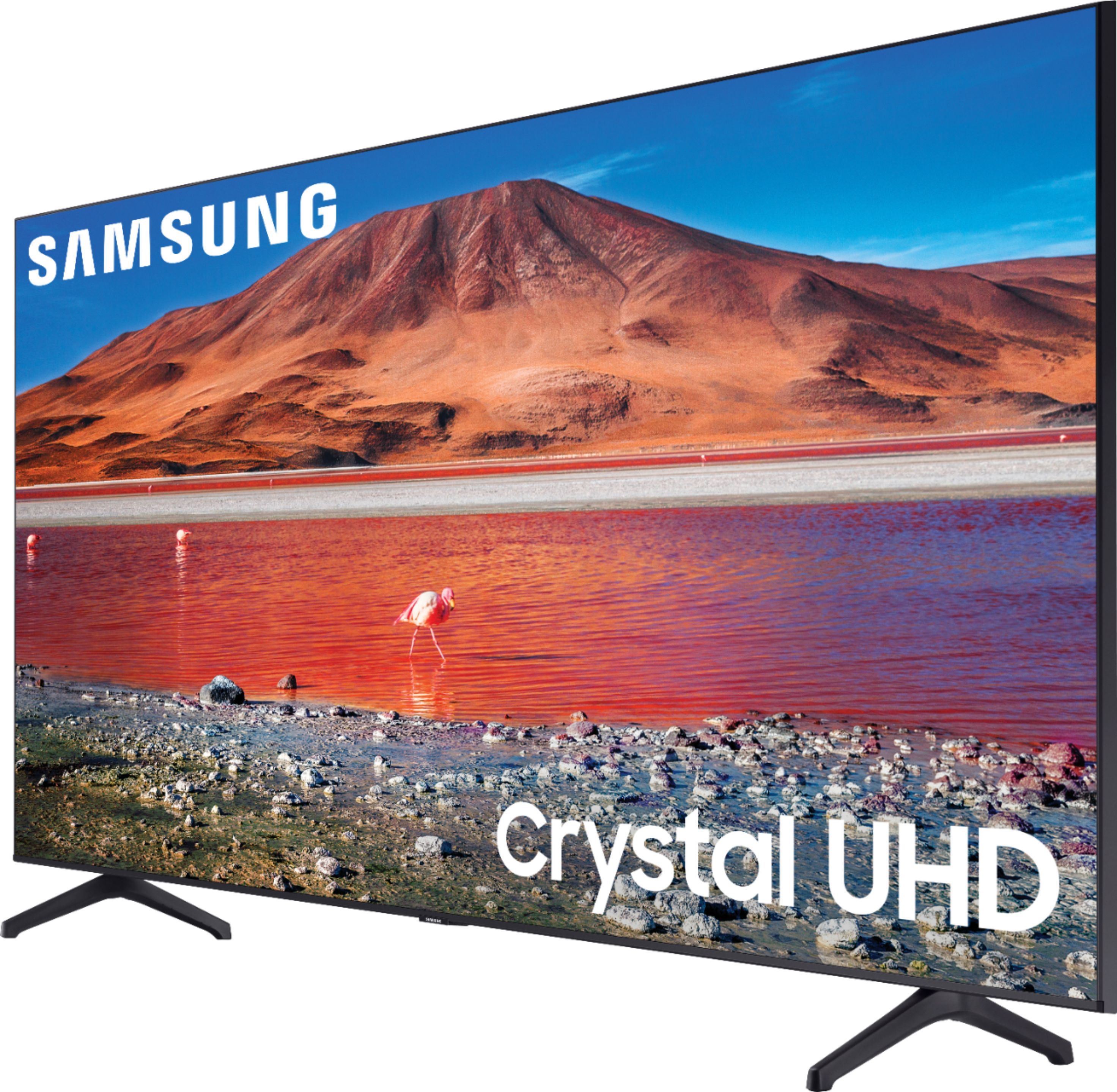
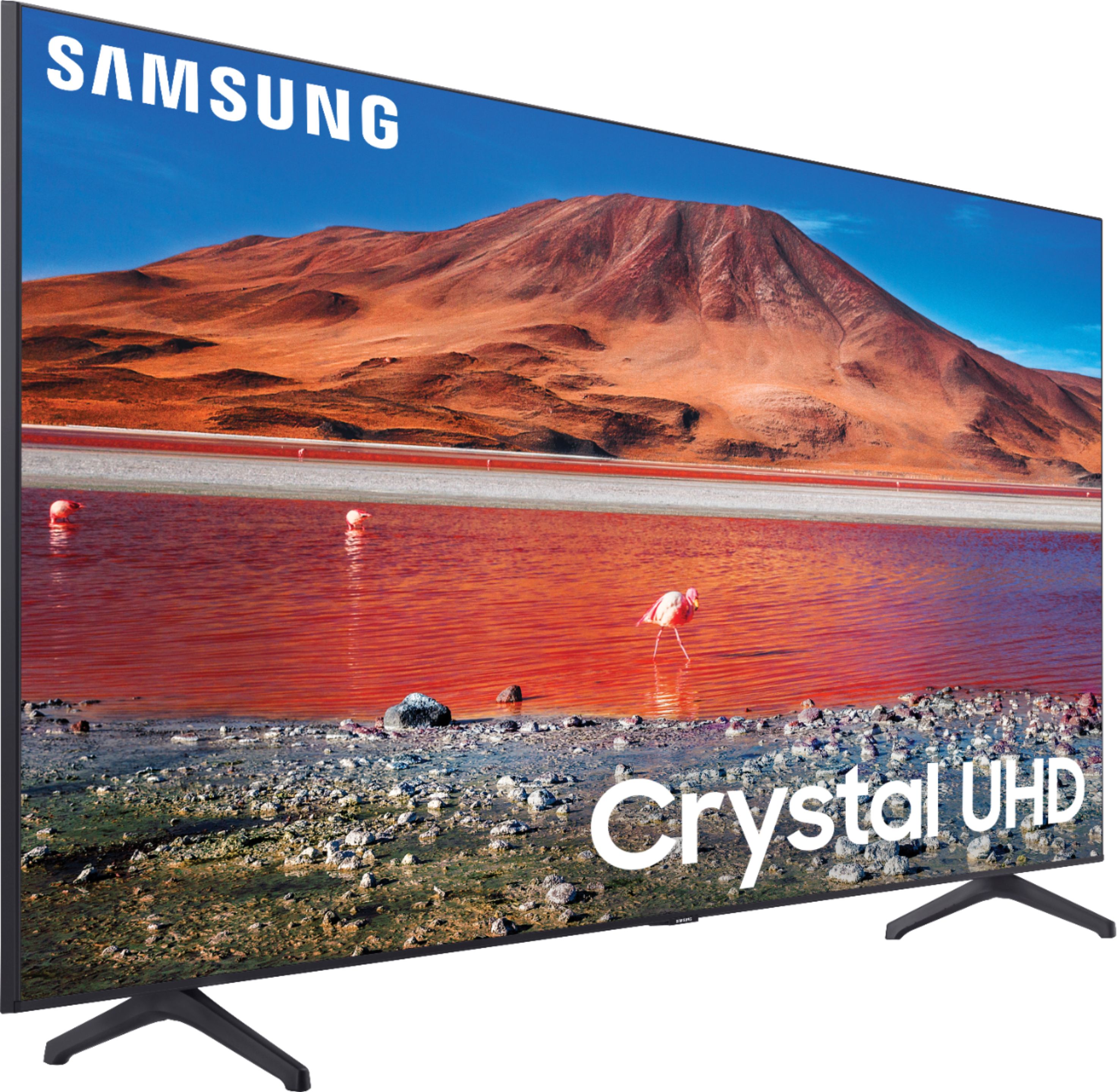
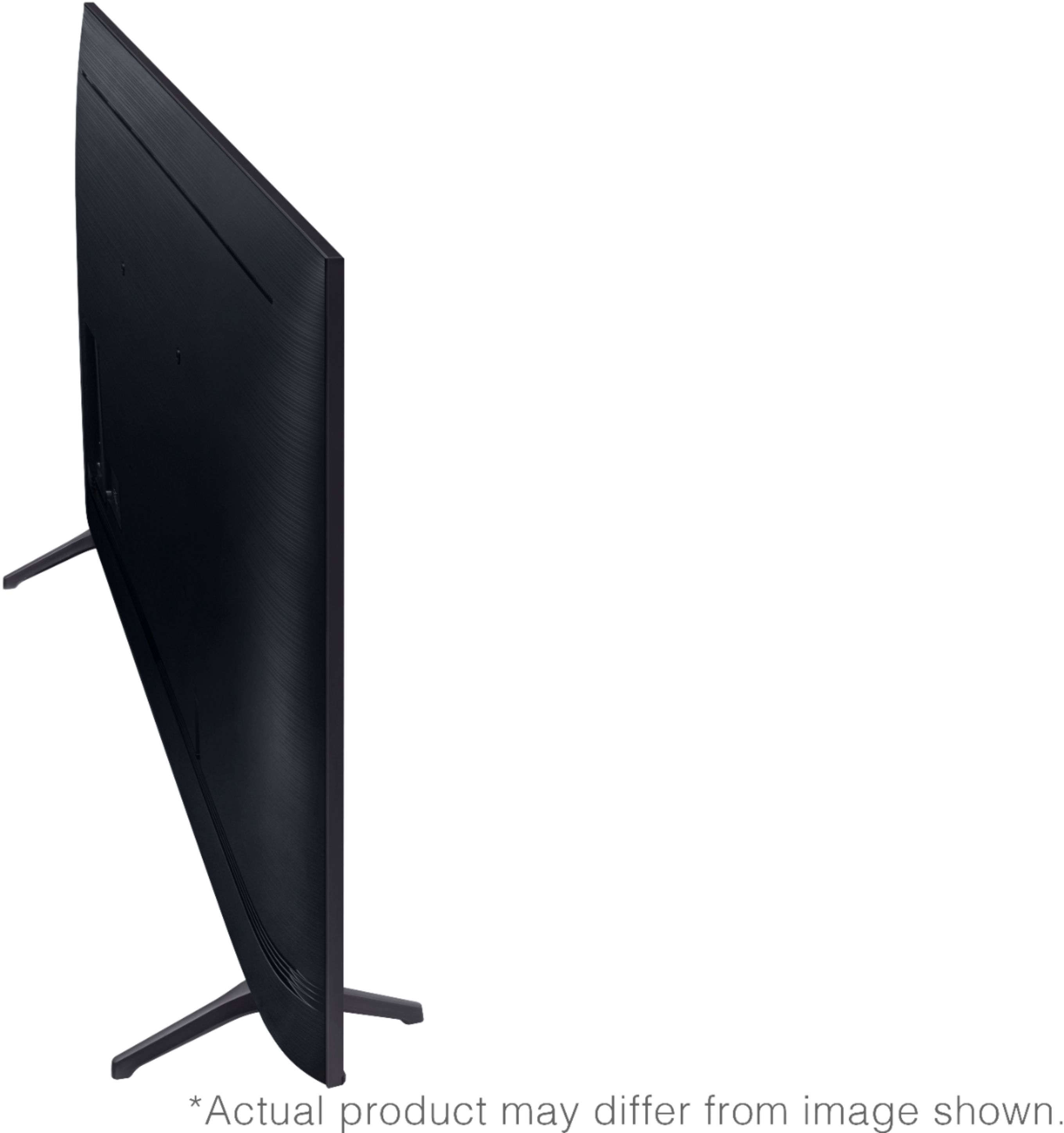
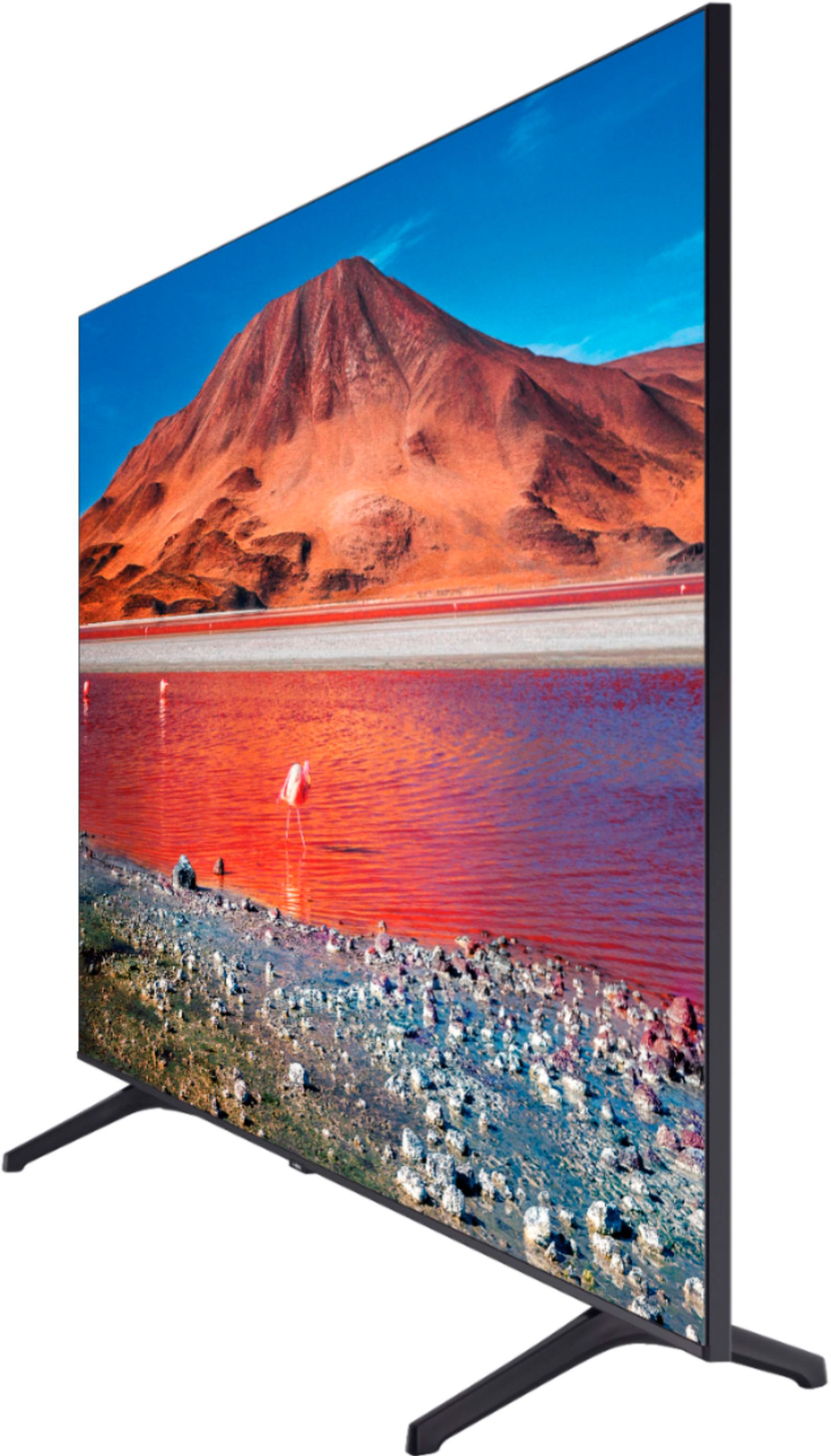
A:AnswerHello Howie, The dimensions are as follows: Product Height With Stand 30.6 inches, Product Width 48.4 inches, Product Height Without Stand 27.8 inches. ^Celina

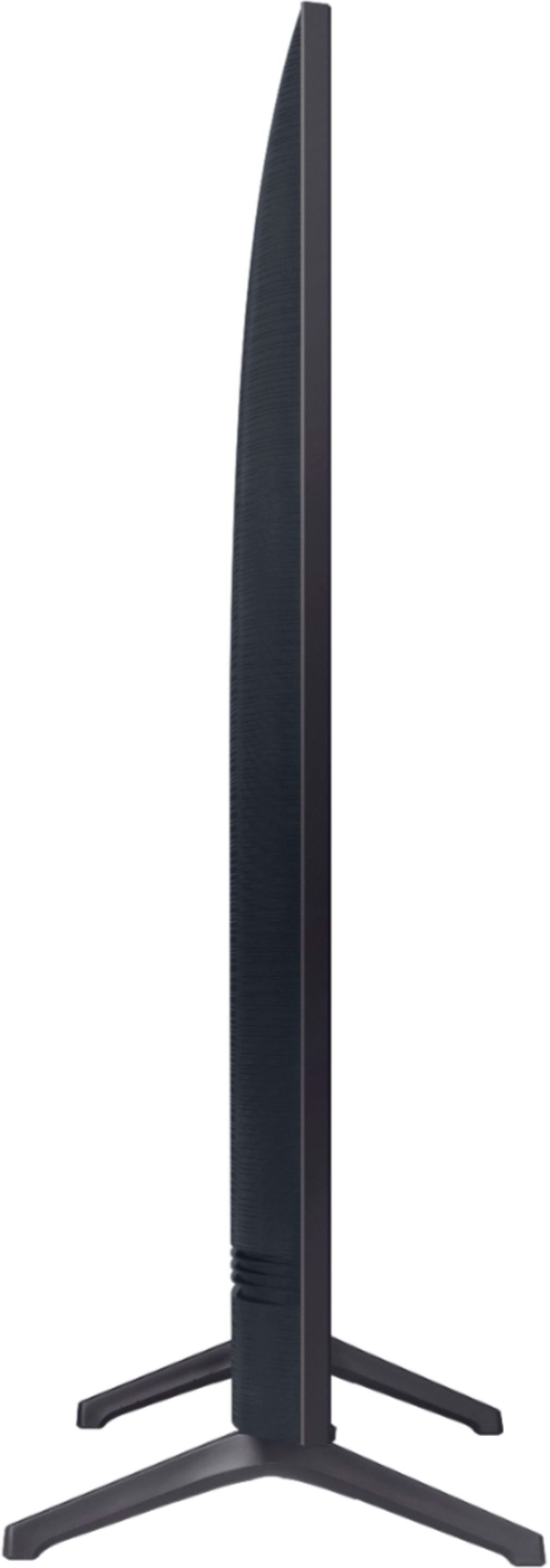
A:AnswerHey Brutus123 - The total dimensions of the 55TU7000 are as follows : without stand : 48.4 x 27.8 x 2.4 and with stand 48.4 x 30.6 x 9.8 (wxhxd) . ^Jason
A:AnswerHi Buffy! The feet for the 55TU7000 are not adjustable. I suggest exploring a mounting solution or a universal base that mounts to the back of the TV. The 55TU7000 features a VESA mounting pattern of 200mm x 200mm. Here is a link to a product from Best Buy which will accomplish what you are looking for. https://www.bestbuy.com/site/sanus-premium-swivel-tv-base-for-most-32-60-tvs-black/5463304.p?skuId=5463304
^Tim
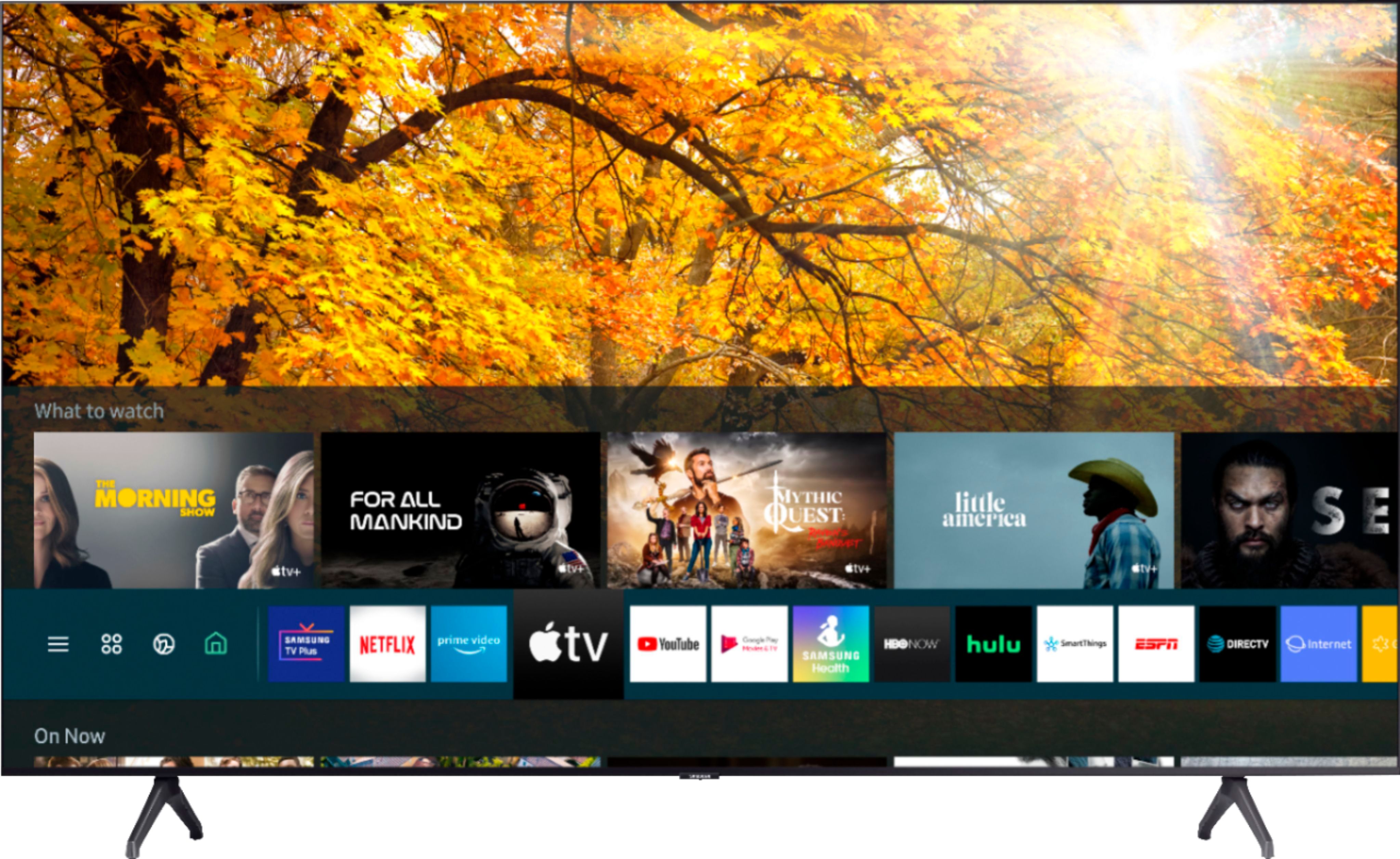
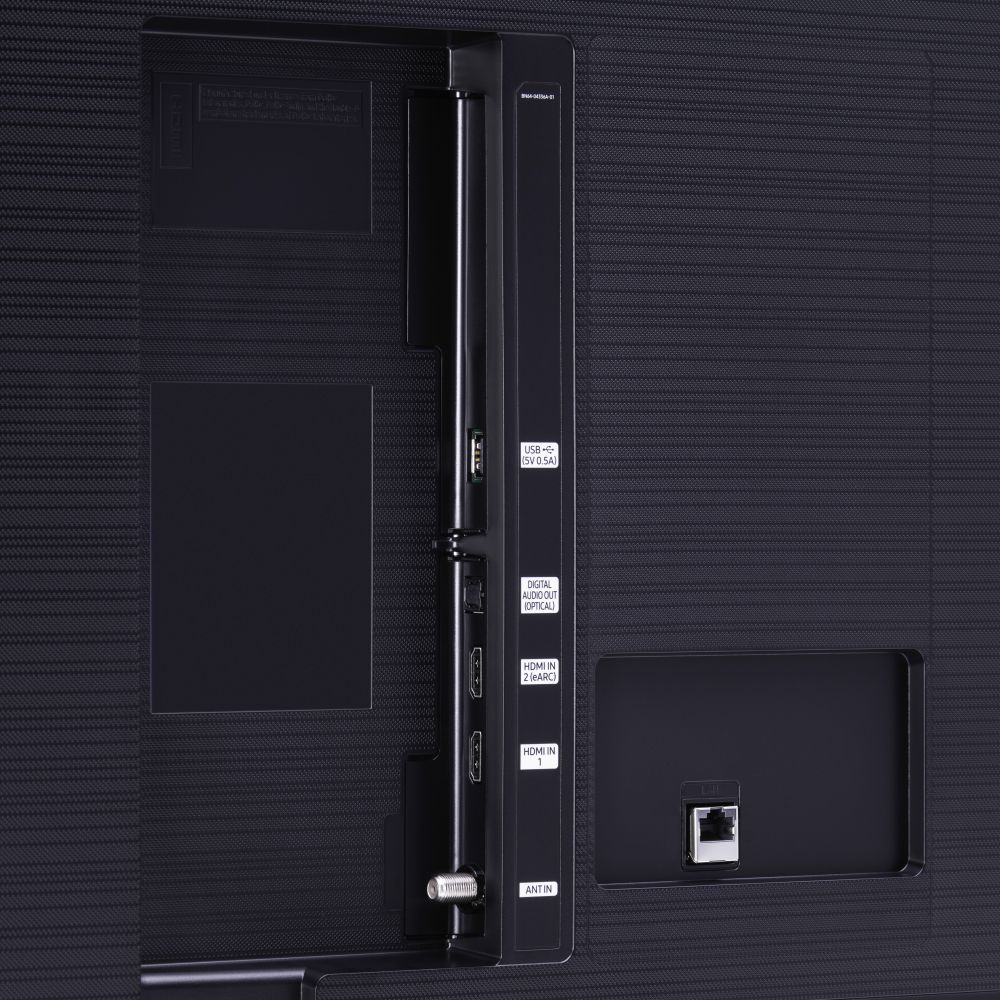
A:AnswerHi Fancy! The Tizen smart platform within the TV features a wide variety of popular streaming services meaning an external streaming device is not required. Certain cable providers also support a streaming application which can eliminate the need for a physical box and still have access to all of your content. I also suggest exploring the 55TU8000 Crystal UHD model at the following link which features 3 HDMI connections instead of 2.
https://www.bestbuy.com/site/samsung-55-class-8-series-4k-uhd-tv-smart-led-with-hdr/6401746.p?skuId=6401746
^Tim
A:AnswerHi Feldub,
The dimensions are as follows:
W 27.8"
H 27.8"
D 2.4"
The feet stand 37.5" apart. I'm afraid you'll have to reach out to your local Best Buy for delivery timeframes.
^Scott