A:AnswerHi jerry! If you are looking for a full motion tilt wall mount, ensure it has a VESA Standard of 200mm x 200mm. Check out a couple great options for compatible wall mounts at Best Buy: https://www.bestbuy.com/site/searchpage.jsp?_dyncharset=UTF-8&id=pcat17071&iht=y&keys=keys&ks=960&list=n&qp=mounttype_facet%3DMount%20Type~Full%20Motion%5Emounttype_facet%3DMount%20Type~Tilting%5Etvmountsize_facet%3DTV%20Size%20Compatibility~55%20-%2064%22&sc=Global&st=wall%20mount&type=page&usc=All%20Categories ^Gina
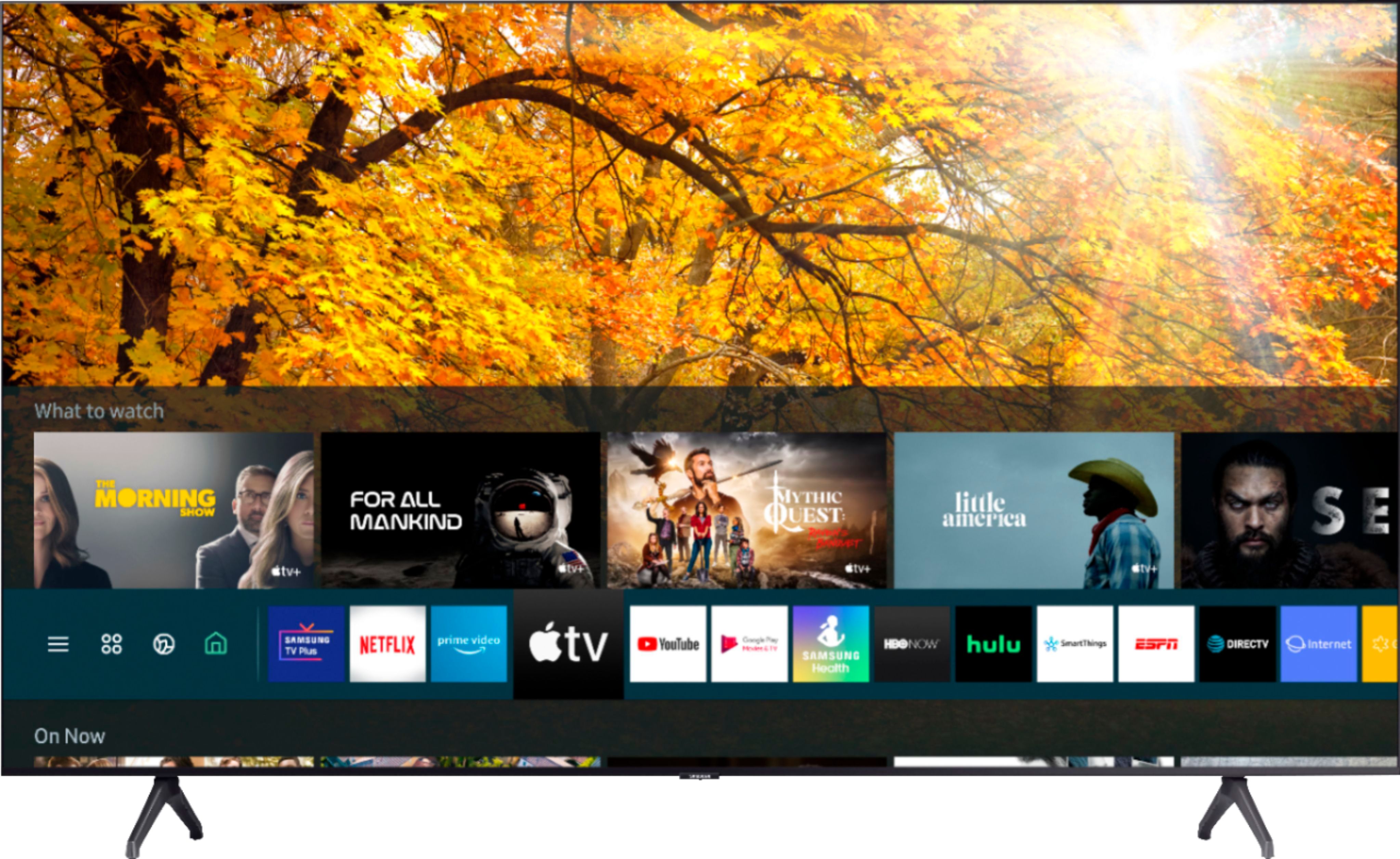
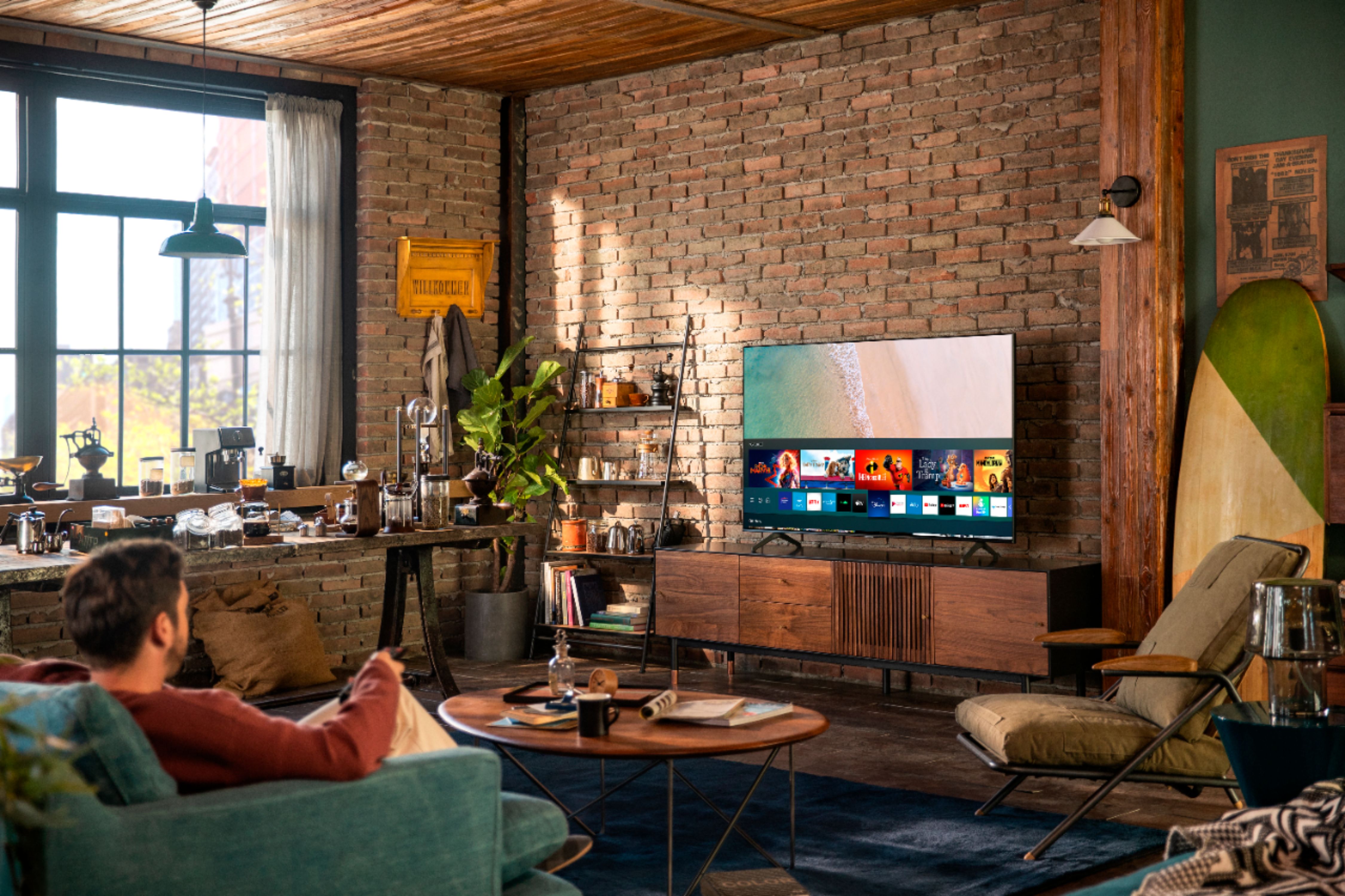
A:AnswerHi there! There are hundreds of apps you can choose from and download in your TV's built-in App Store, such as AppleTV+, Hulu, Netflix, Prime Video, SlingTV, YouTube, and many more! ^Gina
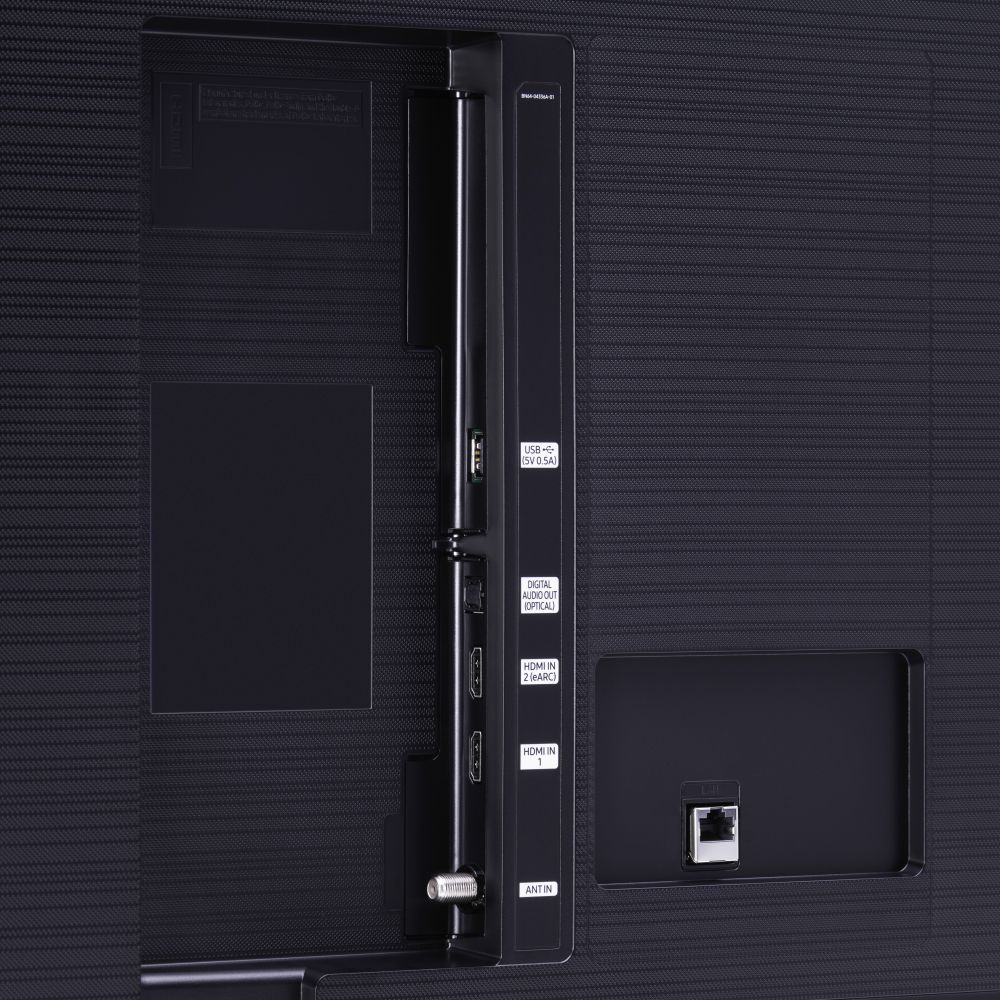
A:AnswerOliden, both our TU7000 and TU8000 support HDMI 2.0. You will receive HDMI 2.1 support when you step up to our Q70T. Check it out here: https://www.bestbuy.com/site/samsung-55-class-qled-q70-series-4k-uhd-tv-smart-led-with-hdr/6402398.p?skuId=6402398 ^Gina
A:AnswerHi there! The TU7000 Works With Amazon Alexa - when your device is connected, you can use Alexa to change channels, swap input selections and launch partner apps. When stepping up to the TU8000, you will gain the built-in Amazon Alexa with a voice control button on your remote. This will allow for a wider list of commands. Check out our TU8000 here: https://www.bestbuy.com/site/samsung-55-class-8-series-4k-uhd-tv-smart-led-with-hdr/6401746.p?skuId=6401746 ^Gina
A:AnswerHi Charlie, you will need (4) M8 screws, with 1.25mm pitch and 20/22mm length. The screws will not be included with the TV, but will be included with the mount. ^Gina
A:AnswerHi Chuck! Samsung TVs do not have Roku built in; however, you can connect an external device such as a Roku via HDMI for seamless streaming. You can also take advantage of Samsung's Smart TV platform to choose and download from hundreds of built-in apps in your TV's App Store. ^Gina
A:AnswerHi there! The TU7000 does not come with a wall mount. You can utilize any wall mount with a VESA Standard of 200mm x 200mm for this TV. Check some compatible wall mounts out at Best Buy: https://www.bestbuy.com/site/searchpage.jsp?_dyncharset=UTF-8&id=pcat17071&iht=y&keys=keys&ks=960&list=n&qp=tvmountsize_facet%3DTV%20Size%20Compatibility~55%20-%2064%22&sc=Global&st=wall%20mount&type=page&usc=All%20Categories ^Gina
A:AnswerThi TV has built-in apps such as Apple TV+, Disney+, Google Play Movies & TV, HBO, Hulu, Netflix, Prime Video, SHOWTIME, Sling TV, and YouTube.
A:AnswerHi there! You sure can mount the 55TU7000 with any wall mount with a VESA Standard of 200mm x 200mm. Check out some compatible wall mounts here: https://www.bestbuy.com/site/searchpage.jsp?_dyncharset=UTF-8&id=pcat17071&iht=y&keys=keys&ks=960&list=n&qp=tvmountsize_facet%3DTV%20Size%20Compatibility~55%20-%2064%22&sc=Global&st=wall%20mount&type=page&usc=All%20Categories ^Gina
A:AnswerHi Josephine! You can absolutely utilize a universal center stand with your 55TU7000 to ensure your TV fits on your existing stand. Check out this one at Best Buy: https://www.bestbuy.com/site/sanus-premium-swivel-tv-base-for-most-32-60-tvs-black/5463304.p?skuId=5463304 ^Gina