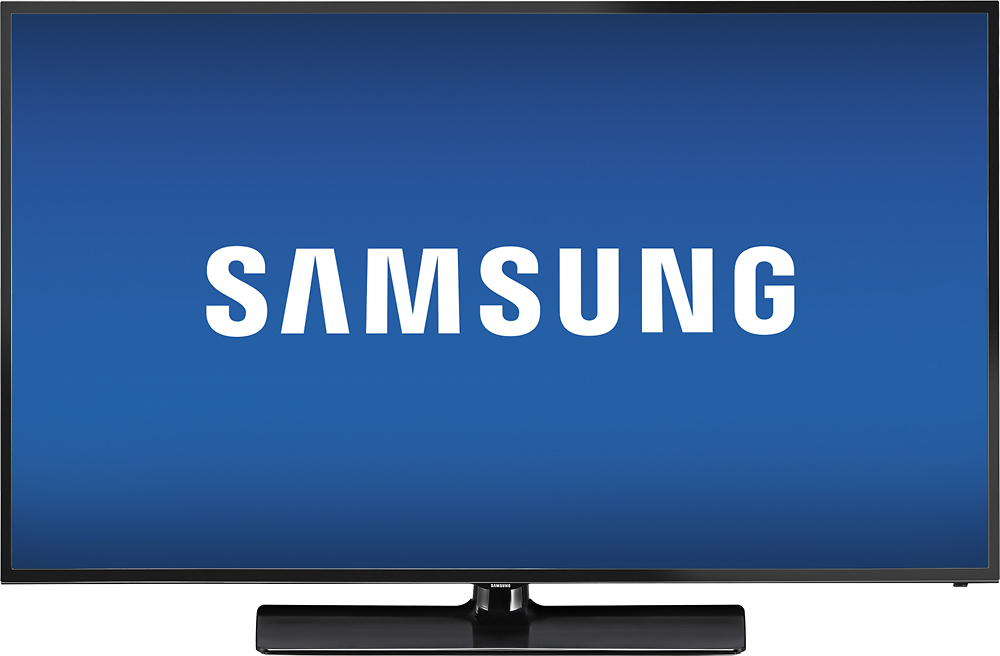
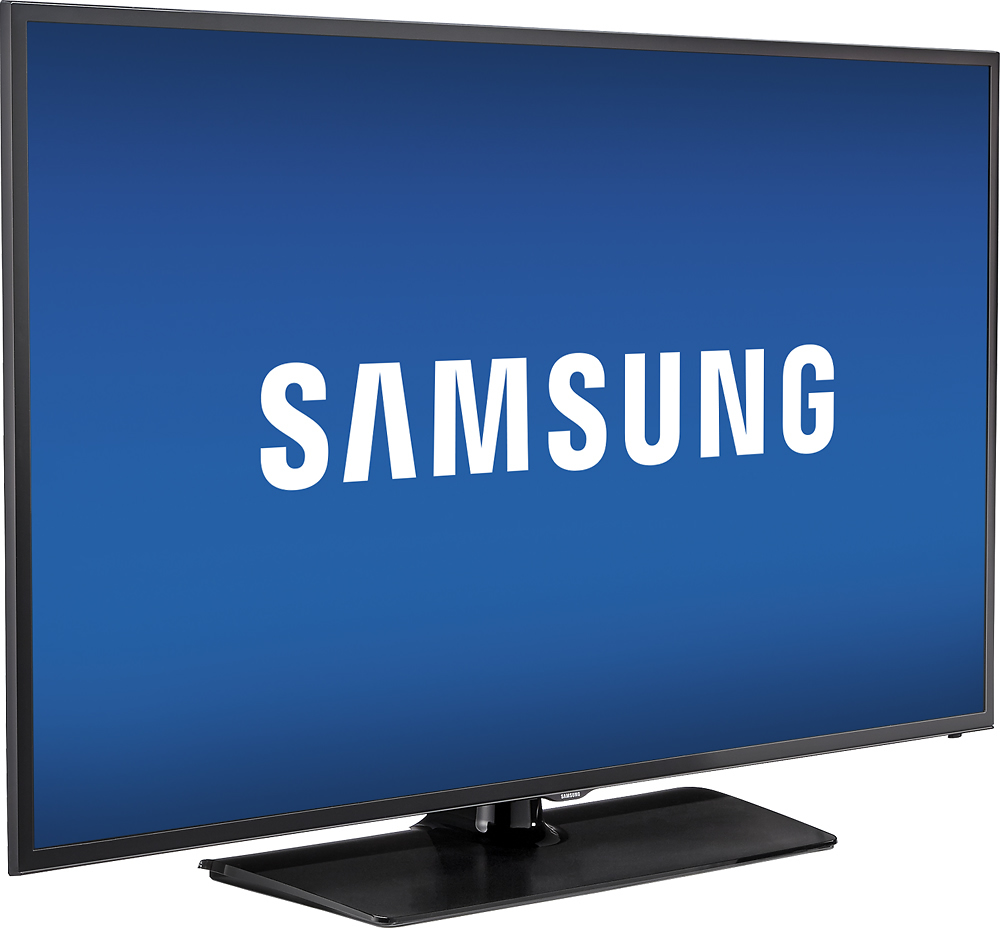
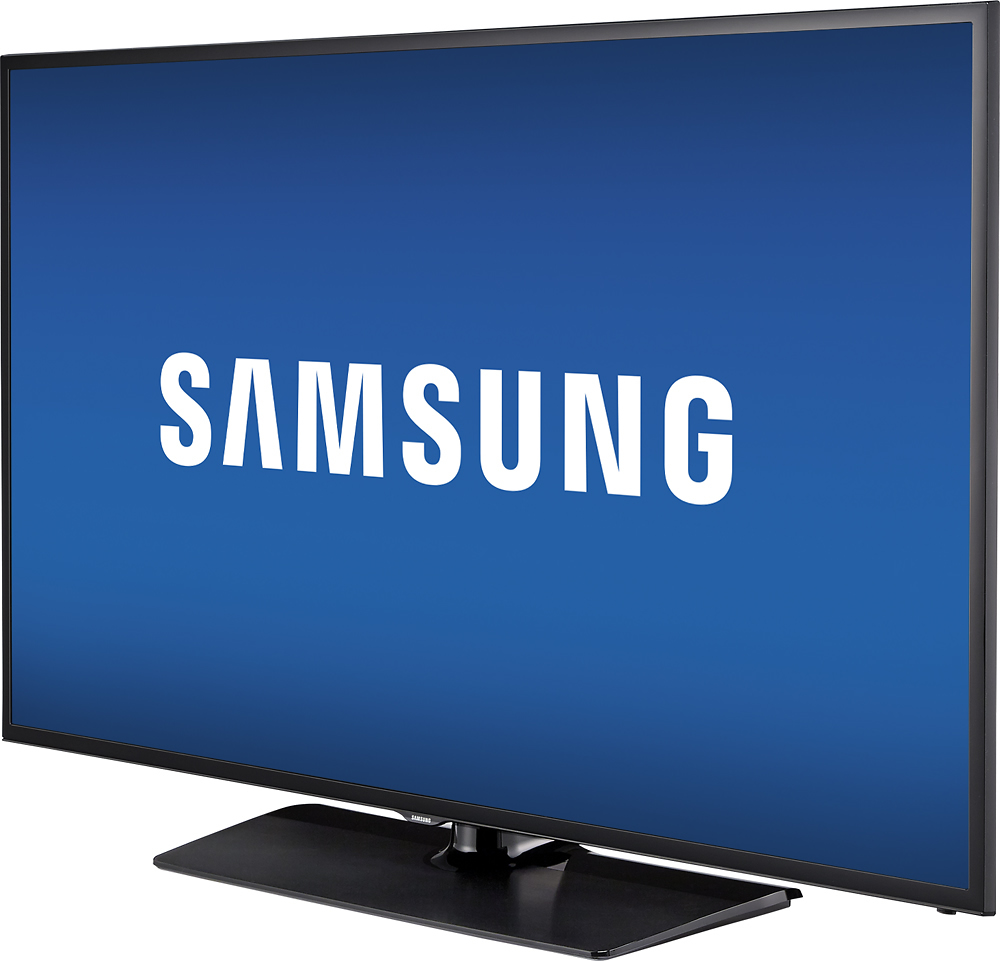
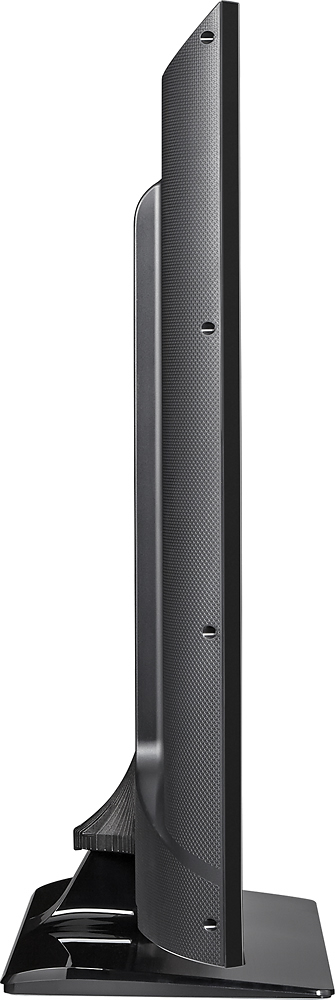
A:AnswerMine is sitting on a T V stand for up to 60" TV's.The supplied stand supports it well. A child might be able to topple it but that child should be big enough to know better but it could probably be tied to the wall if that is a concern. Just use a big enough TV stand or table to support it. It is much lighter than big screen LCD TV's were 5 years or so ago
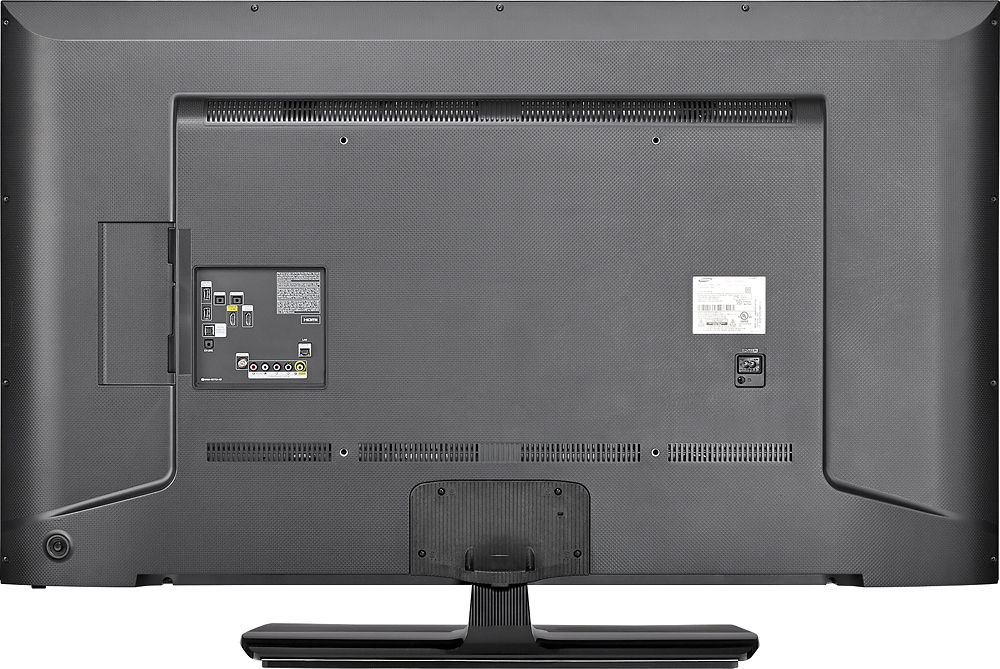
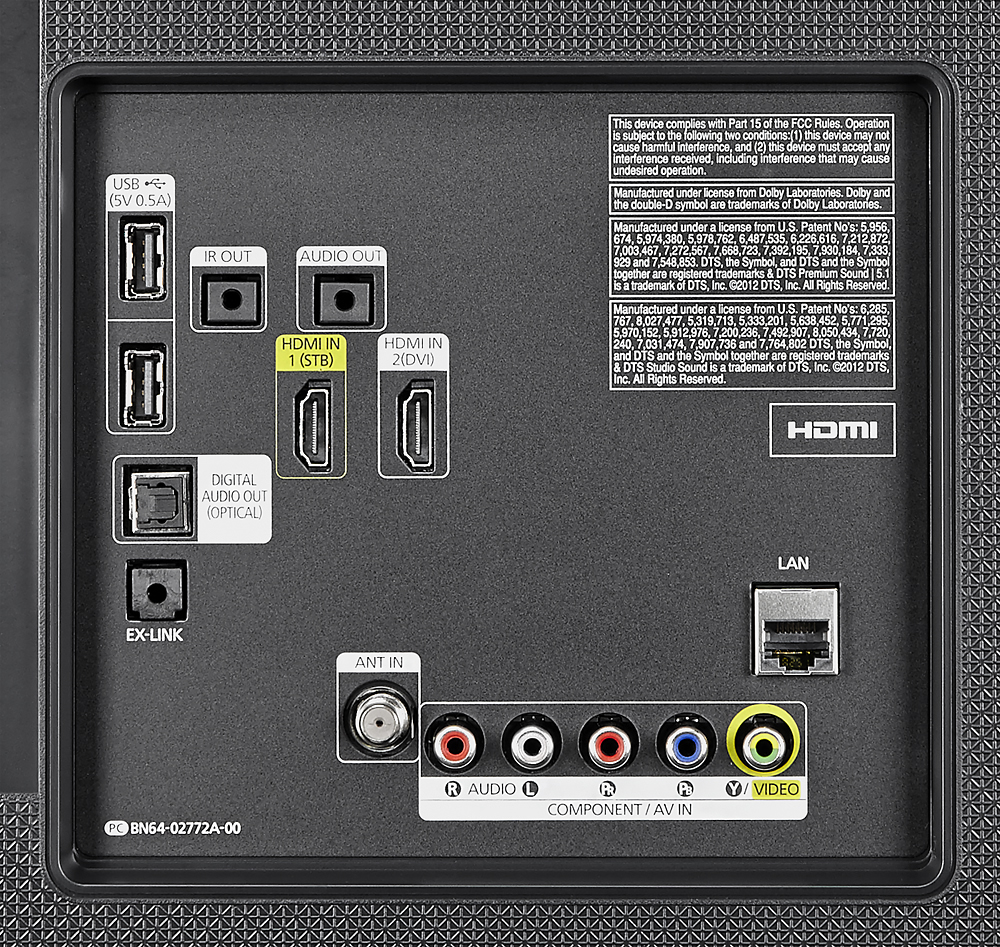
A:AnswerThere is an audio headphone jack so you can use any speaker with that type of plug in. You can also use the USB ports for the power source. I believe it has other options too, but my sound bar has a headphone plug in and it works great.
Side note, the stock sound is good on this TV. You may not need a sound bar.
A:AnswerI don't know where here is but I have two of these Samsung TV's one 40" bought last year and one 58" bought this year and the remotes are both the same.
A:AnswerI don't have a subscription to hbo go but the app is already on this model. as is Netflix, Hulu, and some others. there is also an option to search for other apps such as pandora. and those may be available for download to the TV. you will just need to connect the TV to your wifi, which is done during the setup process.
A:AnswerYes, if you press Menu on your remote, then go to the System submenu, and then select Time, you'll see options to set On Timers and Off Timers.