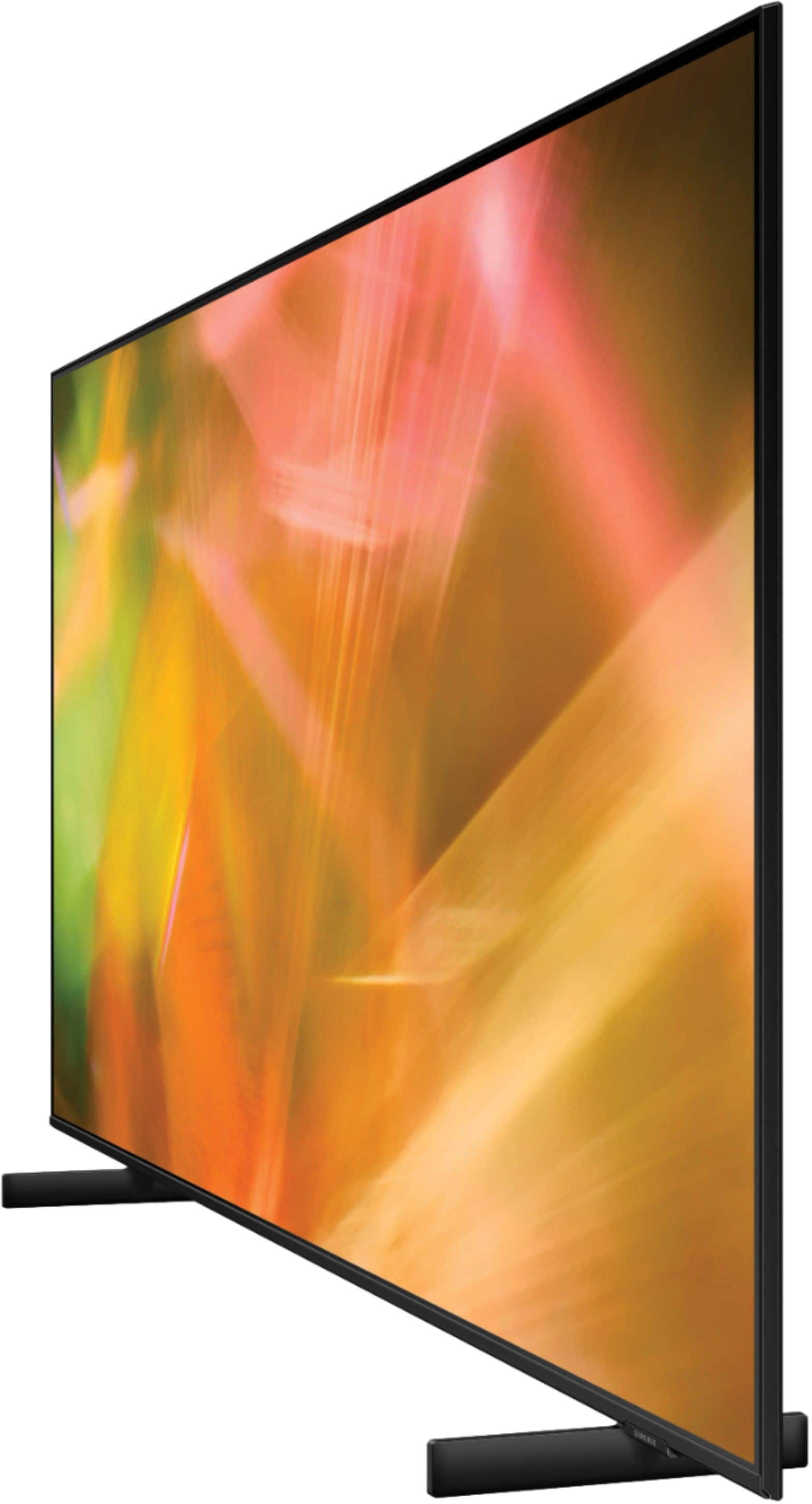
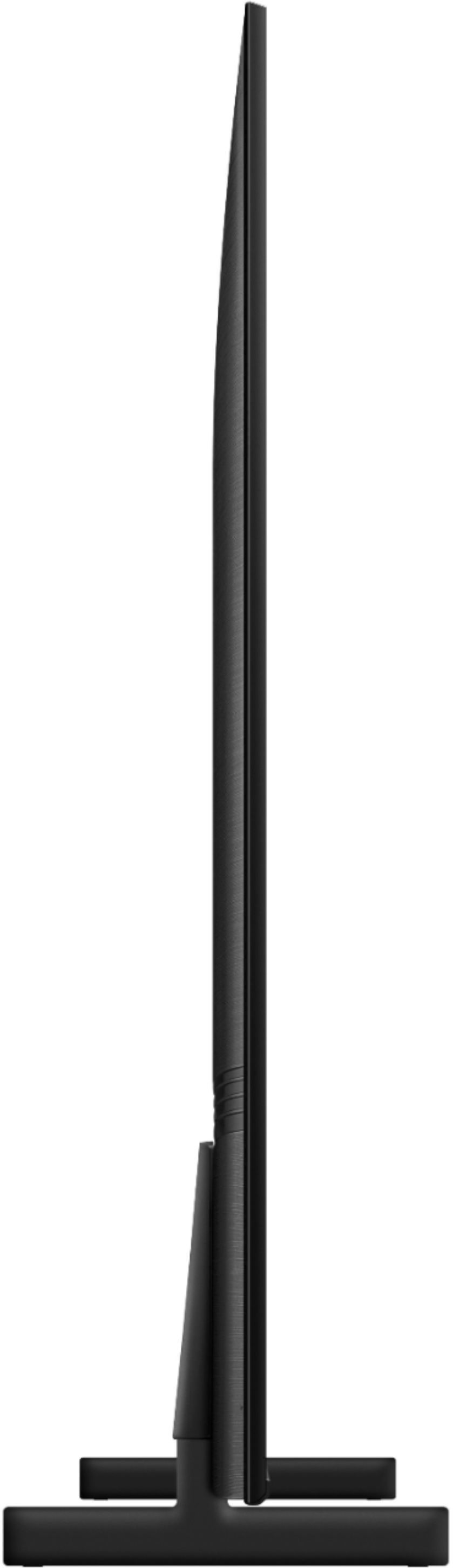
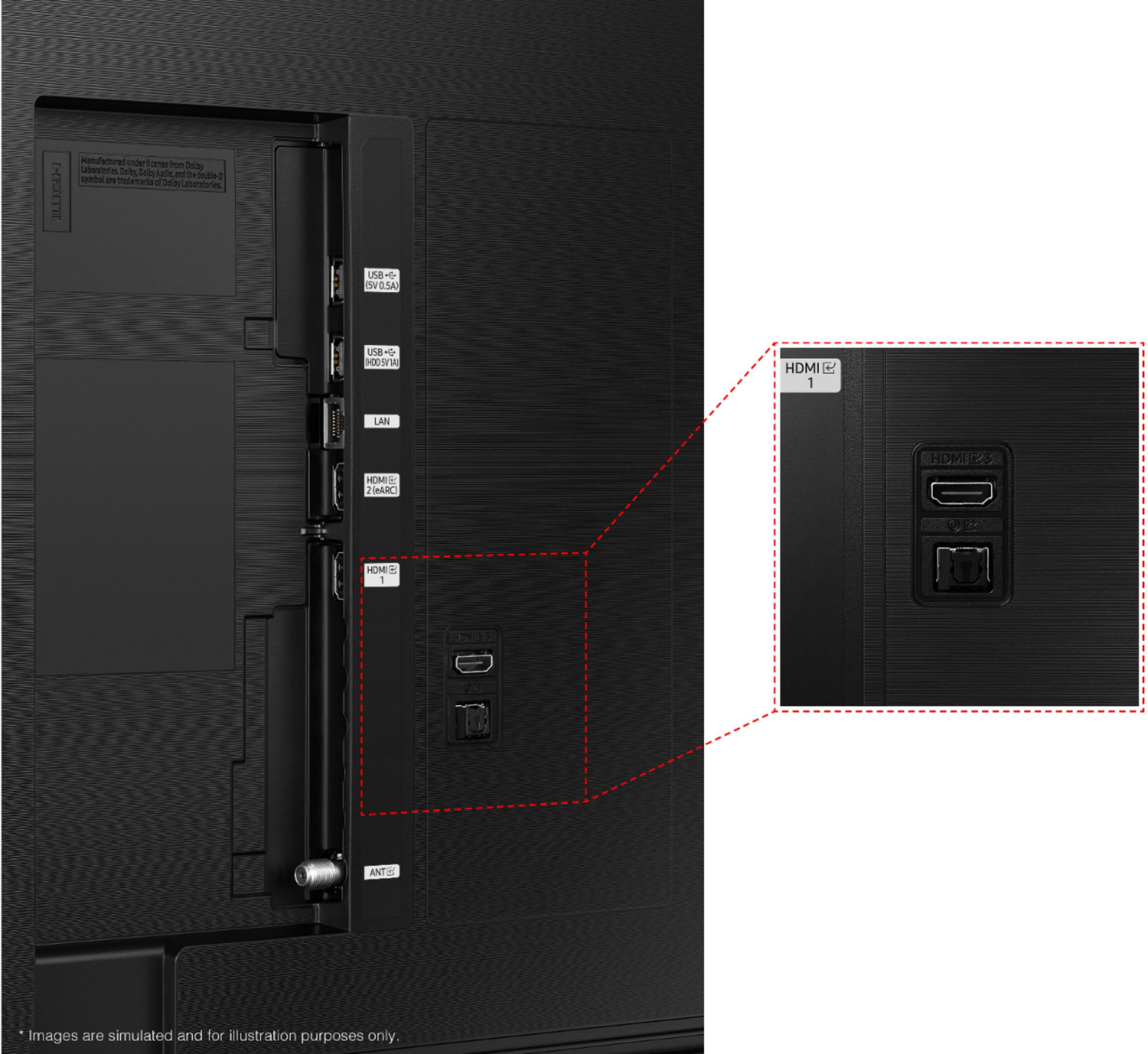
A:AnswerHi breds! Amazon Prime Video and Netflix both offer 4K streaming for select content, and come preinstalled on the AU8000. The TV will display in full 4K resolution if the content supports it and if the internet connection is strong enough to handle the high resolution. ^Tim
A:AnswerYes, it can be mounted flat against the wall depending on the wall bracket that you purchased. It does not come with a bracket to mount on the wall. Your best bracket to get for under $50 would be the Best Buy Essential full range universal mounting bracket.
A:AnswerI wear Phonak Audeo hearing aides and I use the Roger Connect mic. I set the mic under the tv and I can hear the sound at a volume setting of 6 when I need to keep things quite for my toddler when we put her to bed. In fact, I can hear the tv easier than anybody else in the house because of my hearing aides and the roger connect. To answer your question though, it depends on severity of hearing loss, and frequency range that has been lost. Also, if you experience tinnitus, that also affects your ability to hear at frequency and decibel range.
A:AnswerYes it does! But mine actually wouldn’t pick up some of the time. Would have to repeat over a few times while clicking button before it caught.
A:AnswerHi Pete! The AU8000 does not include a wall mount in the box. The 65" AU8000 features a VESA mounting pattern of 400 x 300 for compatibility with a wide range of wall mount solutions. To mount the TV you will need 4 M8 screws, 11-13mm length, 1.25mm pitch. ^Tim
A:AnswerHi Terry! You can turn Closed Captions on and change the settings such as separating it from the broadcast screen, font color, background color, size, position, language, etc. by going to: Settings > General > Accessibility > Caption Settings. The legs for the 65" AU8000 are spaced 42.7" apart. ^Tim
A:AnswerHi! The 65" AU8000 features IP control support for additional ways to control your TV. Alternatively, the included remote features the ability to control devices connected to the TV with Samsung's One Remote technology. You can even control the TV through the built in Bixby, Google Assistant, or Amazon Alexa. ^Tim
A:AnswerIt can be wall mounted. There are a lot of options out there, Chief Mfg being the highest rated and most common. I work for a company that sells and installs about 1000 TVs a year in schools and other environments. Even though some mounts are rated for the weight of this TV (it is light and thin for its size) it is larger than most mounts can handle. Remember that the larger size can also add leverage if you are pivoting this from a wall, so the weight is not the only factor. If you are flat mounting it, or tilt mounting it then just about any mount rated for the weight should be fine.
A:AnswerHi Charles! The AU8000 TV is backed with a limited 1-year manufacturer’s warranty when purchased brand-new from an authorized dealer. You can see the full details of the warranty here: https://www.samsung.com/us/support/service/warranty/UN65AU8000FXZA
^Tim