


Skip to contentGo to Product Search
Main Content

Questions & Answers

$549.99
Save $220
Comp. Value: $769.99
Page Showing 1-20 of 58 questions
  • QuestionAre there additional drying options available on this dryer?

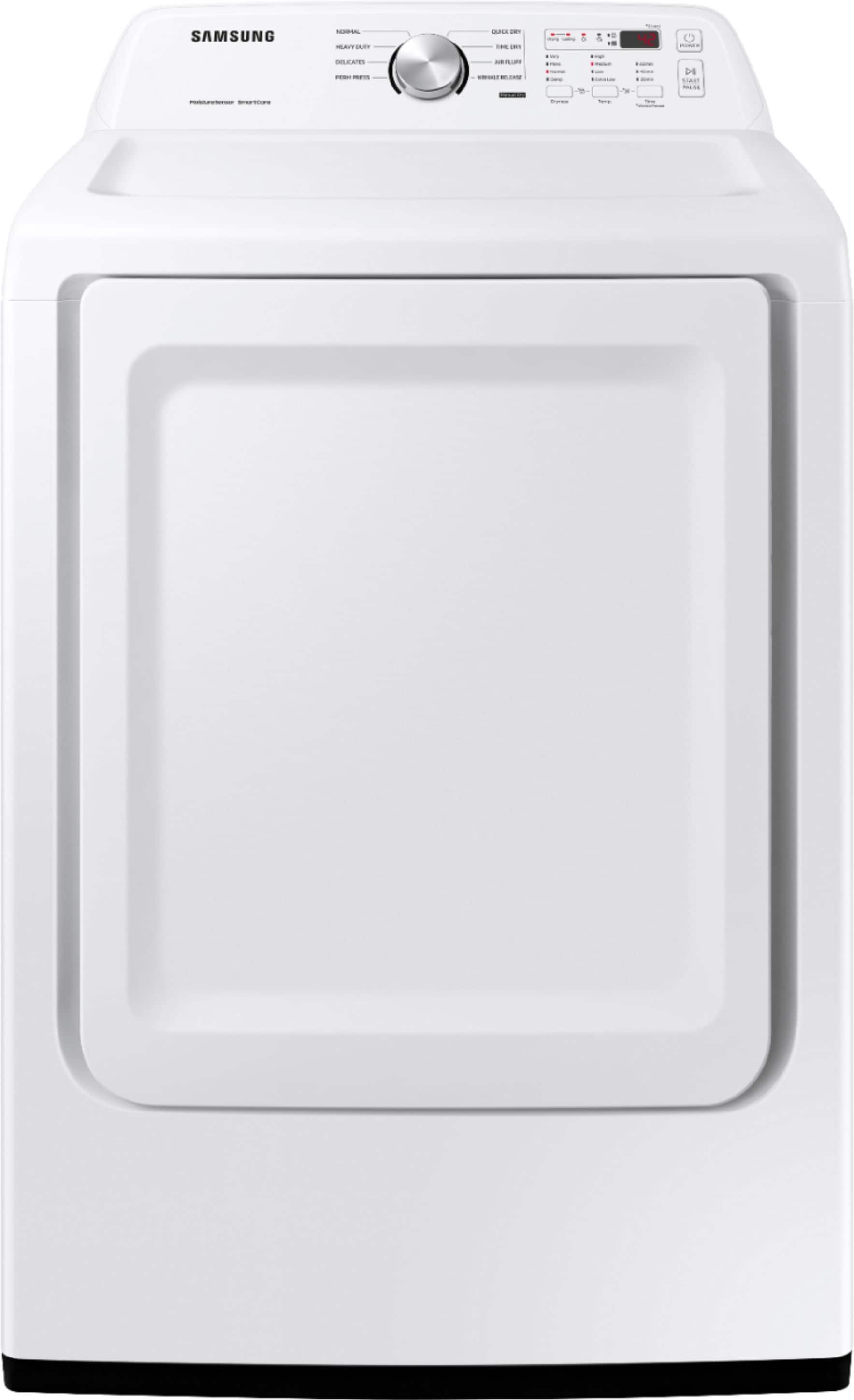
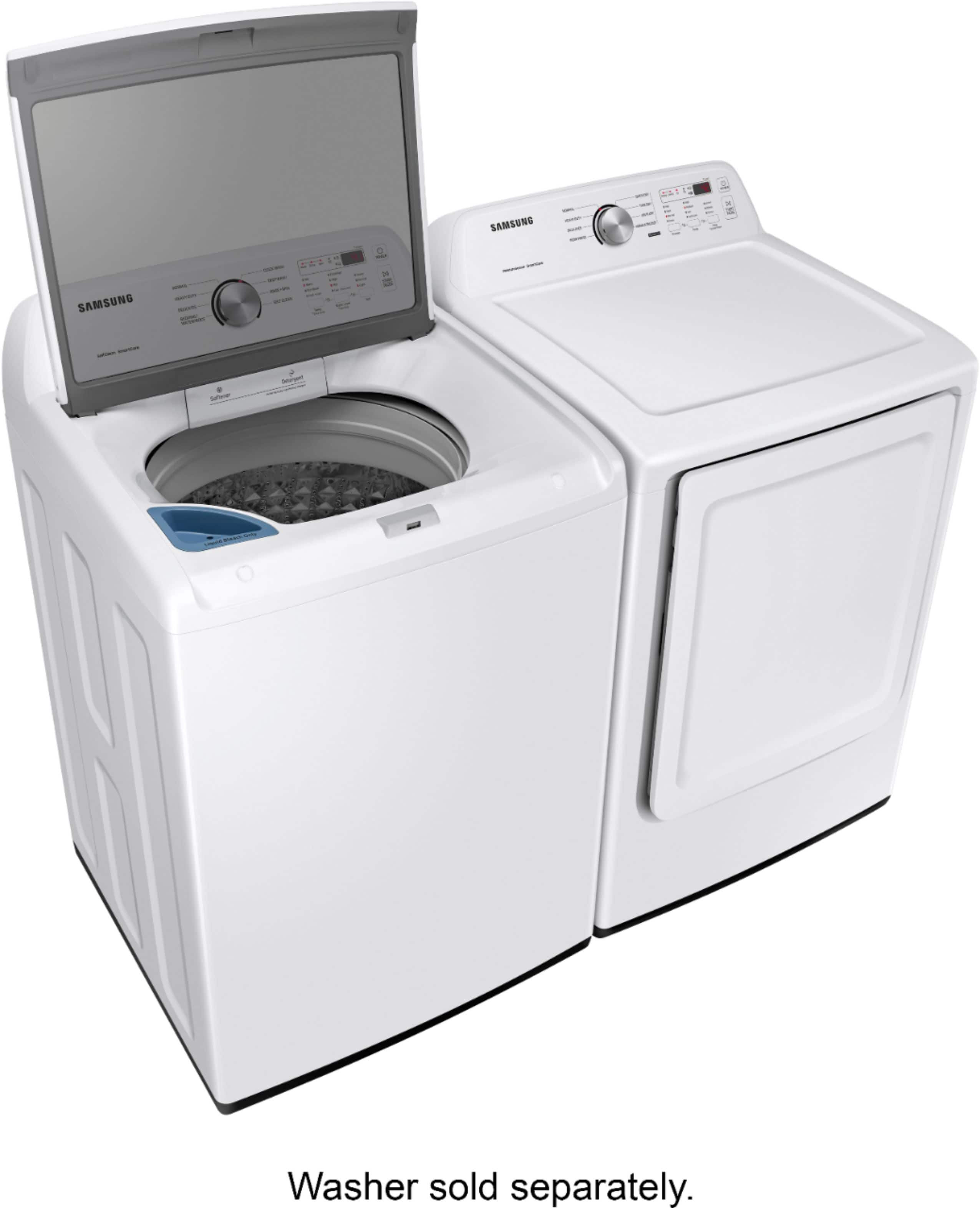
    • Answer Yes, there are 3 additional drying options available to provide optimal care for all fabric types.
    This question and answer was generated by AI based on customer and product data.

  • QuestionDoes this dryer have a moisture sensor?

    • Answer Yes, this dryer comes with a moisture sensor.
    This question and answer was generated by AI based on customer and product data.

  • QuestionHow many drying cycles does this Samsung dryer have?

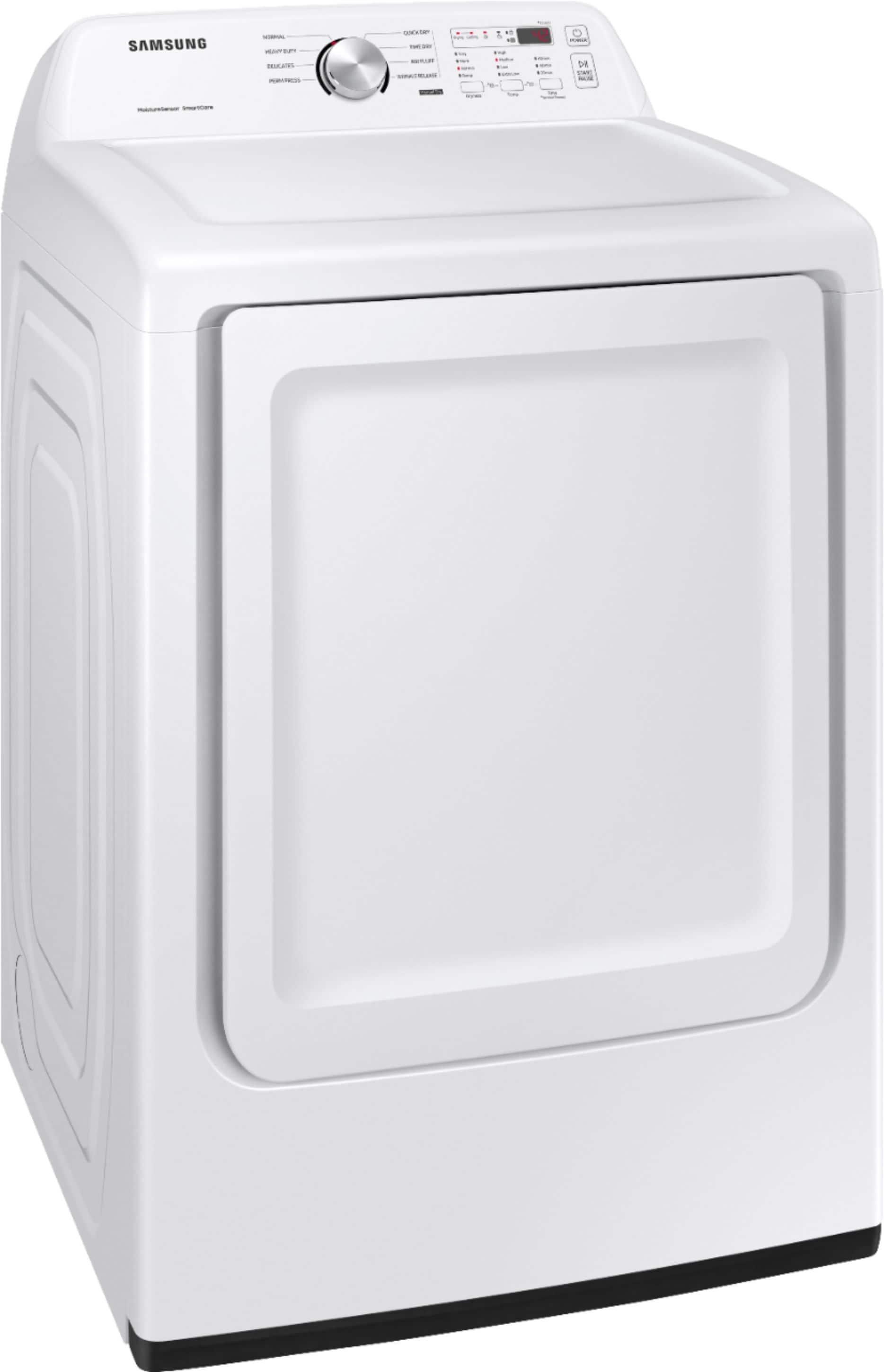
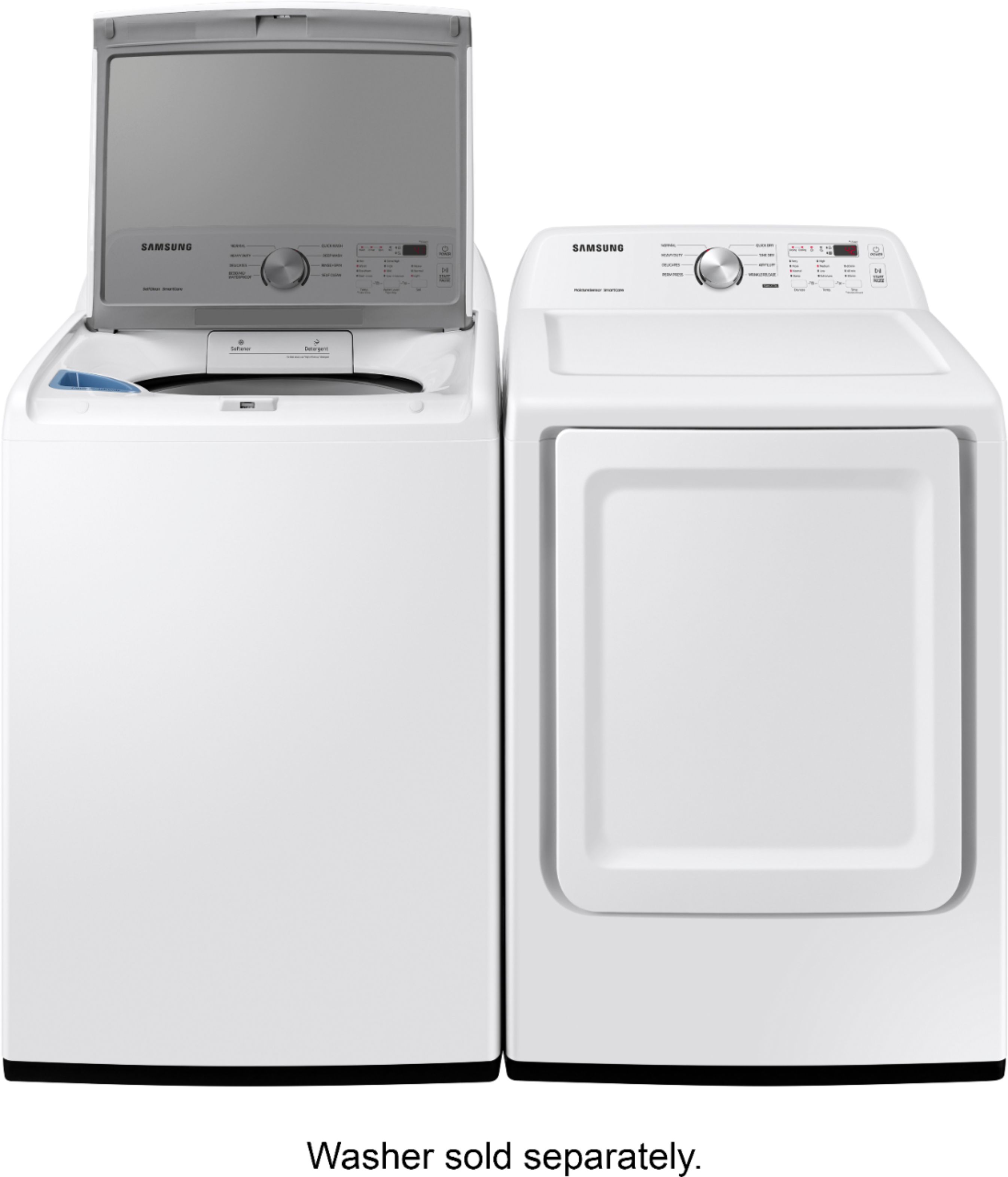
    • Answer This Samsung dryer has 8 preset drying cycles.
    This question and answer was generated by AI based on customer and product data.
  • QuestionWhat is the drum of the dryer made of?

    • Answer The dryer drum is made of anodized steel.
    This question and answer was generated by AI based on customer and product data.
  • QuestionWhat is the capacity of this dryer?

    • Answer The dryer has a capacity of 7.2 cubic feet.
    This question and answer was generated by AI based on customer and product data.
  • QuestionDoes the dryer have a delay start function?

    • Answer Yes, the dryer has a delay start feature.
    This question and answer was generated by AI based on customer and product data.
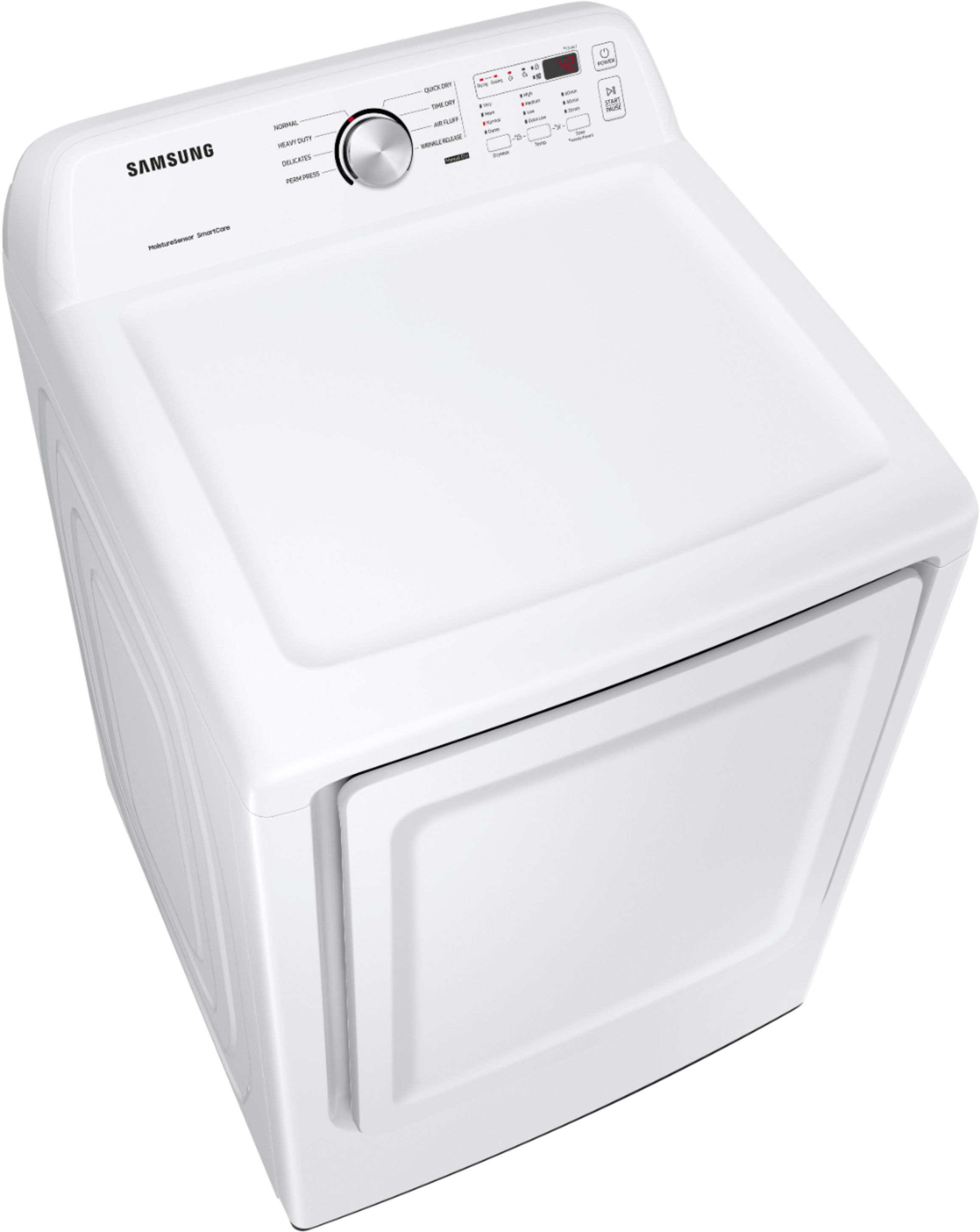
  • QuestionHow do you activate the wrinkle prevent function? The words appear below the three time buttons but there is no specific button for wrinkle prevent. I've tried all combinations of buttons, holding for three seconds, etc. but nothing seems to work

    Asked by ToddR.

    • Answer I'm happy to help, Todd! To select the Wrinkle Prevent feature, first select the type of cycle you wish to run. Next, select any other changes to the settings, then press and hold only the "Time" button for approximately 3 seconds. Now you can start the cycle. Once the cycle is complete and the clothes are dry, the Wrinkle Prevent cycle will begin. This cycle intermittently tumbles the clothes in unheated air for up to 180 minutes. ^Jecca

      Answered by Samsung

  • QuestionDoes this dryer have a 3 prong or 4 prong connection?

    Asked by Liz.

    • Answer A 3 prong

      Answered by Anonymous

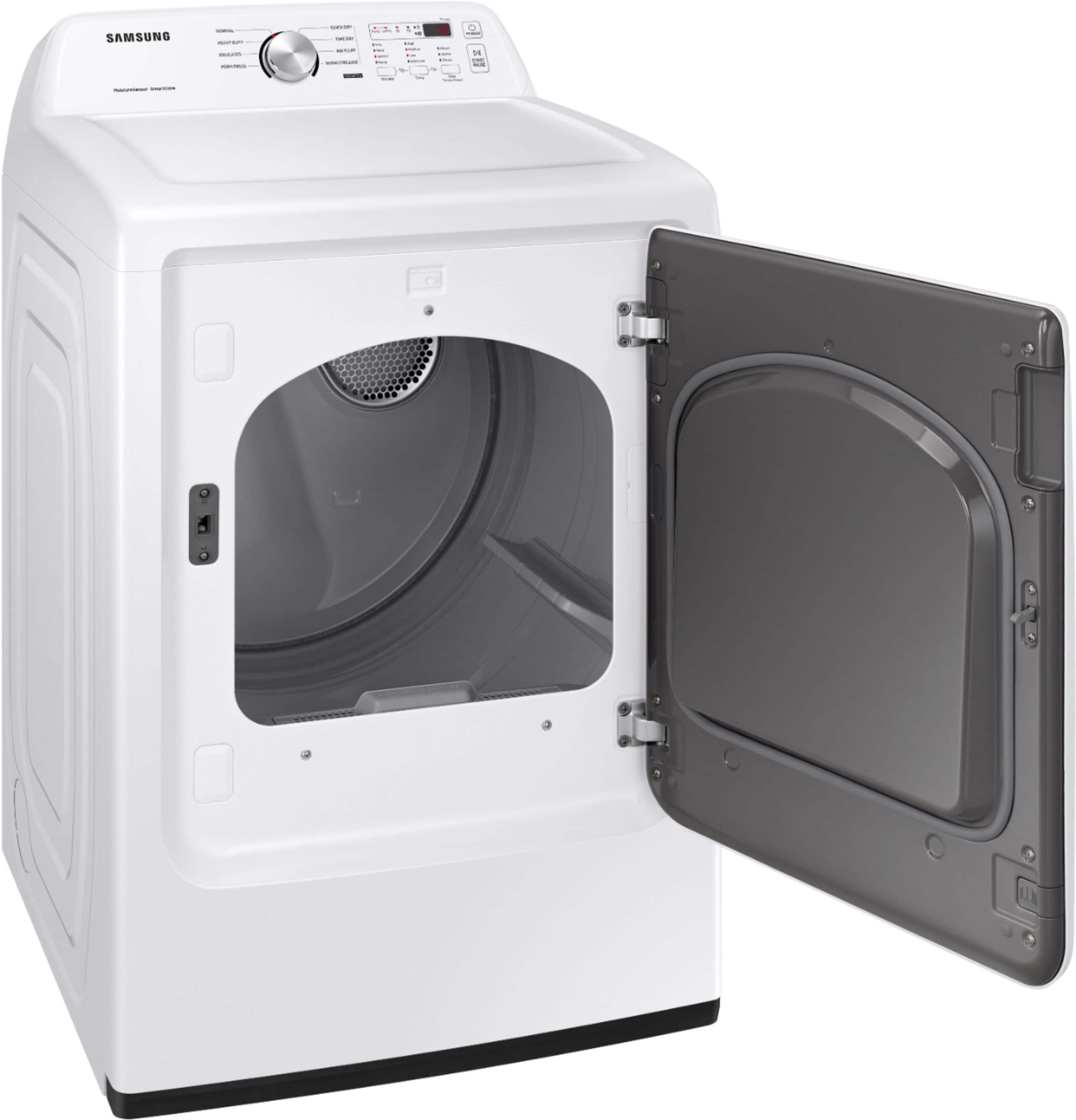
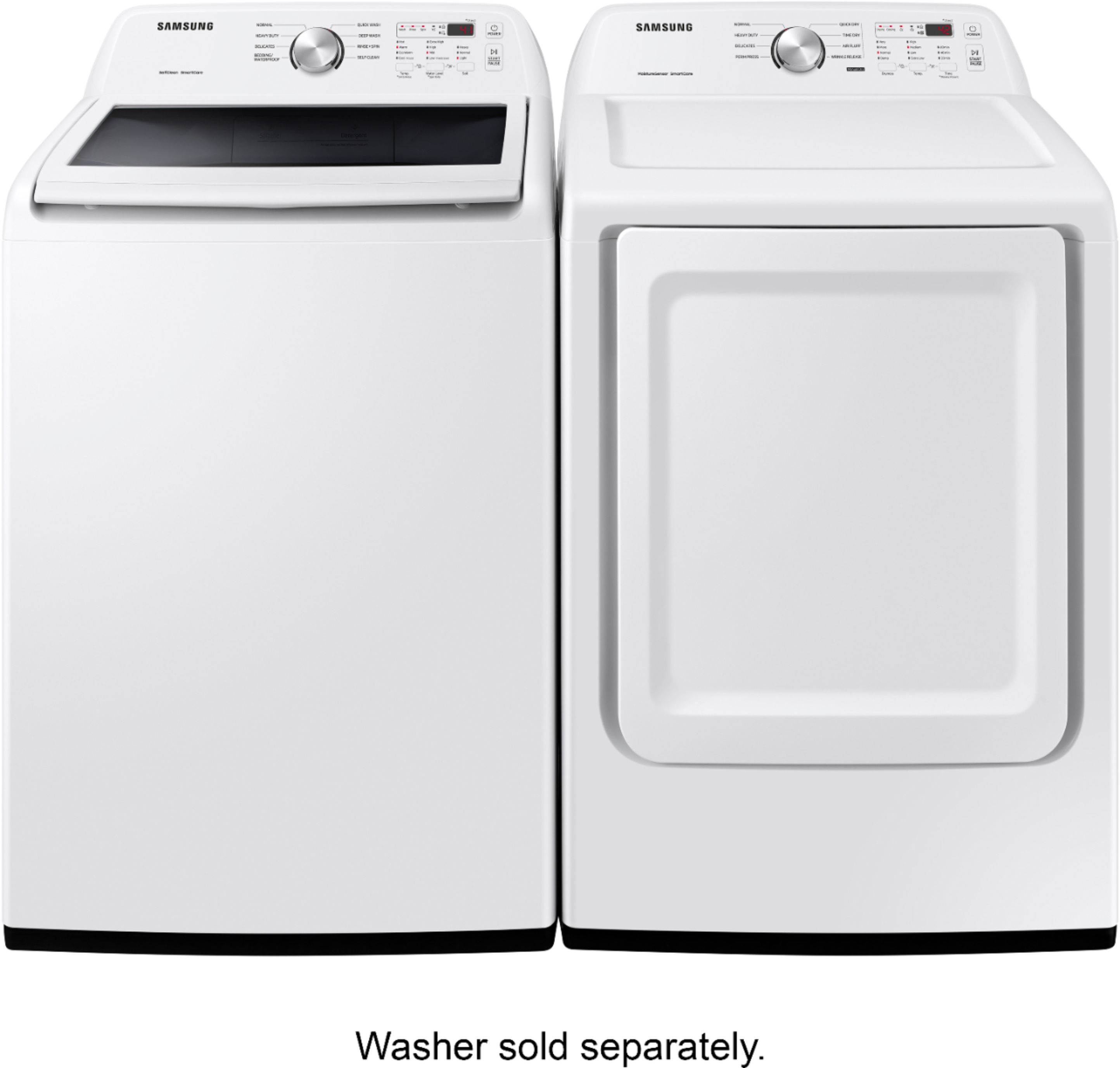
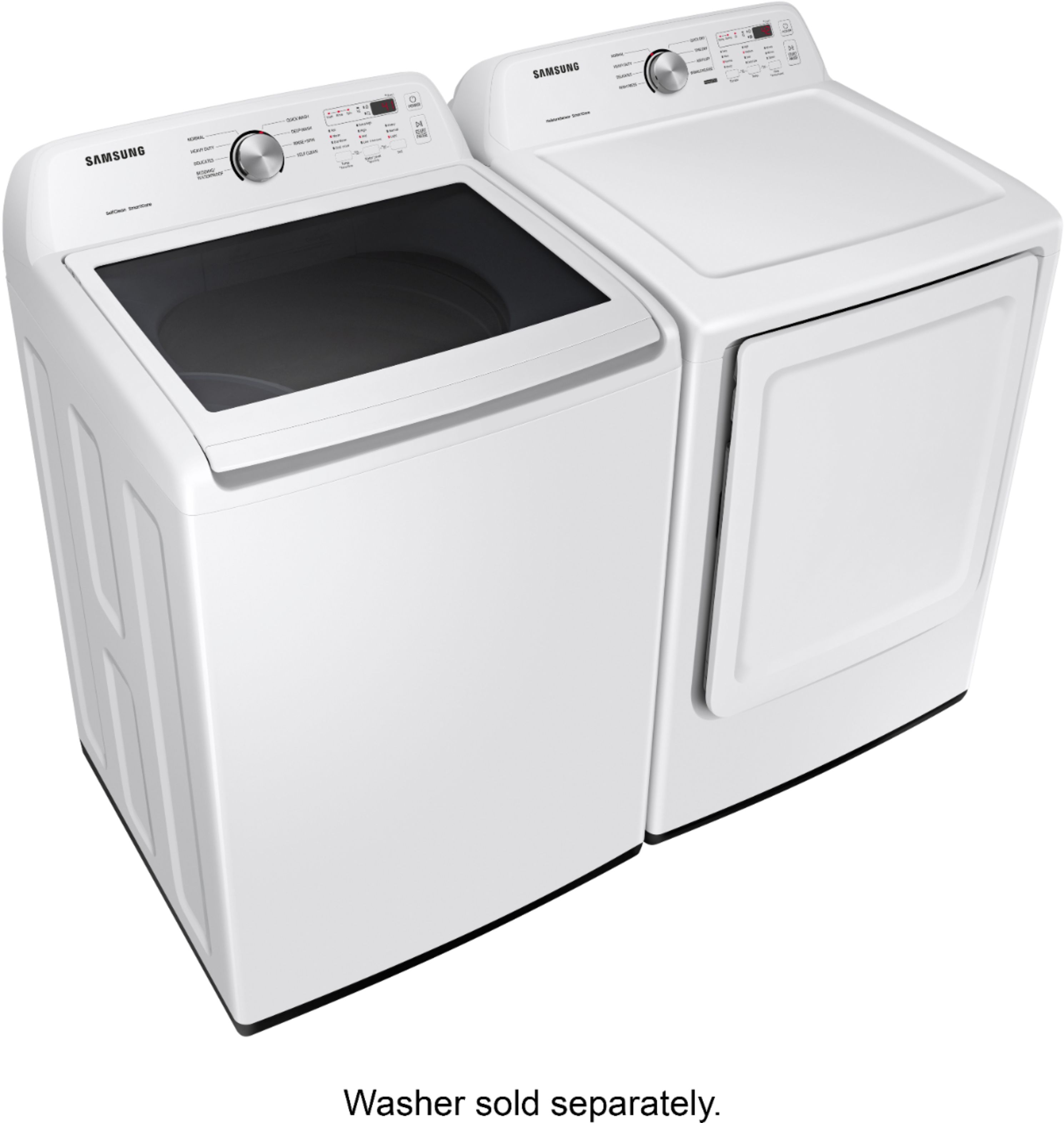
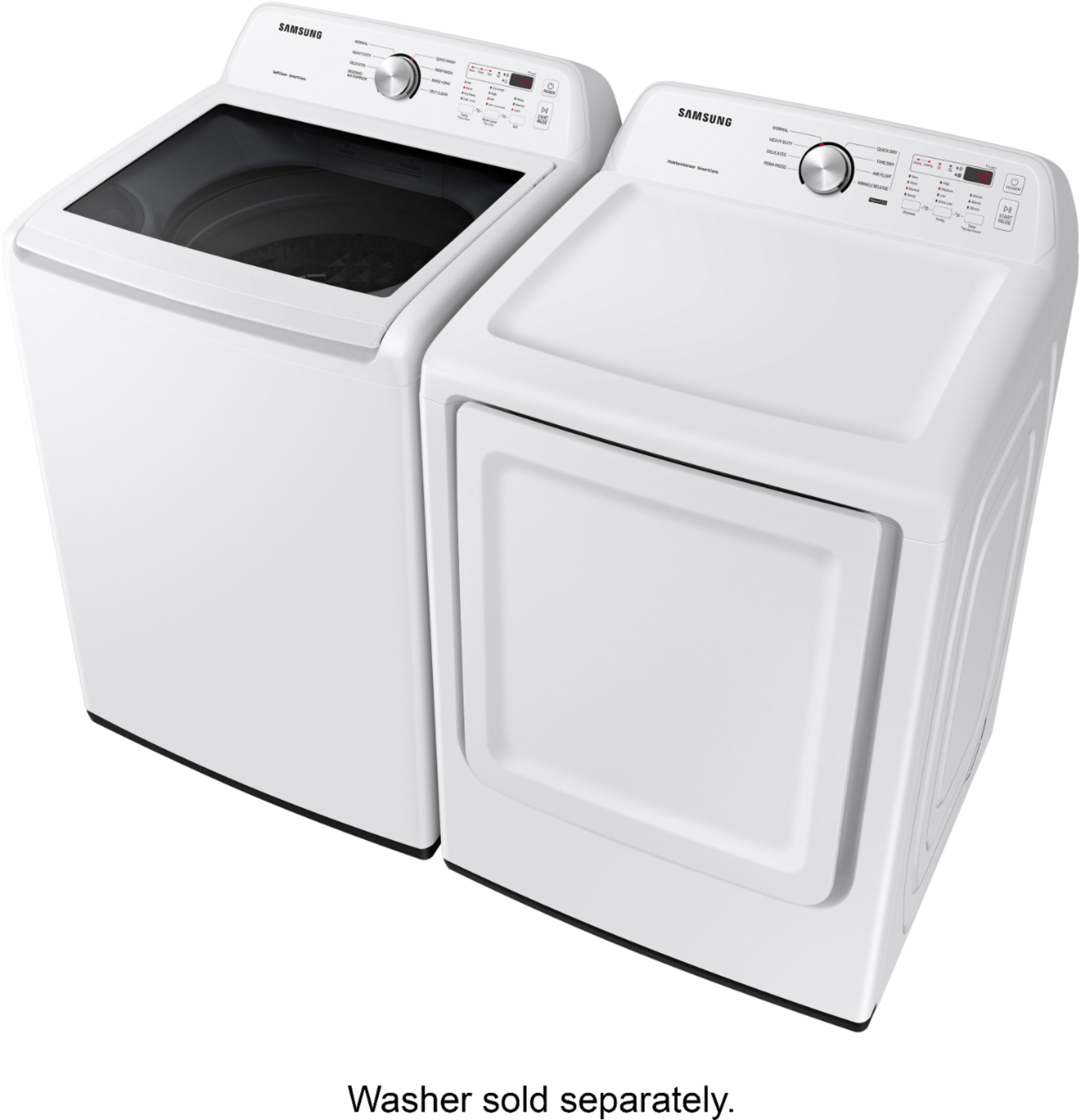
  • QuestionMy washer is to the right of the dryer. Can the door to the dryer be hinged on the left side to open?

    Asked by Terri.

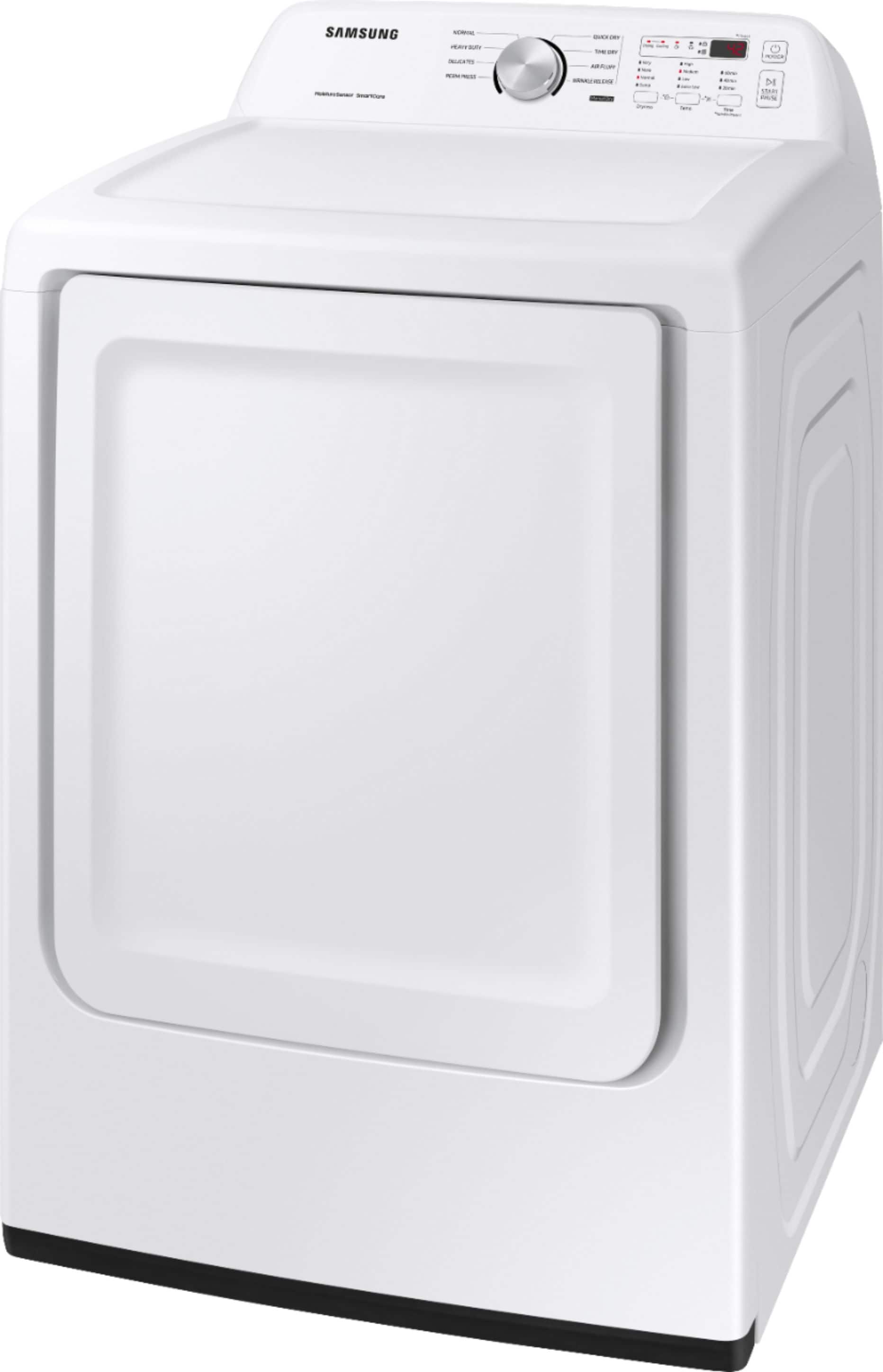
    • Answer Yes the door can be changed to open the other way. I needed to do that on mine. It’s a few screws and took me about 30 minutes.

      Answered by Anonymous

  • QuestionWill a king size comforter fit inside

    Asked by Chloe.

    • Answer A simple YES Triarn

      Answered by Triarn

  • QuestionDryer vent location? Rear left? Rear middle? Rear right? I am looking for a Rear left

    Asked by Kitty.

    • Answer Rear left if your looking at the front of the dryer

      Answered by Vix14

  • QuestionDoes this dryer have a stainless steel drum?

    Asked by Anne.

    • Answer Hi there, I understand you are curious about the drum material. I can answer that for you. The Drum Material is Powder Coat (Grey) steel. Thank you for choosing Samsung. ^Brad

      Answered by Samsung

  • QuestionDoes the dryer door open more than 90 degrees? Mine only opens 90degrees and it is tight. I think it should open farther?

    Asked by kat.

    • Answer You’re correct the door doesn’t open flat!! Crazy design as well as the lint catcher!!

      Answered by user149711

  • QuestionWhat are the 8 dry cycles for this model and the 10 cycles for Model:DVE50R5200W/A3

    Asked by TNC.

    • Answer Hi TNC. Thank you for reaching out regarding your Samsung - 7.2 Cu. Ft. Electric Dryer with 8 Cycles and Sensor Dry on what are the 8 dry cycles for this model and 10 cycles for 7.4 cu. ft. Electric Dryer with Sensor Dry. Regarding your concern, here are the details for the dryer cycles. Samsung 7.2 cu. ft. Electric Dryer with Sensor Dry 1. Sensor Drying Cycles: •Normal •Heavy Duty •Permanent Press •Delicates 2. Manual Drying Cycles: •Time Dry •Air Fluff •Quick Dry •Wrinkle Release Samsung 7.4 cu. ft. Electric Dryer with Sensor Dry 1. Sensor Drying Cycles •Normal •Heavy Duty •Permanent Press •Bedding •Delicates •Sanitize 2. Manual Drying Cycles •Time Dry •Air Fluff •Quick Dry •Wrinkle Release Here are the links to further assist you with the full specs, features, and dimensions. Samsung 7.2 cu. ft. Electric Dryer with Sensor Dry https://www.samsung.com/us/home-appliances/dryers/electric/7-2-cu--ft--electric-dryer-with-sensor-dry-in-white-dve45t3200w-a3/#specs Samsung 7.4 cu. ft. Electric Dryer with Sensor Dry https://www.samsung.com/us/home-appliances/dryers/electric/dv5200-7-4-cu--ft--electric-dryer-with-sensor-dry-dve50r5200w-a3/#specs Should you need more assistance, please feel free to get back to us via the following options: 1. Facebook Messenger: http://m.me/samsungsupport 2. Twitter: https://twitter.com/messages/compose?recipient_id=18768513 3. Samsung Community: https://us.community.samsung.com/t5/Samsung-Community/ct-p/us Thank you for being a valued customer of Samsung. Have a great day. Reference Ticket Number: 1144321718 ^Camille

      Answered by Samsung

  • QuestionIs this dryer 120 volts? Please let me know, I order one before and in specifications is read 120 volts, but received a 240 instead. I need 120 volts electric dryer

    Asked by Mio.

    • Answer This is a 240. You need the proper electric run from electric box. If only 120 available.this item will not work for you

      Answered by ABestBuyatBestBuy

  • QuestionIs the tub interior lighted?

    Asked by Anonymous.

    • Answer No light inside

      Answered by Digdug

  • QuestionWasher and dryer pair I purchased both have a QR code on top front right corner which book says I should be able to connect to SmartThings app. When I scan the codes it says each appliance isn’t supported. How do I find out full features?

    Asked by bmbutler.

    • Answer Hi BM Butler, We understand how this can feel confusing, especially when QR codes and app references suggest added connectivity. It’s completely reasonable to expect SmartThings access when you see those indicators on a new appliance. To clarify the distinction, SmartThings and Smart Care serve very different purposes. SmartThings allows compatible appliances to connect to Wi Fi and be monitored or controlled through the SmartThings app. This dryer is not equipped with SmartThings capabilities and does not support remote connectivity or control. What the dryer does include is Smart Care. Smart Care is a built-in diagnostic feature that helps identify error codes or performance alerts. Using the Samsung Smart Washer Dryer app, you can scan the dryer’s display to receive guidance on what the code means and what steps to take next. It’s designed to provide quick support information rather than smart home integration. While SmartThings is not available on this model, Smart Care is fully supported and offers helpful insight when the dryer needs attention. I have shared this model's user manual link below for comprehensive information on its features and functions. https://downloadcenter.samsung.com/content/UM/202512/20251202145331314/DC68-03784N-05_IB_DV3200T_EN.pdf Should you need more assistance with the dryer, please feel free to get back to us via the following options: 1. Facebook Messenger: http://m.me/samsungsupport 2. Twitter: https://twitter.com/messages/compose?recipient_id=18768513 3. Samsung Community: https://us.community.samsung.com/t5/Samsung-Community/ct-p/us When you message us, please provide us with this reference number 1152018716 to help our team pull up your information. Leo

      Answered by Samsung

  • QuestionWhy does your user manual not give any information on the buttons or options of what they do? INCREDIBLY frustrating.

    Asked by bmbutler.

    • Answer Hi BM Butler, I completely understand how frustrating that experience feels, especially when you are standing in front of a new dryer and just want clear explanations of what each button does. From Samsung’s point of view, the booklet included in the box is meant to help you get up and running quickly and to point you to safety and installation details right away. It is designed as a start-up guide rather than a full reference. The complete user manual with full explanations for every setting and feature is available online, so it can stay fully up to date and easy to access on any device. For ease of access, I have shared this model's user manual link below. https://downloadcenter.samsung.com/content/UM/202512/20251202145331314/DC68-03784N-05_IB_DV3200T_EN.pdf Should you need more assistance with the dryer, please feel free to get back to us via the following options: 1. Facebook Messenger: http://m.me/samsungsupport 2. Twitter: https://twitter.com/messages/compose?recipient_id=18768513 3. Samsung Community: https://us.community.samsung.com/t5/Samsung-Community/ct-p/us When you message us, please provide us with this reference number 1152019397 to help our team pull up your information. Leo

      Answered by Samsung

  • QuestionIs the dryer energy efficient

    Asked by Joker.

    • Answer Yes

      Answered by SalvadorF

  • Questiondo I need to by electric cord separately?

    Asked by 33bogat.

    • Answer Yes

      Answered by Ellen