A:AnswerHi Bob,
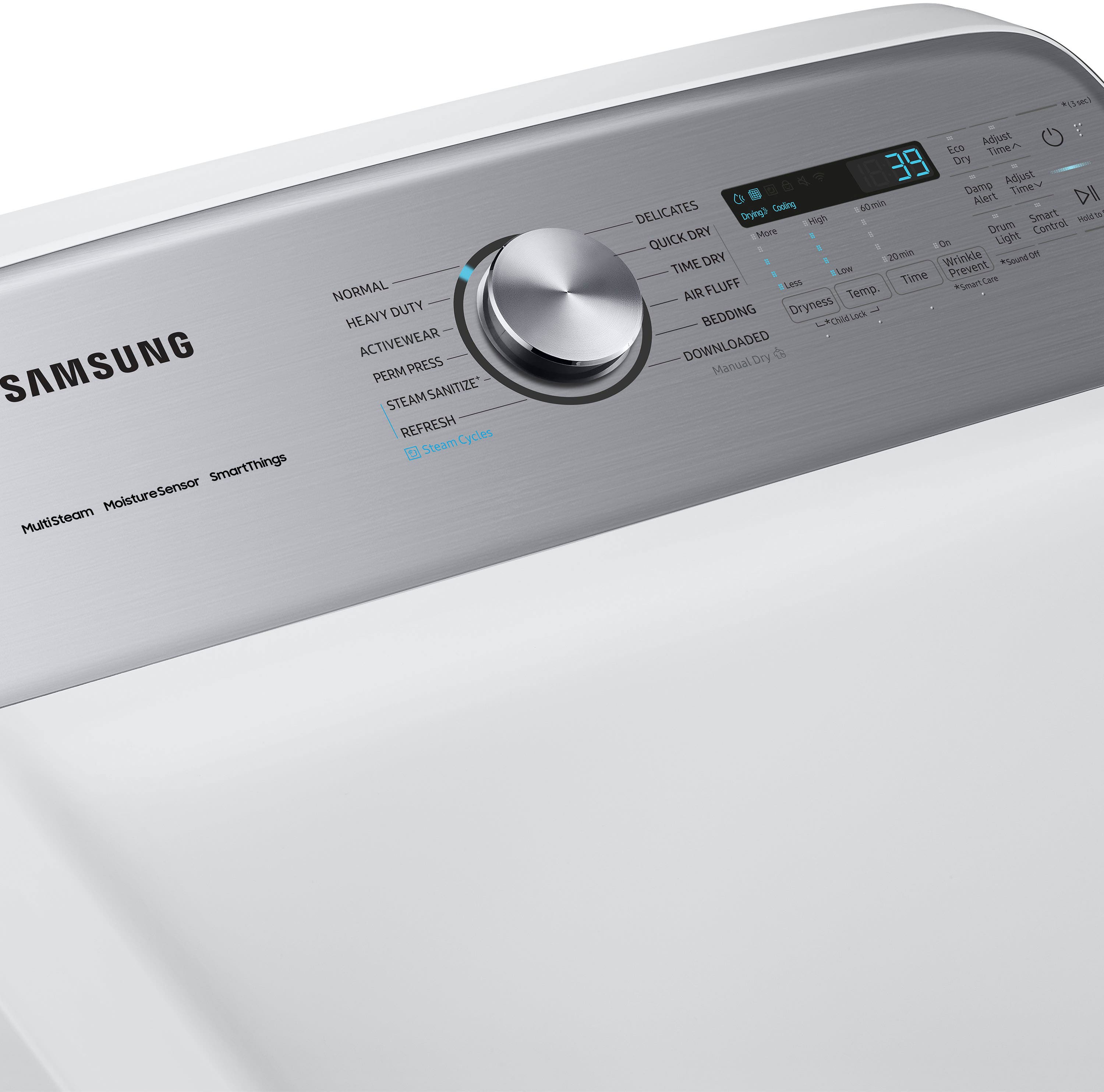
Yes, this dryer model can be started remotely via the Samsung SmartThings App. This feature is available for both the washer and dryer models in this series.
Have a great day.
-John
A:AnswerHello Elle,
It is not recommended to use an extension cord on this dryer model.
We'd love to speak with you to provide further assistance. These are the platforms on which you can reach us:
1. Facebook Messenger: http://m.me/samsungsupport
2. Twitter: https://twitter.com/messages/compose?recipient_id=18768513
3. Samsung Community: https://us.commuity.samsung.com/t5/Samsung-Community/ct-p/us
4. Samsung Customer Care: 1-800-7267864 (1800-SAMSUNG)
Please provide us with this reference number (1150675437) when you message us so our team can retrieve your information.
Thank you.
-Kimberly
A:AnswerGreetings!
Yes, this Samsung dryer model is covered by a limited warranty. For full details, please refer to the user manual linked below. The warranty information can be found on pages 60 to 62.
Leo
A:AnswerGreetings!
Yes, the Wi-Fi that enables the Smart features on this Samsung dryer model can be turned off. To turn the Wi-Fi off on this dryer model, please visit the user manual link shared below and turn to page 13.
https://downloadcenter.samsung.com/content/UM/202410/20241015032053189/DC68-03784S-04_IB_DV7000_EN_MES_240910.pdf
Should you have additional questions, please feel free to get back to us via the following options:
1. Facebook Messenger: http://m.me/samsungsupport
2. Twitter: https://twitter.com/messages/compose?recipient_id=18768513
3. Samsung Community: https://us.community.samsung.com/t5/Samsung-Community/ct-p/us
When you message us, please provide us with this reference number 1149507180 to help our team pull up your information.
Leo
A:AnswerHello there,
Yes, the maximum length is 80 ft. (24.4 m) with no 90-degree turn and 47 ft. (14.3 m) with three 90-degree elbow turns.
Have a great day.
^Charles
A:AnswerHi Laurie,
We are glad to answer your question about this Samsung dryer model.
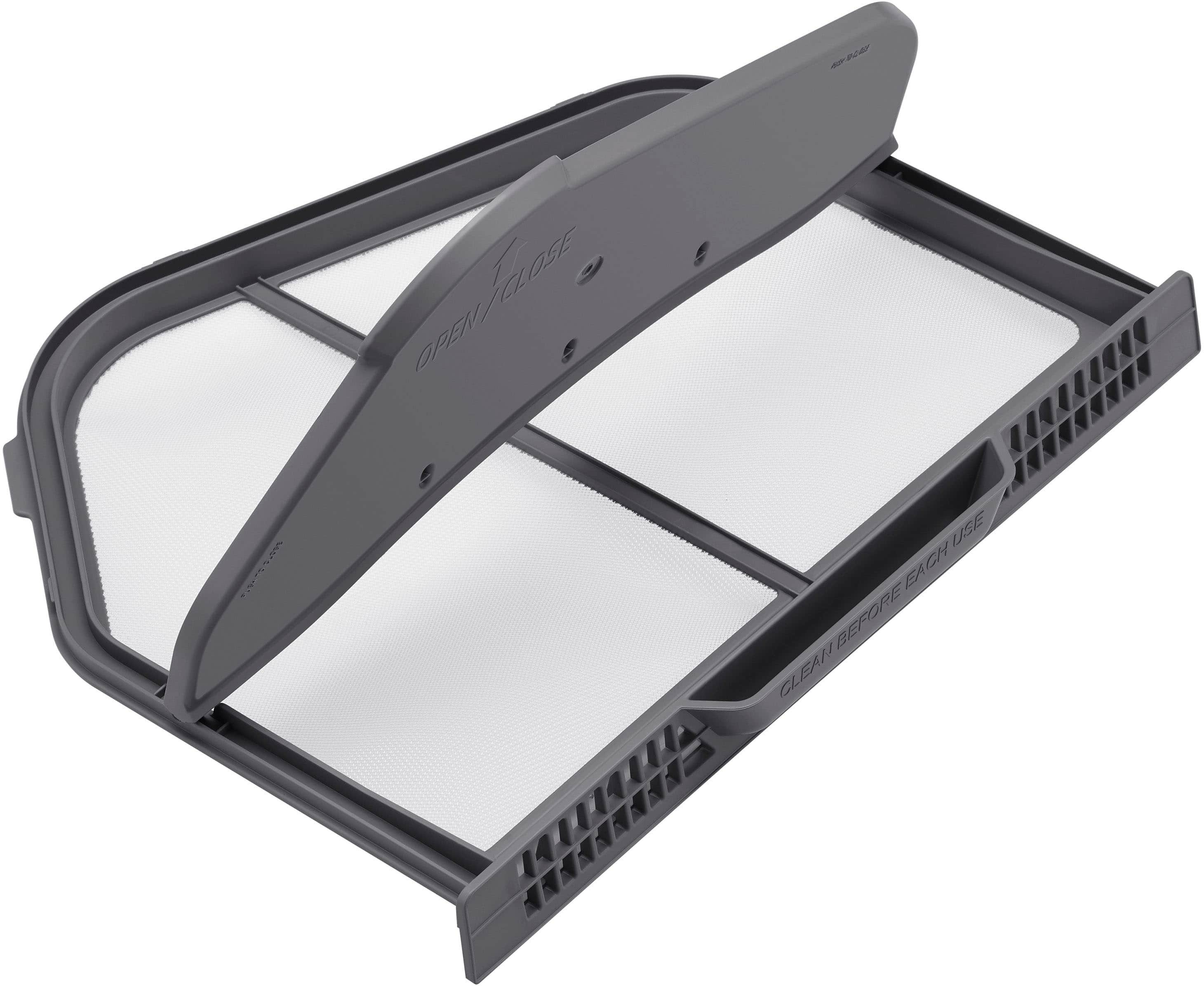
You can check the availability of a compatible lint filter for your dryer model on the website of our authorized distributor for parts and accessories shared below. Once it is available, you can purchase it online via the parts website.
https://samsungparts.com/pages/supports
Leo
A:AnswerHi there,
We are happy to help you with your dryer.
We would like to speak to you directly to gather more information and see how we can effectively assist you.
Please feel free to get back to us the soonest via the following options:
1. Facebook Messenger: http://m.me/samsungsupport
2. Twitter: https://twitter.com/messages/compose?recipient_id=18768513
3. Samsung Community: https://us.community.samsung.com/t5/Samsung-Community/ct-p/us
When you message us, please provide us with this reference number (1147846378), to help our team pull up your information.
Have a great day!
^Rodel
A:AnswerHi there,
Thank you for sharing your experience with the Samsung DVE52A5500W/A3 dryer. I'm here to provide clarity and assist with resolving the concern you described.
The behavior you're noticing, where the dryer cycle time drops from 38 minutes to 1 minute and turns off, could be linked to the moisture sensors detecting that the load is already dry. This often happens when the dryer determines that the humidity level is too low for additional drying. To address this, you can try the following steps:
Check the Load Size and Material:
Ensure the load size isn't too small or made of lightweight fabrics, as these may dry faster than expected. For very small loads, consider adding a few damp items to help the sensors work more accurately.
Clean the Moisture Sensors:
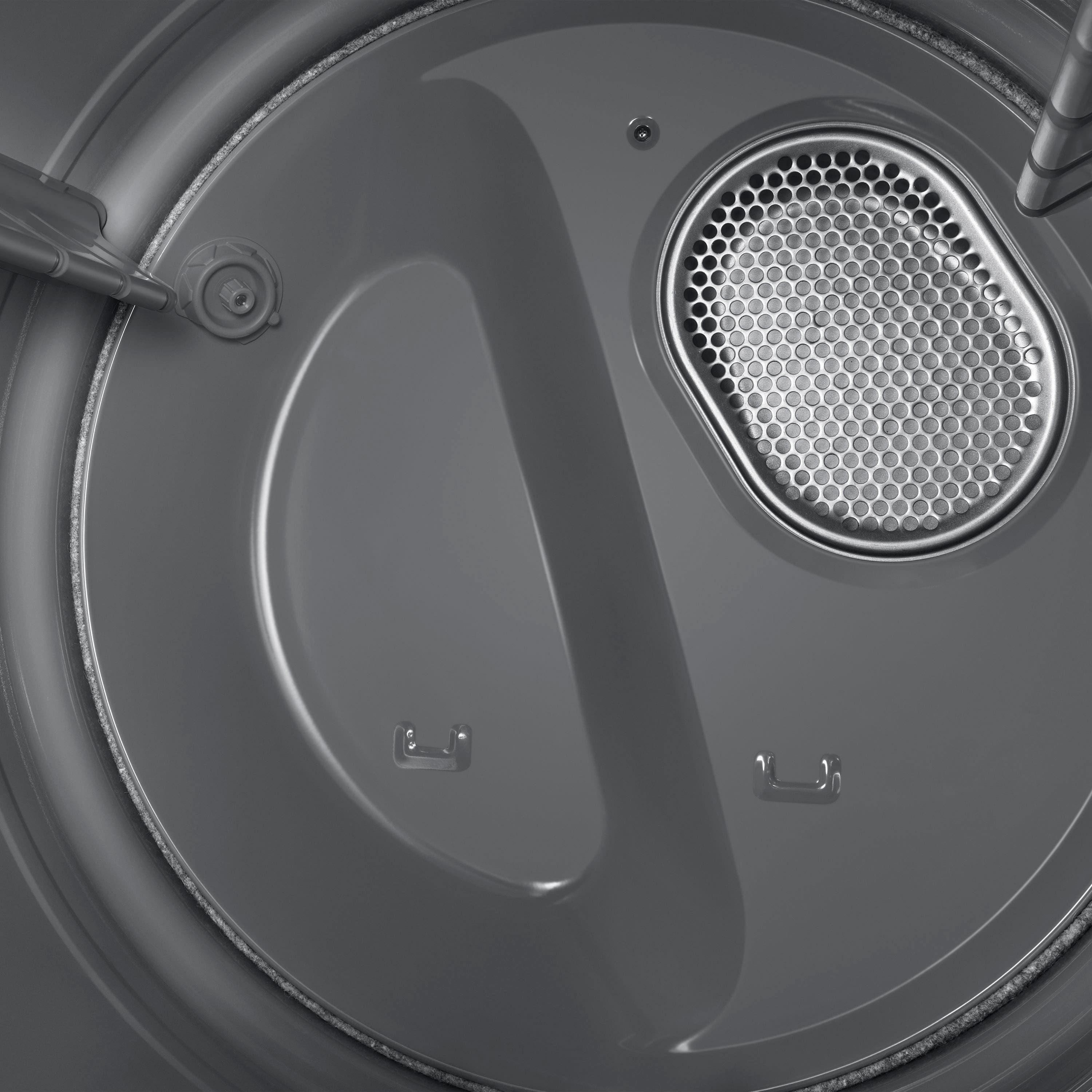
Residue from fabric softeners or dryer sheets can build up on the sensors and affect their accuracy. Locate the moisture sensors inside the drum (usually near the lint filter) and gently clean them with a soft cloth and mild soap.
Use Time Dry Mode:
If you prefer manual control, switch to the Time Dry mode to set a specific drying duration instead of relying on automatic sensor adjustments.
For detailed guidance on using and maintaining your dryer, please refer to the user manual, starting on page 36 in the section titled "Dryer Cycles and Settings." You can access the manual here: Samsung DVE52A5500W/A3 Manual.
https://downloadcenter.samsung.com/content/UM/202410/20241015032053189/DC68-03784S-04_IB_DV7000_EN_MES_240910.pdf
To help resolve issues with your washer, please follow the link, hyperlinks, and watch the instructional video. If the problem persists after completing the recommended steps, click on "NO, I NEED MORE HELP" for further assistance.
Samsung dryer will not turn off or stop spinning https://www.samsung.com/us/support/troubleshooting/TSG01001990/
Samsung Dryer turns on but will not start or spin. https://www.samsung.com/us/support/troubleshooting/TSG01001987/
Should you need more assistance, please feel free to get back to us via the following options:
1. Facebook Messenger: http://m.me/Samsungsupport
2. Twitter: https://twitter.com/messages/compose?recipient_id=18768513
3. Samsung Community: https://us.community.Samsung.com/t5/Samsung-Community/ct-p/us
When you message us, please provide us with this reference number (1147746681) to help our team gather your information.
Have a great day.
^Charles
A:AnswerHi Mary,
Yes, to better assist you with this matter about the installation offers we have for this dryer model, please contact Best Buy customer service department at P. (888) 237-8289 H. 24 hours a day.
They can either answer your question or transfer you to your local store to answer your specific concern.
-Kimberly
A:AnswerYou receive a splitter that you tie into your water line for the washer. There is a connection on the backside of the dryer just like your washer has.