A:AnswerIt’s difficult to answer. My last dryer had to replace the heating element around the 7th year and the motor gave out after 15 years. It was not worth the cost replacing the motor especially when newer models are more efficient.
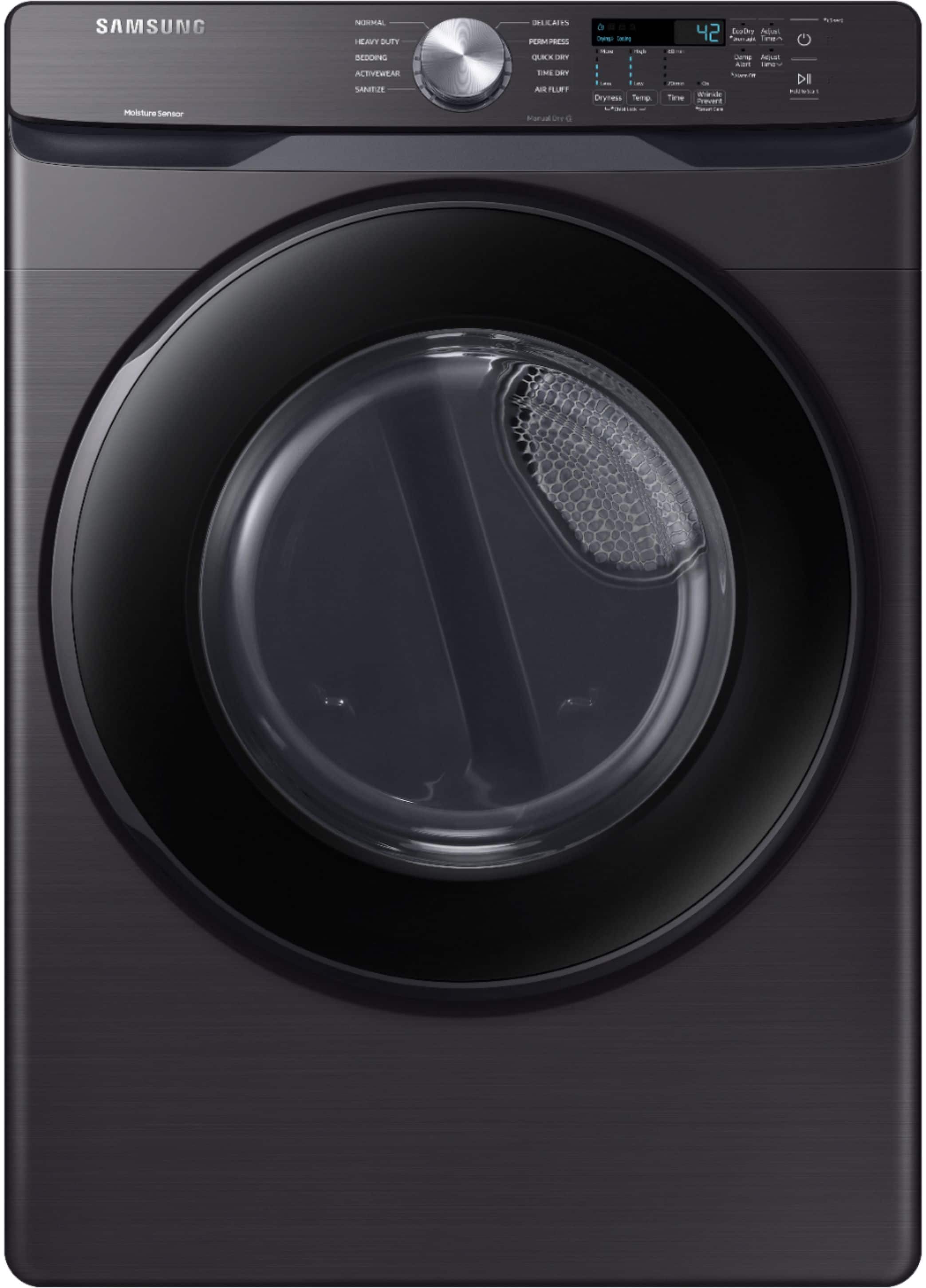
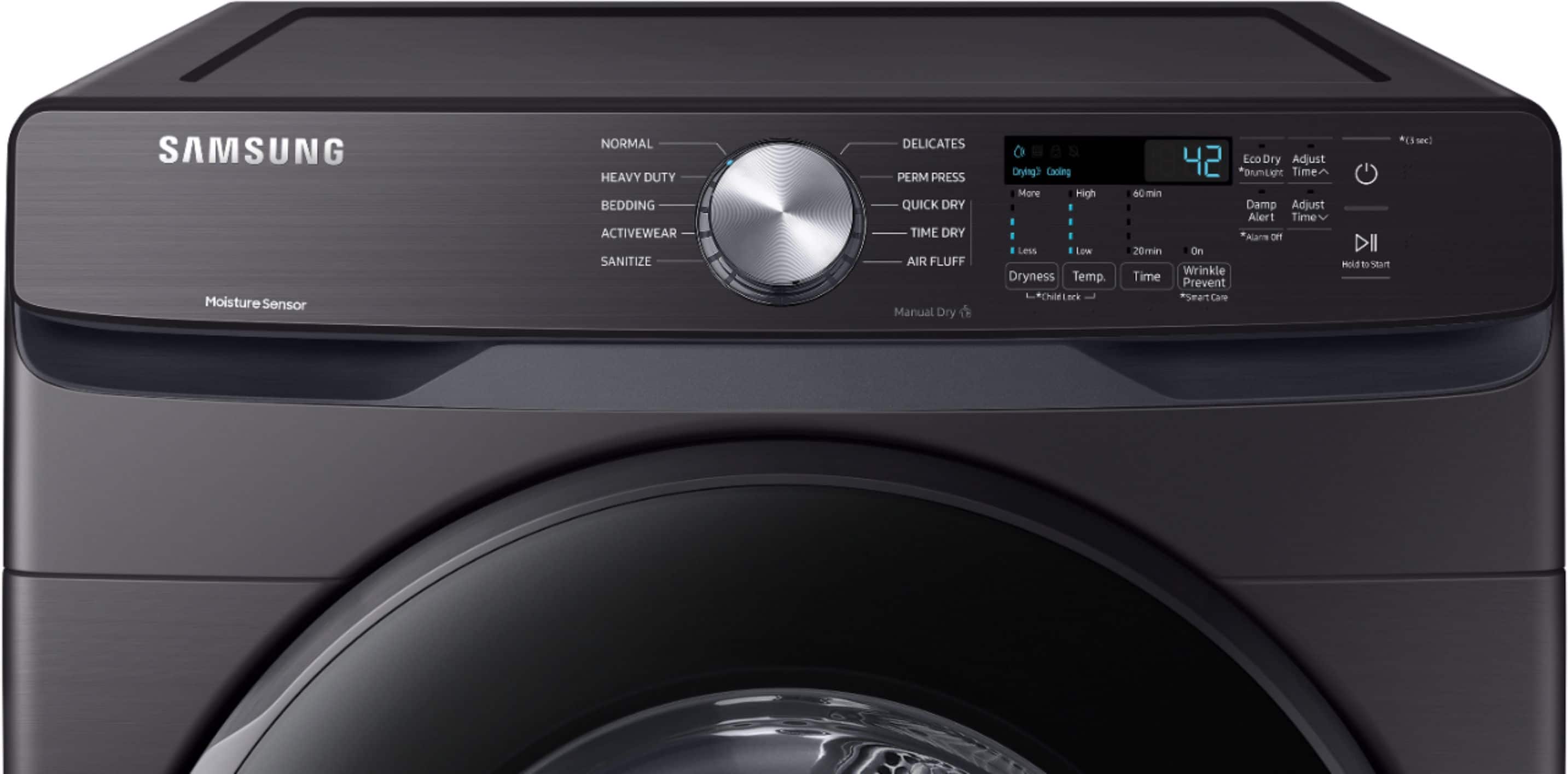
A:AnswerI'm happy to help with this. For this model, the child lock is controlled by pressing and holding both the "Dryness" and "Temp" buttons at the same time for about 3 seconds. You should see the child lock icon turn on or off to indicate if the child lock is engaged or not. ^Jecca
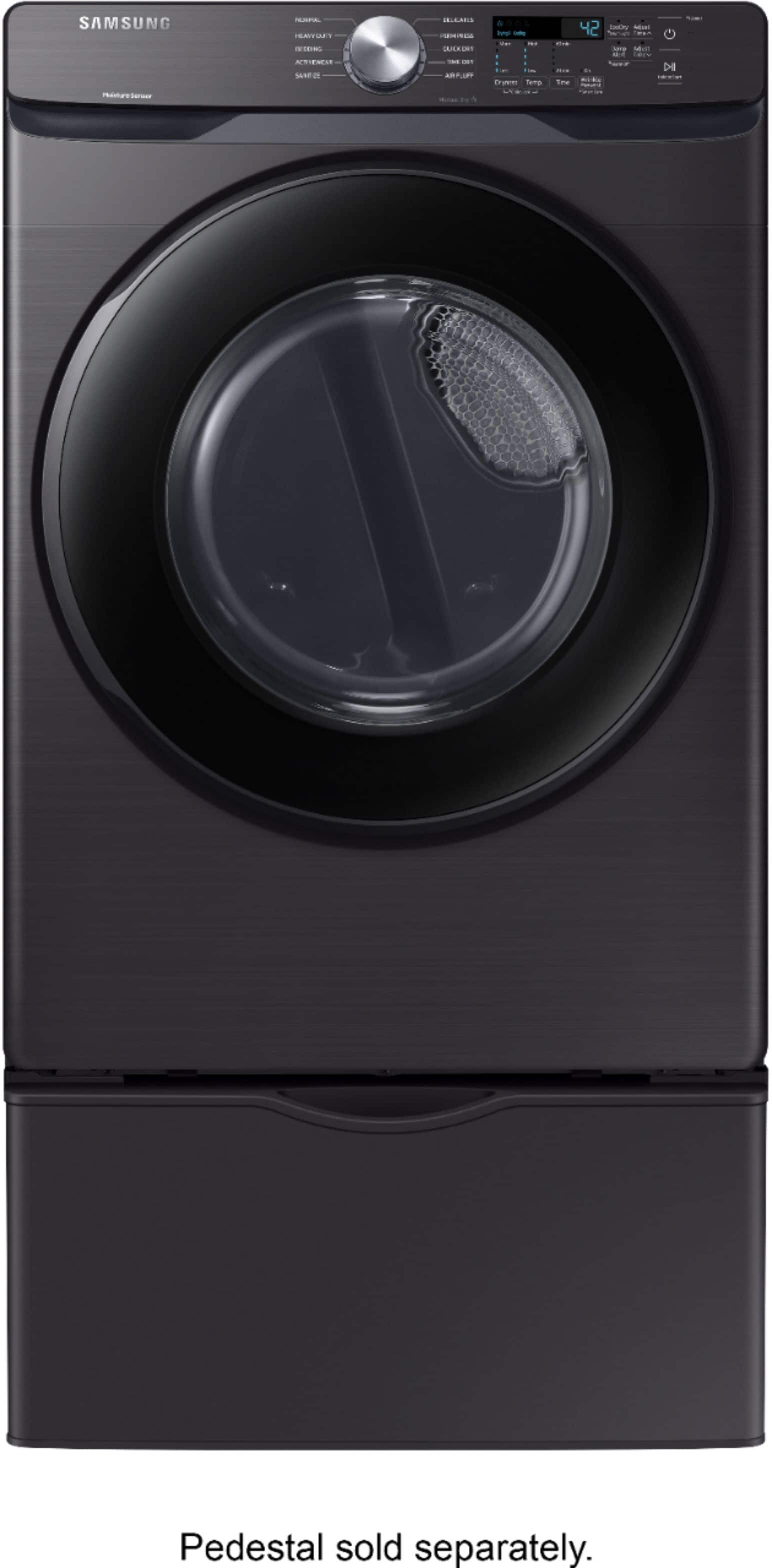
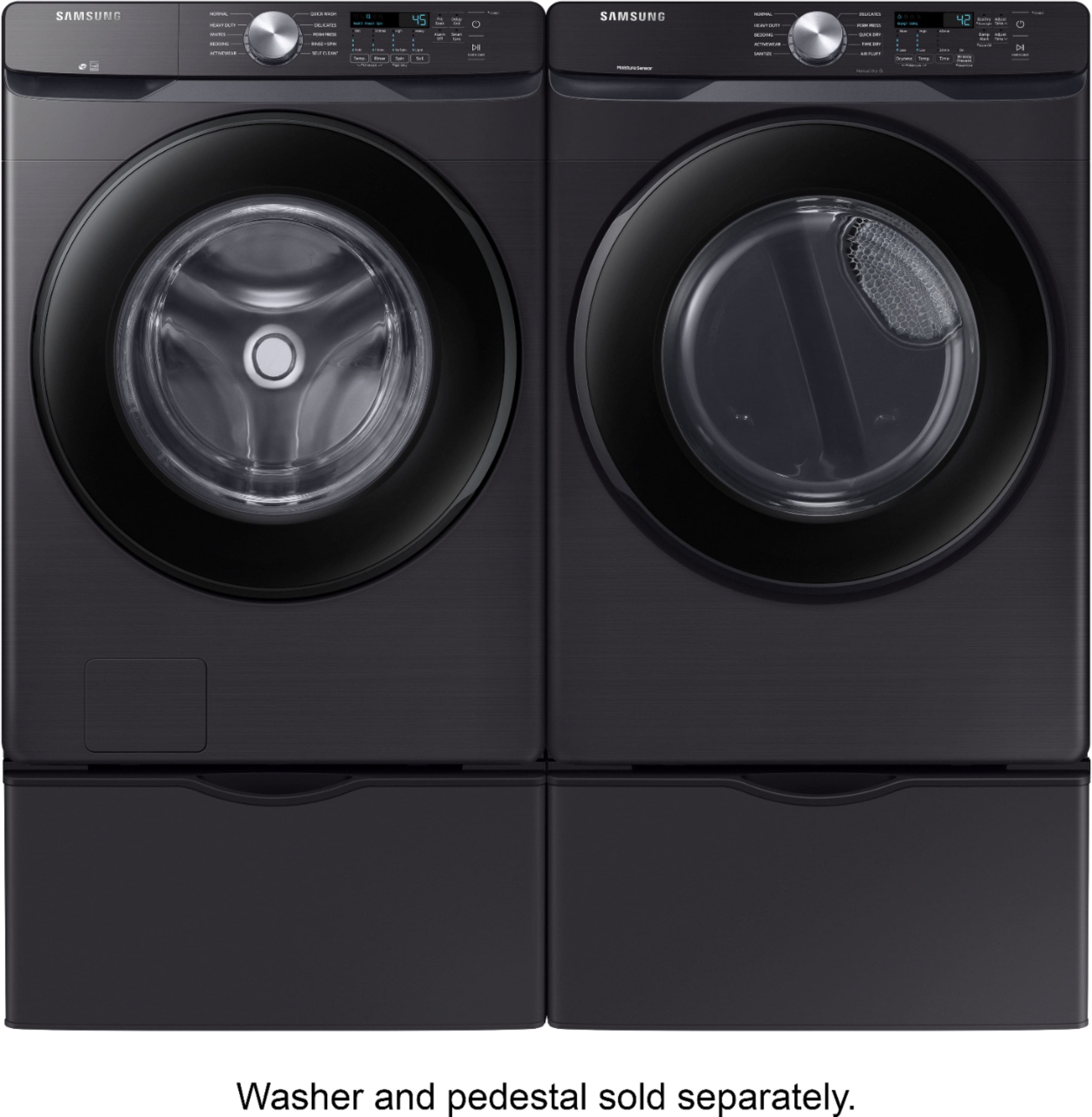
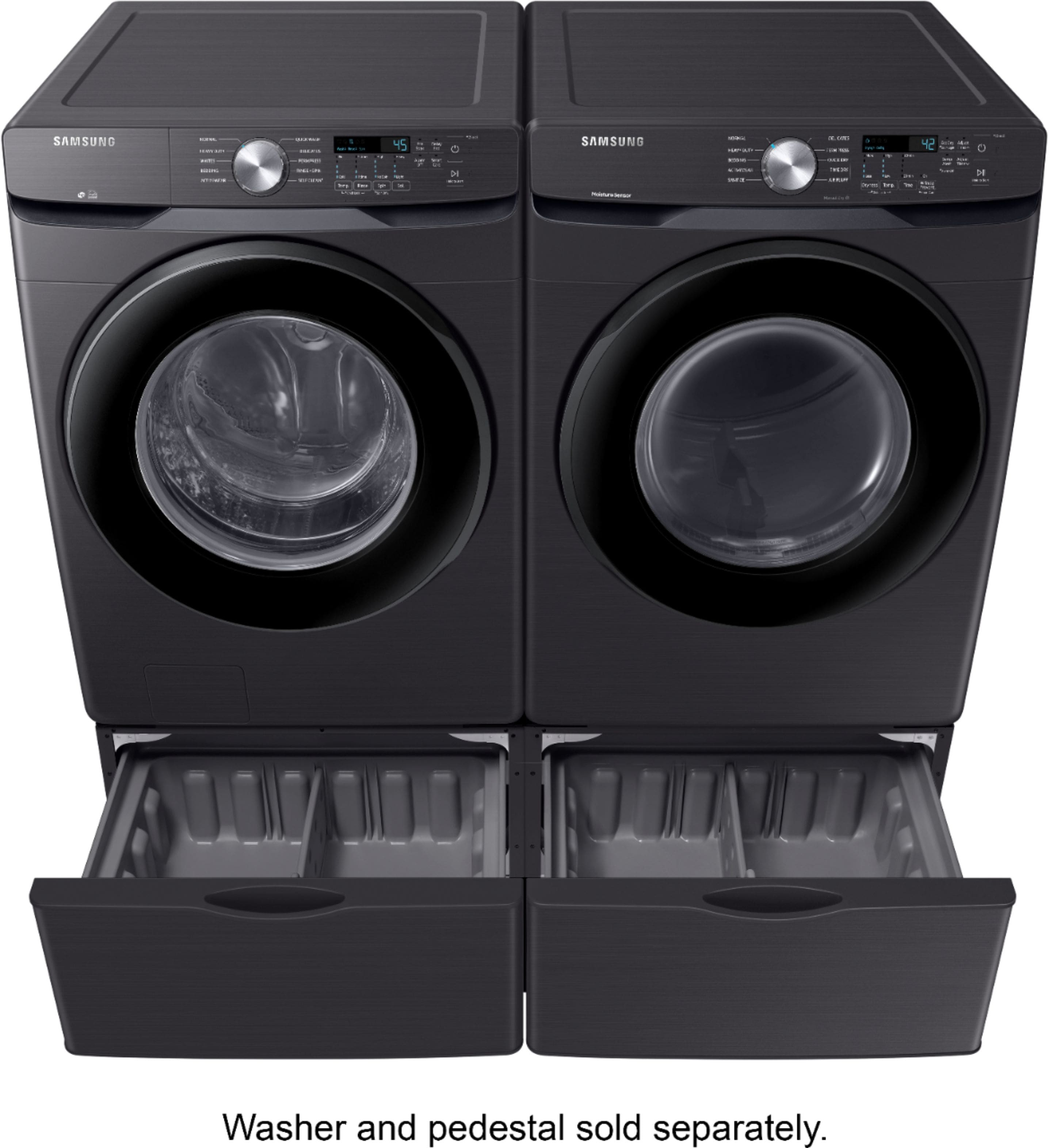
A:AnswerThanks so much for asking! I have this dryer listed as being compatible with the Samsung pedestal model WE402NW. However, we are not able to confirm compatibility with non-Samsung products. ^Jecca
A:AnswerI'm happy to help with this, Momof3! First, here is a link (https://bit.ly/3EAn8wI) to the user manual for this model. Pages 18-20 have detailed diagrams showing all the dimensions you'll need, including using the matching pedestal. ^Jecca
A:AnswerThanks so much for asking. This model dryer (DVG45T6000P/A3) is a fully gas model. However, all Samsung gas model dryers are able to be converted to run on propane using a compatible conversion kit. ^Jecca
A:AnswerWe appreciate you asking, Jules! According to our specifications, this dryer is compatible with the pedestal model WE402NW. You can find the model number of your pedestal on a label inside the drawer. ^Jecca
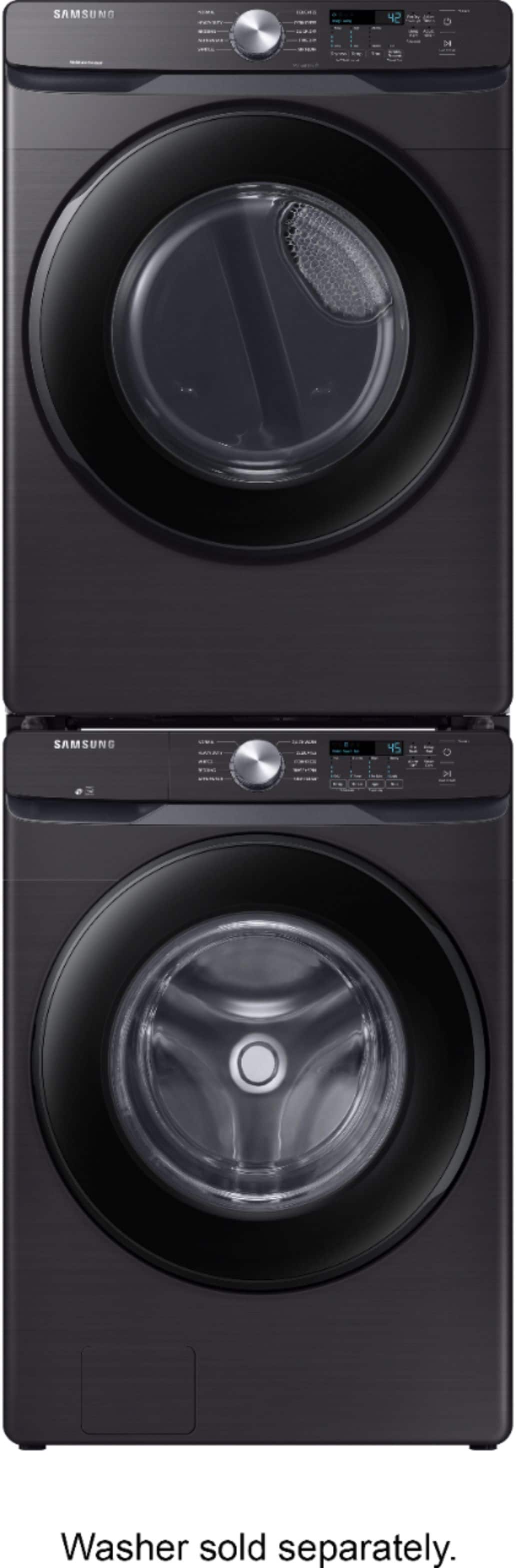
A:AnswerThanks so much for asking, Stacy! You are correct that stacking the units will place the dryer's control panel at the top in a high location. We do currently have a few models available that can connect together and use the washer's control panel to operate both the washer and dryer. You can find these models here: https://bit.ly/3s4fqrz. ^Jecca
A:AnswerThanks so much for asking, Danny! This model does not have the ability to connect to Wi-Fi. Because of this, it is not able to be controlled or monitored by a smart phone the way that our Smart Control models are. However, it does have a Delay End feature that allows you to select the time you want the cycle to start and end. You can read how to use this feature on page 38 of the user manual (https://bit.ly/3lmPsM4). ^Jecca