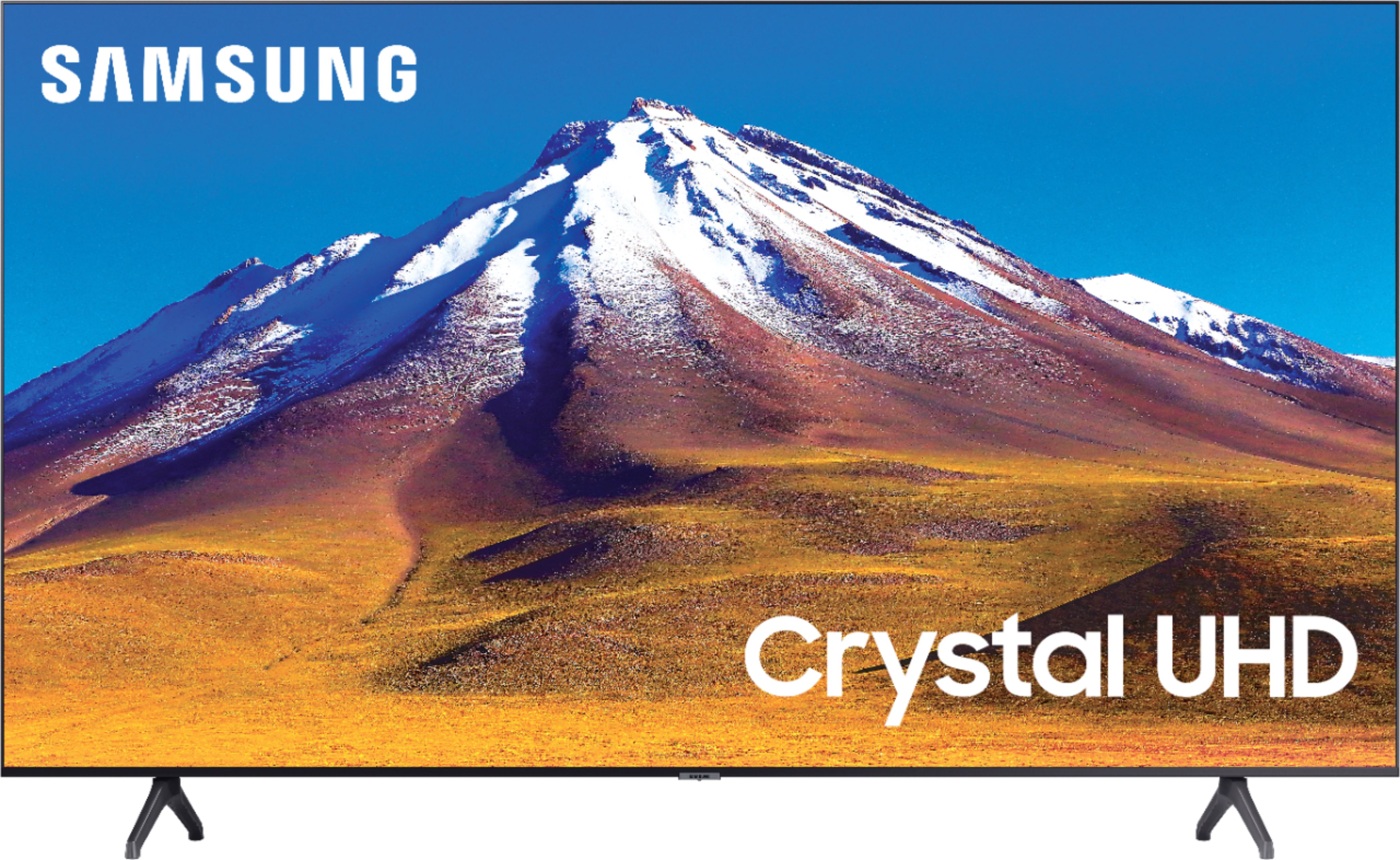
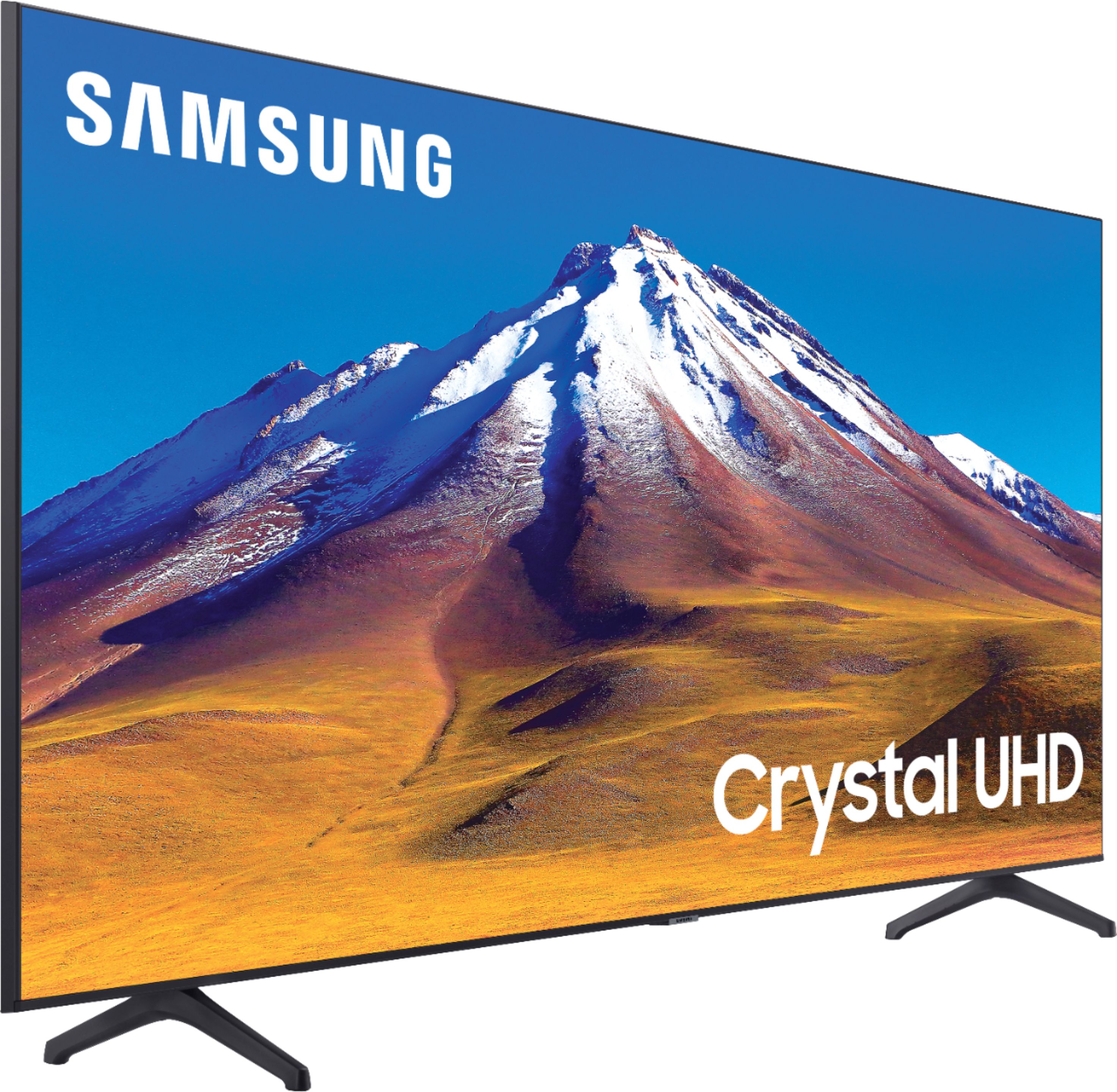
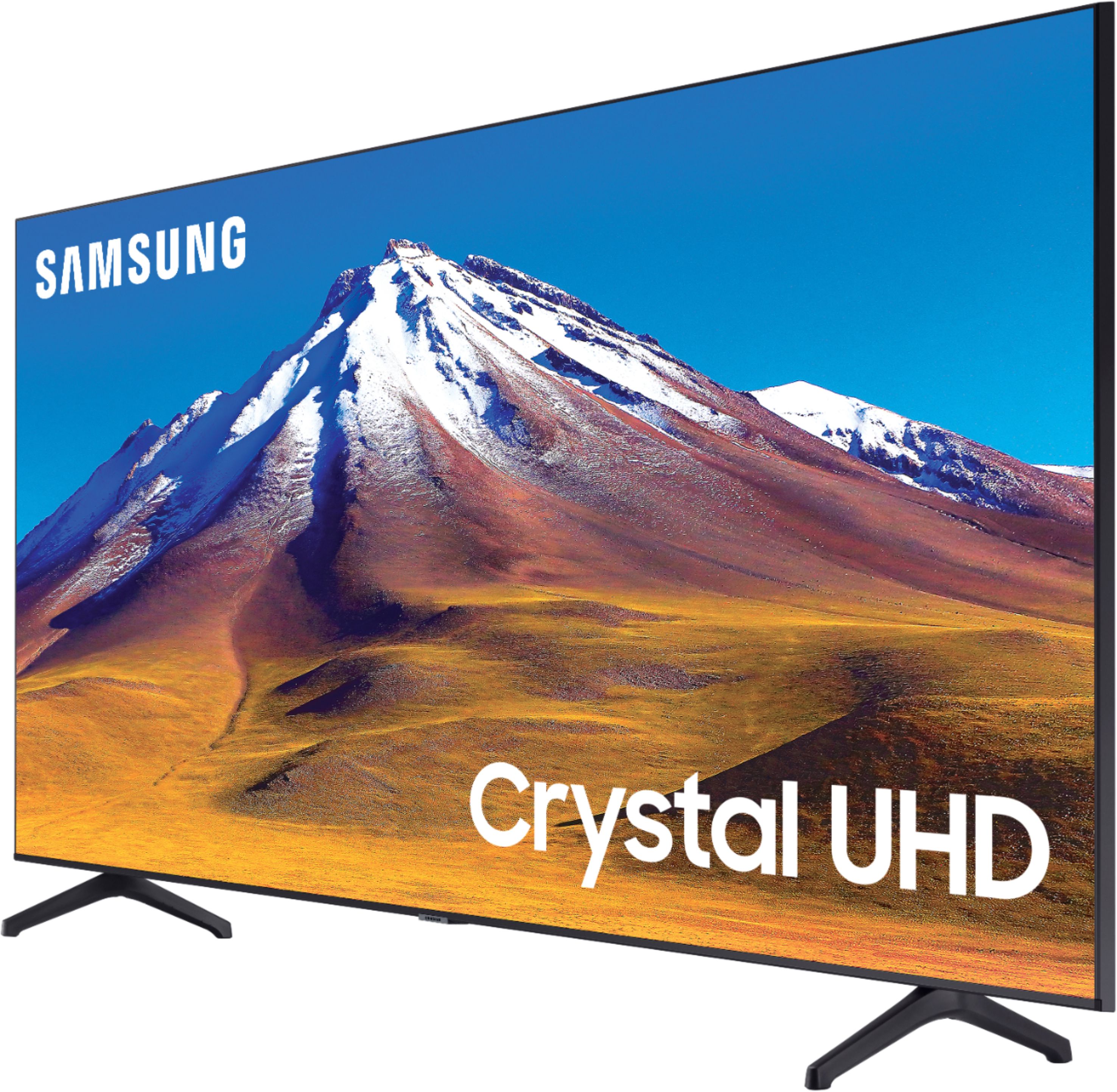
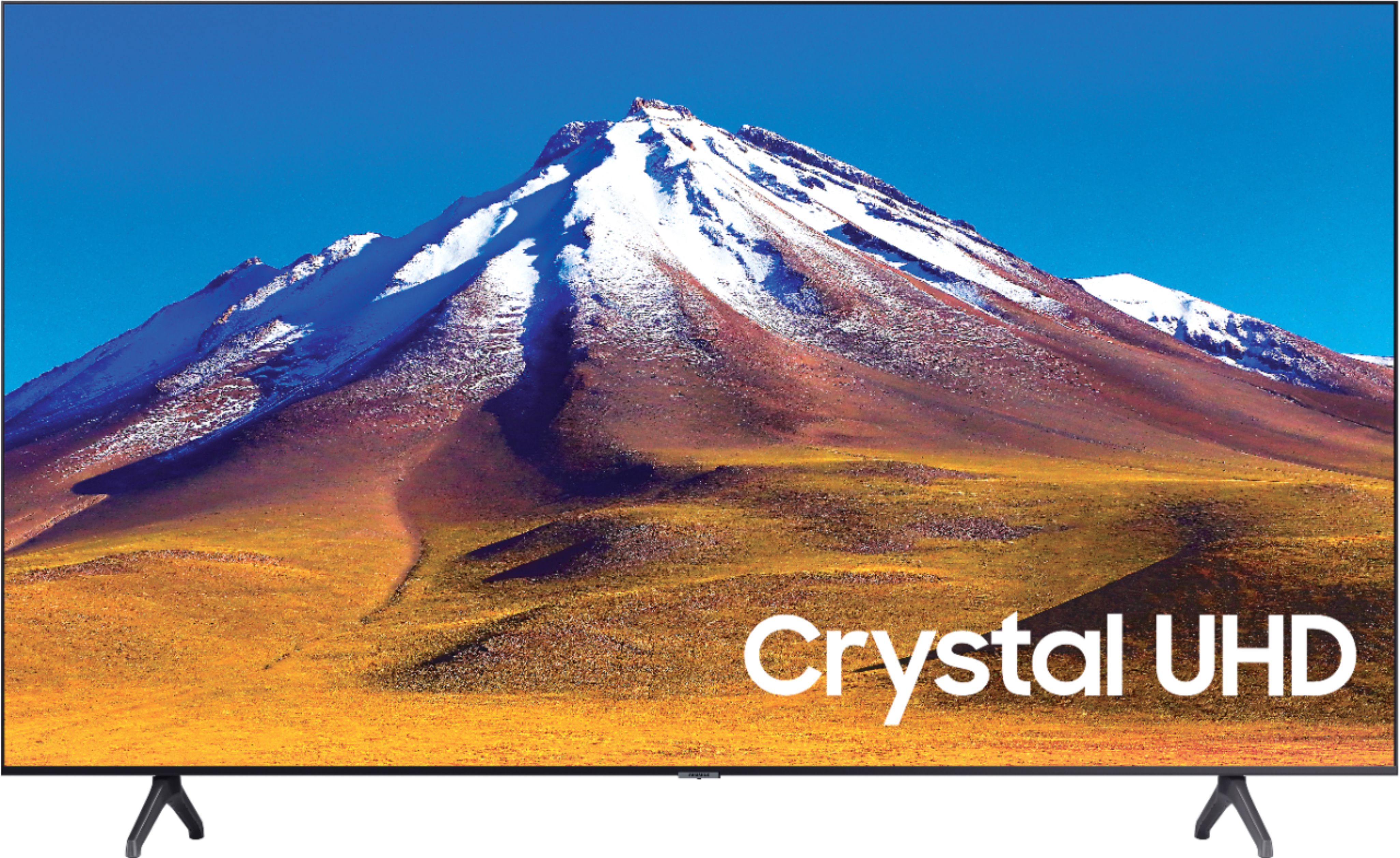
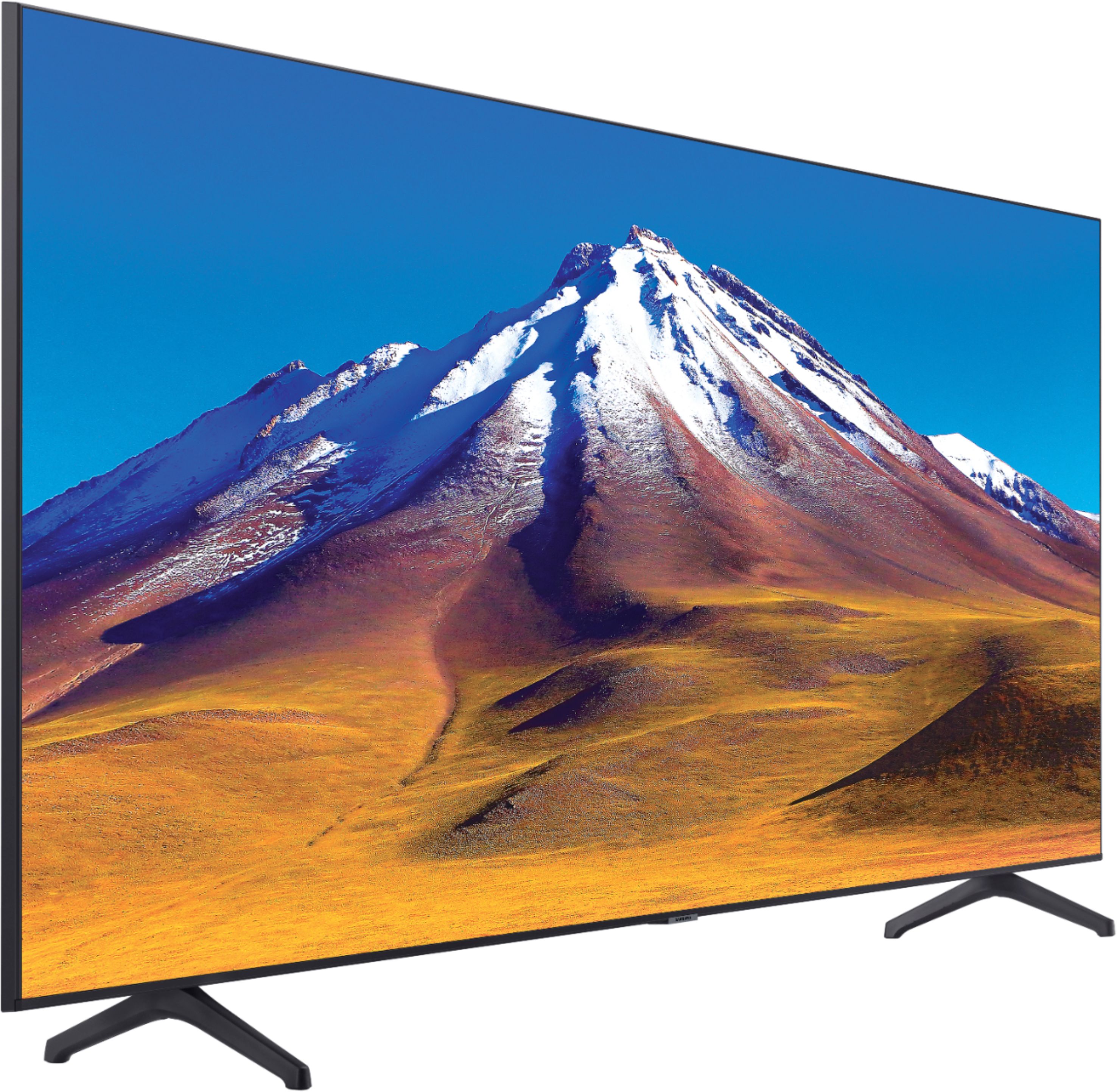
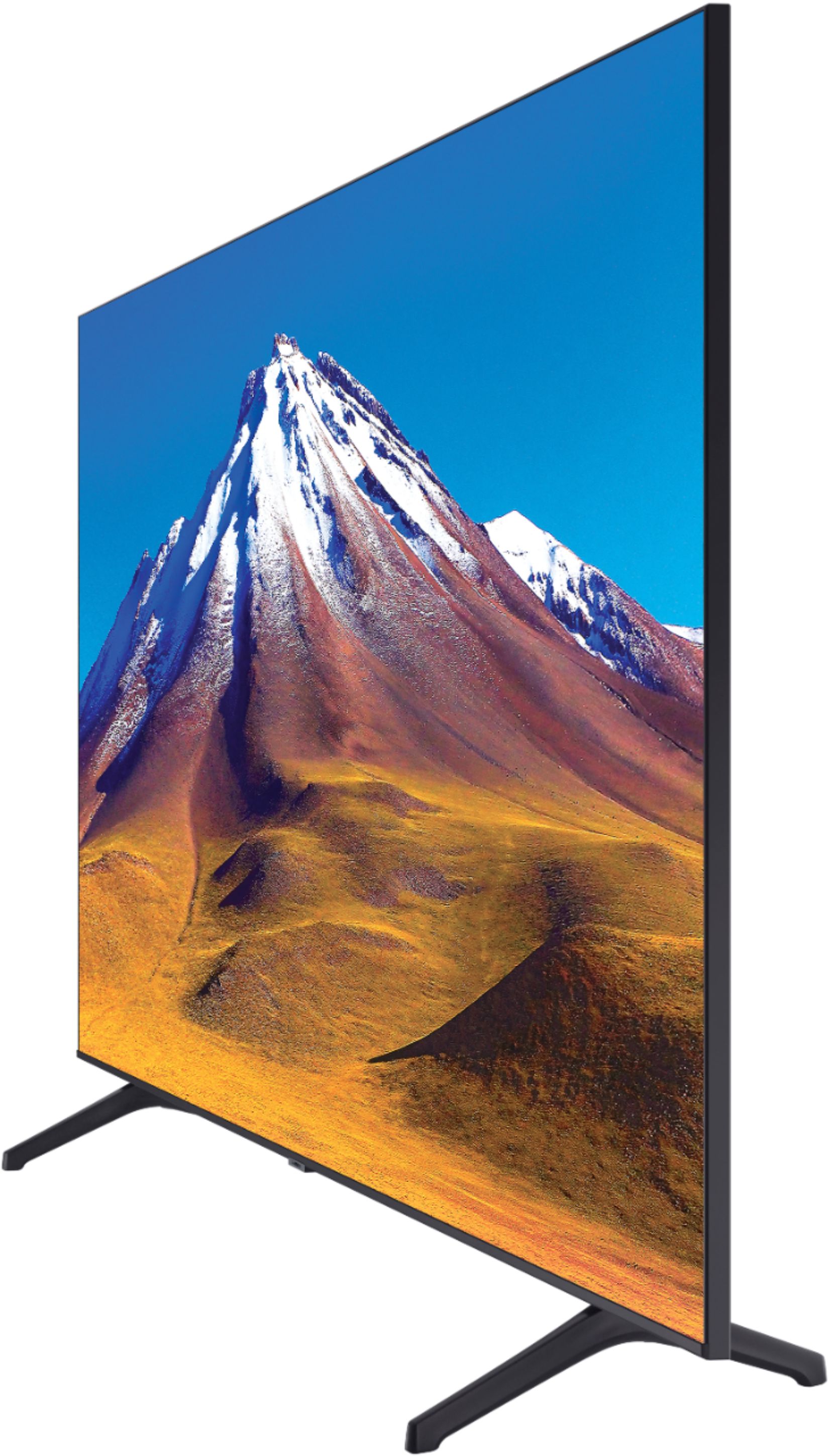
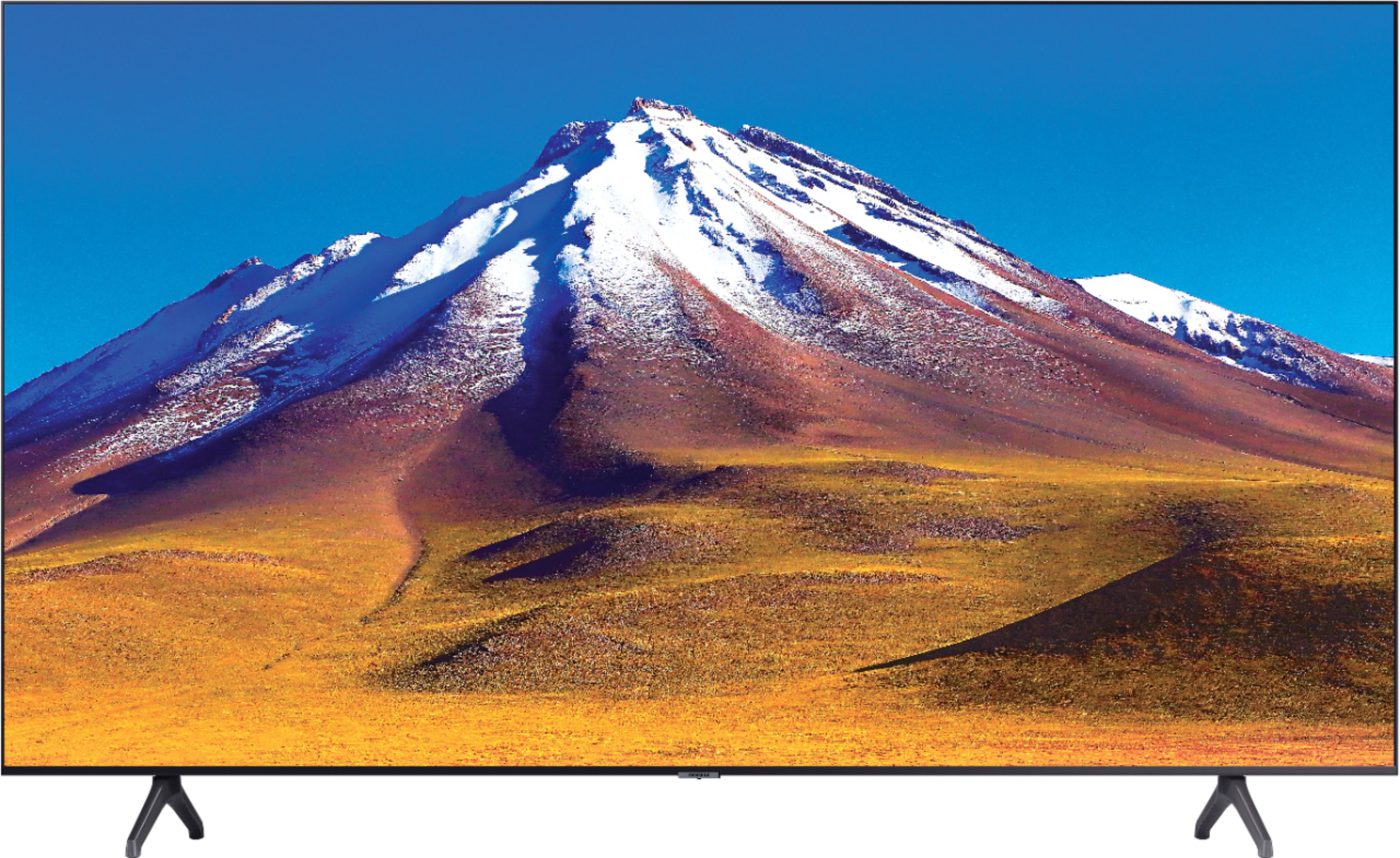
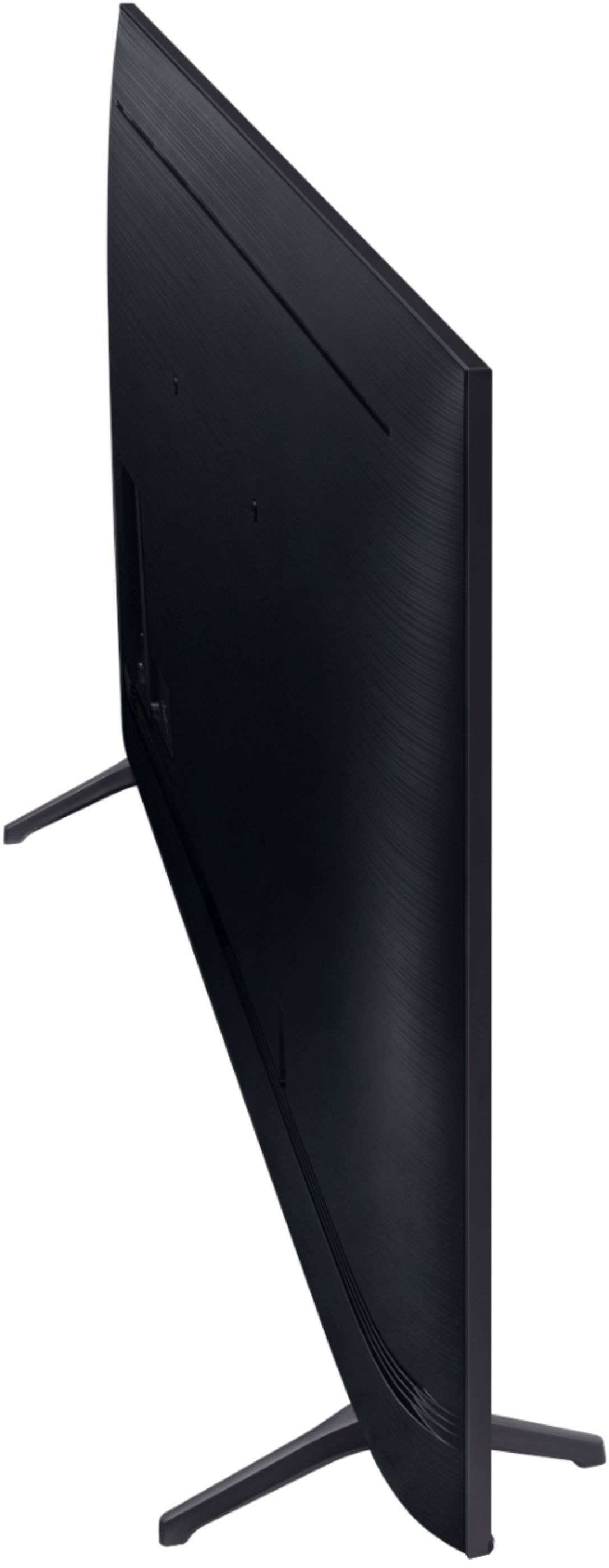
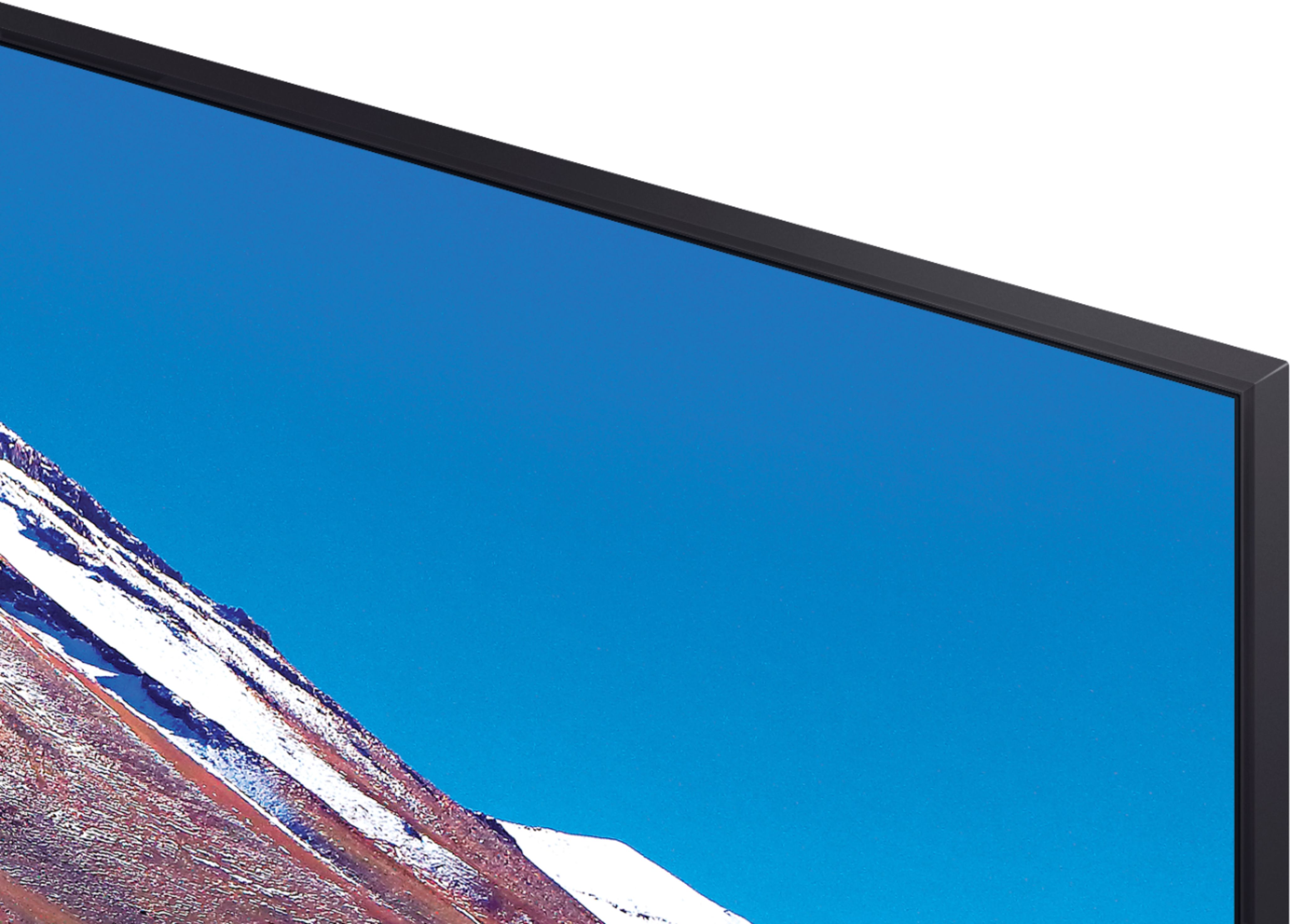
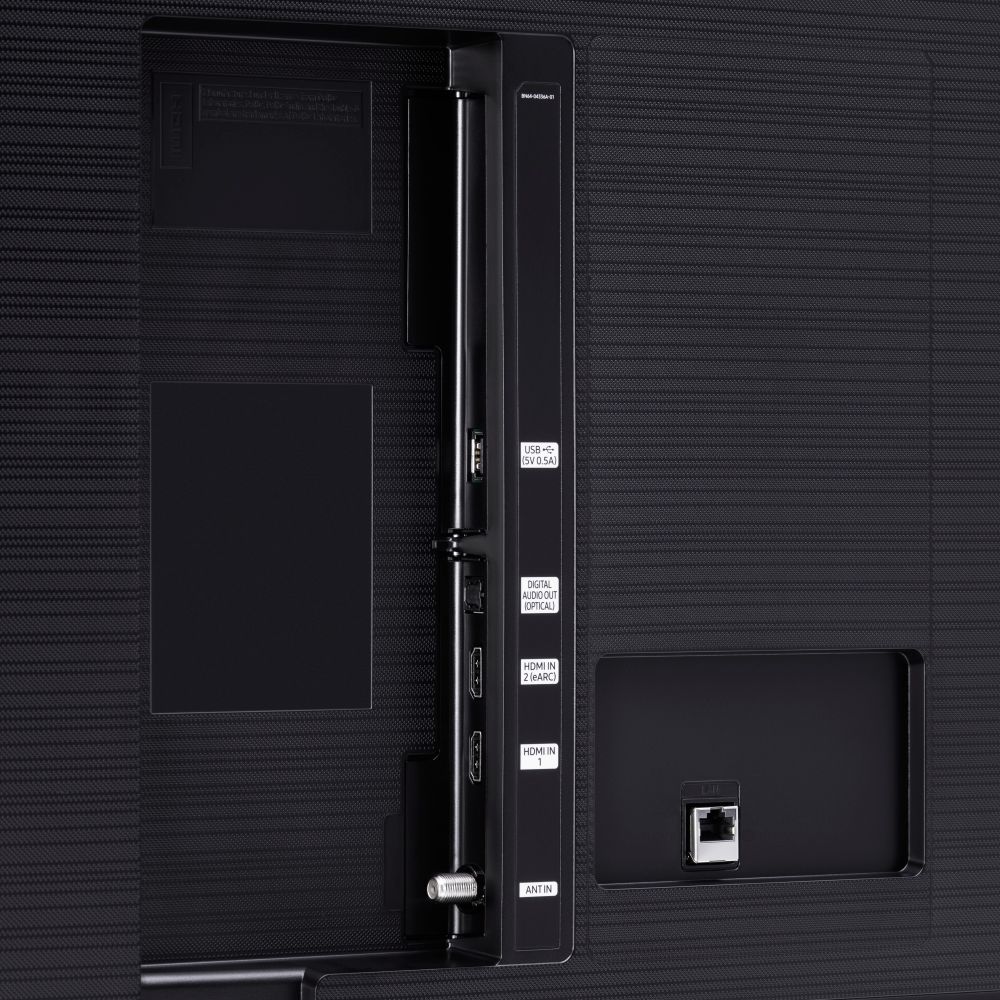
A:AnswerHi! You would need a larger stand to support the TV or explore a wall mounting solution. The feet are spaced 49.7" apart. I would suggest a minimum of a 50" wide tabletop to support the TV. The more room you can provide the feet for support, the safer your TV will be from accidents or falling over. ^Tim
A:AnswerHi Keith! The TU7000 does not feature the Cinema application at this time. For content not supported through the built in app store you can take advantage of the built in screen mirror and cast functionality from Android or Apple mobile devices. This allows you to put the content on your phone on the big screen for everyone to watch. ^Tim
A:AnswerHi Jo! You would need a larger stand to support the TV or explore a wall mounting solution. The feet are spaced 49.7" apart, I would suggest a minimum of a 50" wide tabletop to support the TV. The more room you can provide the feet for support, the safer your TV will be from accidents or falling over. ^Tim
A:AnswerHi CDupont! Yes, both HDMI inputs on the 70TU6980 are HDCP 2.2 compliant allowing you to display full 4K content from all devices supporting it. ^Tim
A:AnswerHi Sergey, this will work well with a PS5. If you're looking for optimal gameplay with more advances features like Auto Low Latency Mode and 120 FPS compatibility you should take a look at the Q70T here: https://www.bestbuy.com/site/samsung-75-class-q70t-series-qled-4k-uhd-smart-tizen-tv/6402404.p?gclid=Cj0KCQiAw_H-BRD-ARIsALQE_2P-p7G9AaMwr8ajO6iuL7uJRkj6M4yGbS2oV-beeaRLNA2yVXn5hHAaAj_sEALw_wcB&gclsrc=aw.ds&loc=BM01&ref=212&skuId=6402404. Thanks, ^Scott
A:AnswerHi Tro! The TU6980 does not include cable management clips, like the TU7000, to help provide a clean cable solution. They feature the same native 60hz with a 120 Motion Rate. ^Tim
A:AnswerHi Butch! For more information on Geek Squad Services, please contact your local Best Buy or visit: https://www.bestbuy.com/site/electronics/services/pcmcat1528819595254.c?id=pcmcat1528819595254
^Tim
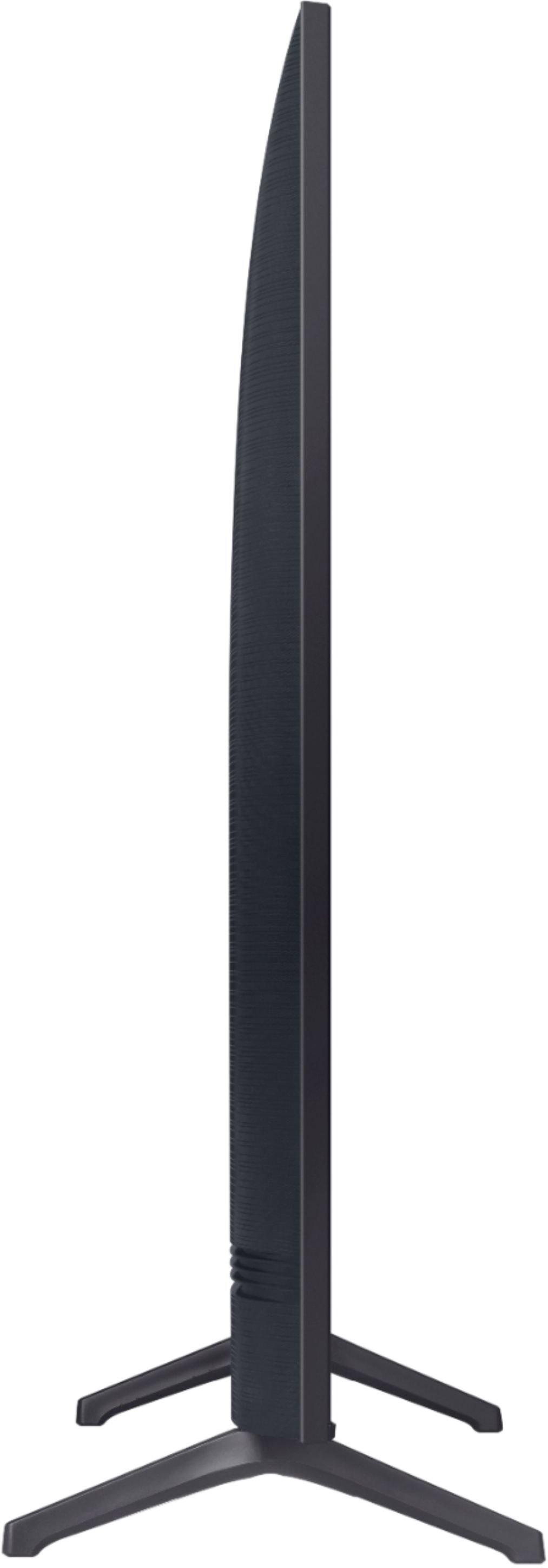
A:AnswerHi Jimmy! Here are the full dimensions of the 70TU6980: (INCHES W x H x D):
TV without stand: 61.9 x 34.4 x 2.4
TV with stand: 61.9 x 37.8 x 13.4
^Tim
A:AnswerHi Jido! Yes, the Amazon Prime Video application is available on the TU6980. To access this application, along with a wide range of other apps and streaming services, utilize the search feature through the built in app store. Check out the following link from Samsung for additional information on installing and managing applications: https://www.samsung.com/us/support/answer/ANS00062169/ ^Tim
A:AnswerHi b6283! The DirectTV application is rebranded as AT&T TV. The AT&T application is available on the TU6980. To access this application, along with a wide range of other apps and streaming services, utilize the search feature through the built in app store. Check out the following link from Samsung for additional information on installing and managing applications: https://www.samsung.com/us/support/answer/ANS00062169/ ^Tim
A:AnswerHi! Yes, the AT&T TV application is available on the TU6980. To access this application, along with a wide range of other apps and streaming services, utilize the search feature through the built in app store. Check out the following link from Samsung for additional information on installing and managing applications: https://www.samsung.com/us/support/answer/ANS00062169/ ^Tim
A:AnswerHi Cereal! Yes, the Xfinity Stream application is available on the TU6980. To access this application, along with a wide range of other apps and streaming services, utilize the search feature through the built in app store. Check out the following link from Samsung for additional information on installing and managing applications: https://www.samsung.com/us/support/answer/ANS00062169/ ^Tim